Customer Ratings & Reviews

- Model:
- ZVE10M2W
- SKU:
- 11647225
Rating by feature
- Value
Rating 4.7 out of 5 stars
- Quality
Rating 4.7 out of 5 stars
- Ease of Use
Rating 4.7 out of 5 stars

A great 4k video capture device.
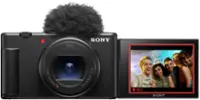
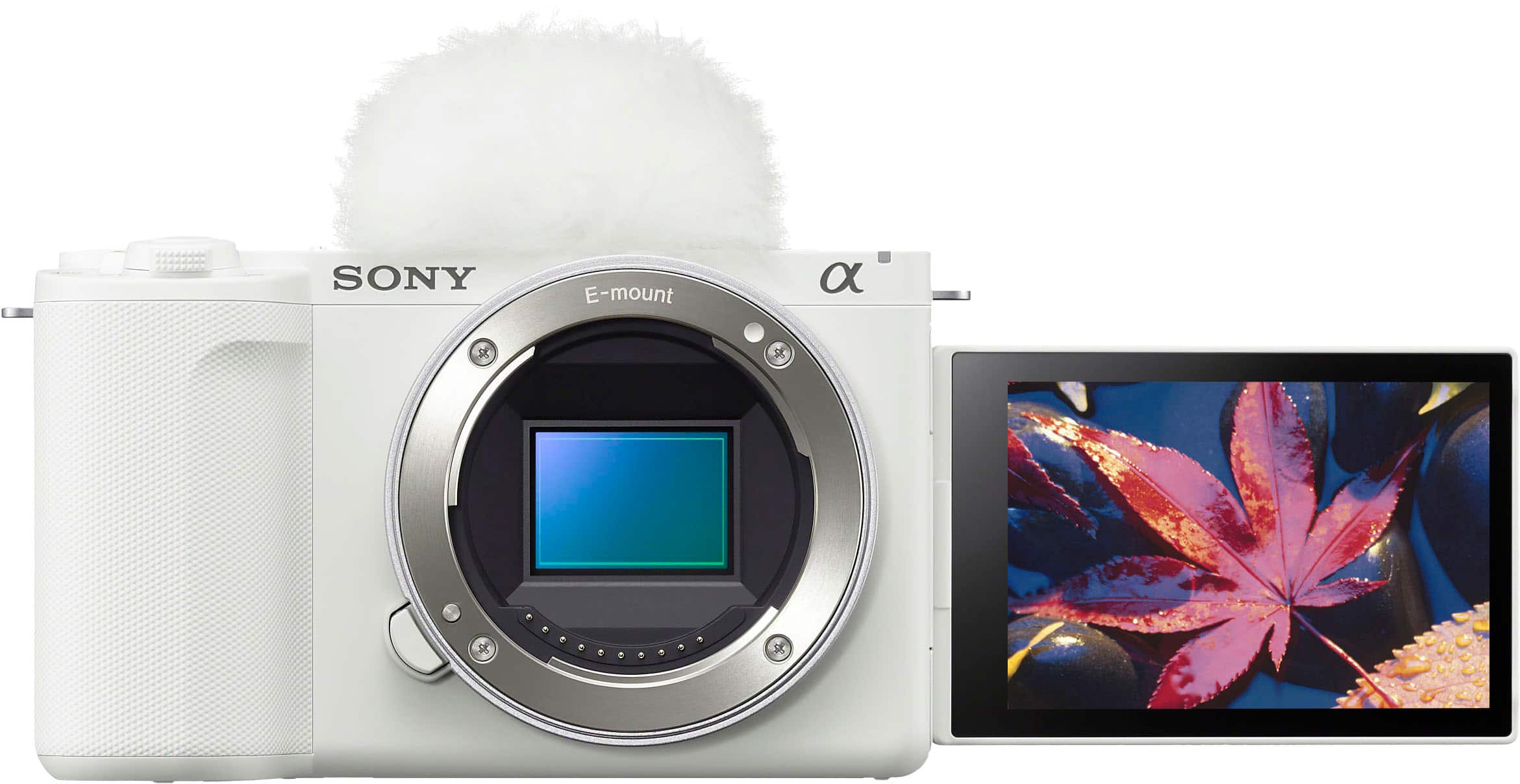
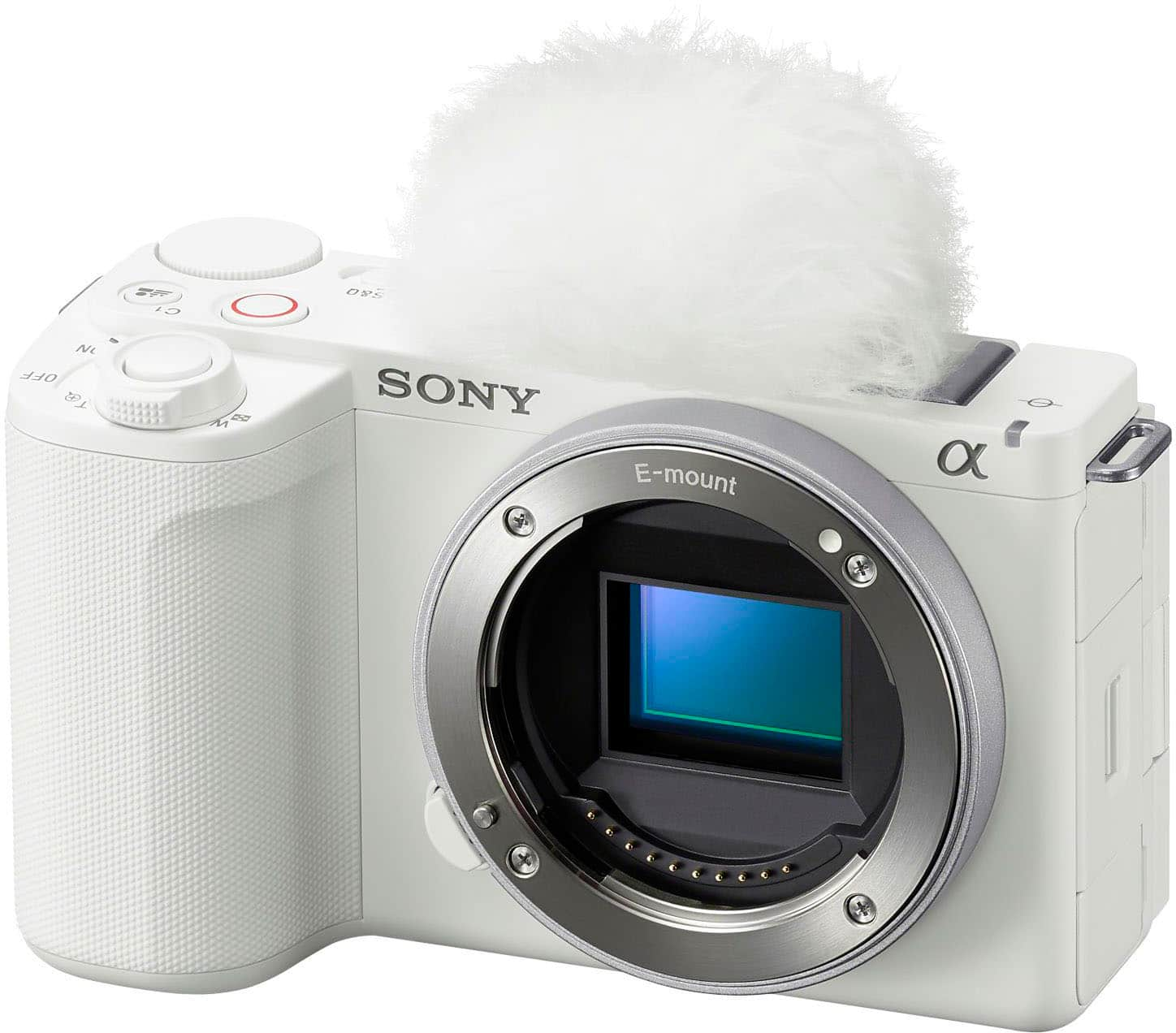
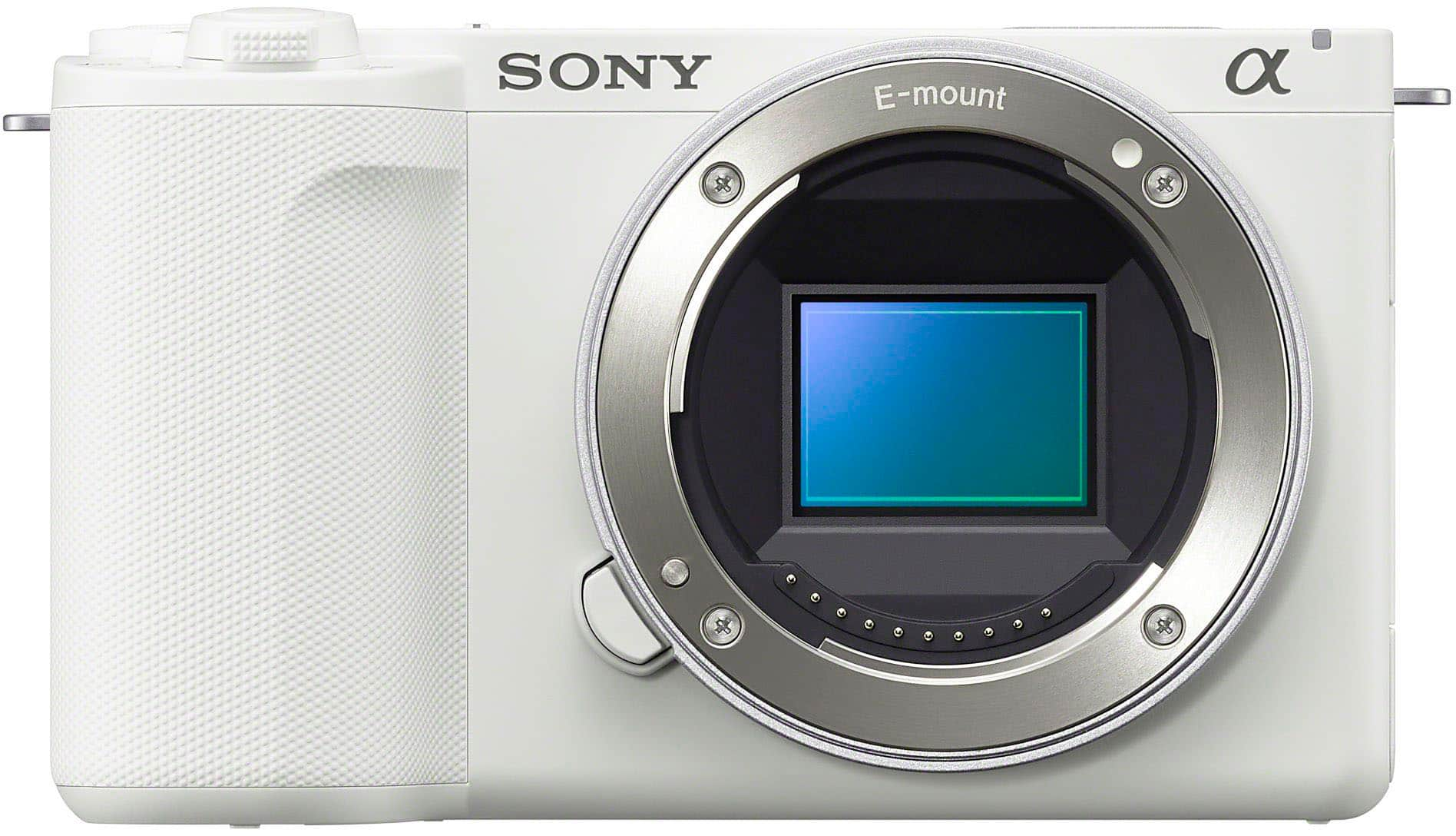
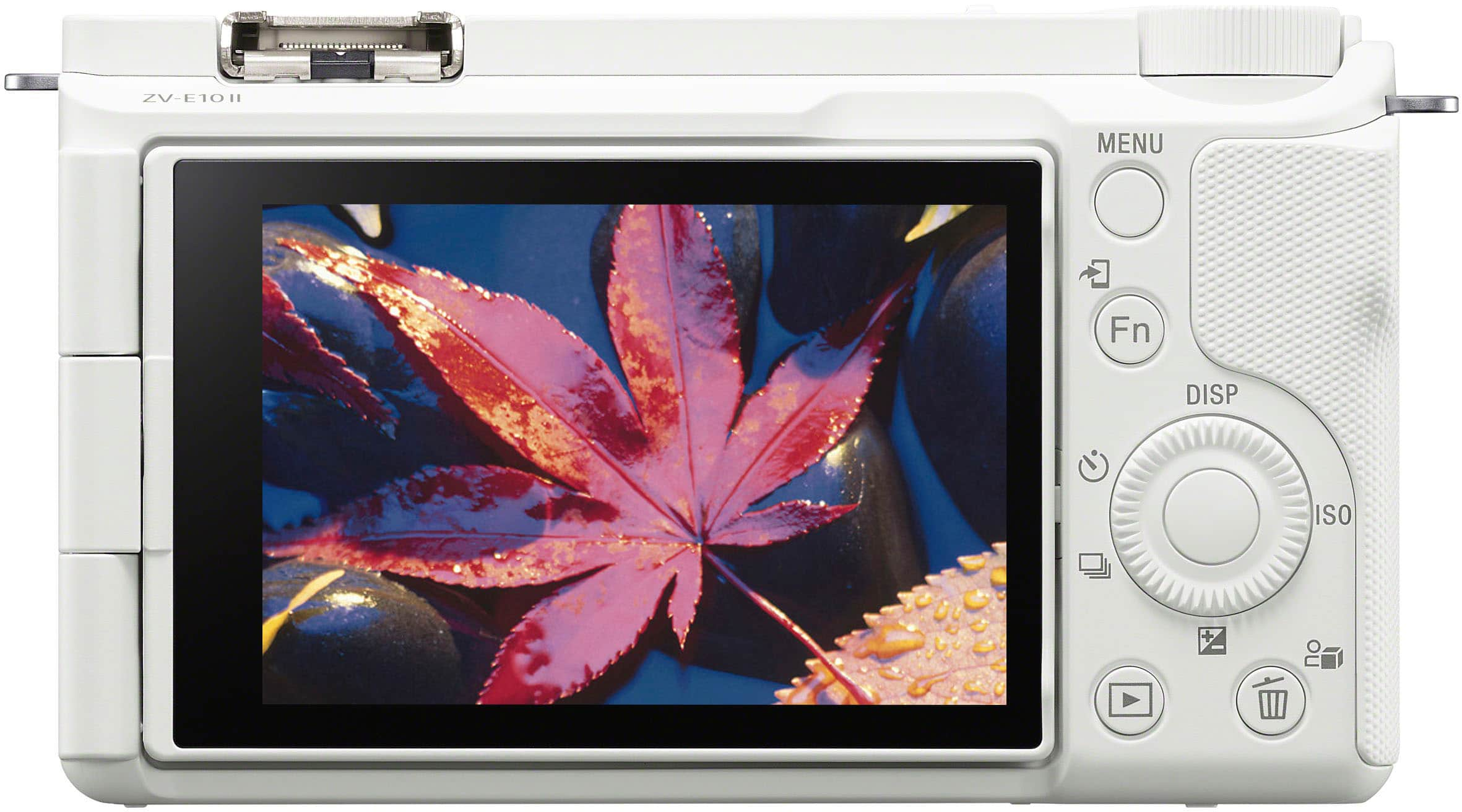
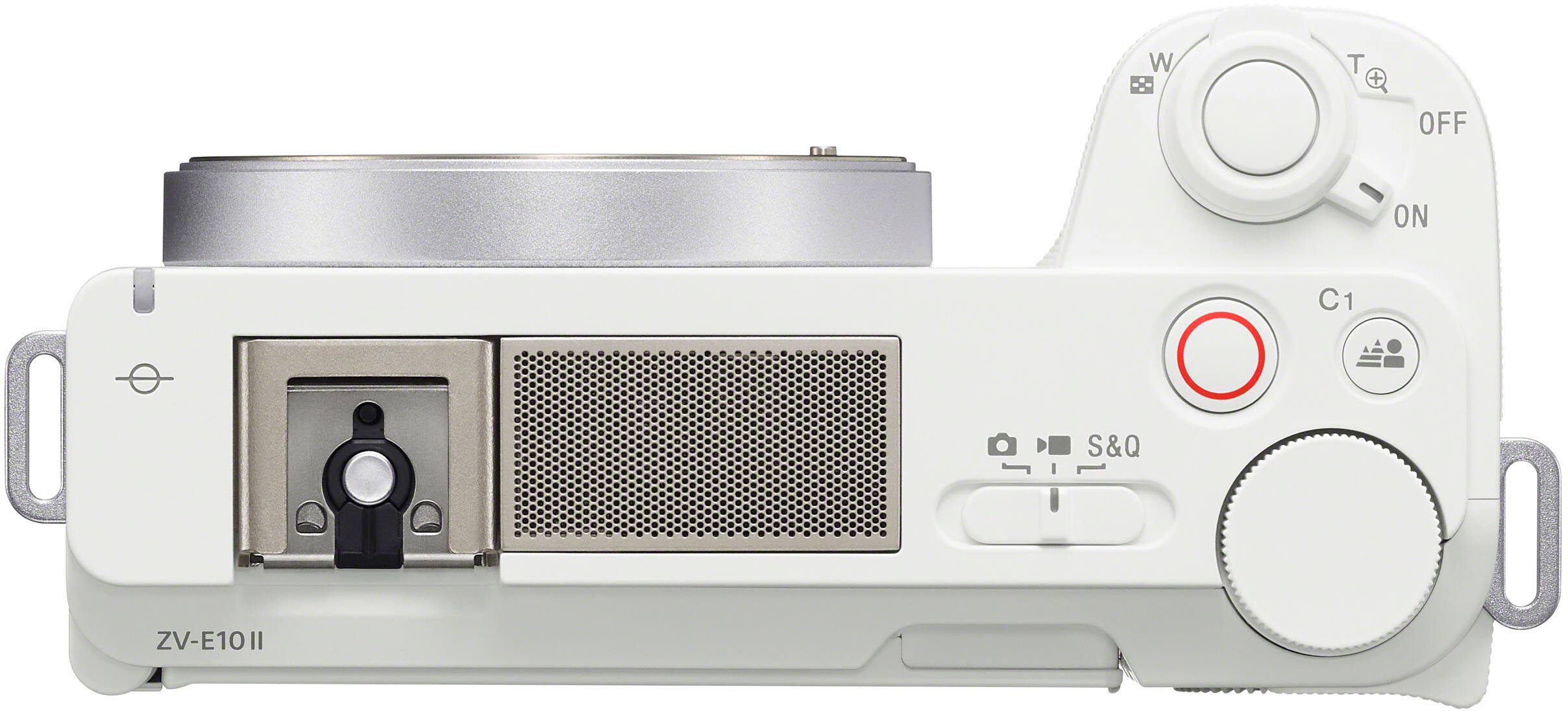
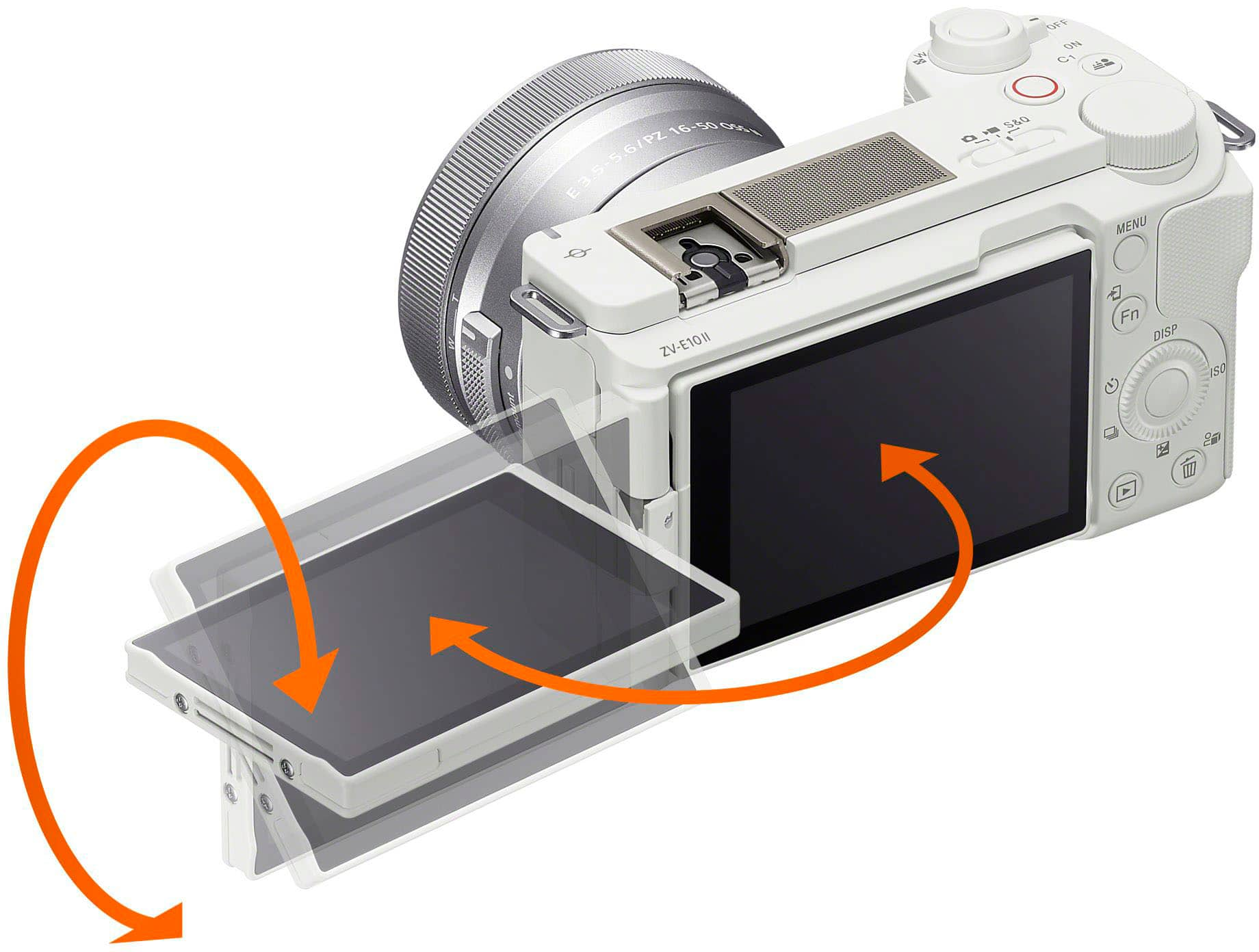
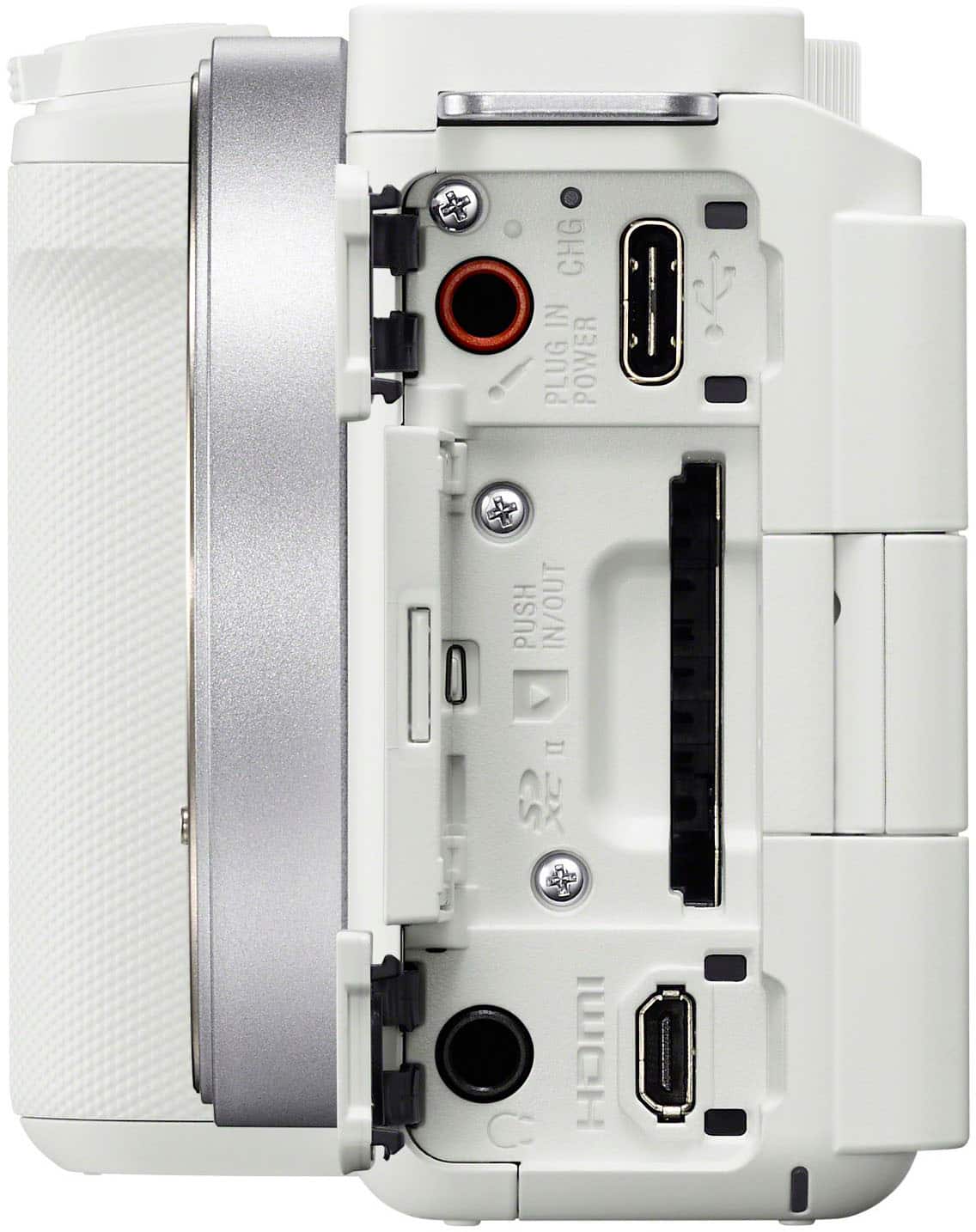
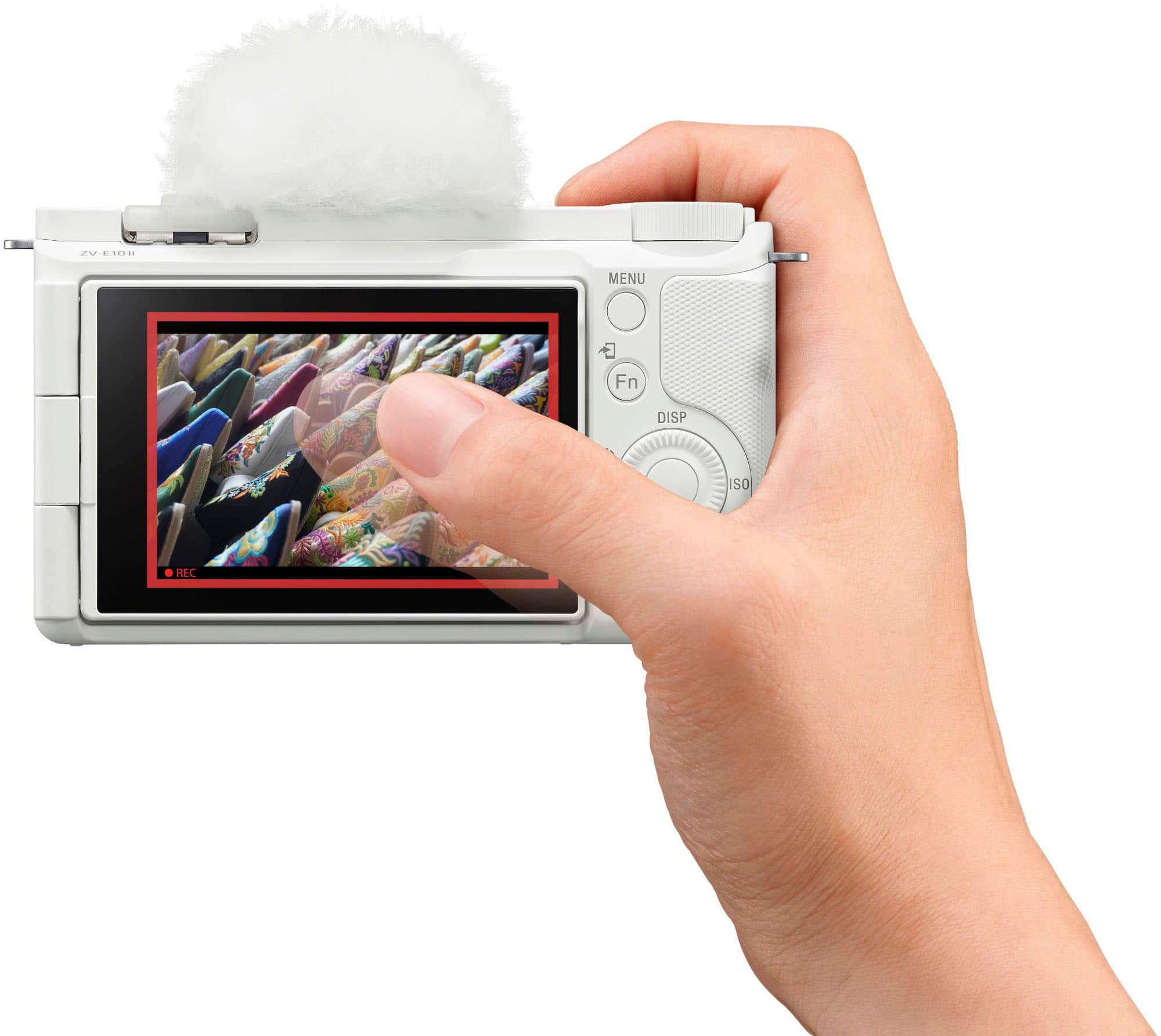
|Posted .This reviewer received promo considerations or sweepstakes entry for writing a review.The Sony Alpha ZVE10 II APS-C Content Creators’ Camera Kit is a great package for someone who wants to start creating videos. The Content Creators Kit is the only way you should be buying the Alpha ZVE10 II camera because it comes with a 16mm-50mm Sony E-Mount lens that has Optical Steady Shot (OSS) built into the lens, which is very important because the Alpha ZVE10 II does not have In-Body Image Stabilization (IBIS). That means the Alpha ZVE10 II camera depends on the lens’s OSS to provide most of the image stabilization. There is digital image stabilization in the camera body, but it will not be as good as the OSS on the lens. For that reason, the Content Creator’s Kit is worth its weight in gold because the included lens comes with OSS. The kit also includes a fluffy microphone cover to shield the body from wind noises. As for the Alpha ZVE10 II body itself, it has great features and clarity for taking 4k videos. There are many modes available for video capture, but auto mode is a great mode to start capturing right away and produce great results. The camera captures the videos in Sony’s XAVC format which is essentially MP4. Flip out screen is a god send for taking videos of yourself. One annoying thing about switching between modes is that the switching is done by a switch. You must manually move a slider to switch between camera, video, and S+Q modes. If you are in camera mode and hit the video record button, it will prompt you on the screen that you are in the wrong mode. If you are in video mode and try to hit the camera shutter button to take a photo, you will be prompted that you are in the wrong mode. It almost seems more intuitive to have an option where the user is in control of understanding that if you press the video record button, the camera will start recording video and if you press the camera shutter button, it will take a photo. I understand that the manual switch is there to prevent basic users from being in the wrong mode, however, it would be nice for advanced users to not have to manually switch between modes. Since this is a video camera first, there are some quirks about taking photos. Although when getting close to your subject, the camera shows a flower which is usually Macro mode. However, auto focus has a difficult time focusing on close objects. Tapping on the screen does not make it focus any better. So, your option is to move further back and rely on the zoom capabilities of the lens. I wished I had more information on the minimum requirements needed for the camera. I had purchased a Sandisk Extreme Pro SDXC memory card for the camera rated at 200mb/s read and 140 mb/s write speeds. However, in trying to use the S+Q modes of the camera, it prompted that I need to use a V60 or higher memory card. Apparently my under-$50 memory card was only a V30. Unfortunately, I cannot return my memory card and will not be able to use the S+Q feature of the camera until I save enough money to buy a new SD card that supports V60 and above. In case you were wondering, those V60 and higher memory cards cost a bit more money than the standard cards to pick off the shelves. Rough estimate is that the V60 is double the price of a V30 card, and V90 is 3x the price of a V30 card. If you purchase this camera to use as a video device first, and still image capture as a bonus, you will be very happy with this camera. If you are purchasing this primarily as a still image capture device with video recording capabilities, then you probably want to consider Sony’s other offerings. Recording 4k video on this thing is just a great experience.
I would recommend this to a friendBrand response from SonyListens
Posted .Hi nautec,
Sony commitment to customer satisfaction is our top priority.
Thank you for sharing your experience with the ZVE10M2 camera. We are glad to hear that you found it as a great camera for capturing 4K videos. Thank you for choosing Sony.
For any questions or concerns, you can reach us at 239-245-6360.
Regards,
Larry 9-25-2024
Sony Social Support
Gym Creator.. definitely invest in this camera
Posted .This reviewer received promo considerations or sweepstakes entry for writing a review.I brought this camera to use when I make gym content. I have no regrets so far and it’s perfect for beginners who want to get into cameras but don’t want to overspend.
I would recommend this to a friendBrand response from SonyListens
Posted .Hello Kayla, Sony's commitment to customer satisfaction is our top priority. Thank you for taking the time to share your feedback. It is great to hear you are happy with this camera. Thank you for choosing Sony. -Linda 08-15-25 Sony Social Support
Good Deal
Posted .This reviewer received promo considerations or sweepstakes entry for writing a review.It was an excellent purchase, I am surprised by its quality
I would recommend this to a friendBrand response from SonyListens
Posted .Hello JhonR, Sony's commitment to customer satisfaction is our top priority. The ZV-E10M2 is a great camera! Sharp quality pictures. We are happy you are enjoying your camera. If you have any questions or concerns please reach out to us at Sony's General Consumer Support: 239-245-6360. Thank you for choosing Sony! - Edward (8/3/2025) Sony Social Support