Customer Ratings & Reviews
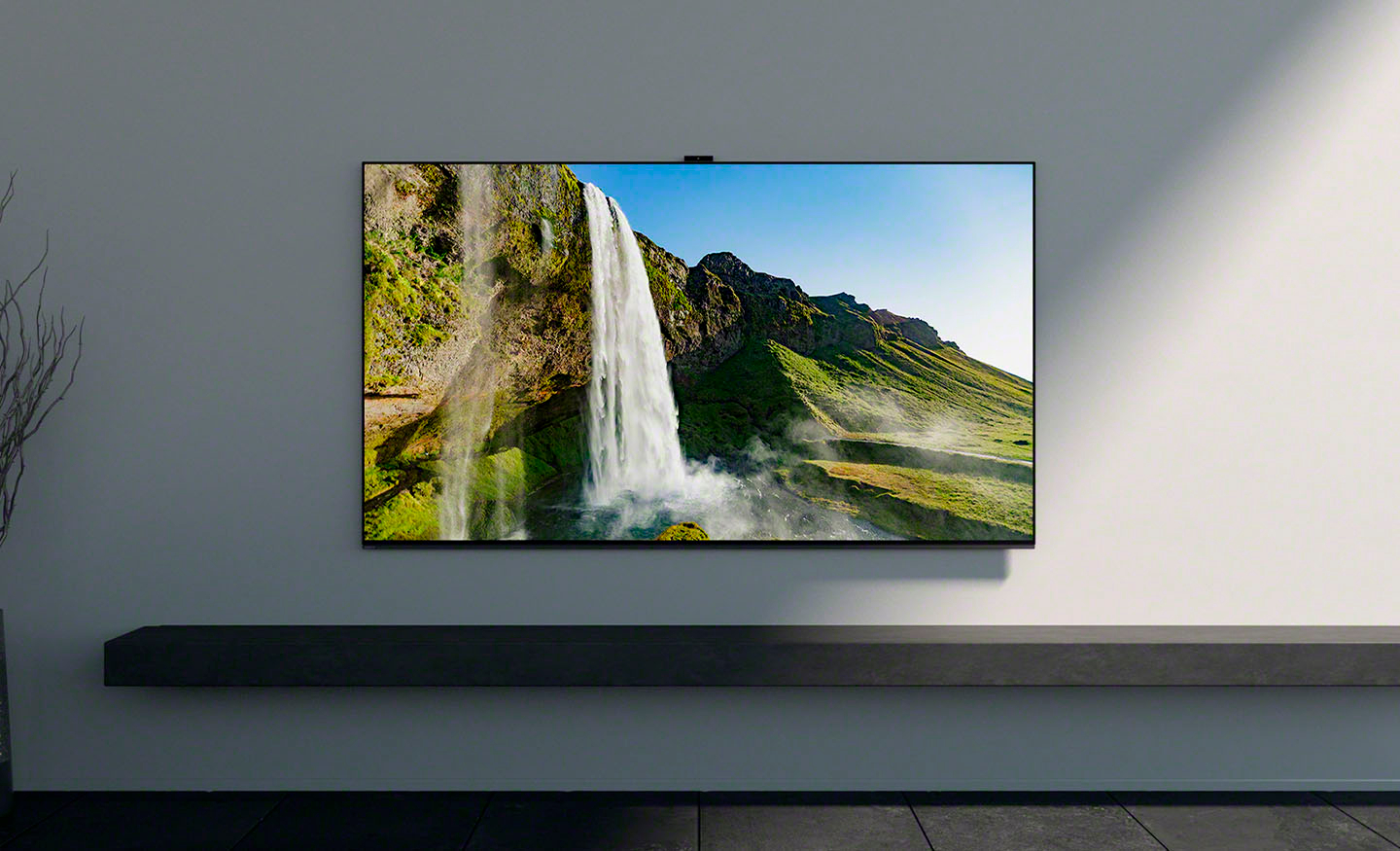
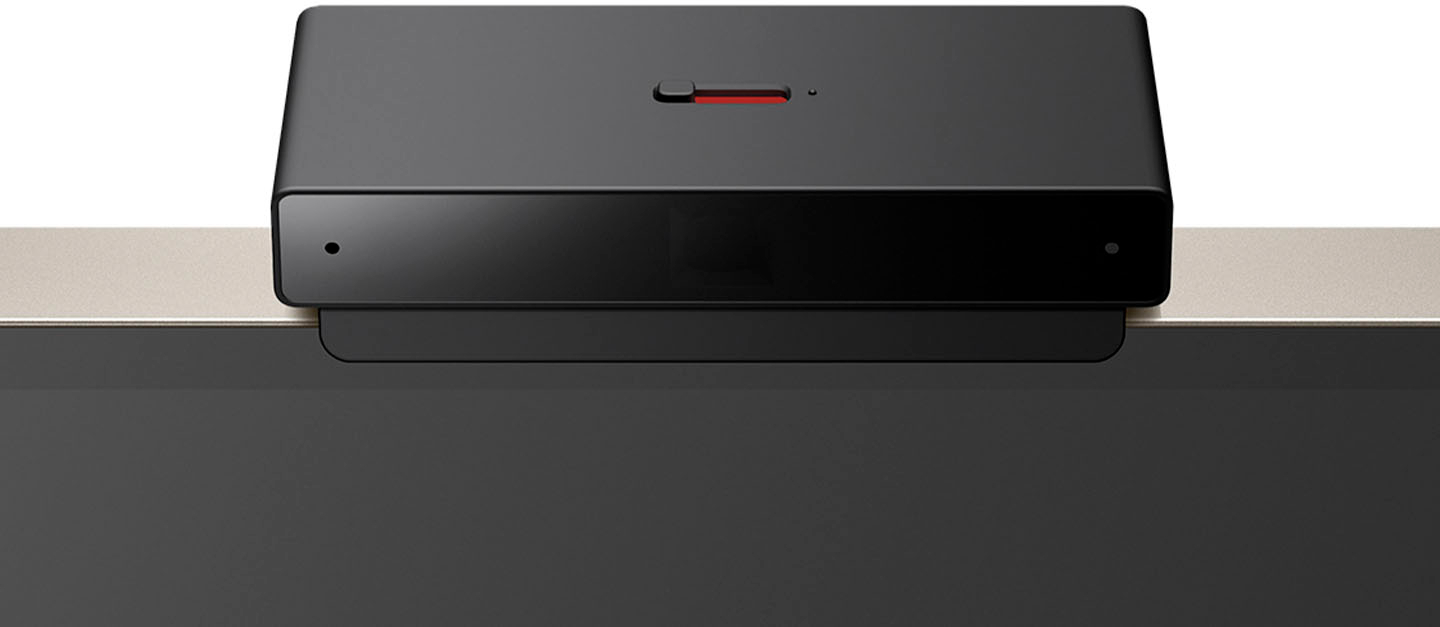
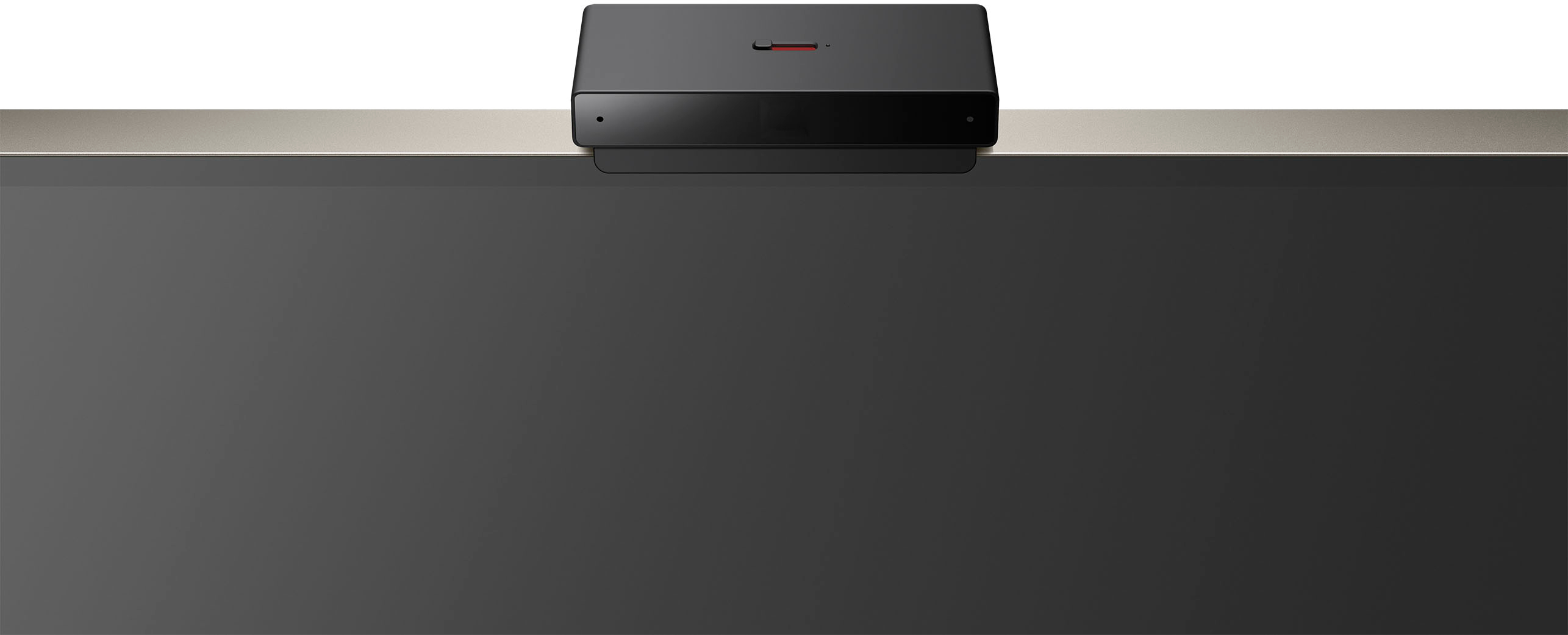

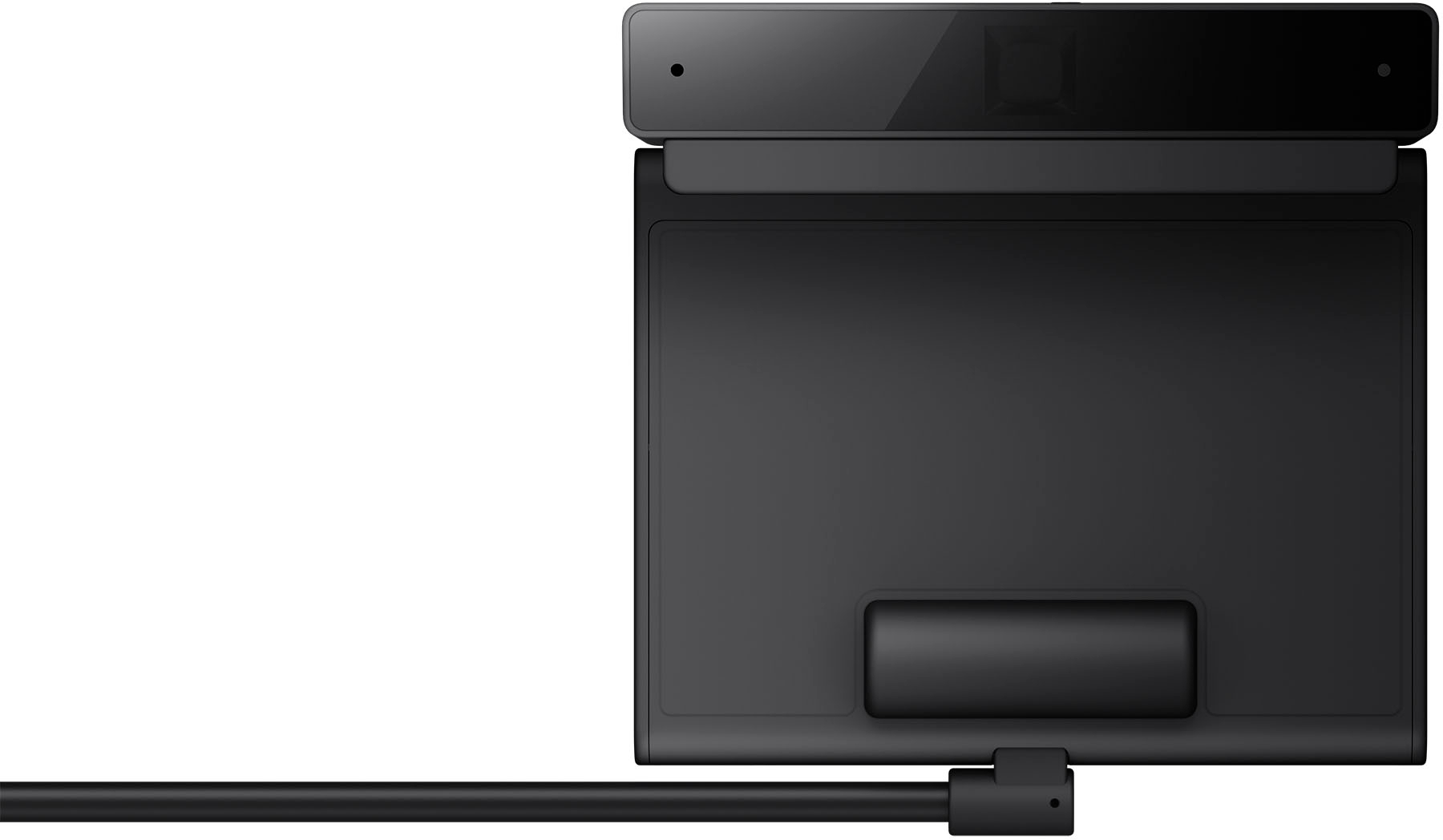

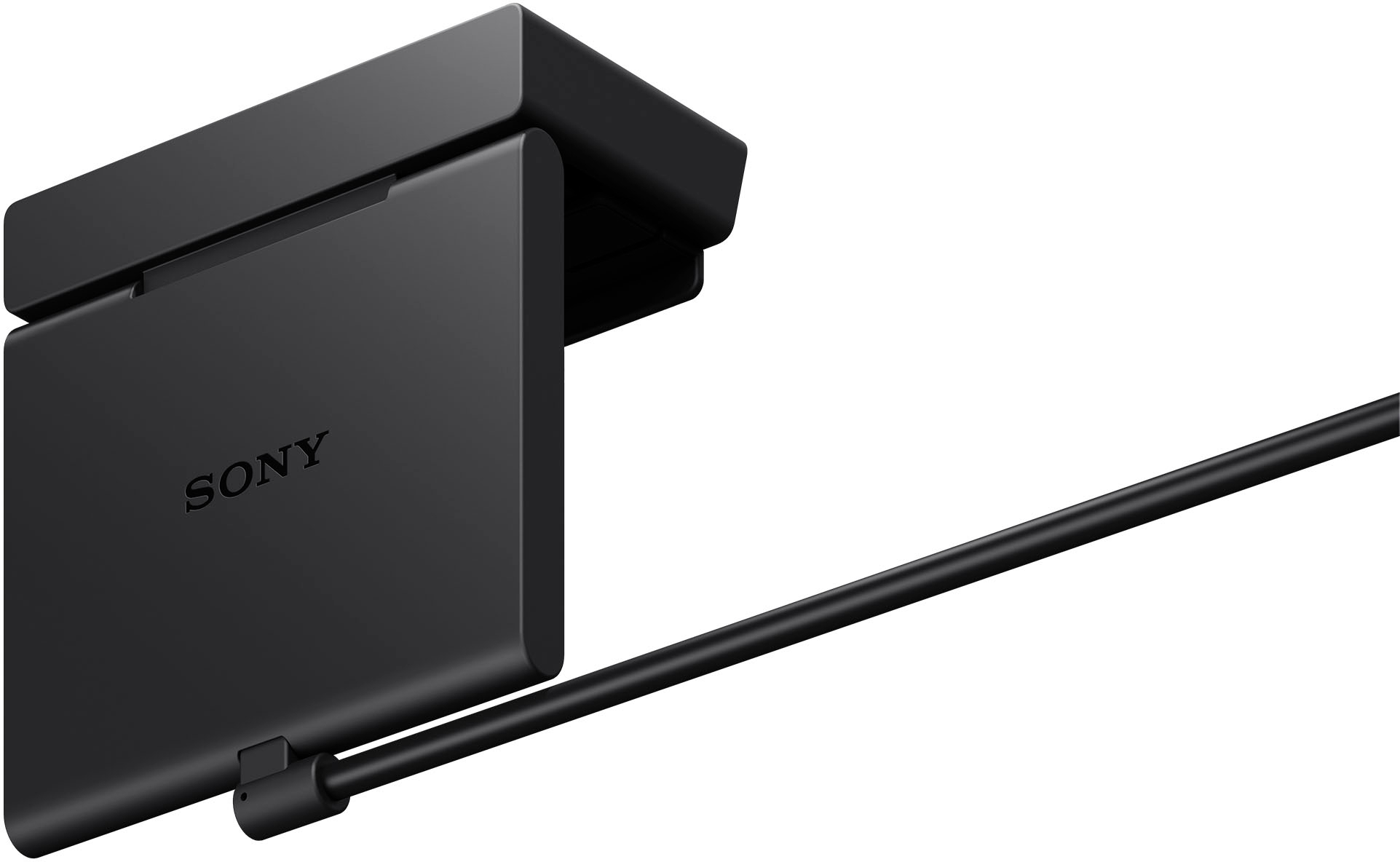
- Model:
- CMUBC1
- SKU:
- 10938762
Rating by feature
- Value
Rating 3.8 out of 5 stars
- Quality
Rating 4.3 out of 5 stars
- Ease of Use
Rating 4.1 out of 5 stars
X-MASGIFT to my wife
||Posted . Owned for 1 week when reviewed.This reviewer received promo considerations or sweepstakes entry for writing a review.We have got this TV a week ago and have seen so far only some news and a 4-K movie. Excellent picture, sharp and great contrast. But: buy it on sale to safe yourself some money!
I would recommend this to a friendDoes its job.
||Posted . Owned for 1 week when reviewed.This reviewer received promo considerations or sweepstakes entry for writing a review.This unit installs easily and functions exactly as advertised.
I would recommend this to a friendBravia cam is useful
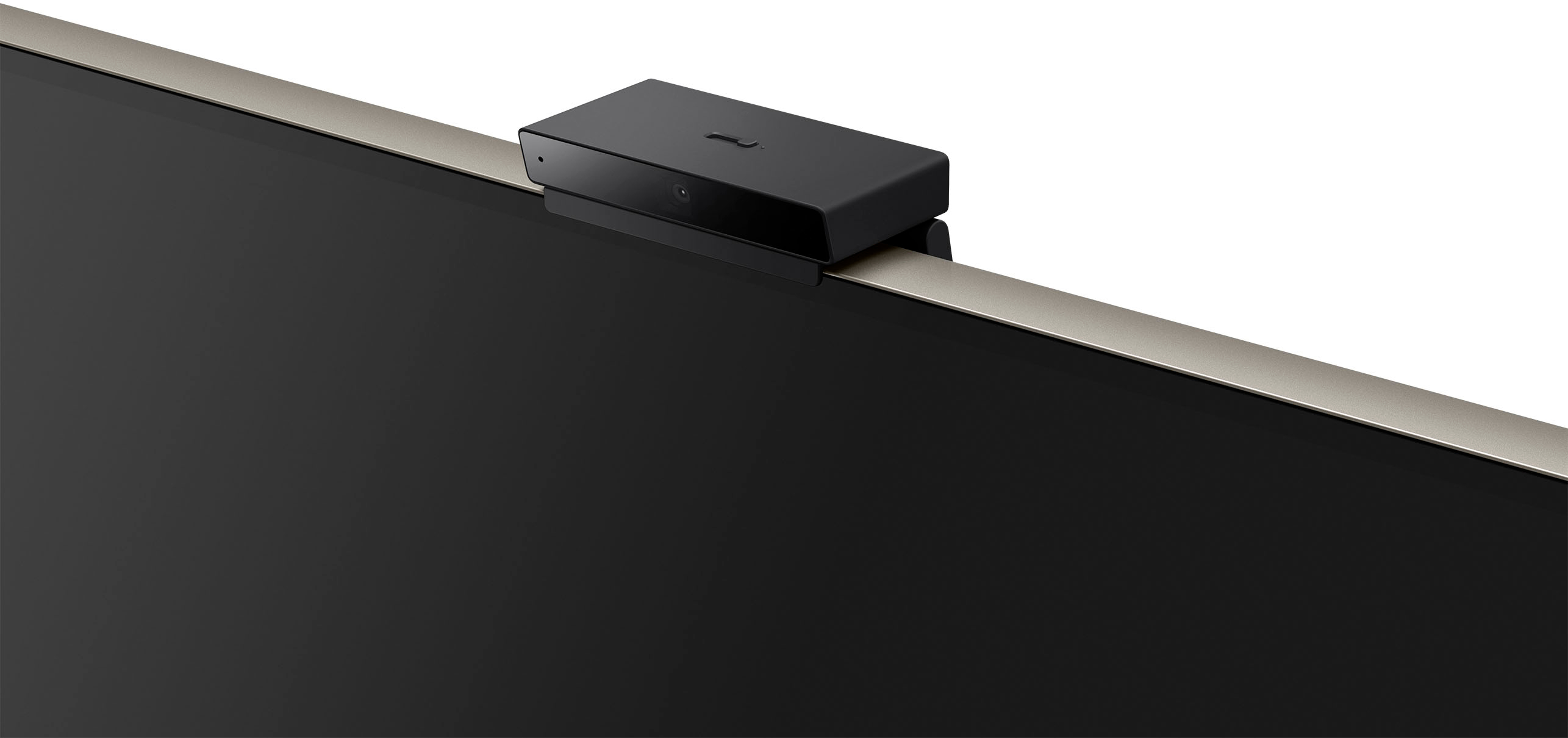
||Posted . Owned for 2 weeks when reviewed.This reviewer received promo considerations or sweepstakes entry for writing a review.Bravia Cam is great for Auto adjusting your Sony Television to the surrounding lighting
I would recommend this to a friendFree with my TV!
||Posted . Owned for 1 week when reviewed.This reviewer received promo considerations or sweepstakes entry for writing a review.Free with TV purchase! Works fine, wouldn’t have spent the money on it but it’s a neat device and would make a cool gift.
I would recommend this to a friendSony Bravia 9
||Posted . Owned for 3 weeks when reviewed.This reviewer received promo considerations or sweepstakes entry for writing a review.Good product no longer being offered in this size.
I would recommend this to a friendexcellent TV
||Posted . Owned for 1 week when reviewed.This reviewer received promo considerations or sweepstakes entry for writing a review.Great TV, very happy with the screen quality, features, look inside our home, sound quality, etc.
I would recommend this to a friendNeat free add on
||Posted . Owned for less than 1 week when reviewed.This reviewer received promo considerations or sweepstakes entry for writing a review.Got it for free when purchased TV. Just got yesterday and set up. Seems pretty neat.
I would recommend this to a friendVideos good but gestures need improvement.
||Posted . Owned for 2 months when reviewed.This reviewer received promo considerations or sweepstakes entry for writing a review.Works ok. Gestures need improvement. Works great on video chats. Picture is nice and clear. The camera lens cover is a big bonus. A little pricy.
I would recommend this to a friendBrand response from SonyListens
Posted .Hi Puertoroc21, We're glad that you like the picture quality of the Bravia Cam. We'll take note of your feedback about the gestures. Your feedback matters as it help us improve our products and services. Thank you for choosing Sony. Erin

Good product but not worth the money.
||Posted . Owned for 3 months when reviewed.This reviewer received promo considerations or sweepstakes entry for writing a review.It’s a good product but I don’t know that it’s worth the money. If you aren’t a little tech savvy, I would avoid buying this. It takes time to get use to it.
No, I would not recommend this to a friendBrand response from SonyListens
Posted .Hi CobyG,
Thank you for the review and we understand your concern. You may find this article helpful regarding your concern.
https://www.sony.com/electronics/support/accessories-television-projector-accessories/cmu-bc1/articles/00279217
If you need further assistance, we're more than happy to help you out. For us to better assist you, please email us at [email protected] with the following details:
Name:
Best Buy Username:
Model Number:
Issue:
Telephone Number:
Regards,
David
Keep kids from standing in front of TV
||Posted . Owned for 1 month when reviewed.This reviewer received promo considerations or sweepstakes entry for writing a review.Great for the little kids just to have the view distance warning. When kids are too close it will show a grey screen at the bottom about viewing distance and if kids do not move back it will cover the whole screen with the grey warning and no video.
I would recommend this to a friendGreat for Video Chat
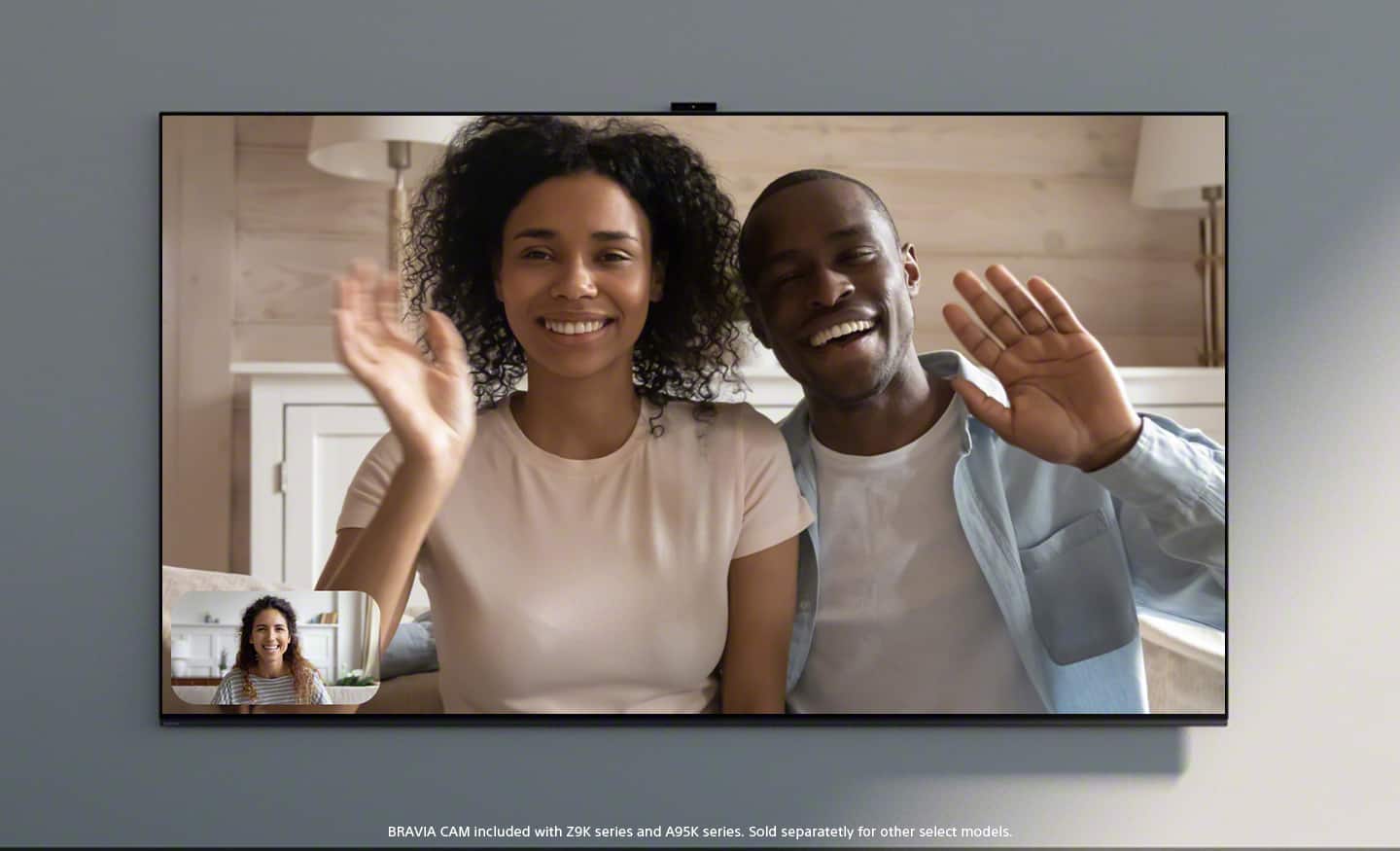
||Posted . Owned for 3 weeks when reviewed.This reviewer received promo considerations or sweepstakes entry for writing a review.This Web Cam works Great with Video Chat using The Google Meet app on our Sony Bravia Smart TV
I would recommend this to a friendBrand response from SonyListens
Posted .Hi KirbyC, this is awesome! We're pleased to hear that the Bravia Cam is working great. We appreciate your 5 star rating and thank you for choosing Sony. Erin
Not worked as per expectation
||Posted . Owned for 5 months when reviewed.This reviewer received promo considerations or sweepstakes entry for writing a review.I bought it separately for new buy Sony TV but I noticed it was not working for sometime. I don't know the exact reason.
No, I would not recommend this to a friendNot necessary
||Posted . Owned for 2 weeks when reviewed.This reviewer received promo considerations or sweepstakes entry for writing a review.I find this product very average and not very necessary. We dont use Zoom on our tv which is a way to use this product and the turn off/volume functions dont always work.
No, I would not recommend this to a friendFair product
||Posted . Owned for 1 month when reviewed.This reviewer received promo considerations or sweepstakes entry for writing a review.I got to zoom family calls but it’s lacking the ability to zoom in closer. I sit on my couch and I look pretty far off in the distance. The hand gesture is a nice feature but it takes too much effort to get your hand lined up to get the tv to pause or go up/down in volume.
No, I would not recommend this to a friendChattanooga Gunbarrel location very helpful
||Posted . Owned for 1 month when reviewed.This reviewer received promo considerations or sweepstakes entry for writing a review.Very easy installation and prompt delivery. This device enabled me to use Zoom on my 65 inch TV.
I would recommend this to a friendLove it!
||Posted . Owned for 3 weeks when reviewed.This reviewer received promo considerations or sweepstakes entry for writing a review.I live it!. It works seemlessly with the google meet app on my tv. The picture is very clear.
I would recommend this to a friendBrand response from SonyListens
Posted .Hi DeidreD,
Thank you for the 5-star rating and we're glad to hear that you like the picture quality of the BRAVIA CAM for your google meet app. Connect BRAVIA CAM for an even more dynamic viewing experience and enjoy video chat on the big screen along with Ambient Optimization Pro for great picture and sound wherever you are in the room. Thank you for choosing Sony!
-David
Wont know if you dont try
||Posted . Owned for 2 months when reviewed.This reviewer received promo considerations or sweepstakes entry for writing a review.Still have to test out but hope its what i need and want it to be been awaiting this awhile
No, I would not recommend this to a friendOkay
||Posted . Owned for 3 months when reviewed.This reviewer received promo considerations or sweepstakes entry for writing a review.I like it but i dont LOVE it. It sometimes is hit or miss with picking up tour hand.
I would recommend this to a friendBrand response from SonyListens
Posted .Hi Nikkilin123,
We do apologize for the inconvenience and we appreciate your feedback. Gestures may not be recognized in the following circumstances:
1. If you perform gestures too close or too far from the camera.
2. When your hand is too close to your body or face, a gesture may not be recognized.
3. If your hand movements are too fast or too exaggerated to be recognized. Try slowly moving your hand with smaller motions.
4. If you block the camera's field of view.
5. If the environment is too bright, the background colors are too similar, or there is an optically confusing pattern on your clothes.
6. If your face and body can't be seen or recognized by the camera.
7. If the sensing function sees the movement of another nearby object, it may be given preference over your gestures
8. If your gestures are not recognized even after trying everything, try unplugging and plugging in the camera.
The camera may also recognize your foot as a hand if, for example, you lie down and your foot comes within the camera's field of view.
If you need further assistance, please email us at [email protected] with the following details:
Name:
Best Buy Username:
Model Number:
Issue:
Telephone Number:
Regards,
David

AMAZING CAMERA!!!!!
|Posted . Owned for 10 months when reviewed.This reviewer received promo considerations or sweepstakes entry for writing a review.Great product. I loved it. Glad they made this camera for my television. I love video conferencing on my television.
I would recommend this to a friendLame
||Posted . Owned for 1 year when reviewed.This reviewer received promo considerations or sweepstakes entry for writing a review.Thought I would use it. Doesn't add much value. Excited for the futures but reality not worth
No, I would not recommend this to a friend