Customer Ratings & Reviews
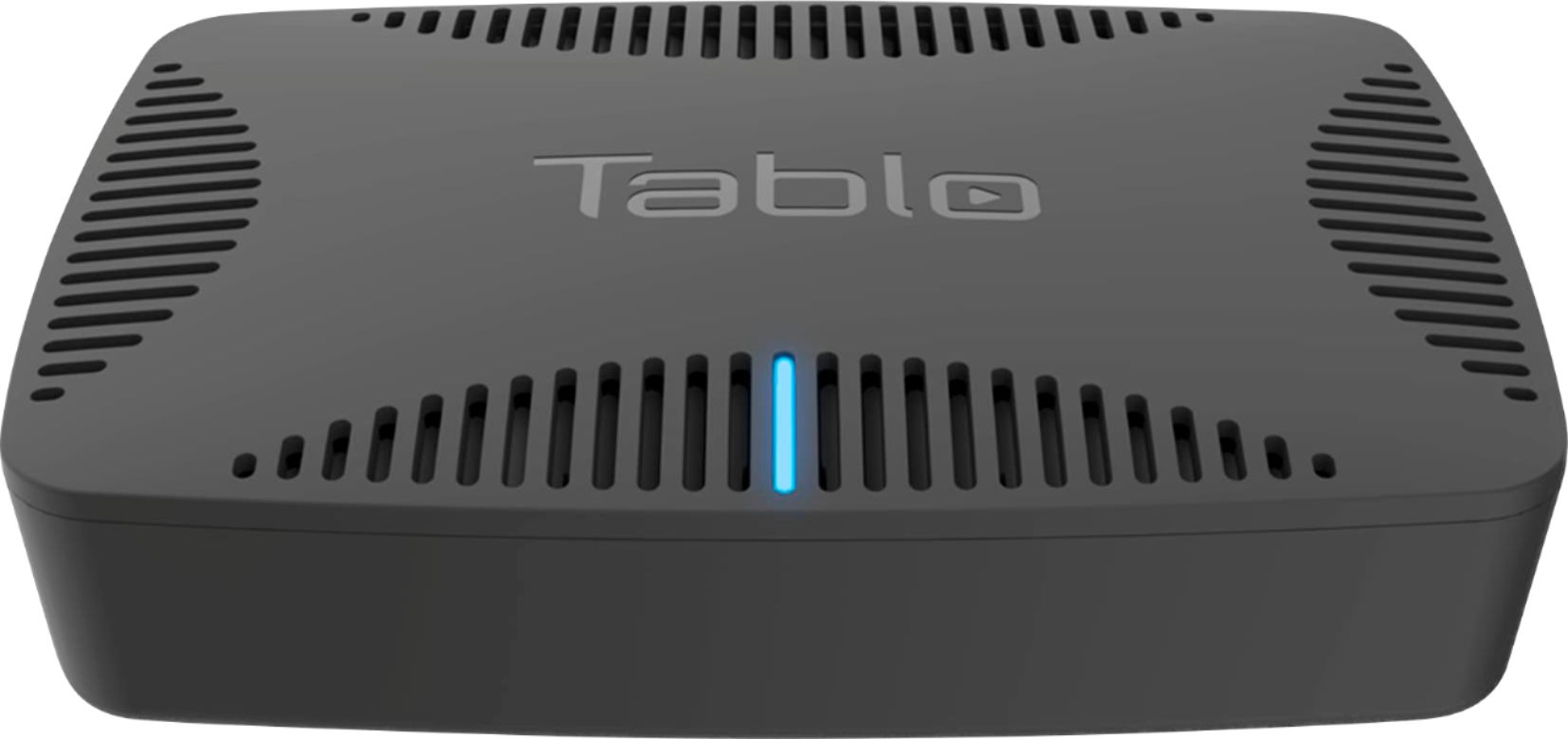
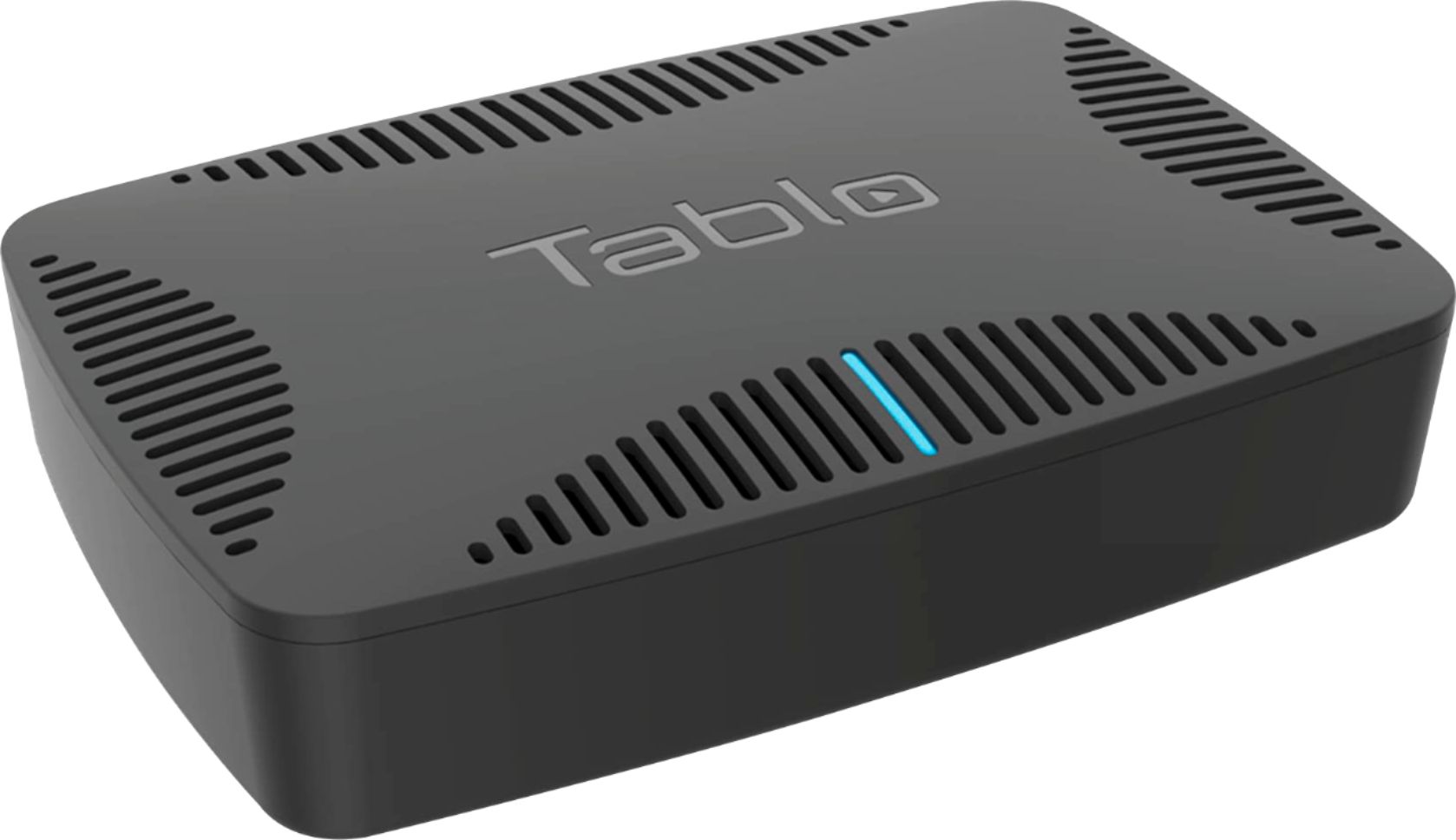
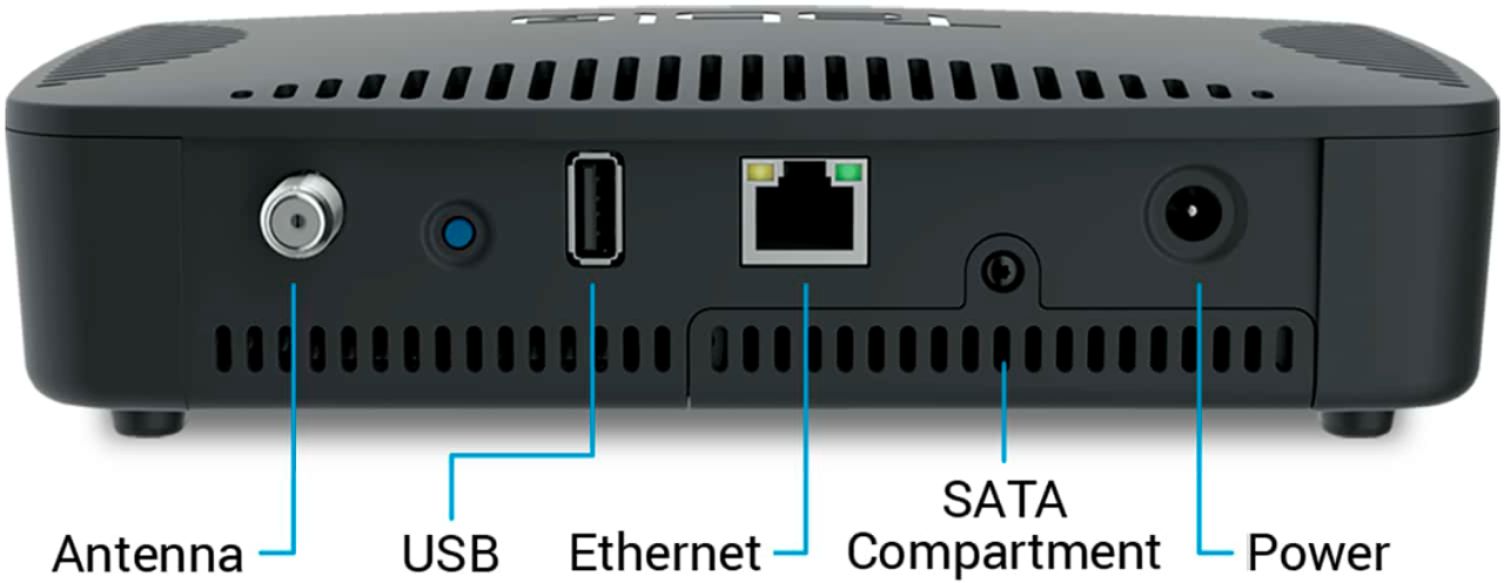
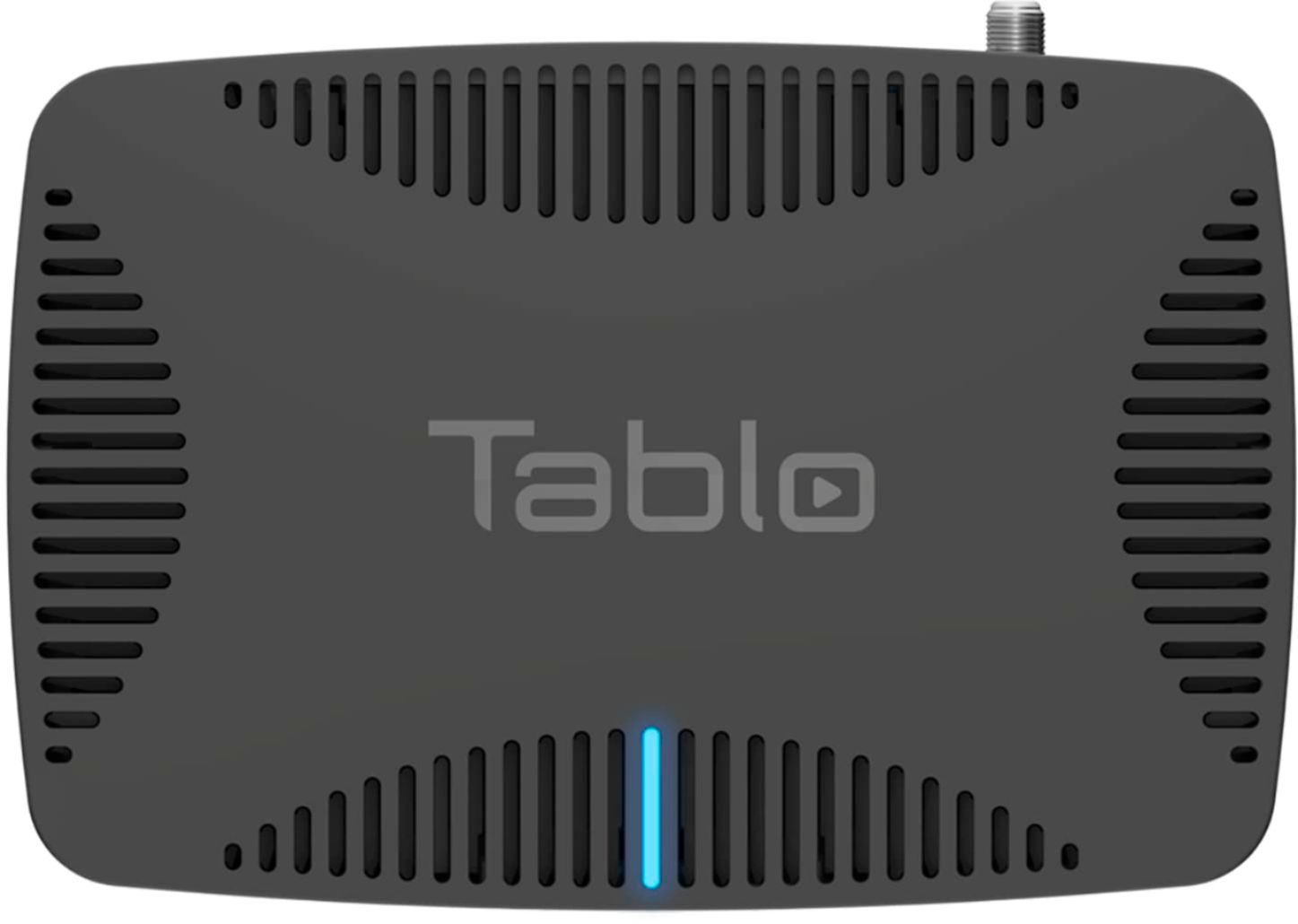

- Model:
- TQNS4B-02-CN
- |
- SKU:
- 6367485
Customer reviews
Rating 4.2 out of 5 stars with 105 reviews
(105 customer reviews)Rating by feature
- Value4.2
Rating 4.2 out of 5 stars
- Quality4.3
Rating 4.3 out of 5 stars
- Ease of Use4.3
Rating 4.3 out of 5 stars
Customers are saying
Customers highly value the QUAD OTA DVR's ease of use, excellent picture quality, and reliable recording capabilities. Many appreciate the commercial skip feature and the ability to record multiple channels simultaneously. However, some users experienced connectivity problems and occasional buffering issues. A few also noted that the device can get quite warm during operation.
This summary was generated by AI based on customer reviews.
- Pros mentioned:Picture quality, RecordingCons mentioned:Connectivity
Rated 5 out of 5 stars
Nice, easy to use device for Cord Cutting.
||Posted . Owned for less than 1 week when reviewed.This reviewer received promo considerations or sweepstakes entry for writing a review.This is a review from a regular, non technical person. We cut the cord. My husband still has quite a few OTA TV shows he records and watches. After reading dozens of reviews we selected this. We purchased this over the Lite as it can do more. We read that there were connectivity issues with external drives so we installed a 1TB laptop hard drive inside it. Also purchased a little fan for it to sit on to stay cool. Out of the box, put in hard drive, 1 minute, plug in Antenna and Ethernet (app will guide you through Wi-Fi if needed, power it on. We used an iPad app, PC, Mac and Android apps available. Once on it populates stations, and recommends only 720 or higher stations but you are free to pick the rest if desired. You can redo this anytime if you have to move the antenna. It comes with a months worth of free guide and commercial skip, we plan to buy the year service when its over, Changing channels is a bit slow while it loads and takes a minute for picture to come in clear. Picture is good and it saves having an antenna in every room. You can set shows to record on you tablet easily. The price of all the equipment and guide is what or Satellite provider was going to charge us in 2.5 months for very basic service when they jumped the rates on everyone. This only streams OTA stations in your area, picture quality will be what station broadcast in, (We have 38 in our area and selected 14 that are 720/1080 and 2 that are 480) it does not stream cable channels. (the only improvement would be to allow the guide to integrate with premium channel streamers you subscribe to so you have it all together.) I feel it is a good one time investment.
I would recommend this to a friend - Pros mentioned:Ease of use
Rated 5 out of 5 stars
Tablo brings me closer to cutting the cord
||Posted . Owned for 3 weeks when reviewed.This reviewer received promo considerations or sweepstakes entry for writing a review.I love it!! Easy to set up and use. Just shy of 5 stars but too good to give it 4; lost a little because sometimes the automatic commercial skip does not activate. It is very easy to fast forward through because once the recording is finished thumbnails are displayed as you fast forward. The web app @ Tablo.com is great, it makes programming recordings a little easier than doing it through my Roku mostly because of again, thumbnails. Finding more programs than I am used to. I am hard-wired to my router for the main TV and other locations are using WIFI with no problem. In the picture, Tablo is to the left, router in the center, and cable modem to the right.
I would recommend this to a friend - Pros mentioned:RecordingCons mentioned:Connectivity
Rated 5 out of 5 stars
It is very good via Ethernet, but not on Wi-Fi.
||Posted . Owned for 1 year when reviewed.This reviewer received promo considerations or sweepstakes entry for writing a review.It record well. It still function after 2 years. I had close call with it when it wouldn't connected to my WIFI router, so i connect it using an ethernet to my router, then I upgraded its firmware via my.tablotv.com website.
I would recommend this to a friend - Pros mentioned:Ease of use
Rated 5 out of 5 stars
Cord cutters bonus !
||Posted . Owned for 1 month when reviewed.This reviewer received promo considerations or sweepstakes entry for writing a review.Easy to set up! Was wanting to record tv shows great local channels. Used indoor Antenna works well with the Hard drive I purchased too at Best Buy. Have slow internet and it still works really well. Cutting the cord. Great buy. Well worth the purchase !
I would recommend this to a friend - Pros mentioned:Commercial skip, Picture quality, Recording
Rated 4 out of 5 stars
Really good with clean OTA signals & good network
||Posted . Owned for 2 weeks when reviewed.This reviewer received promo considerations or sweepstakes entry for writing a review.Most of the reviews for this product on BestBuy are pretty good, but that is not the case elsewhere. Having now used my Tablo QUAD for several weeks, I want to give you the information you will need to get the best experience. With the right setup, this is a really good product! (I will discuss below why I rated it 4 rather than 5 stars.) In my opinion, I was a perfect candidate for the Tablo QUAD: [1] Coming from Verizon FiOS TV which I watched using Windows Media Center (WMC) and networked cable tuners from another vendor. Prices kept increasing, even with a slimmed-down bundle. [2] To support this, I wired my house with gigabit Ethernet. (I am a retired computer professional.) [3] Have used wired Roku 3 streaming players for years. [4] Had installed a rooftop antenna with mast-mounted amplifier about 8 years ago for a couple of "light usage" TVs. [5] I am only 7 miles away from most local broadcasters and get strong, mostly clean signals. So, I was familiar with the concept of a whole-house networked DVR, I already had fast wired networking, I already had Rokus running, and I was occasionally watching OTA TV on a couple of TVs. This is significant - especially the wired v. wireless networking and strong, clean OTA broadcast signals - because, from what I have read in other reviews, I am pretty sure the problems many people have seen are mostly due to weak/poor broadcast TV transmissions and/or slow, poor or overloaded WiFi. INSTALLATION: I purchased a 2.5" 1TB disk drive (type recommended on Tablo web site) - enough for about 250 hours of HD recording, much more than I will need - and installed it as specified in the provided slot. It is VERY IMPORTANT to follow the installation instructions EXACTLY and NOT power-up the Tablo until the instructions tell you to do that. After powering the device, I used a nearby PC on the same network to go to the specified my.tablotv.com web site which found my Tablo and began the initial configuration, including a channel scan. I also set up an account at tablotv.com so I could subscribe to the 14-day electronic program guide and automatic commercial skip features. First 30 days free; various pricing thereafter, but works out to about $6-$7/month. Very reasonable compared to my Verizon bill, even if I only had local channels. Most local stations looked as good on my large main-room TVs as I was used to with FiOS TV. There were occasional but pretty rare brief pixelations, but I saw that from time to time even with FiOS. Unfortunately, the exception was my local CBS affiliate. It had major pixelation and even blanking of the screen. Long story short, I was not the only person seeing this problem. Tablo Support was very responsive, including looking at signal quality via a remote access feature which can be initiated by the customer. (Allows them to look at the Tablo, nothing else.) It turns out the CBS station's signal was strong but had a large amount of interference. The most likely explanation of the poor picture, in my opinion, is the transcoding the Tablo does to reduce the size of the data stream. The original signal's interference is probably degrading that. The good news is that around late April or early May, the FCC "repack" will force my local channels to different radio frequencies (keeping their same virtual channel numbers). This should result in the CBS station being on a much cleaner RF channel which hopefully with fix the pixelation issue. I reduced my rating from 5 to 4 stars in anticipation a better CBS signal will fix the pixelation. If it does, the Tablo will earn 5 stars. The FCC repack brings up a good point: As with any OTA reception, if the broadcast channels change frequencies, you will need to do a rescan. This is required on TVs and also on the Tablo. The process is very easy and these changes don't typically happen very often. The Tablo DVR has worked very well. It is easy to set up recordings - although I had one PBS show that appeared in the guide 2 different ways and had to set up both - and easy to watch them using a Roku. I also tried my smartphone, which worked fine. Note that the user interface can be slightly different depending on whether you use smartphone app, Roku app, browser, etc. According to the vendor, about 1/2 of Tablo owners use a Roku, so it's not surprising that is a mature and polished interface, in my opinion. The DVR has typical features for series like "Record Only New" v. "Record All". It supports pre- and post-padding, such as to extend recording times for live shows. But it also has a nice feature to auto-extend live shows by 50% of the show's scheduled broadcast duration. A check-box sets that option globally. You can also create "VCR-style" recordings: start and stop time on a particular channel. The biggest thing it is missing compared to what I was used to (Windows Media Center) is the ability to create keyword-search recordings. For example, I like beach volleyball and could set up a series recording for any show on any channel which had "Beach Volleyball" in the title or description. Can't do that with Tablo. The 14-day grid-style program guide is pretty much what you would expect, but it may be slower than what you may be used to. The Windows Media Center grid I had been using was VERY fast, but that product is no longer supported by Microsoft. Some people seem to have had bad experiences with the automatic commercial skip feature. For me, it has been close to perfect. The feature requires a good quality recording, so poor quality broadcast signals (for whatever reason) can cause it to fail. Occasionally, a commercial is not skipped, but that has been pretty uncommon in my experience. When it works - which for me has been most of the time - it is WONDERFUL. It's almost like viewing a show on a service like Netflix, with no commercial interruptions, but just a couple of seconds of blank screen where the commercials used to be. If you really want to see a commercial, you can use the fast-forward and fast-reverse to do so. The commercials are still in the recording, they are just skipped. One small surprise is that previews of next week's show are usually skipped. Not a big deal to me. I have NOT used the remote viewing feature, where you can view DVR recordings outside your house, because I am not comfortable "punching a hole" (so to speak) in my network firewall. I only need to watch DVR'd shows at home. If you turn that on, you may need to know more about your router than you care to. In addition, remember that the quality of the streaming to your phone or tablet will depend on the end-to-end network quality and speed between your home and wherever you are. If you have trouble viewing remotely, the problem may NOT be with the Tablo! BOTTOM LINE: In the right environment and depending on what you are looking for, this can be a GREAT product. Just be sure to understand the specifics before commiting.
I would recommend this to a friend - Pros mentioned:RecordingCons mentioned:Connectivity, Heat
Rated 3 out of 5 stars
Works, but has bugs
||Posted . Owned for 2 months when reviewed.This reviewer received promo considerations or sweepstakes entry for writing a review.Now that I’ve had this unit for a couple of months, I can review it a bit more thoroughly. It started out great, no issues. As of the last couple of weeks though, it’s been performing below expectations. It runs HOT, which is normal according to Tablo. I have mine connected to my internet view cable, not WiFi, which I believe is the better way to go. Even with that, lately the Tablo has been “pausing” during live TV, as if the internet connection is poor (it’s definitely not). It’s very frustrating. Pros: Commercial skip, easy to use, user-friendly interface, records great, menu looks good to the eye. No contracts. Cons: Runs hot, sometimes unreliable live TV connection thru internet. A bit slow to load live tv menu at times.
I would recommend this to a friend - Pros mentioned:Commercial skip, Picture quality
Rated 5 out of 5 stars
Great TIVO alternative
||Posted . Owned for 3 weeks when reviewed.This reviewer received promo considerations or sweepstakes entry for writing a review.This is very fairly priced. Tuner on the TABLO was more sensitive than my tv and thus I can get consistently great picture on channels that used to be unwatchable. I would suggest going for the lifetime subscription if you are happy with the unit. Unlike TIVO whose subscriptions are tied to the unit and very pricey, the sub on the TABLO is tied to the account. So you can upgrade the unit when the old one die or for a newer one if you like without having to repay for the sub again. With the TIVO, you would have to pay again for the sub when you buy a new unit. You only need this single unit for every Smart TV that you own assuming you have a decently newer router VS having to buy extension unit for each tv with the TIVO. Also the lifetime sub price on TABLO is at least half of the price on TIVO. The UI is modern and easy to use. I can’t speak for TIVO UI as I don’t own one. The only thing is that the UI is fractured across different platforms: Fire TV has more features (such as commercial skip) than XBOX One for example but they are working on parity.
I would recommend this to a friend - Pros mentioned:Ease of use, Picture quality, Recording
Rated 4 out of 5 stars
Tablo works as advertised.
||Posted .This reviewer received promo considerations or sweepstakes entry for writing a review.I thought it would be more difficult The Tablo device worked well and the quality of the tv picture ota is remarkable. Recording is easily set up and the unit broadcasts to all my Roku devices. Bestbuy transaction was easy and quick and the unit arrived in a short time. I would reccomend Bestbuy. RJS
I would recommend this to a friend - Pros mentioned:Ease of use, Picture quality
Rated 5 out of 5 stars
Great job recording OTA TV at a reasonable price.
||Posted .This reviewer received promo considerations or sweepstakes entry for writing a review.I've had this about a month and am very happy with it. Easy to use, which is important, since not everyone in our household is a techy. Pros: Works as advertised. Easy to operate. Reasonably priced. Add-on HDD allows the user to decide how much to spend on storage capacity. Cons: I found it hard to find the installation information I needed in the online "manual". I much prefer the old-school pdf format where you scroll up/down to find info, rather than bounce from screen to screen to screen. Finding this information greatly increase my installation time, but once found, the rest was a breeze. Remarks: I'm using a Seagate 2T external USB-powered HDD. No problems. But after receiving the Tablo and seeing how easy it is to install an internal SATA drive, I'd go this internal HDD route if I were to do this again. I'm not a video extremist, so extreme picture quality isn't much of an issue. I'm very happy with the quality. My 35-year-old roof-top mounted antenna (top of the line back then) still pulls in signals from 20-30 miles away.
I would recommend this to a friend - Pros mentioned:Picture quality
Rated 5 out of 5 stars
Cord Cutting Made Easy
||Posted . Owned for 6 months when reviewed.This reviewer received promo considerations or sweepstakes entry for writing a review.We have used this for awhile now. We also have Tivo but needed something that could be used room to room without extra equipment. It is simple to setup and use with a streaming device (Firestick/Roku). We have it hooked to Ethernet which is probably a much better option than WiFi. Since we have Eero Pro as a router we could have also used the Ethernet plug on that as well. The really nice part of using house wired Ethernet is that when our internet was down ... our other equipment which is also on Ethernet ... the Tablo acted as an Intranet device. TiVo's will do the same thing when connected to Ethernet however you must have a receiver at each end point unlike Tablo which uses an app on streaming devices. I actually prefer the simplicity of Tablo to Tivo. Tivo is the gold standard for DVR's but it became bloated over the years and more step intensive. It has many more features not the least of which is the ability to stream some major service players however with streaming sticks so cheap, and loaded with the capabilities of many Apps, it is very outdated. A sad end to a great franchise. However, Tablo is perfect for the cord cutting community and is reasonably priced. Picture and audio quality are great as well. Did
I would recommend this to a friend - Cons mentioned:Buffering
Rated 5 out of 5 stars
Good on Roku bad on Fire TV
||Posted . Owned for less than 1 week when reviewed.This reviewer received promo considerations or sweepstakes entry for writing a review.Works very well with Roku devices not well with Fire TV devices. Setup was simple (took about 20 mins including me installing the 1tb sata HDD I had laying around). When trying Tablo on Fire TV (cube, 4kstick, and integrated Fire TV 32”) the results were disappointing. Constant buffering, reloading and Pixelization). I was so mad I almost immediately packed it up to return it. Then I decided to try it on my Roku devices. On Roku it was smooth, works as advertised. (Tested on Roku stick, Roku 3 and Roku Ultra). I think the interface is basic, it could be a little more polished (ie. you cannot record while watching a program that you already started), you also cannot choose the order in which the channels show up (this could be done by allowing the user to select the channel as a favorite like Fire TVs do). All in all I’m pretty satisfied. Good job Tablo.
I would recommend this to a friend - Pros mentioned:Ease of use
Rated 4 out of 5 stars
Tablo - QUAD OTA DVR - Black
||Posted . Owned for more than 2 years when reviewed.This reviewer received promo considerations or sweepstakes entry for writing a review.Purchased this because I was cutting the cable. Hook it up to a large old antenna I probably bought back in the 1980's up in my attic and it is working just fine.
I would recommend this to a friend - Pros mentioned:Commercial skip, Recording
Rated 5 out of 5 stars
Tablo _Quad OTA DVR - Love it!
||Posted . Owned for 1 month when reviewed.This reviewer received promo considerations or sweepstakes entry for writing a review.I love it. It works very well and as described. We are happy to be able to record OTA programs and timeshift to watch what we like when we like. The commercial skip option works quite will but you need to wait for it to render 15-30 minutes after the recording completes to be ready for commercial skip. Otherwise the FF & REW functions give a good thumbnail of where you are in the program and when to stop. This function doesn't work well when you are watching a program while it is recording. The options for recording are good to find programs and to choose what time to start and stop. Another nice feature is there are no wires and boxes for every tv. The DVR only hooks up to the antenna, hard drive, and internet. All the tv's and devices pick up the recordings or live tv using the Tablo App. Very satisfied! For full functionality a subscription of $5/mo, $50/yr, or $150/lifetime are offered. If you don't need full functionality and 2 weeks of guide information can choose not to pay any subscription fee. You can record or watch 4 programs at the same time. This product is just what I wanted!
I would recommend this to a friend - Pros mentioned:Ease of use, Picture quality
Rated 5 out of 5 stars
Great OTA home streamer
||Posted . Owned for 1 month when reviewed.This reviewer received promo considerations or sweepstakes entry for writing a review.In looking for a replacement for Windows media center OTA recorder since Microsoft has killed all the guides, I found this device, not only is it better in picture quality then Windows media center (with a hauppauge dual tuner) comparing both videos streams on the same monitor at that same time! The added bonus is I can seamless stream to my Apple TV, PC, Iphone in home, or even out of town, watching my local news while on the road. Very easy to set up, and I can put it anywhere in the house, I have a very good reception with only using a small indoor HD antenna but this would very depending on your location. Every aspect of this, the guides, Recording features etc. are far superior then Windows Media center.
I would recommend this to a friend - Pros mentioned:Commercial skip
Rated 5 out of 5 stars
Best OTA DVR for most people
||Posted . Owned for 3 weeks when reviewed.This reviewer received promo considerations or sweepstakes entry for writing a review.This Tablo OTA DVR model has 4 tuners and supports up to 6 simultaneous viewers (4 live, 2 recordings). The tuners have excellent sensitivity. We get 50+ broadcast stations from a Mohu Leaf flat antenna. Love the extra cost commercial skip option. Support from Tablo is fast and helpful (they are based in Canada). Other options exist for those who only have 1 or 2 TVs, or who never record more than 2 channels at once. For us this is the best OTA DVR. This unit was a gift, we’ve owned our own 21 months.
I would recommend this to a friend Rated 5 out of 5 stars
Great Product
||Posted . Owned for more than 2 years when reviewed.This reviewer received promo considerations or sweepstakes entry for writing a review.Tablo is a win. OTA is enhanced with the well-designed user interface for the Tablo. For my locale, an outdoor antenna is necessary for picture quality.
I would recommend this to a friend- Pros mentioned:Commercial skip
Rated 4 out of 5 stars
Very good. Happy with my decision to buy.
||Posted .This reviewer received promo considerations or sweepstakes entry for writing a review.I have been using it for almost a month now, and my free trial of the guide and the commercial skip features have me hooked. I will most certainly continue the prescription service(s). Well worth the value with either of the 3 options offered. I would have given it a 5 star rating were it not for some minor quirks that I’ve encountered while watching on Apple TV. I’ve found that if I pause live TV for any length of time, then weird things happen with regards to where it wants to play from, usually going back to the beginning of the point where it was first tuned to the channel. To work around, I have to go back up to the menu, then back into the channel in order to get back to “live” TV again. Still, I have found that I REALLY enjoy the commercial skip functionality. It’s very nice to have it automatically skip over commercials without the need to remember to pick up the remote and initiate it for yourself. In my opinion as compared to my previous DVR (DirecTV), I like this MORE.
I would recommend this to a friend Rated 4 out of 5 stars
a bit tri cky to installd d
||Posted . Owned for 1 month when reviewed.This reviewer received promo considerations or sweepstakes entry for writing a review.first you must htave a spare hard drive to put in it; they say start with a TB but I am using a 500g hard drive and it seems to be fine. it is a bit tricky to set up; you must have a tv that can receive an internet signal as there is no mechanism for hardwiring the tablo to the tv; we are using our roku stick. the signal quality is dependent on the antenna strength. the only thing you can record using the tablo are the channels that come from antenna; don't think you can record other streaming media but then you wouldn't need to. Overall a great alternative to cable tv.
I would recommend this to a friendRated 5 out of 5 stars
Incredibly Designed!
||Posted .This reviewer received promo considerations or sweepstakes entry for writing a review.I couldn't be happier with this purchase. It is by far the best thing that I have purchased in years and I am very picky to the point where I can't think of much to improve upon on this item which is so rare these days. The menu is so easy to use due to such a thoroughly complete thoughtful design. I installed a Seagate BarraCuda 2Tb SSD hard drive. The only thing that I haven't completed yet is my antenna system. My antenna signal is currently being shared between 16 different devices in my home with mostly poor quality cable, so I occasionally do lose my signal at times. It's a wonder that any of the devices receive enough signal to operate at all, but certainly not Tablo's fault. It will be corrected shortly. I'm looking forward to see what else Tablo does with this in the future.
I would recommend this to a friend- Pros mentioned:Picture quality
Rated 5 out of 5 stars
Stunning picture quality.
||Posted .This reviewer received promo considerations or sweepstakes entry for writing a review.Finally cut the cord on cable and needed something to deliver ota antenna though out the house as well as a dvr. I was also looking at the hdhomerun but chose the Tablo because it seems to have a better system to stream via wifi. The picture to me looks just as good as the antenna even while watching football in both 1980i and 720p local signals. I should point out that all my settings are set to the highest quality with the Tablo plugged directly into the modem. I did have a problem with my second generation firestick which would buffer the signal but the latest 4kfire stick has better wifi capabilities and works perfect. I would suggest a robust wifi setup and the latest steaming devices.
I would recommend this to a friend