Customer Ratings & Reviews


- Model:
- P55W-C5204
- |
- SKU:
- 4203302
Customer reviews
Rating 4.1 out of 5 stars with 339 reviews
(339 customer reviews)to a friend
Customers are saying
Customers find value in the Satellite Radius 2-in-1 laptop's touch screen, speed, Windows 10 operating system, and affordable price. They appreciate the laptop's memory and storage capacity, as well as its lightweight design and Toshiba's reputation for reliability. However, some customers have experienced issues with reliability, Wi-Fi connectivity, battery life, and defective units.
This summary was generated by AI based on customer reviews.
- Pros mentioned:Touch screen
Rated 4 out of 5 stars
Great Laptop
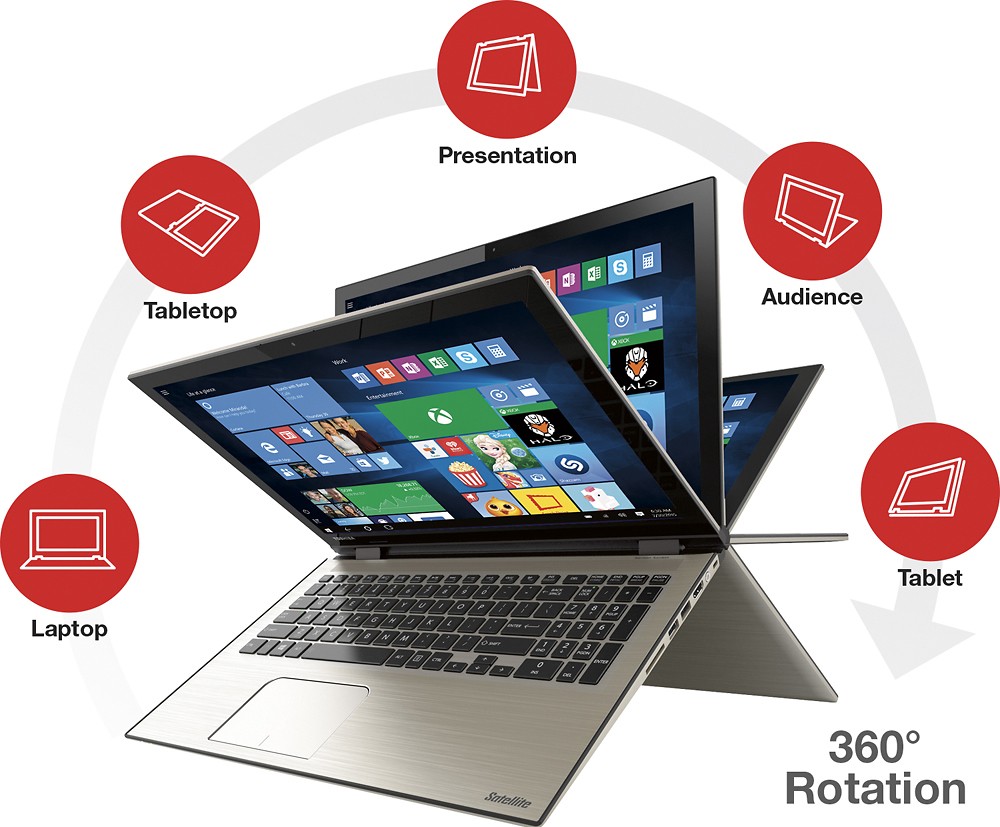
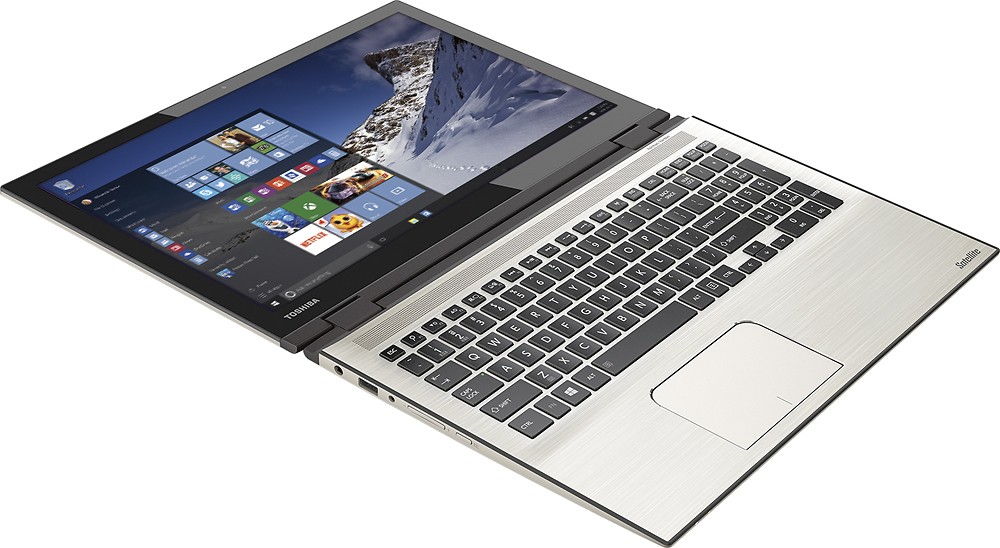
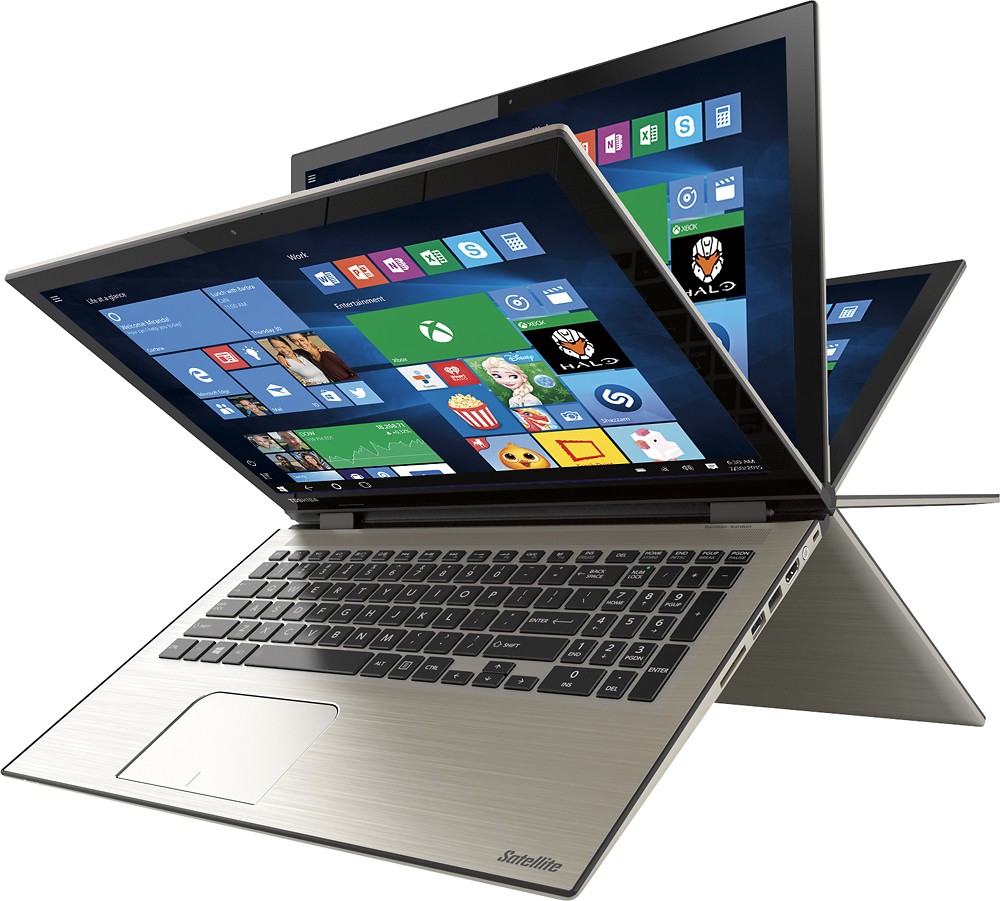
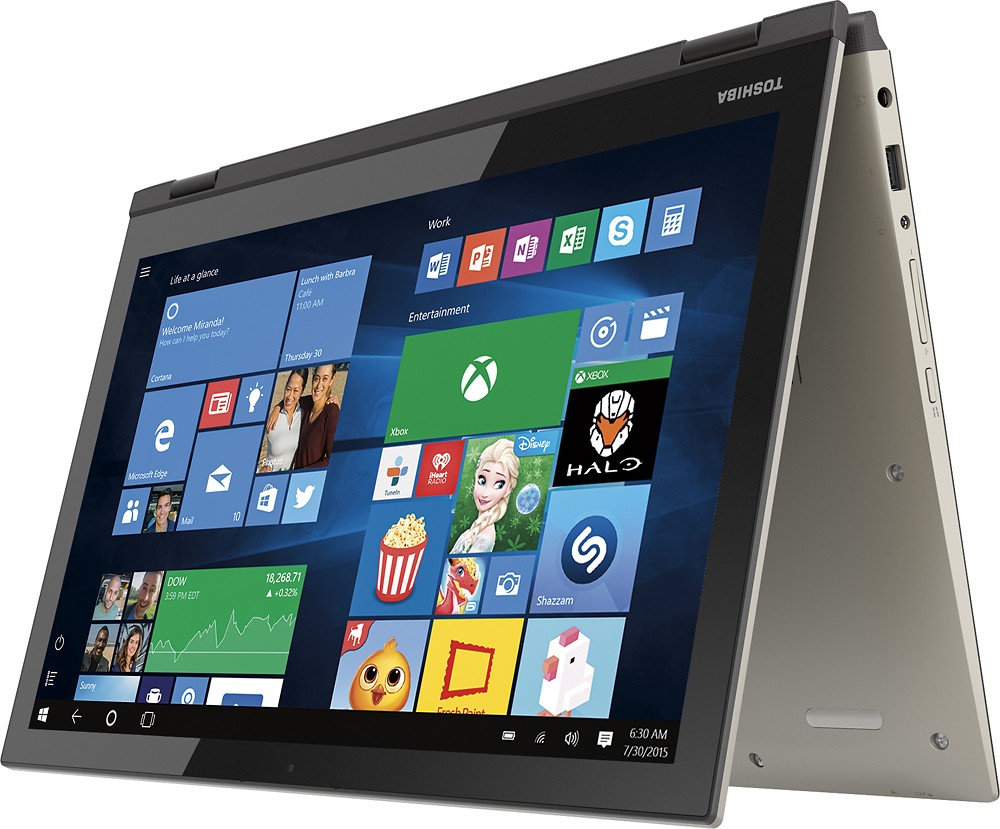
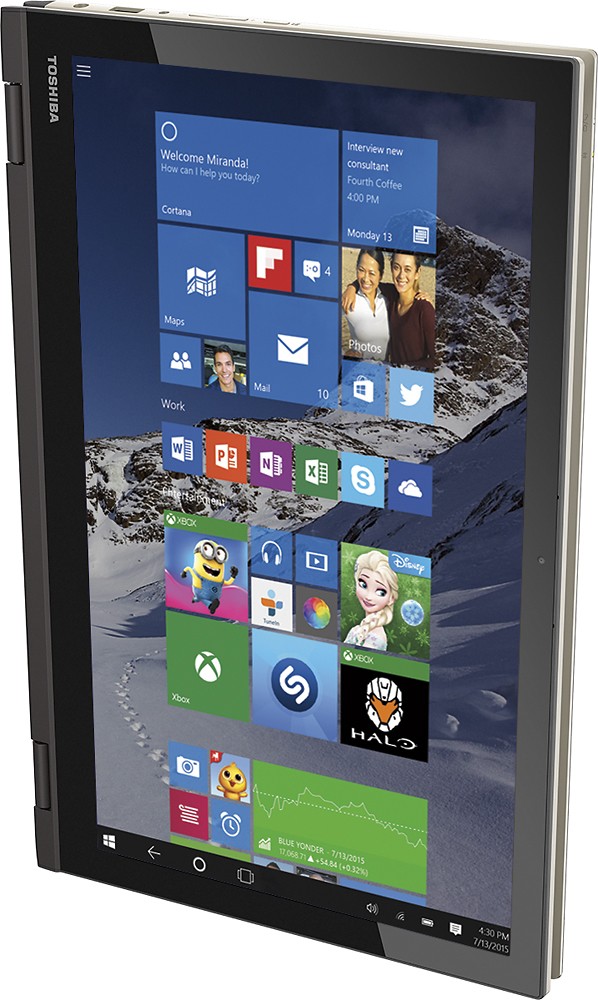
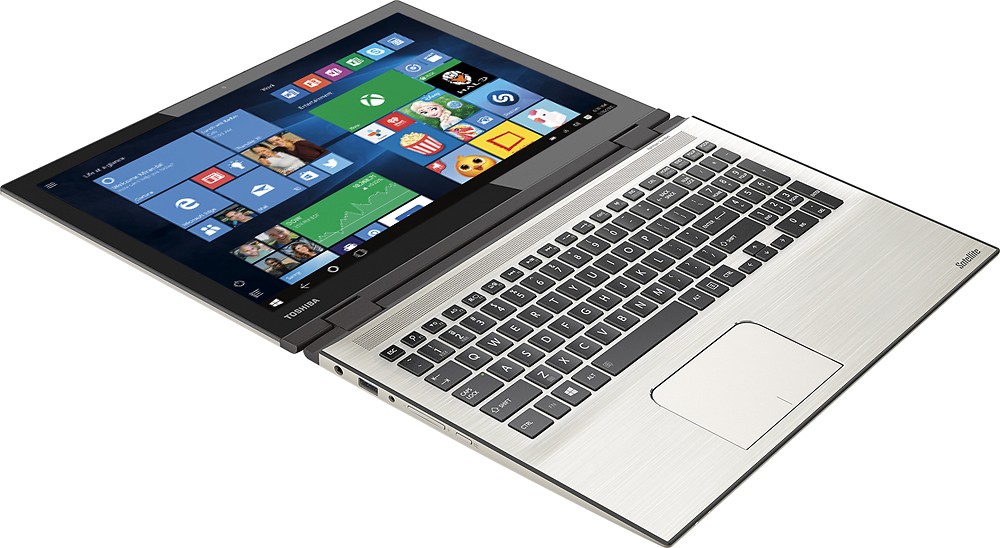
||Posted .This reviewer received promo considerations or sweepstakes entry for writing a review.I love that at 17" it is still lighter than my previous one. I also like the fact that I can open it 360 degrees and make it a tablet and have my grandson sit next to me and work on ABC.mouse with touch screen and large content. Still getting used to going from Vista to Windows 10.
I would recommend this to a friend - Pros mentioned:Price
Rated 5 out of 5 stars
Amazing 2 in 1
||Posted .This reviewer received promo considerations or sweepstakes entry for writing a review.Best laptop/tablet out there especially for the price
I would recommend this to a friend Rated 5 out of 5 stars
Stylish and sleek design
||Posted .This reviewer received promo considerations or sweepstakes entry for writing a review.Toshiba has always been my favorite laptop brand, and now that they have come up with a stylish sleek design, I told myself I have to have this! And with a fast processor Intel I7 and the latest windows 10 with 8G RAM, I got all the best for every buck I spent.
I would recommend this to a friend- Pros mentioned:Touch screenCons mentioned:Battery life
Rated 4 out of 5 stars
Great laptop but has its down sides
||Posted .This reviewer received promo considerations or sweepstakes entry for writing a review.When I first purchased the laptop I was blown away by the performance of the CPU. This laptop can also run some games that are not demanding like team fortress 2, for you people who want to use a laptop for many purposes. But what has good things also has some bad things and one big noticeable one is the battery life. The battery life is like 4 to 4:30 hours long (even though they say it lasts around 6). The problem with that is that that battery life is the same someone would get for a gaming laptop and get better specs for more money buts it's the same thing at the end. Now all I'm saying is if you don't care about battery life and need and i7 then this is a great laptop and also a great tablet. Also windows 10 makes this laptop/tablet hybrid make use of the touchscreen correctly.
I would recommend this to a friend - Pros mentioned:Memory, Touch screen, Windows 10
Rated 4 out of 5 stars
great unit
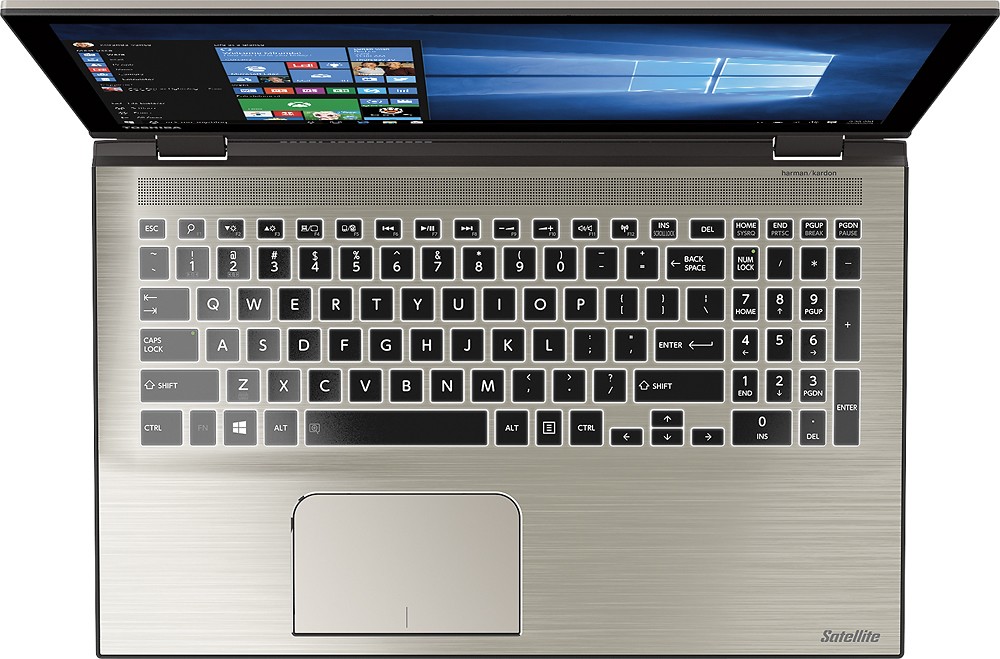
||Posted .This reviewer received promo considerations or sweepstakes entry for writing a review.has great memory, fast speed ,love the key board has numbers very convenient, very comfortable to type lights up. windows 10 great, but too much junk added by Toshiba . only con no disc player
I would recommend this to a friend - Pros mentioned:Fast
Rated 4 out of 5 stars
Impressed, but runs hot.
||Posted .This reviewer received promo considerations or sweepstakes entry for writing a review.I've had my laptop for 2 weeks now, very impressed with the speed, the i7 processor is nice. 1Tb is always good, and 8 GB memory is just what I need for casual gaming and video editing for college. But it gets hot, I run it on an external laptop cooling fan for safety ($30). Yes, quality laptop
I would recommend this to a friend - Pros mentioned:Touch screenCons mentioned:Wifi connectivity
Rated 4 out of 5 stars
Well done Toshiba
||Posted .This reviewer received promo considerations or sweepstakes entry for writing a review.I replaced my old Compaq with this Toshiba after looking for a powerful laptop (i7) . It is everything I was looking for. The outside is a sleek aluminum finish, it is ultra slim and very stylish. The keyboard lights up, which is a nice feature. The screen has a very nice resolution and is just the right size. My only complaint is that the WIFI sometimes gets a little squirrly and doesn't want to connect right away. Great laptop that is worth the money!.
I would recommend this to a friend - Pros mentioned:Fast, Touch screen
Rated 4 out of 5 stars
Good, but Heavy
||Posted .This reviewer received promo considerations or sweepstakes entry for writing a review.It's Fast. It has lots of memory. Curser is pretty much useless, however. It's a good thing it has touchscreen, or the whole thing would be unusable. This is my first laptop, so, I'm not a great judge on how light this should be, but I find this heavy and cumbersome. I wanted to use this for my photography, and this was recommended by the sales rep. I'm still optimistic about using this laptop, though.
I would recommend this to a friend - Pros mentioned:Touch screen
Rated 4 out of 5 stars
Abit better than I expected
||Posted .This reviewer received promo considerations or sweepstakes entry for writing a review.I purchased this laptop to replace a four year old Toshiba. Have always had good luck with them. the screen resolution is superior to any I have had previously, came with Windows 10 (no upgrade hassle and higher end components. Together with Office 365 it has made my transition easier and appears to be working well. However, there is way too much bloatware, even in W10. Somebody at Best Buy or Toshiba should develop a startup app that walks user through how they intend to use it and then show what is available. Better use of the device and less floating bs. I have taken nine programs off the laptop so far, and expect to delete others as time goes by. An example. I did not use Mail, people or calendar in previous laptops but have had trouble syncing email without a 3rd party app that links google and windows. Talking with a Best Buy tech a few weeks later he showed me how an outlook.com account could solve that problem by forwarding my gmail and pop3 accounts to my outlook.com account. Now all my computers and phones are in sync without another purchased app. If there is another thing I would recommend it would be the best way to use the one drive account to do backup and file storage. Learned a lot along the way. .
I would recommend this to a friend - Pros mentioned:Touch screen, Windows 10
Rated 4 out of 5 stars
Excellent laptop
||Posted .This reviewer received promo considerations or sweepstakes entry for writing a review.Bought this laptop to replace an old one whose hard drive was fried. Read all reviews available, felt this was the best buy with the functionality I wanted. The touch screen is much better than I expected, never use the mouse now. Windows 10 takes a little getting used to, but after reading a good deal of the documentation I do like it.
I would recommend this to a friend - Pros mentioned:Memory, Touch screen
Rated 4 out of 5 stars
Love this PC overall
||Posted .This reviewer received promo considerations or sweepstakes entry for writing a review.Toshiba is always my first choice when looking for Laptops at BestBuy. This laptop is great, has great memory, it is Fast with 8GB Ram, it also looks really cool with the flipping touch screen. So far i am enjoying this laptop and i recommend it
I would recommend this to a friend - Pros mentioned:Touch screen
Rated 4 out of 5 stars
Works for me!
||Posted .This reviewer received promo considerations or sweepstakes entry for writing a review.My last Toshiba last 9 years (would've been longer had my cat not spilled soda in it). Yes, 9 years! So that is why I went with Toshiba again. I love that this is touchscreen and the screen quality is amazing. I thought it was cool that it flipped into a tablet though I have yet to use it in that manner and probably never will. My only issue is that the apps seem to crash a lot. This may be an actual Windows error and have nothing to do with the laptop itself. I love the phone companion app and this does everything I need it to do (surf, shop, social media, etc). I do wish it came with a full version of Microsoft Office but I guess those were the good ole days when we got that. I am happy with my purchase! I also recommended this unit to my friend who did end up buying it as well!
I would recommend this to a friend - Pros mentioned:Touch screen, Windows 10
Rated 5 out of 5 stars
Great tablet
||Posted .This reviewer received promo considerations or sweepstakes entry for writing a review.Just a warning. I bought this Toshiba P55W-C5204 to replace my old laptop computer. I didn't realize the battery isn't replaceable, there is no CD/DVD drive, nor is there an ethernet port. I kept it because I can buy a USB CD/DVD drive and USB ethernet dongle later if I choose. (So far I haven't needed either). But when the battery dies, it will become a tablet that must be plugged in at all times. I decided that's ok. I love the resolution of the screen, the fast startup and wi-fi, and Windows 10. Just remember...this is a tablet, not a laptop.
I would recommend this to a friend - Pros mentioned:Memory, Price
Rated 4 out of 5 stars
Good bang for your buck
||Posted .This reviewer received promo considerations or sweepstakes entry for writing a review.We bought this computer for my son. He uses it for school and for pleasure. It is quick and has alot of memory. We felt it gave us the most for under $700.00
I would recommend this to a friend - Pros mentioned:Fast
Rated 4 out of 5 stars
Great clean machine
||Posted .This reviewer received promo considerations or sweepstakes entry for writing a review.I've always favored Toshiba, but the new explorer is not very good. I rely on my favorites tab on internet explorer. And the new system doesn't let you have any saved favorites tab. So I had geek squad download the old explorer into my new PC, and it works fine. The laptop is fast, and reliable. I got a great deal, and I will continue to purchase this brand for a home/ office computer.
I would recommend this to a friend - Pros mentioned:Fast, Touch screen
Rated 5 out of 5 stars
Great for older generation
||Posted .This reviewer received promo considerations or sweepstakes entry for writing a review.My aunt and grandmother asked me to come with them to find a laptop. We went on brand recognition for this one, knowing that Toshiba has always lasted for years in the past. The touch screen functionality is perfect for showing them how to use Windows, and it runs much faster than anything I've had for myself. All in all, they're extremely satisfied.
I would recommend this to a friend Rated 4 out of 5 stars
Good laptop, great for the price
||Posted .This reviewer received promo considerations or sweepstakes entry for writing a review.This computer is tough to beat when you compare specs & price point vs other machines. We like it a lot, using it for mostly browsing/surfing and video watching. I really wanted an optical drive included, but those laptops are, unfortunately, a dying breed. So, I bought this, which works with every Windows computer in the house: http://www.bestbuy.com/site/lg-8x-external-usb-2-0-dvdrw-r-cd-rw-movie-writer-black/9204147.p?id=1219399593234&skuId=9204147
I would recommend this to a friend- Pros mentioned:Fast, Windows 10
Rated 4 out of 5 stars
Great laptop
||Posted .This reviewer received promo considerations or sweepstakes entry for writing a review.The laptop is fast and easy to work with. Thanks to Windows 10, apps are friendlier thab the ones in W8.
I would recommend this to a friend - Pros mentioned:Touch screen
Rated 4 out of 5 stars
Excellent laptop for work and school
||Posted .This reviewer received promo considerations or sweepstakes entry for writing a review.I got the laptop for grad school and translation. I love how fast it starts up and the battery life is amazing. I can use the touchscreen and keyboard interchangeably and it is really light compared to my previous laptops. Only issue was setting up the password, not quite sure what happened while I was trying to create it, but after setting up a Microsoft account (free) I can log in with my email address, which is pretty cool.
I would recommend this to a friend - Pros mentioned:Touch screen
Rated 4 out of 5 stars
great lap top
||Posted .This reviewer received promo considerations or sweepstakes entry for writing a review.Had a few issues with starting and setting up this item at first. For example the WiFi would tell me that there are no wifi in that area and yet there was so I had to turn that off and back on worked but not a few hours later it did the same thing again but after all the updates to it, seems to be working like a charm great computer yes indeed once you get past the road bumps. :)
I would recommend this to a friend