Customer Ratings & Reviews



- Model:
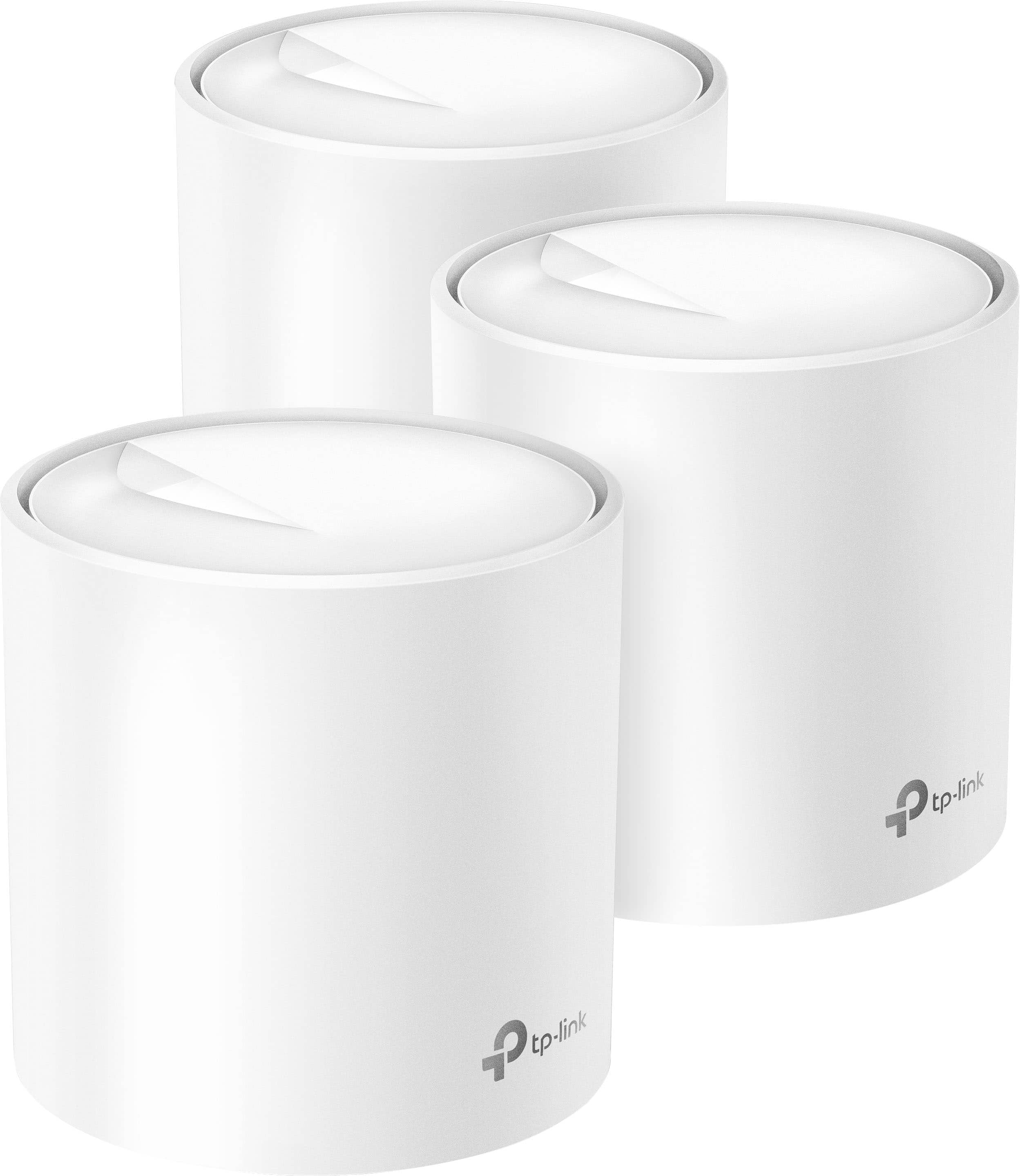
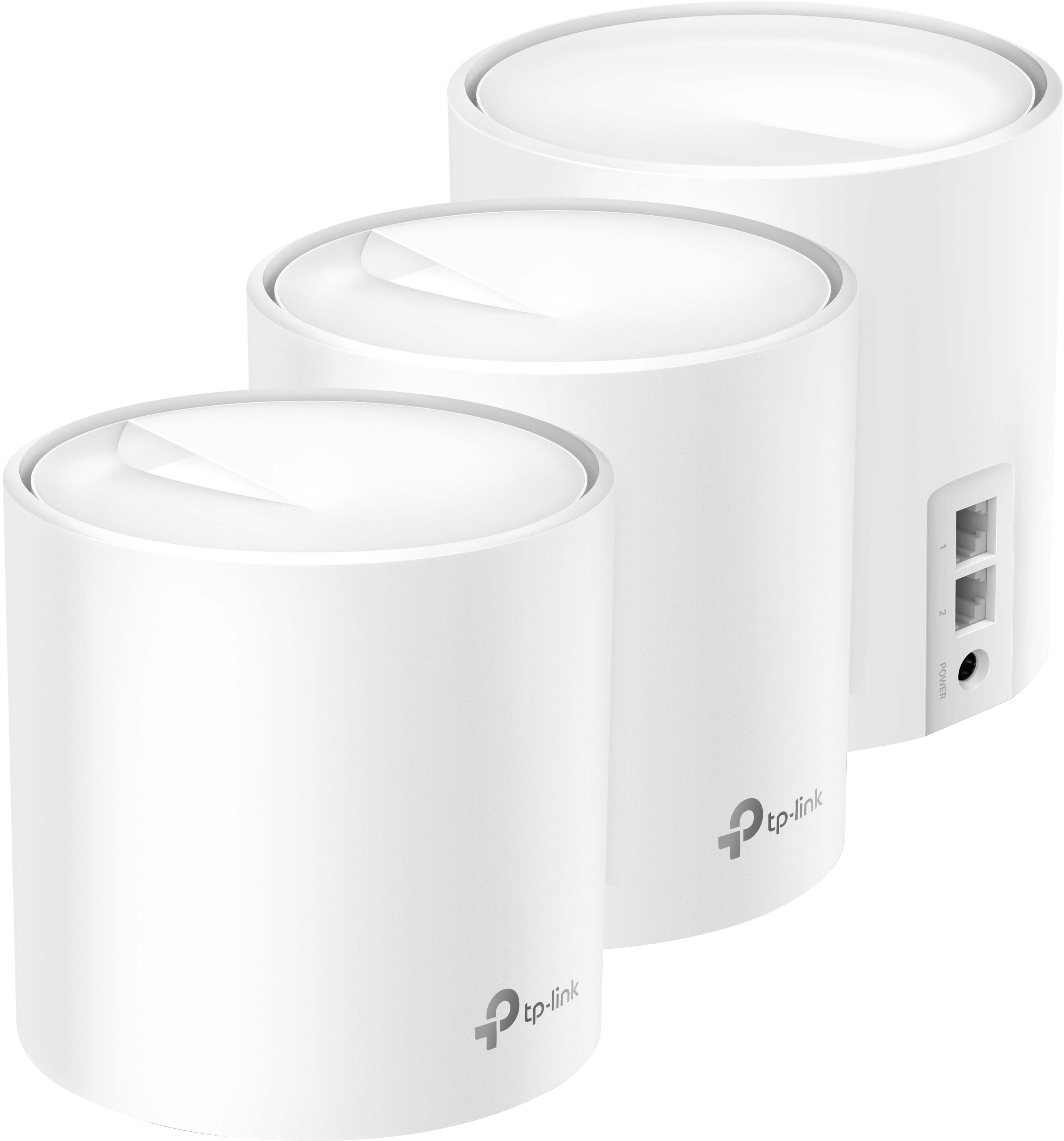
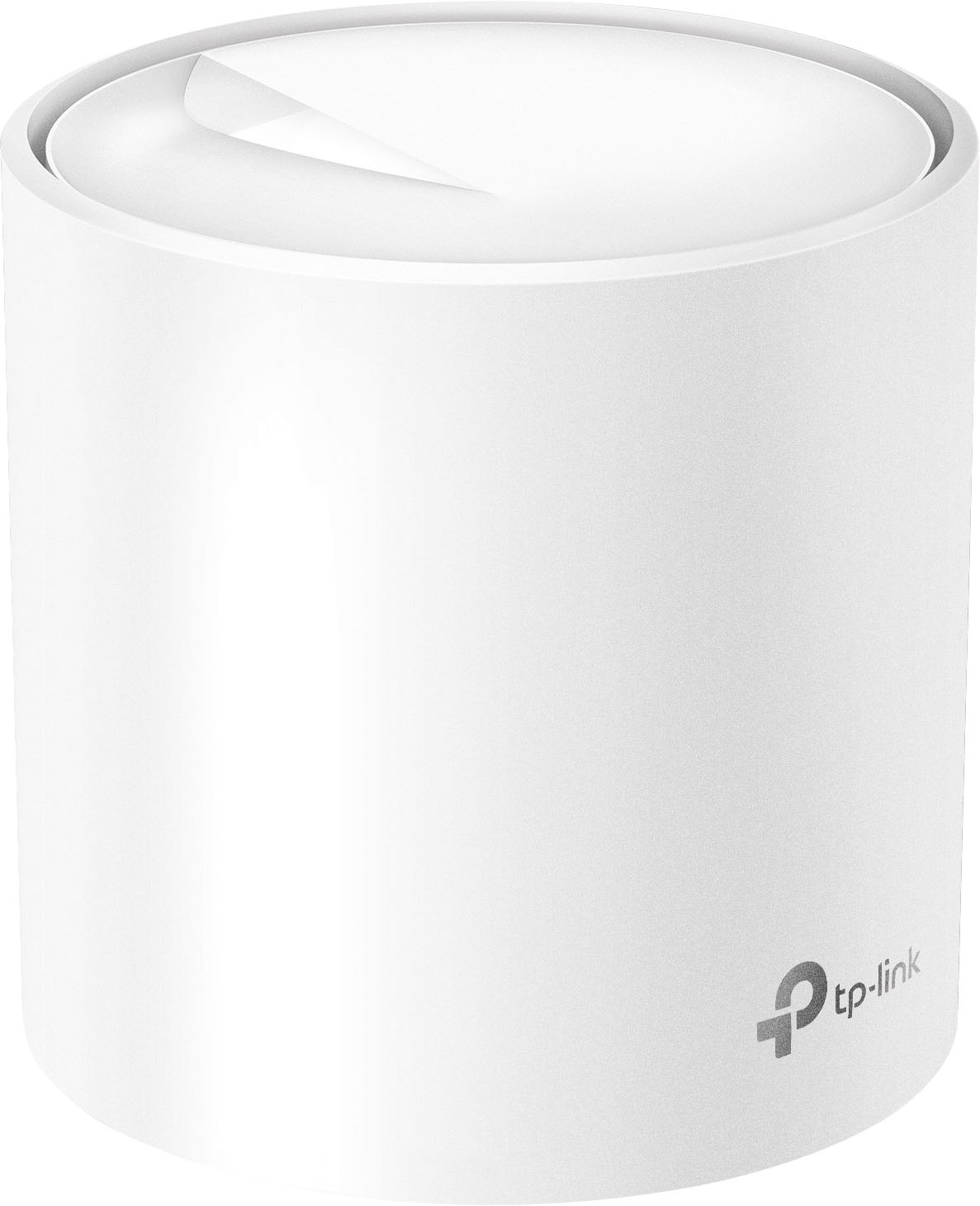
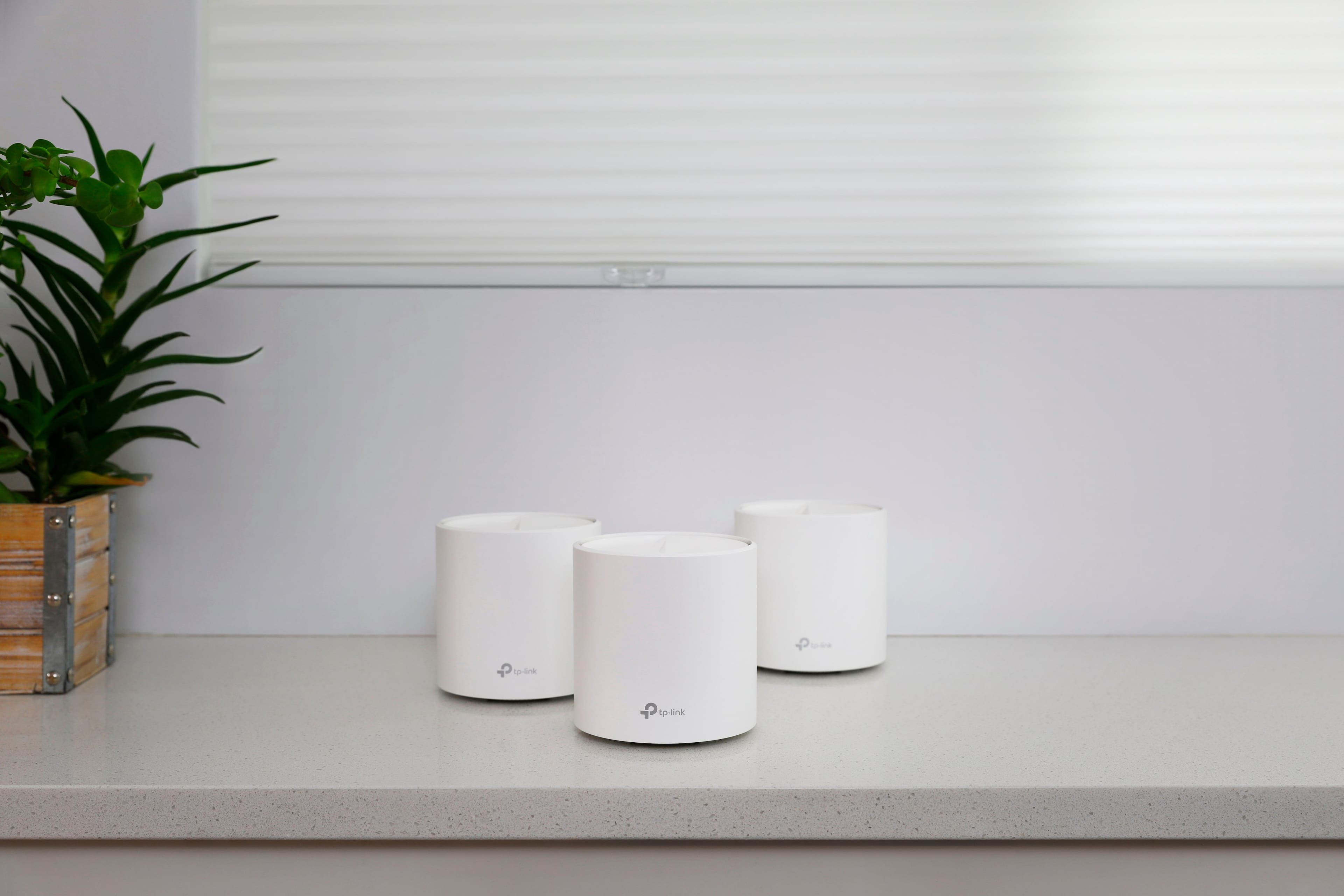
- Deco AX3000 (3-pack)
- SKU:
- 10909307
Rating by feature
- Setup
Rating 4.7 out of 5 stars
- Range
Rating 4.7 out of 5 stars
- Signal Strength
Rating 4.7 out of 5 stars
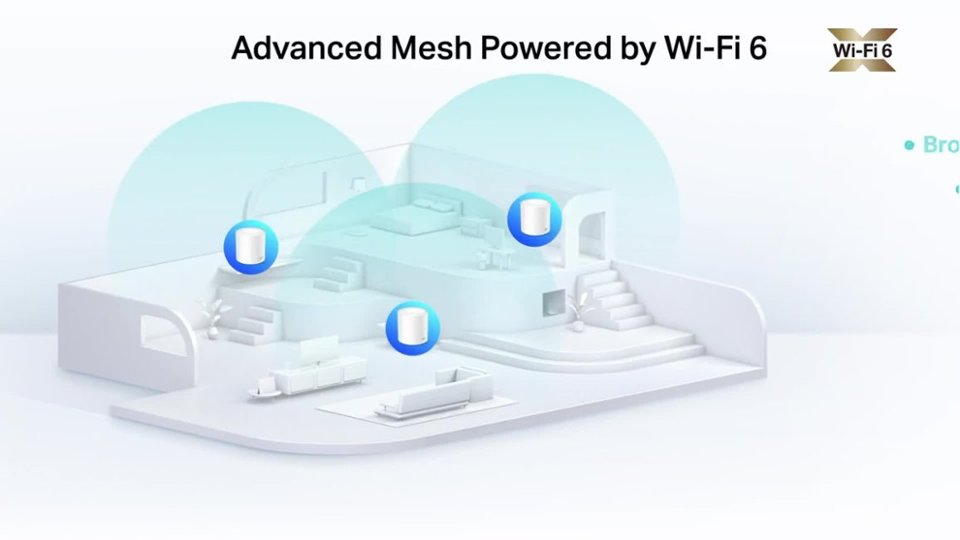
Great for Two story homes
||Posted . Owned for 2 weeks when reviewed.This reviewer received promo considerations or sweepstakes entry for writing a review.They work really great! Internet speeds are way faster than before in the two story house I’m in.
I would recommend this to a friendVery satisfied
||Posted . Owned for 1 month when reviewed.This reviewer received promo considerations or sweepstakes entry for writing a review.Very stable WiFi connection with this device. I have about 40 devices connected
I would recommend this to a friendEnd to internet deadzones in house
||Posted . Owned for 3 weeks when reviewed.This reviewer received promo considerations or sweepstakes entry for writing a review.WOW talk about a lifesaver for Internet issues - using these around my house have every computer, tv and game systems flying Highly recommend
I would recommend this to a friendAwesome wifi
||Posted . Owned for 3 weeks when reviewed.This reviewer received promo considerations or sweepstakes entry for writing a review.Before I bought this item I had a ubiquity access point with my gig internet speed the most I was getting over Wi-Fi was 150 mps after installing Tp link x60 my Wi-Fi Speedtest are constantly 750 mbps all over my house and I have 25 devices connected and adding more stuff for be my smart home all the time, awesome product I highly recommended this product
I would recommend this to a friendVery easy to set-up.
||Posted . Owned for 3 weeks when reviewed.This reviewer received promo considerations or sweepstakes entry for writing a review.The home mesh wi-fi is really easy to set-up and work pretty much out of the box. I connected it to my new router and add each component almost immediately.
I would recommend this to a friendGreat product
||Posted . Owned for 1 month when reviewed.This reviewer received promo considerations or sweepstakes entry for writing a review.Easy set up and clearly improved our wireless access throughout our home
I would recommend this to a friendBest mesh system for the price
||Posted . Owned for 1 month when reviewed.This reviewer received promo considerations or sweepstakes entry for writing a review.This mesh system works great, now my whole house is covered. Set up was easy ut little annoying when it was not recognized
I would recommend this to a friendMy TP-Link Mesh system
||Posted . Owned for 1 week when reviewed.This reviewer received promo considerations or sweepstakes entry for writing a review.After installing my home is covered as stated and no wifi issues like what we were having with the internet provider.
I would recommend this to a friendAmazing wifi!
||Posted . Owned for 3 weeks when reviewed.This reviewer received promo considerations or sweepstakes entry for writing a review.Had a pretty basic setup prior to this purchase didn’t work well would lag like no other. We have a 3300 sqft home and this setup covers the entire home plus more. Awesome you can set priority to which ever devices you choose. Very easy setup. We’re really enjoying our new wifi setup.
I would recommend this to a friendDeco WiFi Mesh
||Posted .This reviewer received promo considerations or sweepstakes entry for writing a review.This WiFi mesh system works as it should. Maximizing the full internet speed from modem.
I would recommend this to a friendTP LINK
||Posted . Owned for 3 weeks when reviewed.This reviewer received promo considerations or sweepstakes entry for writing a review.awesome WIFI ROUTER GO BUY IT IT GOOD FOR 2 STORY HOUSE
I would recommend this to a friendLove it
||Posted . Owned for 3 weeks when reviewed.This reviewer received promo considerations or sweepstakes entry for writing a review.Love it, signal improvement and mb/s rise by 100% , no more signal loss.
I would recommend this to a friendPower house
||Posted . Owned for 1 month when reviewed.This reviewer received promo considerations or sweepstakes entry for writing a review.I Love this item. So easy to configure. So powerful too
I would recommend this to a friendBest Decision I've ever made
||Posted . Owned for 1 month when reviewed.This reviewer received promo considerations or sweepstakes entry for writing a review.The best had the google nest mesh system and has mad problems with wifi speed in my ps5 and xbox got this deco system and now my ps5 and xbox series x are both hardwired and have over 500+ mbps speeds wired
I would recommend this to a friendVery disappointed, but it works(kind of)
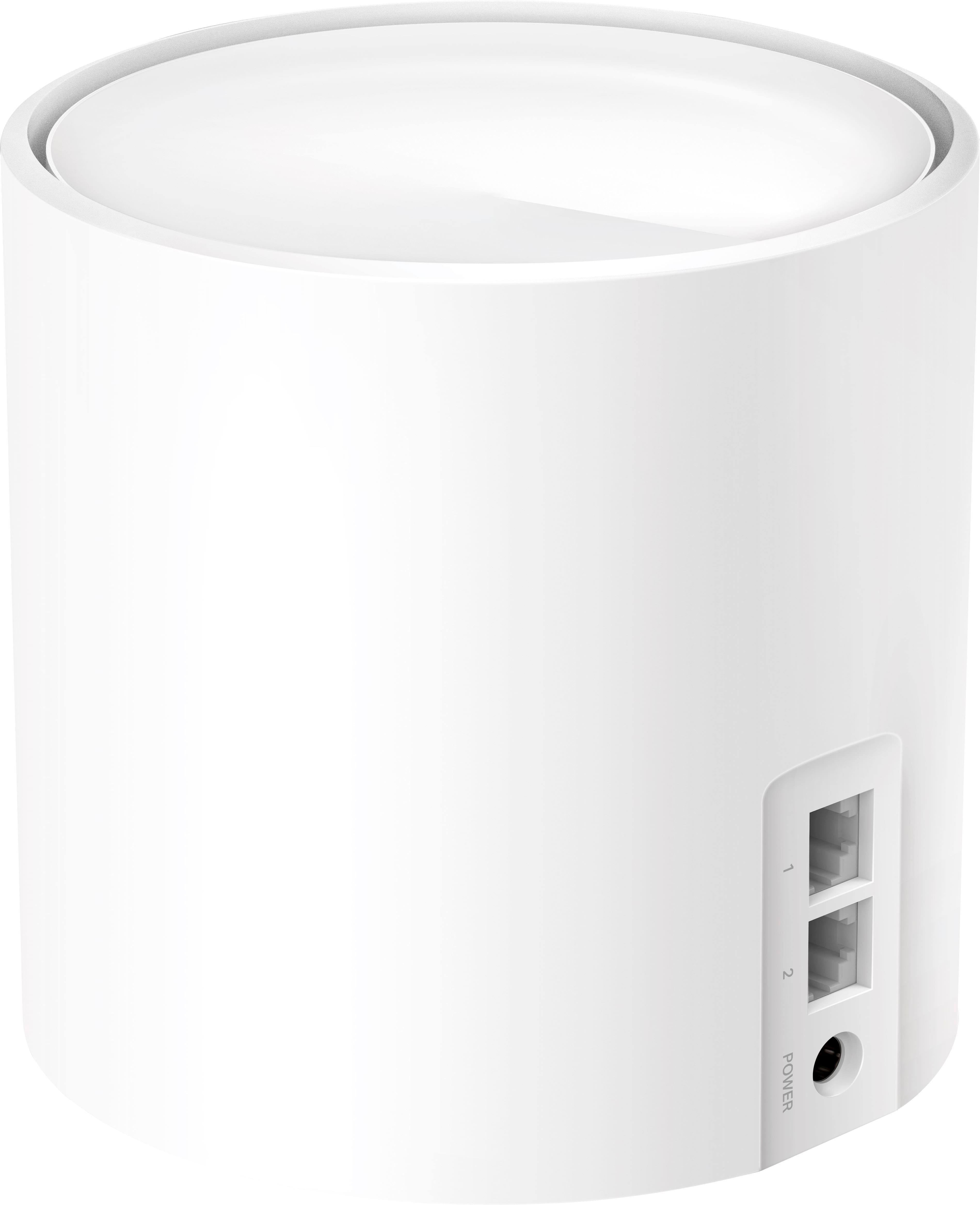
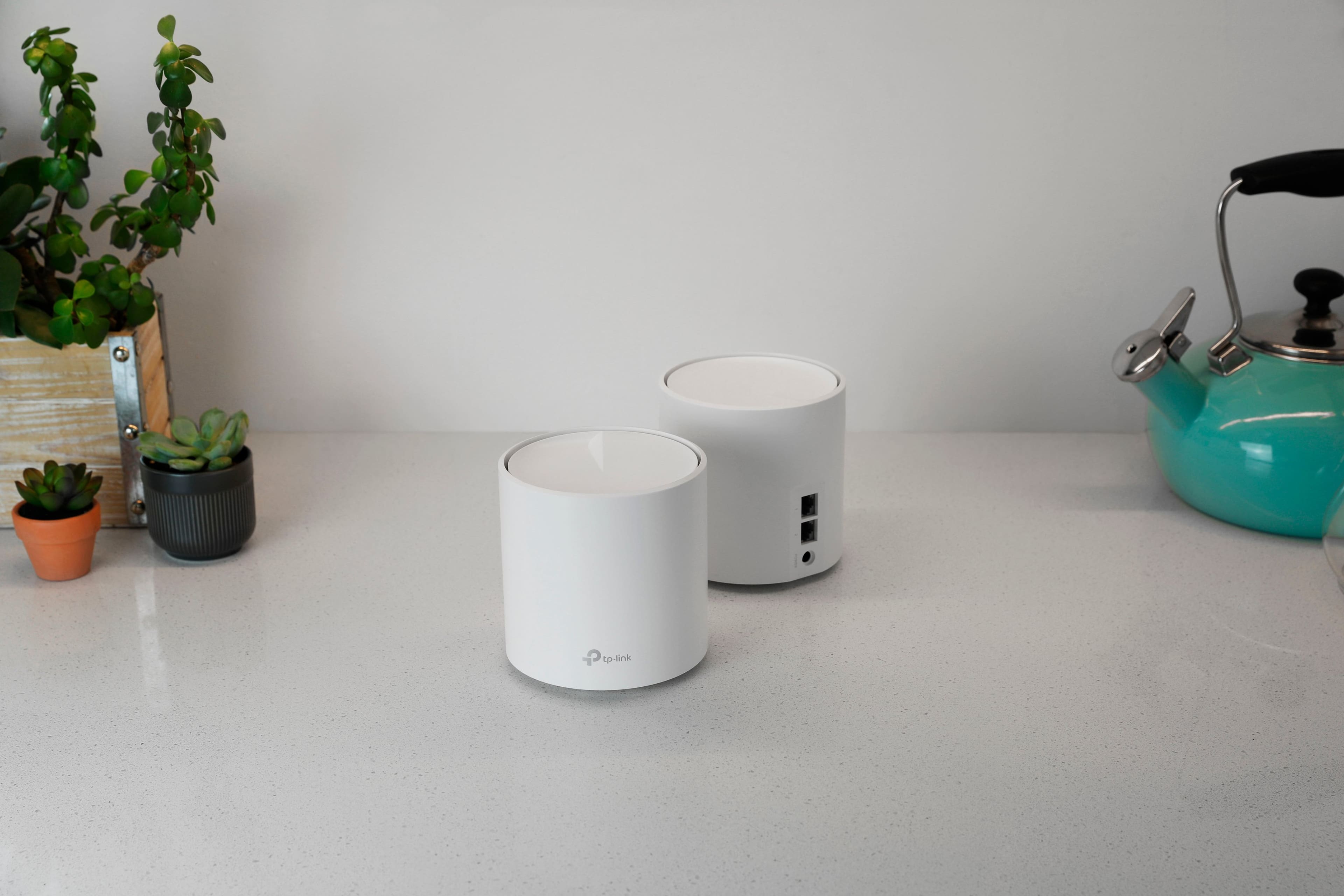
||Posted . Owned for less than 1 week when reviewed.This reviewer received promo considerations or sweepstakes entry for writing a review.The Deci X60 has been nothing but stress to me. When I brought it home I had high expectations that I’d be getting good signal through the house. To start, I was a bit overwhelmed when going to the store seeing all the options. I wanted two things: better range than the router we had, and WiFi 6 for our devices that support it. The Best Buy Employee informed me about this “mesh” technology that helps extend the range in the house, so he led me to this. Got it home and found out there is only two Ethernet ports on the back. One from the modem and one for a device of your choice. I had to buy a switch to connect the other Ethernet devices. It is pitiful there is only one possible connection from the router. The setup was also painful - and took four hours to get everything working. The router would not connect or accept the connection from the modem. The app is pretty cool. You can customize, update and monitor the system. However this is also one of my biggest annoyances: there are settings only available in the app and not on the computer. What kind of idiot thought of that? I strategically placed them throughout the house to get good coverage. I’m still getting complaints from people in the house that they’re dropping signal, even though the user is 6 feet from one of the routers. The “mesh” tech they are pushing on this is extremely underwhelming. The mesh system is very lazy and doesn’t want to switch points to give the strongest connection. Instead, most of the devices connect to just one. And to test the system, I went to the farthest point away from the main router. I’m getting ~1/3 of the performance than when I’m close to the main one. This is just barely batter than when I had just one router, two stories above! All in all, I’m not sure what the hype is about. This lacks a lot of features and barely works the way they advertise.
No, I would not recommend this to a friendBrand response from TPLinkSupport
Posted .Hi,
Thank you for your review. Our Deco Mesh Wi-Fi systems are designed to provide robust, seamless Mesh Wi-Fi for your whole home. In your case, we first recommend ensuring your Deco app and firmware are both fully up to date and your Deco units are optimally positioned within your home and in proximity to each other.
Our support team is always happy to help answer any questions you may have about our products. Please feel free to reach out using any of the resources included with the product, or from our official website, and we'll gladly have a Support Agent follow up with you directly.
Thank you,
TP-Link Support
Awesome!
||Posted . Owned for 1 week when reviewed.This reviewer received promo considerations or sweepstakes entry for writing a review.Excellent product our WiFi jumped from 30gb to 300! Seamlessly fits into home decor and setup was so easy
I would recommend this to a friendDeco- live savior
||Posted . Owned for 3 months when reviewed.This reviewer received promo considerations or sweepstakes entry for writing a review.Tp link deco is life savior, transmits wifi signal is every corner of house
I would recommend this to a friendVery good
||Posted . Owned for 4 months when reviewed.This reviewer received promo considerations or sweepstakes entry for writing a review.Great and fast wifi, probably overkill for an apartment
I would recommend this to a friendGreat Mesh System
||Posted . Owned for 3 weeks when reviewed.This reviewer received promo considerations or sweepstakes entry for writing a review.This the best Mesh systems when looking at bang for your buck.
I would recommend this to a friendSuddenly stops 3-4 times a day
||Posted . Owned for 2 weeks when reviewed.This reviewer received promo considerations or sweepstakes entry for writing a review.I replaced my Google nest Mesh system for this Deco because needed to cover more space around the house it defenely does when is working but it is very unreliable with all the updates and everything these units turn red very easy i never had these problem with my google system plus tried to contact support but it is a nightmare since you have to talk with automatize answer in order to proceed to a customer service that is never available. Going back to a Google Nest Mesh Wifi System
No, I would not recommend this to a friendBrand response from TPLinkSupport
Posted .Hi,
Thank you for your review. Our Deco Mesh Wi-Fi systems are designed to provide robust, seamless, reliable Mesh Wi-Fi for your whole home. In your case, we first recommend ensuring your Deco app and firmware are both fully up to date and your Deco units are optimally positioned within your home and in proximity to each other.
Our support team is always happy to help answer any questions you may have about our products. Please feel free to reach out using any of the resources included with the product, or from our official website, and we'll gladly have a Support Agent follow up with you directly.
Thank you,
TP-Link Support