Customer Ratings & Reviews



- Model:
- Deco AX3000 (3-pack)
- SKU:
- 10909307
Rating by feature
- Setup
Rating 4.7 out of 5 stars
- Range
Rating 4.7 out of 5 stars
- Signal Strength
Rating 4.7 out of 5 stars
Perfect signal everywhere
||Posted . Owned for 3 weeks when reviewed.This reviewer received promo considerations or sweepstakes entry for writing a review.I have range issue with my internet service after installing, deco i have no issues with speed and range covers upto7000 sqfoot great product,not giving 5stars because just used for 1 month yet but no complain
I would recommend this to a friend
Fantastic WiFi 6 System
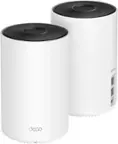
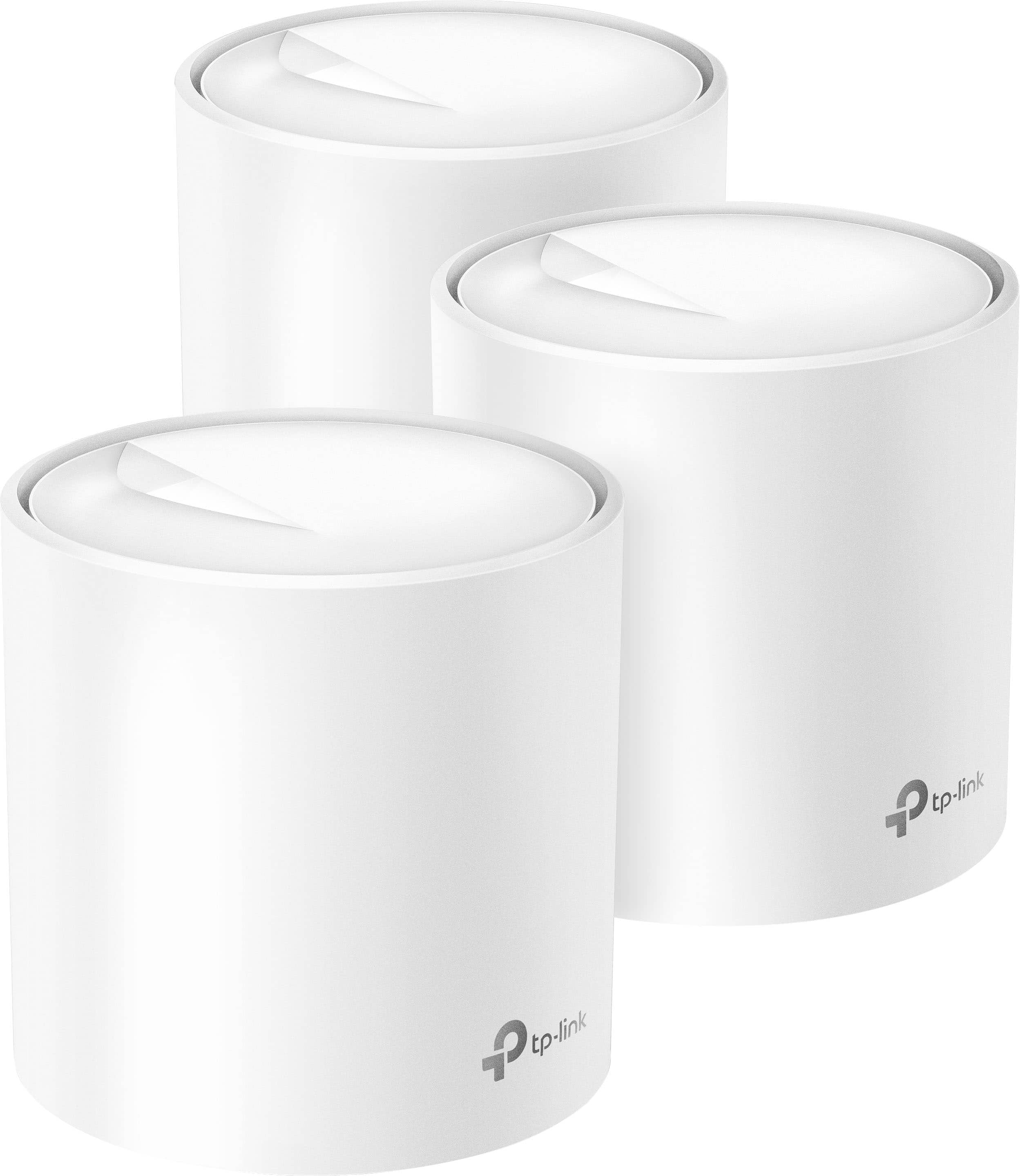
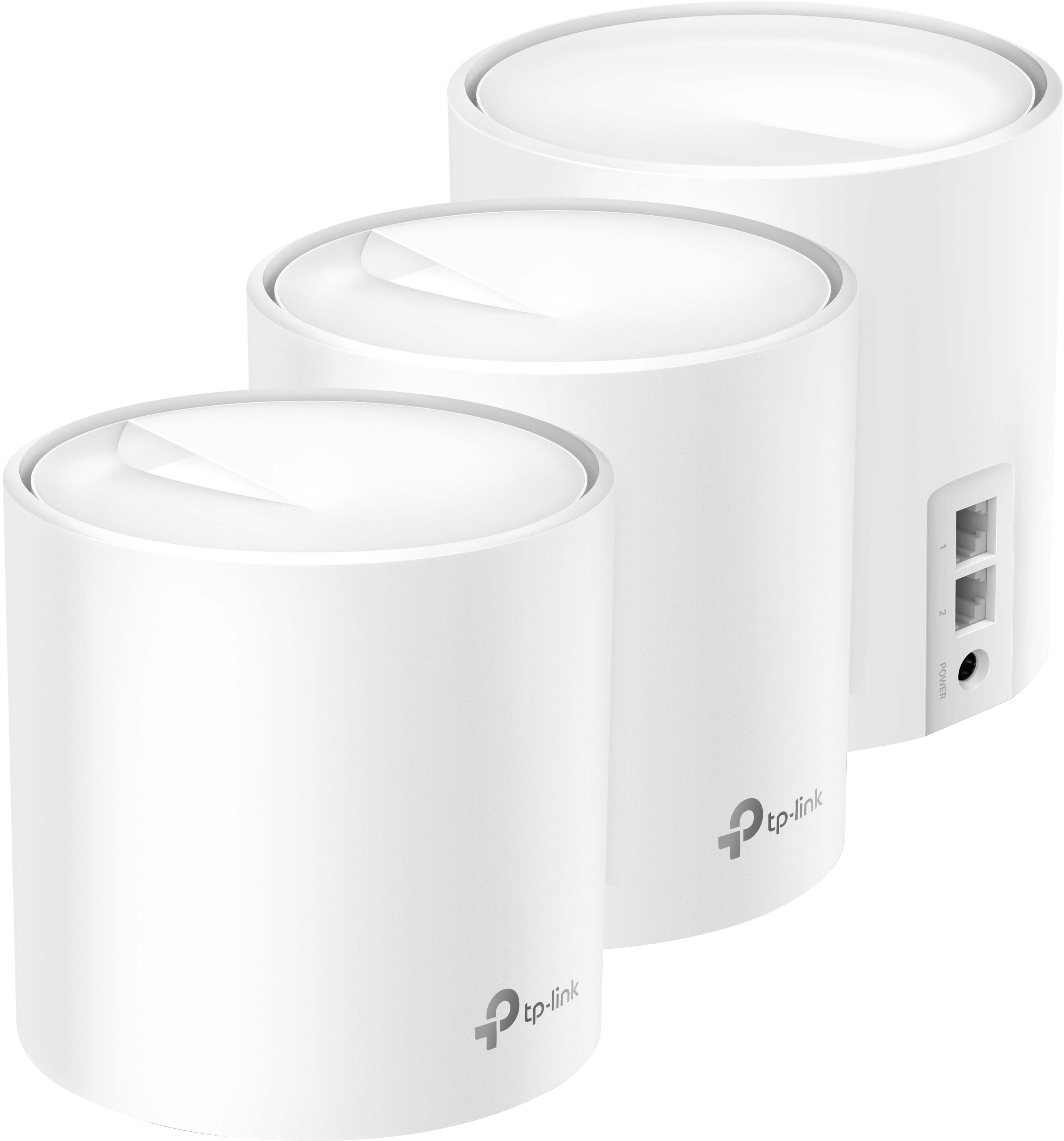
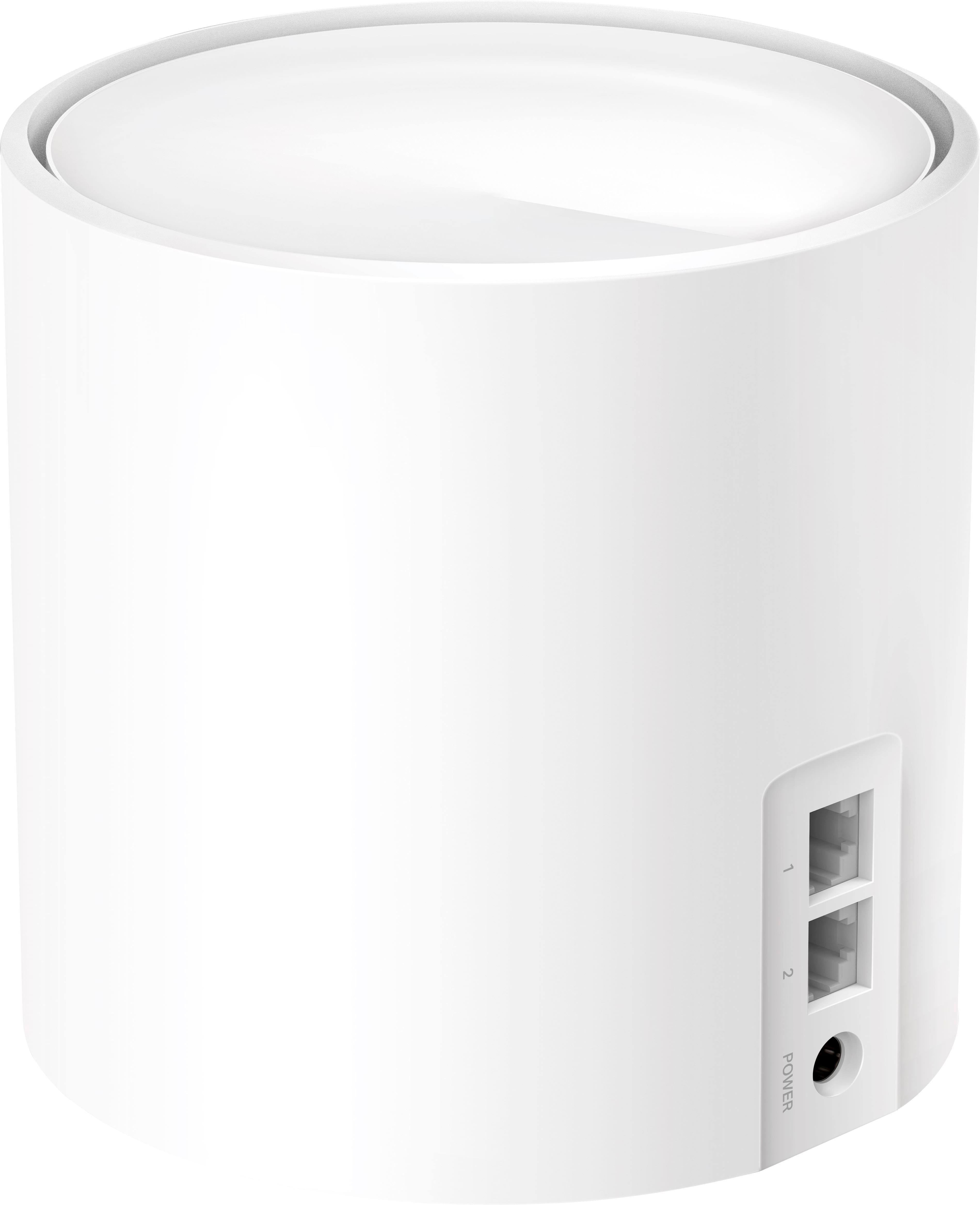
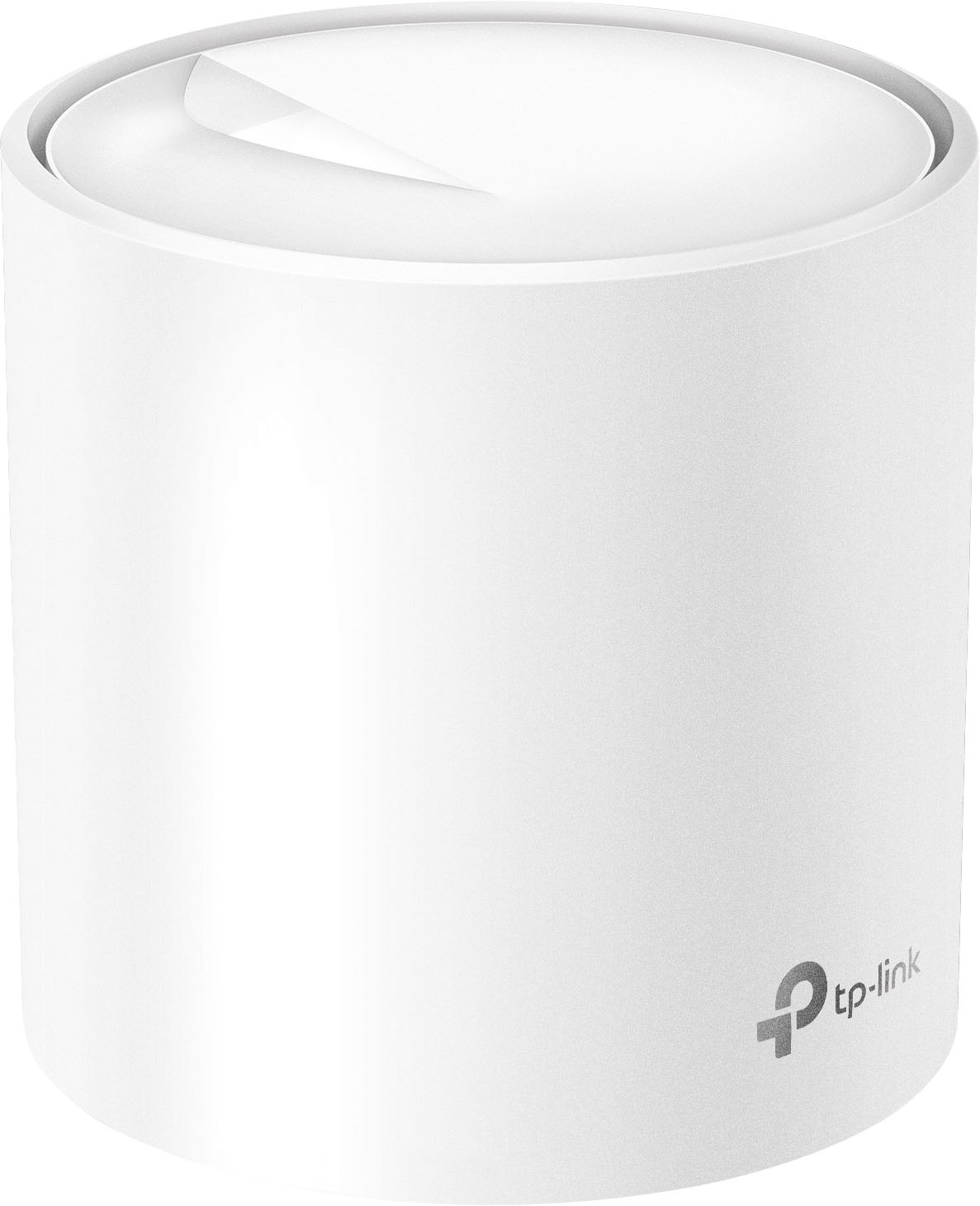
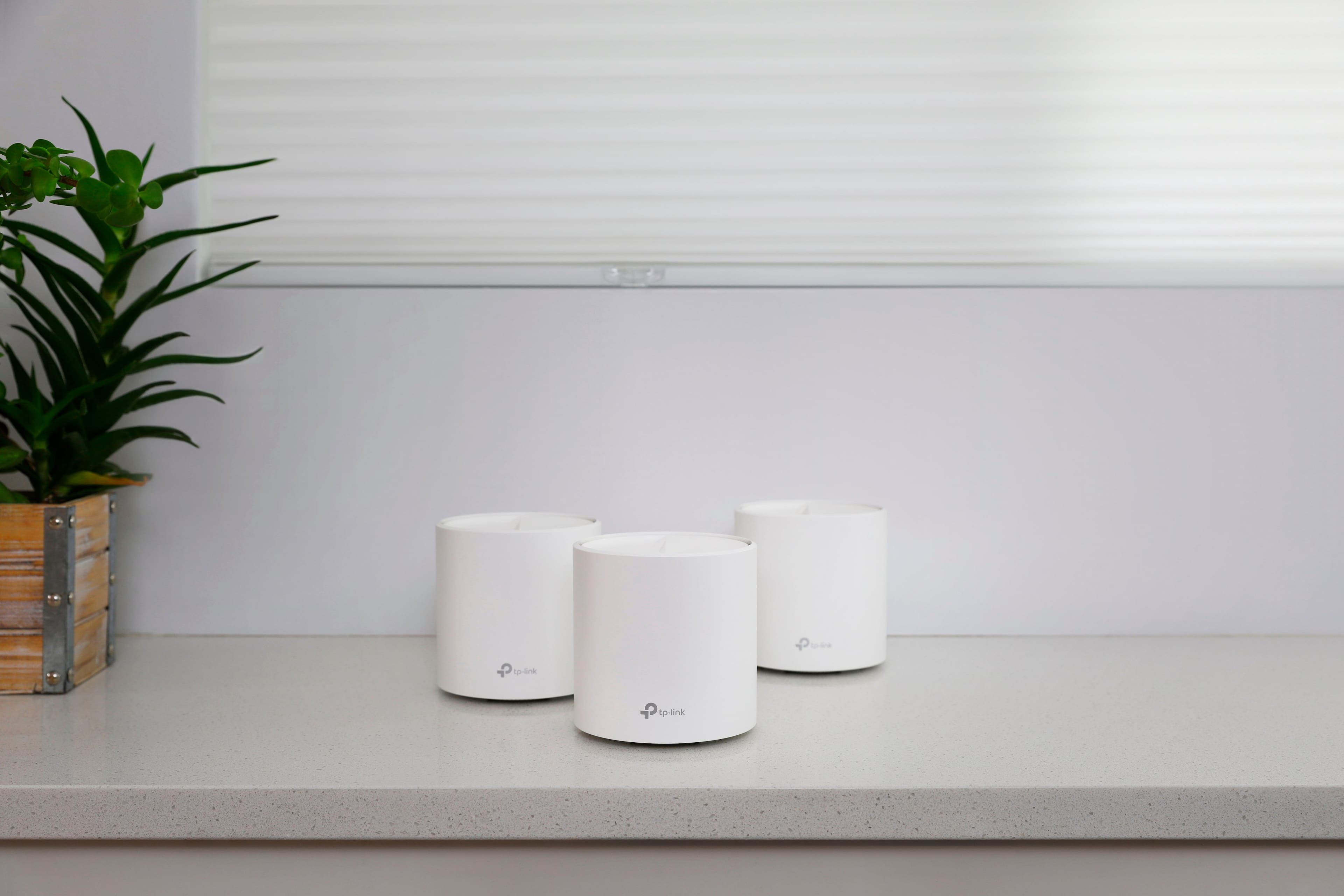
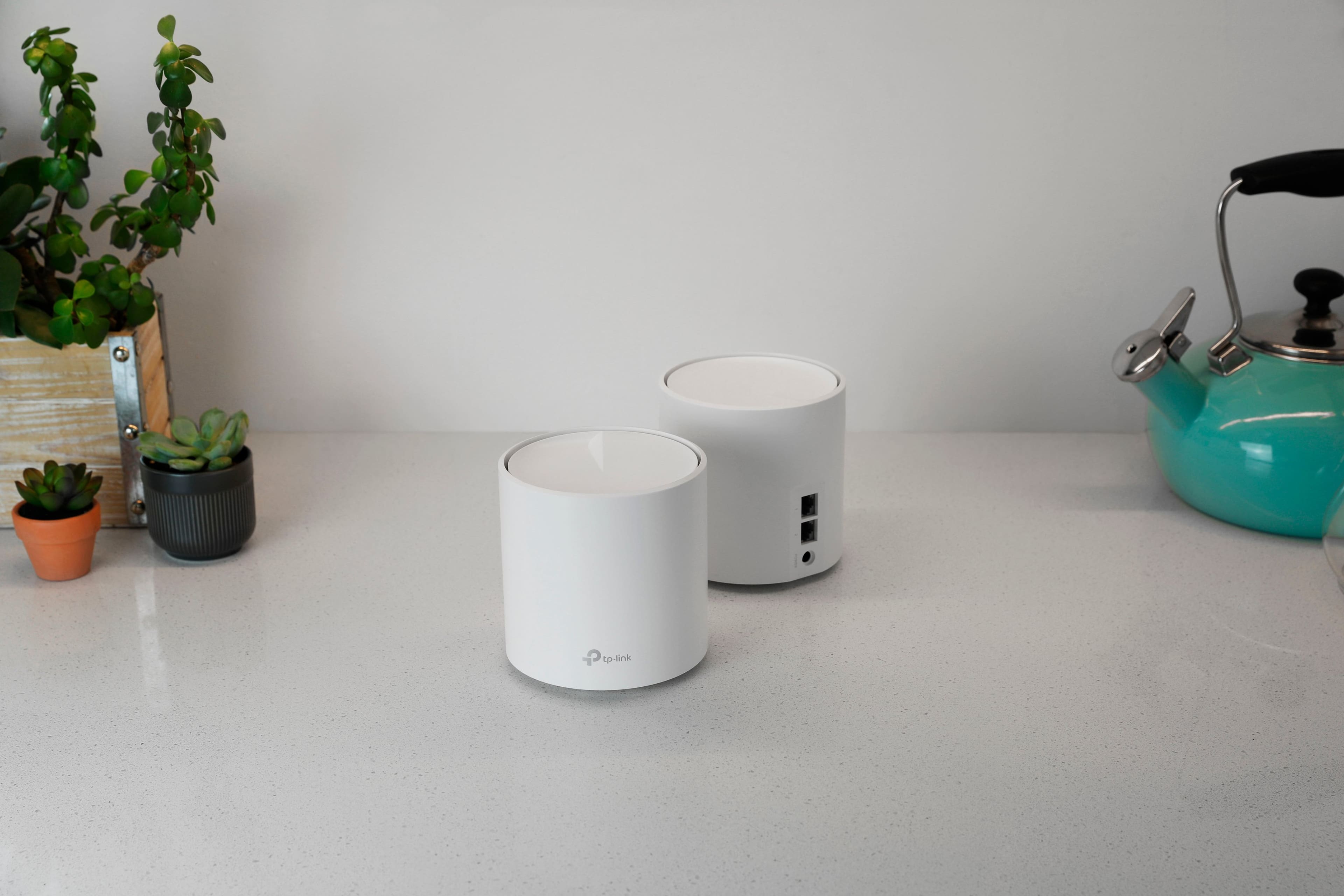
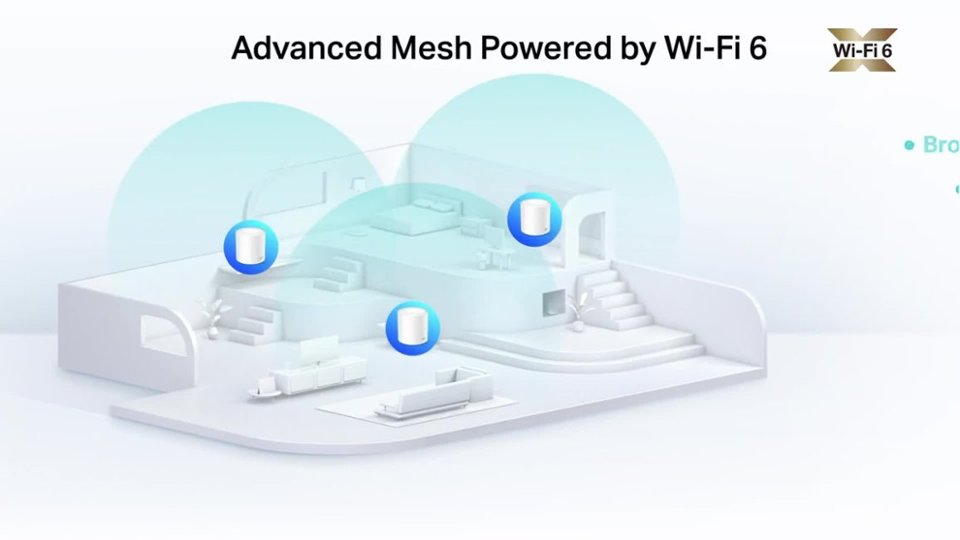
|Posted .This reviewer received promo considerations or sweepstakes entry for writing a review.TP-Link's Deco AX3000 has everything you need to upgrade to or get started with using Wi-Fi 6. Touting easy setup, great security, and longer range, the Deco AX3000 system is certainly a competitor to other Wi-Fi 6 systems. Included in the kit is everything needed to setup: 3 Deco X60 devices, power adapters for each, an ethernet cable to connect one of the X60s to your modem/gateway, and a small manual with a barcode. If you scan the barcode with your phone, it will direct you to your respective app store to download TP-Link's Deco app. I've found that setting up the Deco mesh system is easiest via the app. The app does require you to create an account but this also helps to remotely make changes to your Wi-Fi system as well. Additionally, each X60 is equipped with 2 ethernet ports. Although I work in IT, I found that setting up the mesh system was extremely easy and straightforward. After creating your TP-Link account, the TP-Link Deco app walks through the steps on how to connect and setup your new system. From start to finish, it took me less than 15 minutes to setup the system and start using it to stream content from places in my home where I didn't have signal before! Another thing I would like to note is that after connecting and setting up the first X60 device to your modem/gateway, the other two X60s automatically connected for me upon powering them up. Easy setup! The Deco system also includes multiple features for monitoring access, restricting content (blocking websites and mature content, social media, etc.), and protecting your network from viruses or cyber intruders. To enable the latter, TP-Link works with TrendMicro to provide this security at no cost to you although your data passes through TrendMicro's servers. While this is the trade off for the extra security features, it can be worth it for some for the extra peace of mind. You decide. Other features the system offers is QoS or application priority settings, monthly reports of devices connected and recommendations for security, and UPnP (available with a firmware update). What I loved about the Deco system was the signal range. Being a WiFi 6 Mesh system, this helped extend the range while future proofing. The system touts a 7000 sq. ft range and although I don't have a home with that much square footage, I did have issues with WiFi signal. With my house having several walls in between different areas of my home (I have a 3000 sq. ft home to give an idea), it was difficult to have good Wi-Fi signal in some areas of my home. I've purchased different Wi-Fi extenders and still couldn't achieve the results I was expecting (good signal and decent internet speed). With the Deco system, I not only have signal in areas of my home that were dead spots, but also can stream movies and play videos games without videos buffering or games lagging. While the Deco system does have great signal, I did notice that the speed wasn't as great as before. I was still comfortable with the speed given and while it is sufficient for my needs, it would be nicer to reach closer to the speeds I would originally have if using the internet provider's router. It is a trade off for me but as previously mentioned, I have signal with decent speed (+50mbps) in areas of my home that were dead spots before. Another downside is that it each Deco X60 device doesn't have a USB port and therefore you cannot connect an external storage device. While this isn't a huge downside, for those looking to connect external storage devices, the X60 devices do not support them. Lastly, wireless backhaul isn't supported and can only be accomplished by connecting an ethernet cable to the X60 for which you'd like a wired backhaul to. While not necessary for most people and works well without it, the wireless backhaul feature would've been a nice addition. Overall, I definitely recommend TP-Link's Deco system for those looking to upgrade from their internet providers router or from an older router. It is extremely easy to setup and offers great Wi-Fi range with good bandwidth and speed.
I would recommend this to a friendWould recommend
||Posted . Owned for 7 months when reviewed.This reviewer received promo considerations or sweepstakes entry for writing a review.The quality and range of the Wi-Fi service is great, though a little expensive compared to others. This is the best I’ve found because previously the others would disconnect from my device and had tons of wires connected to the router device
I would recommend this to a friendThis is a must have for weak wifi around the house
||Posted . Owned for 2 months when reviewed.This reviewer received promo considerations or sweepstakes entry for writing a review.It was very easy to set up and my wifi connectivity throughout my house is a night and day difference. I cant believe i didnt purchase a system like this sooner. We couldnt even have a ring camera at our fromt door before because we didnt have wifi signal there, but now i can get 3-400 mbps speed in the same location with this system.
I would recommend this to a friendSo far so good!
||Posted .This reviewer received promo considerations or sweepstakes entry for writing a review.I had to get a new router so I decided to get this mesh system. There were so many to choose from but after some research I ordered the TP-Link Deco set. So far I have had zero problems and absolutely amazing signals throughout my whole house. I used to have horrible dead zones in a few areas of my home but since setting this up I have strong coverage everywhere. Some reviews mentioned the signal dropping but it hasn’t happened to me yet. The setup was super easy and the app is easy to navigate and understand. The price wasn’t too bad either. All in all I’m glad I got this system.
I would recommend this to a friendEasy to setup, works well, with 1 caution
||Posted . Owned for 2 weeks when reviewed.This reviewer received promo considerations or sweepstakes entry for writing a review.This was easy to set up, and it works great for our application in our classic 24'x48' ranch style home. My wife gets good coverage in her she shed, which is about 75 ft from the main unit as the crow flies. Far, far better than my old router & WiFi extenders, where I was only getting 10% of the speed I should get. I now get more than the cable company promised speed of 300 meg regularly. The only caution is use your own cable to connect it to your modem. Cat 5E will work fine for sub gig speeds. When I used the provided cable, I kept getting notices that the cable may be dislodged (it definitely wasn't).
I would recommend this to a friendSolid Choice with Gigabit Speeds Capacity
Posted .This reviewer received promo considerations or sweepstakes entry for writing a review.Great range and easy to set up. The app walked me through everything, and I was done setting up all three units in about 25 minutes. I previously had a Google mesh system first gen that lasted 6+ years but it was time to upgrade, and this was it. Make sure to update the firmware after installation, so as to avoid any warnings on the app. Range is great, 1 of the covered all my devices in the house that previously took 3 of my old mesh systems. To be fair to Google Mesh, I had it for quite some time. They are small and can be placed anywhere and aren't too noticeable.
I would recommend this to a friendThis is a high end system
|Posted .This reviewer received promo considerations or sweepstakes entry for writing a review.Easy setup for such a hi end system. Just download the app and follow the on screen instructions. Our home is 2,200 sq. Ft. And the speed through my ISP is 400mb. One node in the basement another first floor and the 3rd one in a bedroom on the second floor. Speed are all consistent through the home.
I would recommend this to a friendHuge Upgrade – Fast and Easy Setup!
||Posted . Owned for 1 month when reviewed.This reviewer received promo considerations or sweepstakes entry for writing a review.Super easy to set up, took me less than 10 minutes with the TP-Link app. The Wi-Fi is way faster and reaches spots in my house that never had a good signal before. Streaming and gaming are smooth with no lag, and everything just feels more reliable. Definitely worth it if you’re looking to upgrade your router.
I would recommend this to a friendEasy Setup and Outstanding Performance
||Posted . Owned for 4 months when reviewed.This reviewer received promo considerations or sweepstakes entry for writing a review.Upgrading my network to the TP-Link Deco AX3000 was a breeze, and it works fantastically! The setup process was simple and intuitive, making it easy to get the mesh system up and running quickly. The coverage is excellent, providing a seamless, reliable connection throughout my home, even in hard-to-reach areas. With Wi-Fi 6 and gigabit speeds, streaming, gaming, and working across multiple devices have been smooth and lag-free. The sleek, compact design blends into any space without being obtrusive. If you're looking for a straightforward upgrade with powerful performance, the Deco AX3000 is a fantastic choice!
I would recommend this to a friendResolved my WiFi dead zone, but didn't stop there.
||Posted . Owned for 2 weeks when reviewed.This reviewer received promo considerations or sweepstakes entry for writing a review.I had a serious WiFi dead zone in my house, in the worst possible place -- my office, where I work from home 8 hours a day. Also in my son's room, which is in the basement directly below the office. My AT&T modem/router is only 36 feet from my office (with 2 stud/sheetrock walls between), but I was getting almost NO signal to the office. My Samsung Galaxy S9 couldn't even DETECT the signal from the AT&T router. I bought this mesh system thinking it would serve to extend my EXISTING WiFi network. Instead, it created a NEW WiFi network alongside my old one, even when it was placed in "Access Point" (AP) mode. The Deco app states that AP mode "connects to a wired or wireless router via an Ethernet cable and extends the wireless coverage of your existing network." This statement (from the app) is poorly worded -- the existing WiFi network is NOT repeated or extended, it is REPLACED by this new network. The good news is that the new (Deco) WiFi is WAY better than my old (AT&T) WiFi. Strong signal everywhere in the house, and much higher download/upload speeds than before. At first I thought I might have been able to get away with just ONE Deco unit, placed in my office. But that would have meant connecting to one network in the office, and a different network everywhere else. Not ideal. I also tried a TP-Link AC1750 Wi-Fi range extender, which was about 1/5th the cost of the Deco 3-pack. Unlike the Deco, it DID extend the EXISTING WiFi signal, but it did little to increase my signal strength, even though I was able to place it IN my office. In the end, I decided to spend the extra money, keep the 3 Decos, and return the range extender. Also ended up just turning off the AT&T WiFi, and using the Deco exclusively, as it performed SO much better than AT&T. I only regret that I hadn't realized years ago how weak my existing router was.
I would recommend this to a friendExcellent coverage with good speed
|Posted .This reviewer received promo considerations or sweepstakes entry for writing a review.The TP-Link Deco X60 WiFi 6 AX3000 Whole-Home Mesh Wi-Fi System is a terrific solution to build a mesh network across a good size home or area. For me, I have 3000+ sq ft of living space across three floors. We did have our areas of slow performance and dead spots so this was a welcomed addition. My previous solution was adequate, but this is definitely a step up. To start, the TP-Link Deco X60 WiFi 6 AX3000 is super quick to set up. Between the opening directions on the box and the ones in the app, it doesn’t get much easier than this. With the firmware updates, I think the setup time was around 20 minutes. Depending on your location, it could be less since I was trying to find the perfect placement for each cylindrical node. After that, it was just walking through everything on-screen and watching the colors on the nodes. As far as the speed goes, I am very impressed. I performed tests from my laptop, phone, and desktop. The first two were clearly wireless and the latter was hardwired. There was definitely no degradation between solutions as this was an upgrade from my previous mesh solution. I did see some improvement in the wireless speeds and my hope is that I will see more soon. I’m in the progress of upgrading my service with my ISP so I look forward to really testing the speeds after doing so. The ultimate test for networks is when the family is all pounding away at it. Since we have two people working from home full-time and two kids, our network is constantly being asked to perform. My kids were both playing away at their tablets, one gaming and one streaming, while we were both on video conferences. I didn’t see any issues whatsoever. I was super impressed since I was starting to see some lag at various times depending on what we were doing with the old solution. Lastly, I look forward to seeing what the lifetime subscription to HomeCare brings over time. I certainly enjoy the extra parental controls as well as anti-malware settings. This is all pretty easy to establish and use. I have been using the tools for about a week now and found some minor tweaks that I needed to make, but I think that’s normal when changing tools or adding new functionality to your network. Having it all in the palm of my hand is very convenient though. All in all, I found the TP-Link Deco X60 WiFi 6 AX3000 Whole-Home Mesh Wi-Fi System to be very worthwhile and great for our household. I know there are some sites that will claim it’s a mid-level solution at best, but I think that depends on your needs. For our family of four, this more than met those needs and surpassed them.
I would recommend this to a friendGreat Upgrade
||Posted . Owned for 2 months when reviewed.This reviewer received promo considerations or sweepstakes entry for writing a review.I had recently upgraded my internet from 200mbps to 1gbps. I was running a Nighthawk Modem paired with the Orbi RBR50 wifi mesh system, but after upgrading my speed realized the Orbi could not go higher than 200mbps. So I needed something new but the newer Orbi systems are a little pricey. So, I went to Best Buy to check out this Deco system I had heard about. Best Buy had it in stock and after comparing it with some systems that were double in price, the features on this are awesome. Does everything I need, easy install, covers the whole house, app capabilities, etc. This system is great and has been well worth the purchase. From gaming, streaming, content creation, this handles it all with ease. Great wifi system, you won’t be disappointed.
I would recommend this to a friendExcellent Coverage
||Posted . Owned for 1.5 years when reviewed.This reviewer received promo considerations or sweepstakes entry for writing a review.Easy setup, Excellent coverage. Would buy again for other projects.
I would recommend this to a friendEasy to use mesh system
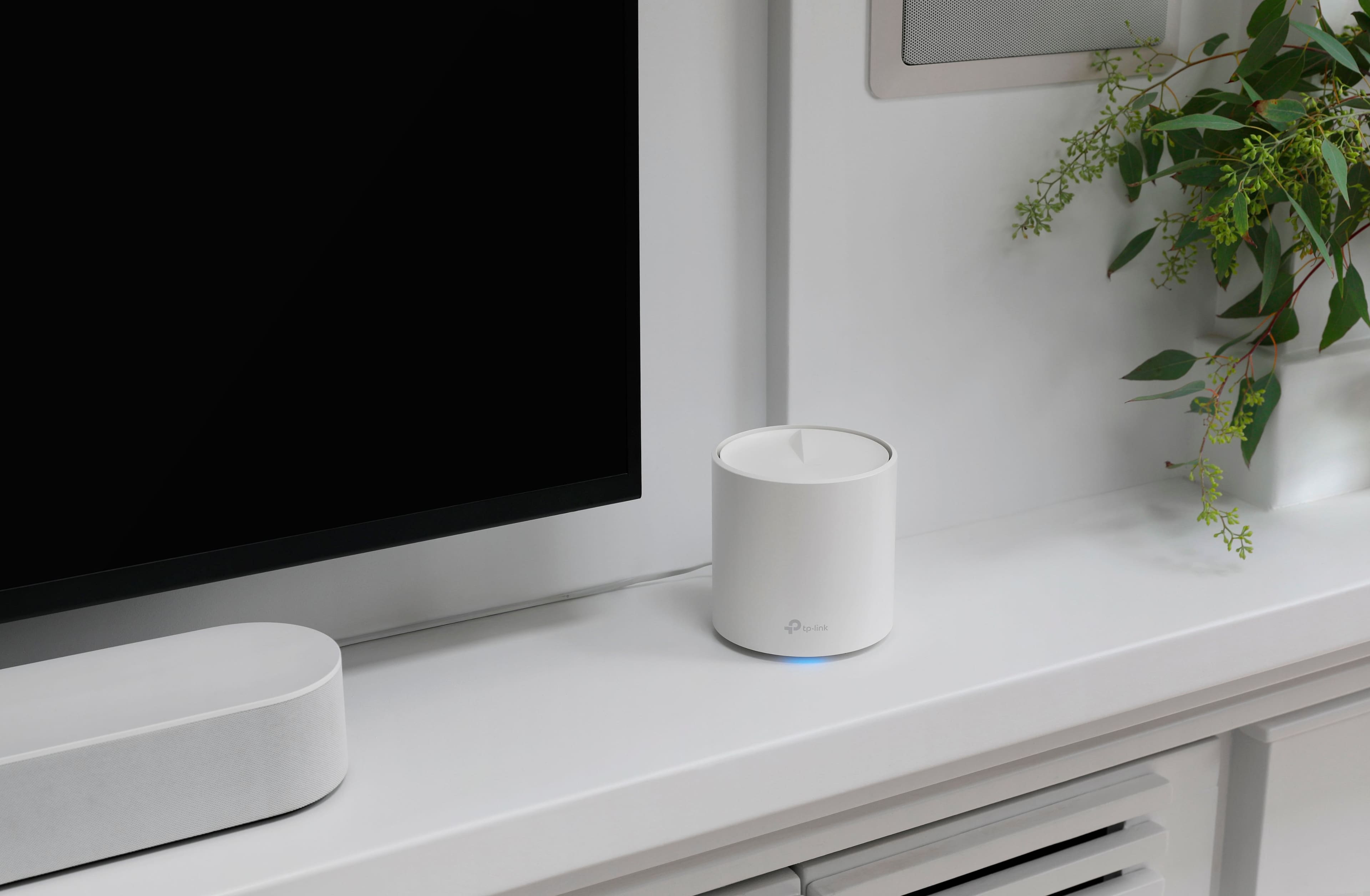
||Posted .This reviewer received promo considerations or sweepstakes entry for writing a review.This is an easy to set up mesh system that gives you good internet access to all areas of your home and even outside.
I would recommend this to a friendPerfect
||Posted .This reviewer received promo considerations or sweepstakes entry for writing a review.Easy set up. Works perfectly and has resolved my issues with spotty coverage within my home. We can now move from room to room and floor to floor without lags or interruptions in coverage. LOVE IT.
I would recommend this to a friendGreat performance for price
||Posted . Owned for 3 weeks when reviewed.This reviewer received promo considerations or sweepstakes entry for writing a review.My old router was good for 2k sq ft one level home but, not for current 4 level house. This new mesh system really made a huge difference. All rooms are now 200 mbs to 400 mbs on WiFi uploads. Was able to connect all 3 nodes to wired network. I have 500 mbs network speed wired from Spectrum which is always a little above that. Setup was easy with Deco app on IPhone 14. Can’t beat price on sale at Best Buy for this performance.
I would recommend this to a friendGets the job done
||Posted . Owned for 1 year when reviewed.This reviewer received promo considerations or sweepstakes entry for writing a review.not great, but not the worse mesh devices I have ever used. Easy to setup and do give very decent coverage around the house. Not many features really outside of that. It is what it is for the price a very nice value. Nothing different imho from the X25 set I also own.
I would recommend this to a friendBrand response from TPLinkSupport
Posted .Hi LazerTag,
Thank you for your feedback. Our Deco Mesh Wi-Fi systems are designed to deliver robust, seamless Mesh Wi-Fi throughout your home. In your case, we first recommend ensuring that your Deco app and firmware are fully up to date, and that your Deco units are optimally positioned within your home and in optimal proximity to each other.
Our support team is always available and happy to assist with any questions you may have about our products. Feel free to contact us through any of the resources provided with the product or on our official website, and a Support Agent will follow up with you directly.
Thank you,
TP-Link Systems Support
Excellent Whole-Home Wi-Fi
||Posted . Owned for 6 months when reviewed.This reviewer received promo considerations or sweepstakes entry for writing a review.Super easy setup, strong coverage in every room, and fast, reliable speeds. Perfect upgrade for seamless Wi-Fi across the house.
I would recommend this to a friendWow! The mesh system is a must have!
||Posted . Owned for 1 month when reviewed.This reviewer received promo considerations or sweepstakes entry for writing a review.My home internet was giving us issues with pixels not fully integrated, lag time and buffering while watching movies.. it was very frustrating to say the least. The mesh system is amazing. We have a 2 story 3400 sq ft home. The mesh system enhanced our internet to the next level. While we live in an area that does not have fiberobtic internet available the mesh system enhanced our satellite system as if we do. Our speeds and quality are fantastic even for our gamer! This system is a must if your having any issues at all, it will most certainly clear them up. Set up is easy, range is fantastic inside the house and throughout our yard.
I would recommend this to a friend