The vast majority of our reviews come from verified purchases. Reviews from customers may include My Best Buy members, employees, and Tech Insider Network members (as tagged). Select reviewers may receive discounted products, promotional considerations or entries into drawings for honest, helpful reviews.
Page 2 Showing 21-40 of 43 reviews
Rated 4 out of 5 stars
Works
|
|
Posted .
This reviewer received promo considerations or sweepstakes entry for writing a review.
Fine, it works but took a few minutes longer to set up than i expected. Range isn't quite as good as I'd want.
I would recommend this to a friend
Rated 5 out of 5 stars
No More Dropped Wifi
|
|
Posted . Owned for 3 months when reviewed.
This reviewer received promo considerations or sweepstakes entry for writing a review.
No more dropped WiFi in our 2-story home. Great value and a need for larger homes with multiple on-line devices.
I would recommend this to a friend
Pros mentioned:
Speed
Rated 5 out of 5 stars
Awesome mesh routing
|
|
Posted . Owned for 3 weeks when reviewed.
This reviewer received promo considerations or sweepstakes entry for writing a review.
It's easy to set up, the internet is fast, and it's very advanced
I would recommend this to a friend
Rated 5 out of 5 stars
Great MESH system
|
|
Posted .
This reviewer received promo considerations or sweepstakes entry for writing a review.
This MESH system has been amazing. Great speeds and never lost connectivity. Worked great with my iOT network. This has helped connect 2 servers through 10gb ethernet.
I would recommend this to a friend
Rated 5 out of 5 stars
Very excellent product!!!!!
|
|
Posted . Owned for 1 week when reviewed.
This reviewer received promo considerations or sweepstakes entry for writing a review.
I’ve always liked Deco and this is a perfect buy!!
I would recommend this to a friend
Rated 5 out of 5 stars
Excellent
|
|
Posted . Owned for 3 weeks when reviewed.
This reviewer received promo considerations or sweepstakes entry for writing a review.
Very easy to setup. the range is impressive. Very satisfied.
I would recommend this to a friend
Rated 5 out of 5 stars
Best Router
|
|
Posted .
This reviewer received promo considerations or sweepstakes entry for writing a review.
It the best router I have used for business in 10 years
I would recommend this to a friend
Rated 5 out of 5 stars
Great router
|
|
Posted .
This reviewer received promo considerations or sweepstakes entry for writing a review.
Pretty good but hard to set up. Does require the wired backhaul to get the best performance
I would recommend this to a friend
Rated 5 out of 5 stars
Rock solid
|
|
Posted . Owned for 3 weeks when reviewed.
This reviewer received promo considerations or sweepstakes entry for writing a review.
Setup was very easy; adding additional units very easy. It has been rock solid since installation.
I would recommend this to a friend
Rated 5 out of 5 stars
Simplicity
|
|
Posted . Owned for 1 week when reviewed.
This reviewer received promo considerations or sweepstakes entry for writing a review.
Easy set up & great coverage! Doesnt require a degree in networking.
I would recommend this to a friend
Rated 4 out of 5 stars
Only 1 10G port
|
|
Posted .
This reviewer received promo considerations or sweepstakes entry for writing a review.
Only 1 10G Port. Needs 2 10G ports for in and another for out.
I would recommend this to a friend
Pros mentioned:
App usability, Coverage, Speed
Rated 5 out of 5 stars
Feature rich, with outstanding Wi-Fi performance
|
Posted .
This reviewer received promo considerations or sweepstakes entry for writing a review.
Wi-Fi is an integral part of our home’s infrastructure, second only to electricity and maybe plumbing. Long gone are the days of setting up the Wi-Fi router from your ISP in some corner of your home and feeding the handful of devices you may have. Now with everyone in the house having multiple devices – phones, tablets, smart watches, computers, and not to mention the proliferation of IoT, you need more coverage and a quality signal to meet today’s demand on your home network. Here is where the TP-Link Deco Wi-Fi 7 steps in.
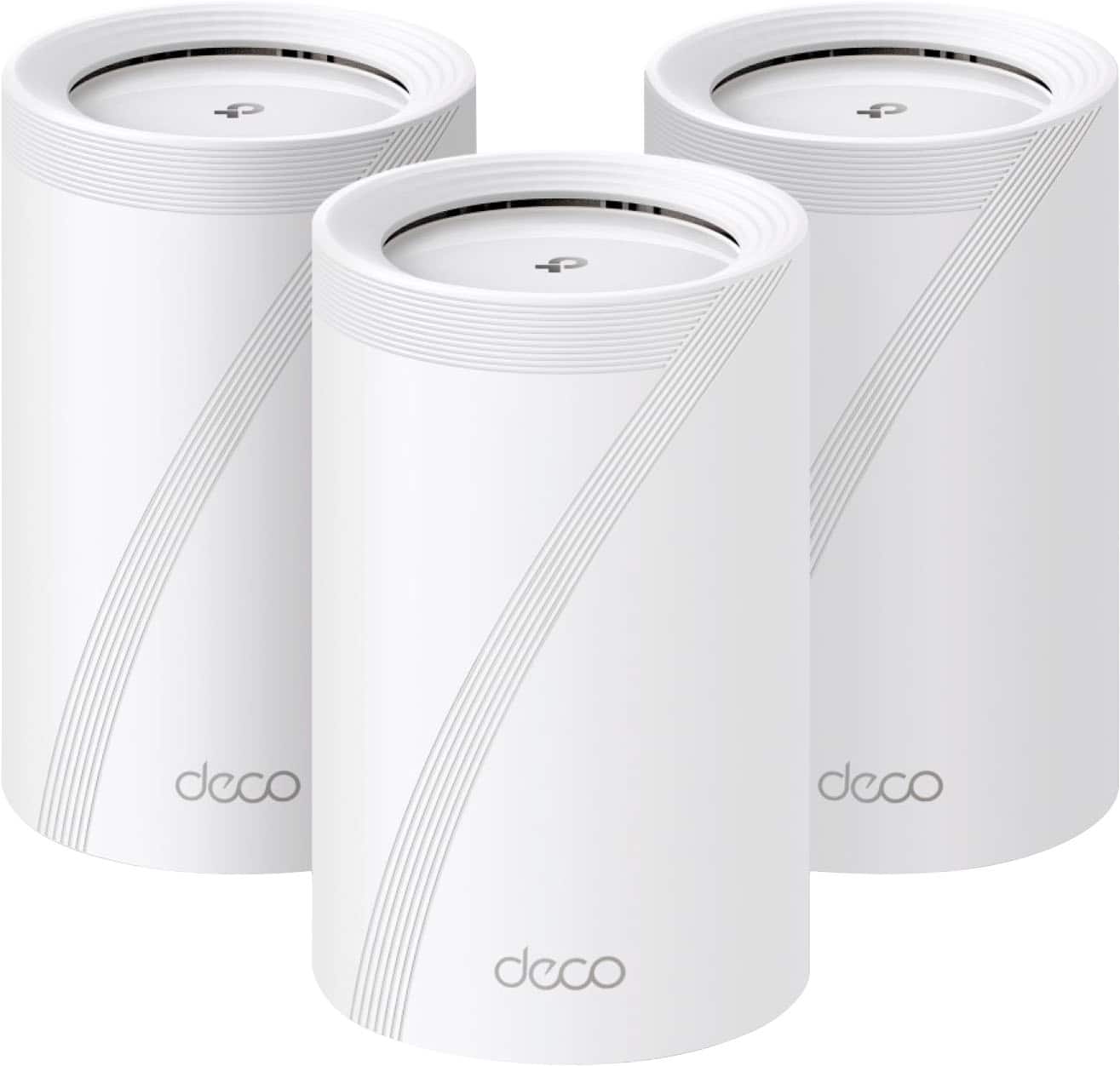
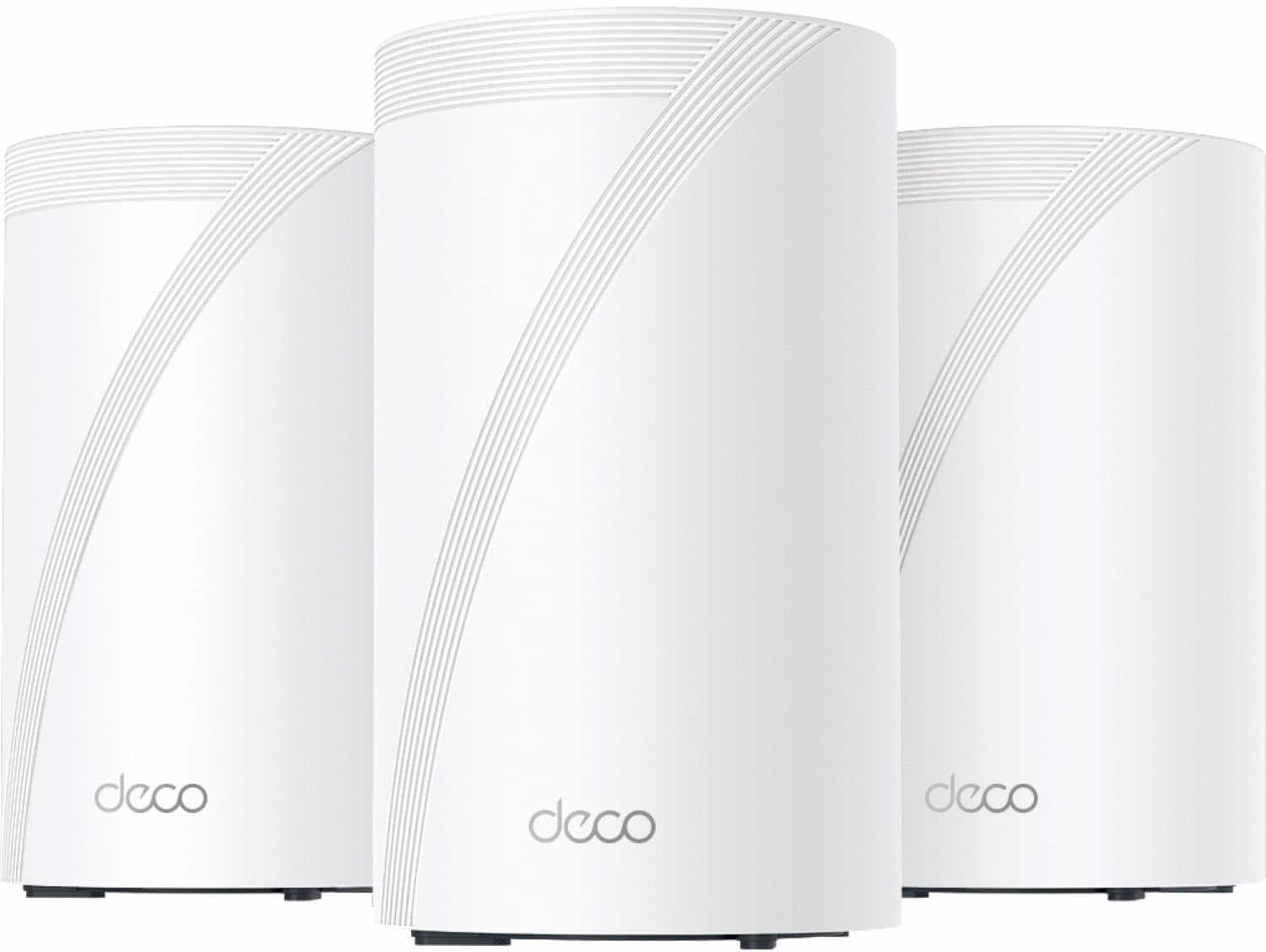
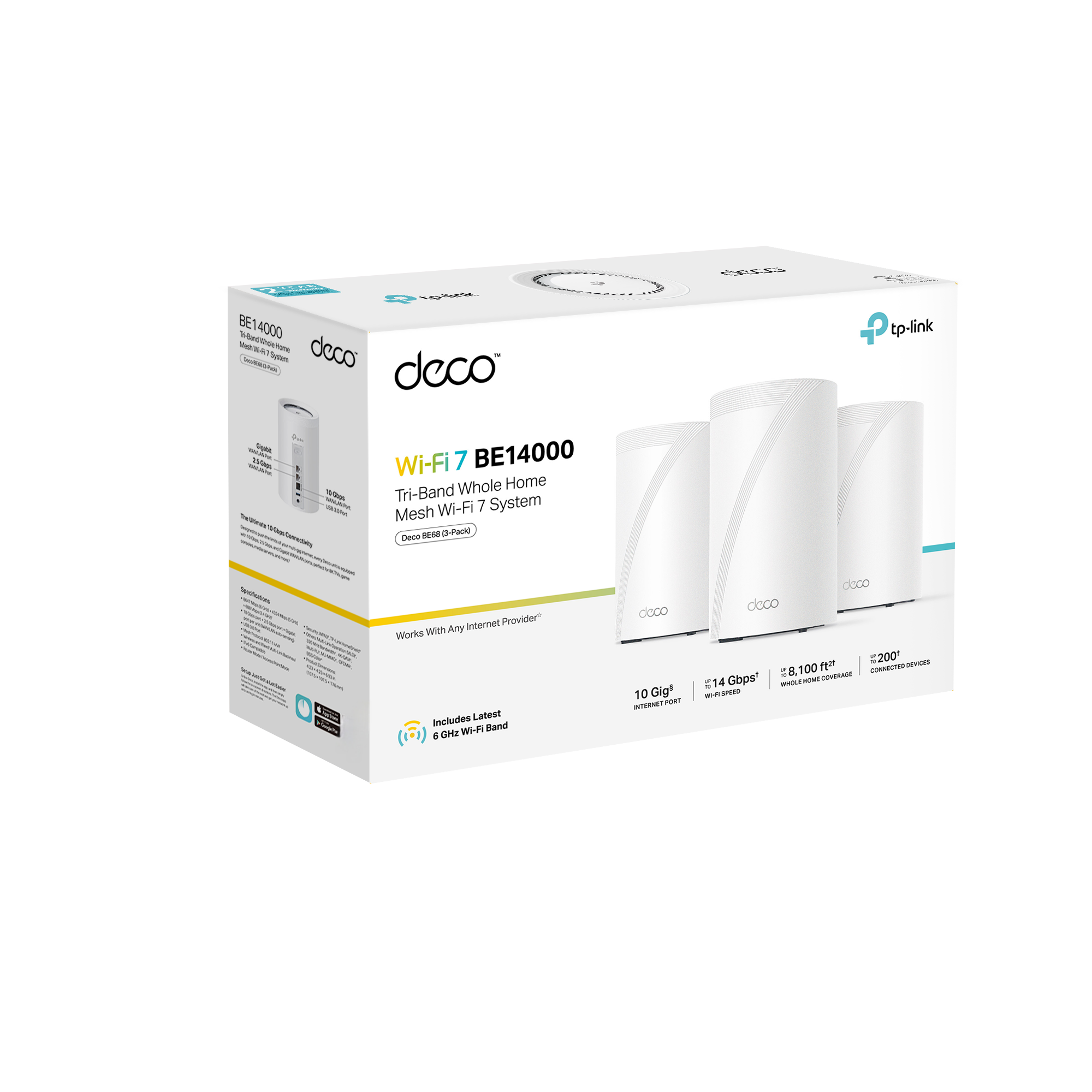
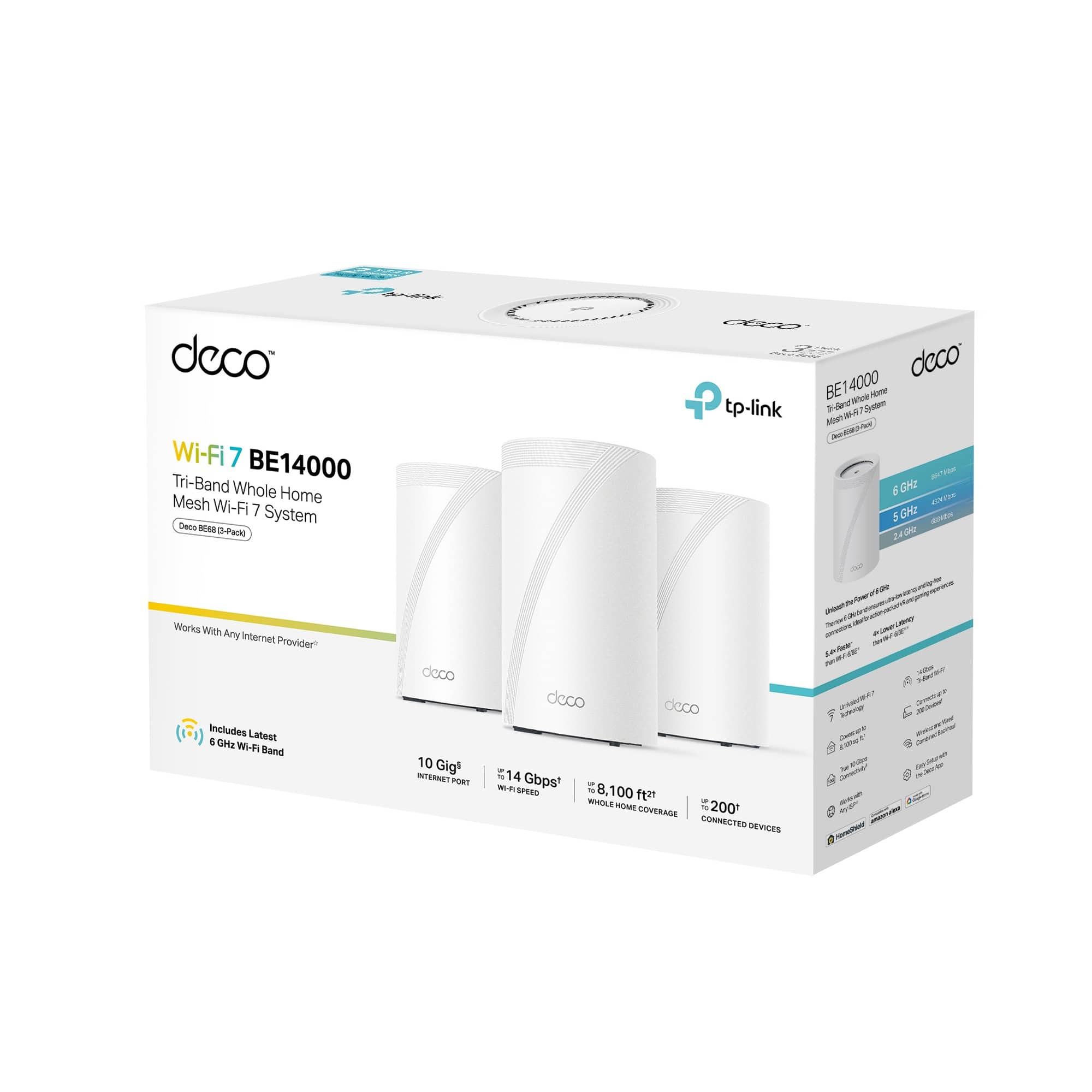
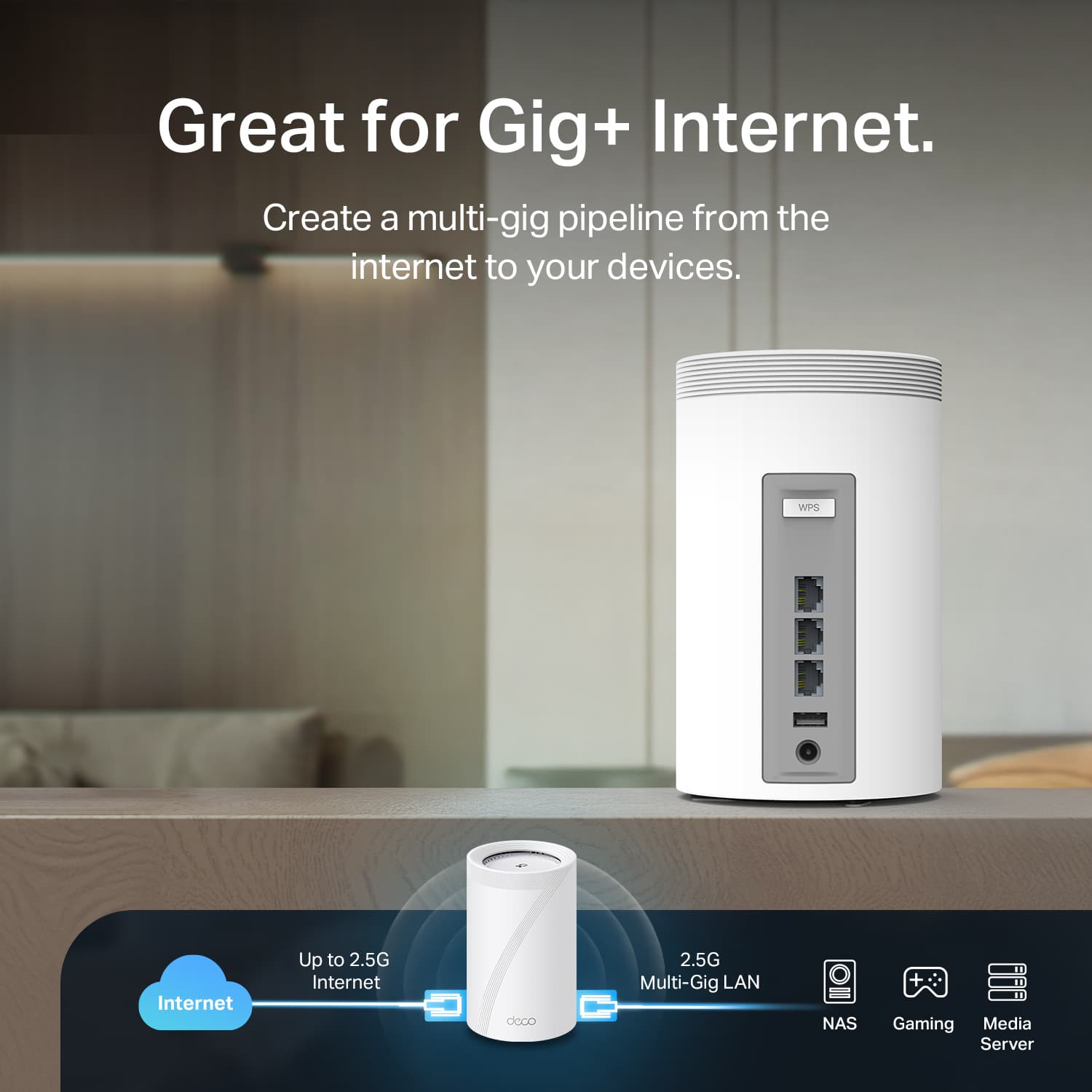
Included in this kit were three TPLink Deco BE68 Wi-Fi Access Points (AP), three power adaptors, one flat Ethernet cable, and a very minimalistic setup manual printed in multiple languages instructing you to download the TP-Link Deco app. One huge pro is that the packaging is minimalistic – not much waste here.
To get Wi-Fi coverage going, setup is easy – use the QR code in the included book to download the Deco app. If you don’t have a TP-Link account, you must create one. I had a TP-Link account that I use with my TP-Link Kasa devices, and thankfully, that account worked for the Deco Wi-Fi system. It’s always fantastic when vendors can leverage a single sign-on for all of their products instead of putting them in silos, forcing end users to manage multiple credentials.
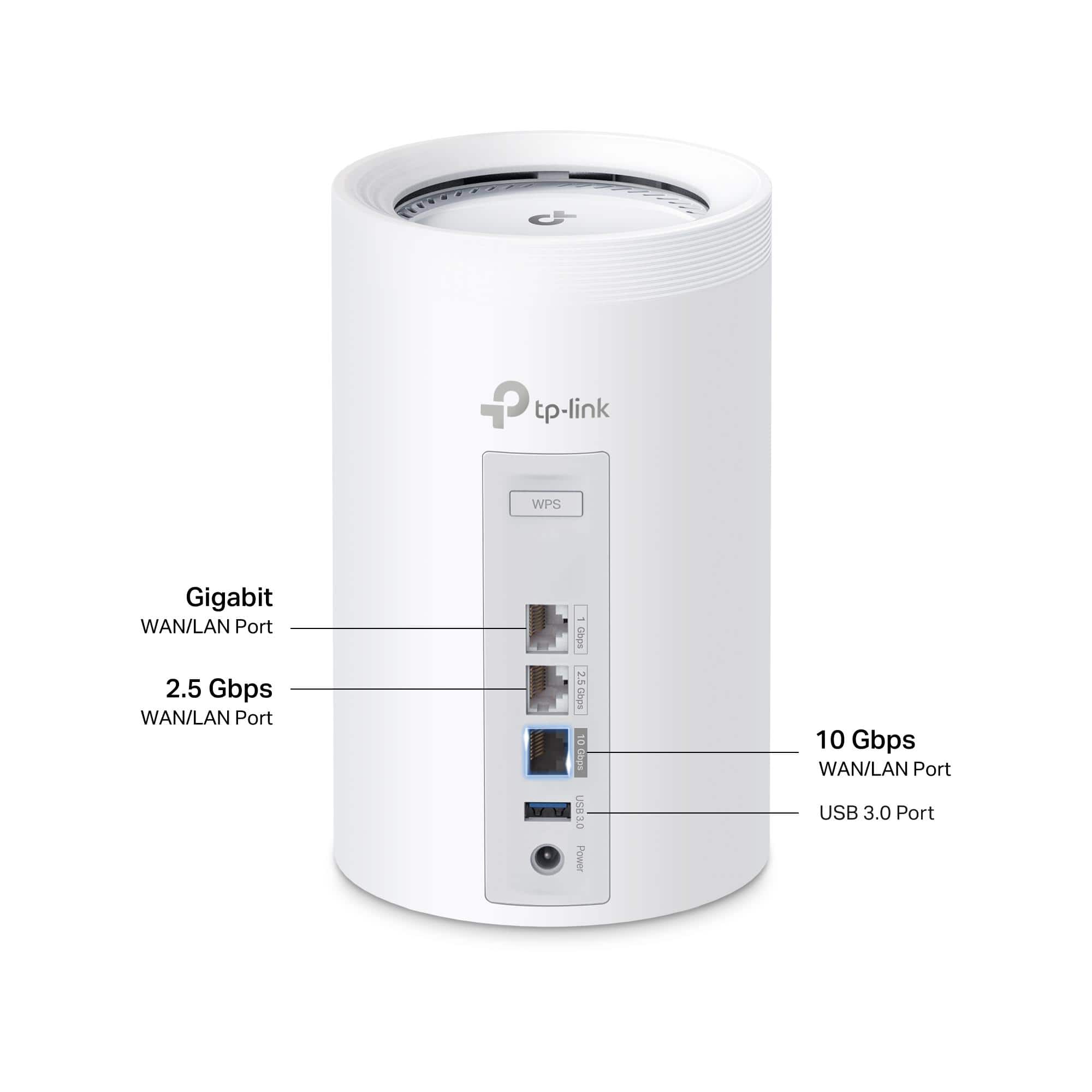
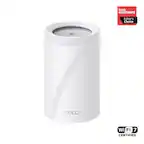
I placed one unit in my office, which is wired back to the ISP equipment. Since I only have 1G Ethernet in the home, I used the Gigabit port on the back of the unit. There’s no “base unit” here—each of the three included Wi-Fi APs has all ports, so it doesn’t matter which unit you select to connect to the ISP.
The app walks you through configuring your ISP, which only takes about two minutes. Most folks can choose the default settings (for example, act as a router and use DHCP to get an IP address from the ISP on the wired interface).
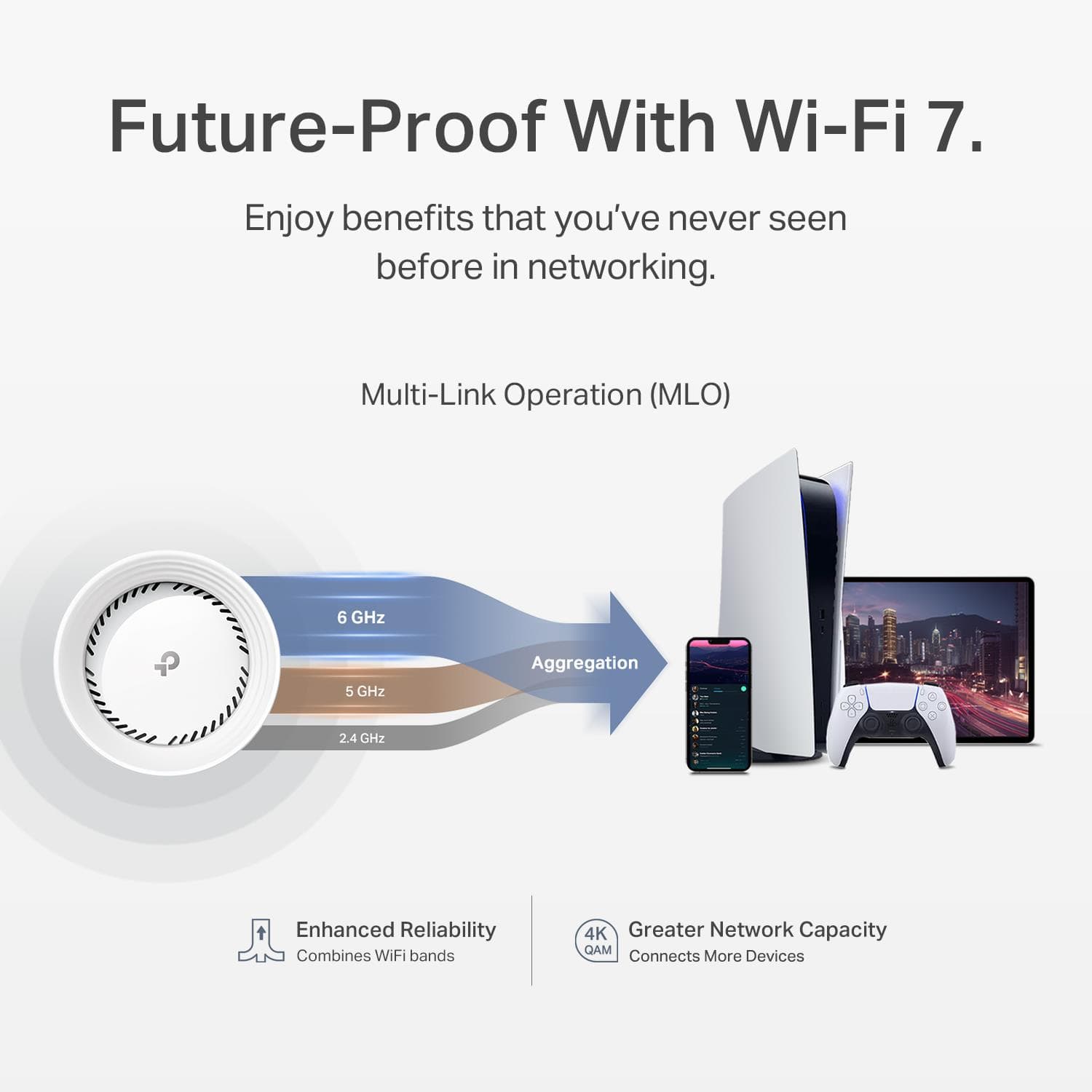
You can set up two SSIDs—a 2.4/5.8 GHz and then an SSID with a different name in the new 6 GHz band for devices that have Wi-Fi 7 support. There’s also an option to set up the MLO network, which is a feature of some Wi-Fi 7 devices that will use all three bands (2.4 / 5.8 and 6 GHz) to establish a high-bandwidth, low-latency connection.
Once you set up your SSIDs and confirm you’re plugged into the ISP Link, the AP serves clients online. I mirrored the settings from my old Wi-Fi system (SSID and Password) and shut the old system off, and all of my devices eventually connected to this system without issue.
I then set up two satellite APs, one in an upstairs office and one in our living room – adding the satellite units is very easy, all you have to do is click the “+” icon in the app, select “Add a Deco unit” and wait while the new unit is powered up and found.
Network performance is great. We have a 1 Gbps synchronous Internet connection and a 3,000-square-foot, two-story, wood-framing/drywall home. Walking around my home, I could average about 550Mbps in both directions, Speedtests on my iPhone 14 Pro Max, and a bit lower on my MacBook Pro M1. Latency and jitter were low with a fully loaded device, so I would have few issues with gaming on this connection. Speed was adequate to stream even 8K video anywhere in the home via Wi-Fi.
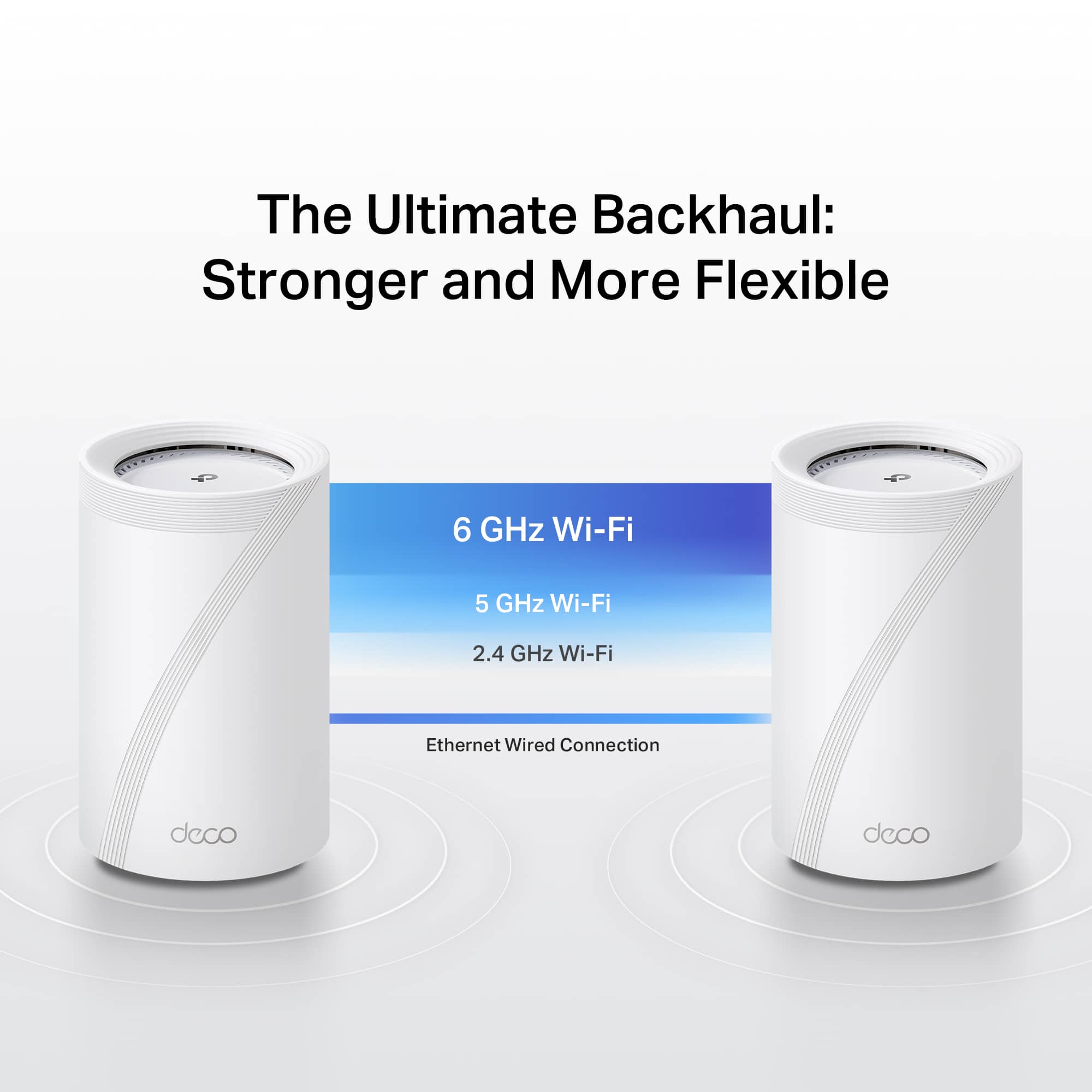
For this installation, I chose wireless backhaul, and I was very impressed that the APs can deliver this kind of speed over the mesh network. I will likely use wired backhaul in the future, but I really don’t see a big issue here; even when connected to the satellite APs, it was virtually impossible to notice a difference in latency.
Another thing that was important to me was overall coverage. I can get usable signal in my yard, which is a typical suburban .25-acre lot—great for when I’m out doing yard work, sitting on the patio, or when we have guests.
I set up the IoT network as we are an IoT-heavy household – between Amazon Echo devices, Kasa Smart Switches everywhere, lighting, printers, streaming devices, Raspberry Pi devices, Sonos, I have about 85 IoT devices. The IoT network option lets you set up a 2.4GHz only SSID, which works best with most cheap Wi-Fi chipsets in IoT devices. However, I was disappointed in the fact that there was no default segmentation of IoT. All of the IoT networks land on your main network, and you can use the app to isolate each device manually. Segmenting them on their own subnet or VLAN would have been preferable, in my opinion, but this does work. Fortunately, if IoT devices are isolated, they can still talk amongst themselves to ensure functionality works, but if you have something like a Sonos or AppleTV, you have to choose either to isolate or leave isolation off so it can be discovered by your other non-IoT devices and be controlled.
The system has a number of security features that are available, but unfortunately, come at a monthly cost. There’s a “Security + Subscription” that bills monthly or annually that provides “IoT Protection, Web Protection, and Intrusion Protection.” I took a free trial of that subscription, but I’m not exactly sure what it does as after running for a few days, I have no hits on those services, and I don’t know what logs would show you as there’s no hits. So far, I have not found a lot of value here, and I’d probably not renew here. There was also an even higher tier security subscription that seemed to offer anti-virus for your computers and such, but there was no trial of that, and I have a solid AV already, so I did not opt for that.
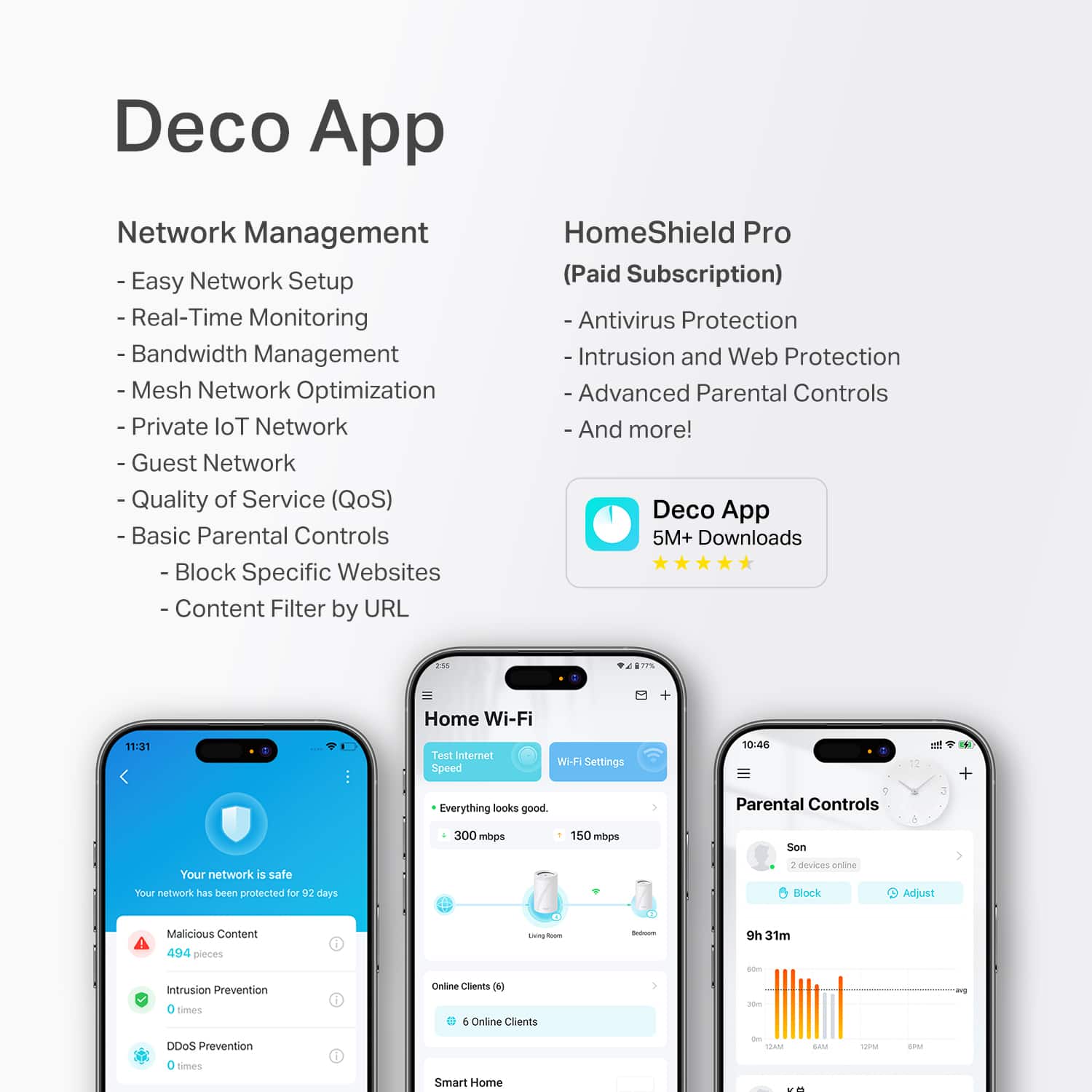
For parents, this system has excellent parental controls. You can set time limits, blackout (bedtime) periods, and simply turn off individual devices. You can also assign devices to a person, so let’s say you had three children, you can turn off the devices for that person while not interrupting the access for others. There’s also a paid parental controls subscription that adds things like limiting total time online, reporting of where your children are going on the web, category blocking, and even individual app blocking/time limiting. There’s decent selection of apps they offer blocking for, especially in the games and streaming categories, however I found that a lot of games my son had on his iPad were not listed explicitly as apps that could be blocked or limited – I suspect this is simply a product of the amount of apps that are out there.
If you have Kasa smart devices in your home, you can control them with this app. They showed up in the Deco app, which is a nice touch. Thus, you have a “one-stop shop” for your TP-Link devices.
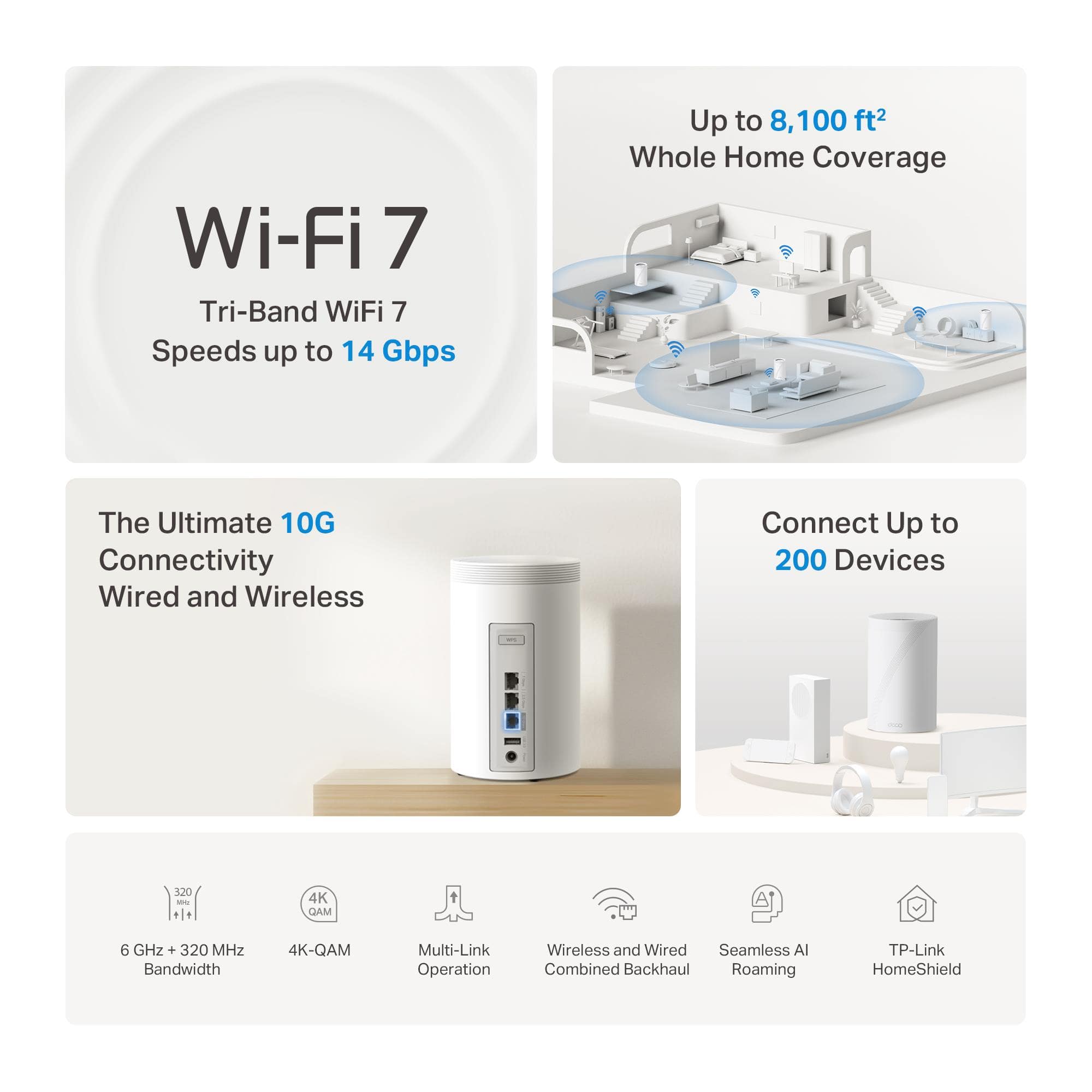
This system is packed with features, including setting up a separate guest network, sharing Wi-Fi SSID/Password with a QR Code that the app generates, status between your mesh units, back feeding a switch to allow integration with wired connections, QoS controls, speed testing from the AP, automatic firmware updates, VPN Support, and security and optimization recommendations.
I would have liked to have seen support for bridging different SSIDs onto different VLANs, as home networks are getting more complex, and PoE support for these devices instead of relying on a power brick when using wired backhaul.
Overall, my impressions of this Wi-Fi system are very positive. If you’re looking for top-tier wireless performance, this system delivers. It’s very feature-rich and easy to configure. However, the multiple subscription model for threats, parental controls, and VPN may be a deterrent for some.
I would recommend this to a friend
Pros mentioned:
Connectivity, Coverage, Speed
Rated 5 out of 5 stars
Best part is the parental controls
|
Posted .
This reviewer received promo considerations or sweepstakes entry for writing a review.
The TP-Link - Deco BE68 Wi-Fi 7 BE14000 Whole Home Tri-Band Router Mesh with Ultra-Fast 10G Port and AI-Driven Roaming (3-pack) - White isn't my first mesh router, but it is the first one I've gotten on my own.
Before this, I was using dual networks with a mesh provided by my ISP and my own personal router for the high demand devices. Having 30+ devices (IoT, cameras, phones and such) all on the same router tends to slow things way down.
I live in a single story brick ranch house with some pretty old plaster interior walls. Signals do not transmit well from one end of the house to the other. Here is the nice thing about the mesh setup. The 3 pack enabled me to put the main unit on one side of the house where the fiber comes into the house, 1 unit on the other end of the house, and 1 in the shed outside. Why outside? Well, now I can play some augmented reality apps on my VR outside in the yard where there is a lot more room to run and gun!
For speed, I am very impressed. My desktop is getting a faster download speed over the wireless MLO network than my Cat 7 wire and gigabit connections was affording me. The separate IoT network is nice to compartamentalize the various smart devices that don't need communication to other things in the house.
For parental controls, those are some of the best that I've seen. Blocking, or limiting gaming sites or social media is easy with an ability to select from a rather exhaustive list, or just pick all of them. As part of this, you can also limit based on profiles, age and content.
If you're looking for a good quality mesh network with great parental controls, you won't go wrong with these Deco BE68s.
I would recommend this to a friend
Rated 1 out of 5 stars
JUNK- DONT WASTE YOUR MONEY
|
|
Posted .
This reviewer received promo considerations or sweepstakes entry for writing a review.
Upgraded from the same 6e system to get some extended coverage. Big mistake. Tried to go through the transfer through the app. Bricked both systems. Had to factory reset new system to even work. Now just have problem with speeds. Connects fine. One minute it’s downloading at high speeds then down to almost nothing on every device. App says everything great with excellent speeds. Have to restart every device to get speeds that are supposed to be there. Everyday restart, restart, restart
No, I would not recommend this to a friend
Brand response from TPLinkSupport
Posted .
Hi BKes,
Thank you for your review. The Deco BE68 is designed to provide fast, robust, reliable Wi-Fi 7 connectivity for your whole home. In your case, we would first recommend checking whether your Deco System is behind another router, potentially creating a double NAT scenario, which can lead to network anomalies.
Our support team is always available and happy to help, and we would encourage you to contact us via the support portal on our official TP-Link website, so we may assist you with any concerns regarding your Deco BE68: https://www.tp-link.com/us/support/contact-technical-support/
Best Regards, TP-Link Systems Support
Rated 2 out of 5 stars
Slow Speeds
|
|
Posted . Owned for 3 weeks when reviewed.
This reviewer received promo considerations or sweepstakes entry for writing a review.
I have and older triple router system that I was looking to upgrade. I bought this, put the routers in the exact same spots. Instead of increasing the speed, I lost about 75% of what I had. Put the older router back and instantly got the speed I had before back. I'm returning it and continuing my search.
No, I would not recommend this to a friend
Brand response from TPLinkSupport
Posted .
Hi Ryan,
Thank you for your review. Our Deco Mesh Wi-Fi systems are designed to deliver strong, seamless Mesh Wi-Fi coverage for your entire home. To start, we recommend making sure your Deco app and firmware are both fully updated and that your Deco units are properly positioned within your home and close to each other. The Deco app can help ensure optimal positioning for your specific Deco.
Our support team is always happy to help answer any questions you may have about our products. Feel free to reach out using any of the resources provided with the product or from our official website, and a Support Agent will gladly follow up with you directly.
Thank you, TP-Link Systems Support
Pros mentioned:
Connectivity, Coverage, Speed
Rated 5 out of 5 stars
A Wifi Set Up worthy of the Price
|
Posted .
This reviewer received promo considerations or sweepstakes entry for writing a review.
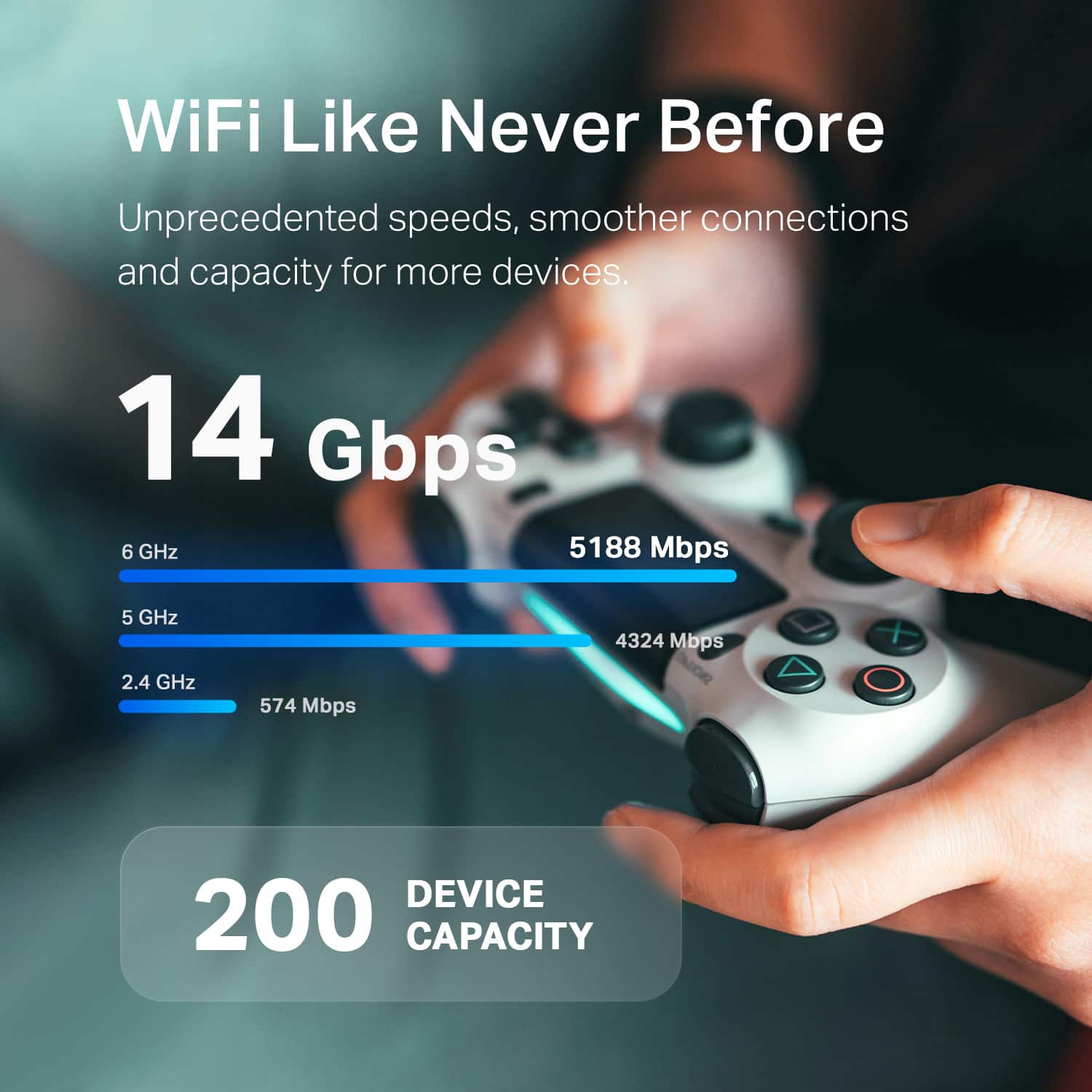
This TP-Link deco Wi-Fi Mesh system is truly, for all the testing I can do, one of the best options on the market right now for covering a large single family home, duplex, or small office building in a blanket of versatile, truly high speed Wi-Fi connectivity that is up to snuff for use in 2025 and likely many years beyond! The latest connectivity protocols and antennas are all here. Wi-Fi 7 is ready to go, full 2.4 Ghz, 5 Ghz, AND 6 Ghz connections! The 6.0 GHz band alone is something that makes this mesh wifi setup so worthy. For those of you not in the know, 6 Ghz has many benefits. Among the best are the faster speeds available (with the appropriate internet provider plan) for activities like 4K and 8K video streaming, online gaming, and more. Because 6 GHz is a newer connection protocol, there is likely to be way less congestion than on the 2.4 GHz and 5 GHz bands, given the scarcity of devices that currently can connect. There is also way less latency on 6 Ghz bands than even 5 Ghz, so it looks like a really bright future for your gaming and streaming needs when you have this Wi-Fi Router set up!
As for the setup and the physical Deco hubs, they are amazing. Each is capable of offering wired ethernet connection, local USB-A input for shared storage access across the network, and the three of them total can cover up to 8000 square feet of space! This setup is positively overkill for most single-family homes as it goes for coverage but is honestly what we were looking for in terms of future-proofing our internet and not having to worry about upgrading again for many years. Internet connection is one of those items on my list that should be something I don’t even have to think about in day-to-day life. Just able to connect my electronics and smart devices and go. With these set up, I have confidence I will enjoy this convenience for many years to come!
I would recommend this to a friend
Pros mentioned:
Port count, Speed
Rated 5 out of 5 stars
This is THE mesh system to buy for most people.
|
Posted .
This reviewer received promo considerations or sweepstakes entry for writing a review.
TP-Link really knocked it out of the park with this mesh system that should be the smart purchase for both today and tomorrow for most people. The reason for this is simple: it has a variety of gigabit ports that will meet what most people have TODAY and if you want to upgrade in the future it can STILL meet those speeds tomorrow. It should be pointed out that there’s a bit of chaos going on in this space right now. Some manufacturer’s are equipping devices with 10 Gbps ports, which these mesh nodes support; however, in my area, AT&T is limiting internet speeds at 1, 2 and 5 Gbps, respectfully. So between devices that support 10 Gbps speeds (or standard gigabit is also still prevalent), a mesh device that supports 1, 2.5 and 10 Gbps and an ISP that supports 1, 2, and 5 Gbps there’s likely going to be a loss of speed somewhere in there. But here’s to being optimistic and acknowledging that competition in the ISP space can bring unlimited future potential.
Pros:
+ Premium build quality and presentation as soon as you open the box.
+ Easy setup and configuration - 10 easy steps (less if you already have a TP-Link account)! You don’t need to pay to have someone set these up for you (or force your kids or grandkids to).
+ Flexibility of speeds: 10 Gbps, 2.5 Gbps WAN/LAN ports and 1 Gbps port
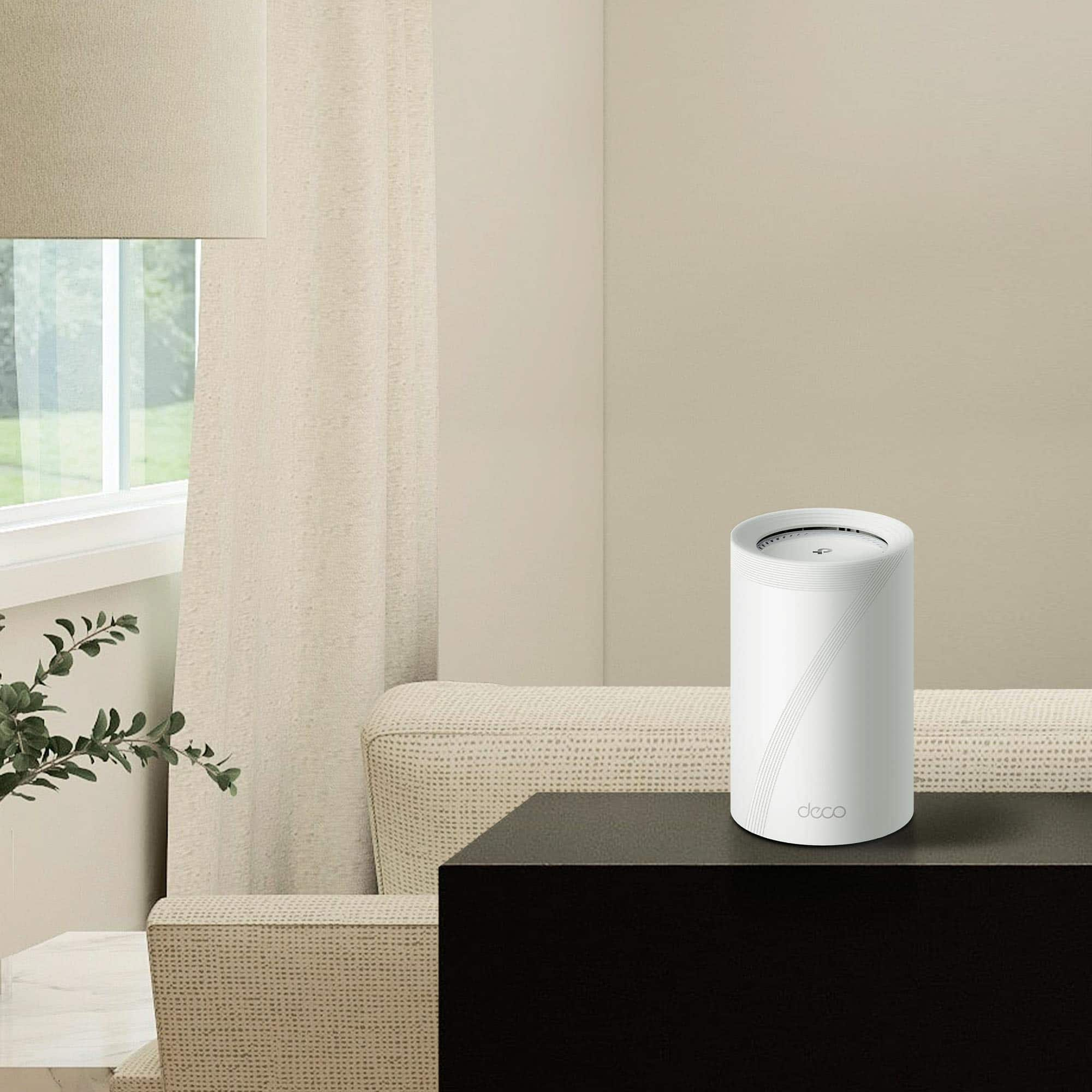
+ Node flexibility: there’s no one node designated as the main. This is also smart because if your space doesn’t require 3 nodes for range and something happened to a node, you could technically go down to 2.
+ Includes CAT6 cabling (some devices still come with 5).
+ BLAZING fast WiFi speeds and EXCEPTIONAL range. I know plenty of people that wire devices because there’s a noticeable and drastic difference between wired and wireless speeds and that is NOT an issue here.
+ Supports WAN/LAN auto-sensing: ports will automatically optimize speeds based on the cap of what’s being connected.
+ I have a NAS with a 10 gigabit port on the back so being able to fully take advantage of the wired backhaul speeds was a GAME CHANGER. No more lag and buffering when trying to access media. If you hate cords you can easily cut the cord and you still have stronger-than-average wireless backhaul as well.
+ App: very easy-on-the-eyes layout. Explanations for what some of the more technical options mean or do. The built-in security risk analyzer is nice as is being able to isolate devices have block lists. It’s also very easy to see how many and what client devices are setup and actively online by each network. If you setup the parental controls this is more granular by person and device.
+ Supports MLO, dedicated IOT network, QoS and VPN.
Cons:
- Advanced Parental Controls subscription: If you have kids, a lot of the more granular settings that you would want to configure are paywalled behind a subscription. This includes real-time data; being able to have varying weekday/weekend bedtimes (or custom); safe search; YouTube restricted; Blocked Apps and App Time Limits among others. The good news is, a lot of this can be configured on most devices locally nowadays, but this is an even sillier reason to paywall these things.
- There’s also a more advanced security (Security+) subscription available as well. I’m personally not a fan of SAAS models on consumer products but I understand that a lot of hardware companies are trying to create more revenue streams by monetizing software where they can.
I would recommend this to a friend
Pros mentioned:
Connectivity, Speed
Rated 5 out of 5 stars
Finally....whole house coverage
|
Posted .
This reviewer received promo considerations or sweepstakes entry for writing a review.
Like most people, the wifi in my place is somewhat spotty. There's always that one place or space where the wifi signal just doesn't reach or isn't quite as fast as other places in the house. Having recently upgraded to gigagbit internet, I wanted to make sure, this time, my wifi would be on point wherever I am in my place.
For me, it was the bedroom where my signal would die out for some reason. As soon as I turned the corner into my bedroom, the wifi signal would get super weak and almost unusable. I previously "resolved" this issue by getting another router and then laying out 100ft of ethernet cable to my bedroom from the main router and hooking it up in there. It worked but was super ugly and not really ideal.
This mesh wifi system is the perfect solution to my problem and it works beautifully. I placed the routers in my bedroom, living room and upstairs to get better coverage. Simple and easy enough to hook everything up. Once connected to the main router and configured, I'm getting speeds of 600-800Mbps everywhere in my place now. While it's just a wifi signal, it's such a nice feeling knowing that I have coverage in my place and speeds to boot.
I would recommend this to a friend

Pros mentioned:
Connectivity, Port count
Rated 4 out of 5 stars
Overall excellent mesh setup with wide coverage
|
Posted .
This reviewer received promo considerations or sweepstakes entry for writing a review.
Prior to adding this TP-Link Deco BE68 BE14000 3-Pack to my home, I already had a mix of TP-Link Deco mesh nodes (WiFi 6E and WiFi 7). This set is attractive because it also includes a 10gbps ethernet port for future-proofing my Xfinity cable modem connection.
Adding wireless nodes via the TP-Link iPhone app was pretty easy, especially since I already had an established Deco network. I then decided to replace my Main node that was connected to the cable modem, and that didn’t go so well. I followed the steps exactly per the app which appeared to be clear, but the app hung up during one of the final steps. End result, I couldn’t get the old or new node to work right as the Main one now and I had to basically set up my entire network from scratch. Once I got it all going again with the configs and so on, it all seems to be stable.
While my old primary node was also WiFi7 (BE11000), I have noticed my home network speed to be just a tad slower than it was before. Hopefully a next firmware update might fix that. Not terrible, but I used to get 1900 mbps down and now I top out closer to 1250 mbps, consistently.
But the connections have been very stable and I seem to be getting better coverage to a few outdoor wireless cameras that I have. Very good 3-pack that I still recommend and only taking away a star due to the Main node setup issues and slightly lower speeds.
I would recommend this to a friend

Pros mentioned:
Connectivity, Port count
Rated 5 out of 5 stars
Amazing coverage!
|
Posted .
This reviewer received promo considerations or sweepstakes entry for writing a review.
The TP-Link Deco BE68 Wi-Fi 7 Whole Home setup is mind blowing! I have full coverage in my 1800sq foot home as well as everywhere on the large lot, including the garage and backyard areas. I never have anything under full signal strength, and the speeds are blazing. The setup on this system is very easy and takes minutes to get unboxed, setup, and broadcasting your internet signal everywhere on your property. I love that all of the satellites on this system all have ethernet ports, this allows me to hard wire devices like my Apple TV's, Smart TV's and gaming systems that I have spread across my home and even the garage. The only downside was that I did have to purchase a few ethernet cables to achieve this, but that is not a deal breaker. These devices are also very small and easy to hide in a room which is nice, you can add the functionality without having an extremely visible unit in every room. The included iPhone app is also very easy to use and allowed me to configure my devices very easily which is a plus!