Customer Ratings & Reviews

- Model:
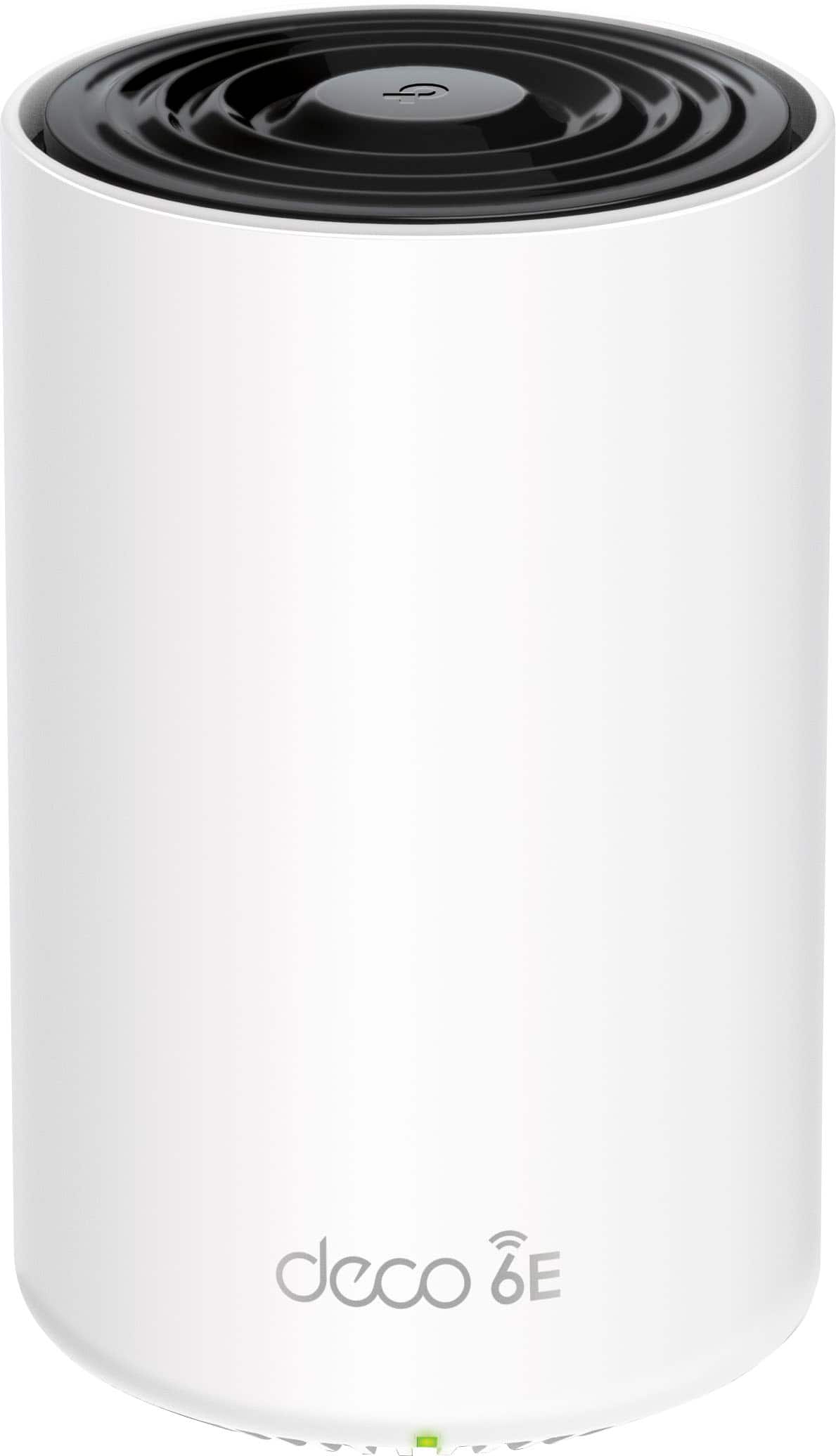
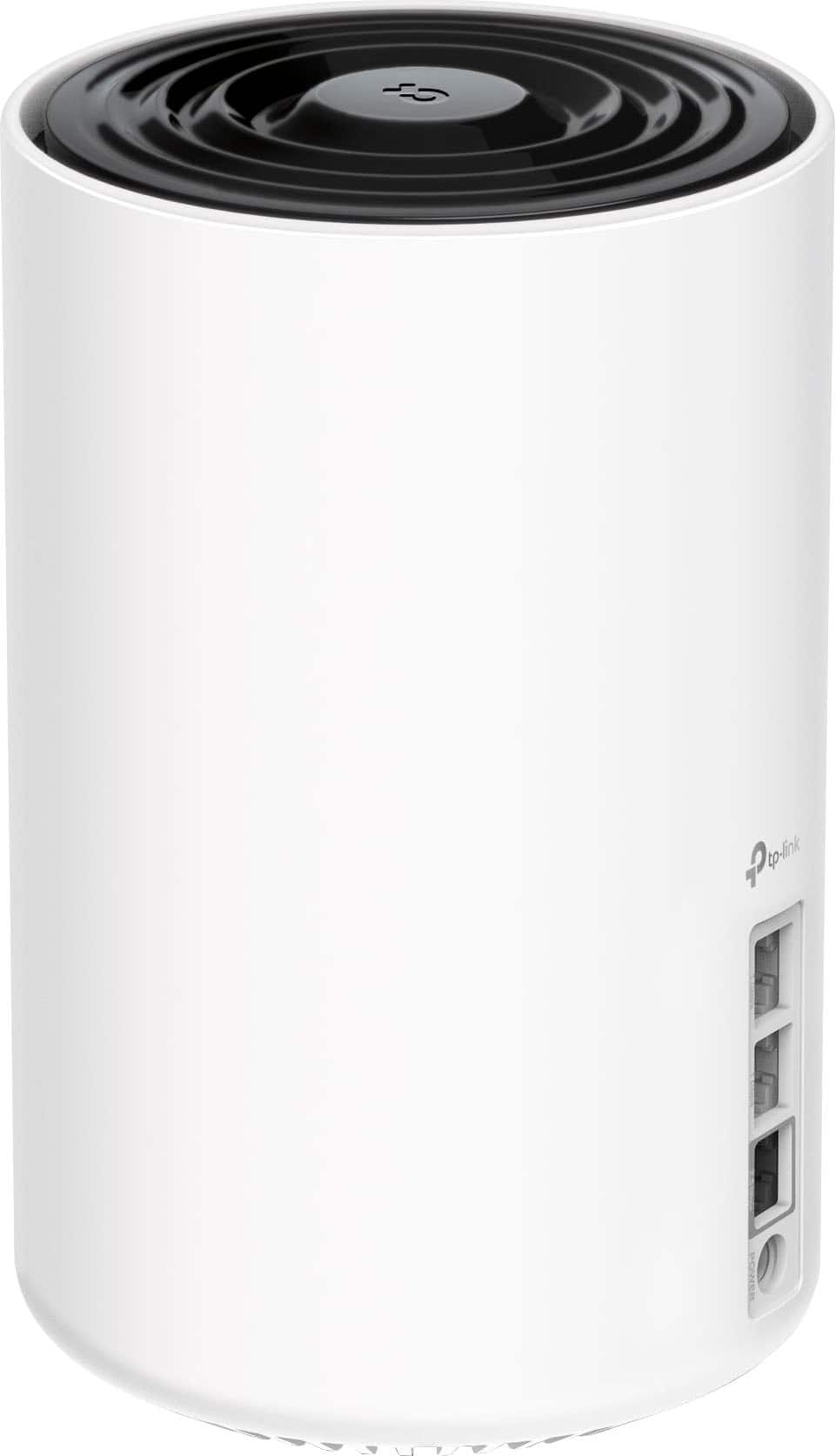
- Deco XE75 Pro (1-Pack)
- SKU:
- 6536653
Rating by feature
- Setup
Rating 4.7 out of 5 stars
- Range
Rating 4.6 out of 5 stars
- Signal Strength
Rating 4.7 out of 5 stars
Customers are saying
Customers find value in the Deco XE75 Pro's ease of use, extensive coverage, and strong signal, with many praising the straightforward setup and excellent performance. The system's range is also frequently highlighted as a significant benefit. While some users experienced connection issues and found the parental controls limited, the positive feedback on performance and ease of use outweighs these concerns for most. The app is also appreciated for its user-friendly design.
This summary was generated by AI based on customer reviews.
- Pros mentioned:Ease of use
Amazing range
Posted .This reviewer received promo considerations or sweepstakes entry for writing a review.Awesome range, easy setup 100% reliable internet access.
I would recommend this to a friend - Pros mentioned:Coverage
Reach
Posted .This reviewer received promo considerations or sweepstakes entry for writing a review.Did everything in its claims. Gained 400 megs on all 2 floors and backyard.
I would recommend this to a friend - Pros mentioned:Speed
YOU NEED THESE!
Posted .This reviewer received promo considerations or sweepstakes entry for writing a review.Replaced my Google pucks with these. The difference is night and day. These are putting out over 700Mbps vs the 100Mbps from the others.
I would recommend this to a friend TP Link
Posted .This reviewer received promo considerations or sweepstakes entry for writing a review.They work great in our home. Needed to extend the reach of our internet and they worked perfectly . We now get strong even internet no matter where you are in the house.
I would recommend this to a friend- Pros mentioned:Speed
DECO XE75
Posted .This reviewer received promo considerations or sweepstakes entry for writing a review.I WOULD HAVE NEVER BOUGHT THE DECO XE75 PRO IF SAM HAD NOT RECOMMENDED IT MY INTERNET HAS BEEN PERFECT SINCE HE INSTALLED IT. THANKS AGAIN SAM!
I would recommend this to a friend - Pros mentioned:Ease of use
TP
Posted .This reviewer received promo considerations or sweepstakes entry for writing a review.Very easy to hookup . I would definitely recommend
I would recommend this to a friend Great for filling in low WIFI spots
Posted .This reviewer received promo considerations or sweepstakes entry for writing a review.Excellent value; increased our wireless range, filled in the low spots. Would buy again
I would recommend this to a friendFast stable on LAN but not sure on range or mobile
Posted .This reviewer received promo considerations or sweepstakes entry for writing a review.ui is great , controlling it us great however the signals are not very strong in certain areas. Im not sure if i require an extra one. Also i noticed there seems to be some issue with iPhones or certain devices when they re establish a connection to the wifi. Like coming back from work i have to forget the network and re connect. Not sure why it does this but seems to be some sort of bug with the firmware.
I would recommend this to a friend- Cons mentioned:Connectivity
Goo but not for me.
Posted .This reviewer received promo considerations or sweepstakes entry for writing a review.haI was hopeful this Deco XE75 Pro would work better than my older generation Google Nest mesh. I just converted my garage into a nice looking movie theater and have had connection issues. My Fire Stick loses connection regularly so I thought that getting a 6e wifi would be better. Much to my surprise this did not happen. In fact, the TP-Link XE75Pro is slower and also loses connection. I guess I will have to run wires. Dissapointed.
I would recommend this to a friend - Pros mentioned:Coverage
Great Router
Posted .This reviewer received promo considerations or sweepstakes entry for writing a review.Excellent product. Would definitely recommend to anyone looking for great coverage.
I would recommend this to a friend - Pros mentioned:Coverage
Great buy
Posted .This reviewer received promo considerations or sweepstakes entry for writing a review.Great, buy no regrets and coversge is amazing hands down worth it fpr gaming
I would recommend this to a friend Great buy
Posted .This reviewer received promo considerations or sweepstakes entry for writing a review.Very easy to install, the app has great functionality, and the range is amazing.
I would recommend this to a friend- Pros mentioned:Speed
Mesh router
Posted .This reviewer received promo considerations or sweepstakes entry for writing a review.Worked great just not for my needs. Very fast great price
I would recommend this to a friend Awesome Product
Posted .This reviewer received promo considerations or sweepstakes entry for writing a review.This product is excellent... It has awesome coverage area and works amazingly great.
I would recommend this to a friend- Pros mentioned:Coverage
Great Coverage
Posted .This reviewer received promo considerations or sweepstakes entry for writing a review.I love the coverage my house gets now! I would 100% recommend.
I would recommend this to a friend - Pros mentioned:Overall performance
Awesome Wi-Fi
Posted .This reviewer received promo considerations or sweepstakes entry for writing a review.Excellent product works as advertised can’t get any better
I would recommend this to a friend - Pros mentioned:Speed
Deco System
Posted .This reviewer received promo considerations or sweepstakes entry for writing a review.Increased the speed of our computer tremendously!!
I would recommend this to a friend This product works
Posted .This reviewer received promo considerations or sweepstakes entry for writing a review.This product is great. My kids always complained about the game lagging and kept asking everyone to get off the WiFi. We have 3 PS 5 game consoles, 4 fire sticks and cell phones. Now we can all be on the network without any issues.
I would recommend this to a friend- Pros mentioned:Ease of use
Great at first but…..
Posted .This reviewer received promo considerations or sweepstakes entry for writing a review.The system was very easy to set up and use; worked great for the first 6 months. The problems started when we had a power outage. Once the power came back on the mesh system would not connect to the internet. After doing some research online I discovered this was a known and common problem. The only way I was able to get ot working was to delete my network, hard reset all units and start from scratch. This means I have to reconnect ALL of our smart devices to a new network every time the power flickers. Completely unacceptable for only being 6 months old! Now I’m out $300 and have to buy a whole new mesh system. Stay away from TP-Link XE75 pro
No, I would not recommend this to a friendBrand response from TPLinkSupport
Posted .Hi Bprescott,
Thank you for your review.
If Internet is not restored following a power loss, this may be a result of the Internet connection negotiation between your Internet source (e.g., modem, ONT, gateway) not taking place due to the power anomaly. Typically, if this is the case, it may be resolved by turning off power to both the main Deco and your Internet source device, followed by restoring power ONLY to your Internet source device (wait for it to fully boot up and connect), then restore power to the Main Deco.
Our support team is always happy to help answer any questions you may have about our products. Please feel free to reach out using any of the resources included with the product, or from our official website, and we'll gladly have a Support Agent follow up with you directly.
Thank you,
TP-Link Support
TP-Link Deco Mesh System
Posted .This reviewer received promo considerations or sweepstakes entry for writing a review.This mesh system has increased my service in remote places in the house. They were hard to get connected
I would recommend this to a friend