Customer Ratings & Reviews
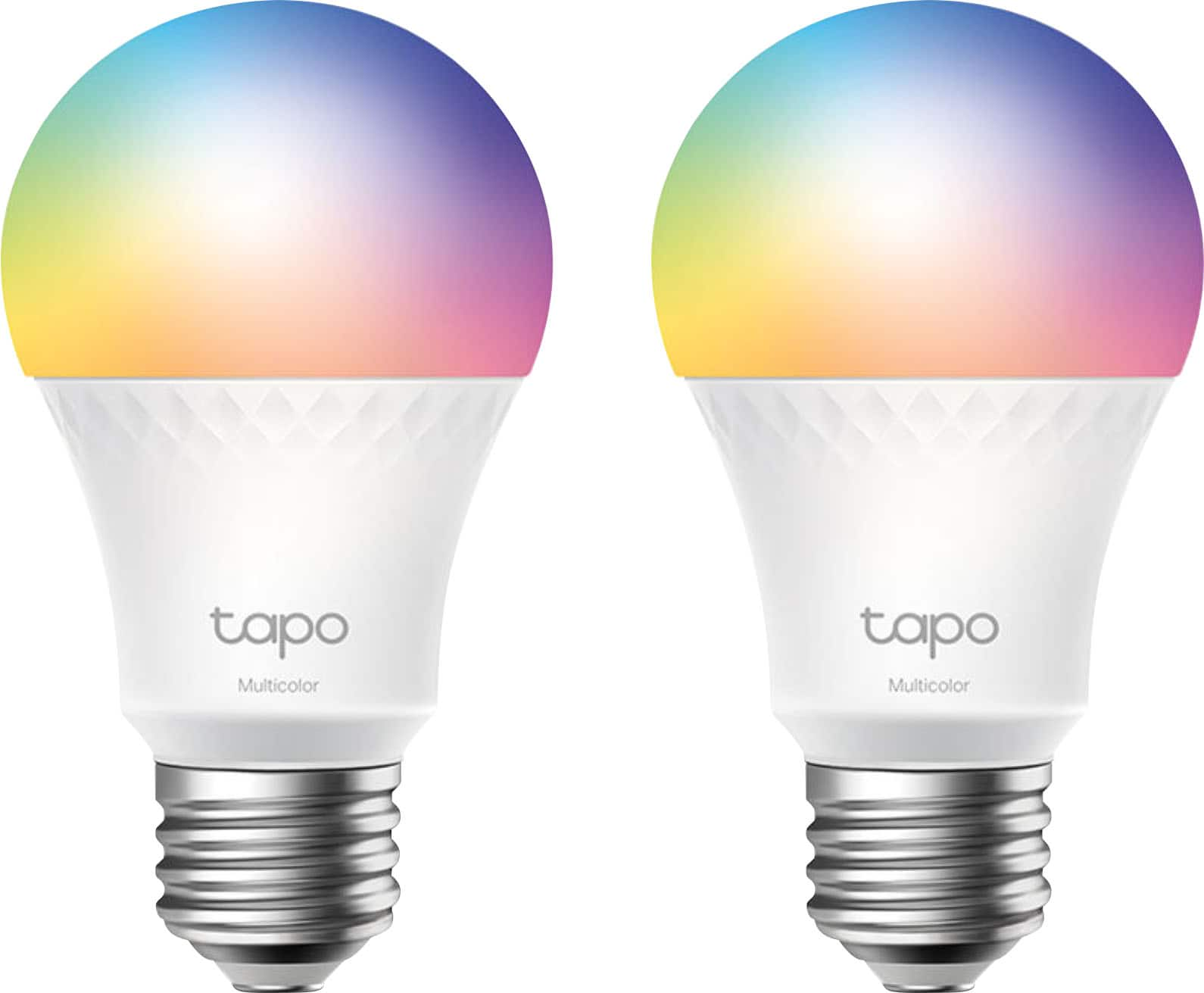
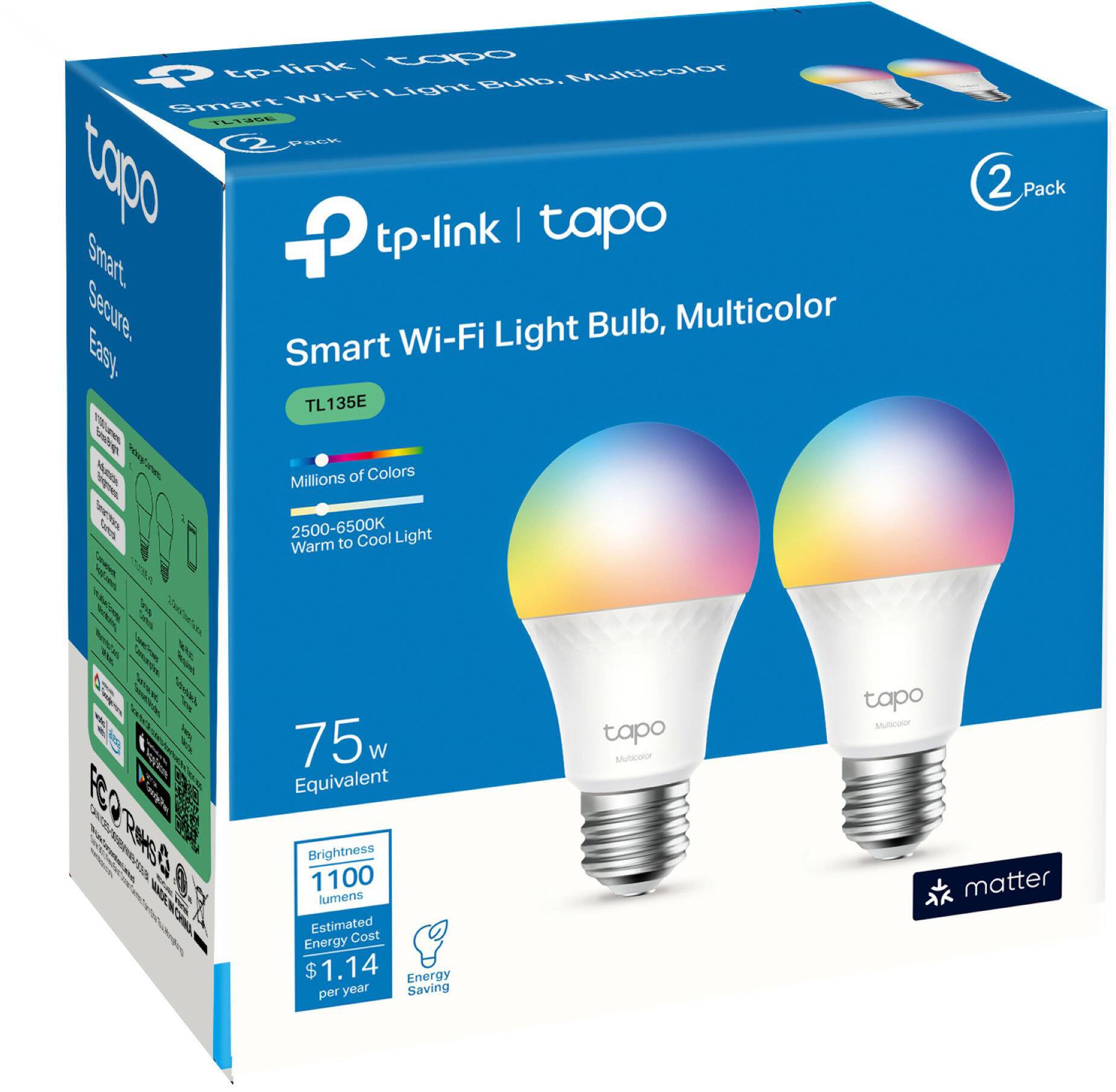



- Model:
- TL135E(2-pack)
- SKU:
- 6559367
Rating by feature
- Value
Rating 4.5 out of 5 stars
- Quality
Rating 4.5 out of 5 stars
- Ease of Use
Rating 4.4 out of 5 stars
Customers are saying
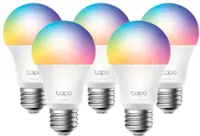
Customers love the Tapo A19 Wi-Fi Smart LED Bulbs for their ease of setup, vibrant colors, and remote control capabilities. They appreciate the convenience of being able to control the brightness, color, and scheduling of the lights from anywhere using the Tapo app. The smart Wi-Fi features allow for easy connection to home networks, making them a great choice for those looking for a convenient and customizable lighting solution.
This summary was generated by AI based on customer reviews.
Randomly just turn on,
||Posted . Owned for 1 month when reviewed.This reviewer received promo considerations or sweepstakes entry for writing a review.I bought 2 sets of these Tapo lights. After set them up I noticed 2 of my lights continue to randomly go on. I travel and this time, was gone 5 days, it was on when I returned. I then turned it off. The next morning it happened again, it just randomly turns on. I contacted Tapo, they refuse to do anything about it. I just wanted 2 new lights. First they required me to take pic of the Serial no, a copy of the receipt, and a few other questions, I sent them this in email. Then, I was contacted by email and asked to register on their website, and if the product is under warranty they will review it. I just bought it! I gave them the receipt. They also want the original box if it was a pack. I dont have the boxes, I bought them on Black Friday!! Don't buy them, they do NOT stand behind their product. The intension is to make it so difficult and impossible that the customer just gives up, as I have. They too expensive to have 2 lights out of a package of 5 unusable. I cant afford to waste this electricity, so I will purchase regular lights to replace them. and throw them away. I previously had given away my old ones.
No, I would not recommend this to a friendBrand response from TPLinkSupport
Posted .Hello Cynthia
Product warranties are limited to manufacturer defects. Products must also be purchased from a authorized retailer. This is why you are being asked for the serial number and proof of purchase. Products must also be registered on our warranty portal to process a replacement. This is all very common in our industry. We do not need the packaging, if that is being asked for its to help you find the serial number more quickly. For the Random lights going on check to make sure Away mode is not enabled. If it is this could explain the concern.
Great
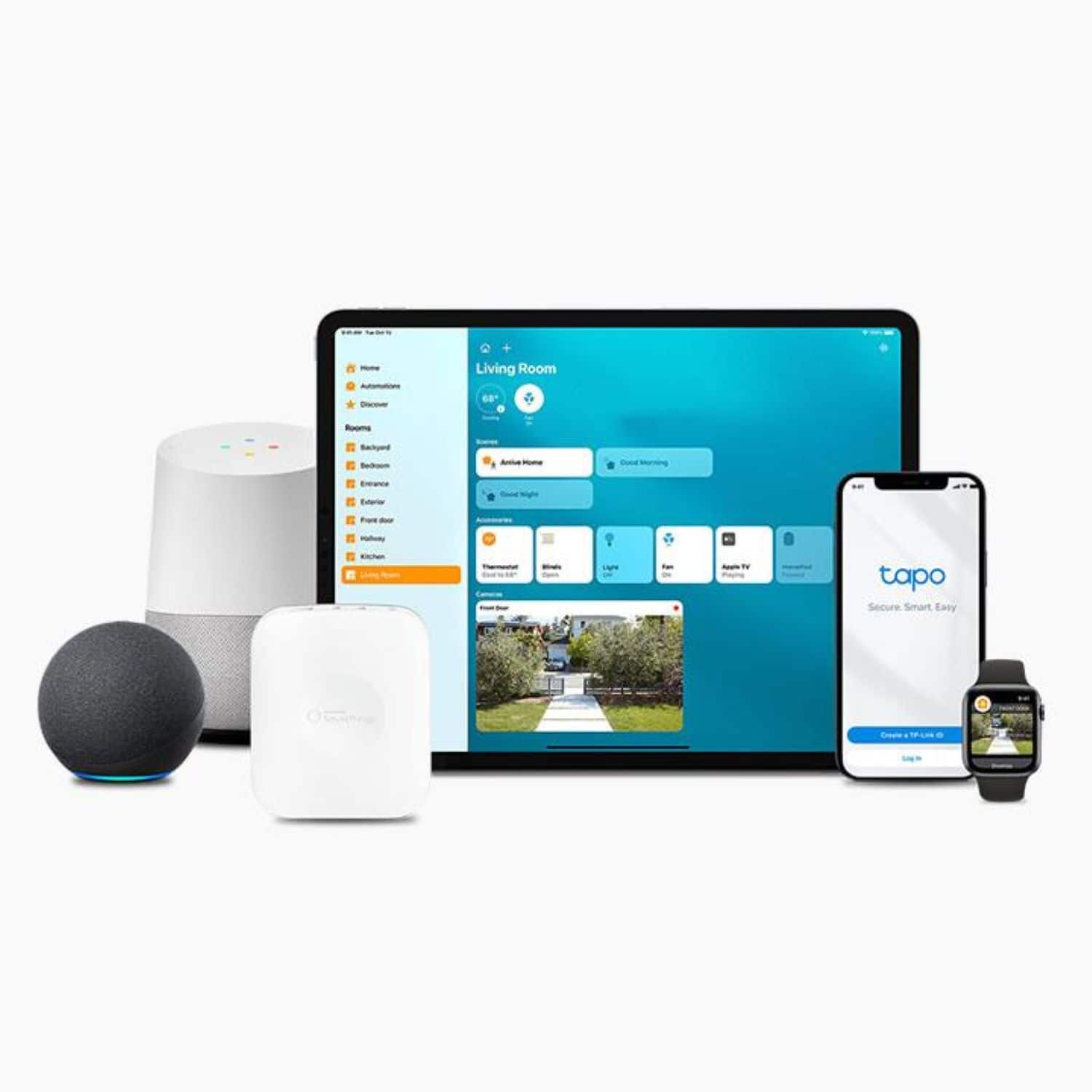
||Posted . Owned for 1 month when reviewed.This reviewer received promo considerations or sweepstakes entry for writing a review.Great product. Grouped 4 of them for my light. Good HomeKit integration
I would recommend this to a friendNice bulb but difficult to set up
||Posted . Owned for 6 months when reviewed.This reviewer received promo considerations or sweepstakes entry for writing a review.Nice colorful bulbs but it was somewhat difficult to set up. You need to use Tapo App or Alexa App to set up.
I would recommend this to a friendBrand response from TPLinkSupport
Posted .Hi,
Thank you for your review. We're happy to hear you're enjoying the rich colors and features of our Tapo Smart LED Bulbs. Tapo smart home products are designed for quick and intuitive setup using the Tapo app on your smartphone. The Tapo app not only allows for fast and easy setup, but also convenient management - both locally and remotely - for your Tapo devices.
Our support team is always happy to help answer any questions you may have about our products. Please feel free to reach out using any of the resources included with the product, or from our official website, and we'll gladly have a Support Agent follow up with you directly.
Thank you,
TP-Link Support
Nice if they stayed connected
||Posted . Owned for 3 weeks when reviewed.This reviewer received promo considerations or sweepstakes entry for writing a review.Theyre great when they work but continue to disconnect eventhough they are next to router. Dissapointed i have to keep recconecting them. And connecting them is a whole other process.
No, I would not recommend this to a friendBrand response from TPLinkSupport
Posted .Hi,
We always recommend ensuring your router's Wi-Fi signal is adequately strong in the smart device's location. Within the Tapo app, there's a feature that allows you to measure Wi-Fi signal strength of your smart devices. With the app open, please check the signal strength in the Device Settings menu.
If the signal is within the ideal range, and you're still experiencing these symptoms, please ensure your Tapo app is up to date, then update your smart device's firmware by selecting Me → Firmware Update within the app.
If you'd like assistance with any of these steps, please reach out to our free support team using any of the resources included with the product, or from our official website, and we'll gladly have a Support Agent follow up with you directly.
Thank you,
TP-Link Support
Not Alexa Compatable
||Posted . Owned for 2 months when reviewed.This reviewer received promo considerations or sweepstakes entry for writing a review.Cannot get them to work with Alexa so they are useless to me
No, I would not recommend this to a friendBrand response from TPLinkSupport
Posted .Hi Viennaf,
Thank you for your review. One of the many features offered by our Tapo Smart LED Bulbs is their intuitive integration with Alexa for automation and voice commands.
For helpful instructions on how to integrate your Tapo account with Alexa, please refer to our FAQ here: https://www.tp-link.com/us/support/faq/2780/
For information on how to control your bulbs with voice commands, please see our FAQ here: https://www.tp-link.com/us/support/faq/1356/
Our support team is always happy to help answer any questions you may have about our products. Please feel free to reach out using any of the resources included with the product, or from our official website, and we'll gladly have a Support Agent follow up with you directly.
Thank you,
TP-Link Support
wifi connectivity is not good.
||Posted . Owned for 3 weeks when reviewed.This reviewer received promo considerations or sweepstakes entry for writing a review.This should be a 4-5 star, but I can't keep these things connected to wifi and I've tried tplink, eero, and unifi. So when you go to turn on the lights, they don't respond. Incredibly frustrating. I've updated them in tp-link's app as well.
No, I would not recommend this to a friendBrand response from TPLinkSupport
Posted .Hi,
We always recommend that you ensure your router's 2.4 GHz Wi-Fi signal is adequately strong in the smart device's location. The Tapo app has a feature that allows you to measure the Wi-Fi signal strength of your smart devices. When the app is connected, please check the signal strength in the Device Settings menu.
If the signal is within the ideal range, and you're still experiencing these symptoms, it's vital to ensure that your Tapo app is up to date. Also, updating your smart device's firmware is crucial. You can do this by selecting Me → Firmware Update within the Tapo app.
If you need help with any of these steps, please contact our free support team using any of the resources included with the product or from our official website. We'll gladly have a Support Agent follow up with you directly.
Thank you,
TP-Link Support
Not worth the price
||Posted . Owned for 1 month when reviewed.This reviewer received promo considerations or sweepstakes entry for writing a review.One of the bulb not connected to Internet and I have to spend lot of time
No, I would not recommend this to a friendBrand response from TPLinkSupport
Posted .Hi,
Thank you for your review. Our Tapo smart bulbs are designed for quick and easy setup using the Tapo app. If you're having difficulty connecting them to your network during setup, please ensure your router's 2.4GHz Wi-Fi signal is sufficiently strong at the smart device's location.
Please also ensure your smartphone is not connected to a VPN during setup, as this will interfere with the installation process.
If you would like assistance with any of these steps, please reach out to our free support team using any of the resources included with the product, or from our official website, and we'll gladly have a Support Agent follow up with you directly.
Thank you,
TP-Link Support
I WILL RETURS IT
||Posted . Owned for 2 weeks when reviewed.This reviewer received promo considerations or sweepstakes entry for writing a review.Its so bad, and the lumis are so low, say 800 but looks like 300
No, I would not recommend this to a friendBrand response from TPLinkSupport
Posted .Hi,
Thank you for your review. The Tapo TL135E is designed to provide 1100 lumen equivalent lighting for your home, while offering intuitive, convenient smart automation features. Please ensure your bulb's brightness is set to 100% via the Tapo app, and its firmware is fully up to date.
Our support team is always happy to help answer any questions you may have about our products. Please feel free to reach out using any of the resources included with the product, or from our official website, and we'll gladly have a Support Agent follow up with you directly.
Thank you,
TP-Link Support
Hard Pass
||Posted . Owned for 1 month when reviewed.This reviewer received promo considerations or sweepstakes entry for writing a review.App Disconnects constantly, most tedious lights I’ve ever owned.
No, I would not recommend this to a friendBrand response from TPLinkSupport
Posted .Hi,
Thank you for your review. We always recommend ensuring your router's 2.4GHz Wi-Fi signal is adequately strong in the device's location. Within the Tapo app, there's a feature that allows you to measure Wi-Fi signal strength of your devices. When the app is connected, please check the signal strength in the Device Settings menu.
If the signal is within the ideal range, and you're still experiencing these symptoms, please ensure your Tapo app is up to date, then update your smart device's firmware by selecting Me → Firmware Update within the Tapo app.
If you'd like assistance with any of these steps, please reach out to our free support team using any of the resources included with the product, or from our official website, and we'll gladly have a Support Agent follow up with you directly.
Thank you,
TP-Link Support
- Pros mentioned:Ease of use
Let there be light
Posted .This reviewer received promo considerations or sweepstakes entry for writing a review.Easy to use and install. you need to use the manufacture app but besides that it's an easy install and forget. You get some decent color range.
I would recommend this to a friend - Pros mentioned:Brightness
Light bulbs.
Posted .This reviewer received promo considerations or sweepstakes entry for writing a review.Very nice. Bright..........n̈nnnnnnnnnnnnnnnnnnnnmmmmmm
I would recommend this to a friend - Pros mentioned:Ease of use
LED Light Bulbs
Posted .This reviewer received promo considerations or sweepstakes entry for writing a review.Great product and great value. These items are easy to setup and use.
I would recommend this to a friend Poor Quality
Posted .This reviewer received promo considerations or sweepstakes entry for writing a review.Both functioned perfectly fine for about 5 hours. One bulb refuses to connect to the internet, despite being right next to the router and the other one. No amount of resets/restarts fixes this issue. I’ve checked everything with my network and it is not the issue. I’d suggest avoiding these.
No, I would not recommend this to a friendBrand response from TPLinkSupport
Posted .Hi,
We always recommend ensuring your router's 2.4GHz Wi-Fi signal is adequately strong in the smart device's location. Within the Tapo app, there's a feature that allows you to measure Wi-Fi signal strength of your smart devices. When the app is connected, please check the signal strength in the Device Settings menu.
If the signal is within the ideal range, and you're still experiencing these symptoms, please ensure your Tapo app is up to date, then update your smart device's firmware by selecting Me → Firmware Update within the Tapo app.
If you'd like assistance with any of these steps, please reach out to our free support team using any of the resources included with the product, or from our official website, and we'll gladly have a Support Agent follow up with you directly.
Thank you,
TP-Link Support