Customer Ratings & Reviews
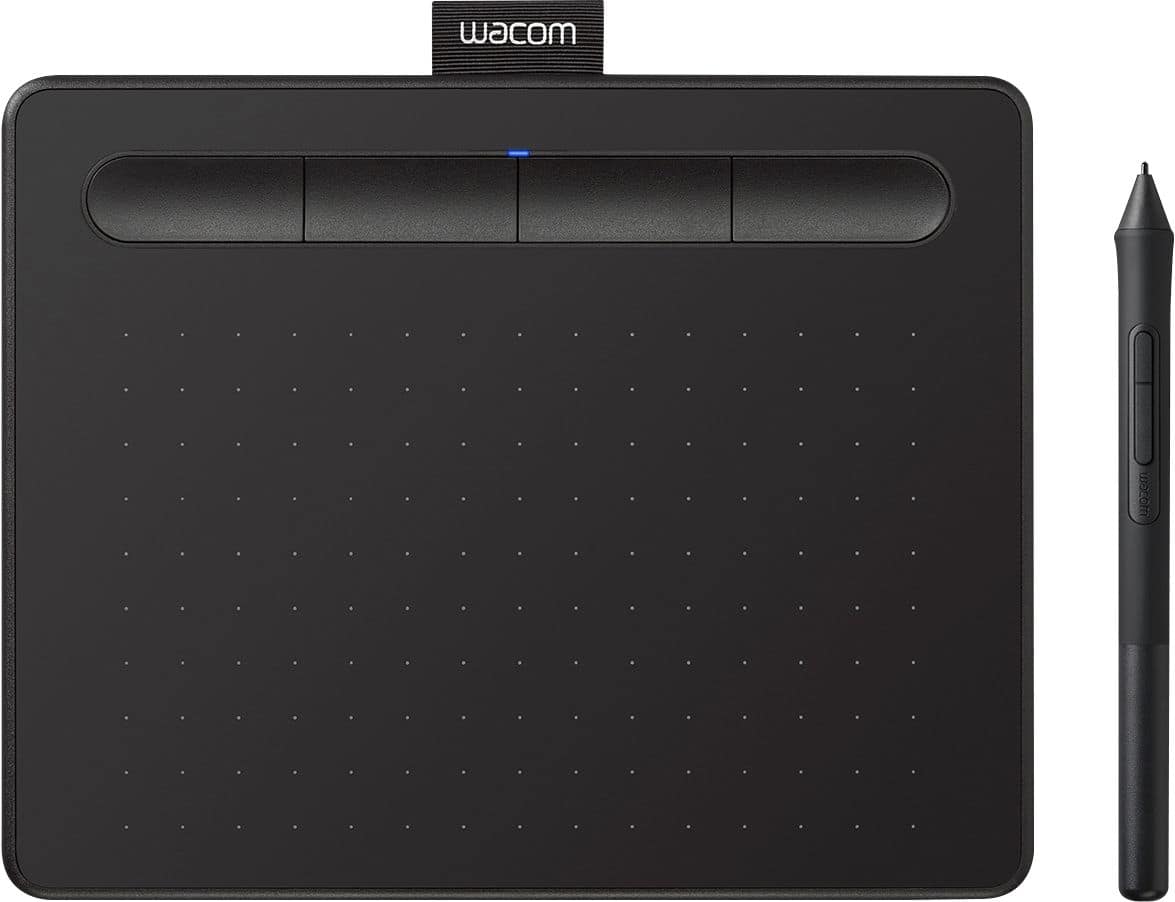


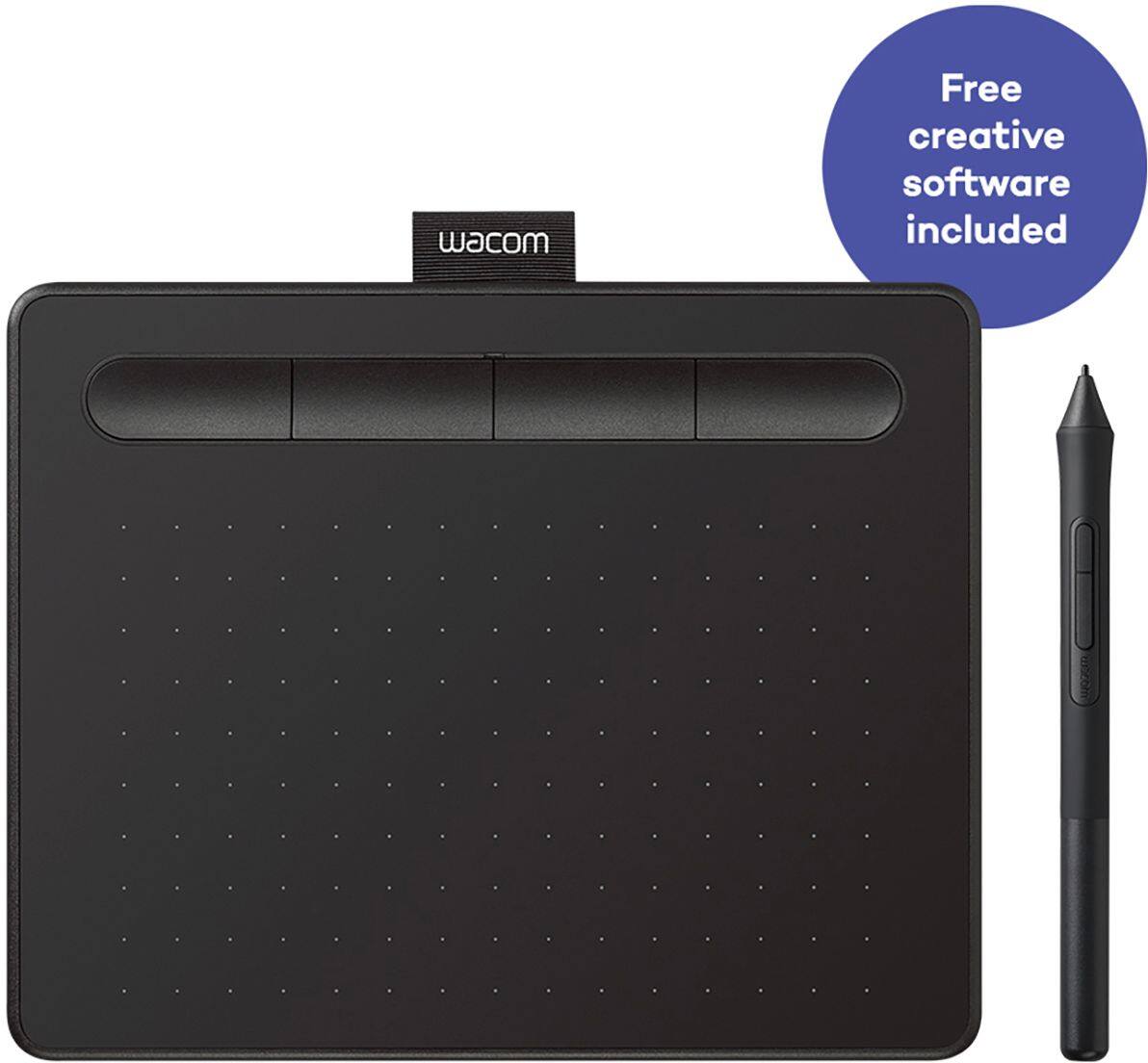

- Model:
- CTL4100
- |
- SKU:
- 6196636
Customer reviews
Rating 4.5 out of 5 stars with 1407 reviews
(1,407 customer reviews)Rating by feature
- Value4.6
Rating 4.6 out of 5 stars
- Quality4.6
Rating 4.6 out of 5 stars
- Ease of Use4.4
Rating 4.4 out of 5 stars
Customers are saying
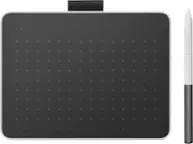
Customers appreciate the Intuos Graphic Drawing Tablet for its ease of use, compact size, and overall quality, making it a good option for drawing. The included software bundle and compatibility are also well-received. However, some users have experienced initial setup issues and mention the sensitivity takes some getting used to. A few customers would prefer a Bluetooth option or a version with a screen.
This summary was generated by AI based on customer reviews.
- Pros mentioned:Quality, Software
Rated 5 out of 5 stars
Nice and precise
||Posted . Owned for 8 months when reviewed.This reviewer received promo considerations or sweepstakes entry for writing a review.The tablet is very nice quality and very precise and accurate. The software allows for customization to better suit your needs. Also the extra tips are handy
I would recommend this to a friend - Pros mentioned:Ease of use
Rated 5 out of 5 stars
Very easy to use!
||Posted . Owned for 3 weeks when reviewed.This reviewer received promo considerations or sweepstakes entry for writing a review.I purchased this Wacom tablet online and picked it up in the store in about an hour. It was very easy to set up. I am using it to write while I record my math lessons. This tablet has been very helpful to me as I have had to transition my teaching to the online environment. Thank you Wacom and Best Buy!
I would recommend this to a friend - Pros mentioned:Software
Rated 4 out of 5 stars
Great, but you can’t change the orientation
||Posted . Owned for 3 months when reviewed.This reviewer received promo considerations or sweepstakes entry for writing a review.It’s a very good entry level drawing tablet that comes with a subscription to Clip Studio Paint for either one or two years (I forget which). The pen feels good to use, the USB connection seems fine and stable despite being USB-A to micro USB, and the Wacom software is easy to use. Honestly, I’ve only got two complaints. The first is that the USB cable needs an adapter if you want to use it with a computer without a USB-A port - you know, one of the large ones that’s for flash drives and things. The second is that the orientation cannot be changed, and it will always operate so that the buttons have to be at the top. I dislike this because I keep hitting them by accident when drawing, which sends various commands to the program I’m using. I suppose Wacom could fix this down the line with a driver update, but they haven’t yet so it remains a point of irritation. If you’re already experienced with drawing tablets, go for something else. But if you’re just kind of getting the hang of it, this tablet is really great for learners.
I would recommend this to a friend - Pros mentioned:Ease of use, Quality
Rated 5 out of 5 stars
amazing
||Posted . Owned for 2 weeks when reviewed.This reviewer received promo considerations or sweepstakes entry for writing a review.easy to use feels just like paper! amazing quality
I would recommend this to a friend Rated 5 out of 5 stars
Feels like a robbery!
||Posted .This reviewer received promo considerations or sweepstakes entry for writing a review.As an artist who regularly draws, sculpts, or wants to use a pencil as a mouse, then I highly recommend this product! Especially with its price, I think its a great deal.
I would recommend this to a friendRated 4 out of 5 stars
Works perfectly! But..
||Posted . Owned for 2 weeks when reviewed.This reviewer received promo considerations or sweepstakes entry for writing a review.Only one complaint. Micro USB. I wish it was usb c to usb c. Beyond that, compact, no need for a battery, and as accurate as I remember!
I would recommend this to a friendRated 5 out of 5 stars
Affordable and Functional!
||Posted .This reviewer received promo considerations or sweepstakes entry for writing a review.Purchased this after my old tablet, a Wacom Bamboo CTH470, ceased working due to a few mishaps in handling during a move, so I was looking for something lower price and usable, but I feel like this has managed to surpass my expectations. It serves its purpose very well, it is responsive and easy to use with the plug-and-play functionality much like the CTH470, and well worth the purchase.
I would recommend this to a friendRated 4 out of 5 stars
Functional + Proprietary
||Posted .This reviewer received promo considerations or sweepstakes entry for writing a review.The product works well, my only complaint is that it feels as if it relies heavily on proprietary software that you have to install yourself but it still works very well and the setup is minimal.
I would recommend this to a friend- Pros mentioned:Ease of use, Software
Rated 5 out of 5 stars
Black Friday deal
||Posted .This reviewer received promo considerations or sweepstakes entry for writing a review.I got this on Black Friday because I always wanted it but was just nervous if I was going to use it. After I bought it and set it it with the software which is pretty straight forward I loved it. The feet it has to keep it secure helps and it's pen comes with replaceable tips. Which is a nice touch. A bit of a learning curve but if you can get it for a good price id suggest jumping at the chance
I would recommend this to a friend - Pros mentioned:Quality
Rated 5 out of 5 stars
Works great with Chromebooks
||Posted .This reviewer received promo considerations or sweepstakes entry for writing a review.Easy plug and play on kids' Chromebooks and works great.
I would recommend this to a friend - Pros mentioned:Ease of use
Rated 5 out of 5 stars
Wacom Tablet
||Posted . Owned for 1 month when reviewed.This reviewer received promo considerations or sweepstakes entry for writing a review.This product is the perfect solution for switching from paper notes to fully accessible online notes without having to purchase an I-pad or tablet. It is easy to use and connects seamlessly. I would recommend it for student use.
I would recommend this to a friend - Pros mentioned:Quality
Rated 5 out of 5 stars
Good Drawing Tablet
||Posted . Owned for 3 months when reviewed.This reviewer received promo considerations or sweepstakes entry for writing a review.I purchased this at a gift for a novice graphic designer and artist. She enjoyed it very much and said it was a high quality product that was easily compatible with a Windows 10 PC. The buttons on the top of the drawing tablet is very useful, and the pen and tablet are comfortable to use.
I would recommend this to a friend - Pros mentioned:Ease of use, Quality
Rated 5 out of 5 stars
Satisfied Customers
||Posted . Owned for 3 weeks when reviewed.This reviewer received promo considerations or sweepstakes entry for writing a review.Satisfied with product. This was a purchase I made for my son, who is an intermediate skilled artist and he loves it. This does everything he wants and more. We have looked at other drawing tablets and this one has met all our needs, quality, ease of use and not too pricey.
I would recommend this to a friend - Pros mentioned:Ease of use
Rated 4 out of 5 stars
Worth it for the price.
||Posted . Owned for less than 1 week when reviewed.This reviewer received promo considerations or sweepstakes entry for writing a review.My Daughter loved this Wacom-Intuos graphic drawing tablet for her daily drawing activity. It is easy to connect to laptops and configured. You don't get drivers with the purchase but you download from Wacom website and install. Worth it for the price.
I would recommend this to a friend Rated 5 out of 5 stars
Solid little drawing tablet
||Posted . Owned for 1 month when reviewed.This reviewer received promo considerations or sweepstakes entry for writing a review.Have used several Wacom tablets over the years with PhotoShop, some vector and video apps. Like the Intous tablets. Fairly easy to setup and configure. They perform well. The battery powered Bluetooth version works well and nice to not be tethered to a desk or need a more comfortable work postion. Bought one for my son to use in his photography class. Also have a Wacom One tablet. Less expensive but does not perform as well as the Intous. List price on the Intous is a bit high. Still very affordable compared to the larger tablets. Bought last one at discount.
I would recommend this to a friend- Pros mentioned:Ease of use, Software
Rated 5 out of 5 stars
Super easy to use and great for beginners!
||Posted . Owned for 1 month when reviewed.This reviewer received promo considerations or sweepstakes entry for writing a review.I have absolutely 0 experience when it comes to using tablets and very little when it comes to digital art. This tablet is super easy to use, all of the instructions for set-up were easy to follow, and the software that came with it is super cool! 10/10 would reccommend if you're just starting out with digital art.
I would recommend this to a friend - Pros mentioned:Ease of use, Software
Rated 5 out of 5 stars
Pretty decent lil tablet
||Posted . Owned for 3 months when reviewed.This reviewer received promo considerations or sweepstakes entry for writing a review.This is a pretty great tablet, for starters or even more advanced people. I love that it comes with programs to even get someone started with ( for 2 years too!! ) I do miss some things from the old Wacom tablet I had, but it’s definitely not the worst ever. Totally recommended for about $70.
I would recommend this to a friend - Pros mentioned:Ease of use
Rated 4 out of 5 stars
Good tool for artists
||Posted . Owned for 1 year when reviewed.This reviewer received promo considerations or sweepstakes entry for writing a review.This is a nice tool to have especially for those who are digital artist. I was able to connect this with my Adobe suite and it has made drawing things quite a lot easier. The set up is a little annoying, but in the end it was compatible with my MacBook Pro.
I would recommend this to a friend - Pros mentioned:Quality
Rated 5 out of 5 stars
Waxom
||Posted .This reviewer received promo considerations or sweepstakes entry for writing a review.My son loved it...easily connects to computer and start drawing
I would recommend this to a friend - Pros mentioned:QualityCons mentioned:Features
Rated 4 out of 5 stars
Good tablet
||Posted . Owned for 2 months when reviewed.This reviewer received promo considerations or sweepstakes entry for writing a review.The store did not carry varieties of drawing tablets, so my choices were limited. Wish I had more to choose from because i definitely don't need all the features that this tablet comes with. lWas looking for something more basic for a lower cost. other than that, it's a good product.
I would recommend this to a friend