2nd Monitor For Apple Computer
-
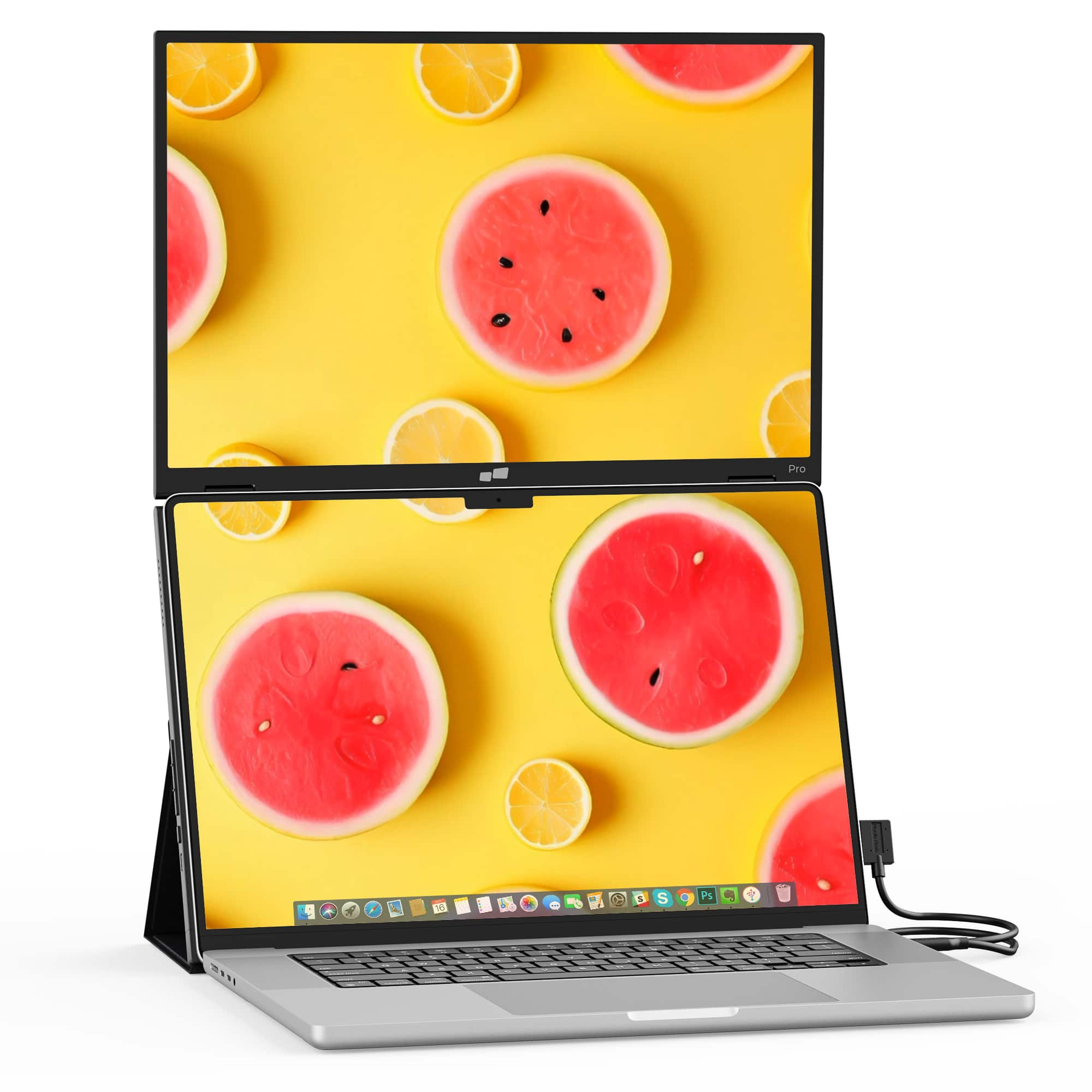
Mobile Pixels - Duex Float 2 Pro 16" Portable Monitor (Mini HDMI, USB) - Black
SKU: J3GWGYWTX7Great piece and very functional....An great product. Light yet well built and sturdy. Very functional and exactly what I wanted.
See all Portable MonitorsProduct Description
A portable black IPS monitor with 2560 x 1600 resolution, 120Hz refresh rate, and integrated speakers.Your price for this item is $331.86 -
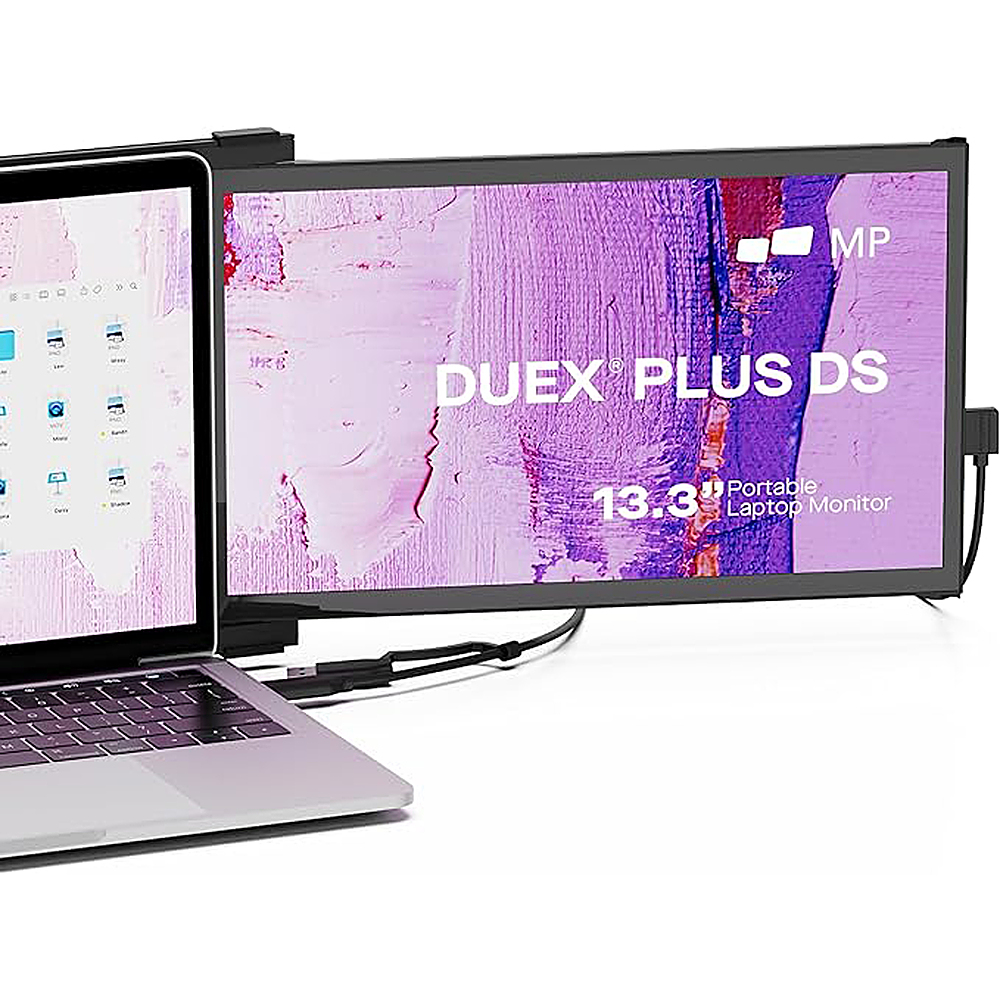
Mobile Pixels - DUEX Plus DS 13.3" IPS LCD Monitor - Black
SKU: J3GWGYWHXRGreat 2nd screen!...Works great for purpose of having 2nd screen. Easy instruction....Love the magnetic feature for easy on / off. Not a fan of the cords but I can deal with them....Great product...Works...
See all Portable MonitorsProduct Description
A portable black IPS LCD monitor with 13.3" Full HD display and USB connectivity for easy multitasking.Your price for this item is $199.99Save $30The previous price was $229.99 -
Mobile Pixels - Fold 15.6" LCD Monitor - Black
SKU: J3R8Q2TQJ4This was a great purchase. It better than the extenders that will add pressure to your laptop....The screen quality isn’t the best, but it certainly does the trick....Best Decision!...Great Value
See all Portable MonitorsProduct Description
A portable black LCD monitor with 1080p resolution, IPS display, and wide device compatibility for productivity.Your price for this item is $129.99Save $50The previous price was $179.99 -
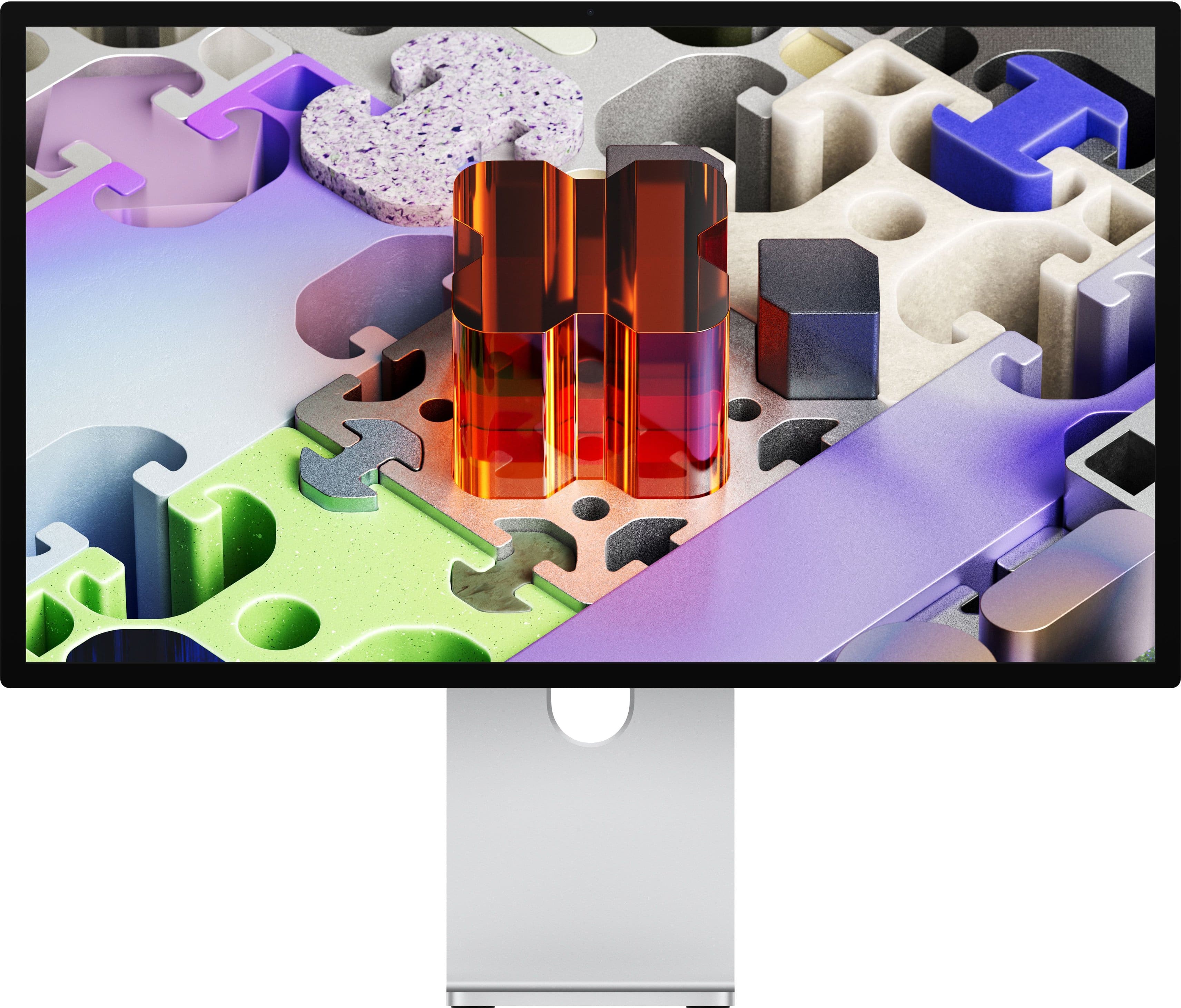
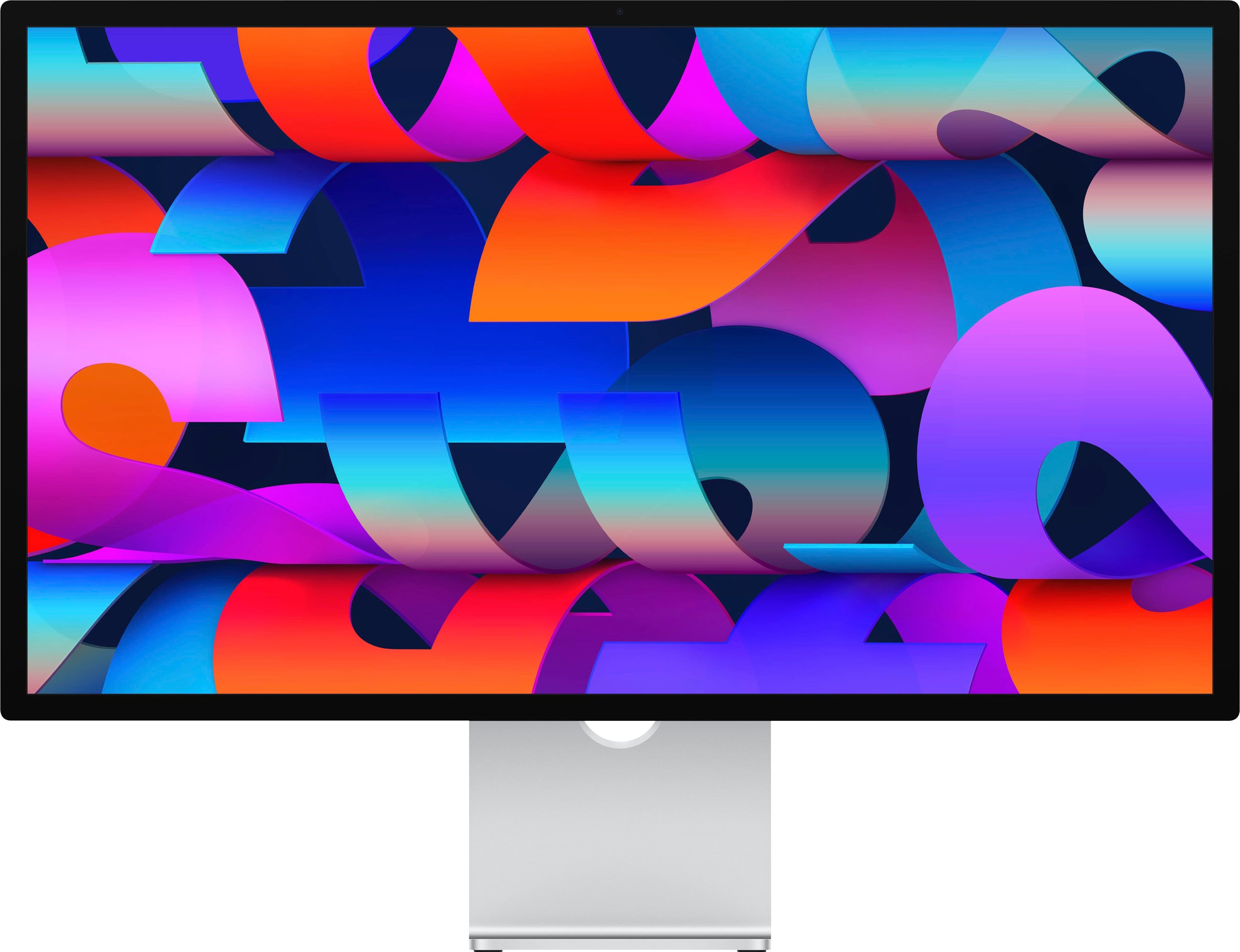
Apple - Studio Display XDR - Standard glass - VESA mount adapter - Silver
SKU: JJGCQLLK87The best monitor I've ever had. Colors are great, brightness is great....The best in build quality and all stats period ! Big bucks and BIG results!!
See all All MonitorsProduct Description
A silver LED display with 5K Retina XDR resolution, built-in webcam, speakers, and VESA mount compatibility.Your price for this item is $2,899.00 -
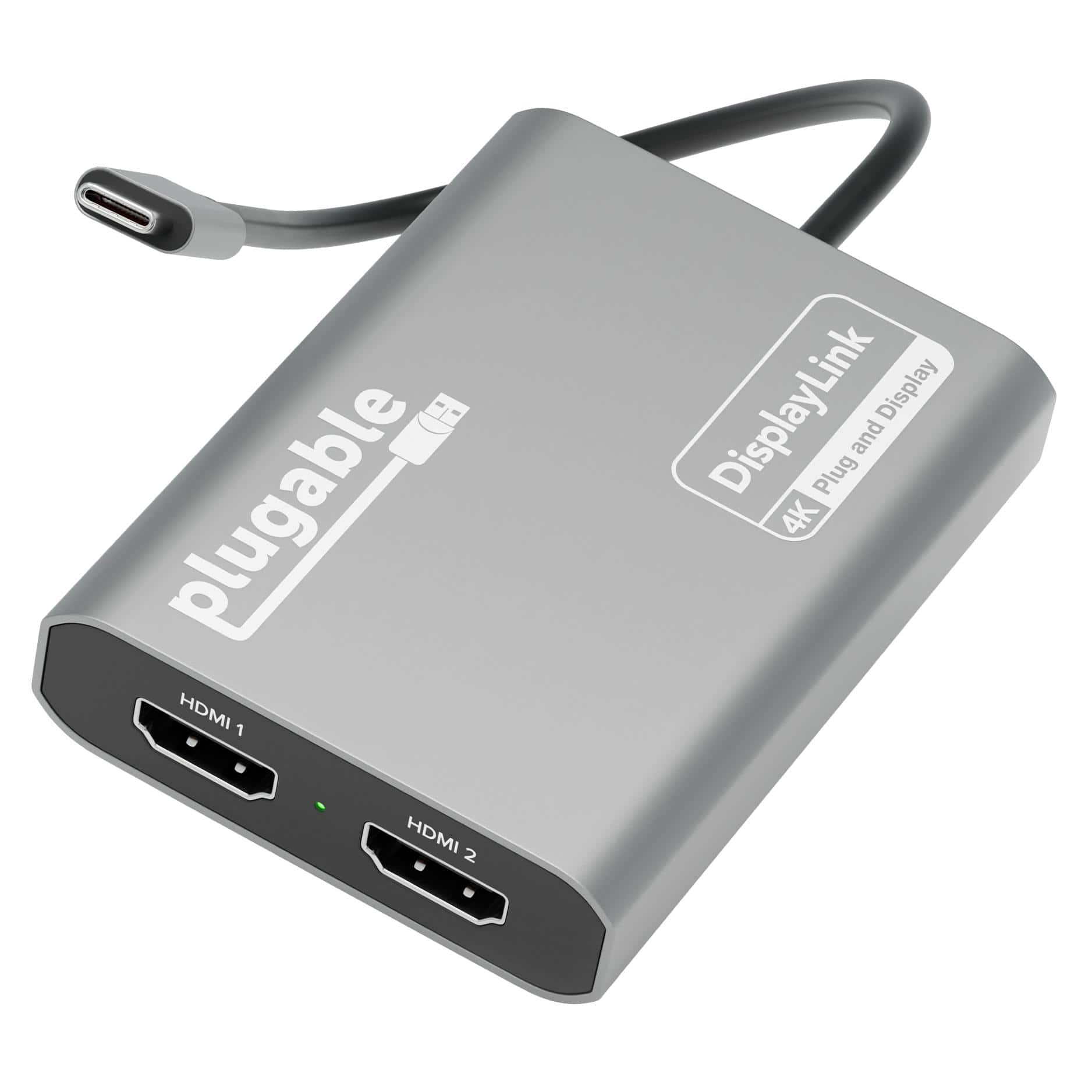
Plugable - USB C to HDMI Adapter, Dual Monitor 4K 60Hz for Apple Mac M1/M2/M3, DisplayLink for Thunderbolt Macbook or iMac - Space Gray
SKU: J3YLP624Y5See all Monitor & Video CablesProduct Description
A space gray USB-C adapter that adds dual 4K 60Hz HDMI monitors to Mac or Windows systems.Your price for this item is $119.99 -
Apple - Studio Display - Standard glass - VESA mount adapter - Silver
SKU: JJGCQLL5G3Ilive in a rural area and it is a inconvenience to have to ship the unit back so Best Buy can ship me
See all All MonitorsProduct Description
A silver 27-inch 5K Retina display with built-in webcam, advanced speakers, and VESA mount compatibility.Your price for this item is $1,599.99 -
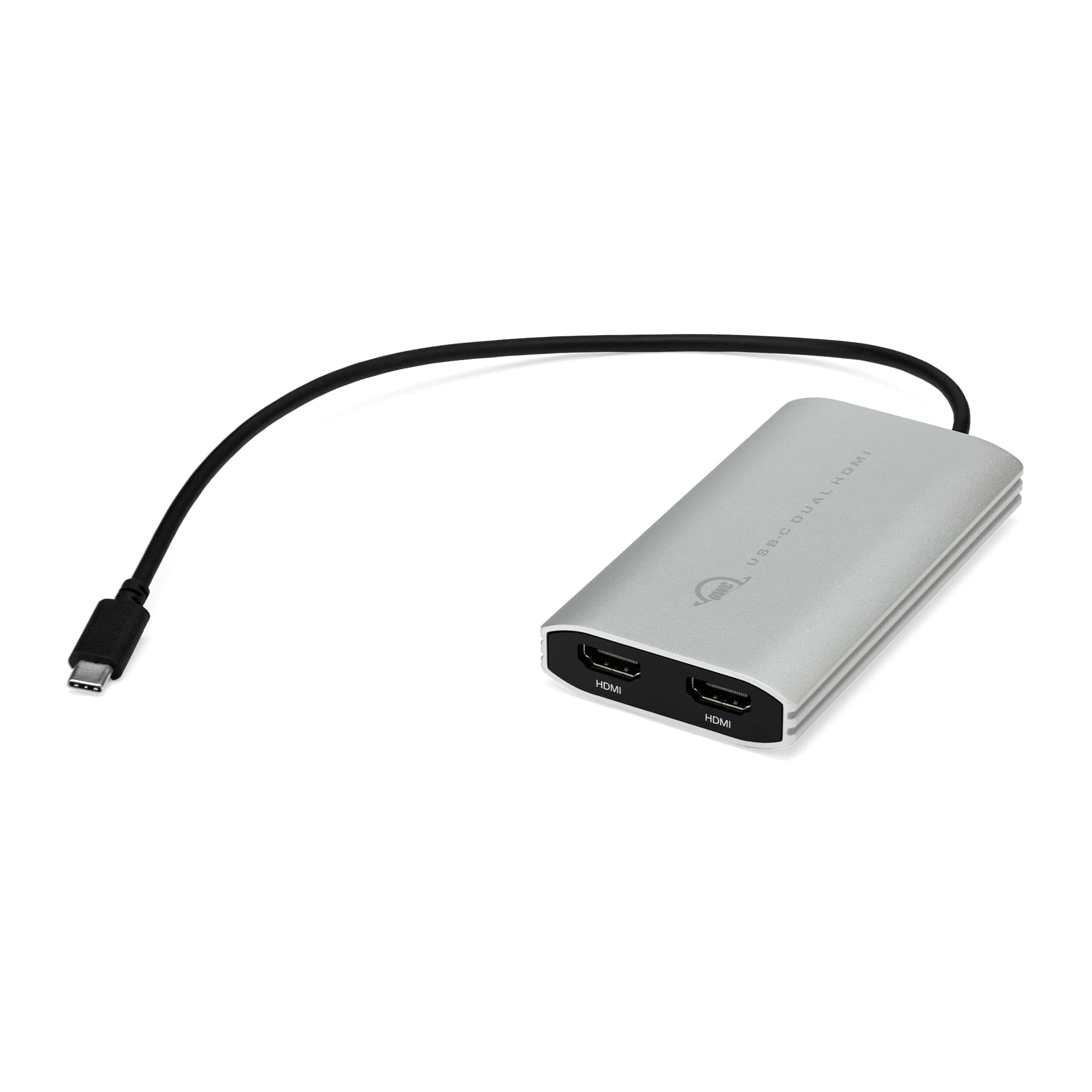
OWC - USB-C Adapter to Dual HDMI 4K with DisplayLink - Supports 2 4K Monitors at 60Hz - Compatible with Mac M1/M2/M3/M4 - Silver|Black
SKU: J3GW9LH5J2See all 4K HDMI (2.0) CablesProduct Description
A silver and black USB-C adapter enabling two 4K HDMI monitors at 60Hz with DisplayLink technology.Your price for this item is $99.95 -
Apple - Studio Display XDR - Nano-texture glass - VESA mount adapter - Silver
SKU: JJGCQLLZSSSee all All MonitorsProduct Description
A silver 27-inch 5K Retina XDR display with nano-texture glass, built-in webcam, and VESA mount compatibility.Your price for this item is $3,199.00 -
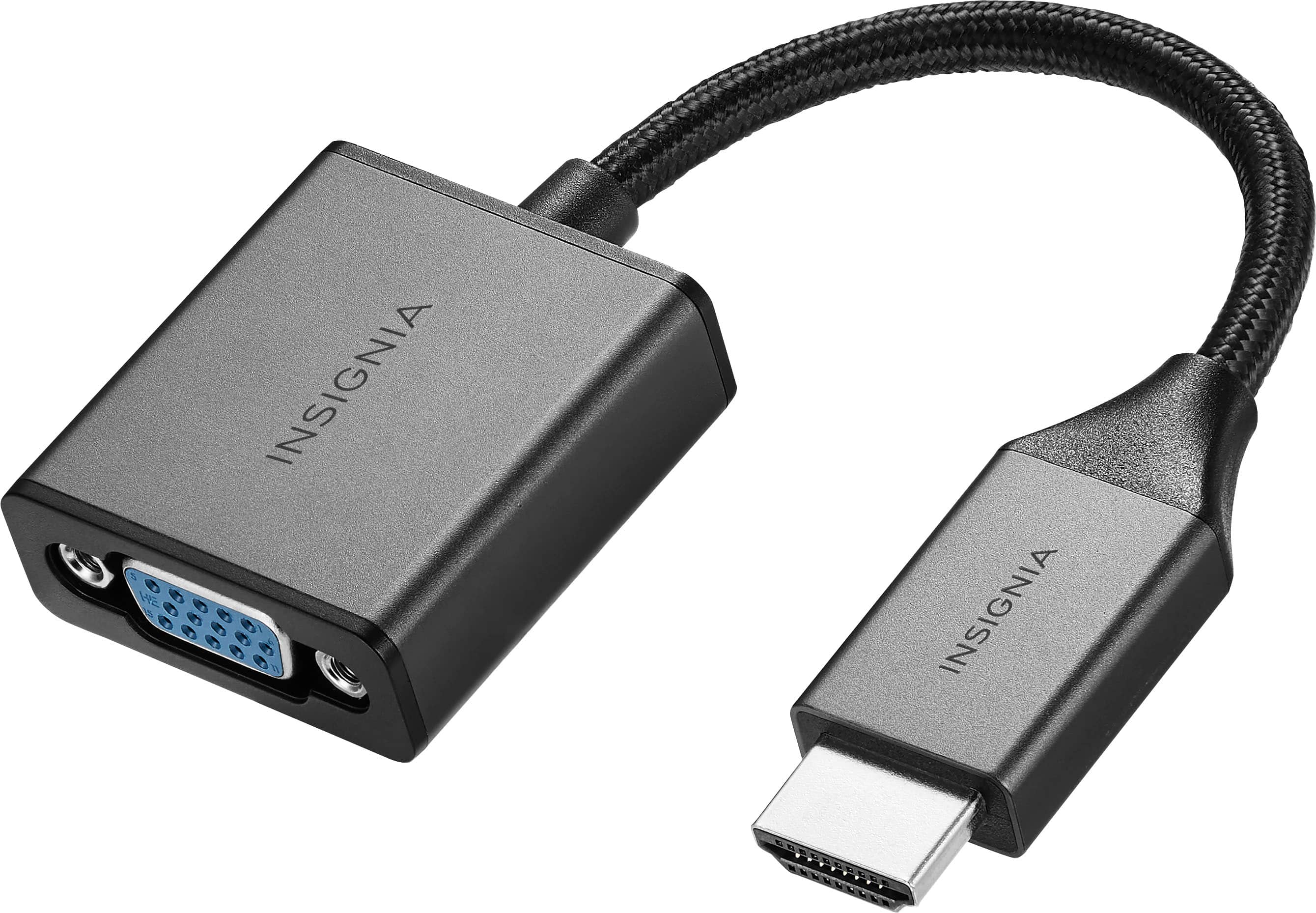
Insignia™ - HDMI to VGA Adapter - Cool gray
SKU: J2FPJK944LBest buy...It’s working great did the job,,we love shopping at Best Buy they have everything you need...Great job Best buy...Works perfectly did exactly what I had wanted to do love this device go to...
See all Monitor & Video AdaptersProduct Description
A cool gray adapter that connects HDMI devices to VGA monitors, supporting 1080p video and audio output.Your price for this item is $19.99 -
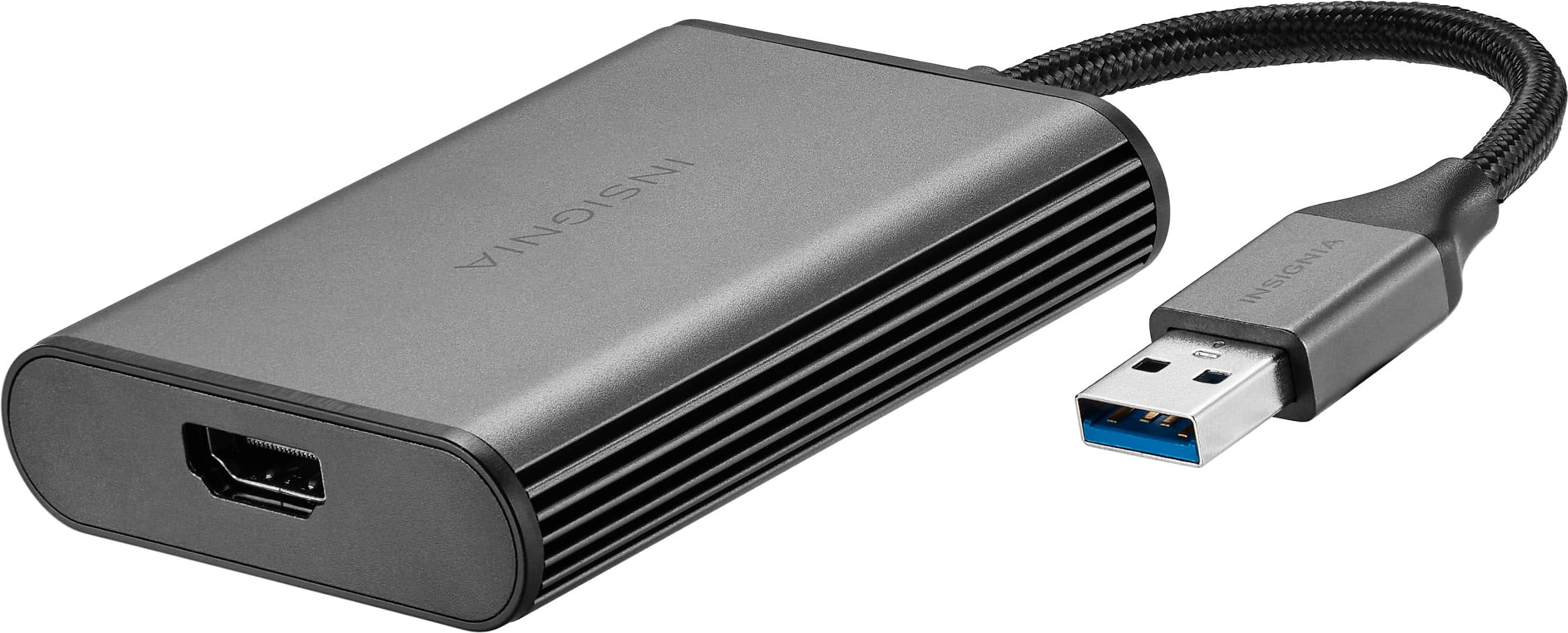
Insignia™ - USB to HDMI Adapter - Black
SKU: J2FPJKYWKJPerfect Adapter; Great Help...Works great -- just what I needed....The staff at Best Buy was great in helping me find this item and weighing the options to make the best...Great product...Only the best...
See all USB Cables & AdaptersProduct Description
A black USB to HDMI adapter that enables high-quality 4K display mirroring or extension for Windows and macOS.Your price for this item is $12.99Save $37The previous price was $49.99

Best Sellers






Related Pages


FAQ
When choosing a second monitor for your Apple computer, consider features such as high resolution (like 4K or 5K), color accuracy, wide viewing angles, and compatibility with macOS. Also, look for connectivity options like Thunderbolt or USB-C to ensure seamless integration.
Yes, some monitors with Thunderbolt 3 or Thunderbolt 4 ports support daisy chaining, allowing you to connect multiple displays to your Mac using a single cable. Check the monitor’s specifications to confirm this feature.
Depending on your Mac model and the monitor’s input ports, you may need adapters such as USB-C to HDMI, USB-C to DisplayPort, or Thunderbolt cables. Many modern monitors and Macs support direct USB-C or Thunderbolt connections.
Yes, many monitors can be rotated to portrait orientation, and macOS supports vertical display arrangements. This is useful for tasks like coding, reading, or editing long documents.
Most external monitors are compatible with both Mac desktops (like iMac and Mac mini) and MacBooks. Just ensure your device has the appropriate ports or adapters to connect to the monitor.