Best Budget Mouse
The best budget mouse balances price with the features you’ll actually use. Compare affordable computer mice by connection type, size, and button layout, and check compatibility with your laptop or desktop. Whether you need a mouse for daily work or browsing, focus on comfort and ease of use rather than extras you don’t need.
What to look for in a budget mouse
Finding the best budget mouse means balancing price with comfort, connectivity, and the features you’ll use most.
1. Comfort and Fit
2. Connection Type
3. Tracking and Sensitivity
4. Features and Overall Value
-
1
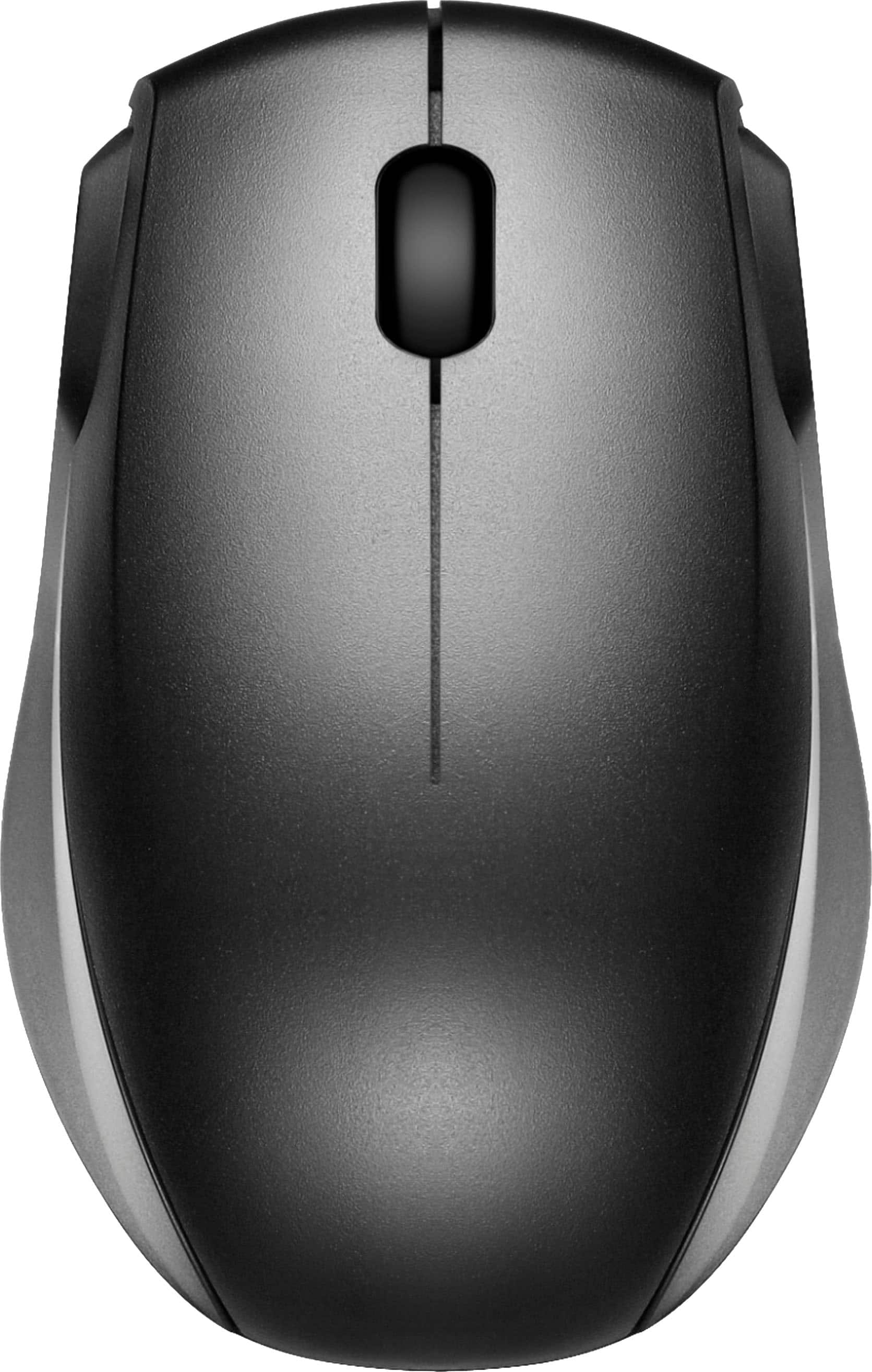
Best Buy essentials™ - Wireless Optical Standard Ambidextrous Mouse with USB Receiver - Wireless - Black
About this product
A wireless black optical mouse with ambidextrous design, 1600 DPI accuracy, and USB nano receiver.
What customers like
(1,286)$9.99 Your price for this item is $9.99 -
2
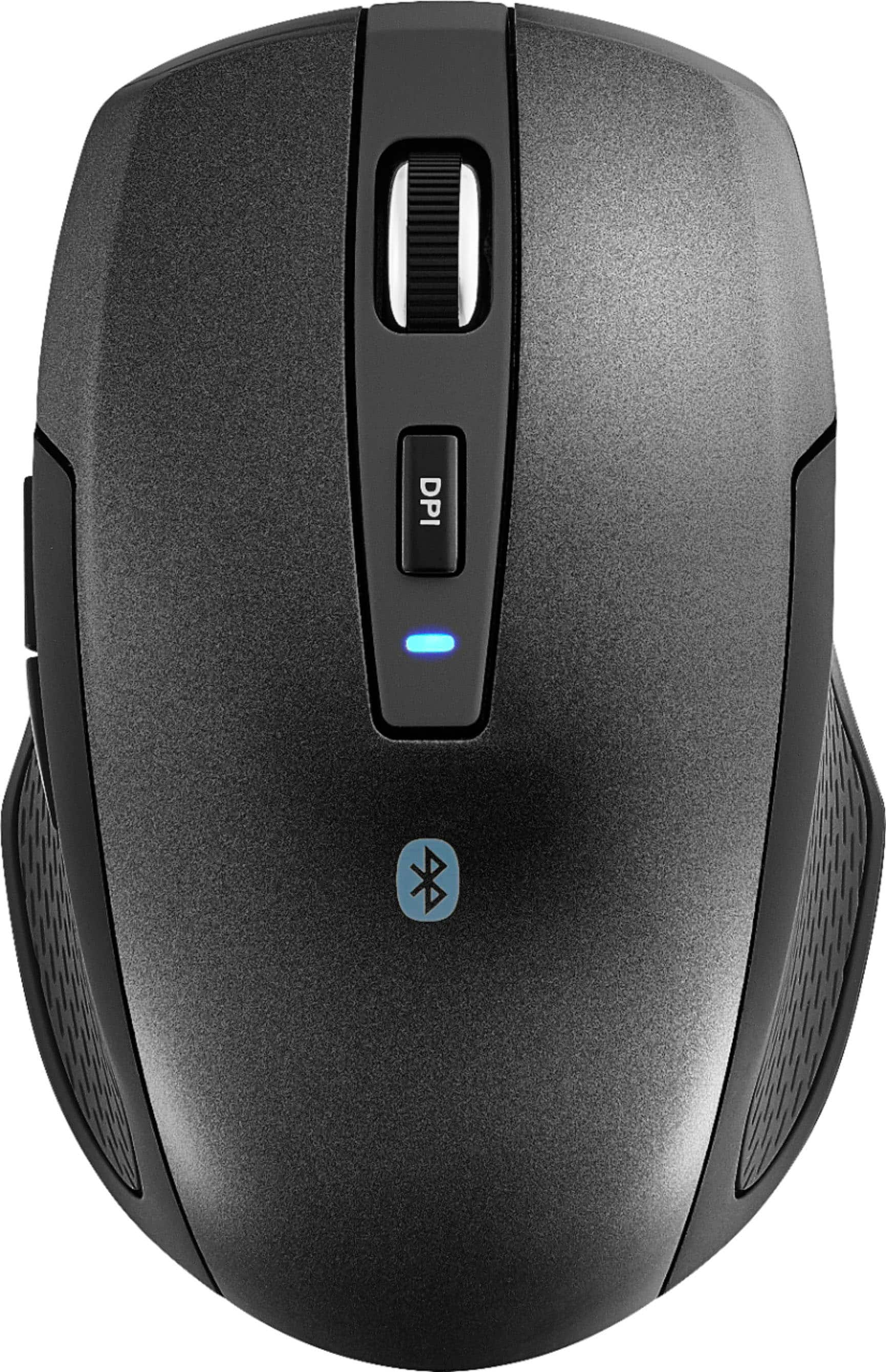
Best Buy essentials™ - Lightweight Bluetooth Optical Standard Ambidextrous Mouse with 6-Button - Wireless - Black
About this product
A wireless black Bluetooth mouse with six buttons, ambidextrous design, and precise 1600 DPI optical tracking.
What customers like
(1,644)$16.99 Your price for this item is $16.99 -
3

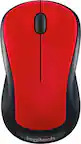
Logitech - M170 Wireless Compact Optical Ambidextrous Mouse - Wireless - Red
About this product
A compact red wireless mouse with ambidextrous design, 1000 DPI sensitivity, and simple plug-and-play setup.
(2,327)$22.99Your price for this item is $22.99SAVE $6.81 -
4
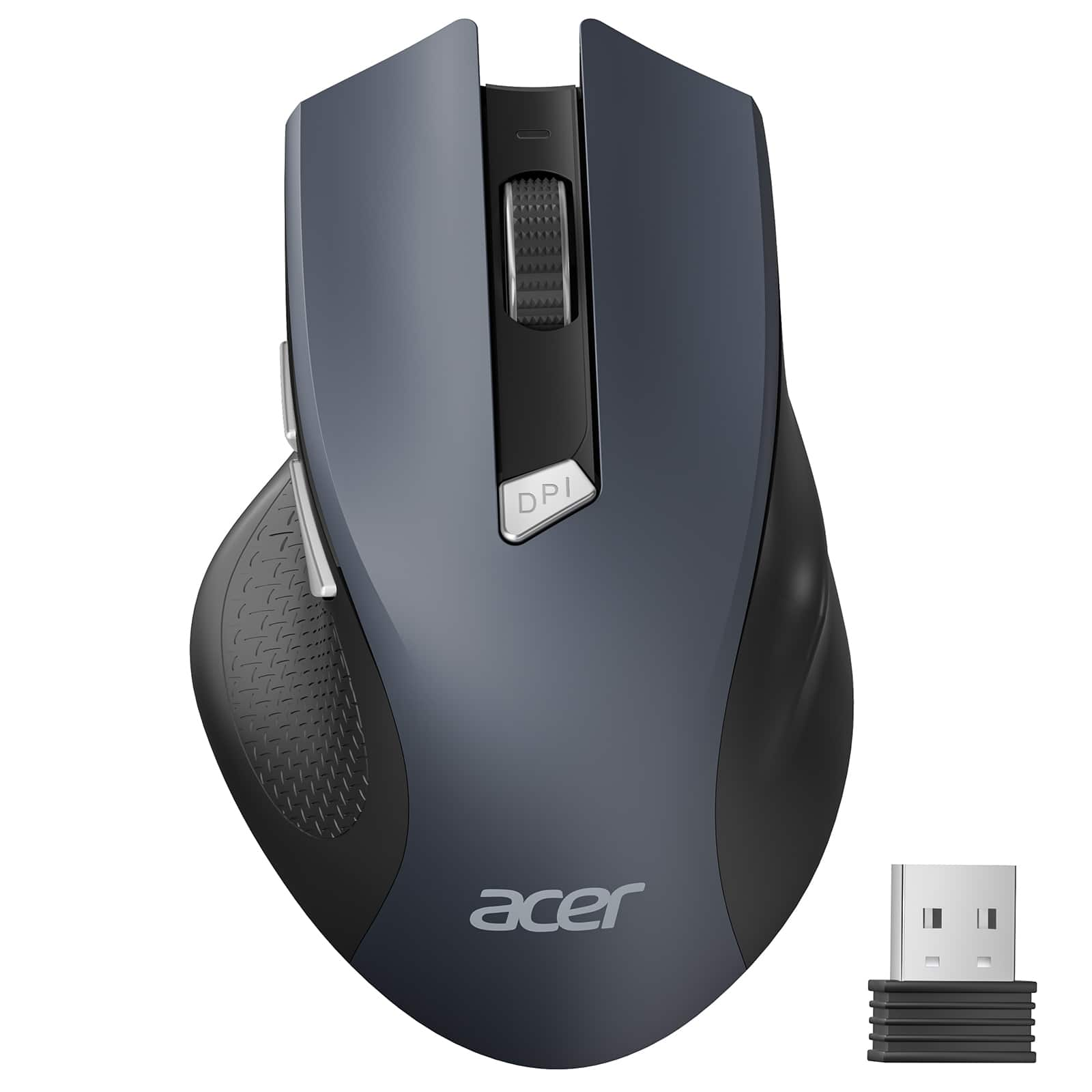
Acer - Wireless Mouse for Laptop, 2.4GHz Computer Mouse 3 Adjustable DPI Office Cordless USB Mice with USBA Receiver - Wireless - Black
About this product
A black wireless mouse with 2.4GHz connectivity, 3 adjustable DPI settings, and ergonomic design.
What customers like
(32)$11.99Your price for this item is $11.99SAVE $1.00 -
5
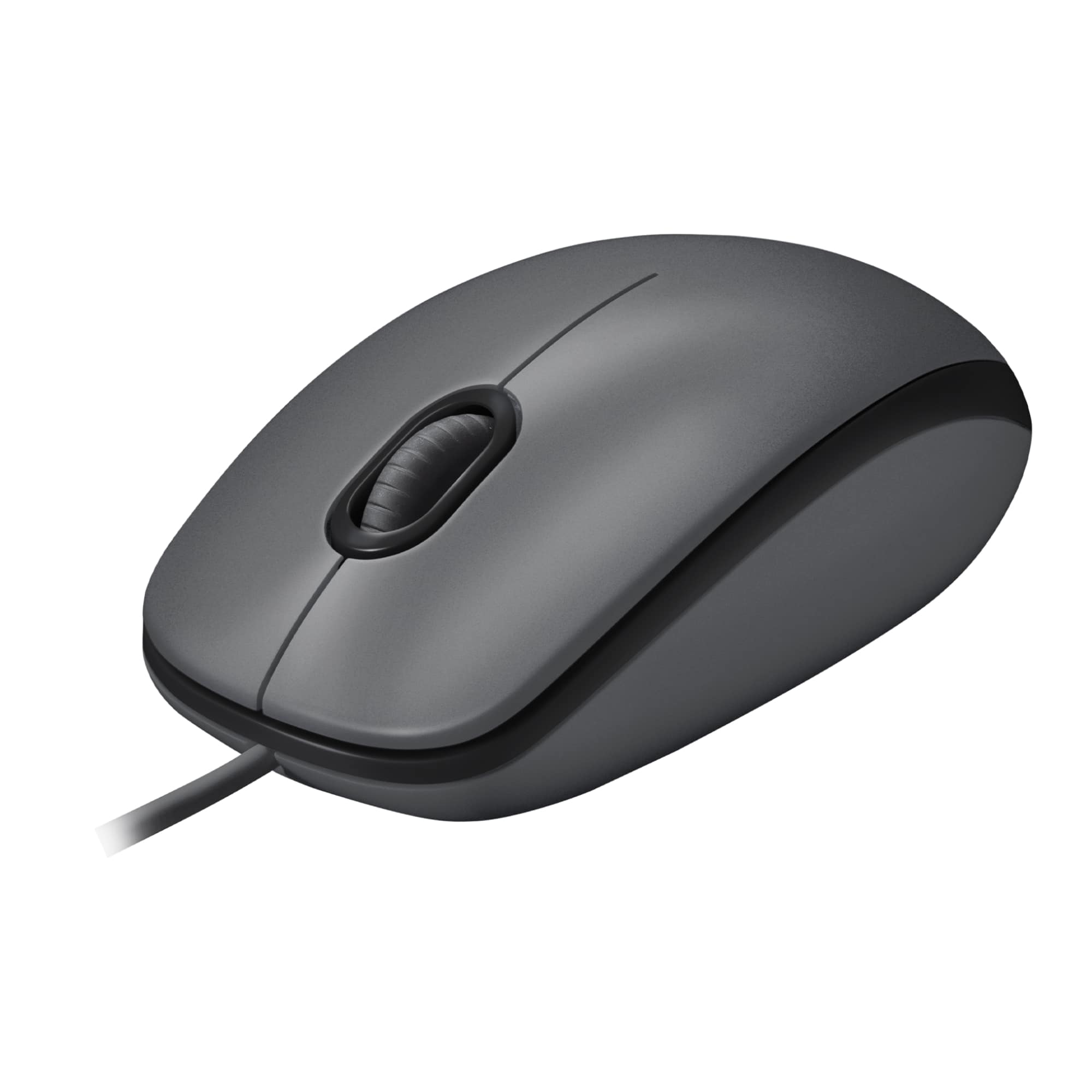
Logitech - M100 Wired Optical Ambidextrous PC Mouse with 1000 DPI Optical Tracking - Wired - Gray
About this product
A gray wired mouse featuring ambidextrous design and 1000 DPI optical tracking for smooth control.
What customers like
(1,682)$9.99 Your price for this item is $9.99 -
6
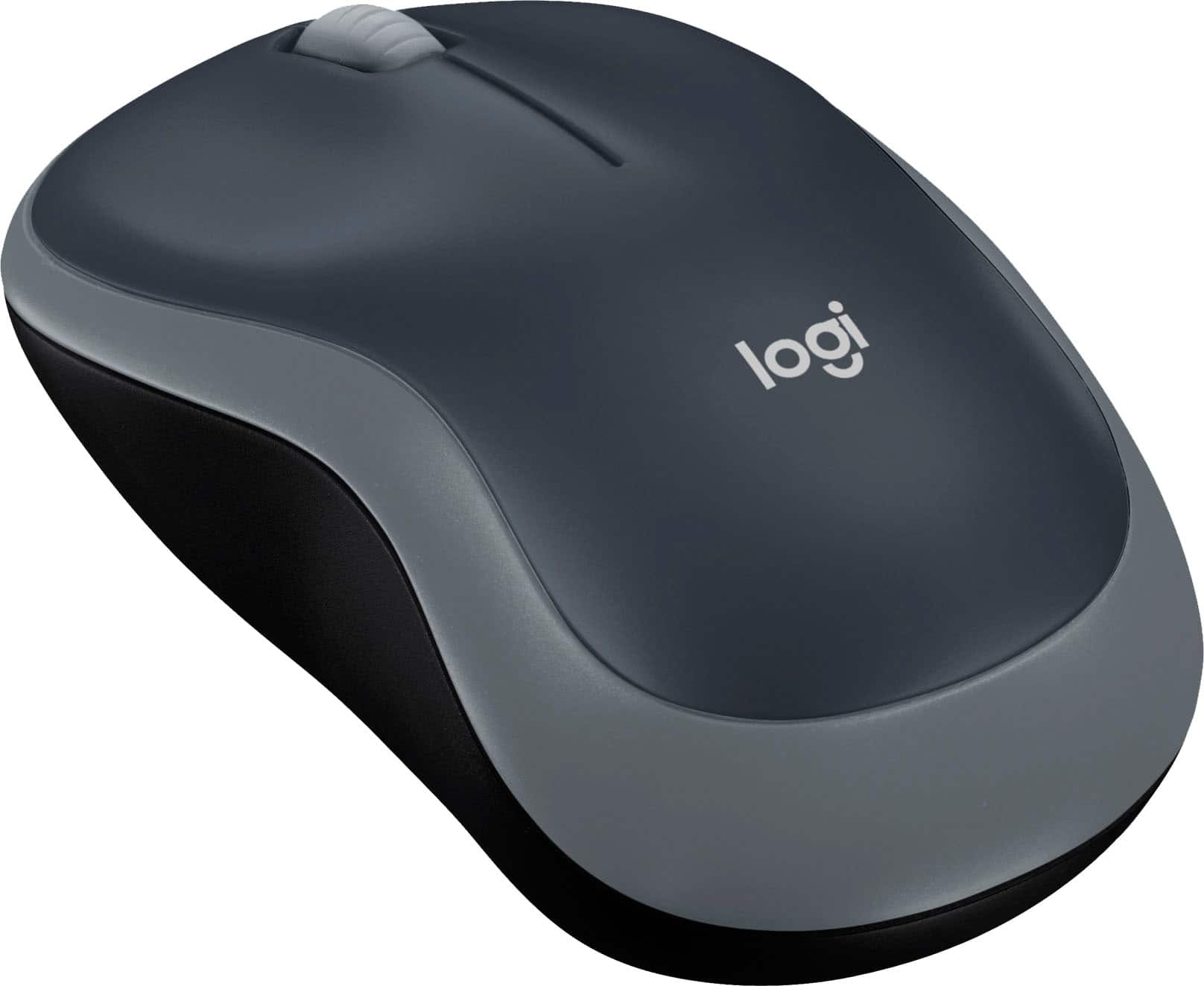
Logitech - M185 Wireless Optical Ambidextrous Mouse - Wireless - Swift Gray
About this product
A reliable wireless optical mouse in swift gray, featuring ambidextrous design and plug-and-play convenience.
What customers like
(1,889)$17.99 Your price for this item is $17.99 -
7
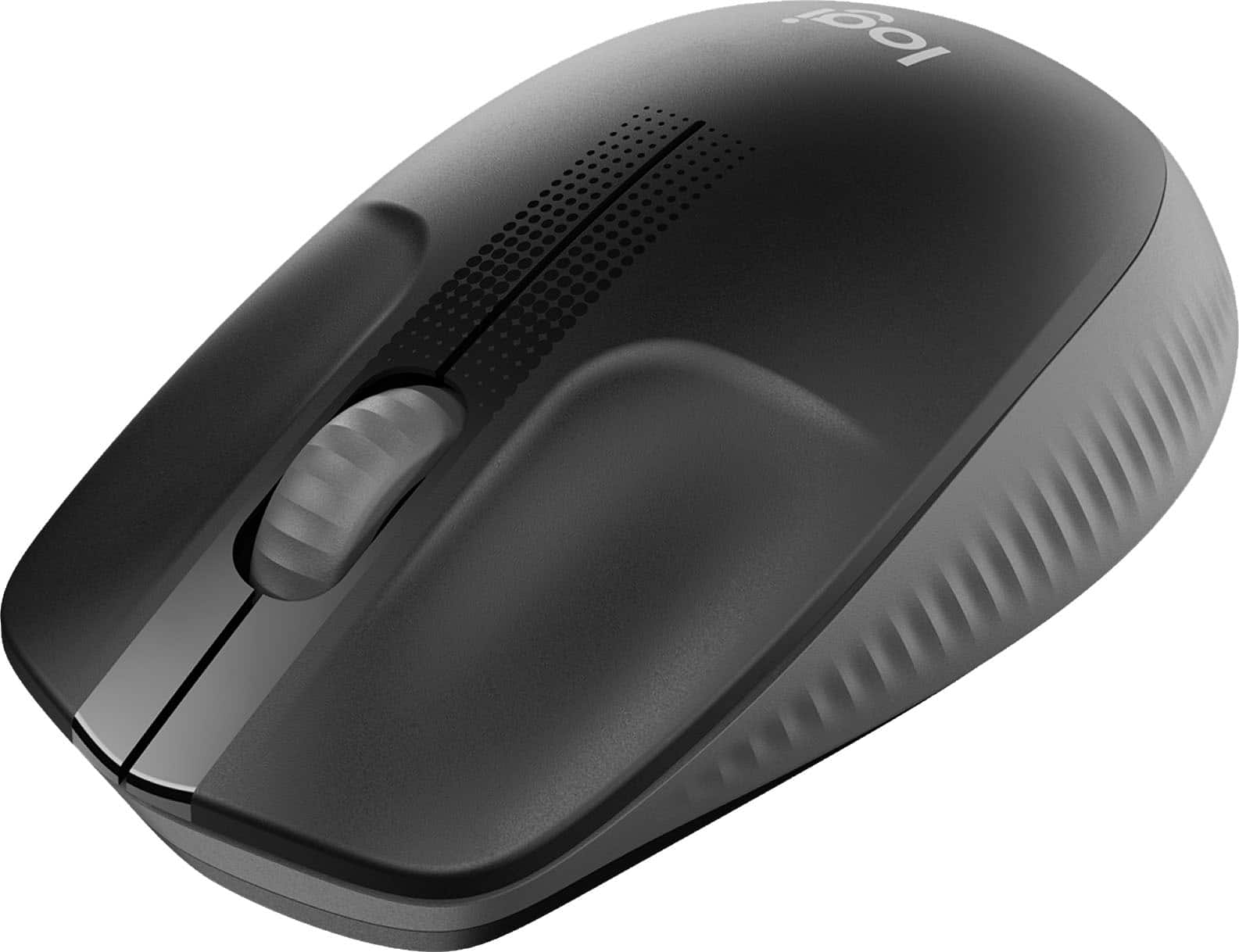
Logitech - M190 Wireless Optical Ambidextrous Mouse - Wireless - Charcoal
About this product
A wireless charcoal mouse with ambidextrous design, comfortable grip, precision tracking, and long battery life.
What customers like
(94)$27.47Your price for this item is $27.47SAVE $1.48 -
8

Logitech - 910-001439 B100 Optical USB 2.0 Left/Right Hand Mouse - Wired - Black
About this product
A black wired optical mouse with ambidextrous comfort, smooth tracking, and plug-and-play USB setup.
(6)$13.29Your price for this item is $13.29SAVE $6.77 -
9

Logitech - M340 Limited Edition Wireless Optical Ambidextrous Mouse with Silent Clicks - Wireless - Floral Bouquet
About this product
A stylish wireless mouse in a floral bouquet design featuring silent clicks and an ambidextrous, compact shape.
What customers like
(501)$19.99Your price for this item is $19.99SAVE $3.00 -
10

Logitech - Signature M550 Wireless Bluetooth Optical Ambidextrous Mouse with Silent Clicks - Wireless - Off-White
About this product
An off-white wireless mouse featuring silent clicks, SmartWheel scrolling, and ambidextrous contoured comfort design.
What customers like
(2,592)$37.95 Your price for this item is $37.95
Best Budget Mouse
FAQs
Common connection options include wired USB, Bluetooth and wireless connections that use a USB receiver. A wired mouse connects through a cable, while Bluetooth pairs with a compatible device without a receiver. Receiver-based wireless mice require a compatible USB port.
DPI stands for dots per inch and describes a mouse’s tracking sensitivity. Higher DPI settings generally move the pointer farther for the same physical mouse movement. Some mice offer adjustable DPI through a button or compatible software.
Beyond left-click, right-click and a scroll wheel, some budget mice include side buttons, a DPI button or programmable controls. Depending on the model and software support, additional buttons may be assigned to browser navigation, keyboard shortcuts or other commands.
Wired mice typically draw power through their USB connection. Wireless mice may use replaceable batteries or a built-in rechargeable battery. For rechargeable models, check the charging connection and whether the mouse supports use while charging.
Check the mouse’s supported operating systems, connection requirements and any software needed for customization. Basic pointer and click functions may have broader compatibility than programmable buttons or advanced settings. For tablets and other mobile devices, also confirm support for mouse input.