Best Laptop For Drawing
-
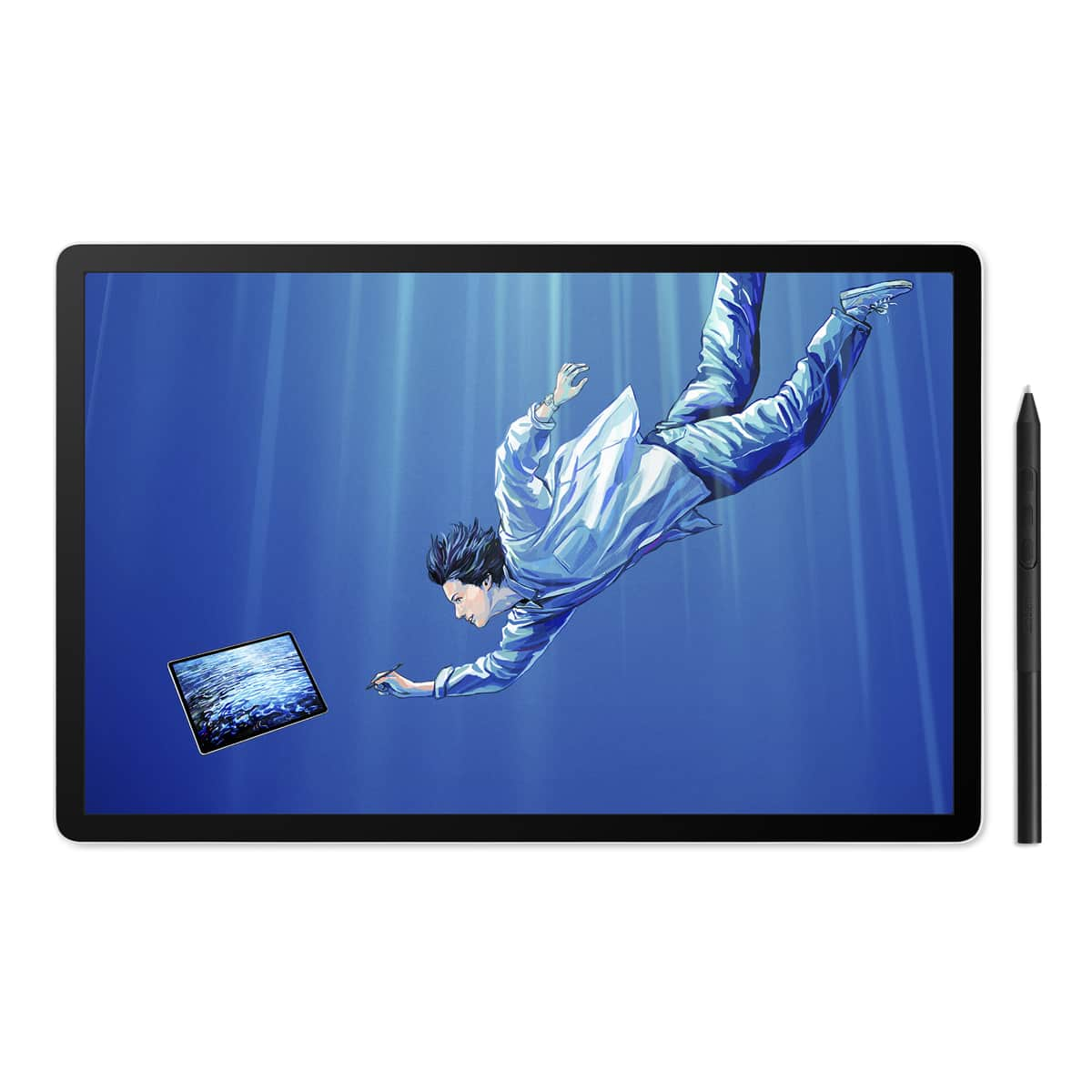
Wacom - MovinkPad 11, Android Mobile Drawing Tablet, 11.45" with Battery-Free Slim Pro Pen 3, 8GB RAM/128 GB Storage - Silver
SKU: JXFPXQRV78Best Art Tablet I’ve Ever Bought...I’m in love - The size and weight are perfect! It feels like you’re writing on paper....I love the Wacom-Moveink Pad 11/ It was a perfect gift for my niece who loves...
See all Drawing TabletsProduct Description
A lightweight silver Android tablet with 8GB RAM, 128GB storage, and a battery-free pen for effortless drawing.Your price for this item is $499.95 -
Wacom - MovinkPad Pro 14 14" OLED All-in-One Mobile Drawing Tablet - Light Gray
SKU: JXFPXQRFVVWacom the best...Love wacom. Been using similar product for decades. This one is great portable drawing pad....Quality and pressure sensitivity is great. Love the mobility.
See all Drawing TabletsProduct Description
A light gray portable all-in-one drawing tablet with 2.8K OLED display, Android 15, and pressure-sensitive pen.Your price for this item is $1,099.95 -
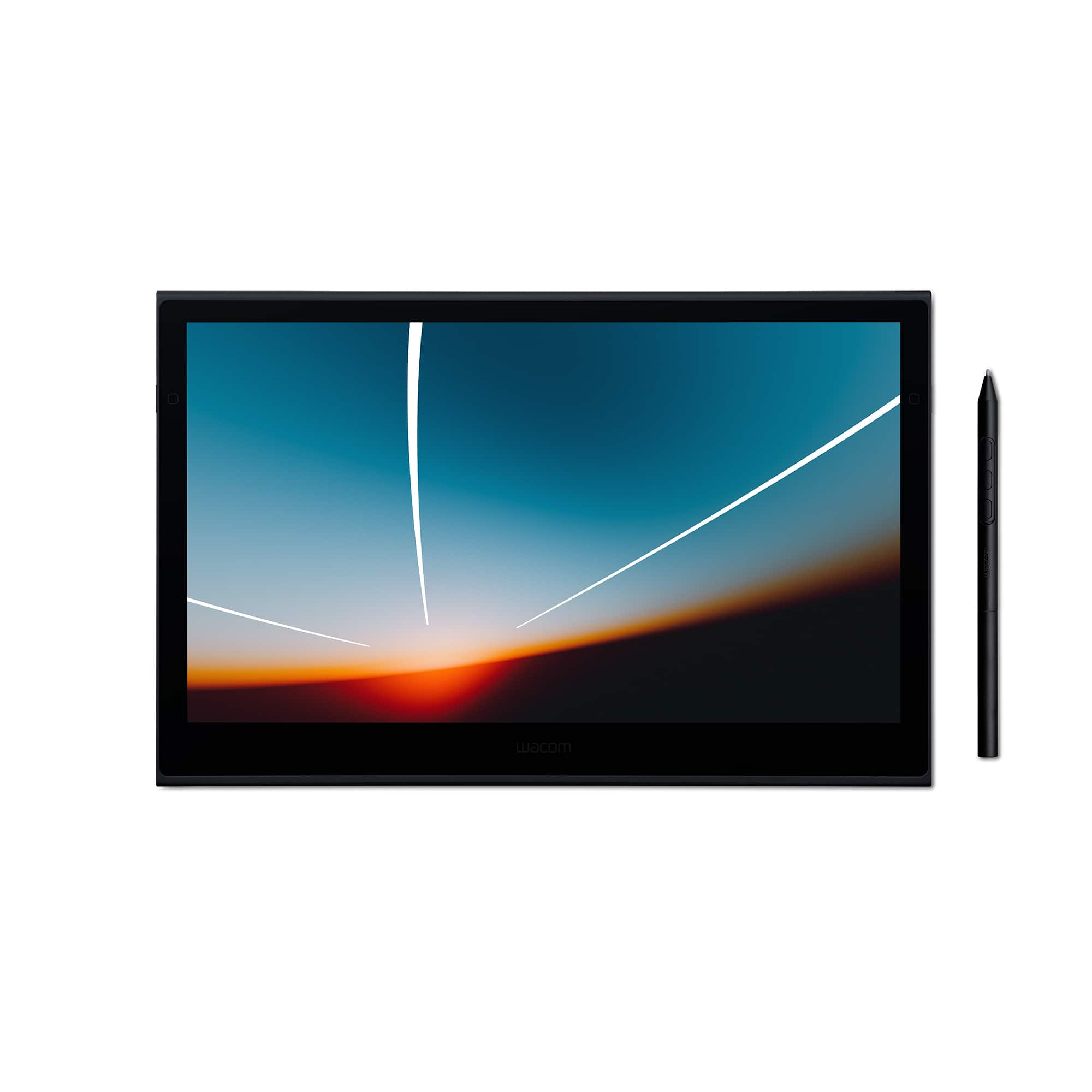
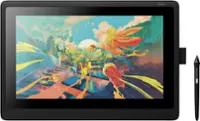
Wacom - Movink 13" Creative Pen Drawing Tablet with Touch Display - Black
SKU: JXFPXQRVQPSee all Drawing TabletsProduct Description
A lightweight black drawing tablet with OLED touch display and sturdy magnesium alloy exterior for creative professionals.Your price for this item is $599.95 -
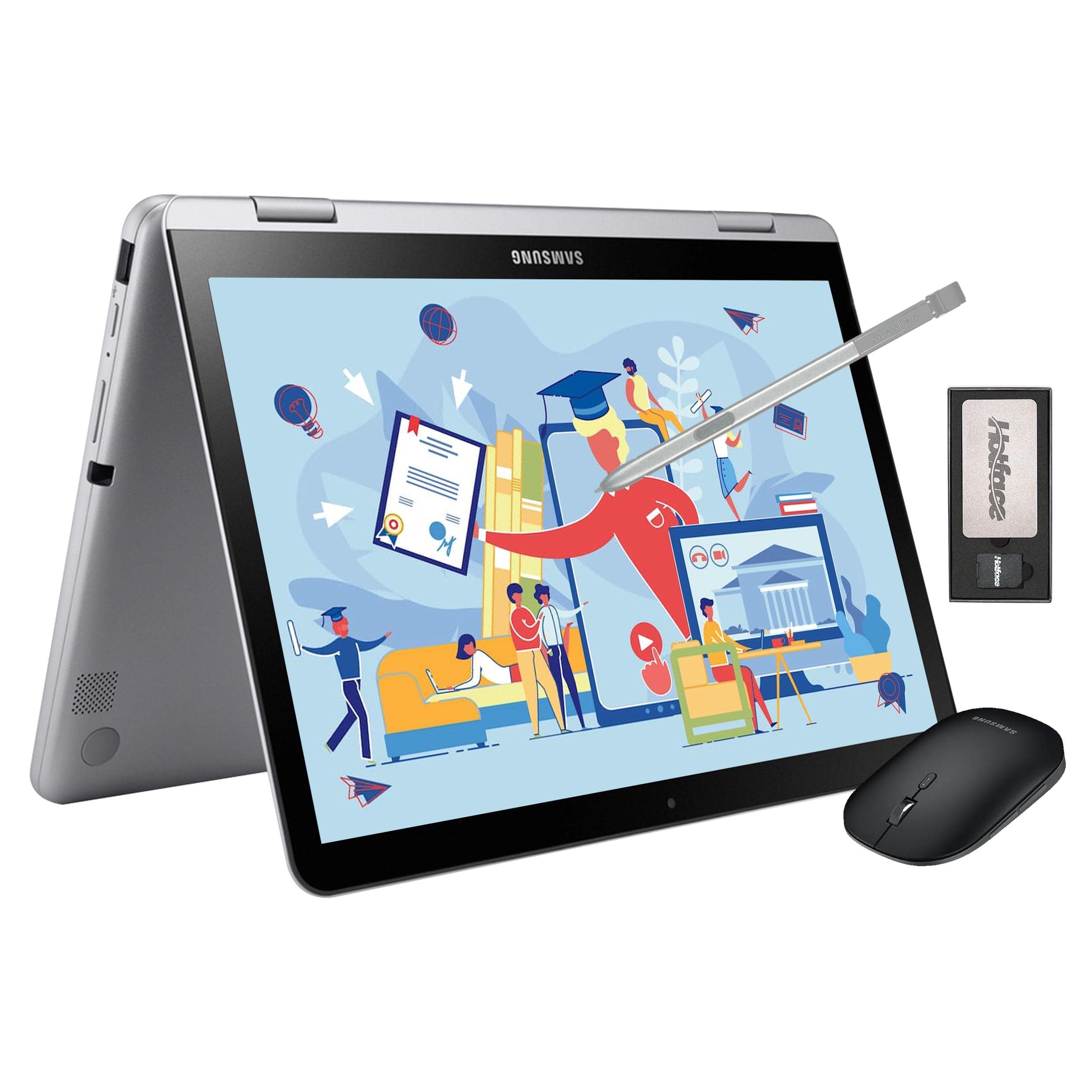
Samsung - 12.2" FHD 2-in-1 Touchscreen Chromebook Plus Laptop,Intel Dual-Core,4GB RAM,64GB eMMc,128GB Docking Set - Silver
SKU: J3ZYGCSXH8See all ChromebooksProduct Description
A sleek silver 2-in-1 Chromebook with FHD touchscreen, Intel Dual-Core, stylus, and wireless mouse.Your price for this item is $379.00 -
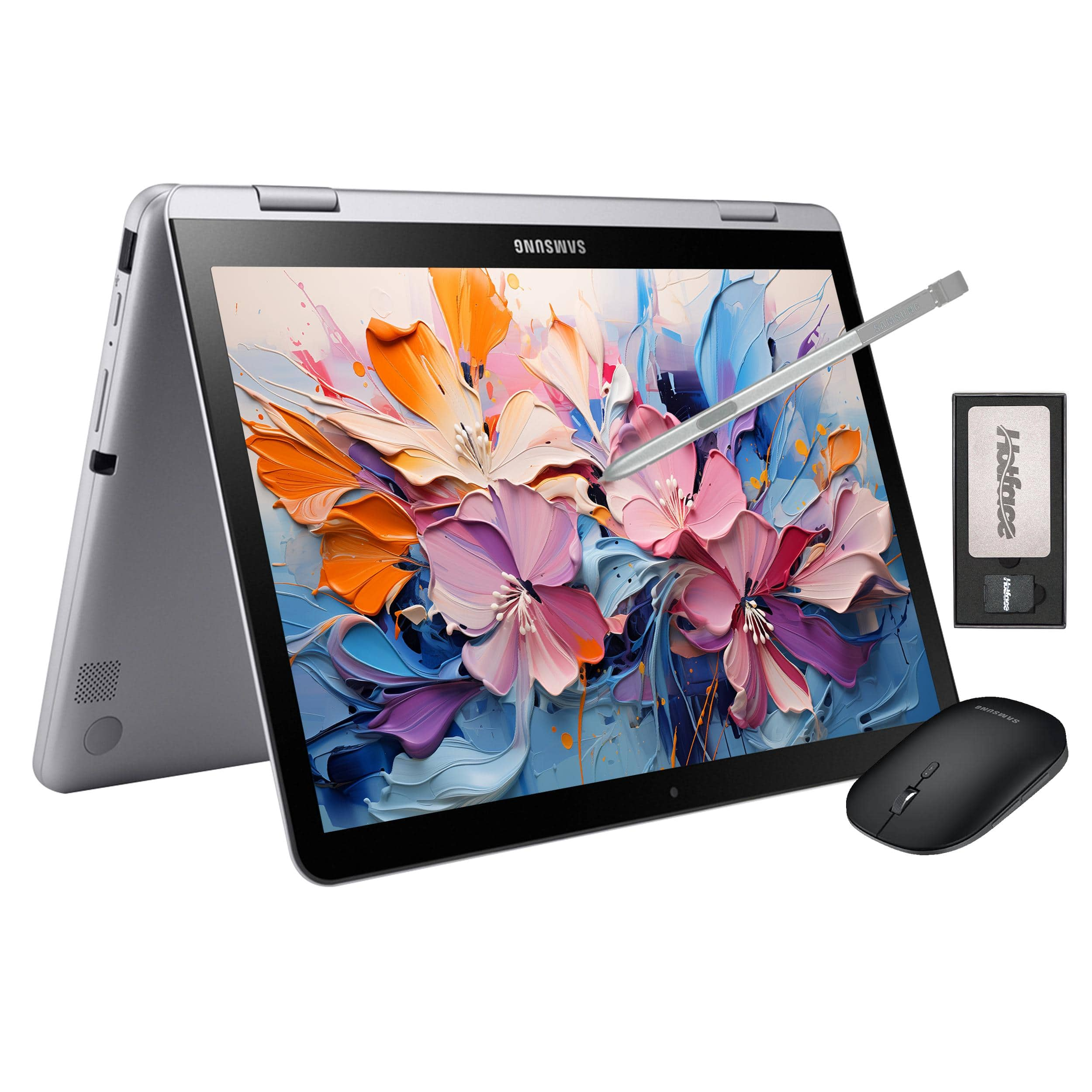
Samsung - 12.2" FHD 2-in-1 Touchscreen Chromebook Plus Laptop,Intel Dual-Core,4GB RAM,64GB eMMc,160GB Dock Station - Silver
SKU: J3ZYGCG5HXOther than that I love it.
See all ChromebooksProduct Description
A sleek silver 2-in-1 Chromebook with FHD touchscreen, Intel Dual-Core processor, stylus, and 64GB storage.Your price for this item is $379.00 -
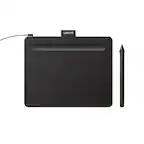
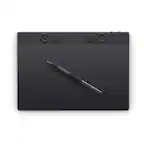
Wacom - Intuos Small Wired Graphics Drawing Tablet, Includes Training & Software; Works w/ Chromebook Mac Android & Windows - Black
SKU: JXFPXQQX79I LOVE MY WACOM , IT WAS A GREAT INVESTMENT!...I RECOMMEND THIS COVER FOR A TABLET FROM BEST BUY TO EVERYONE!...Great tablet!...Wacom is the best drawing tablet available. I won't buy any other brand....My...
See all Drawing TabletsProduct Description
A black graphic drawing tablet with a super-accurate pen, compatible with Mac, PC, Chromebook, and Android.Your price for this item is $39.95 -
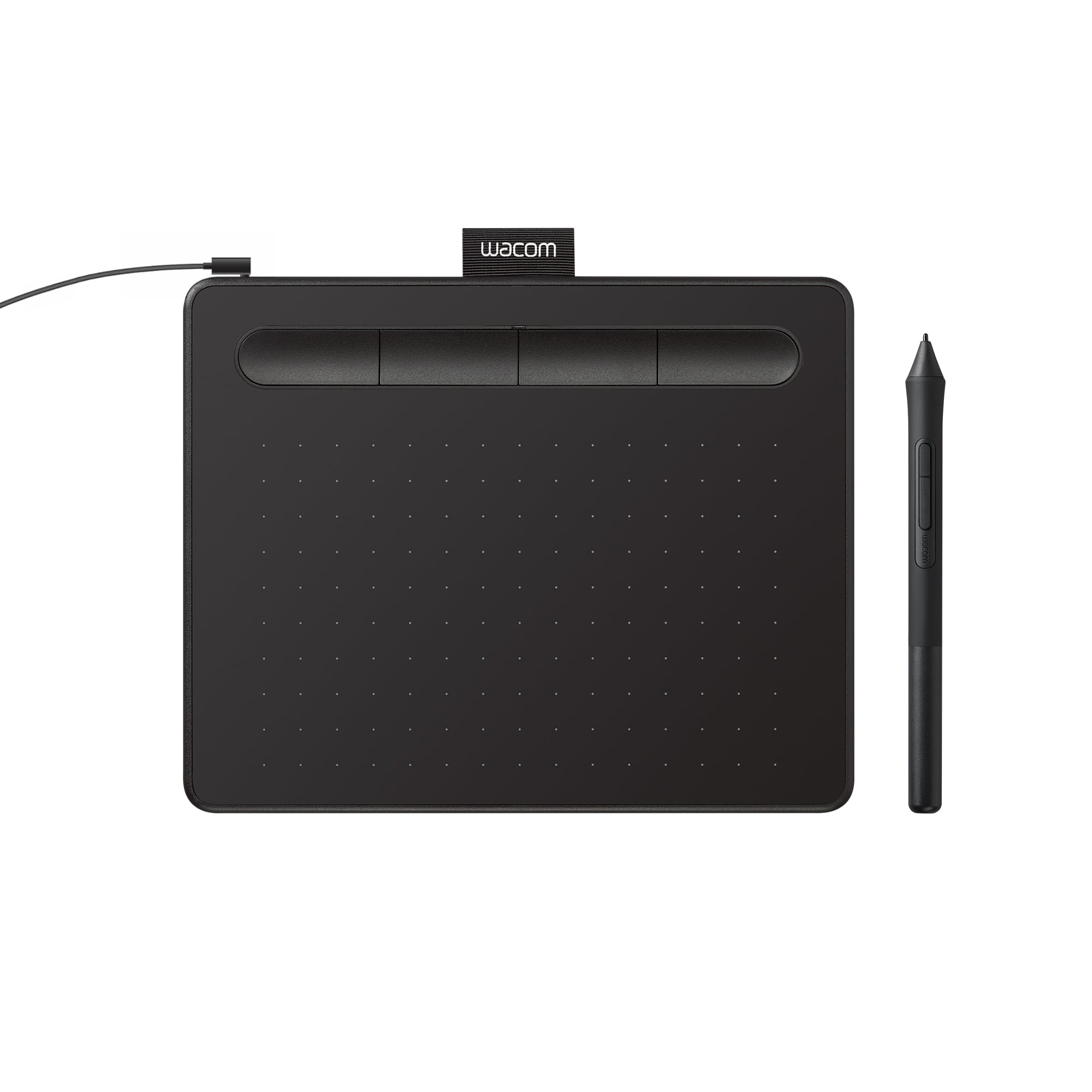
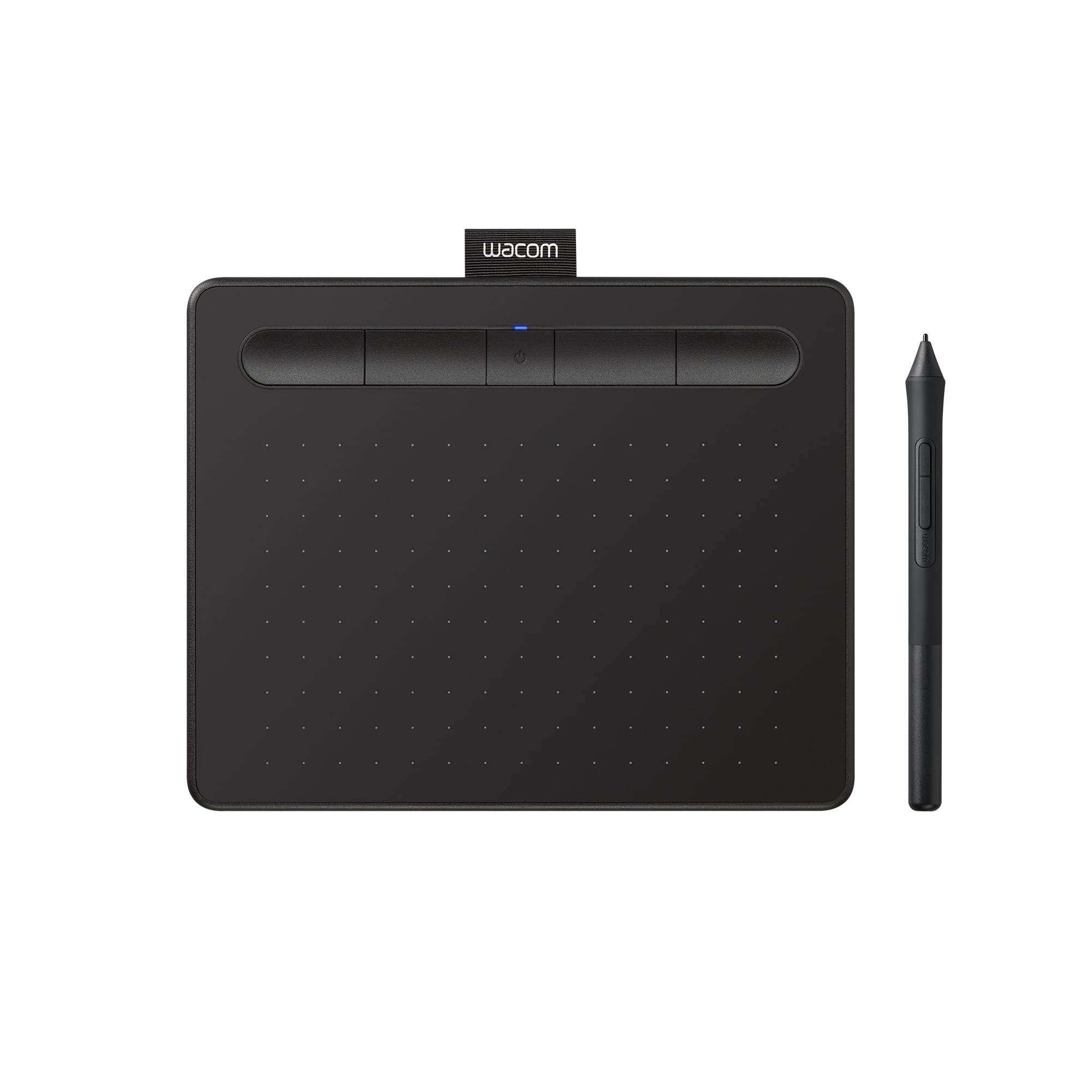
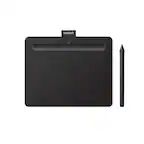
Wacom - Intuos Small Bluetooth Graphics Drawing Tablet, Includes Training & Software; Works w/ Chromebook Mac Android & Windows - Black
SKU: JXFPXQQ2VZKids love. Great purchase. Checked out various products and concluded this was our best fit....I love it. it is the best product to use when your editing your photos...Great Product...Great
See all Drawing TabletsProduct Description
A wireless black drawing tablet with pressure-sensitive pen, Bluetooth connectivity, and software for digital creativity.Your price for this item is $79.95 -
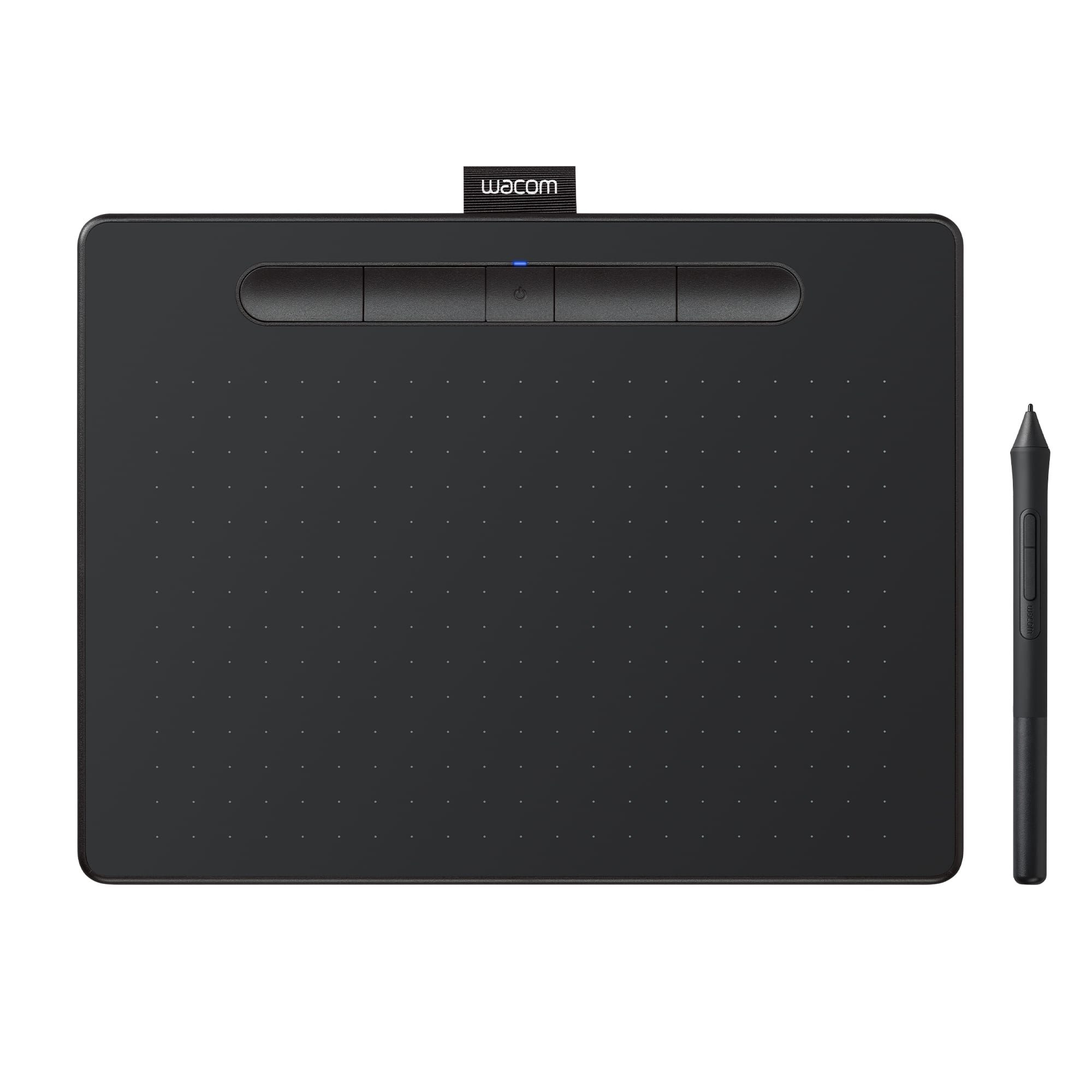
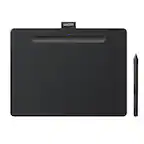
Wacom - Intuos Medium Bluetooth Graphics Drawing Tablet, Includes Training & Software; Works w/ Chromebook Mac Android & Windows - Black
SKU: JXFPXQQ2FGI love everything about my experience every time I go to Best Buy they directly to exactly what I need...This editing pad is the best of the best....Best Purchase...Love the Wacom tablet. I am glad my...
See all Drawing TabletsProduct Description
A wireless black graphic drawing tablet with pressure-sensitive pen, software included, and multi-device compatibility.Your price for this item is $129.95 -
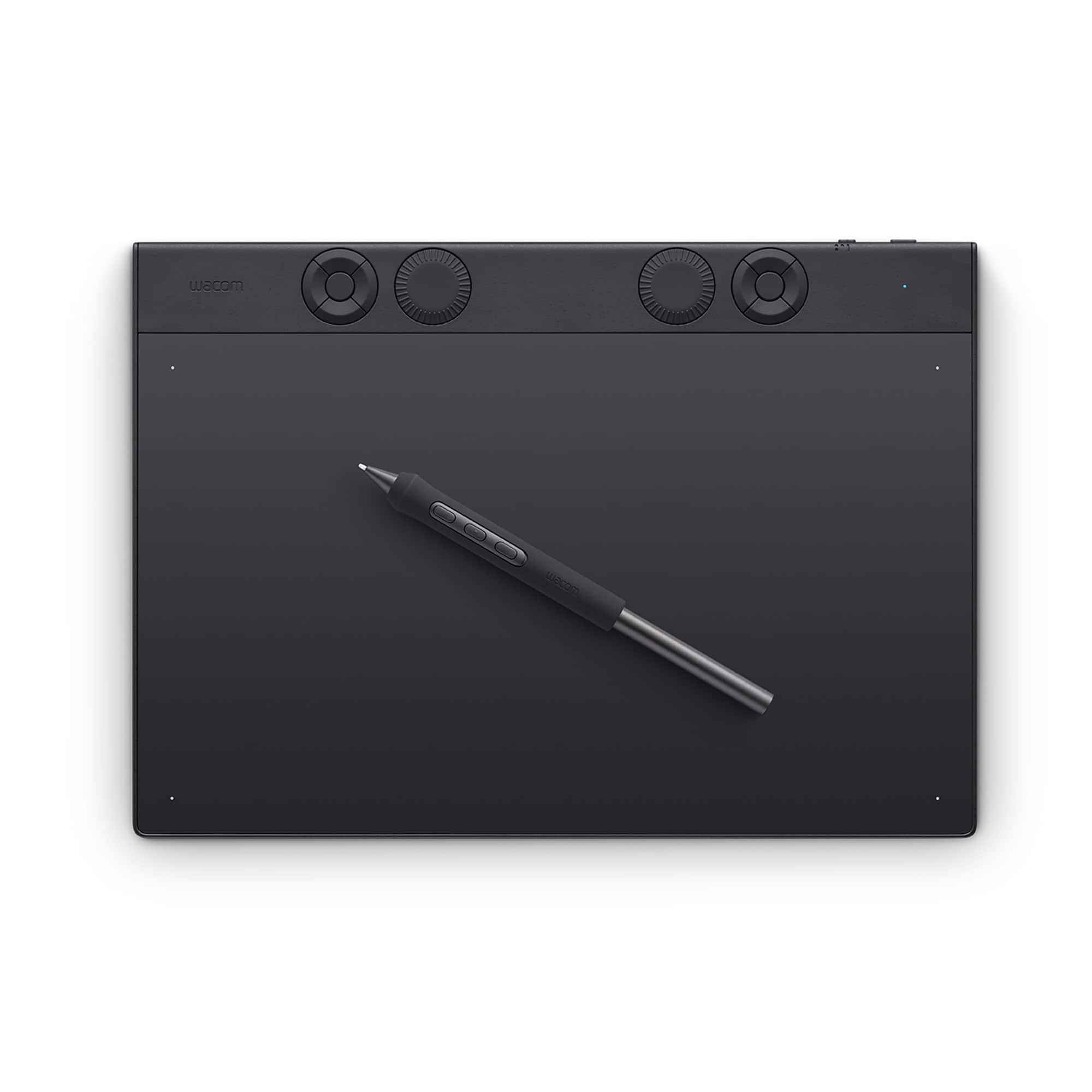
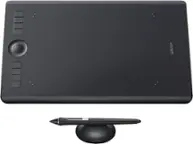
Wacom - Intuos Pro Medium Bluetooth Professional Graphic Drawing Tablet (2025) - Black
SKU: JXFPXQRV97I love it, great tablet, I use it for my class and other things....Love this wacom tablet....Great for 3d modeling....The tablet works well and I have great control over the pen tilt.
See all Drawing TabletsProduct Description
A professional black graphic drawing tablet featuring Bluetooth, customizable Pro Pen 3, and durable magnesium construction.Your price for this item is $379.95 -
LapGear - Acacia Easel Lap Desk with Storage (Fits up to 15.6" Laptop) - Java
SKU: J7L6HSHV76See all Lap DesksProduct Description
An adjustable java brown acacia wood lap desk with storage, cushioned base, and fits up to 15" laptops.Your price for this item is $74.99


Best Sellers

Related Pages




FAQ
When choosing a laptop for digital drawing, look for features such as a high-resolution touchscreen display, support for stylus input, powerful graphics capabilities, and a fast processor. These features ensure smooth performance and accurate pen response for creative work.
While integrated graphics can handle basic drawing tasks, a dedicated graphics card is recommended for more demanding creative software and complex artwork. It provides better performance and smoother rendering, especially for professional artists and designers.
Yes, 2-in-1 laptops are a popular choice among digital artists because they combine the functionality of a laptop and a tablet. Their flexible hinges and touchscreen displays make them ideal for sketching, painting, and editing directly on the screen with a stylus.
A stylus allows for precise control, pressure sensitivity, and natural drawing motions, making it easier to create detailed artwork. Many modern laptops support active styluses, which can detect varying pressure levels and angles for a more realistic drawing experience.
Both Windows and macOS offer excellent options for digital drawing, with a wide range of compatible creative software. The choice often comes down to personal preference and the specific programs you plan to use. Consider which operating system supports your preferred drawing apps and workflow.