Thanksgiving 24-Hour Flash SaleOne day. Online only. Ends today.Shop now

Main Content
Skip to contentGo to Product Search

Thanksgiving 24-Hour Flash SaleOne day. Online only. Ends today.Shop now

Main Content

Top Rated Maintenance Software

Find maintenance software that fits your computer’s upkeep needs, whether you’re focused on routine cleanup or system performance. Compare each option’s included utilities, operating system requirements, and license terms to choose software that works with your setup and covers the tasks you want to handle.

What to look for in maintenance software

The best maintenance software for your computer should fit your operating system, upkeep needs, and comfort level with managing system settings.

1. System Compatibility

Check that the software supports your operating system and version, and review its processor, memory, and storage requirements. If you maintain multiple computers, confirm compatibility with each device before purchasing.

2. Maintenance Features

Look for tools that address your needs, such as removing unnecessary files, managing startup programs, or monitoring drive health. Compare these features with your computer’s built-in utilities to determine whether the software adds useful functionality.

3. Ease of Use and Control

Consider whether you prefer guided maintenance or detailed controls for individual tasks. Scheduled scans, clear explanations, and the ability to review changes before applying them can help make routine upkeep more manageable.

4. Licensing and Support

Compare one-time purchase and subscription terms, including device limits, renewal costs, and access to updates. Review available technical support and check whether continued updates require an active subscription.

  1. 1

    About this product

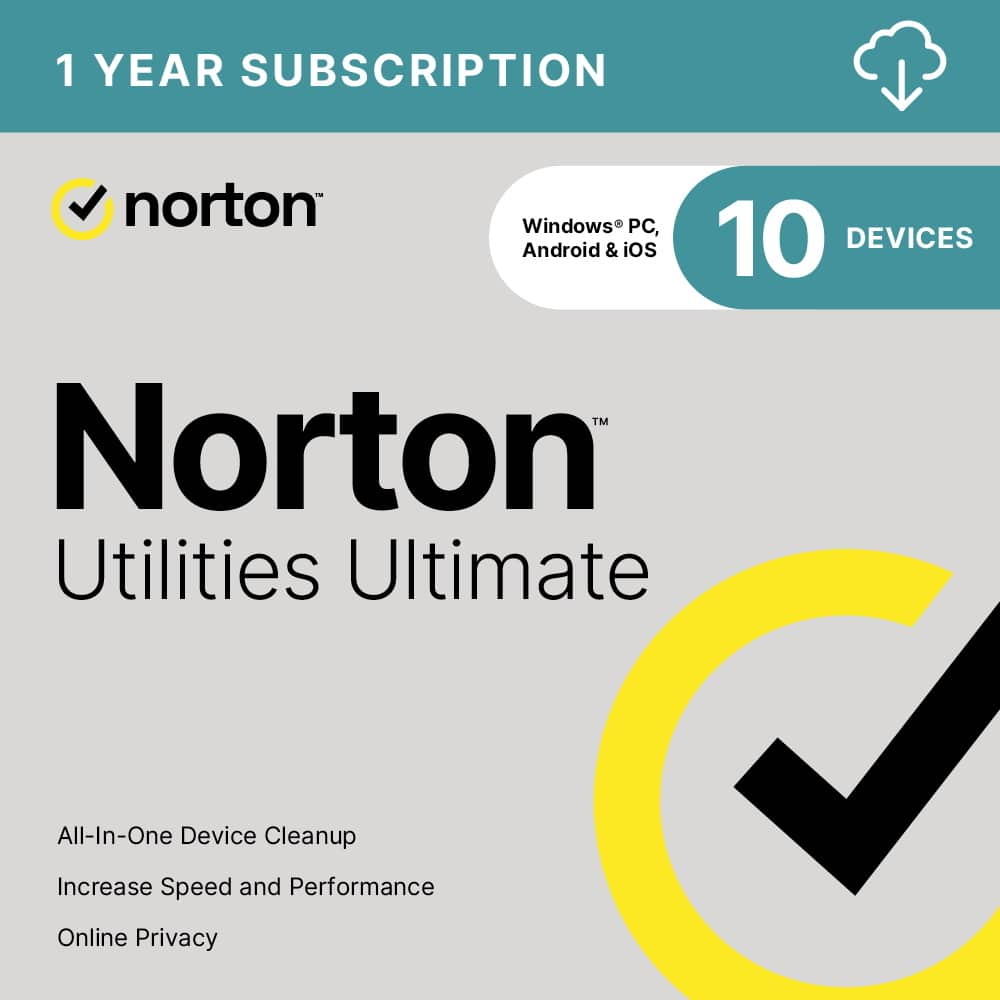
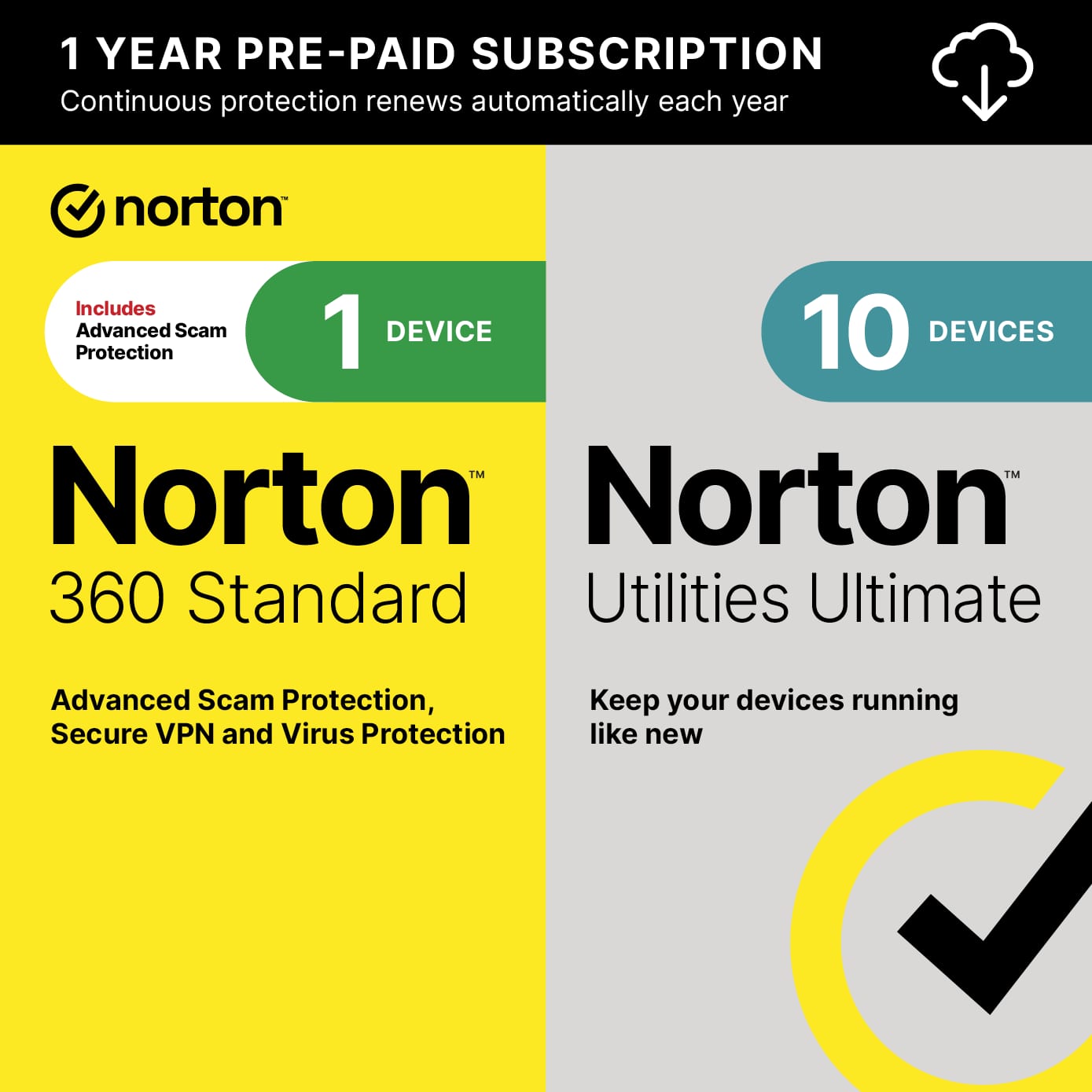
    An all-in-one digital utility suite that optimizes performance and cleans devices across Android, iOS, and Windows.

    An all-in-one digital utility suite that optimizes performance and cleans devices across Android, iOS, and Windows.

    What customers like

    • Offers comprehensive privacy and security features
    • Supports multiple devices and platforms
    • Easy to use and user-friendly
    • Improves device speed and performance
    • Frees up storage space and removes junk files
    (41)
    $19.99
    SAVE $20.00
    Your price for this item is $19.99
  2. 2

    About this product

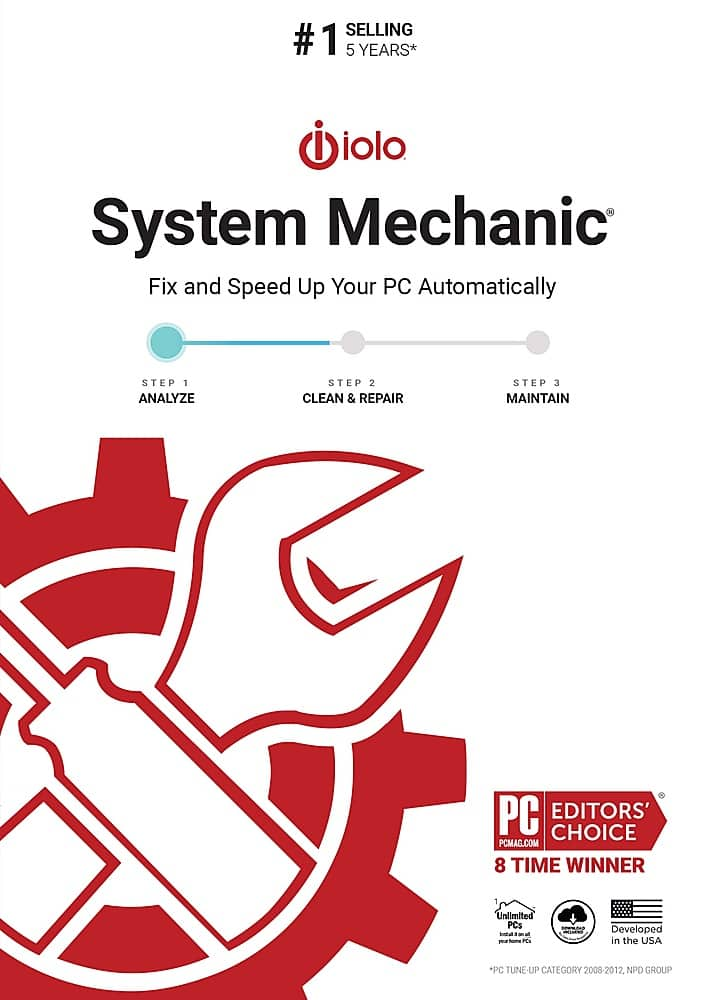
    A digital Windows utility that speeds up your PC, repairs errors, and protects against malware automatically.

    A digital Windows utility that speeds up your PC, repairs errors, and protects against malware automatically.

    (16)
    $24.99
    SAVE $25.00
    Your price for this item is $24.99
  3. 3

    About this product

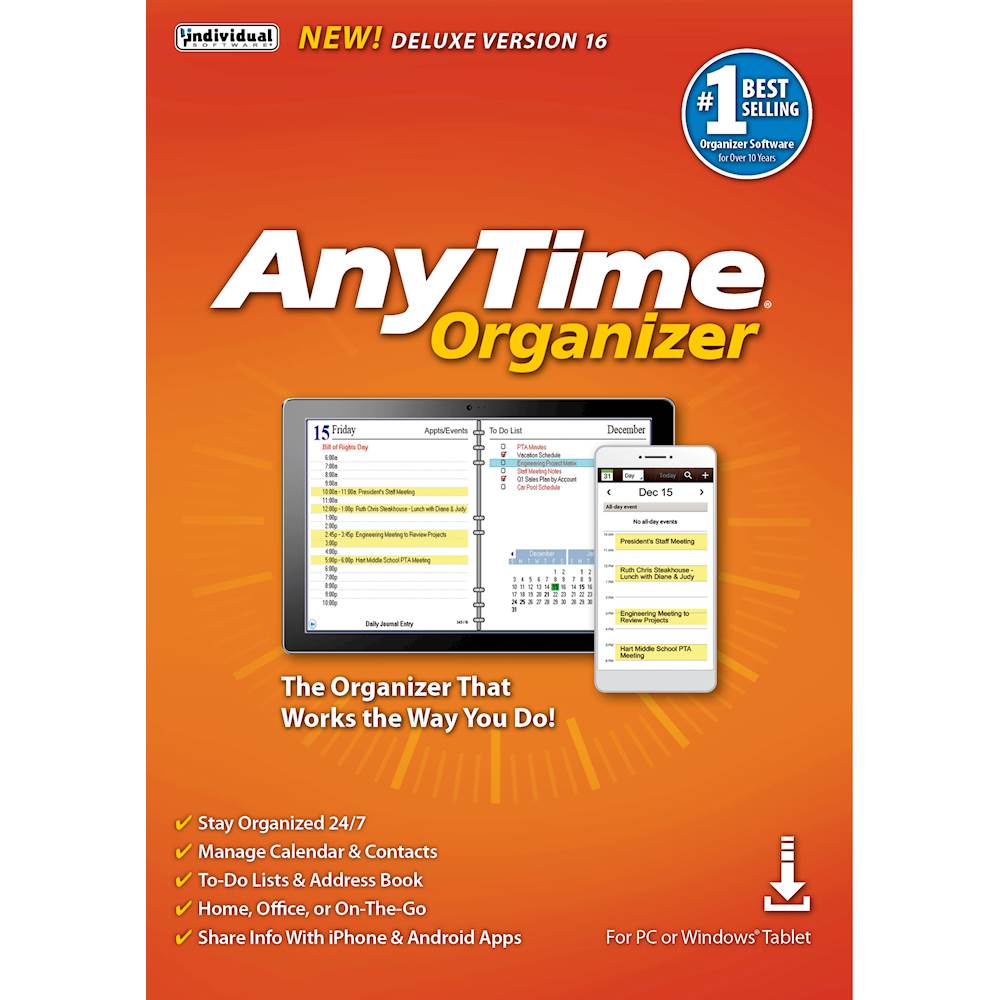
    An easy-to-use digital organizer for Windows featuring appointment management, event reminders, and customizable calendar templates.

    An easy-to-use digital organizer for Windows featuring appointment management, event reminders, and customizable calendar templates.

    What customers like

    • Reliable appointment and event management
    • Effective organization and reminders
    • Syncs with multiple devices and platforms
    • Customizable and user-friendly layouts
    • Easy to use and set up
    (25)
    $39.99 Your price for this item is $39.99
  4. 4

    About this product

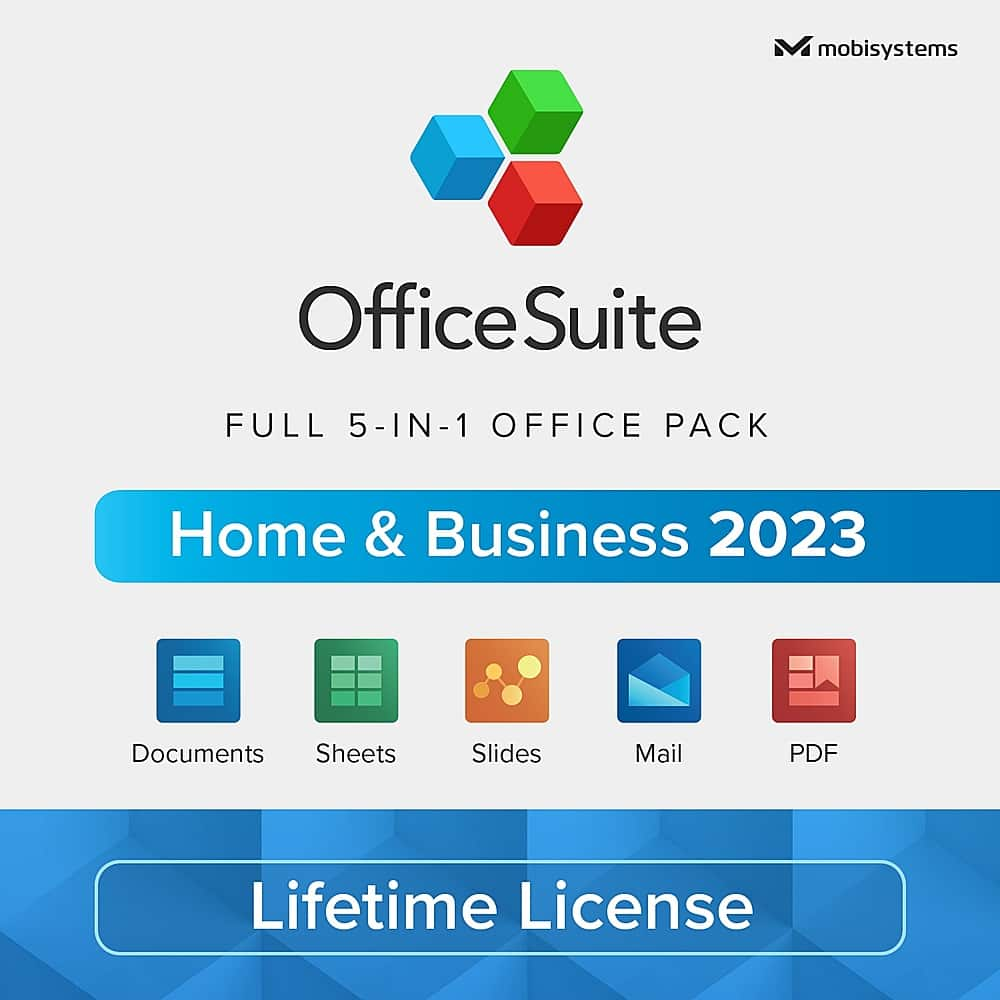
    An all-in-one digital office suite for Windows offering document, spreadsheet, presentation, PDF, mail, and calendar tools.

    An all-in-one digital office suite for Windows offering document, spreadsheet, presentation, PDF, mail, and calendar tools.

    (5)
    $74.99
    SAVE $25.00
    Your price for this item is $74.99

Top Rated Maintenance Software

The best maintenance software for your organization can help turn equipment upkeep into a more organized, trackable process. Often called computerized maintenance management system (CMMS) software, this category supports the work of facilities teams, maintenance managers, property managers, and businesses responsible for keeping physical assets in service. Common capabilities include creating work orders, scheduling preventive maintenance, recording service histories, and tracking the parts used during repairs. A centralized maintenance record can make it easier to see what needs attention, assign responsibility, and review recurring problems without relying on scattered spreadsheets or paper logs. The right fit depends on the assets you manage and how your team works. A single-location operation may prioritize straightforward scheduling and an easy-to-use interface, while a business with multiple facilities may need location-based reporting, standardized procedures, and visibility across teams. Clear asset records and searchable repair histories are especially useful when several technicians share responsibility for the same equipment.

Maintenance software options differ in how they handle planned work, urgent requests, and day-to-day communication. Calendar-based scheduling can support routine inspections, while meter-based triggers may suit equipment serviced according to operating hours or usage. Work order tools are worth comparing for details such as priority levels, technician assignments, checklists, photo attachments, and completion records. For teams working throughout a building or across several sites, mobile access can make a practical difference by putting job details and asset information closer to the point of service. Offline functionality, where supported, may be important in areas with unreliable connectivity. Parts inventory management is another consideration for operations that need to connect maintenance tasks with stock levels and replenishment planning. Reporting capabilities also vary: some organizations mainly need a clear view of open tasks, while others benefit from tracking downtime, repeat repairs, labor hours, and maintenance costs over time to better understand equipment performance and workload.

Long-term suitability involves more than a feature list. Ease of setup, the effort required to import existing asset records, and the clarity of everyday workflows can all affect how consistently a team uses maintenance software. Compare licensing structures with your expected number of users, locations, and assets, and distinguish between staff who manage work and employees who only submit service requests. Cloud-based and locally hosted systems can involve different requirements for connectivity, administration, updates, and internal IT support. Integration capabilities may also matter if maintenance records need to connect with accounting, purchasing, or other business systems. For organizations handling sensitive operational information, access controls, backup options, and data export capabilities deserve attention alongside scheduling and reporting features. A system that matches your current processes while allowing room for additional equipment, technicians, or facilities can support a more consistent approach to maintenance as your needs change.

FAQs