Best Selling Softwares
Browse best-selling software and compare popular options to find the right fit for your device and needs. Review each listing’s features, system requirements, and license terms to understand what’s included, which devices are supported, and whether a subscription is required.
What to look for in best-selling software
Compare best-selling software by its features, compatibility, licensing and support to find an option that fits your needs.
1. Features and Functionality
2. System Compatibility
3. Licensing and Cost
4. Updates and Support
-
1

McAfee - McAfee+ Premium Family (Unlimited Devices) Antivirus Software, Scam Protection (1-Year Subscription with Auto-Renewal) - Windows, Mac OS, Chrome, Apple iOS, Android [Digital]
About this product
An all-in-one digital security suite offering antivirus, scam protection, VPN, and parental controls for unlimited devices.
What customers like
(129)$69.99Your price for this item is $69.99SAVE $110.00 -
2

Quicken - Classic Deluxe for New Subscribers, 1-Year Subscription - Mac OS, Windows, Android, Apple iOS [Digital]
About this product
A digital personal finance software subscription for new users, offering easy expense tracking across multiple operating systems.
What customers like
(40)$75.88 Your price for this item is $75.88 -
3
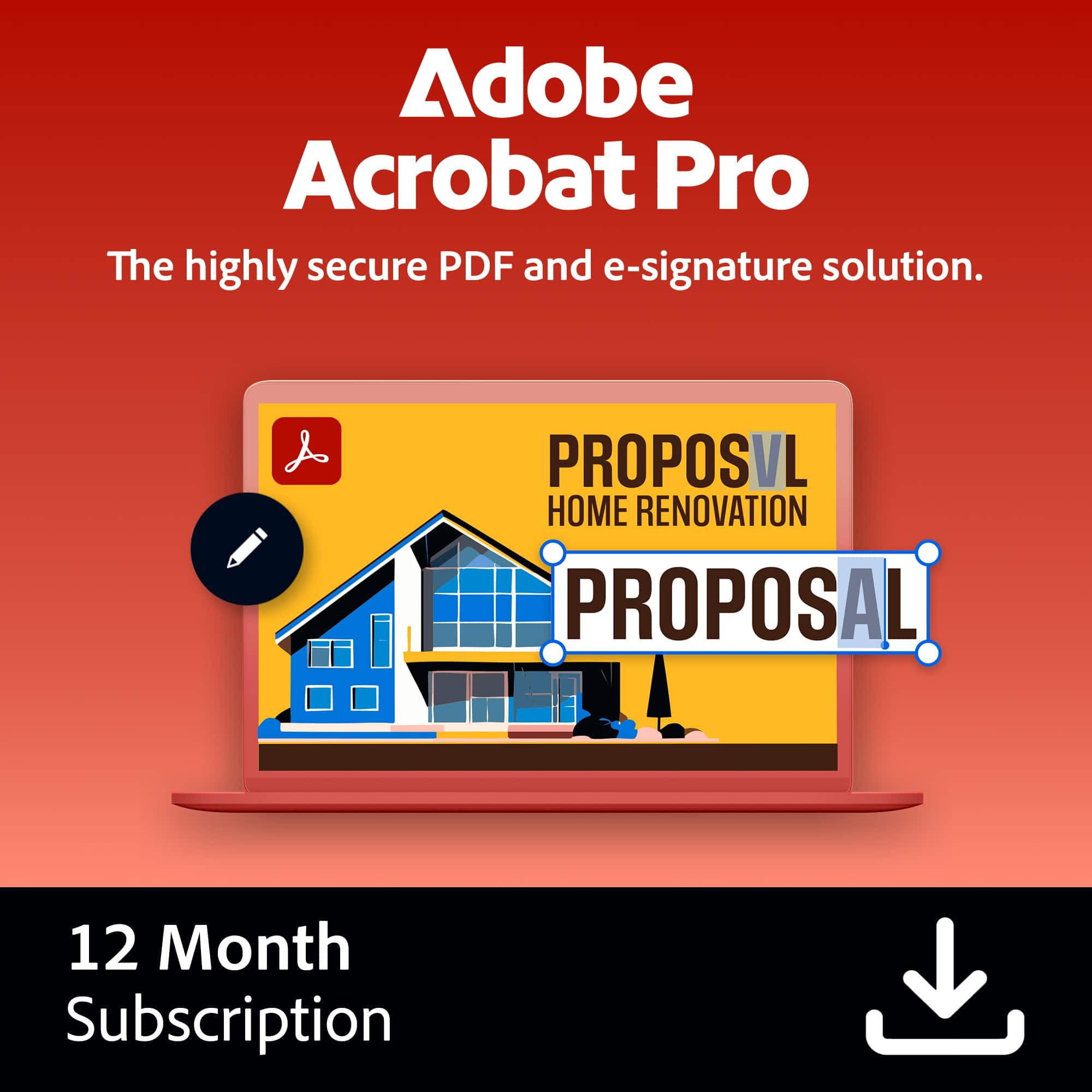
Adobe - Acrobat Pro PDF Software - Mac OS, Windows [Digital]
About this product
A comprehensive digital suite for creating, editing, securing, and e-signing PDFs on Mac OS and Windows.
What customers like
(28)$249.88 Your price for this item is $249.88 -
4
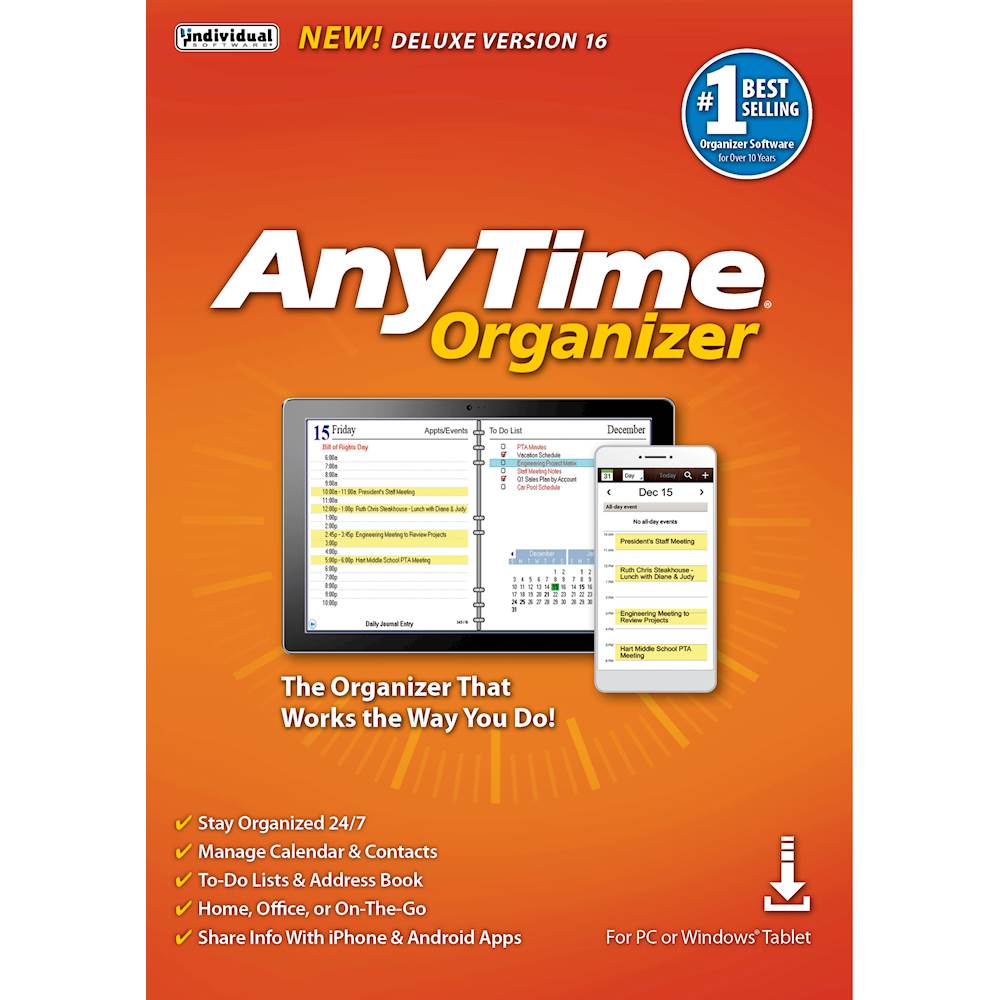
Individual Software - AnyTime Organizer Deluxe 16 - Windows [Digital]
About this product
An easy-to-use digital organizer for Windows featuring appointment management, event reminders, and customizable calendar templates.
What customers like
(25)$25.89Your price for this item is $25.89SAVE $14.10 -
5

Individual Software - ResumeMaker Professional Deluxe 20 - Windows [Digital]
About this product
A digital software suite that guides you in creating professional resumes, cover letters, and video resumes.
What customers like
(24)$19.39Your price for this item is $19.39SAVE $10.60 -
6

Corel - PaintShop Pro 2023 - Windows, Windows [Digital]
About this product
An advanced digital photo editing software for Windows featuring AI tools, RAW editing, and focus stacking.
(6)$47.99Your price for this item is $47.99SAVE $32.00 -
7

SoftMaker - FlexiPDF 2025 (3-Devices) - Windows [Digital]
About this product
An intuitive digital PDF editor for Windows that enables easy editing, commenting, and exporting across three devices.
(6)$99.95 Your price for this item is $99.95 -
8

Corel - Pinnacle Studio Ultimate - Windows [Digital]
About this product
A digital video editing software for Windows offering advanced tools, cinema-grade effects, and smart motion tracking.
(5)$79.99Your price for this item is $79.99SAVE $50.00 -
9
Adobe - Illustrator (1-Year Subscription) - Mac OS, Windows [Digital]
About this product
A digital subscription offering industry-standard vector graphic design tools with cloud access and iPad integration.
(5)$263.88 Your price for this item is $263.88 -
10

Corel - Pinnacle Studio 25 (1-User) - Windows [Digital]
About this product
A flexible digital video editing software for Windows featuring multitrack timelines, custom titles, and creative effects.
(5)$59.99 Your price for this item is $59.99
Best Selling Softwares
FAQs
Common software categories include productivity suites, photo and video editing tools, accounting programs, tax preparation software, and educational applications. Start with the category that matches your tasks, then compare features, operating system compatibility, and license terms.
Subscription software provides access for a recurring term and often includes updates while the subscription remains active. A one-time purchase typically grants ongoing use of a particular version, though future major upgrades may require a separate purchase. Terms vary by publisher.
Review the software publisher’s supported operating systems and version requirements. Confirm whether the software supports Windows, macOS, or another platform, and check any requirements for internet access, compatible applications, or connected devices.
Desktop software is installed on your computer, while browser-based software runs through a supported web browser. Some desktop programs offer offline access, while browser-based tools generally rely on an internet connection. Some applications combine installed programs with cloud-based features.
Software licenses define who can use an application and how many devices or users are permitted. A single-user license may allow installation on more than one device, while family or business licenses may cover multiple users. Check the license terms for device limits, account requirements, and personal or commercial use permissions.