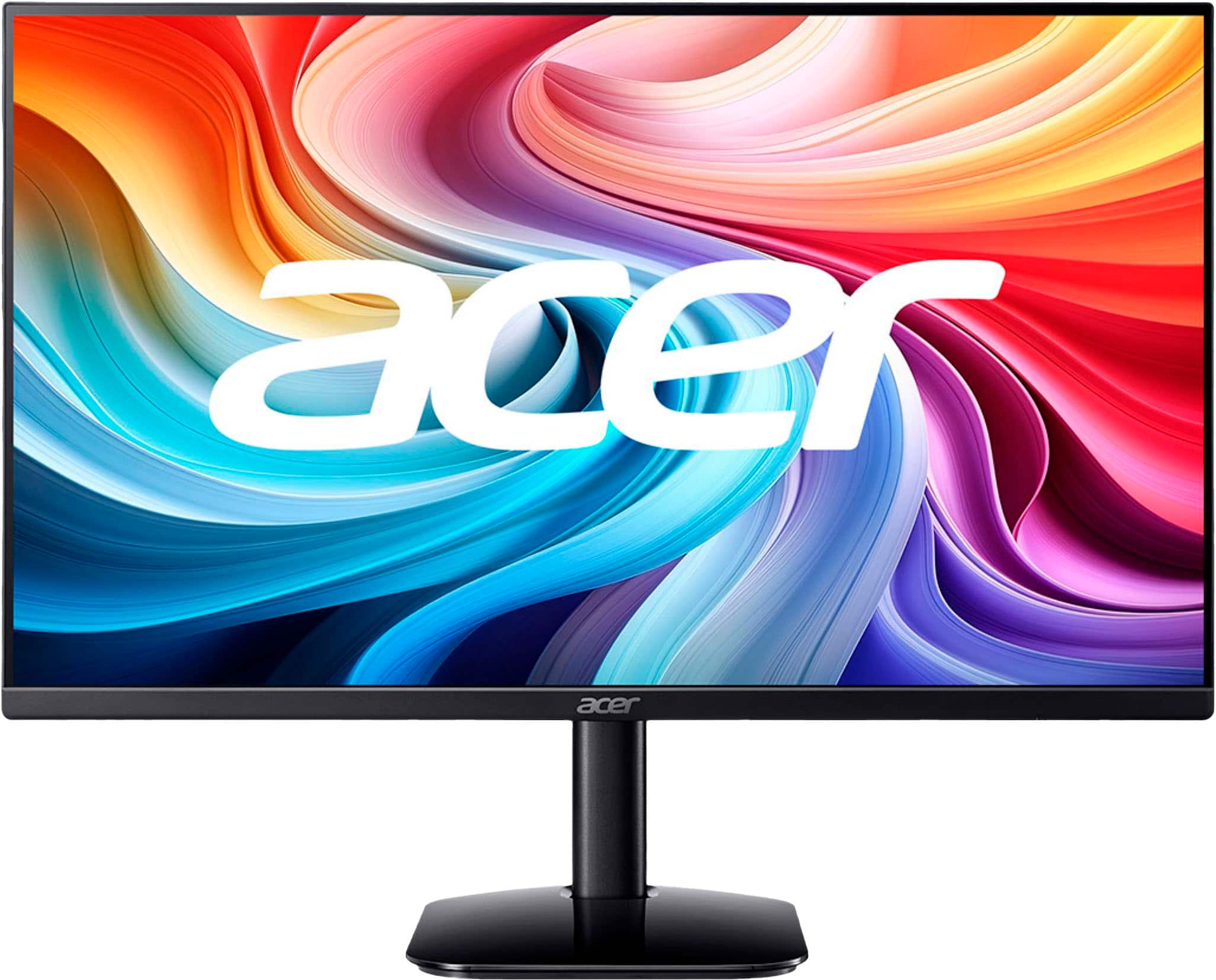
Monitors Under $100
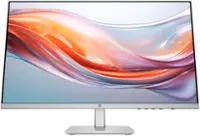
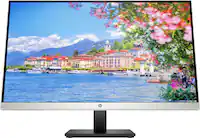
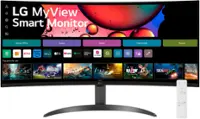
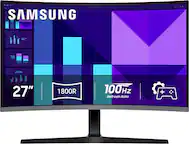
Find monitors under $100 for a budget-friendly computer setup or an extra screen for your workspace. Compare screen size, resolution and connection options to choose a display that fits your desk, and check that its ports are compatible with your laptop or desktop.





Monitors Under $100
FAQs
Common monitor connections include HDMI, DisplayPort, and VGA, though available ports vary by model. Check the video outputs on your computer and the inputs on the monitor to determine which cable or adapter you need.
Some monitors include built-in speakers, while others require separate speakers or headphones. Check the monitor’s specifications for audio features. HDMI and DisplayPort can carry audio, but the monitor must have speakers or a compatible audio output to play it.
IPS stands for in-plane switching, VA stands for vertical alignment, and TN stands for twisted nematic. These terms identify different LCD panel technologies. Panel type is listed separately from features such as video connections, built-in speakers, and stand adjustments.
Connect the monitor to a compatible video output on your laptop or docking station, then open your computer’s display settings. Choose the option to extend your desktop rather than duplicate it. You can also arrange the displays in settings to match their positions on your desk.
A monitor’s buttons or joystick typically open an on-screen menu for settings such as brightness, contrast, and input selection. Available controls vary by model. Some monitors also include audio settings or preset picture modes, while other display settings are managed through your computer.