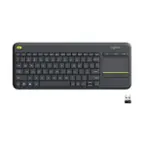
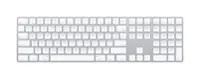
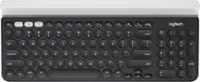
Top Rated Office Keyboard
Find the best office keyboard for your workday by comparing layouts, connection types, and computer compatibility. Consider your desk space, typing preferences, and whether a number pad would help with spreadsheets or data entry to narrow your choices to a keyboard that fits your workflow.
What to look for in an office keyboard
Finding the best office keyboard for your workspace means balancing typing comfort, noise level, connectivity, and productivity features.
1. Typing Comfort and Layout
2. Key Feel and Noise
3. Connectivity and Compatibility
4. Productivity Features
-
1
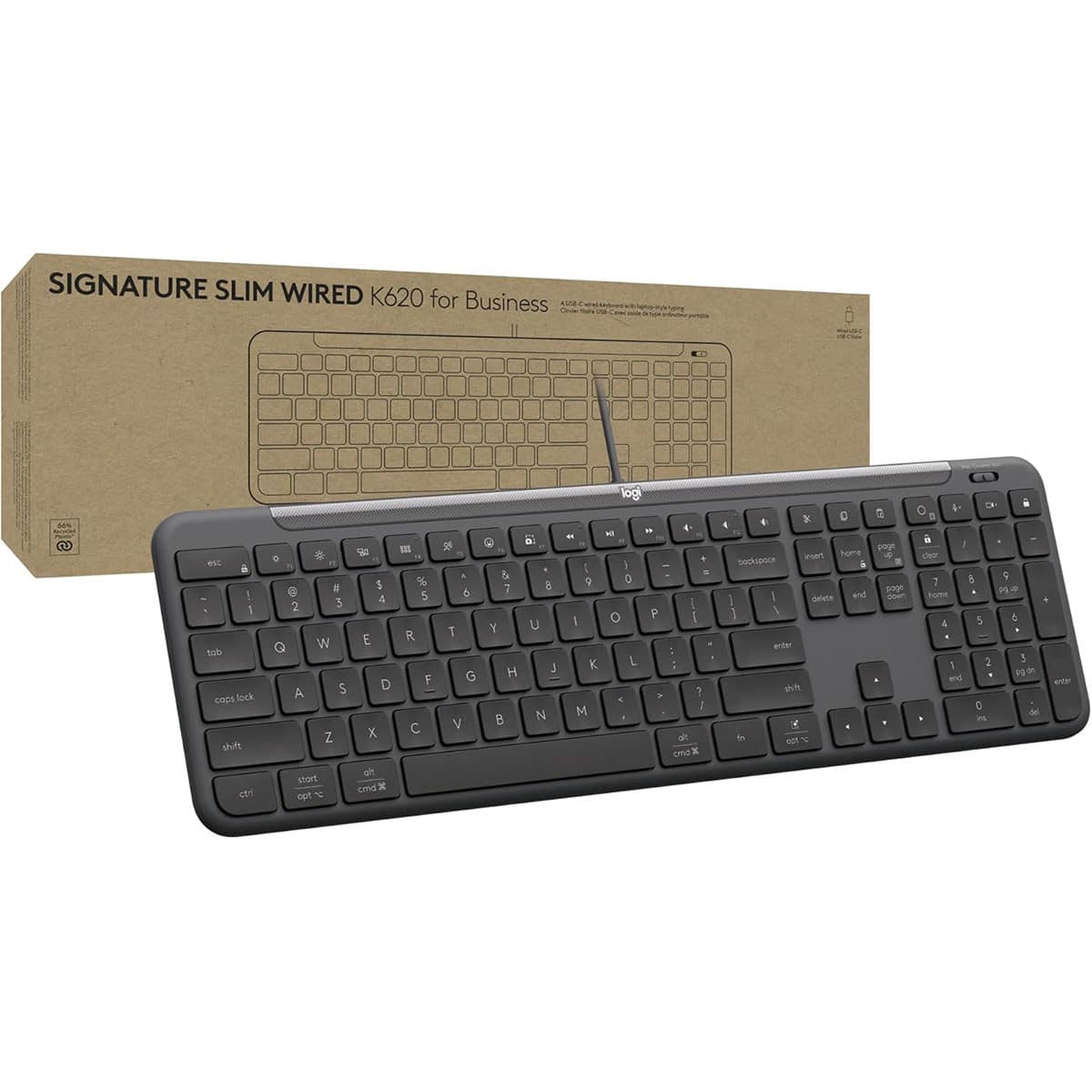
Logitech - Signature Slim K620 Wired Keyboard for Business - Graphite
About this product
A graphite wired keyboard with low-profile laptop-style keys, multi-OS support, AI Launch Key, and meeting controls.
(0)$60.49Your price for this item is $60.49SAVE $10.79 -
2
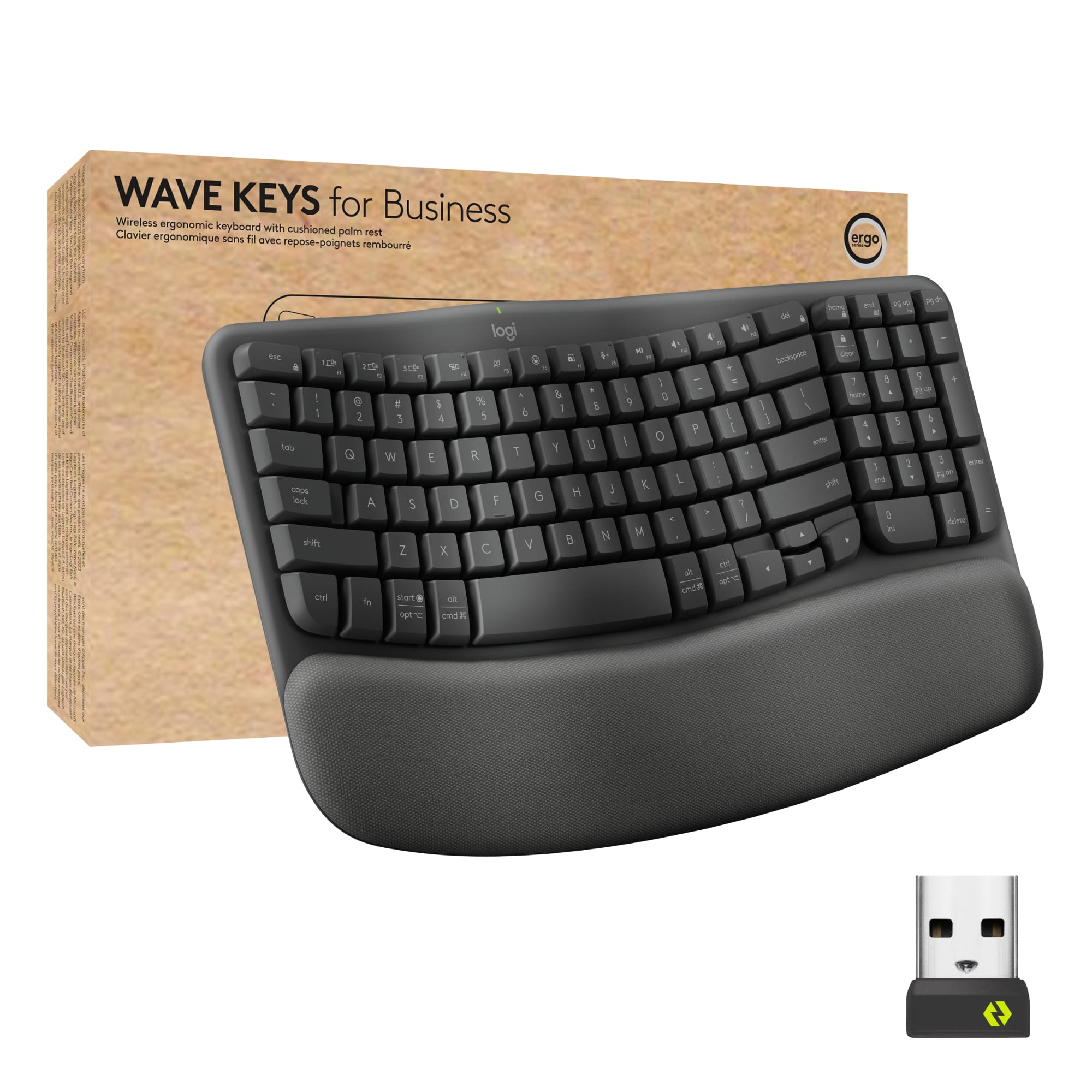
Logitech - Wave Keys For Business Ergonomic Wireless Scissor Tactile Switch Keyboard with Cushioned Palm Rest - Graphite
About this product
An ergonomic wireless keyboard in graphite featuring a wave design, cushioned palm rest, and secure connectivity.
(5)$69.99 Your price for this item is $69.99 -
3
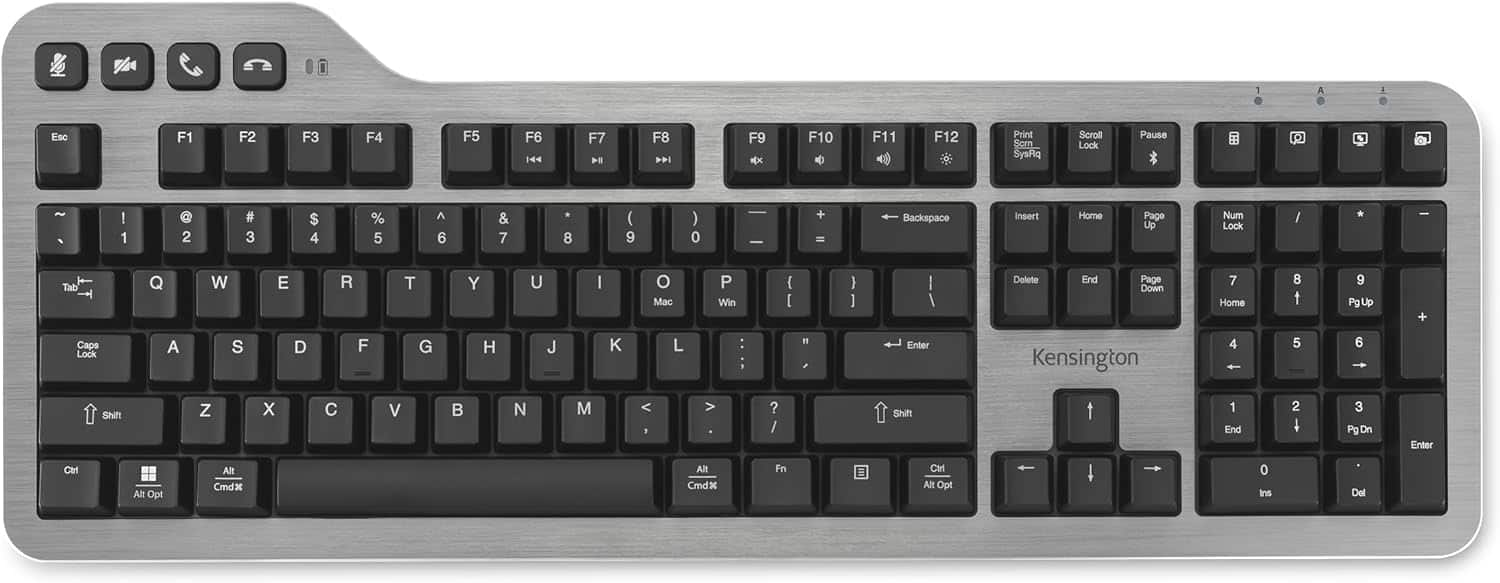
Kensington - MK7500F Silent Mechanical Keyboard, Full-Size, Wireless, Backlit, Rechargeable, Spill-Proof, Windows & macOS - Black
About this product
A black wireless mechanical keyboard with silent tactile switches, backlighting, meeting controls, and USB-C charging.
(0)$212.94Your price for this item is $212.94SAVE $5.96 -
4
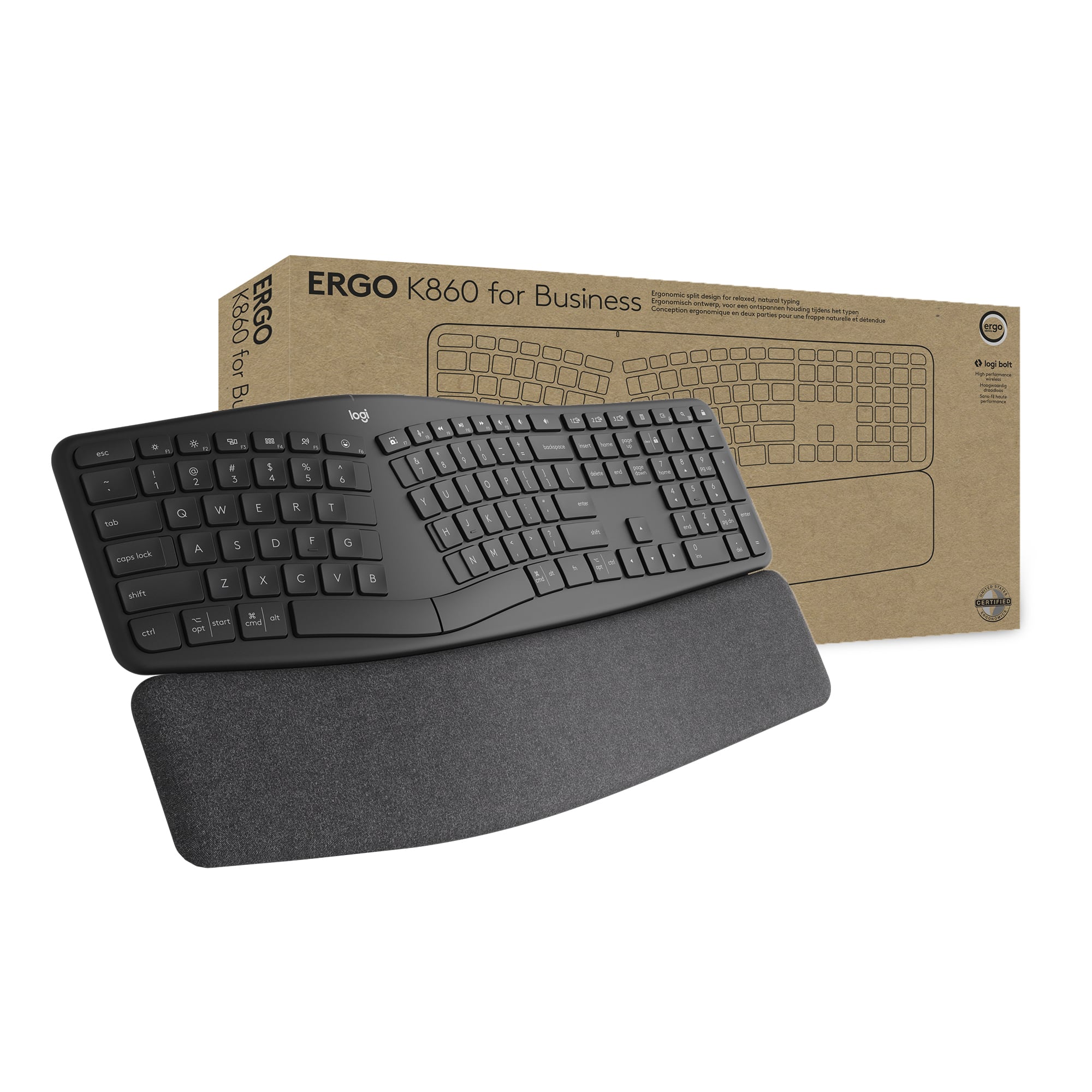
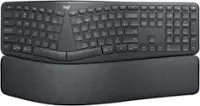
Logitech - ERGO K860 For Business Ergonomic Wireless Scissor Low-Profile Switch Keyboard with Ergonomic Split Design - Graphite
About this product
An ergonomic wireless keyboard in graphite featuring a split design, palm rest, and ultra-precise scissor switches.
(0)$159.99 Your price for this item is $159.99 -
5
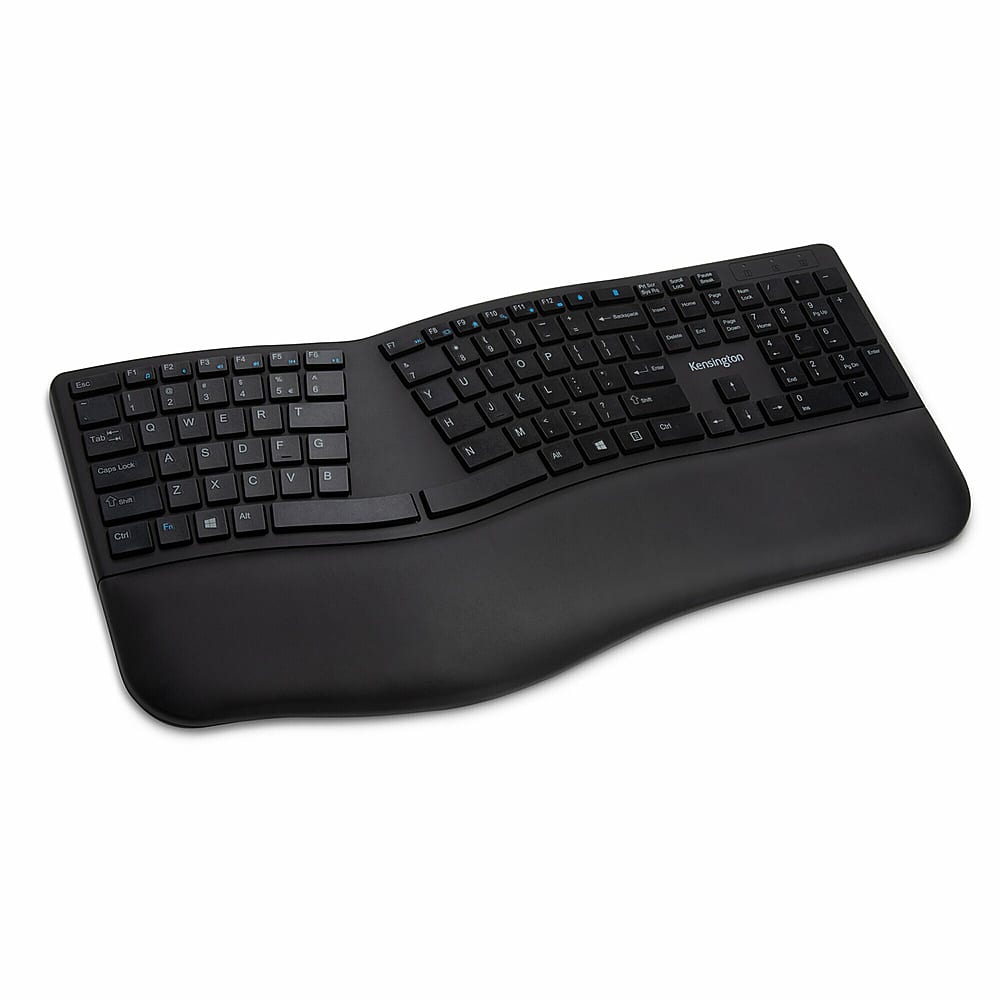
Kensington - Pro Fit K75401US Ergonomic,Full-size Wireless Keyboard - Black
About this product
An ergonomic black wireless keyboard featuring split design, adjustable tilt, Bluetooth connectivity, and built-in wrist rest.
(12)$66.00 Your price for this item is $66.00 -
6
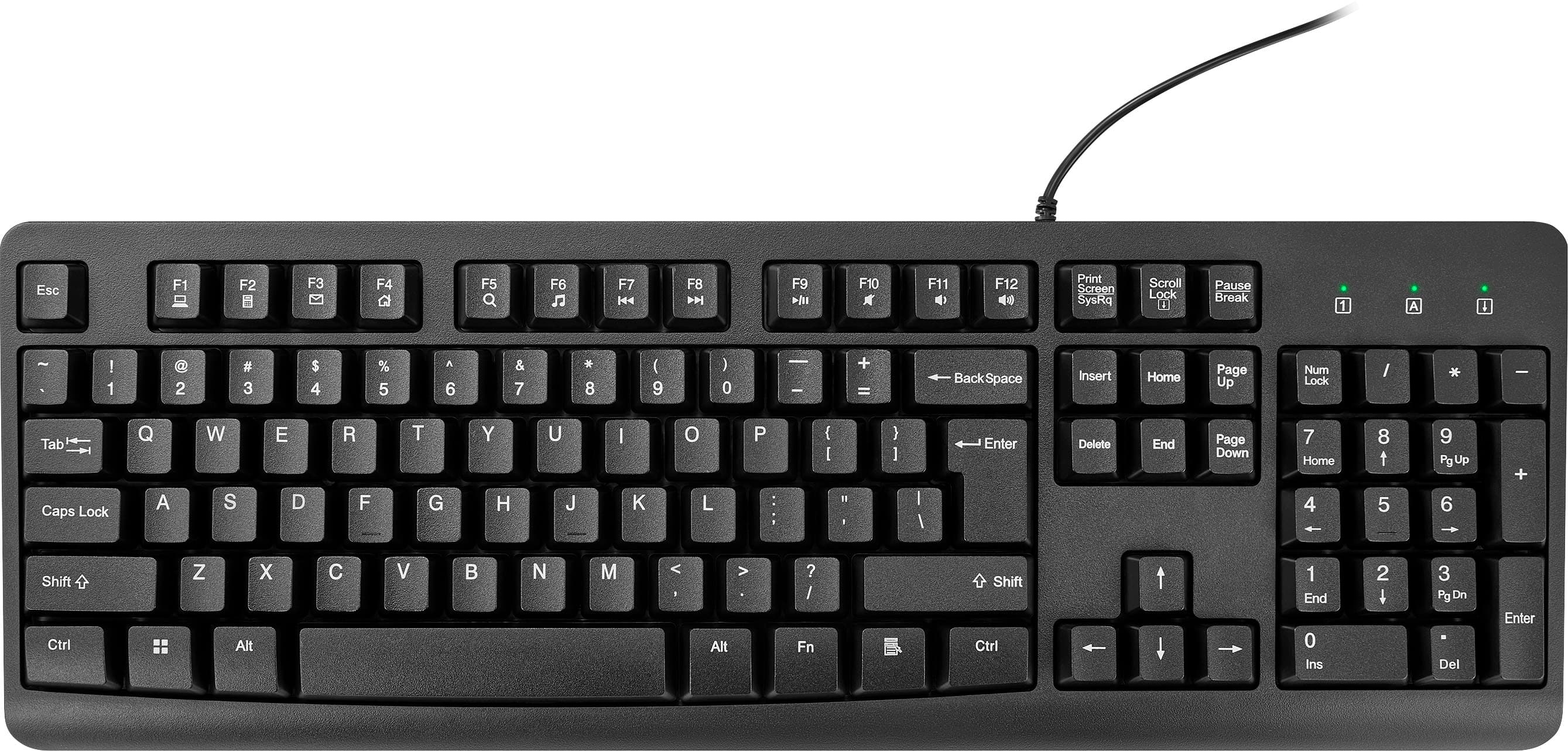
Best Buy essentials™ - Full-size Wired Membrane Keyboard - Black
About this product
A full-size black wired membrane keyboard with numeric keypad, spill resistance, and easy plug-and-play setup.
What customers like
(233)$11.99 Your price for this item is $11.99 -
7
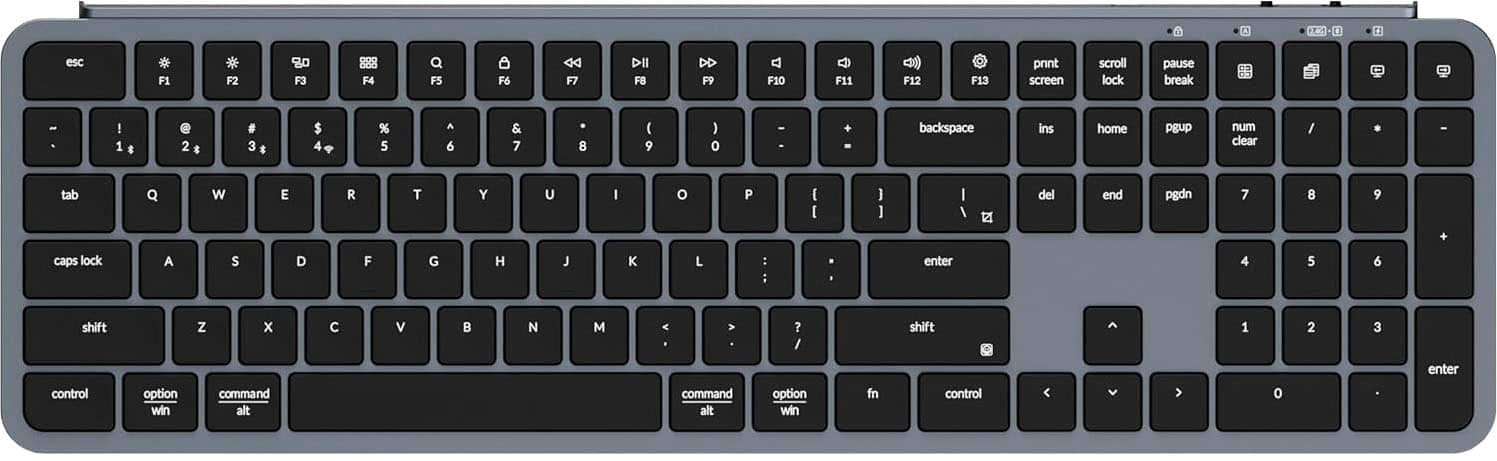
Keychron - B6 Pro 100% Custom Wireless Keyboard with Progrmmable ZMK Support - Space Gray
About this product
A space grey wireless mechanical keyboard with ZMK programmability, ultra-thin design, and 1,200-hour battery life.
What customers like
(46)$38.24Your price for this item is $38.24SAVE $6.75 -
8
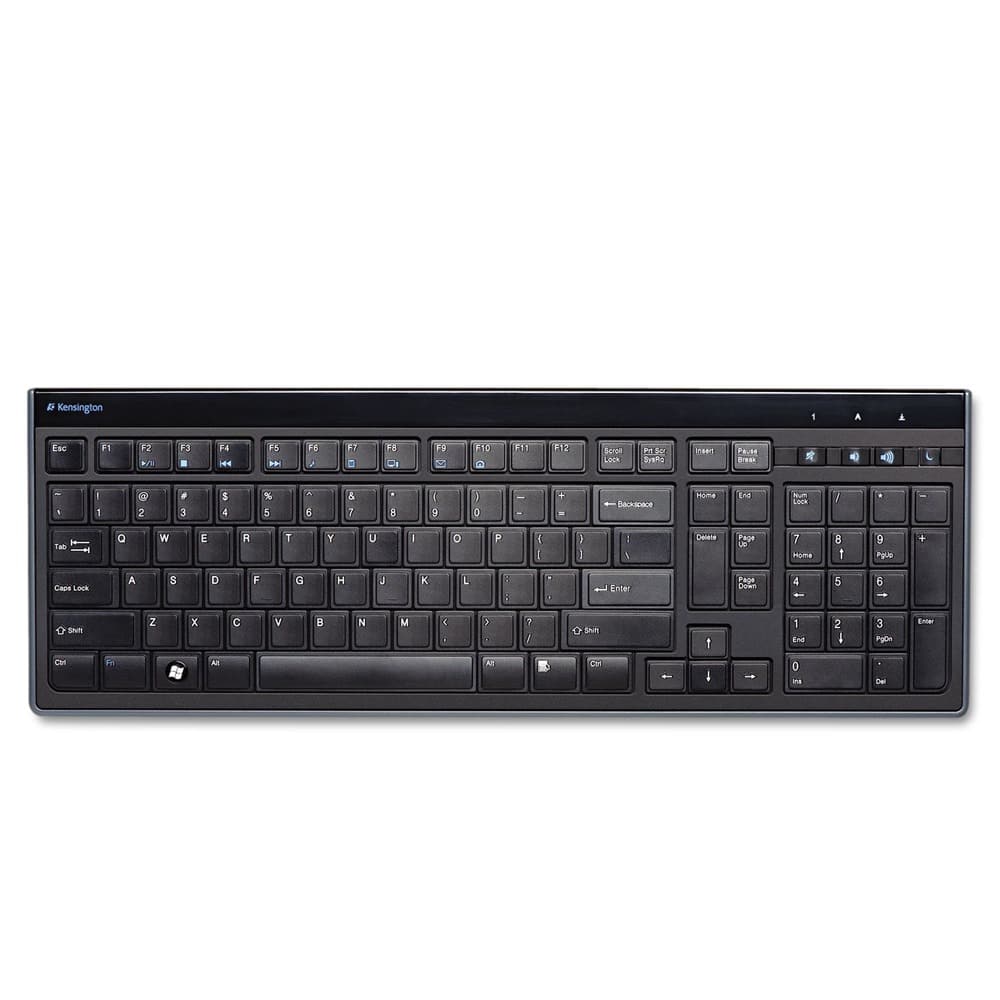
Kensington - K72357USA 104 Keys Slim Type Standard Keyboard - /silver - Black
About this product
A slim black wired USB keyboard featuring adjustable tilt, internet keys, and a numeric keypad for versatility.
(0)$22.99 Your price for this item is $22.99 -
9
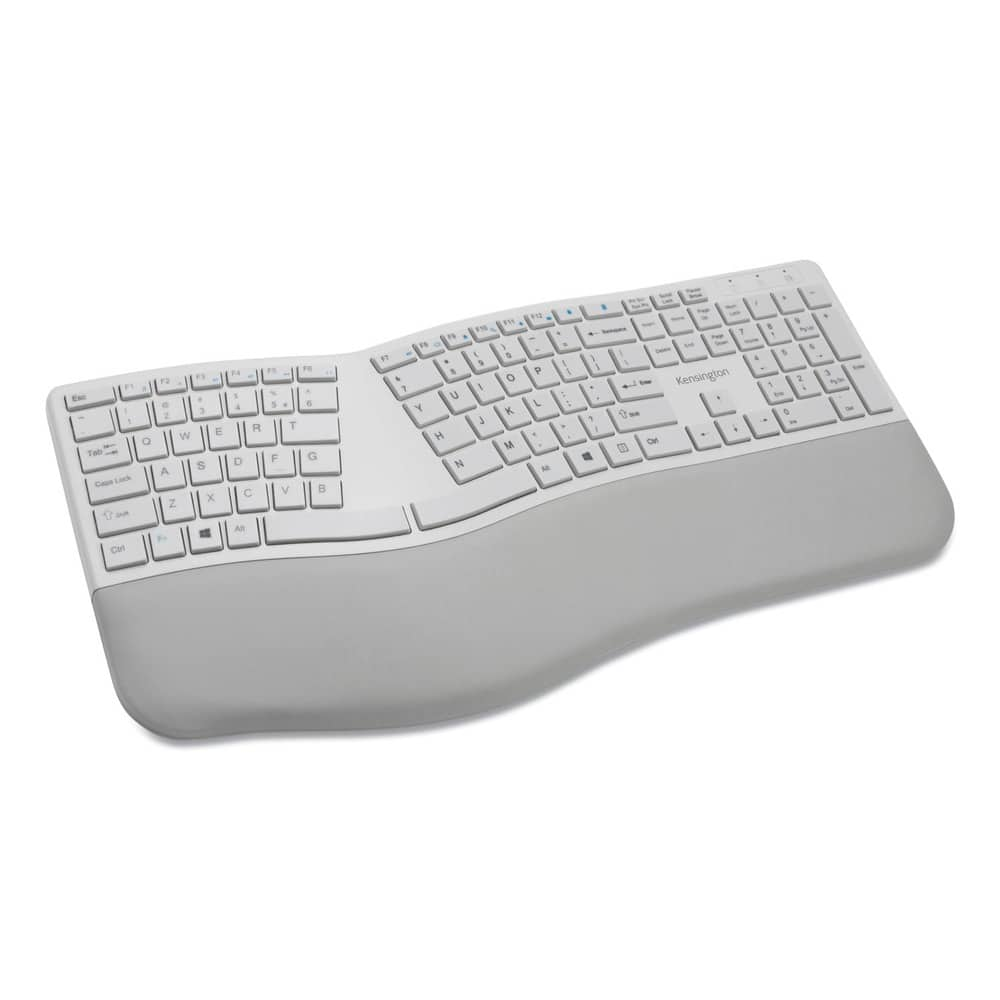
Kensington - K75402US Pro Fit Ergo 18.98 in. x 9.92 in. x 1.5 in. Wireless Keyboard - Gray
About this product
An ergonomic gray wireless keyboard featuring Bluetooth/RF connectivity, adjustable tilt, palm rest, and spill resistance.
(0)$75.54Your price for this item is $75.54SAVE $7.45 -
10
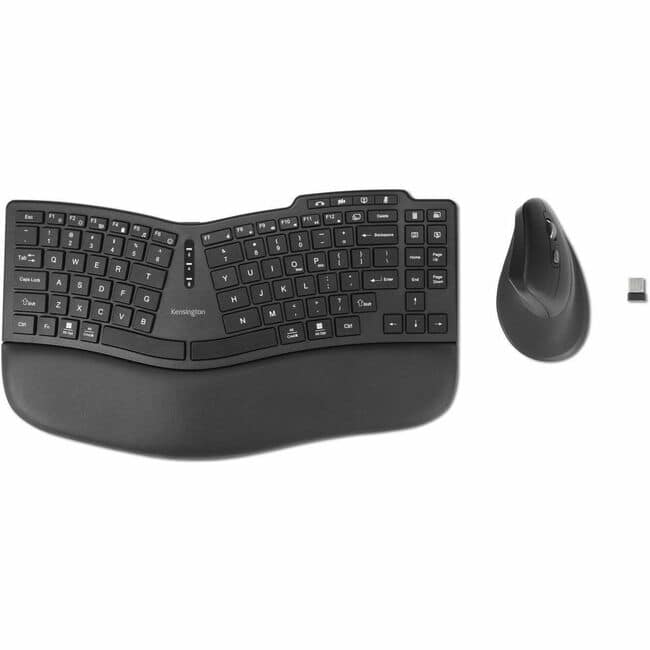
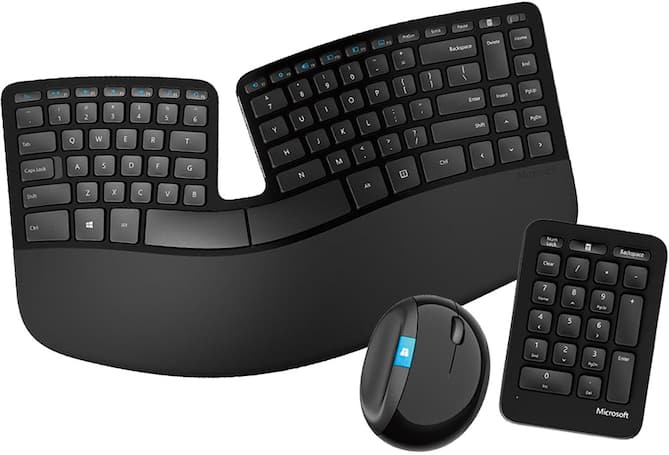
Kensington - Pro Fit Ergo KM675 EQ Wireless Desktop Set - USB Type A Wireless Bluetooth/RF 2.40 GHz Keyboard - Black - USB - Macaron
About this product
An ergonomic black wireless keyboard and mouse set designed for comfortable, efficient desktop use.
(1)$77.99Your price for this item is $77.99SAVE $2.00
Top Rated Office Keyboard
FAQs
When choosing the best office keyboard for your setup, compare connection options, key-switch types, operating system compatibility, and customization settings. Other features to consider include backlighting, dedicated media controls, and multi-device switching.
Wired office keyboards connect through a cable, typically USB, and generally draw power from the computer. Wireless keyboards connect through Bluetooth or a USB receiver and use replaceable or rechargeable batteries. Check which connection methods your computer supports.
Mechanical keyboards use an individual mechanical switch beneath each key, while membrane keyboards register presses through a membrane layer. Key feel and sound vary by design. Mechanical switches may have a smooth press, a tactile bump, or an audible click, so a mechanical keyboard is not necessarily clicky.
Compatibility varies by keyboard. Some support both Windows and macOS, while others have layouts or software designed for one operating system. Check support for modifier keys, function-key controls, and customization software, since these features may differ between systems.
Programmable keys let you assign actions such as opening an application, entering a text shortcut, or running a sequence of commands. Depending on the keyboard, assignments may be configured through software or onboard controls. Available customization options can vary by operating system.