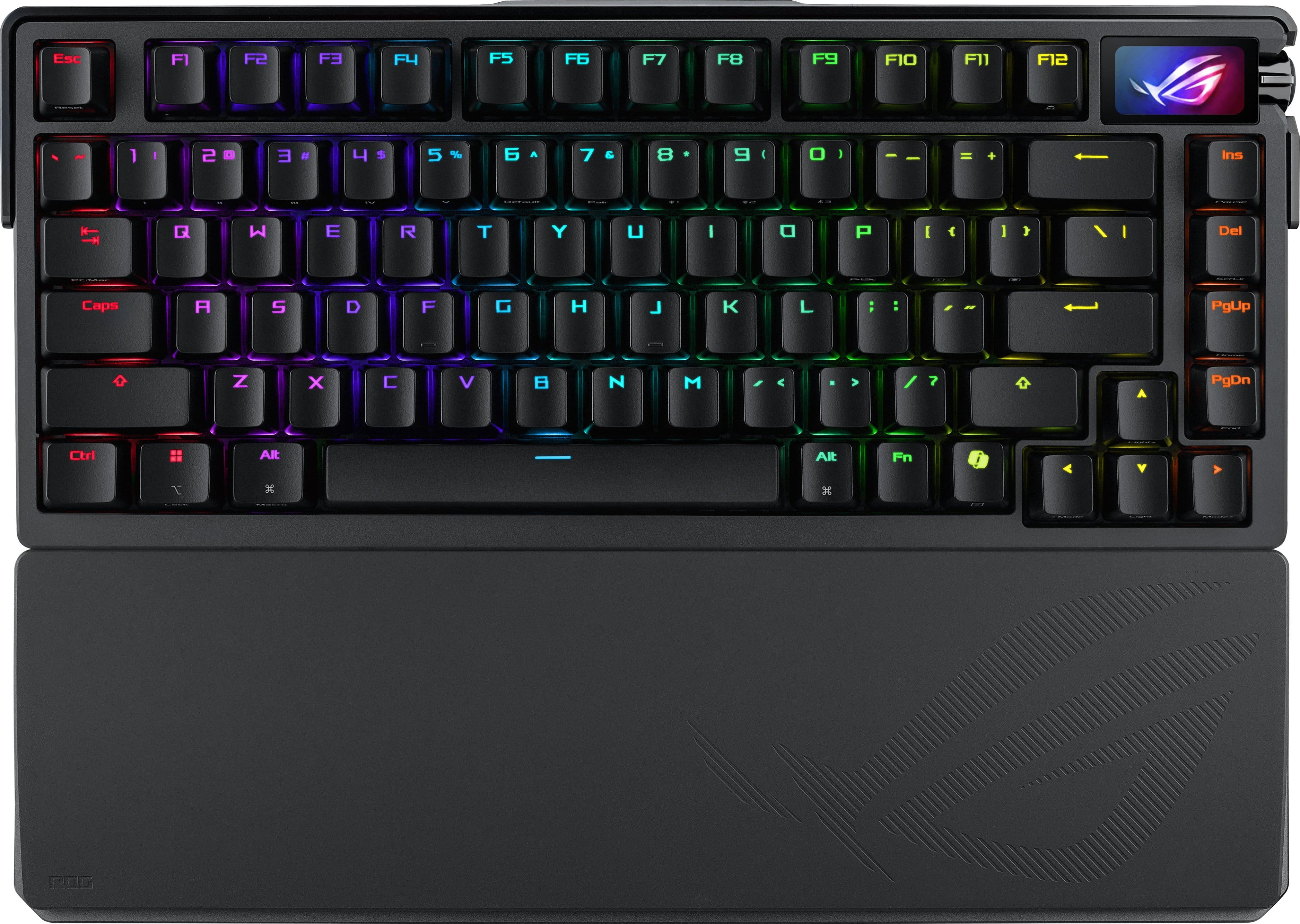
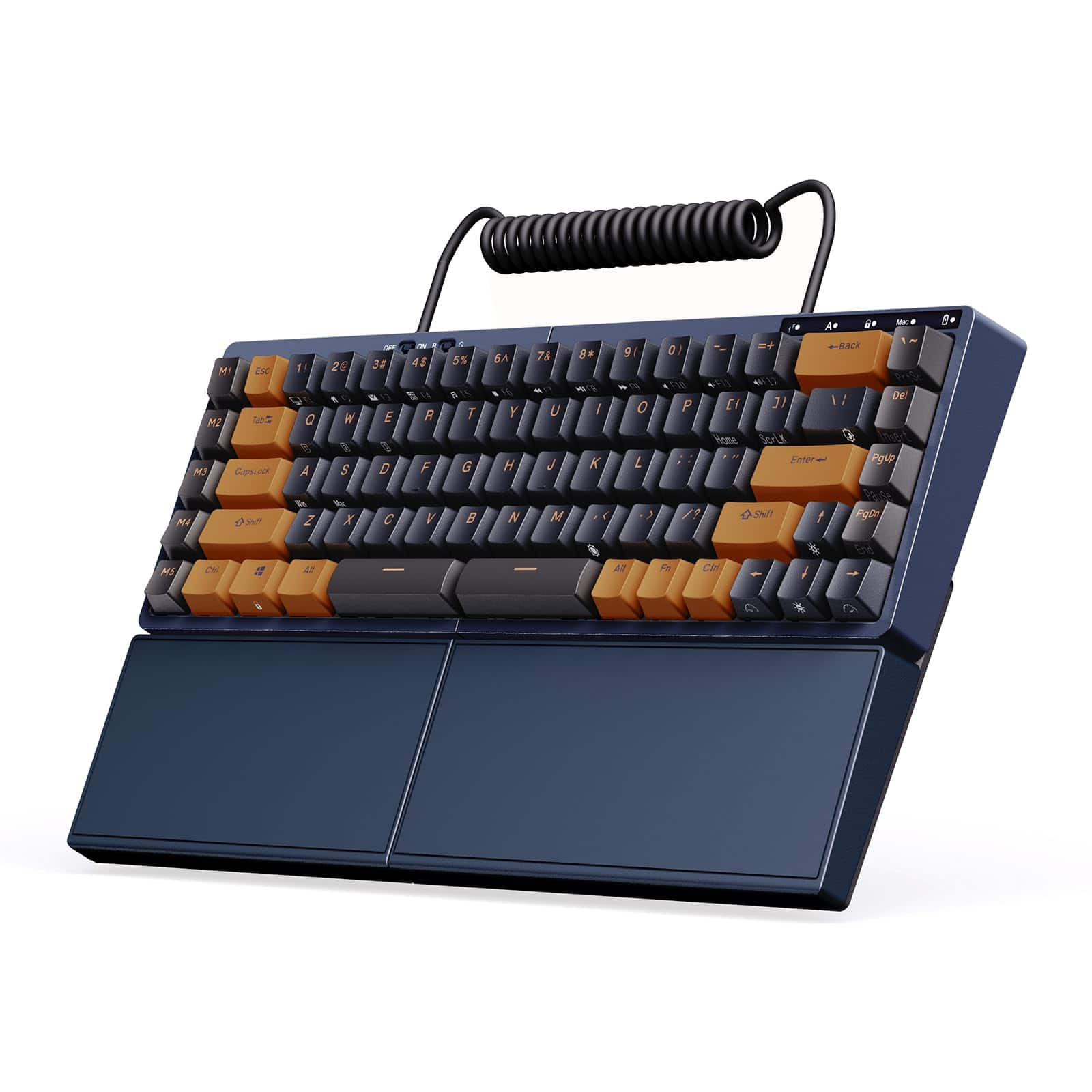
Top Rated Keyboard For Work
Find the best keyboard for work by focusing on typing comfort, desk space, and the tasks you do most. Compare computer keyboards by layout, key feel, and connection type, and consider whether a number pad would be useful for spreadsheets or data entry.
What to look for in a keyboard for work
The best keyboard for work fits your workspace, supports comfortable typing and has the features you need for everyday tasks.
1. Typing Comfort
2. Size and Layout
3. Connectivity and Compatibility
4. Key Feel and Noise
-
1
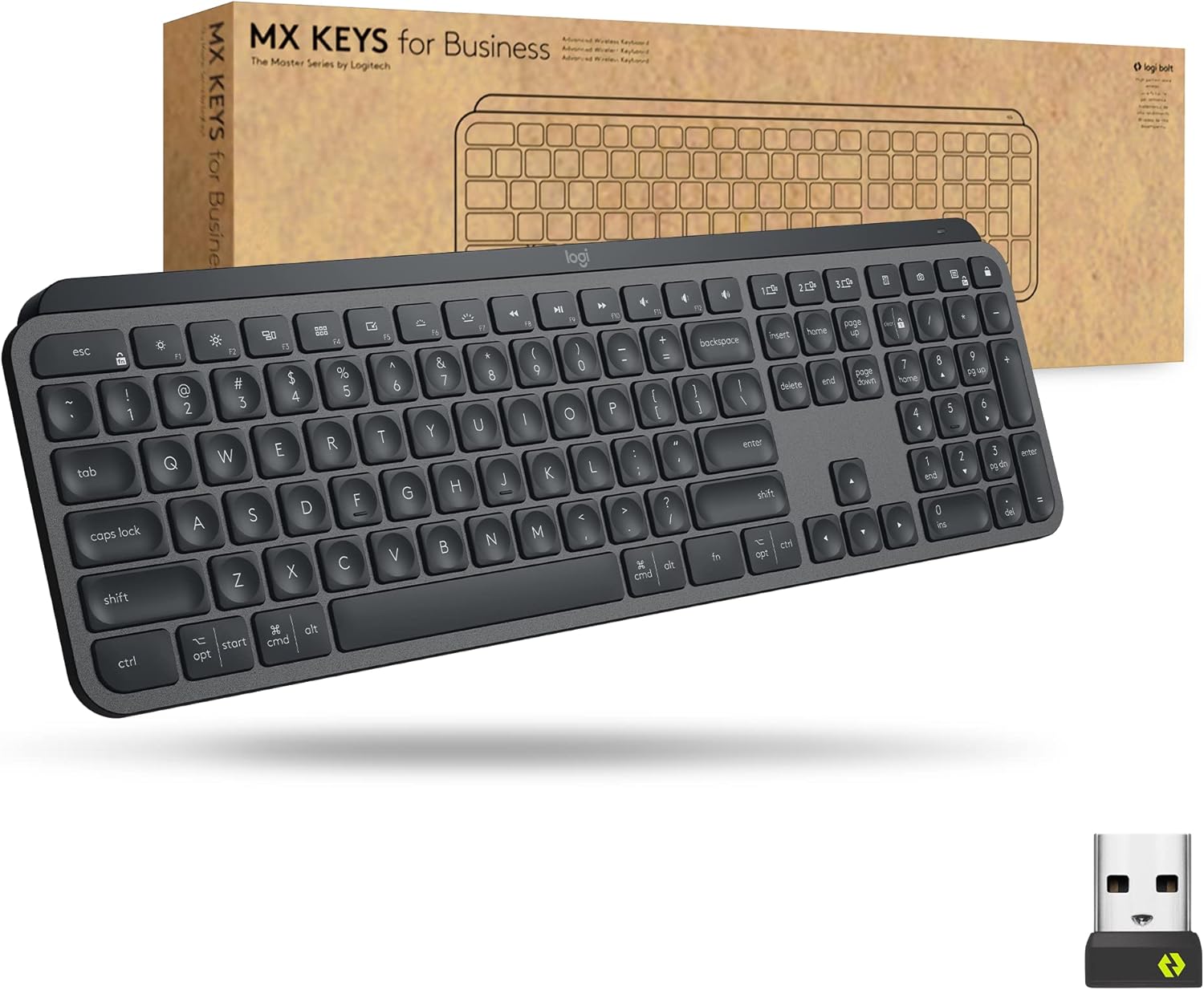
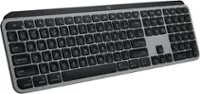
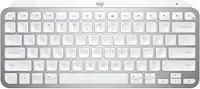
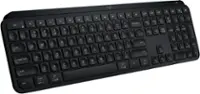
Logitech - MX Keys For Business Full-Size Wireless Scissor Tactile Switch Keyboard with Smart Backlighting - Graphite
About this product
A graphite wireless keyboard featuring scissor switches, smart backlighting, Bluetooth connectivity, and a rechargeable battery.
(3)$129.99 Your price for this item is $129.99 -
2
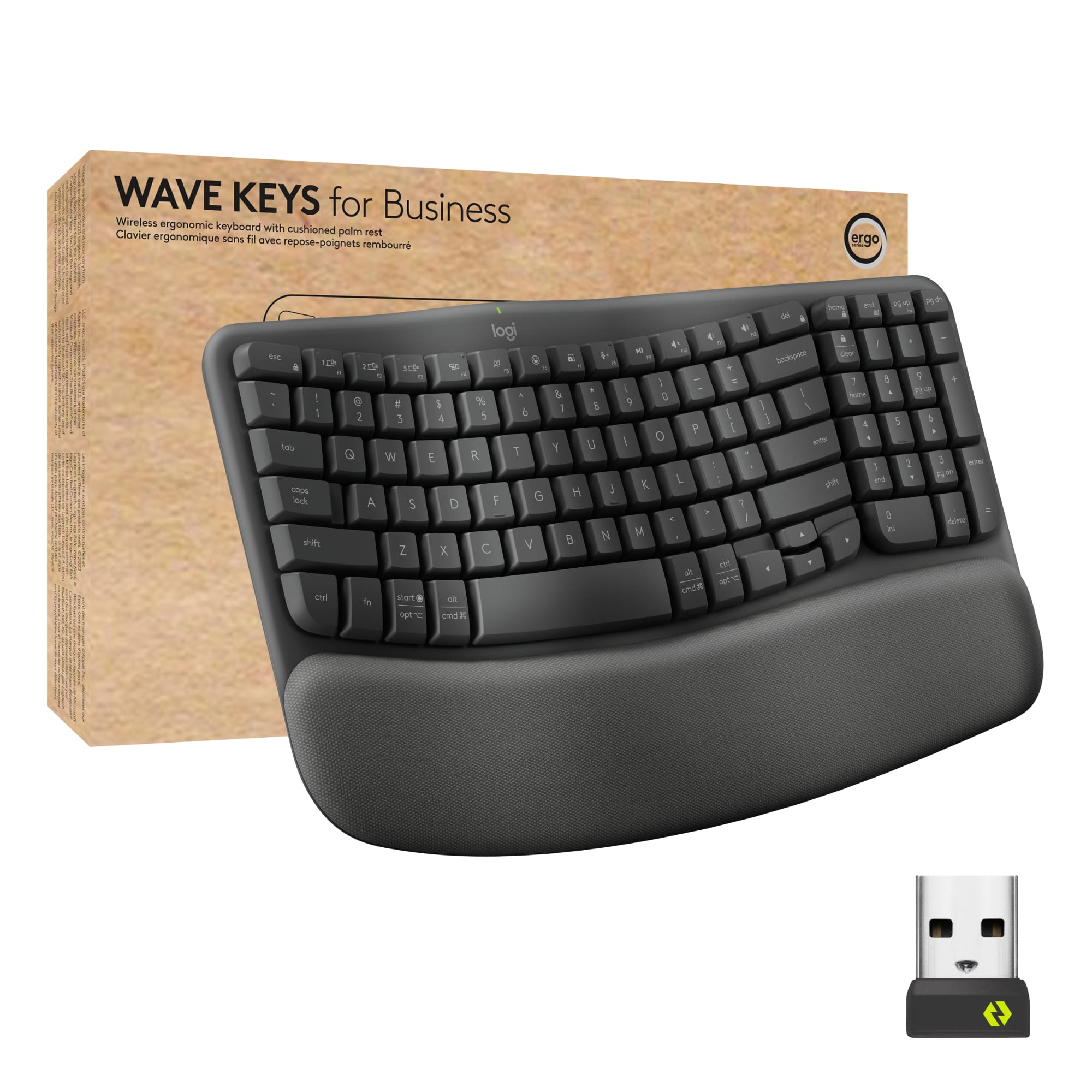
Logitech - Wave Keys For Business Ergonomic Wireless Scissor Tactile Switch Keyboard with Cushioned Palm Rest - Graphite
About this product
An ergonomic wireless keyboard in graphite featuring a wave design, cushioned palm rest, and secure connectivity.
(5)$69.99 Your price for this item is $69.99 -
3
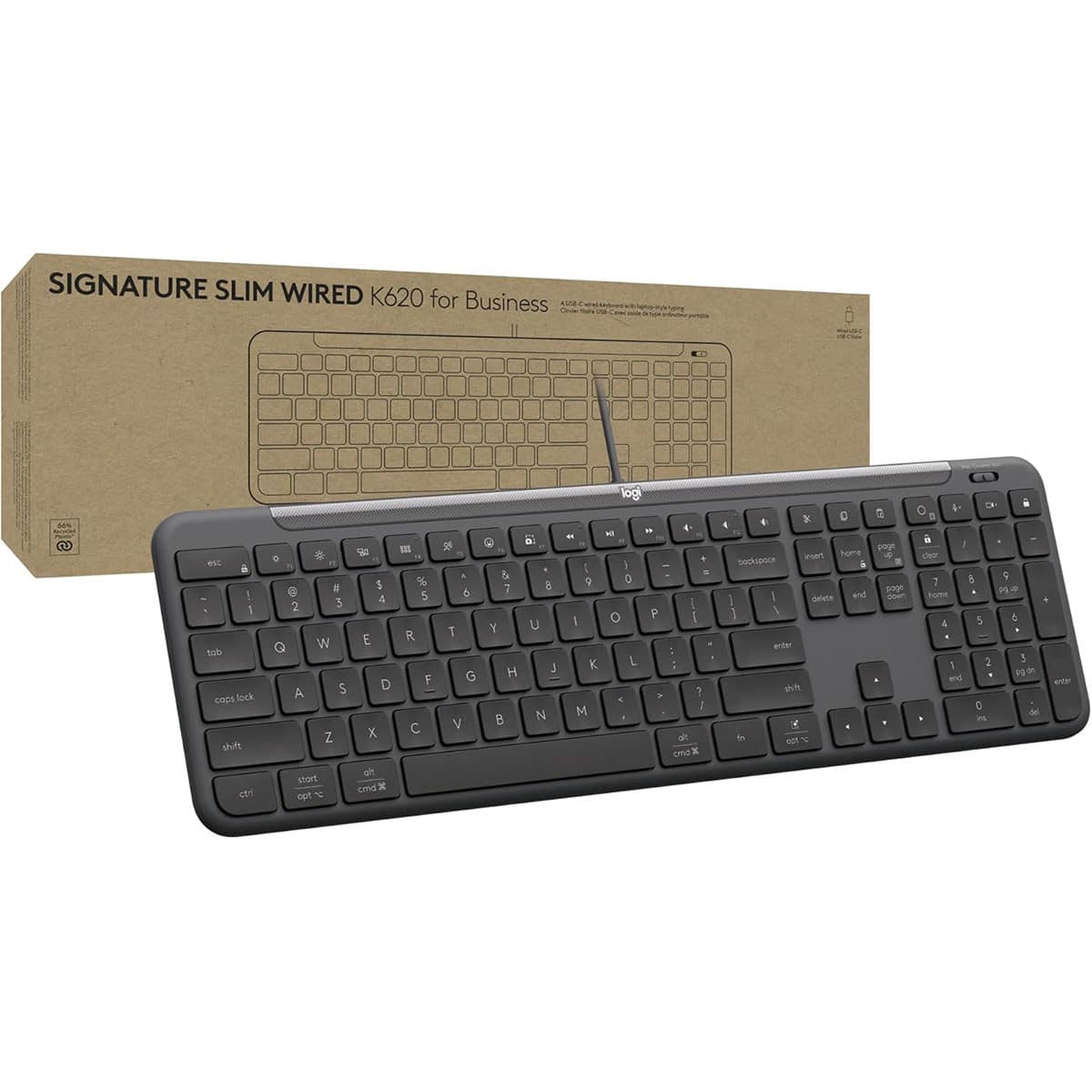
Logitech - Signature Slim K620 Wired Keyboard for Business - Graphite
About this product
A graphite wired keyboard with low-profile laptop-style keys, multi-OS support, AI Launch Key, and meeting controls.
(0)$60.49Your price for this item is $60.49SAVE $10.79 -
4
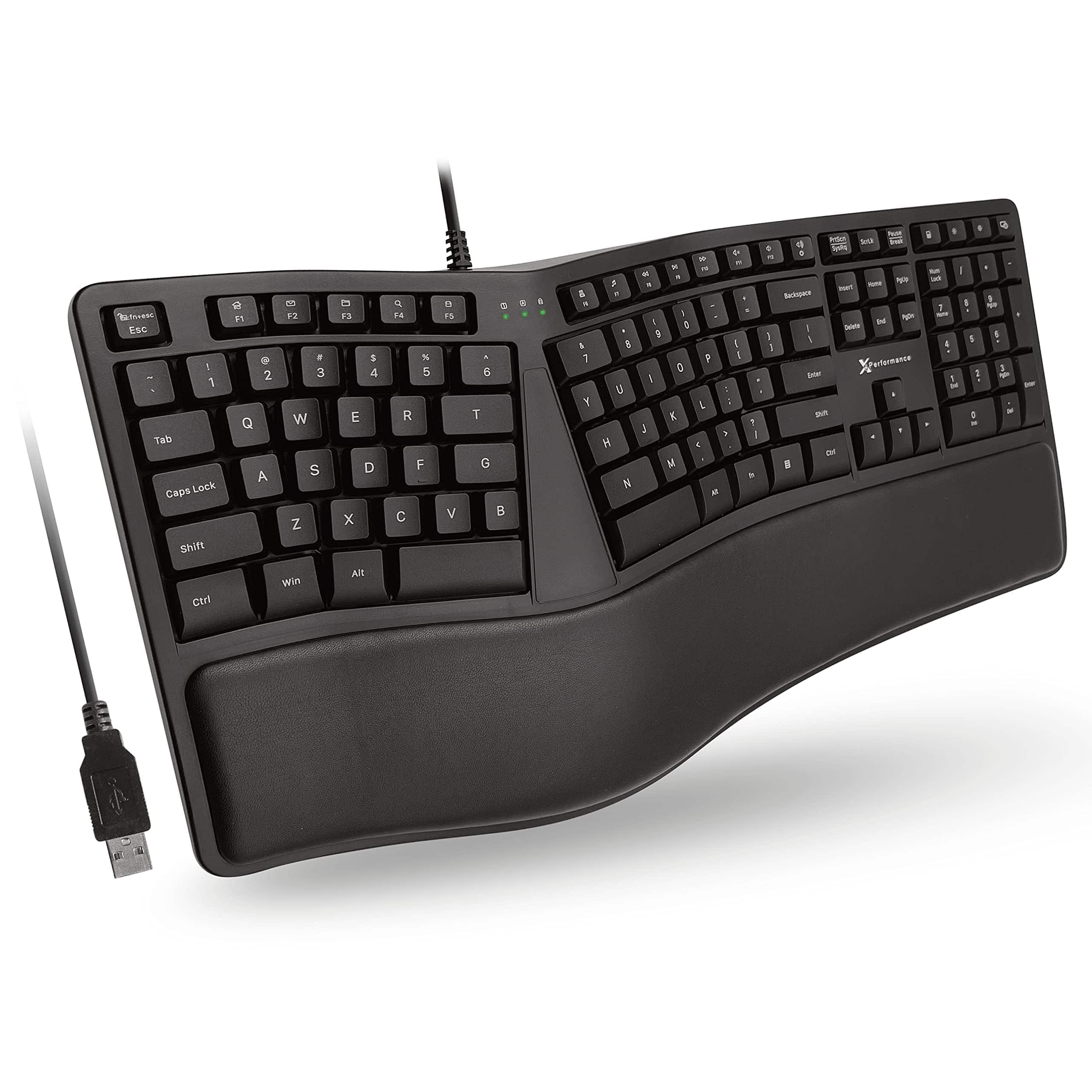
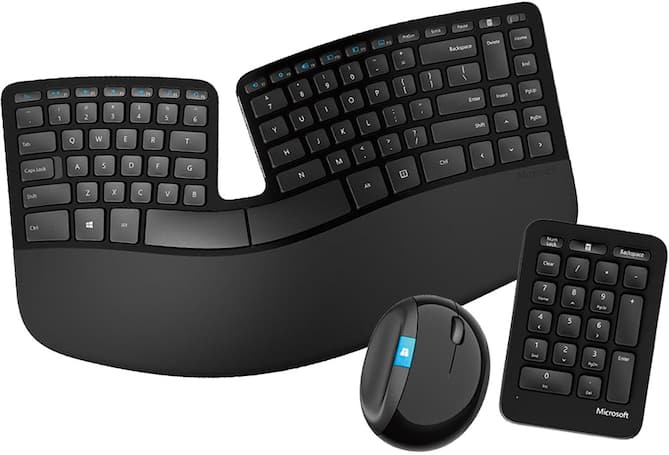
HESVAP - Ergonomic Split Wired Keyboard with Cushioned Wrist Rest, 110 Keys, Numeric Keypad, USB-A - Black
About this product
A black ergonomic split wired keyboard with cushioned wrist rest, numeric keypad, and quiet membrane keys.
(0)$98.99 Your price for this item is $98.99 -
5
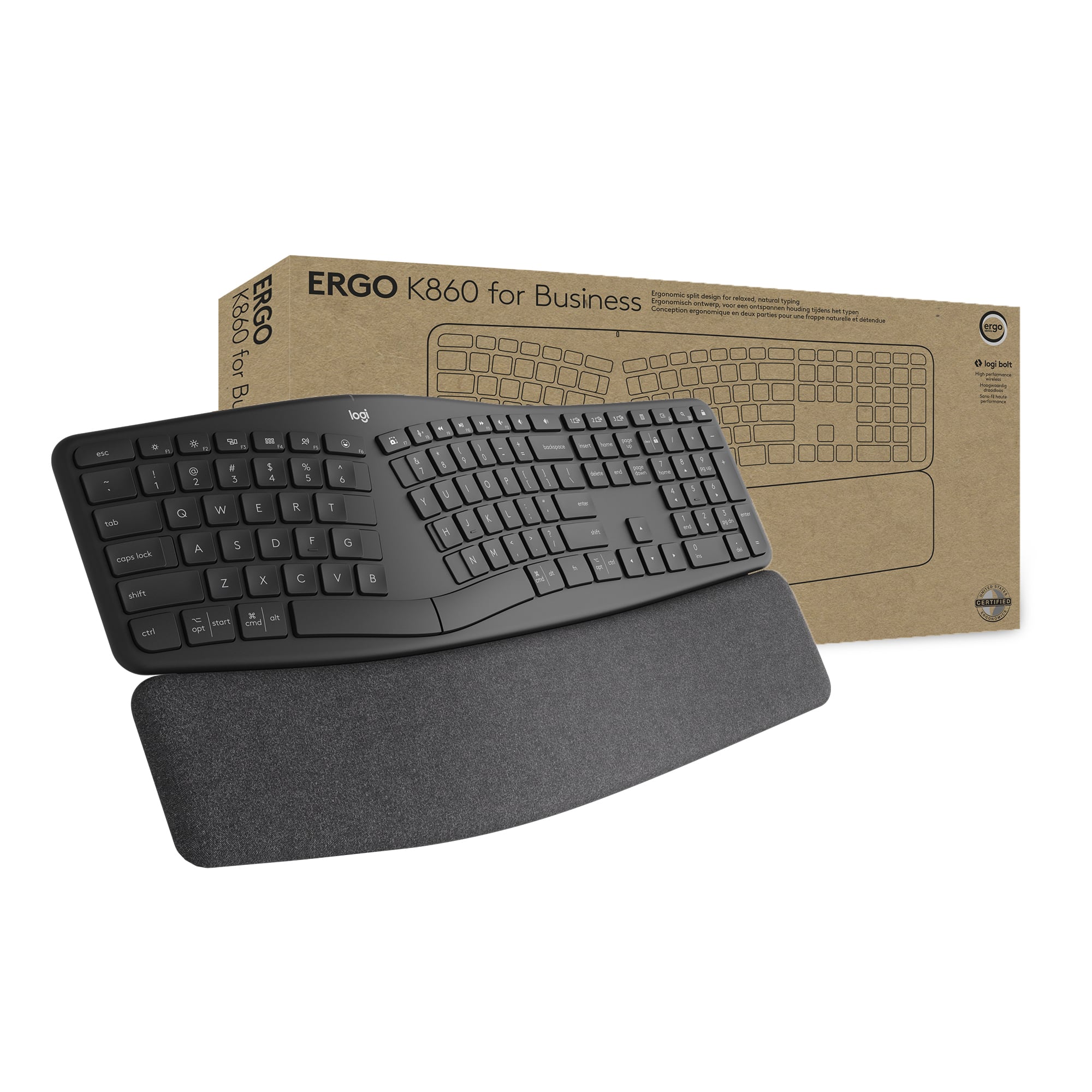
Logitech - ERGO K860 For Business Ergonomic Wireless Scissor Low-Profile Switch Keyboard with Ergonomic Split Design - Graphite
About this product
An ergonomic wireless keyboard in graphite featuring a split design, palm rest, and ultra-precise scissor switches.
(0)$159.99 Your price for this item is $159.99 -
6
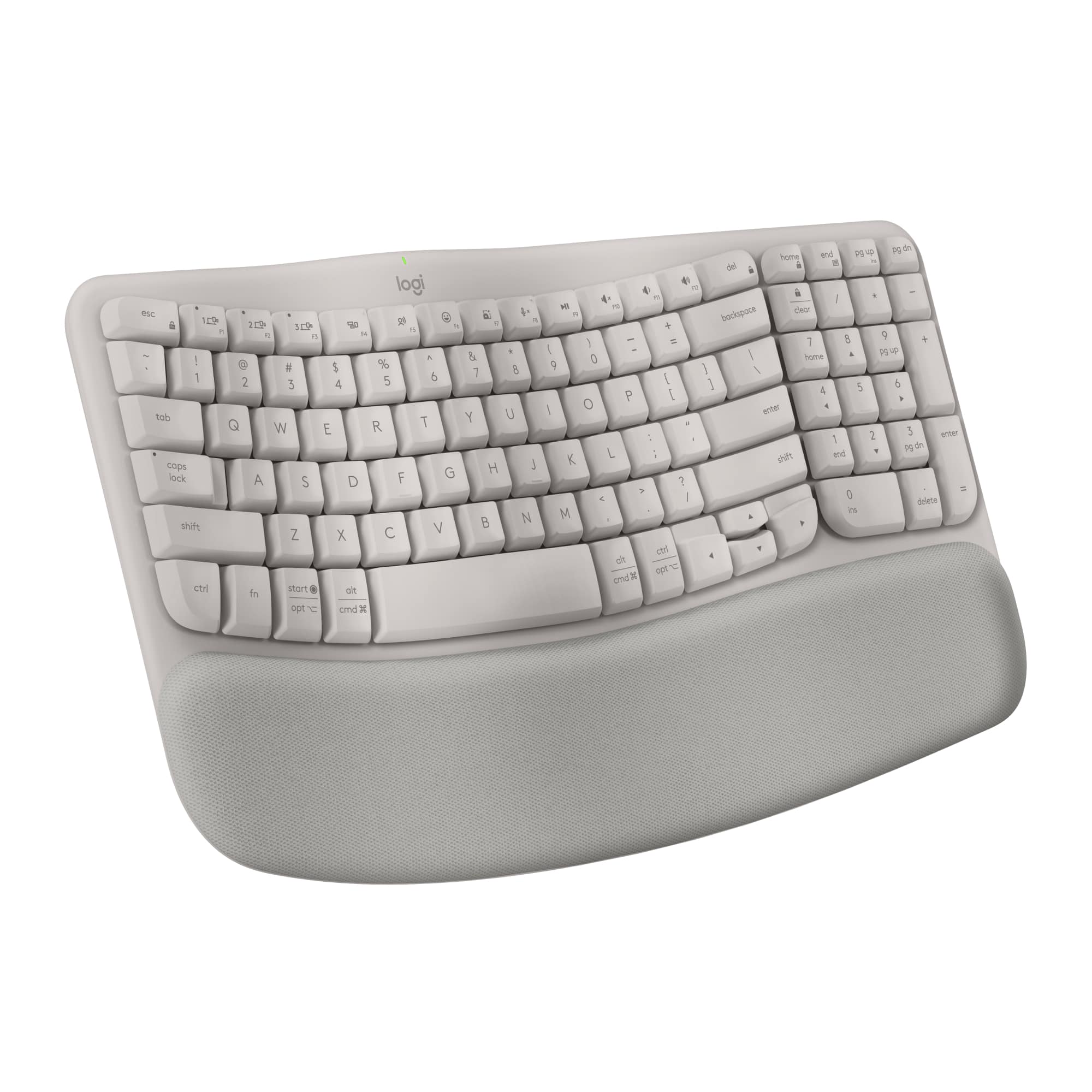
Logitech - Wave Keys Ergonomic Wireless Membrane Keyboard for Windows/Mac with Integrated Palm Rest - Sand
About this product
An ergonomic wireless keyboard in sand color with cushioned palm rest and adjustable tilt for comfortable typing.
What customers like
(127)$81.96Your price for this item is $81.96SAVE $18.03 -
7
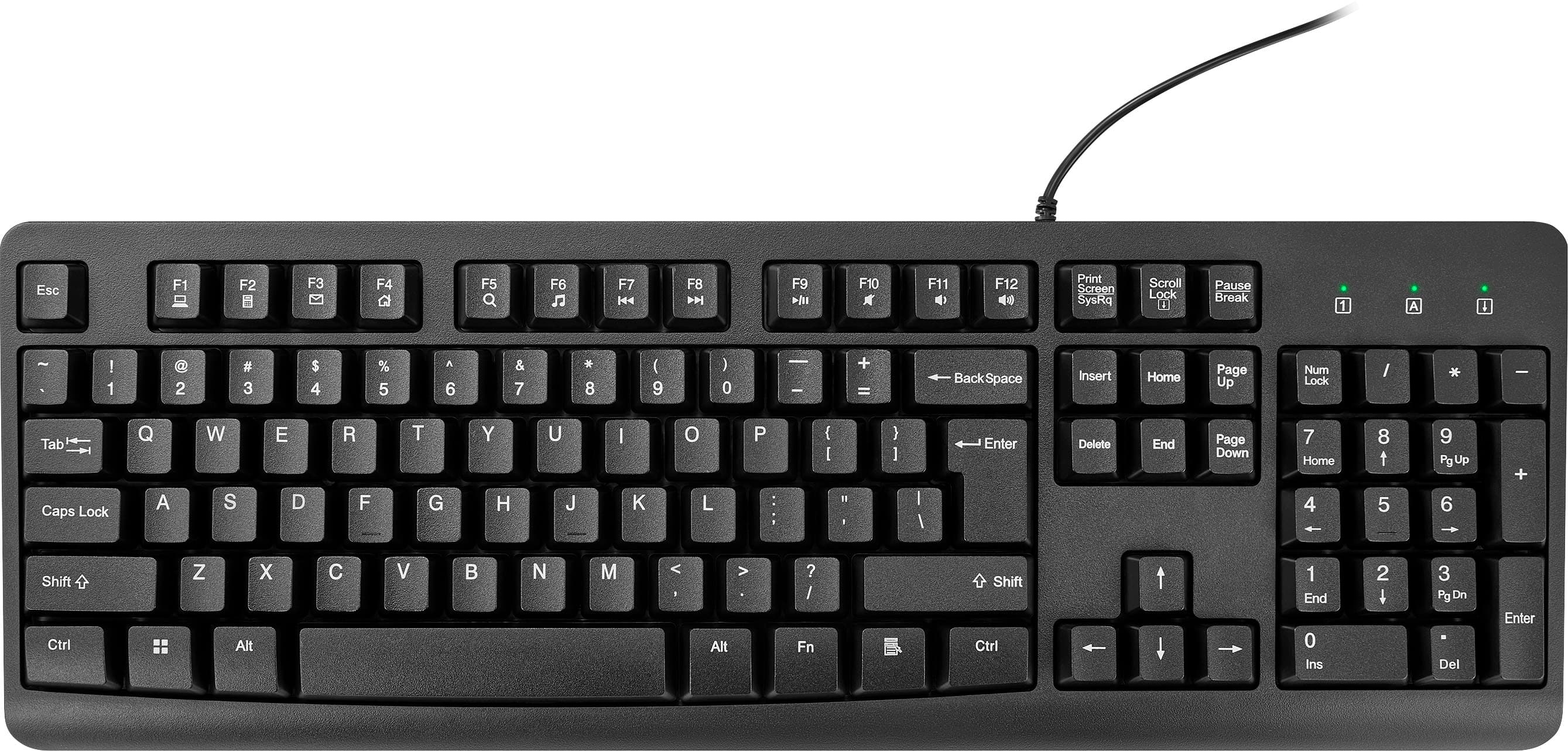
Best Buy essentials™ - Full-size Wired Membrane Keyboard - Black
About this product
A full-size black wired membrane keyboard with numeric keypad, spill resistance, and easy plug-and-play setup.
What customers like
(233)$11.99 Your price for this item is $11.99 -
8
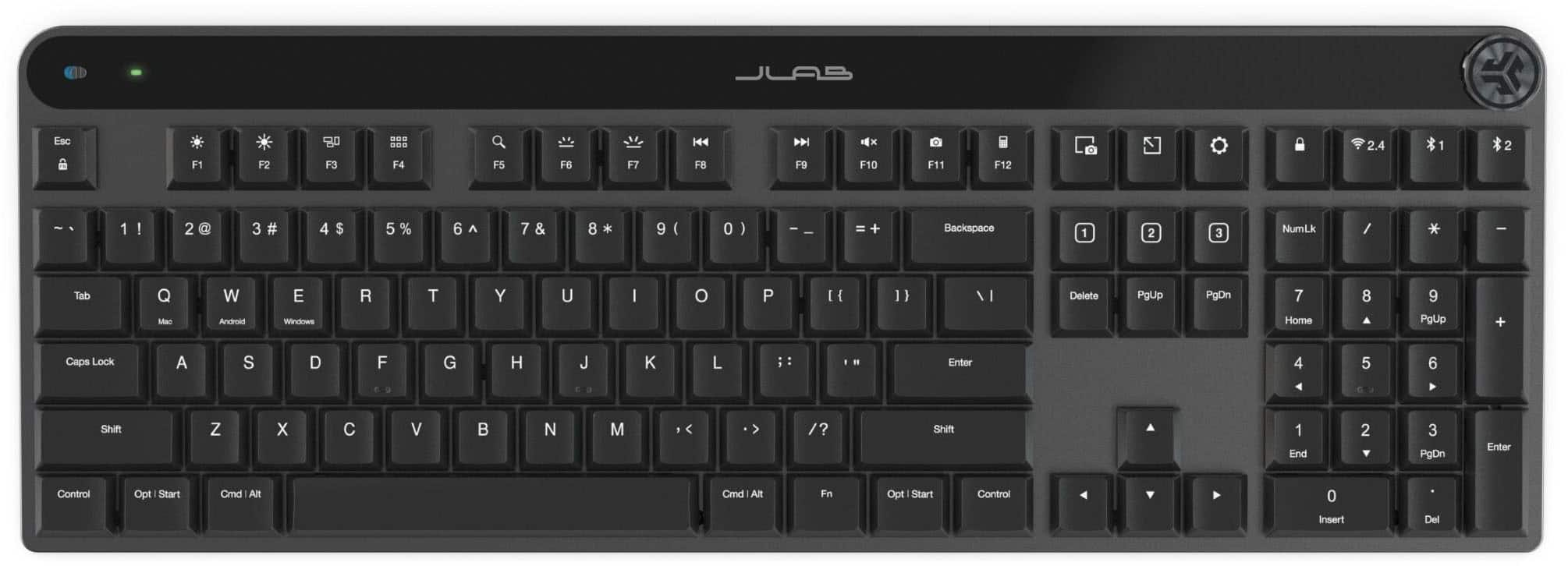
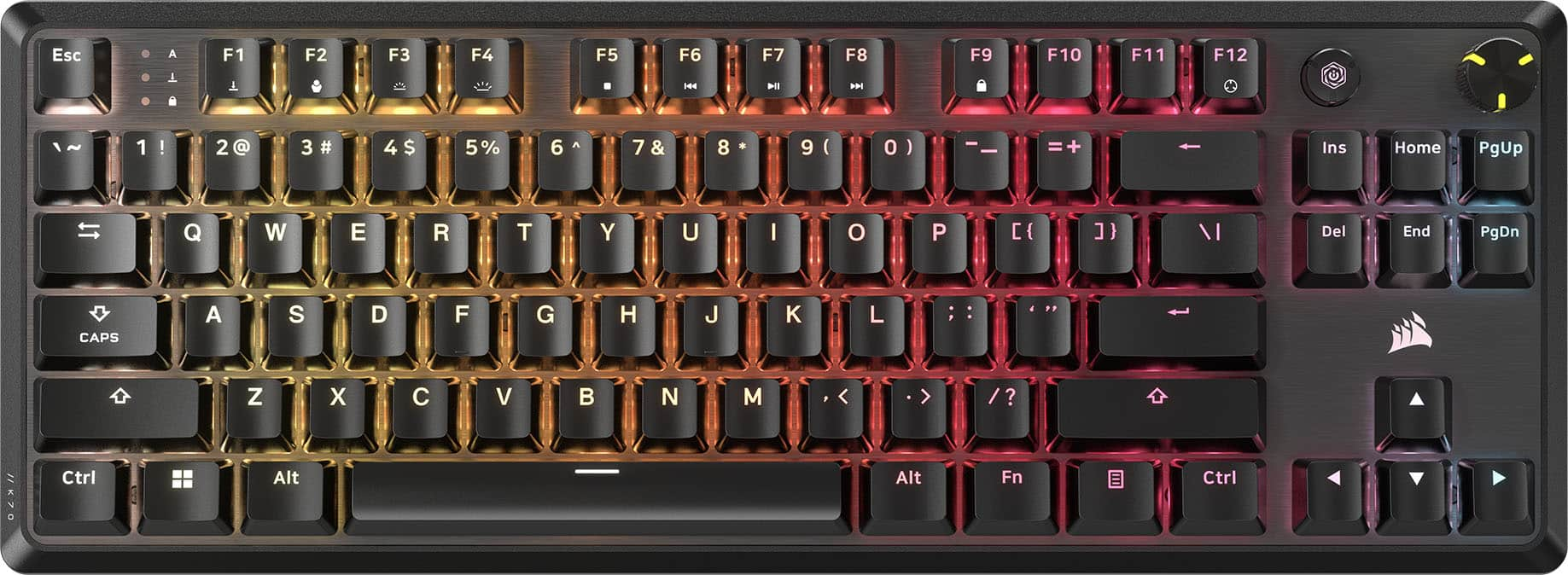
JLab - Epic Mechanical Advanced Multi-device Wireless Keyboard - Black
About this product
A black wireless mechanical keyboard with quiet tactile switches, illuminated backlight, and multi-device Bluetooth connectivity.
What customers like
(164)$64.99Your price for this item is $64.99SAVE $65.00 -
9
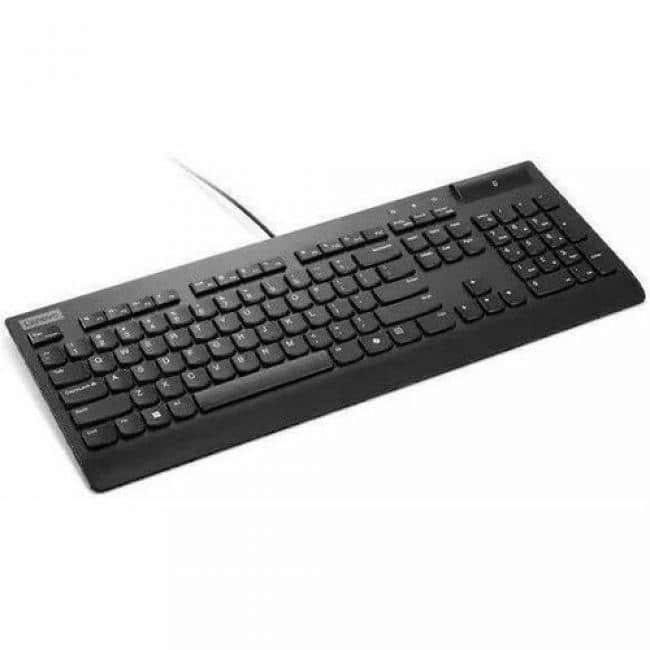
Lenovo - Smartcard Wired keyboard II-US English - Cable Connectivity - Full-size - USB Type A Interface - 105 Key(s) - Jet Black
About this product
A full-size black wired keyboard with integrated smartcard reader, Copilot key, 105 keys, and USB connectivity.
(0)$46.99 Your price for this item is $46.99 -
10
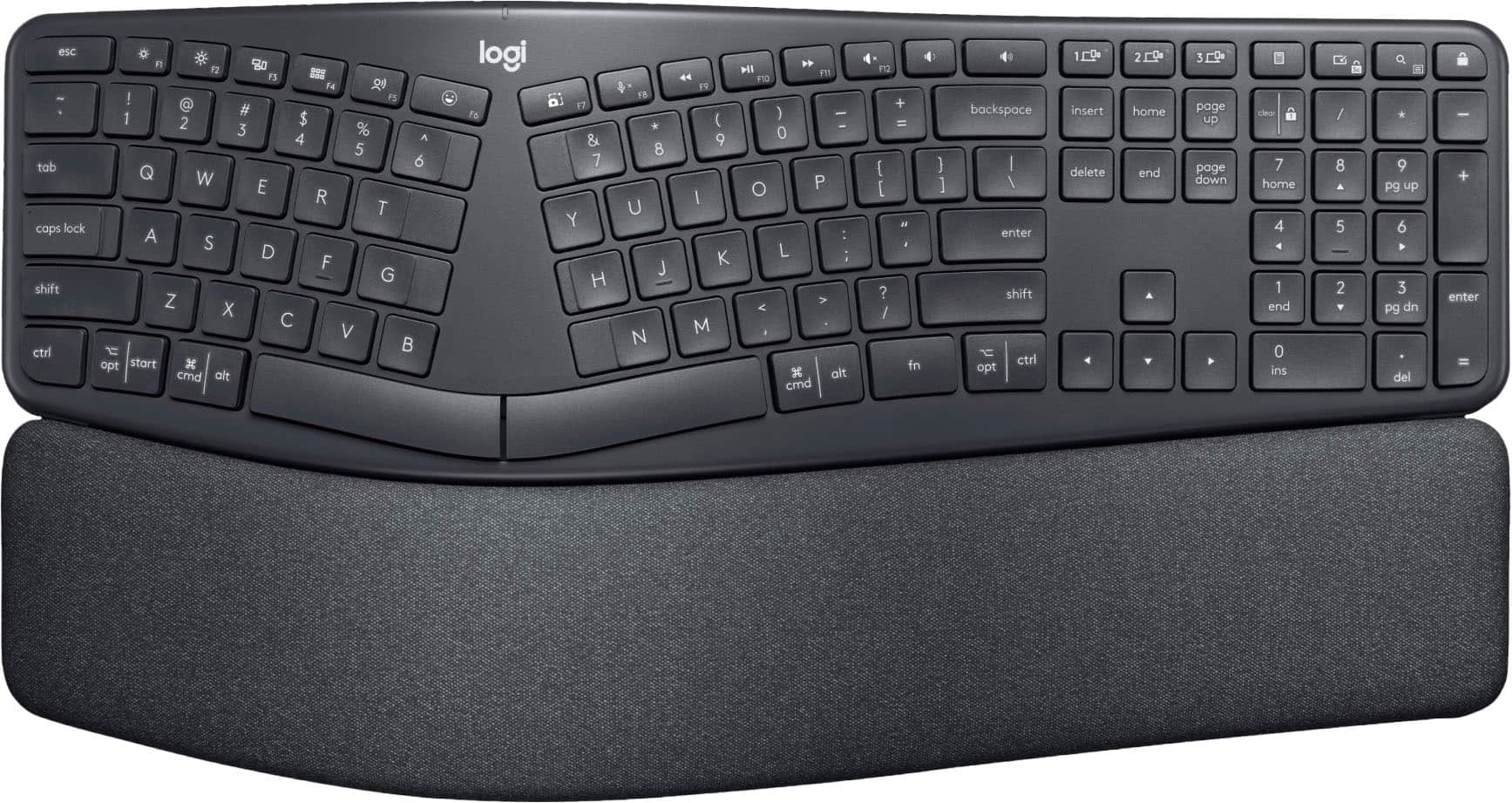
Logitech - ERGO K860 Ergonomic Full-size Wireless Scissor Keyboard for Windows and Mac with Palm Rest - Black
About this product
An ergonomic black wireless keyboard with a curved keyframe, pillowed palm rest, and quiet, responsive keys.
What customers like
(2,099)$119.99Your price for this item is $119.99SAVE $30.00
Top Rated Keyboard For Work
FAQs
Wired keyboards connect through a USB cable. Wireless keyboards typically use Bluetooth or a USB receiver, depending on the model. When choosing a keyboard for work, check your computer’s available ports, Bluetooth support and any workplace rules about wireless accessories.
Mechanical keyboards use individual switches beneath the keys, while membrane keyboards register presses through a membrane-based mechanism. Key feel and typing sound vary by design. Mechanical switches may have a linear feel, a tactile bump or an audible click.
Check the keyboard’s supported operating systems and connection requirements. Some keyboards include Windows and Mac key labels or a setting for switching between them. Function keys, media controls and customization software may work differently across operating systems.
Programmable keys let you assign supported commands, shortcuts or sequences of keystrokes. Depending on the keyboard, customization may use companion software or built-in controls. If you use an employer-managed computer, check whether the required software is permitted.
Multi-device keyboards can maintain connections with more than one compatible device and switch the active connection using a button, dial or key combination. Supported connection methods vary and may include Bluetooth and a USB receiver. Check device compatibility and pairing instructions before setting up your work keyboard.