DoorBOOsters are hereEnds Sunday. Limited quantities. No rainchecks.Shop now

Main Content
Skip to contentGo to Product Search

DoorBOOsters are hereEnds Sunday. Limited quantities. No rainchecks.Shop now

Main Content
Categories & Filters

Ergonomic Keyboard For Work

Enhance your productivity and comfort with an ergonomic keyboard for work. Designed to support natural hand positioning, these keyboards offer a practical solution for professionals who spend extended hours at their desks. Whether you’re setting up a home office or upgrading your workspace, choosing the right ergonomic keyboard for work can make a noticeable difference in your daily routine. Explore options that help you stay focused and efficient throughout the workday.

Read More
Results
Main Results
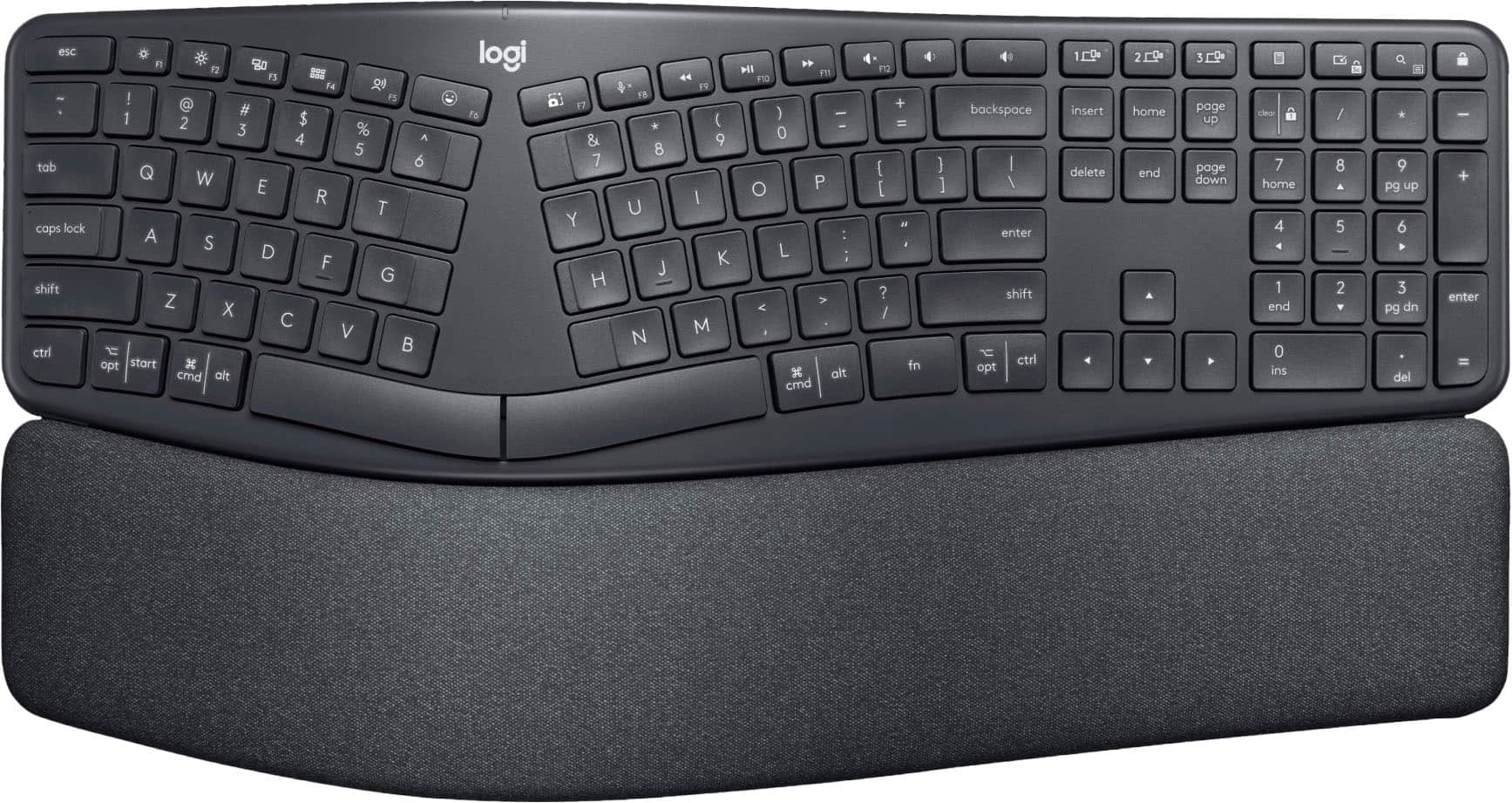
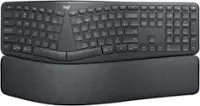
  1. Logitech - ERGO K860 Ergonomic Full-size Wireless Scissor Keyboard for Windows and Mac with Palm Rest - Black

    SKU: J7H7ZYXTHT

    One of the best ergonomic keyboards ever! Very light touch and great for fast typists. I love it!...Great ergonimics, super comfortable and responsive keys. Best keyboard every...Love it!

    Product Description

    An ergonomic black wireless keyboard with a curved keyframe, pillowed palm rest, and quiet, responsive keys.
    See all Wireless & Bluetooth Keyboards
    Your price for this item is $119.99
    Save $30
    The previous price was $149.99
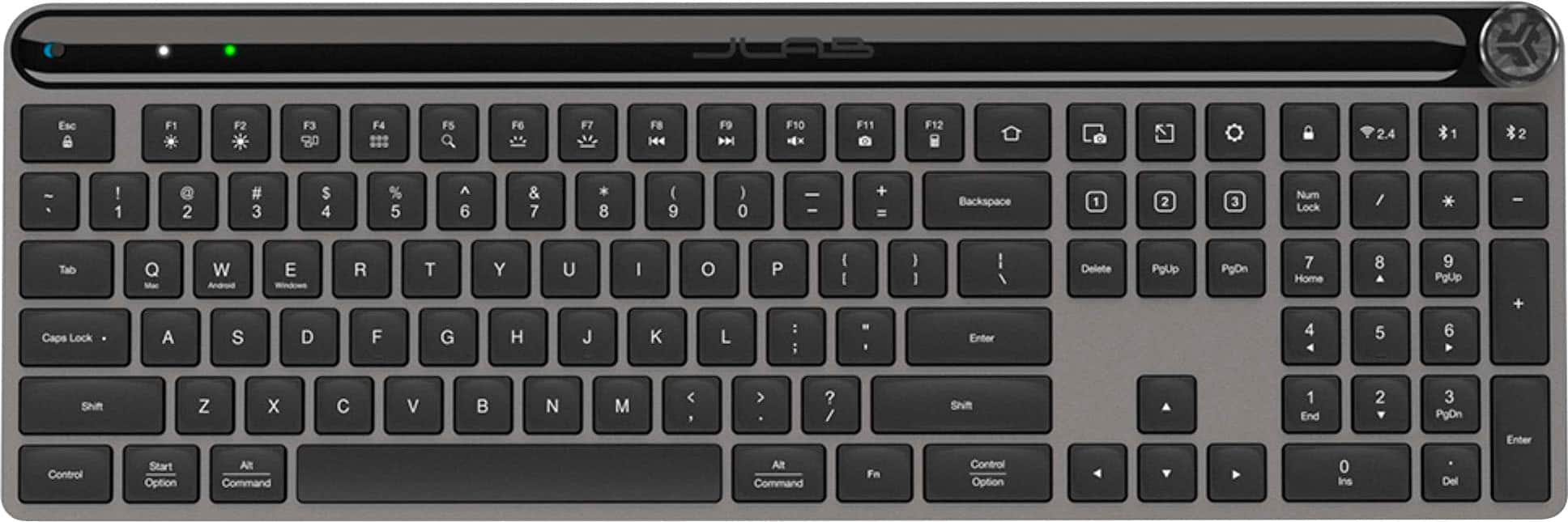
  2. JLab - Epic Wireless Keyboard - Black

    SKU: J3LXRQKCV3

    good item and perfect matchi will always love to buy it from best buy...Great addition to my home office...Thos has been the best keyboard I've ever used....I love the "soft touch" and ease to type without...

    Product Description

    A black wireless keyboard featuring illuminated keys, Bluetooth connectivity, multi-device switching, and an ergonomic design.
    See all Wireless & Bluetooth Keyboards
    Your price for this item is $59.99
    Save $10
    The previous price was $69.99
  3. Targus - Ergonomic Foldable Bluetooth Antimicrobial Keyboard - Black

    SKU: J7QXPVJRSJ

    Great Convenience...I love the convenience of having a full-sized keyboard when I'm using my phone or iPad and this one is...Great...This was smaller then I thought it would be but it works great.

    Product Description

    A foldable black keyboard featuring an ergonomic split design, Bluetooth 5.1, and antimicrobial protection.
    See all Wireless & Bluetooth Keyboards
    Your price for this item is $34.99
    Save $20
    The previous price was $54.99
  4. Logitech - Wave Keys for Mac Ergonomic Wireless Membrane Keyboard with Integrated Palm-rest - Off-white

    SKU: J7H7ZYG833

    Product Description

    An off-white ergonomic wireless keyboard with a wavy keyframe and cushioned memory foam palm rest.
    See all Wireless & Bluetooth Keyboards
    Your price for this item is $81.96
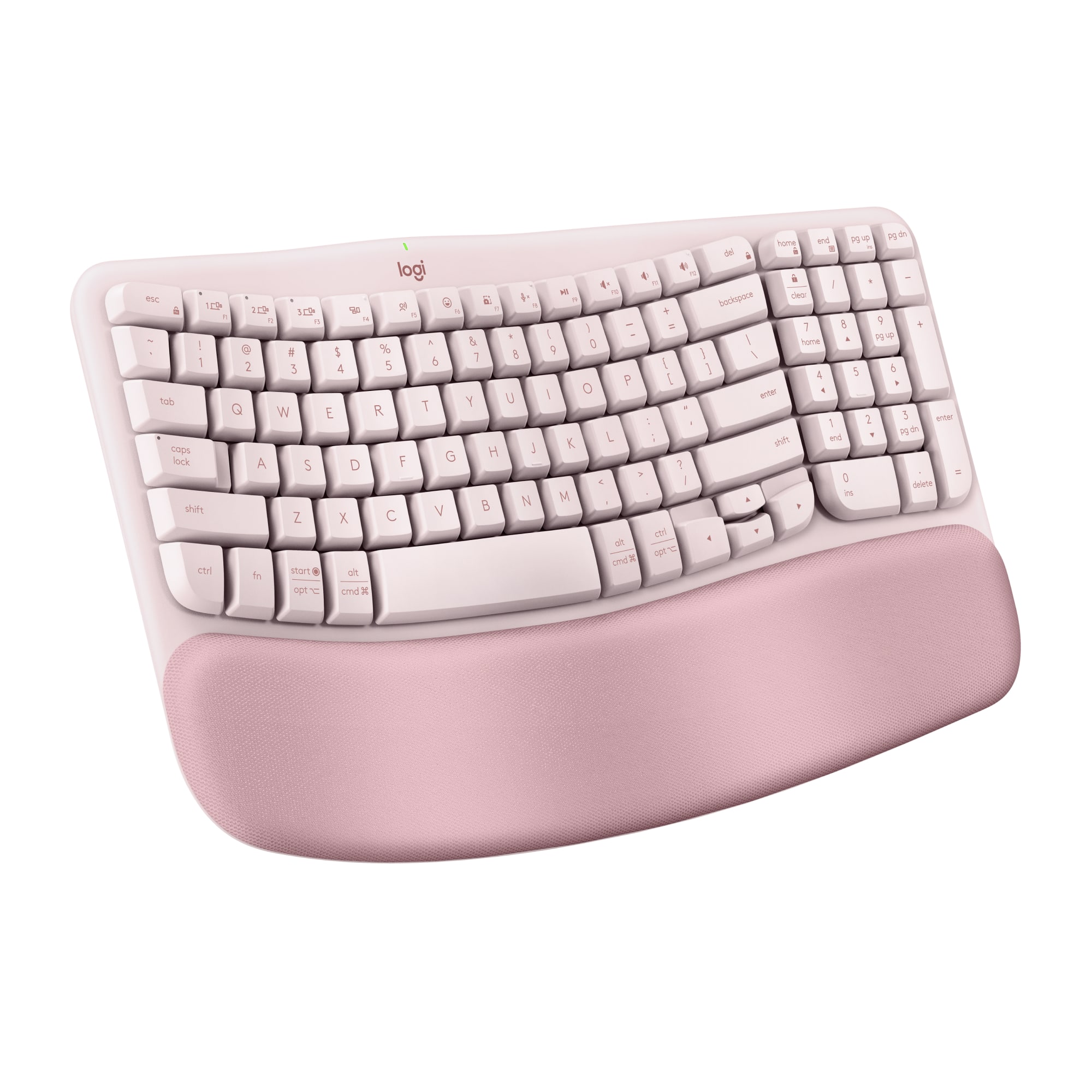
  5. Logitech - Wave Keys Ergonomic Wireless Membrane Keyboard for Windows/Mac with Integrated Palm-rest - Rose

    SKU: J7H7ZYG882

    The best @ Best Buy...I love the color and functionality of this beautiful keyboard, it functions very well and comes I a color...Love love love

    Product Description

    An ergonomic wireless keyboard in rose with a cushioned palm rest and adjustable tilt for comfortable typing.
    See all Wireless & Bluetooth Keyboards
    Your price for this item is $69.99
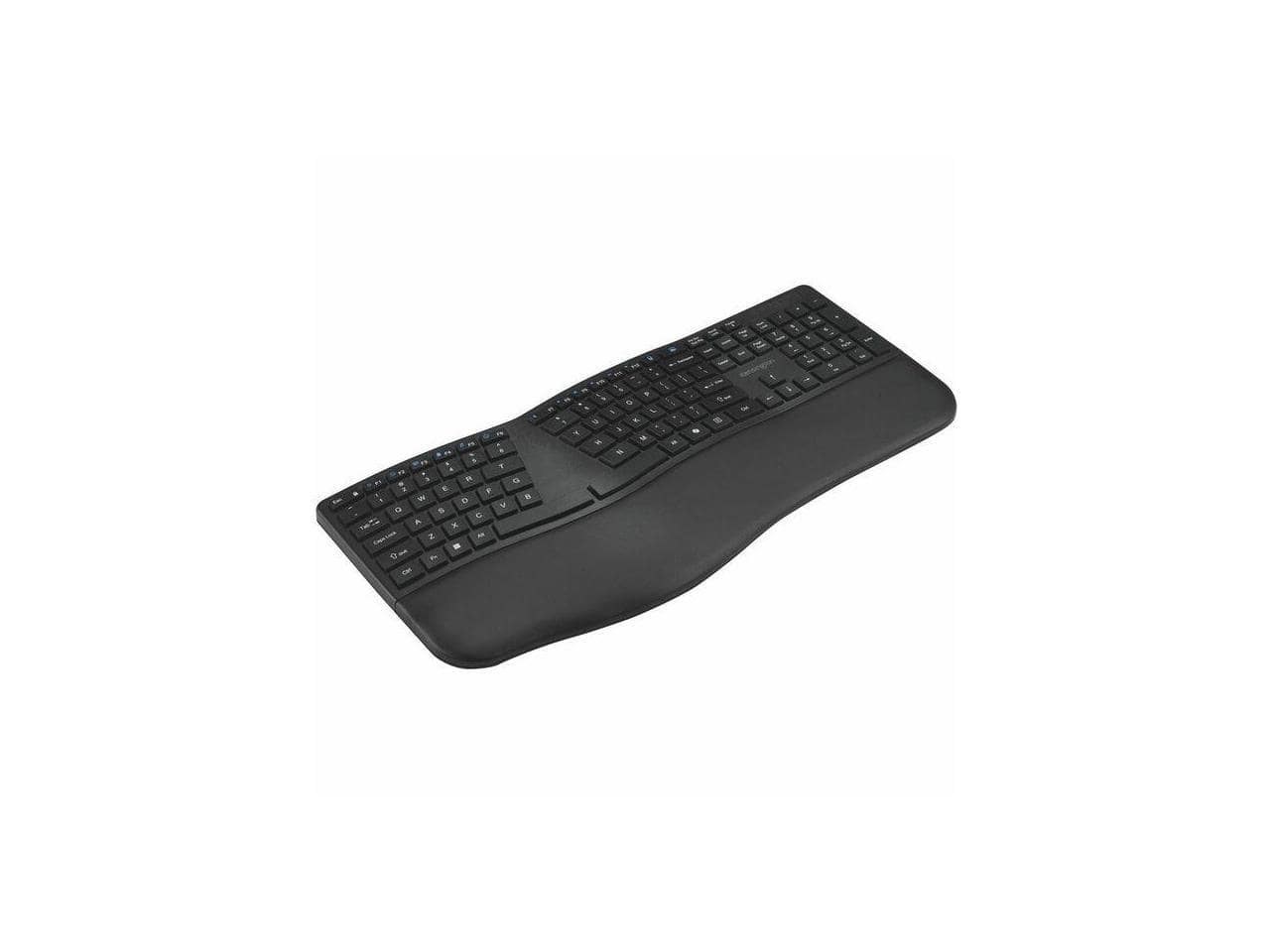
  6. Kensington - Pro Fit K75401US Ergonomic,Full-size Wireless Keyboard - Black

    SKU: J7RJZZT8PQ

    Product Description

    An ergonomic black wireless keyboard featuring split design, adjustable tilt, Bluetooth connectivity, and built-in wrist rest.
    See all Wireless & Bluetooth Keyboards
    Your price for this item is $66.00
  7. Adesso - Tru-Form Keyboard - Black

    SKU: J32P877PCF

    Product Description

    An ergonomic black keyboard with quiet membrane keys, adjustable tilt, and backlit RGB lighting for comfortable typing.
    See all Ergonomic Keyboards
    Your price for this item is $61.49
    Save $12
    The previous price was $74.06
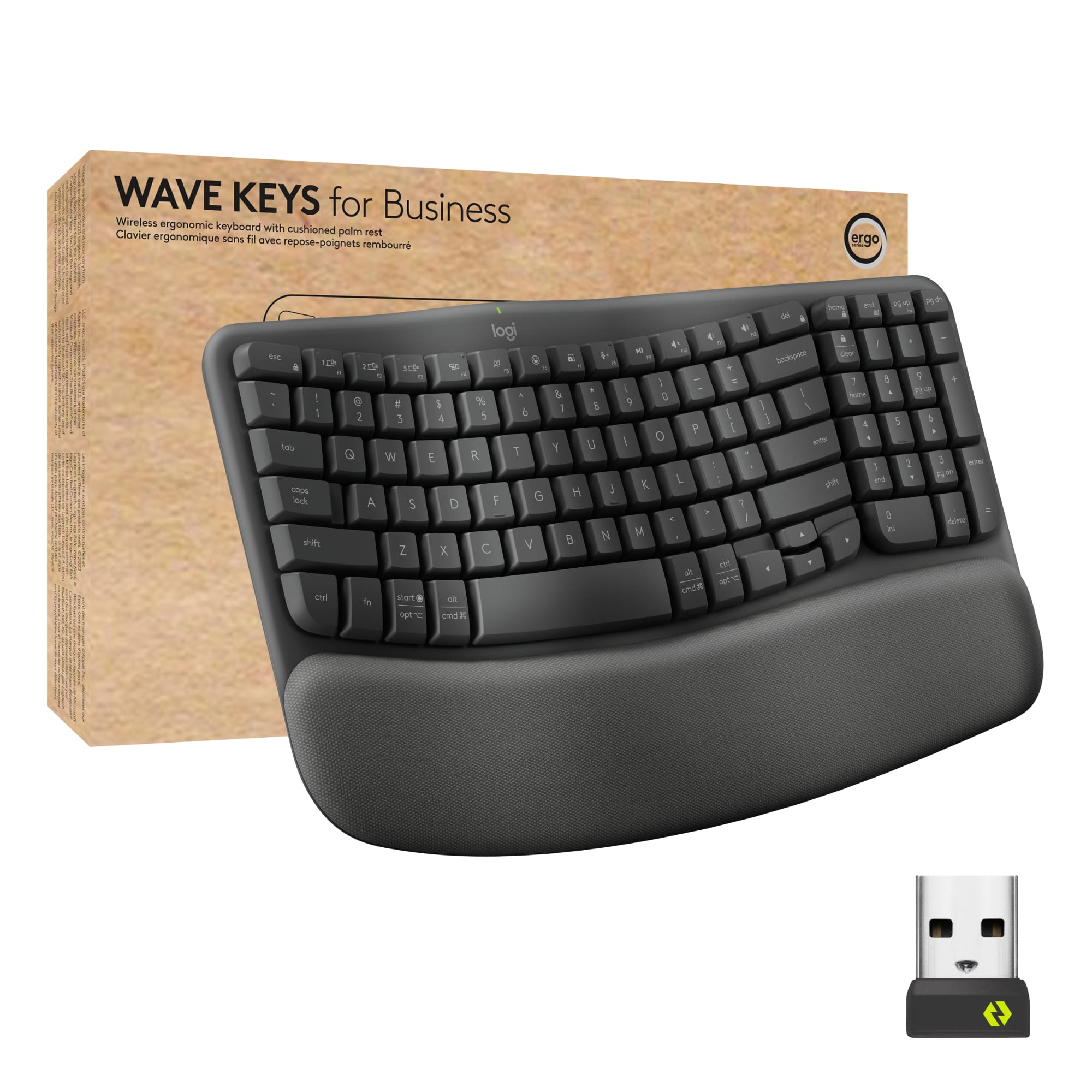
  8. Logitech - Wave Keys For Business Ergonomic Wireless Scissor Tactile Switch Keyboard with Cushioned Palm Rest - Graphite

    SKU: J7H7ZYG8LQ

    I purchased this keyboard specifically for its Bluetooth connectivity, and it has worked great.

    Product Description

    An ergonomic wireless keyboard in graphite featuring a wave design, cushioned palm rest, and secure connectivity.
    See all Wireless & Bluetooth Keyboards
    Your price for this item is $69.99
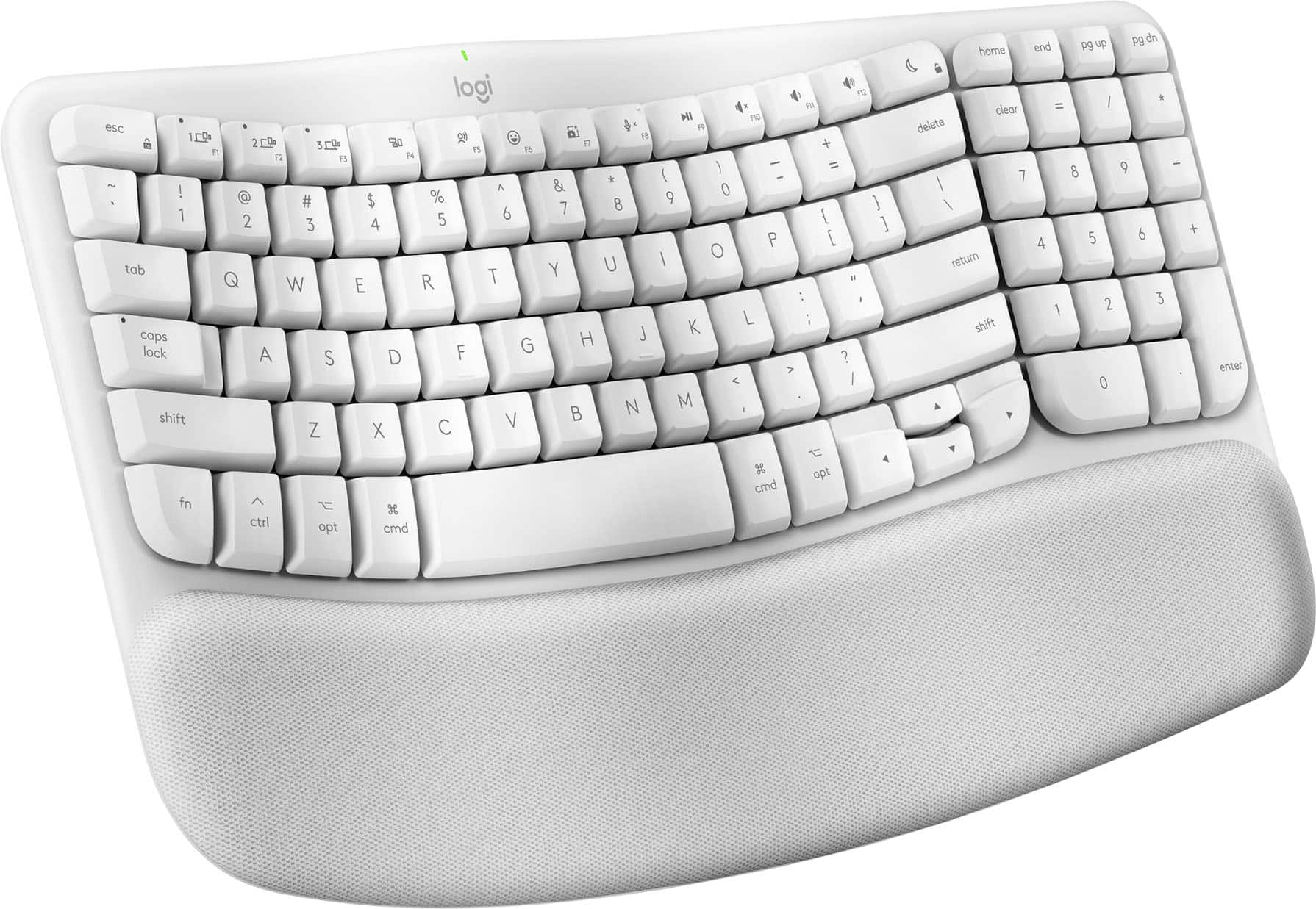
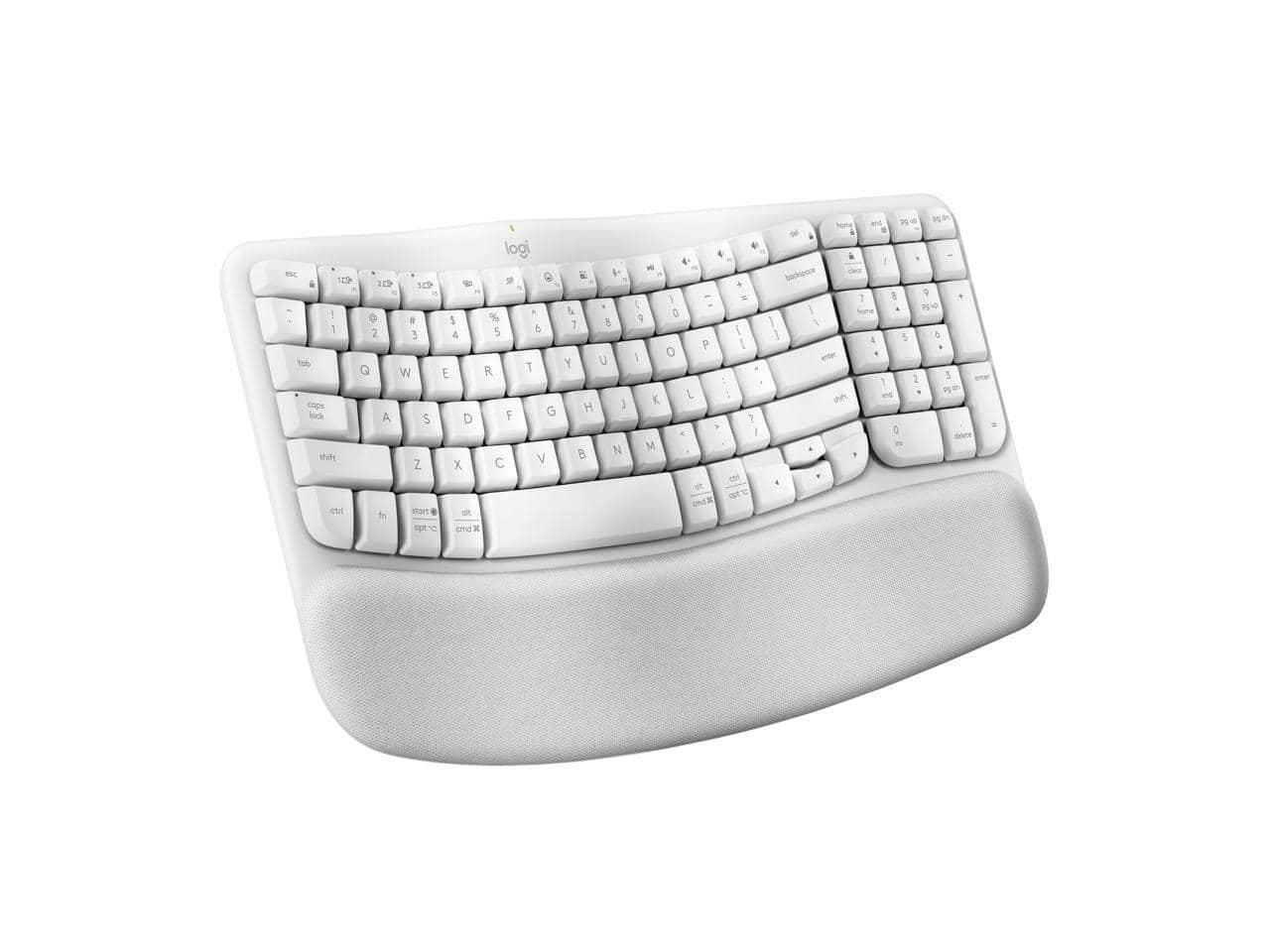
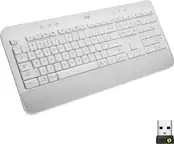
  9. Logitech - Wave Keys Wireless Ergonomic Keyboard with Palm Rest, Bluetooth, Logi Bolt, Multi-OS - Off White

    SKU: J7H7ZYG8XF

    Product Description

    An off-white wireless ergonomic keyboard with cushioned palm rest, Bluetooth connectivity, and multi-OS compatibility.
    See all Wireless & Bluetooth Keyboards
    Your price for this item is $89.68
    Save $0
    The previous price was $89.99
  10. Kensington - KB680 EQ Ergo Keyboard - Wireless Bluetooth/RF - USB A - Windows/Mac - Black

    SKU: J7RJZZQYKL

    Product Description

    An ergonomic black wireless keyboard offering Bluetooth and RF connectivity, compatible with Windows and Mac systems.
    See all Wireless & Bluetooth Keyboards
    Your price for this item is $67.00
    Save $0
    The previous price was $67.95

An ergonomic keyboard for work can make a noticeable difference in how your desk feels over the course of a long day. Instead of keeping both hands in a narrow, straight line, many ergonomic designs use a curved, angled or split layout that encourages a more natural position for the hands, wrists and forearms. Some models separate the left and right key groups completely, while others use a gentle wave shape that feels familiar as soon as you begin typing. A cushioned palm or wrist rest can provide another point of support, helping keep your hands level rather than allowing them to hover above the keys or bend sharply at the wrists. These details can be especially useful for people who spend hours writing reports, responding to messages, entering data, coding, scheduling appointments or working in web-based applications. Comfort is personal, so the best choice depends on your usual posture, typing style and available desk space. A compact design may suit a small home office or a shared workspace, while a full-size keyboard with a dedicated number pad can be valuable for spreadsheets, accounting, inventory, finance and other number-heavy tasks. A built-in palm rest may be fixed in place for a simple setup, or a removable design can offer more flexibility when you want to change your position. Look for sturdy construction, clearly labeled keys and a layout that leaves frequently used controls within easy reach. Ergonomic features are intended to support a comfortable working position, but good habits matter too: keep your shoulders relaxed, position the keyboard so your elbows can rest near your sides, and take regular breaks to stretch and change position.

The shape of the key layout is only one part of choosing an ergonomic keyboard for work. Key feel can influence both comfort and productivity, particularly when you type throughout the day. Low-profile keys require less travel and may feel quick and light, while full-height keys can provide more tactile feedback and a familiar desktop typing experience. Mechanical-style keyboards may appeal to users who prefer a distinct response with each press, although they can be louder and may take time to adjust to. Quieter membrane or scissor-style keys can be a better fit for open offices, bedrooms used as workspaces or households where other people are nearby. Pay attention to the placement of the Escape, arrow, function and navigation keys if your job depends on keyboard shortcuts. A split keyboard may promote a more open hand position, but the separation can require a short adjustment period, especially when reaching for the center keys. A curved or wave-shaped keyboard offers a more gradual transition for anyone who wants ergonomic support without changing to a fully divided design. Wireless connectivity can reduce cable clutter and make it easier to move the keyboard between a desktop, laptop, tablet or other compatible device. Bluetooth is convenient for compatible computers and mobile devices, while a USB receiver may provide a straightforward connection for a work computer. Some wireless keyboards can pair with multiple devices, allowing you to move between a personal computer and a work system with a button press. Battery life, charging options and compatibility with your operating system are also worth checking before purchase. If you rely on a numeric keypad, confirm that the design includes one, since many compact and split models leave it out to save space. Backlighting, programmable keys and dedicated media controls can add convenience, but a comfortable layout and reliable connection should remain central to a work-focused setup.

An ergonomic keyboard can be a practical addition to a home office, corporate workstation, reception desk, classroom, studio or mobile work area. It may be a thoughtful gift for a remote employee setting up a dedicated workspace, a student preparing for a demanding semester, a writer or programmer with a full schedule, or anyone who has mentioned that a standard keyboard feels cramped during long projects. It can also complement a sit-stand desk, an adjustable monitor arm and a supportive chair by helping create a workstation that fits the user rather than forcing the user to adapt to a fixed arrangement. When arranging the desk, place the keyboard close enough that you do not need to reach forward, and keep the top edge from pushing your wrists into an awkward angle. A separate mouse designed for a more natural hand position can help maintain consistency as you move between typing and pointing; shoppers comparing coordinated options can explore Ergonomic Keyboard And Mice for additional workspace choices. During the warmer part of the year or the cooler months spent indoors, a comfortable keyboard can support everything from everyday email to extended creative and professional projects without taking over the room. Consider the people who will use the keyboard, the applications they use most, whether they need a number pad, how much desk space is available and whether they prefer a familiar wave shape or a more pronounced split design. With the right combination of layout, wrist support, key response and connectivity, an ergonomic keyboard can become an unobtrusive part of the workday—quietly making typing feel more natural from the first message in the morning through the final task of the afternoon.

FAQ

When choosing an ergonomic keyboard for work, consider features such as a split or curved design to promote natural hand positioning, adjustable tilt options, cushioned palm rests, and keys with a comfortable actuation force. These features can help reduce strain during long typing sessions.

Ergonomic keyboards are designed to support the natural alignment of your hands, wrists, and arms. They often feature a split layout, curved shape, or tenting options that encourage a more relaxed posture compared to traditional flat keyboards.

Most ergonomic keyboards are compatible with both Windows and Mac operating systems. However, it's important to check the product specifications for any required drivers or software to ensure full functionality with your device.

Yes, ergonomic keyboards are specifically designed to minimize strain on your hands and wrists by promoting a more natural typing position. This can help reduce discomfort and fatigue during long hours of work.

Many ergonomic keyboards are available in both wired and wireless versions. Wireless models offer greater flexibility and help reduce cable clutter on your desk, making them a popular choice for modern workspaces.