Top Rated Keyboards For Hybrid Work
Find the best keyboard for hybrid work by focusing on what fits your home desk, office setup, and commute. Compare options based on device compatibility, size, and key layout, keeping your daily typing needs in mind. If you’ll carry your keyboard between locations, weigh portability against the comfort and desk space you need.
What to look for in keyboards for hybrid work
Find a keyboard that fits your hybrid work routine by considering how you connect, where you type and what you carry between workspaces.
1. Connectivity and Compatibility
2. Size and Portability
3. Typing Comfort and Noise
4. Power and Everyday Convenience
-
1
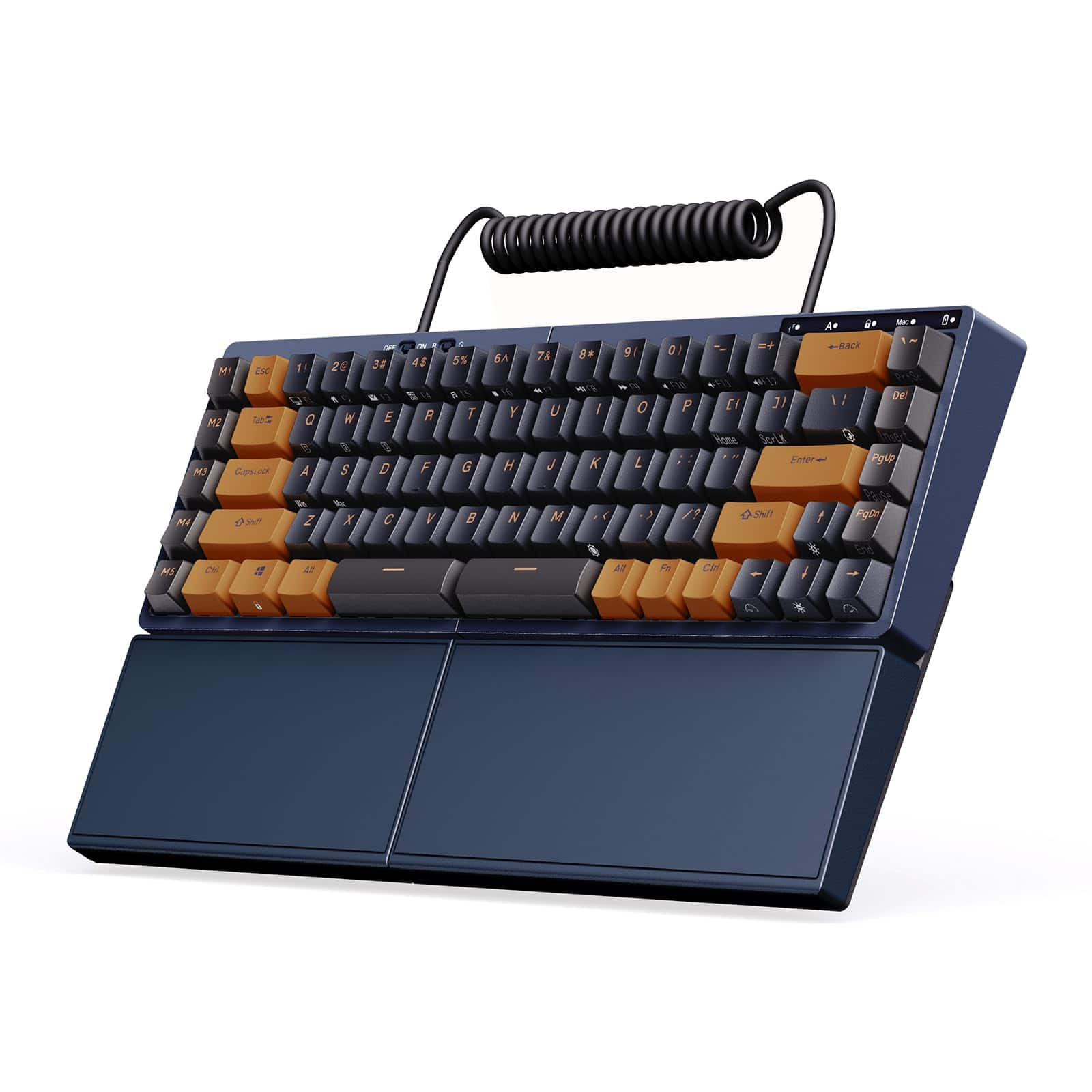
HESVAP - Wireless Split Ergonomic Mechanical Keyboard with Tactile Brown Switches, 74 Keys, Hot-Swappable, RGB - Dark Blue
About this product
A dark blue split ergonomic mechanical keyboard with tactile brown switches, wireless connectivity, and RGB lighting.
(0)$174.99 Your price for this item is $174.99 -
2
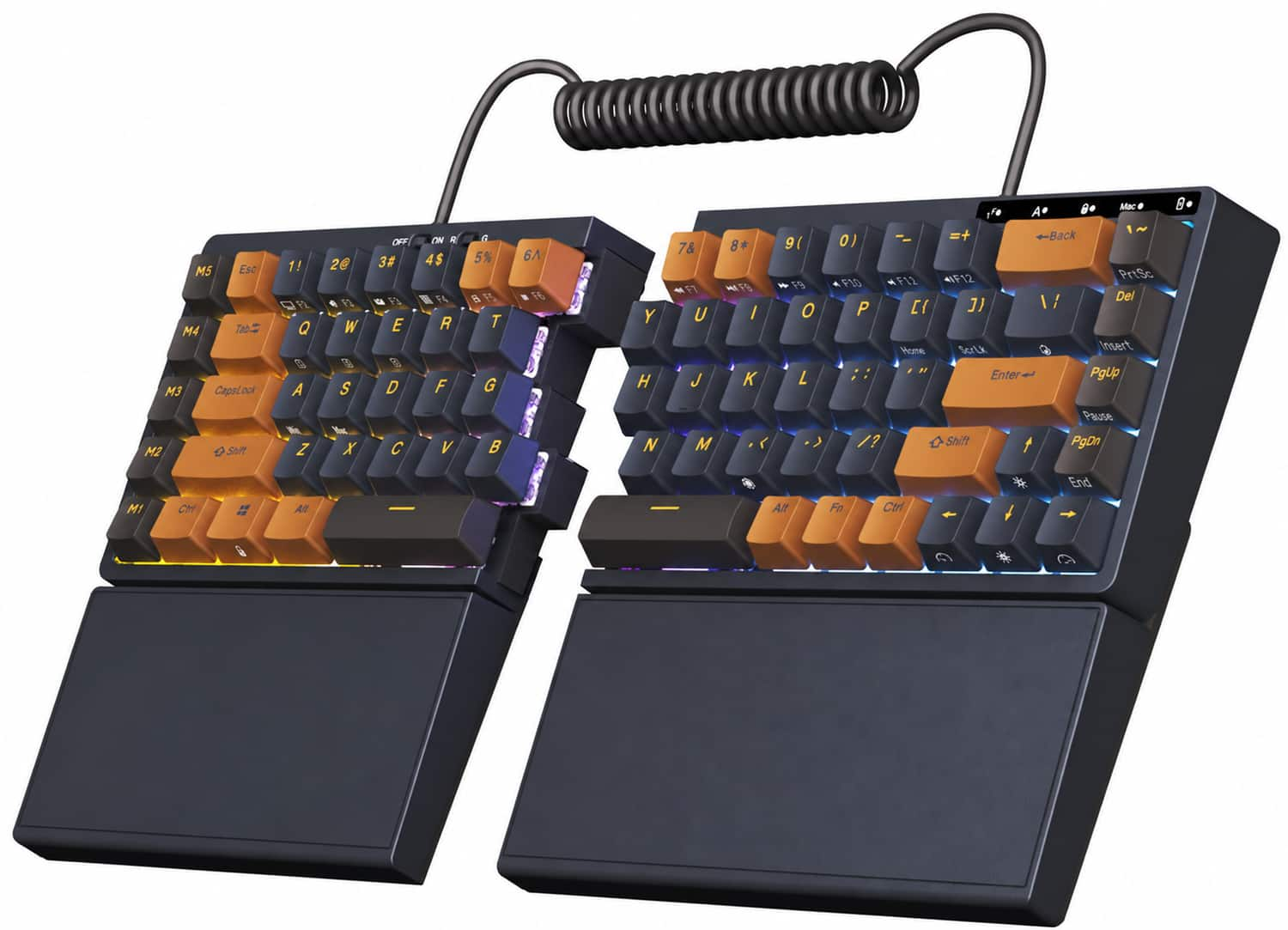
HESVAP - Wireless Split Ergonomic Mechanical Keyboard with Tactile Brown Switches, 74 Keys, Hot-Swappable, RGB - Black
About this product
A black split ergonomic keyboard with tactile switches, wireless connectivity, hot-swappable keys, programmable macros, RGB lighting.
(0)$159.99 Your price for this item is $159.99 -
3
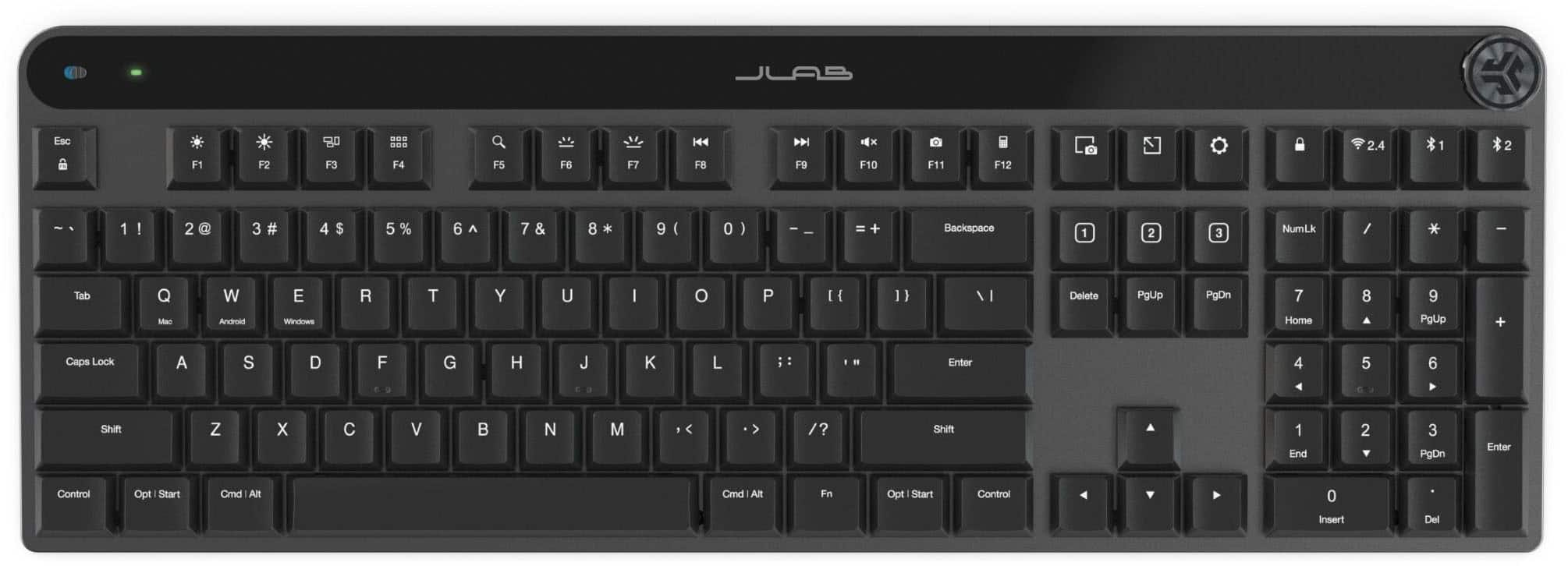
JLab - Epic Mechanical Advanced Multi-device Wireless Keyboard - Black
About this product
A black wireless mechanical keyboard with quiet tactile switches, illuminated backlight, and multi-device Bluetooth connectivity.
What customers like
(165)$64.99Your price for this item is $64.99SAVE $65.00 -
4
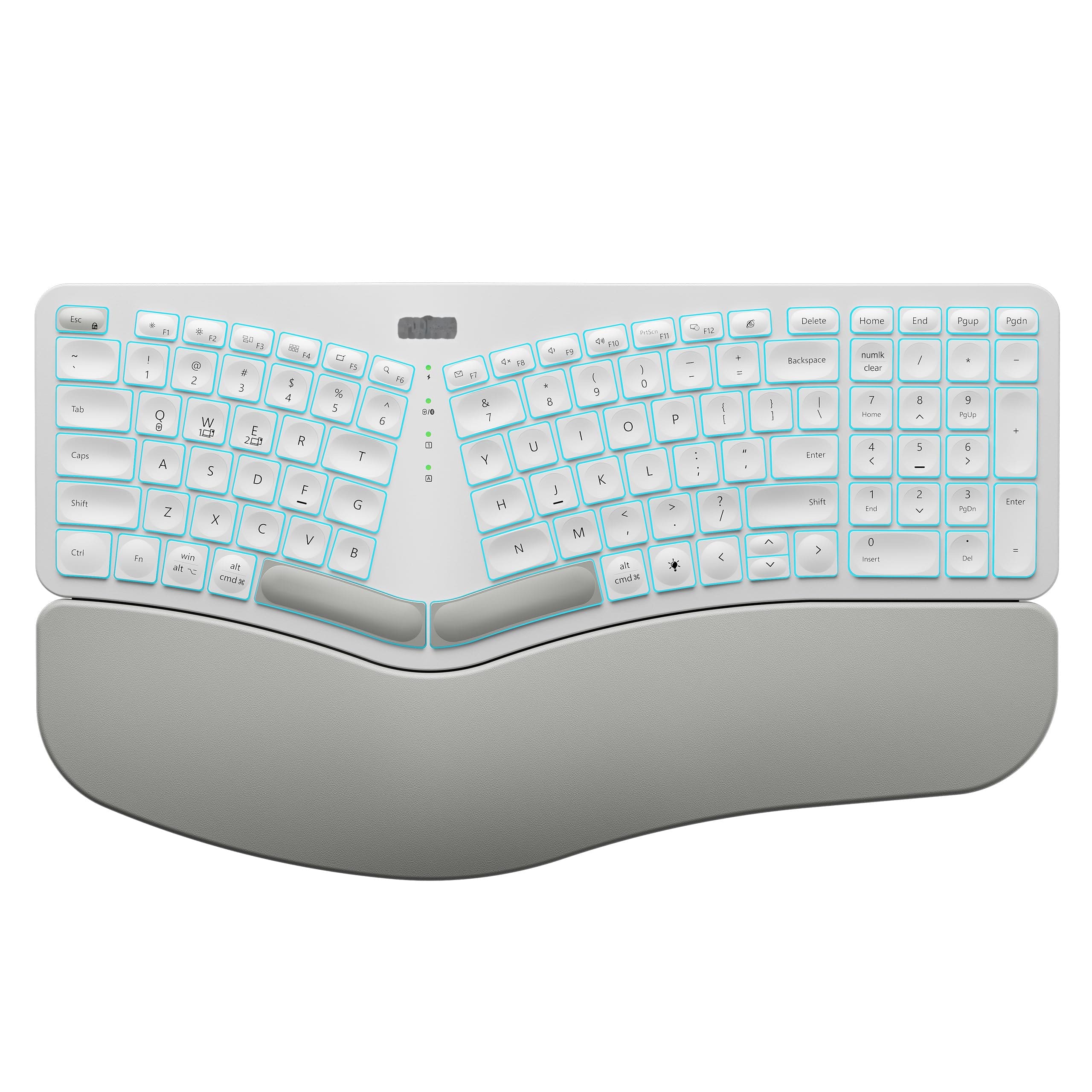
HESVAP - Wireless Split Ergonomic Keyboard with Wrist Rest, 101 Keys, 2.4GHz and Bluetooth, 7-Color Backlight - White
About this product
A white wireless ergonomic keyboard with split layout, wrist rest, numeric keypad, and seven-color backlighting.
(0)$130.99 Your price for this item is $130.99 -
5
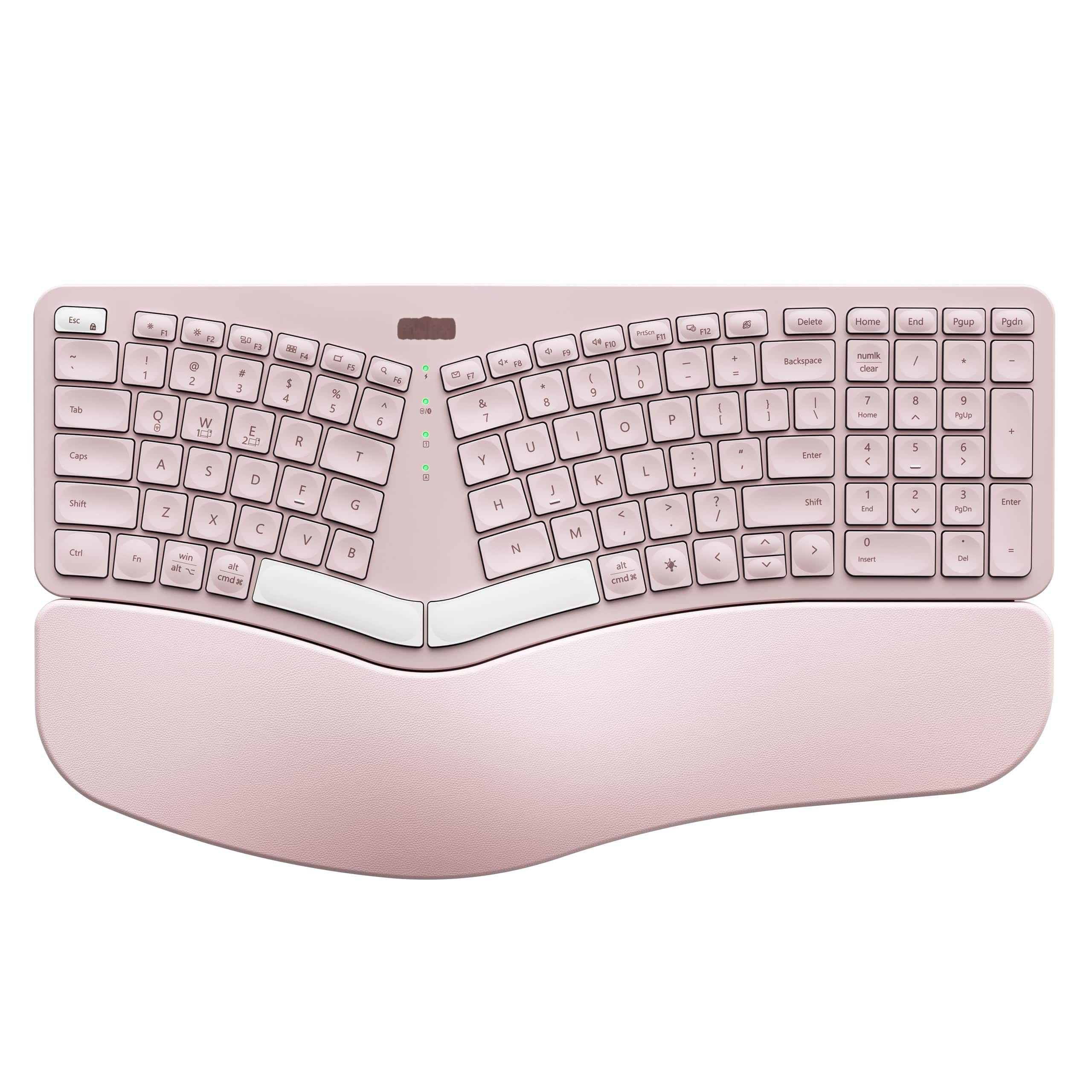
HESVAP - Wireless Split Ergonomic Keyboard with Wrist Rest, 101 Keys, 2.4GHz and Bluetooth, 7-Color Backlight - Pink
About this product
A pink wireless ergonomic keyboard with a split layout, wrist rest, Bluetooth, seven-color backlighting, and rechargeable battery.
(0)$127.99 Your price for this item is $127.99 -
6
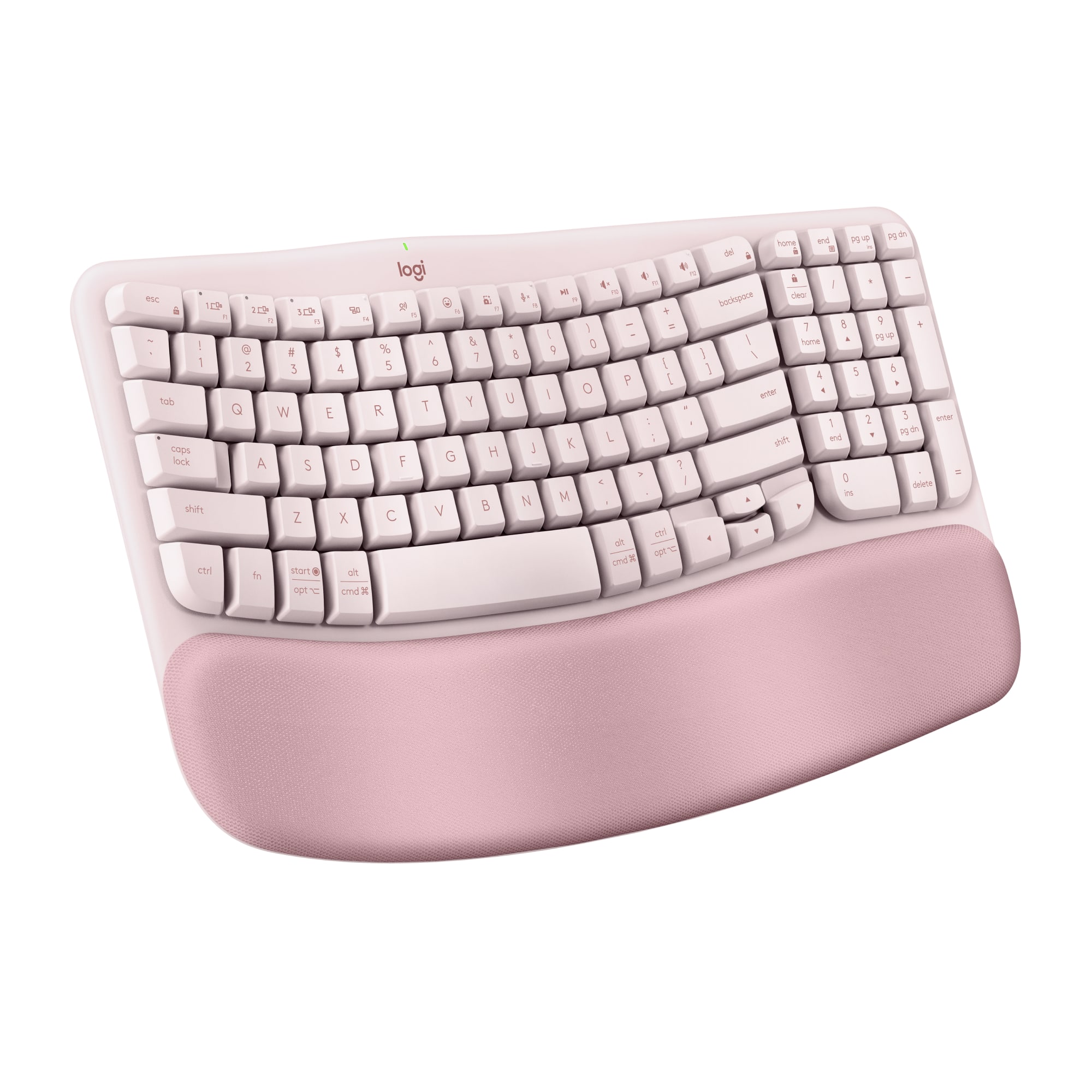
Logitech - Wave Keys Ergonomic Wireless Membrane Keyboard for Windows/Mac with Integrated Palm-rest - Rose
About this product
An ergonomic wireless keyboard in rose with a cushioned palm rest and adjustable tilt for comfortable typing.
What customers like
(127)$54.99Your price for this item is $54.99SAVE $15.00 -
7
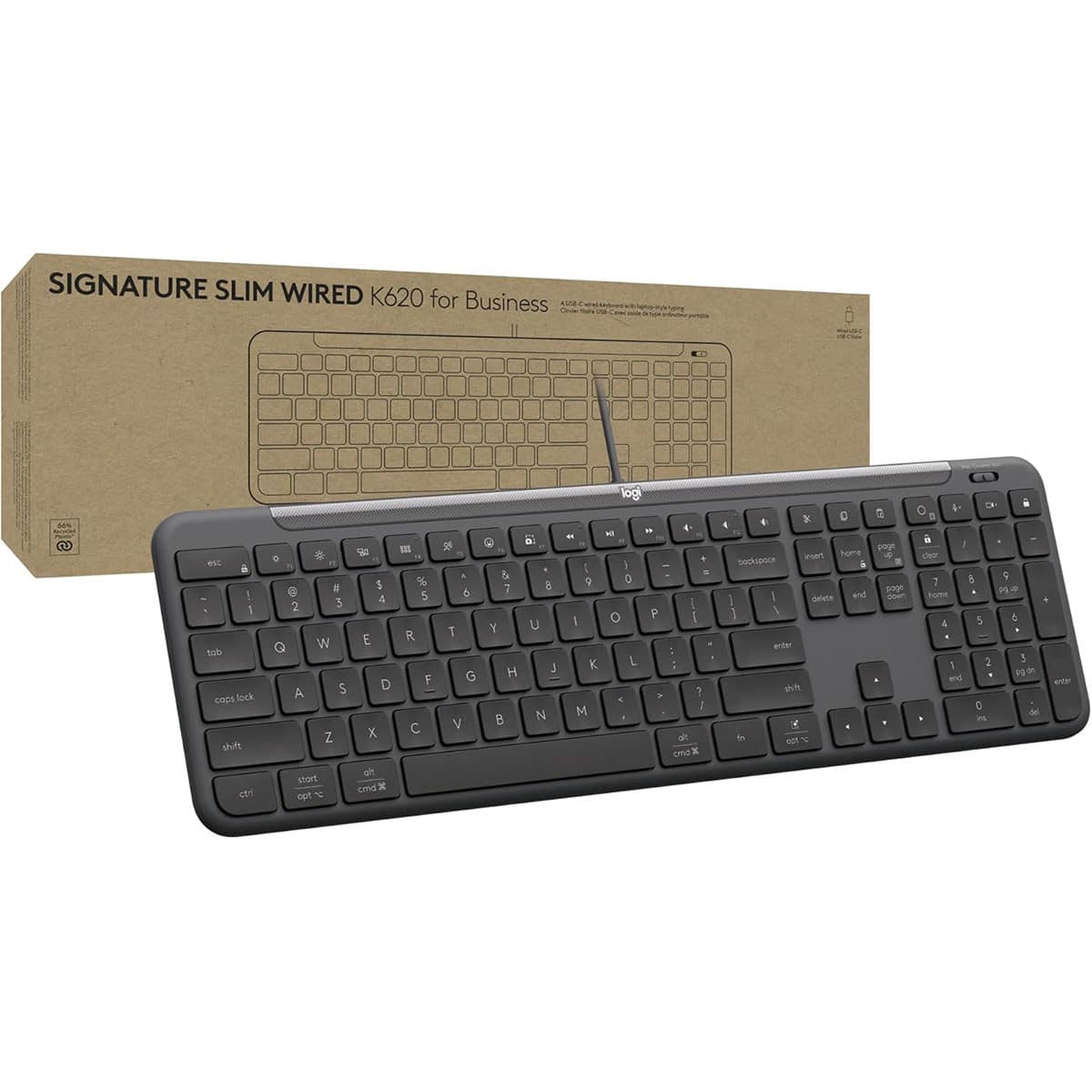
Logitech - Signature Slim K620 Wired Keyboard for Business - Graphite
About this product
A graphite wired keyboard with low-profile laptop-style keys, multi-OS support, AI Launch Key, and meeting controls.
(0)$44.49Your price for this item is $44.49SAVE $26.79 -
8
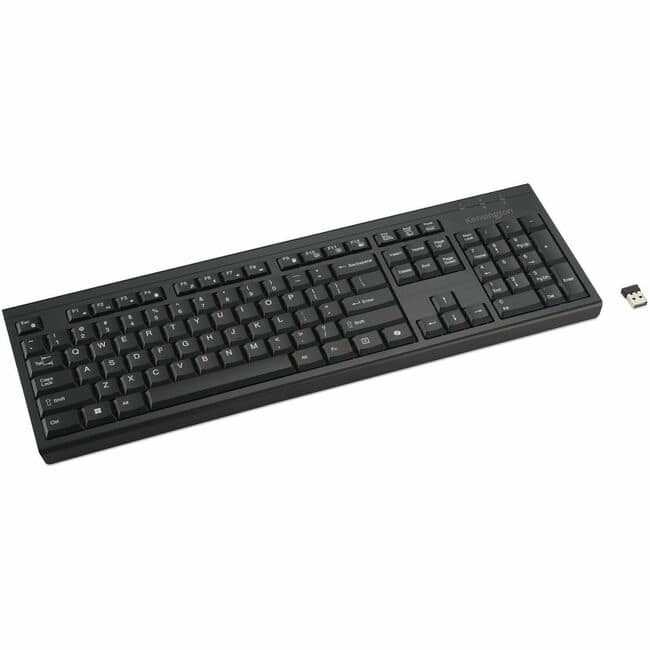
Kensington - KB270 EQ Rechargeable AI keyboard with Copilot Key - Wireless Connectivity - Bluetooth/RF - Full-size - 5 - Macaron
About this product
A rechargeable black wireless keyboard featuring an AI Copilot Key for enhanced productivity and convenience.
(1)$29.99 Your price for this item is $29.99 -
9
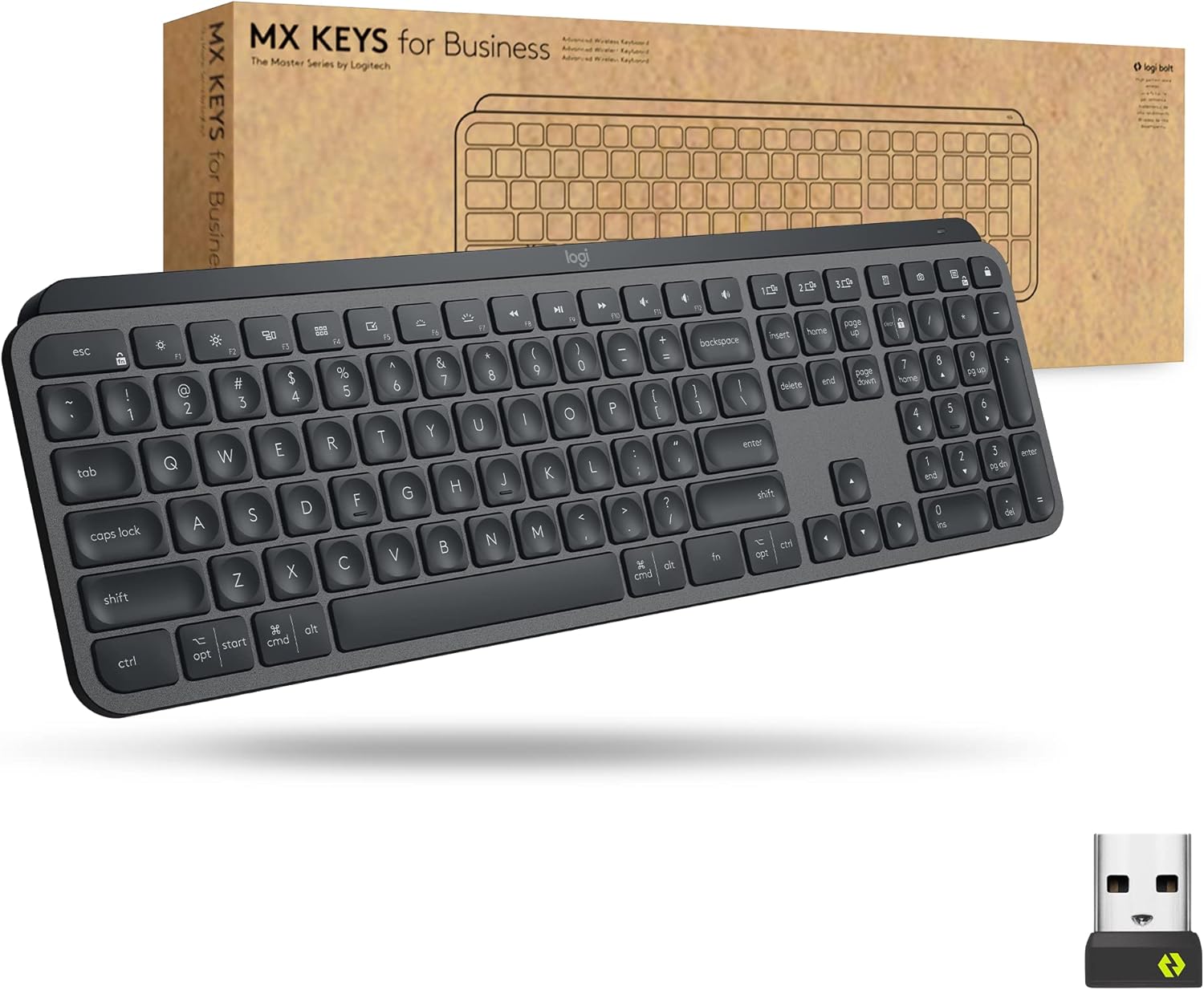
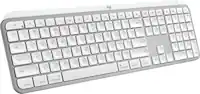
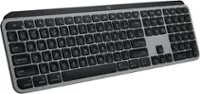
Logitech - MX Keys For Business Full-Size Wireless Scissor Tactile Switch Keyboard with Smart Backlighting - Graphite
About this product
A graphite wireless keyboard featuring scissor switches, smart backlighting, Bluetooth connectivity, and a rechargeable battery.
(3)$129.99 Your price for this item is $129.99 -
10
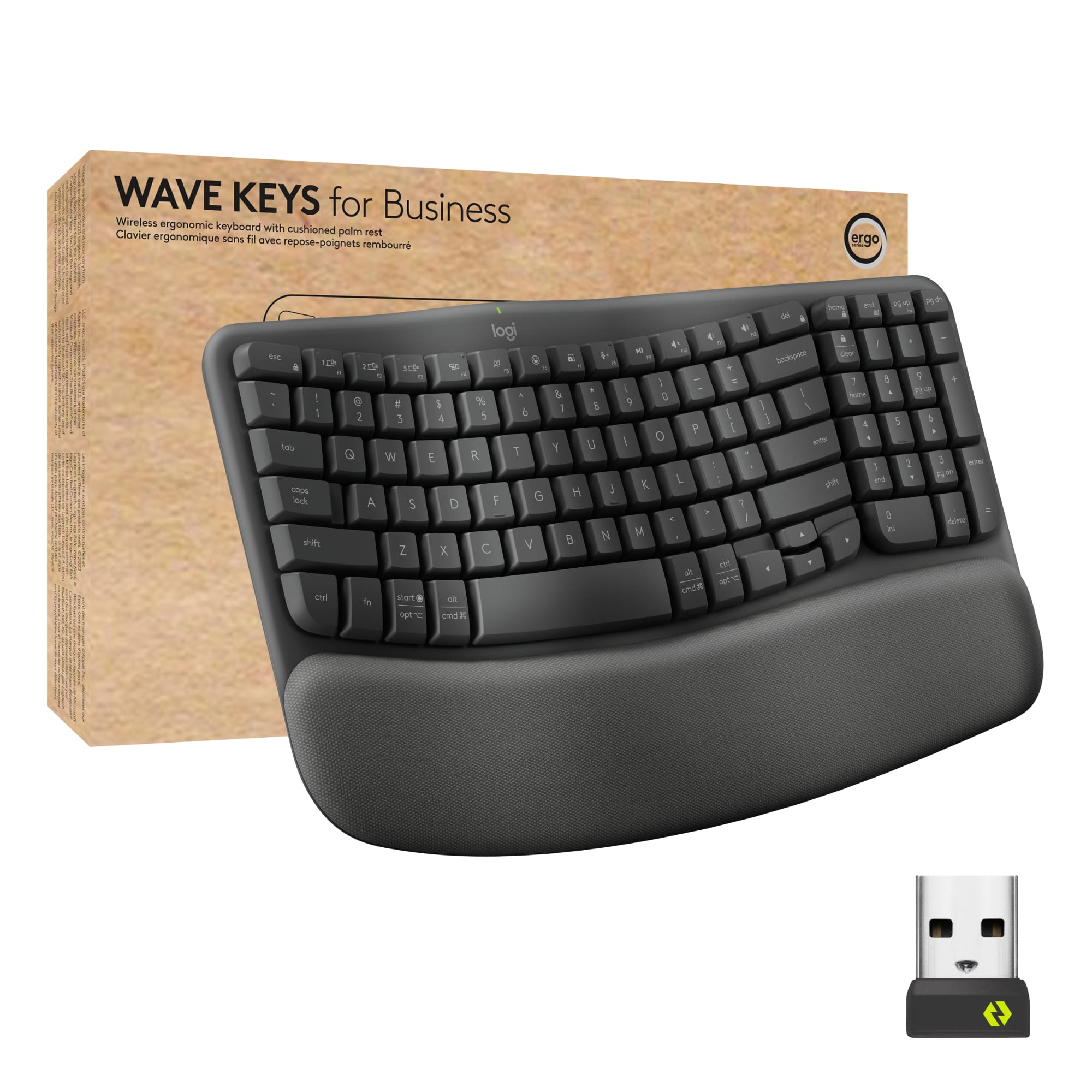
Logitech - Wave Keys For Business Ergonomic Wireless Scissor Tactile Switch Keyboard with Cushioned Palm Rest - Graphite
About this product
An ergonomic wireless keyboard in graphite featuring a wave design, cushioned palm rest, and secure connectivity.
(5)$69.99 Your price for this item is $69.99
Top Rated Keyboards For Hybrid Work
FAQs
Keyboards can connect through a wired USB cable, Bluetooth, or a wireless USB receiver. Bluetooth requires a compatible device, while a USB receiver requires a matching USB port or adapter. Some keyboards offer multiple connection methods for different work setups.
Multi-device pairing lets a compatible keyboard save connections to more than one device, such as a work laptop and a personal computer. You typically switch between paired devices using a dedicated button, dial, or keyboard shortcut. Supported devices and switching methods vary by keyboard.
Many keyboards support both Windows and macOS, but modifier keys, function shortcuts, and customization software can differ between operating systems. Look for stated compatibility with each system you use, along with an operating system toggle or alternate key labels if those features matter to you.
Mechanical keyboards use individual switches beneath the keys, while membrane keyboards register presses through a membrane layer. Typing feel and sound vary by design. Mechanical switches may feel tactile, clicky, or smooth, so a mechanical keyboard is not necessarily loud.
Programmable keys can be assigned commands, shortcuts, or sequences through supported software or onboard settings. Media controls handle functions such as volume, playback, and mute. Availability varies, and some customization features require software compatible with your operating system.