Best Printer Under 150
Compare budget-friendly options to find the best printer under $150 for your everyday printing needs. Look beyond the purchase price to replacement ink or toner costs, and check device compatibility before choosing. Review individual listings for features you may need, such as wireless printing or scanning, to help narrow your options.
What to look for in a printer under $150
Finding the best printer under $150 means balancing your printing needs with everyday features and ongoing supply costs.
1. Printing Needs
2. Ink or Toner Costs
3. Connectivity and Compatibility
4. Everyday Features
-
1
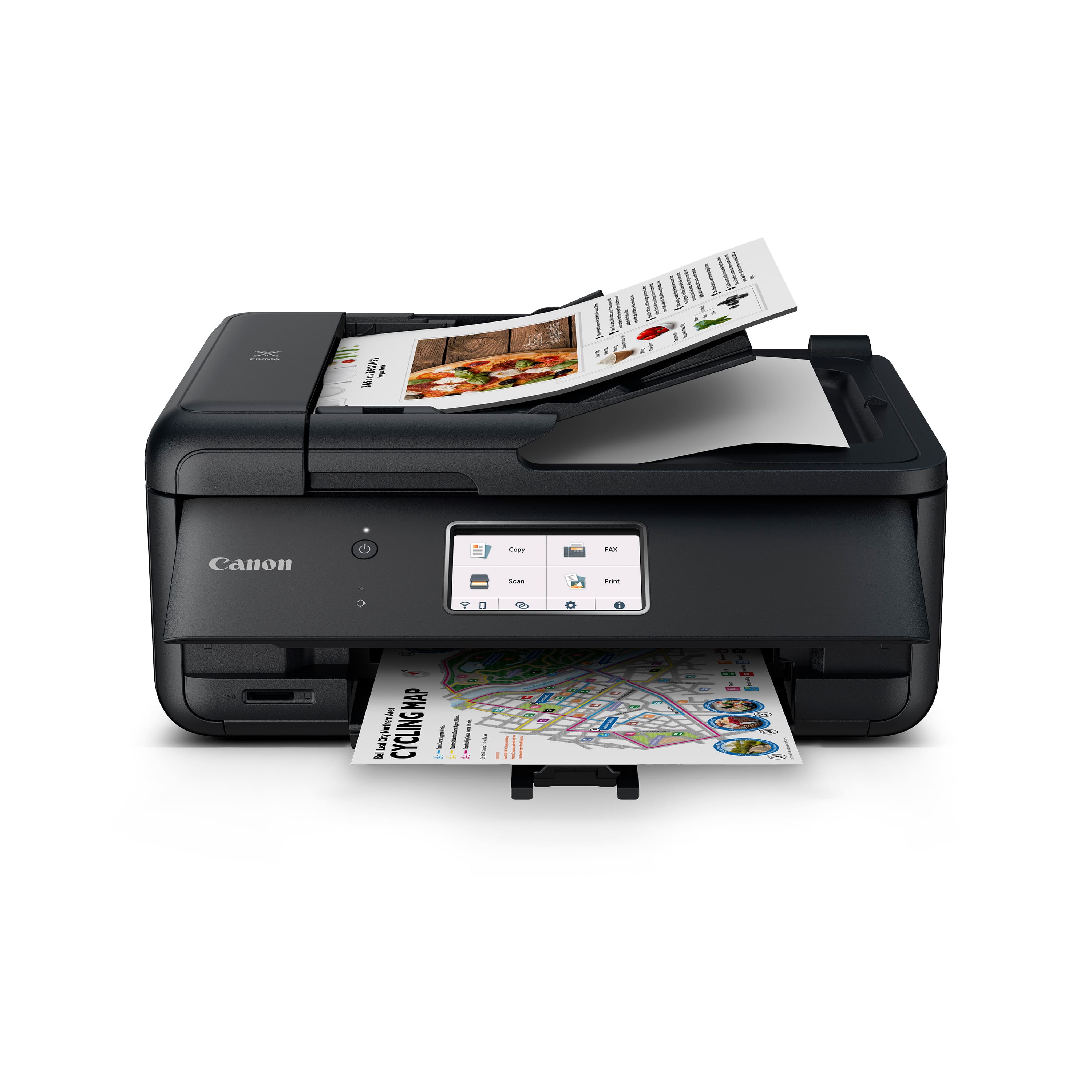
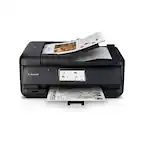
Canon - PIXMA TR8620a Wireless All-In-One Inkjet Printer with Fax - Black
About this product
A versatile black wireless all-in-one inkjet printer featuring fax, touchscreen, auto document feeder, and smart connectivity.
What customers like
(1,146)$149.00Your price for this item is $149.00SAVE $66.00 -
2
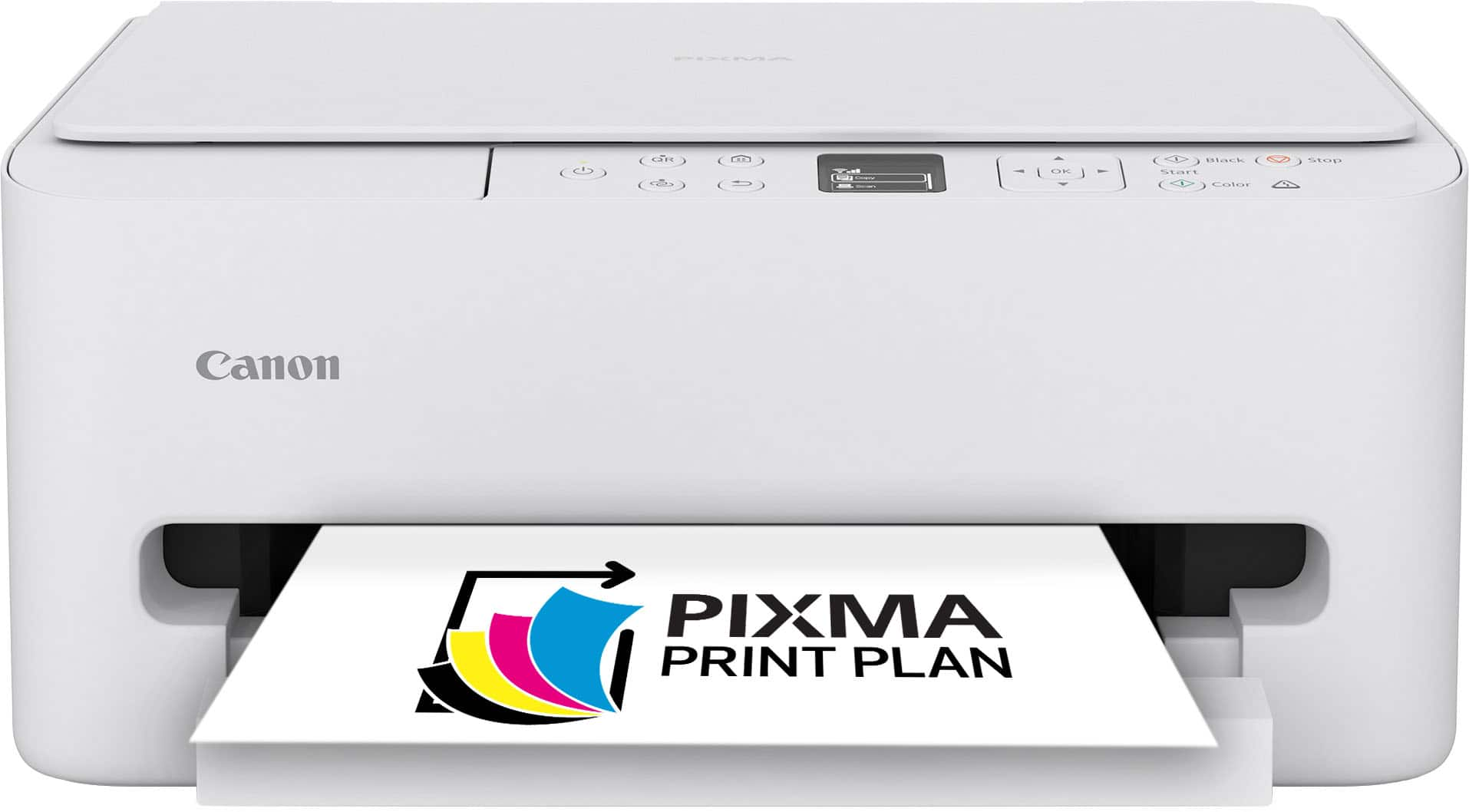
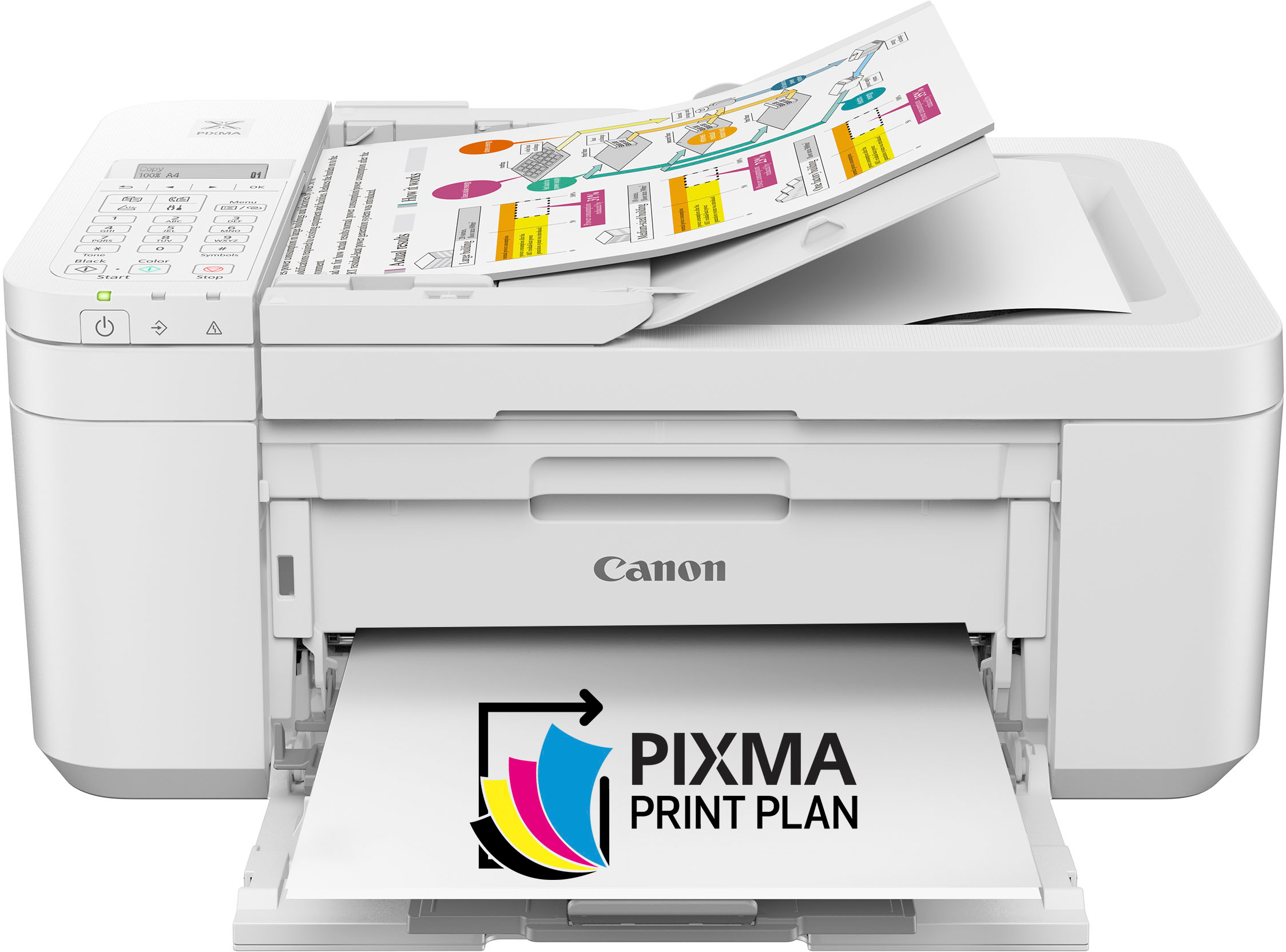
Canon - PIXMA TS6520 Wireless All-In-One Inkjet Printer - White
About this product
A compact white wireless all-in-one inkjet printer with auto 2-sided printing and intuitive OLED display.
What customers like
(575)$79.00Your price for this item is $79.00SAVE $61.00 -
3

Canon - imageCLASS LBP122dw Wireless Black-and-White Laser Printer - Black
About this product
A compact black wireless laser printer delivering fast, high-quality black-and-white prints for home or office.
What customers like
(62)$109.00Your price for this item is $109.00SAVE $91.60 -
4
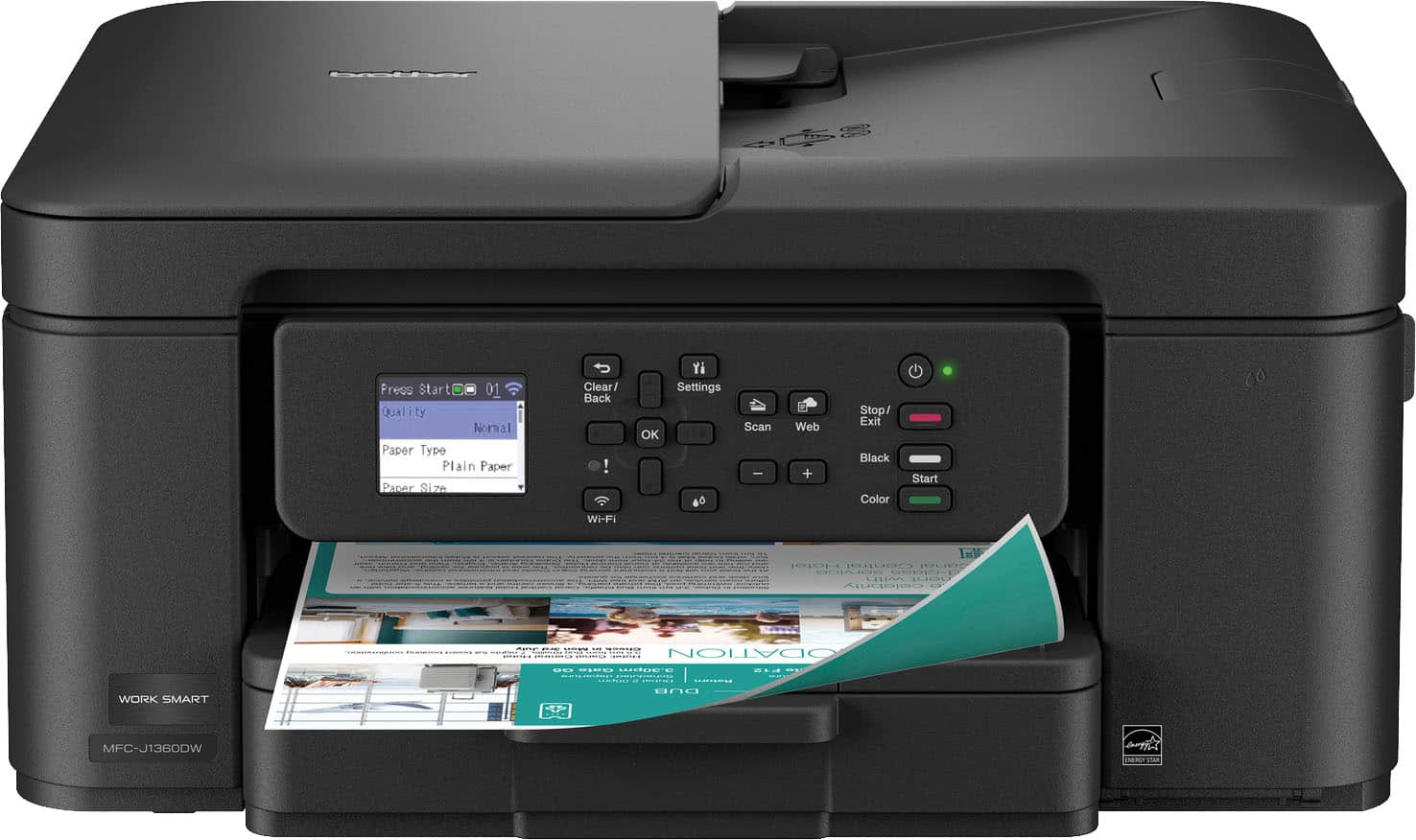
Brother - Work Smart 1360 Wireless All-in-One Refresh Subscription Eligible Inkjet Printer with Auto Duplex Printing (MFC-J1360DW) - Black
About this product
A wireless black all-in-one inkjet printer featuring auto duplex printing, document feeder, and mobile connectivity.
What customers like
(520)$99.98Your price for this item is $99.98SAVE $10.00 -
5
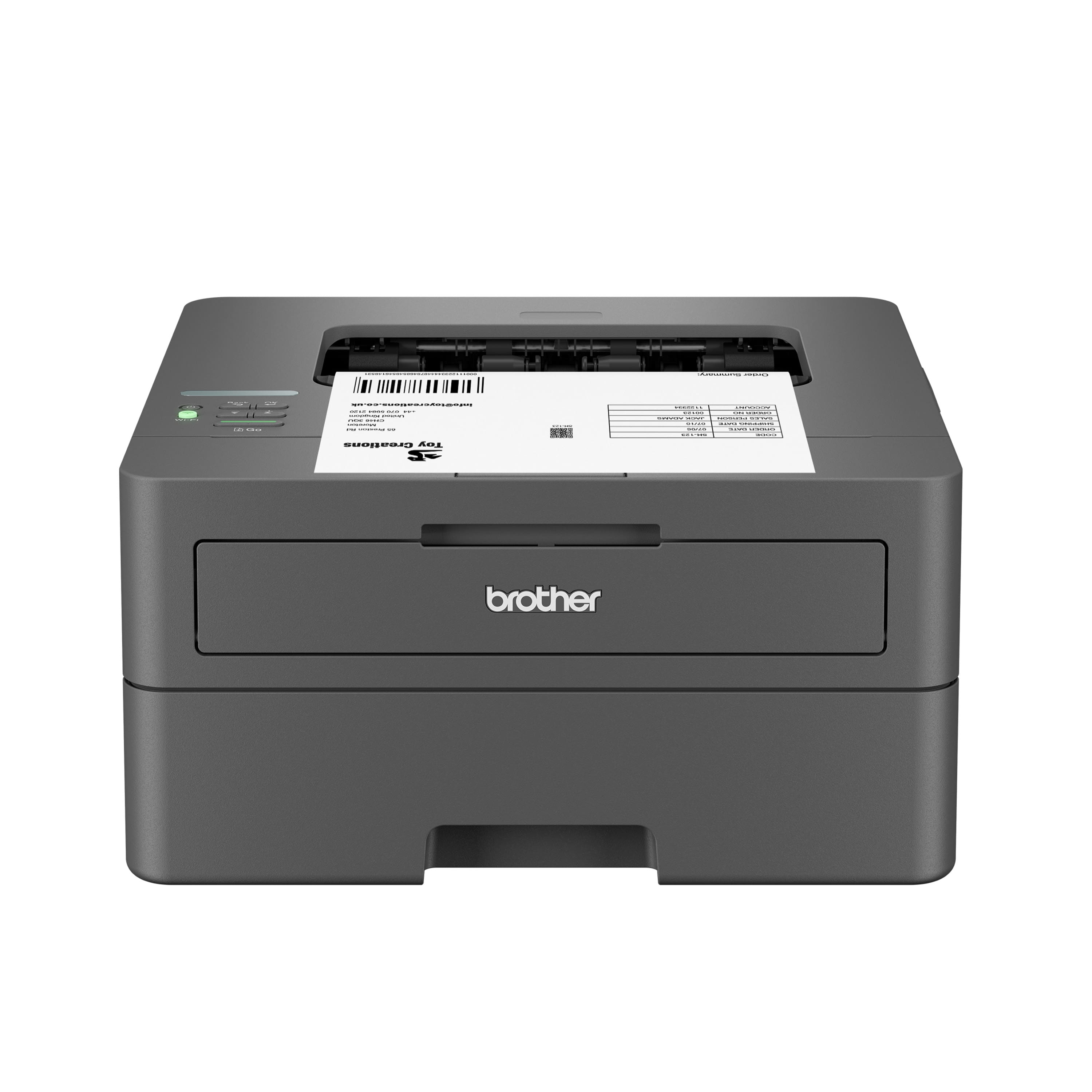
Brother - HL-L2405W Wireless Black-and-White Refresh Subscription Eligible Laser Printer, Great for Home - Gray
About this product
A wireless gray laser printer delivering crisp black-and-white prints with advanced security and dual-band connectivity.
What customers like
(236)$139.99 Your price for this item is $139.99 -
6
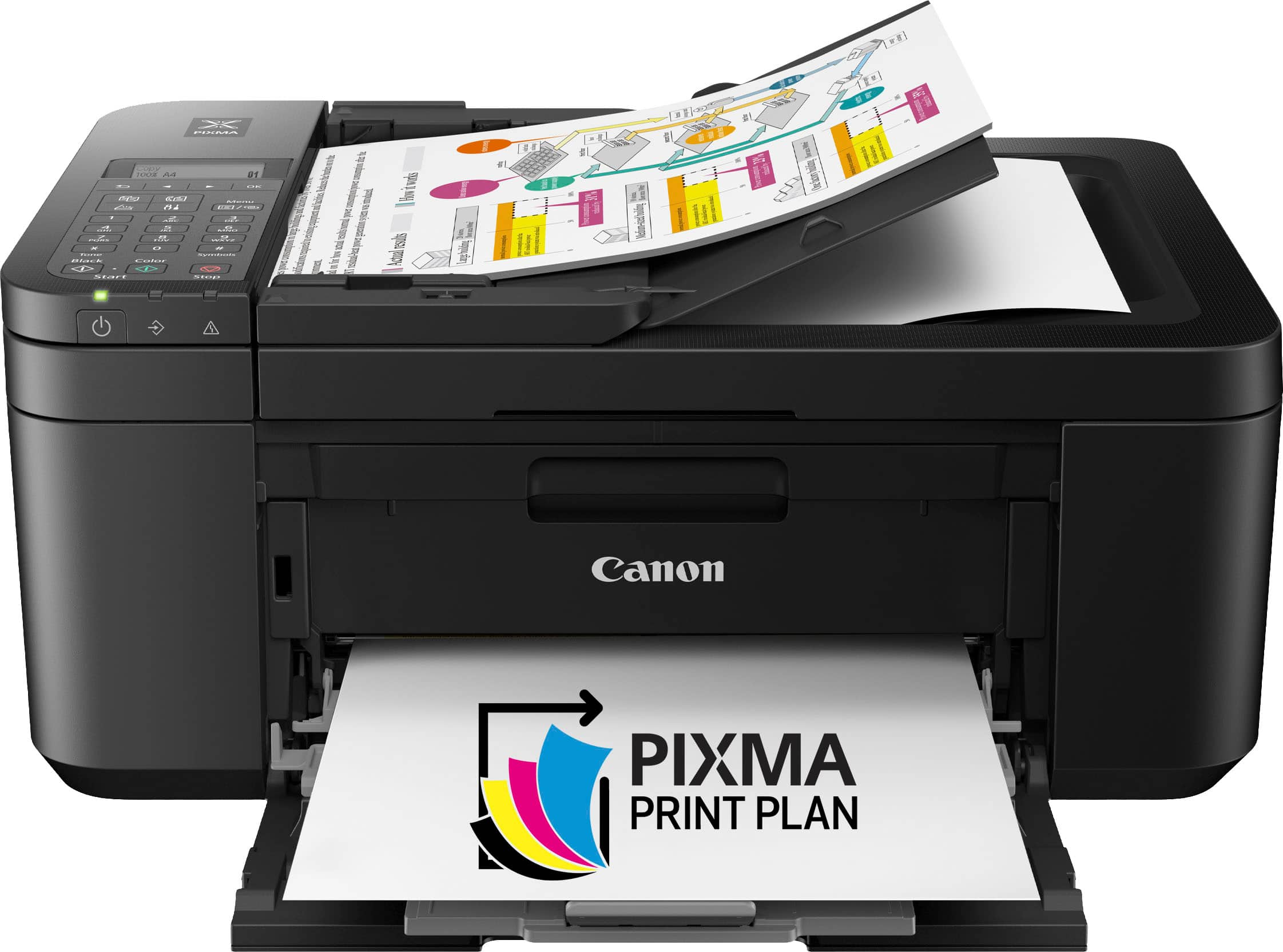
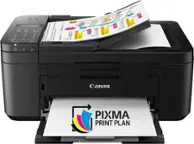
Canon - PIXMA TR4720 Wireless All-In-One Inkjet Printer - Black
About this product
A wireless black all-in-one inkjet printer with auto document feeder, duplex printing, scanning, and fax capabilities.
What customers like
(3,558)$79.99Your price for this item is $79.99SAVE $27.01 -
7
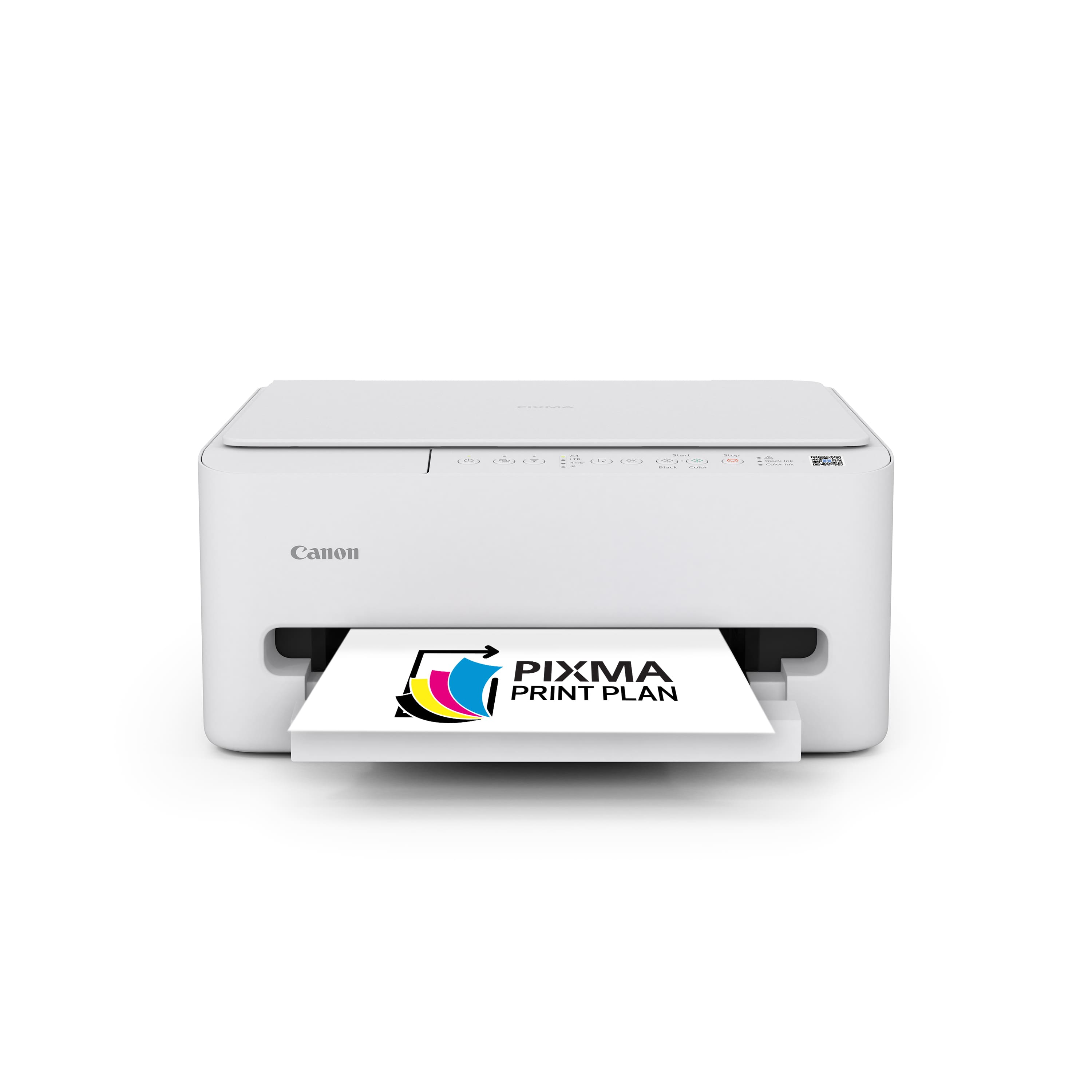
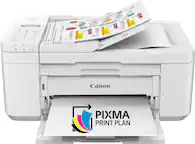
Canon - PIXMA TS4320 Wireless All-In-One Inkjet Printer - White
About this product
A compact white wireless all-in-one inkjet printer offering easy setup, auto 2-sided printing, and scanning.
What customers like
(62)$107.00Your price for this item is $107.00SAVE $7.56 -
8
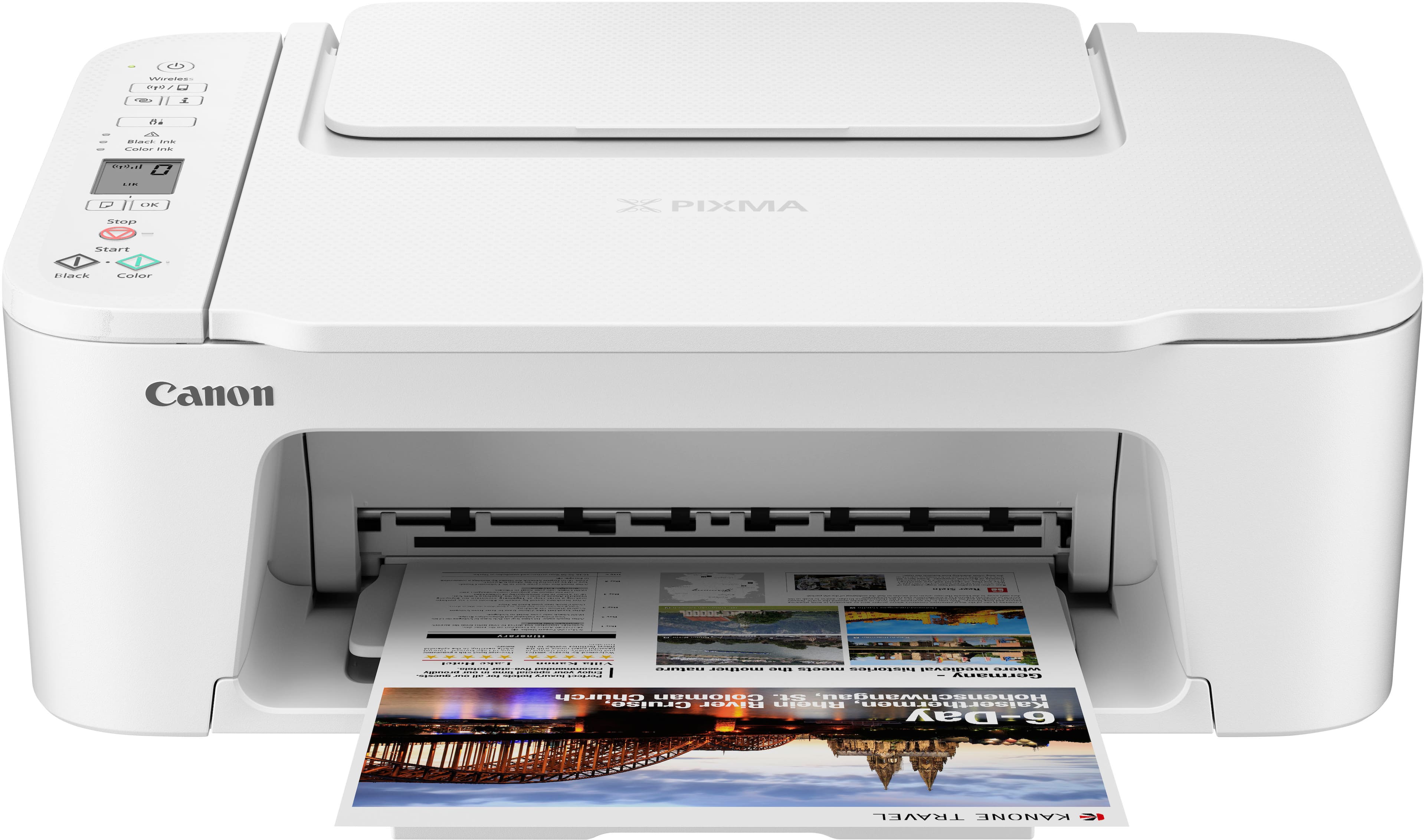
Canon - PIXMA TS3720 Wireless All-In-One Inkjet Printer - White
About this product
A compact white wireless all-in-one inkjet printer offering high-quality prints, scanning, and copying for home use.
What customers like
(68)$104.64Your price for this item is $104.64SAVE $8.22
Best Printer Under 150
FAQs
Common printer connections include USB and Wi-Fi, while some models also offer Ethernet. USB connects a printer directly to a computer, and network connections let compatible devices share a printer. Check the printer’s specifications for supported connections.
An all-in-one printer combines printing with scanning and copying. Some models also include fax capabilities or an automatic document feeder. The included functions vary, so review the feature list when comparing printers.
Many printers support mobile printing through a manufacturer’s app or services such as Apple AirPrint and Mopria. Compatibility varies by printer and mobile device, and setup may require both devices to connect to the same Wi-Fi network.
Review the printer’s supported operating systems and compare them with your computer’s operating system and version. Also check whether setup requires a driver, a manufacturer’s app, or a built-in printing service.
Automatic duplex printing lets a printer print on both sides of a sheet without you turning it over. Manual duplex printing requires you to flip and reload the pages when prompted. Check the specifications to see which option a printer supports.