Best Printer Under 200
Find the best printer under $200 for your needs by comparing affordable options for everyday printing. Consider print speed, connectivity, and ongoing ink or toner costs alongside the purchase price. If you also need to scan or copy documents, check each model’s listed features before choosing.
What to look for in a printer under $200
Finding the best printer under $200 means balancing upfront cost with the features and ongoing expenses that matter most to you.
1. Printer Type
2. Ink and Toner Costs
3. Connectivity and Compatibility
4. Everyday Features
-
1
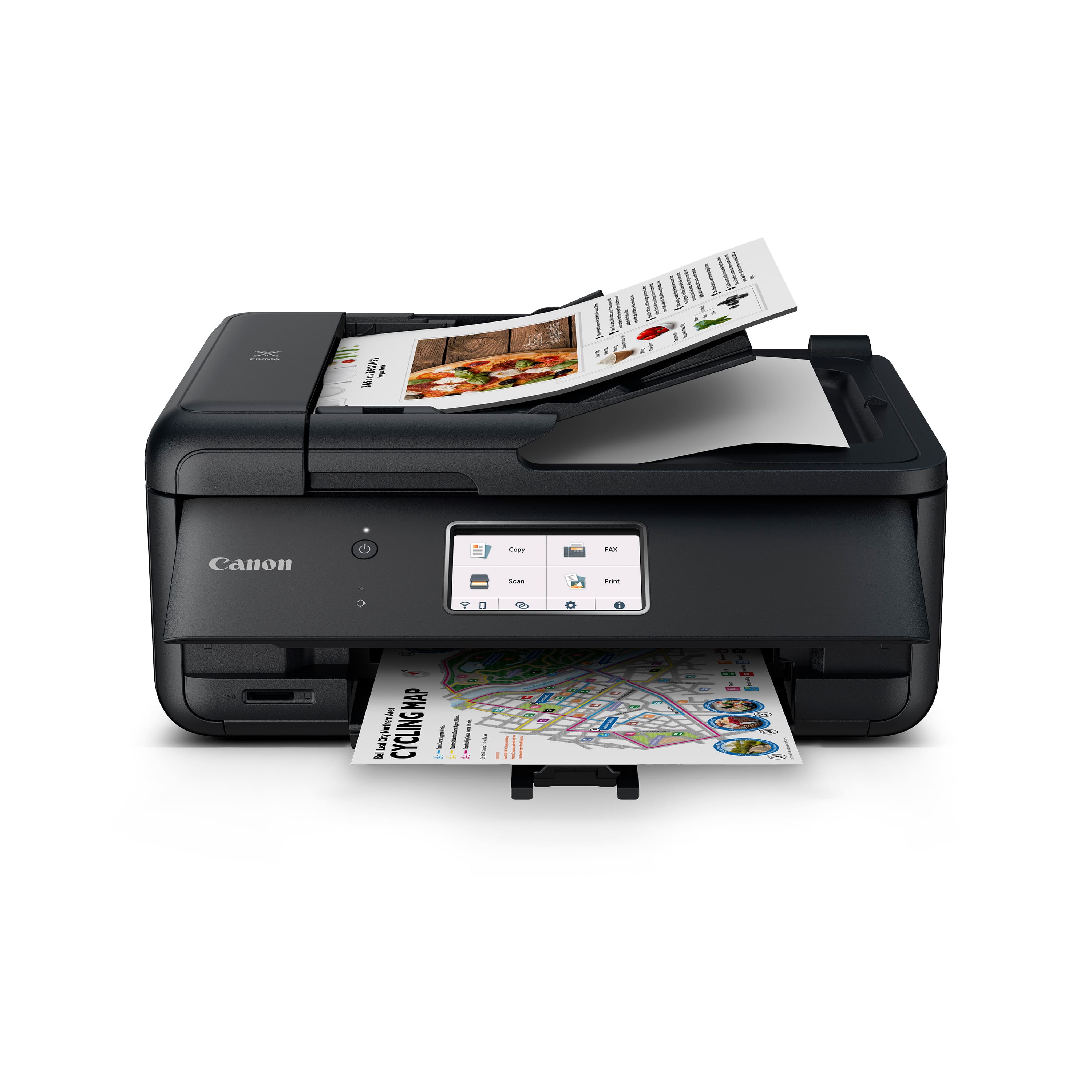
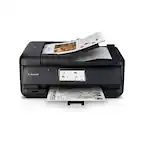
Canon - PIXMA TR8620a Wireless All-In-One Inkjet Printer with Fax - Black
About this product
A versatile black wireless all-in-one inkjet printer featuring fax, touchscreen, auto document feeder, and smart connectivity.
What customers like
(1,146)$149.00Your price for this item is $149.00SAVE $66.00 -
2
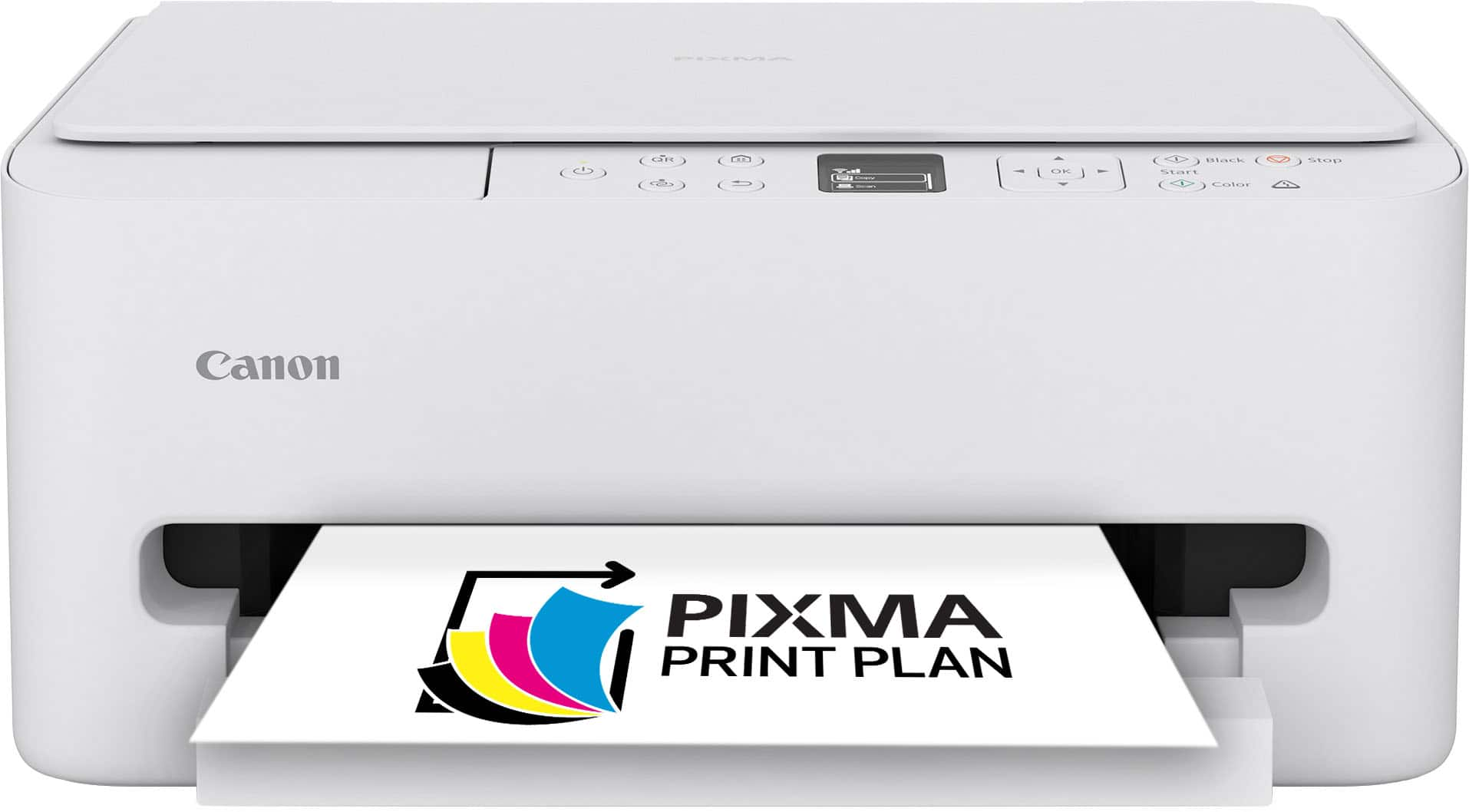
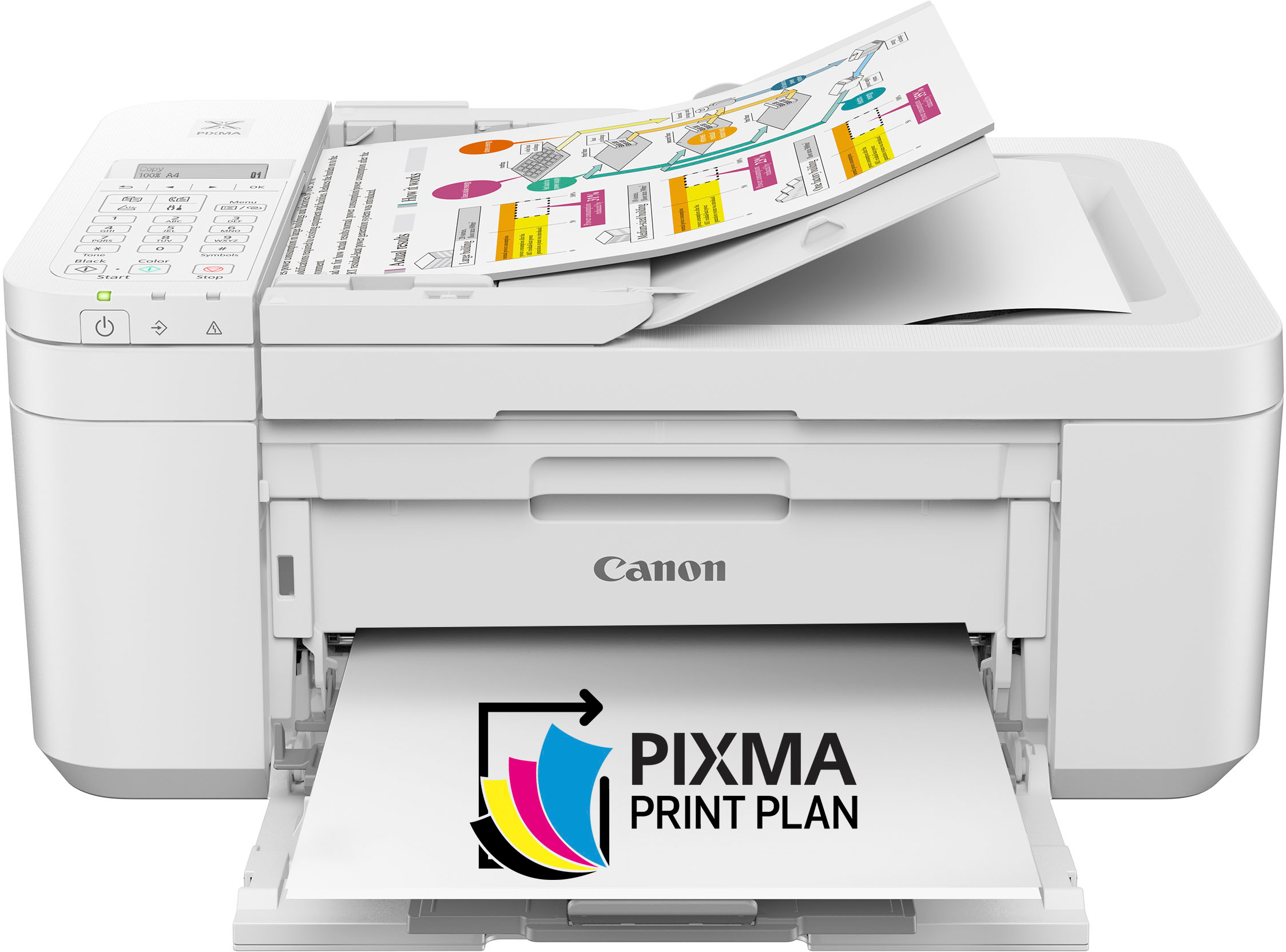
Canon - PIXMA TS6520 Wireless All-In-One Inkjet Printer - White
About this product
A compact white wireless all-in-one inkjet printer with auto 2-sided printing and intuitive OLED display.
What customers like
(575)$79.00Your price for this item is $79.00SAVE $61.00 -
3
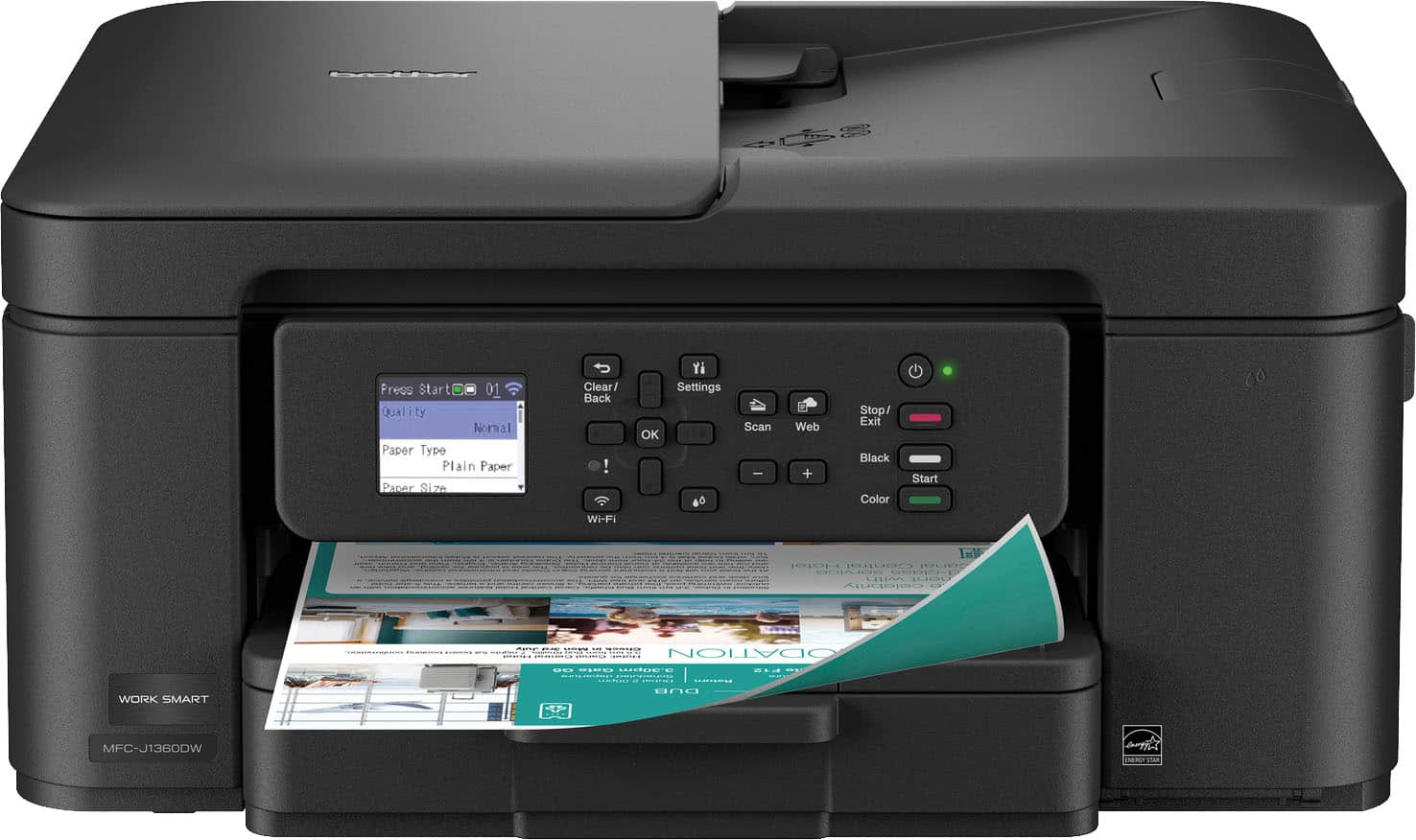
Brother - Work Smart 1360 Wireless All-in-One Refresh Subscription Eligible Inkjet Printer with Auto Duplex Printing (MFC-J1360DW) - Black
About this product
A wireless black all-in-one inkjet printer featuring auto duplex printing, document feeder, and mobile connectivity.
What customers like
(520)$99.98Your price for this item is $99.98SAVE $10.00 -
4
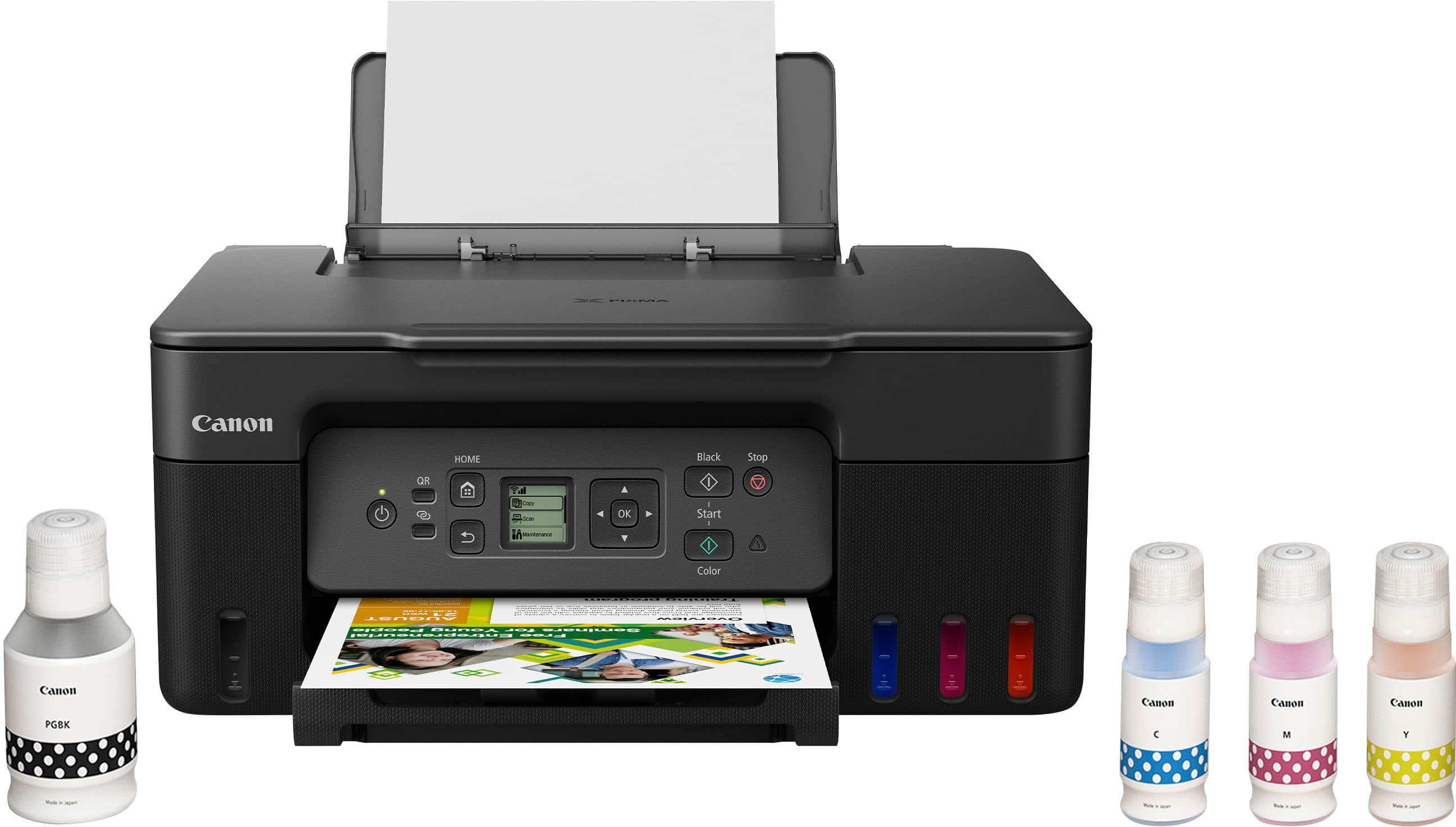
Canon - PIXMA Megatank G3270 Wireless All-In-One Supertank Inkjet Printer - Black
About this product
A wireless all-in-one black inkjet printer offering high-yield, low-cost printing and smart home compatibility.
What customers like
(419)$199.00Your price for this item is $199.00SAVE $49.00 -
5
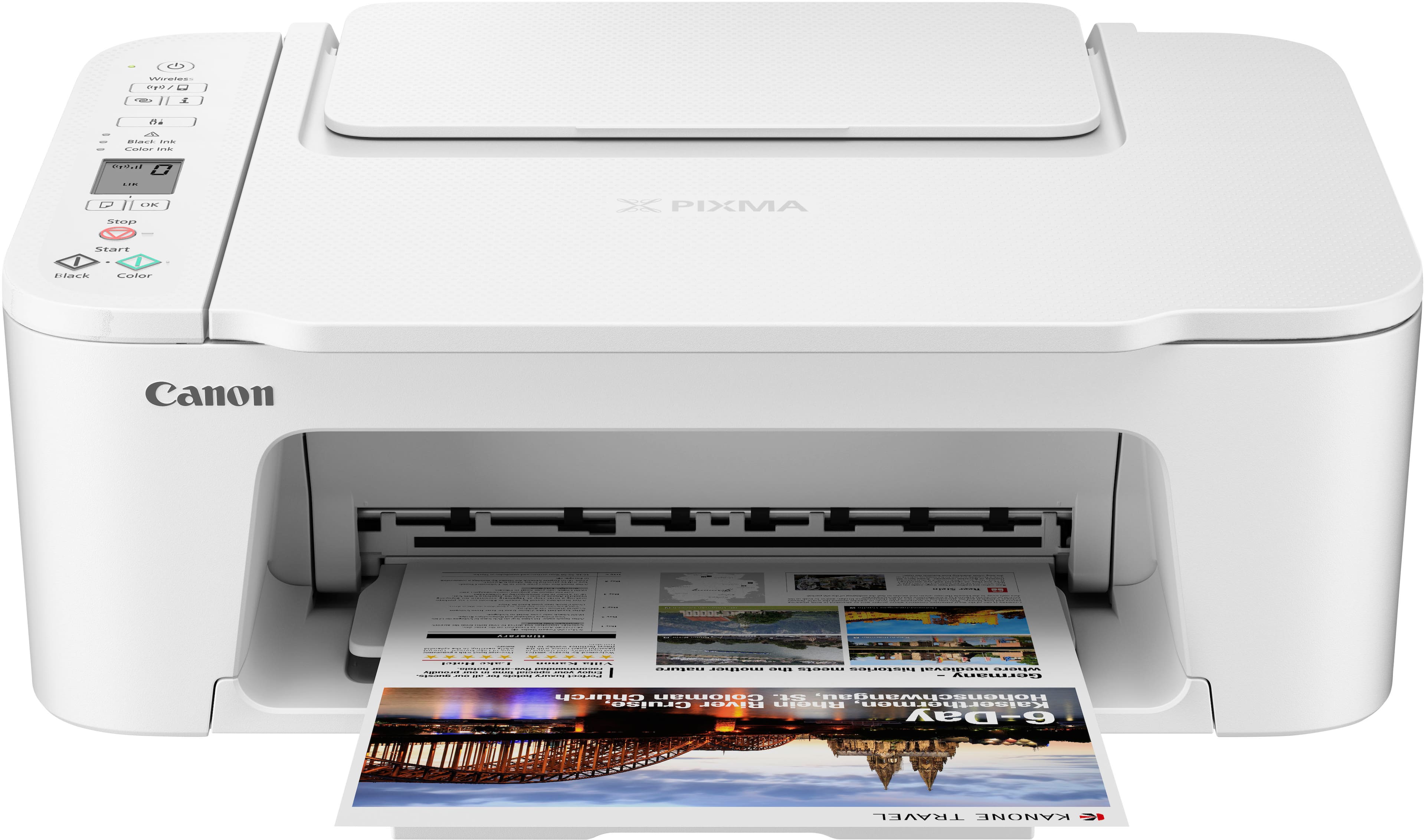
Canon - PIXMA TS3720 Wireless All-In-One Inkjet Printer - White
About this product
A compact white wireless all-in-one inkjet printer offering high-quality prints, scanning, and copying for home use.
What customers like
(68)$104.64Your price for this item is $104.64SAVE $8.22 -
6
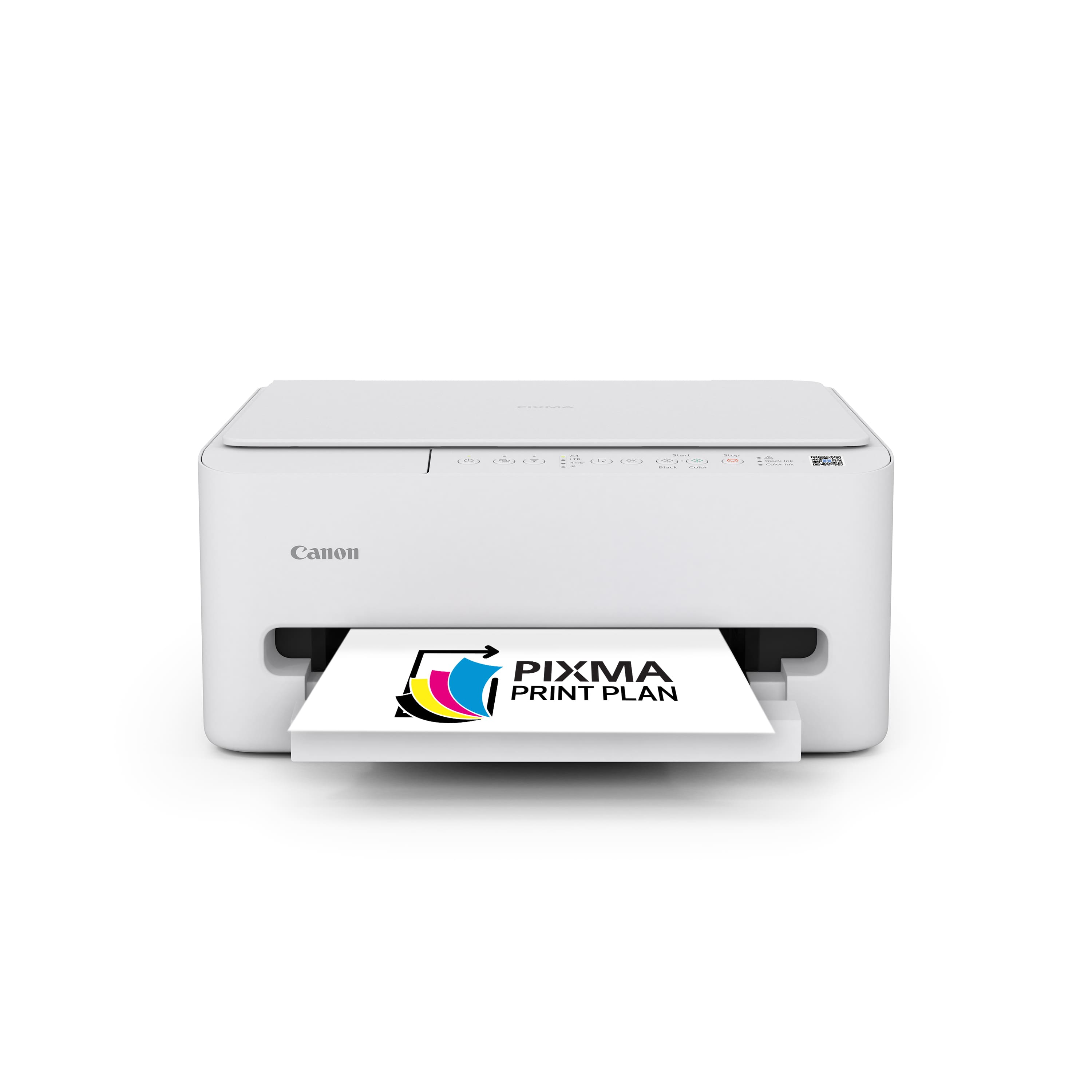
Canon - PIXMA TS4320 Wireless All-In-One Inkjet Printer - White
About this product
A compact white wireless all-in-one inkjet printer offering easy setup, auto 2-sided printing, and scanning.
What customers like
(62)$107.00Your price for this item is $107.00SAVE $7.56 -
7
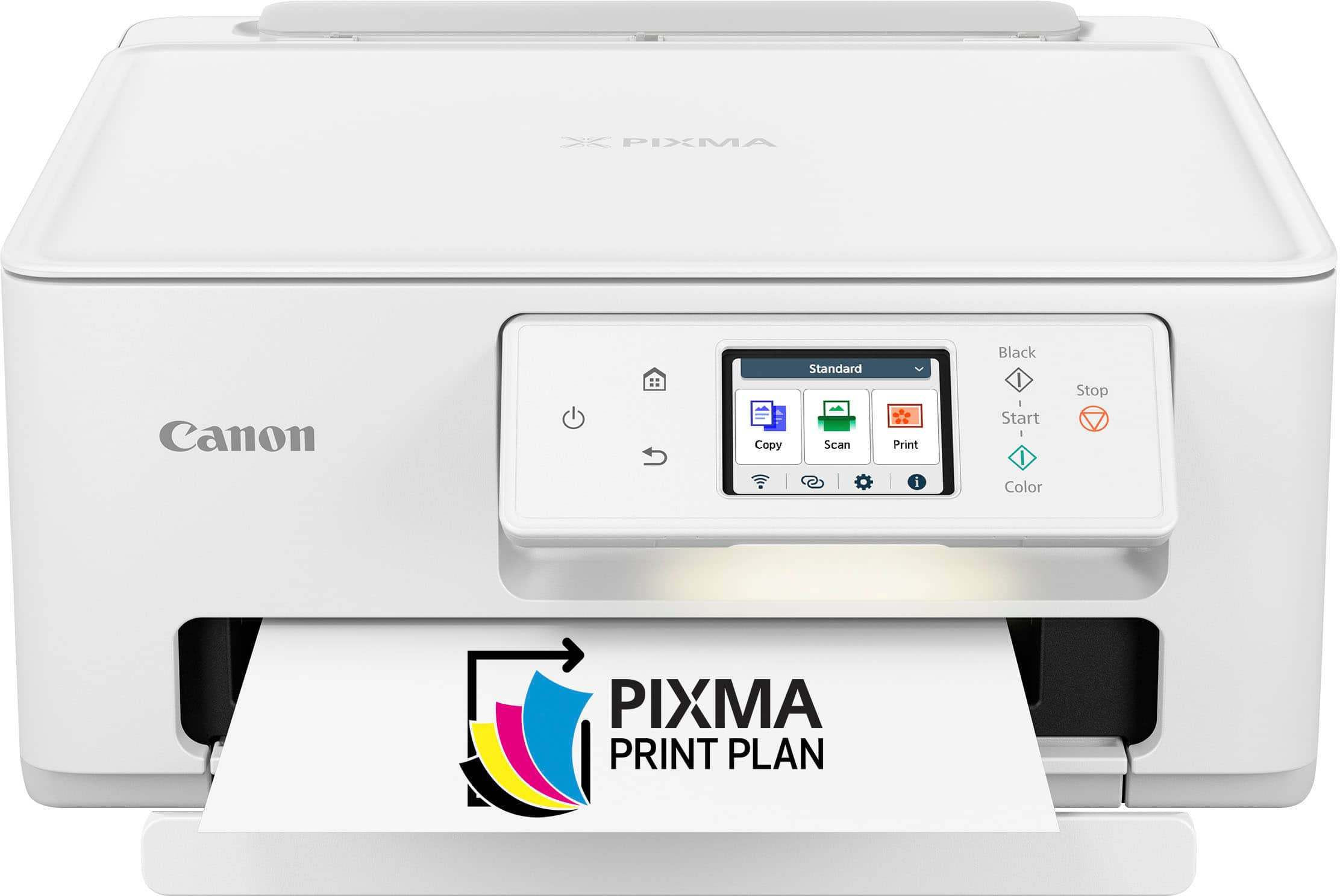
Canon - PIXMA TS7720 Wireless All-In-One Inkjet Printer - White
About this product
A versatile white all-in-one inkjet printer offering wireless connectivity, touchscreen controls, and high-quality photo printing.
What customers like
(578)$161.00 Your price for this item is $161.00 -
8
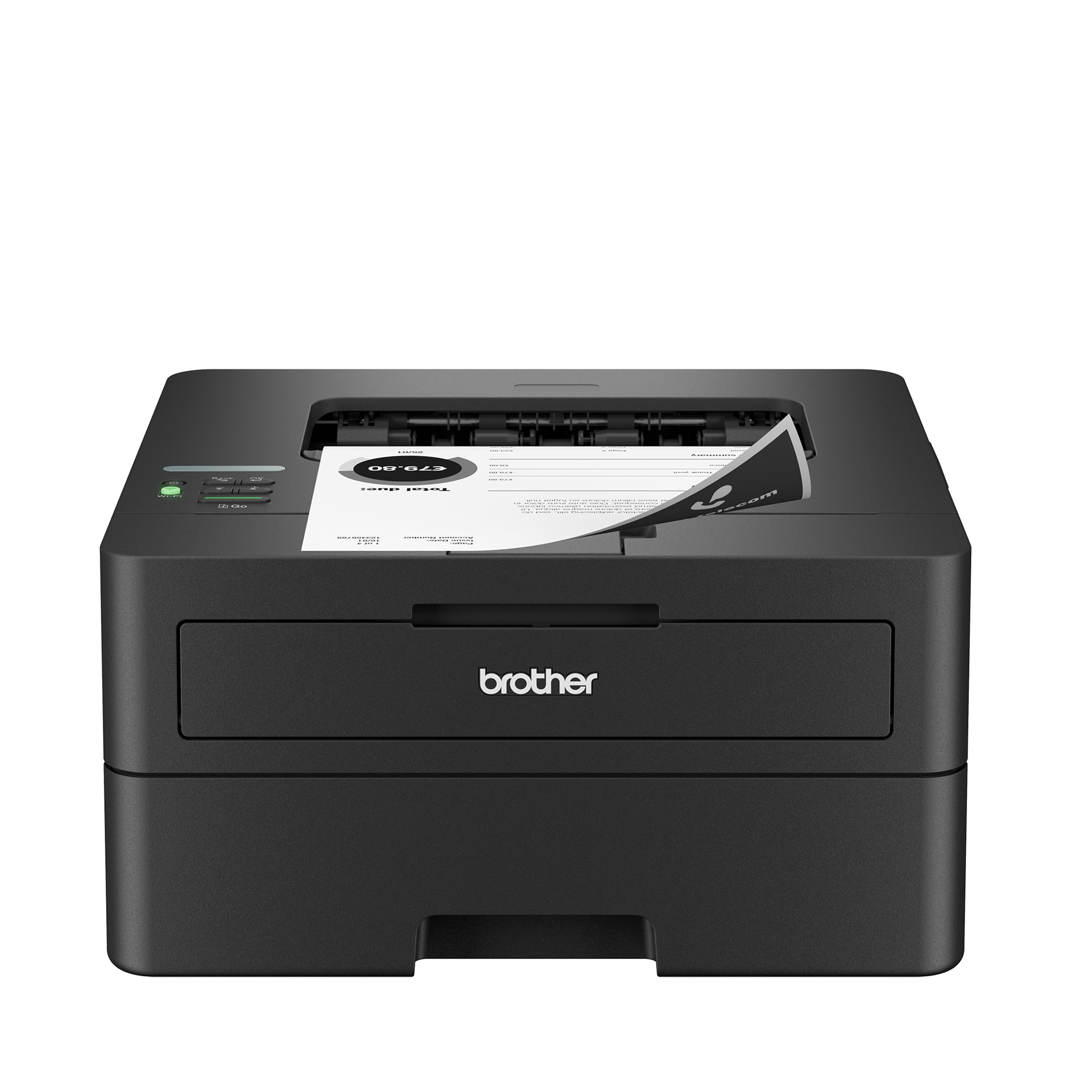
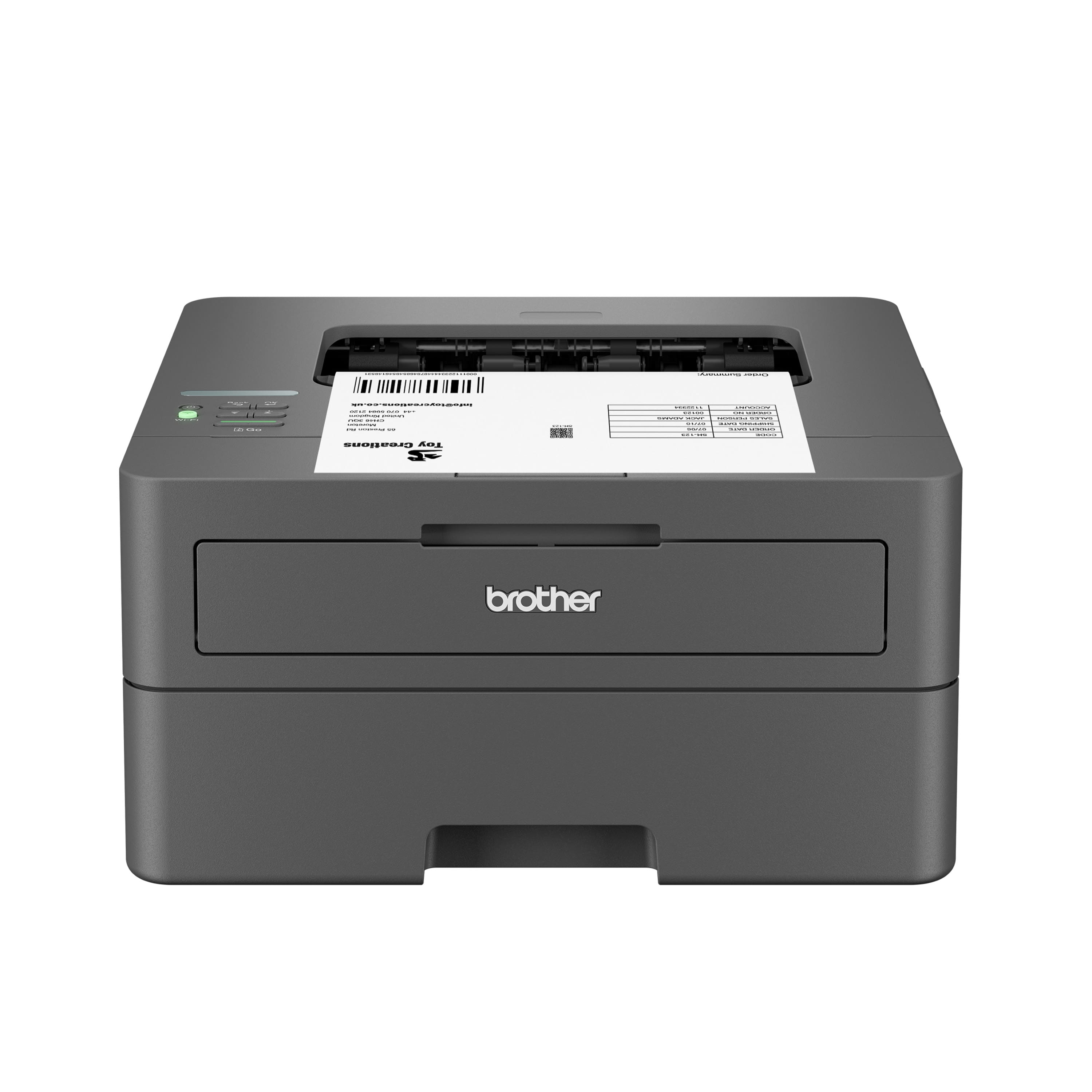
Brother - HL-L2460DW Wireless Black-and-White Refresh Subscription Eligible Laser Printer, Great for Home Offices - Gray
About this product
A gray wireless monochrome laser printer offering fast, high-volume printing with duplex and mobile connectivity.
What customers like
(353)$179.99 Your price for this item is $179.99 -
9
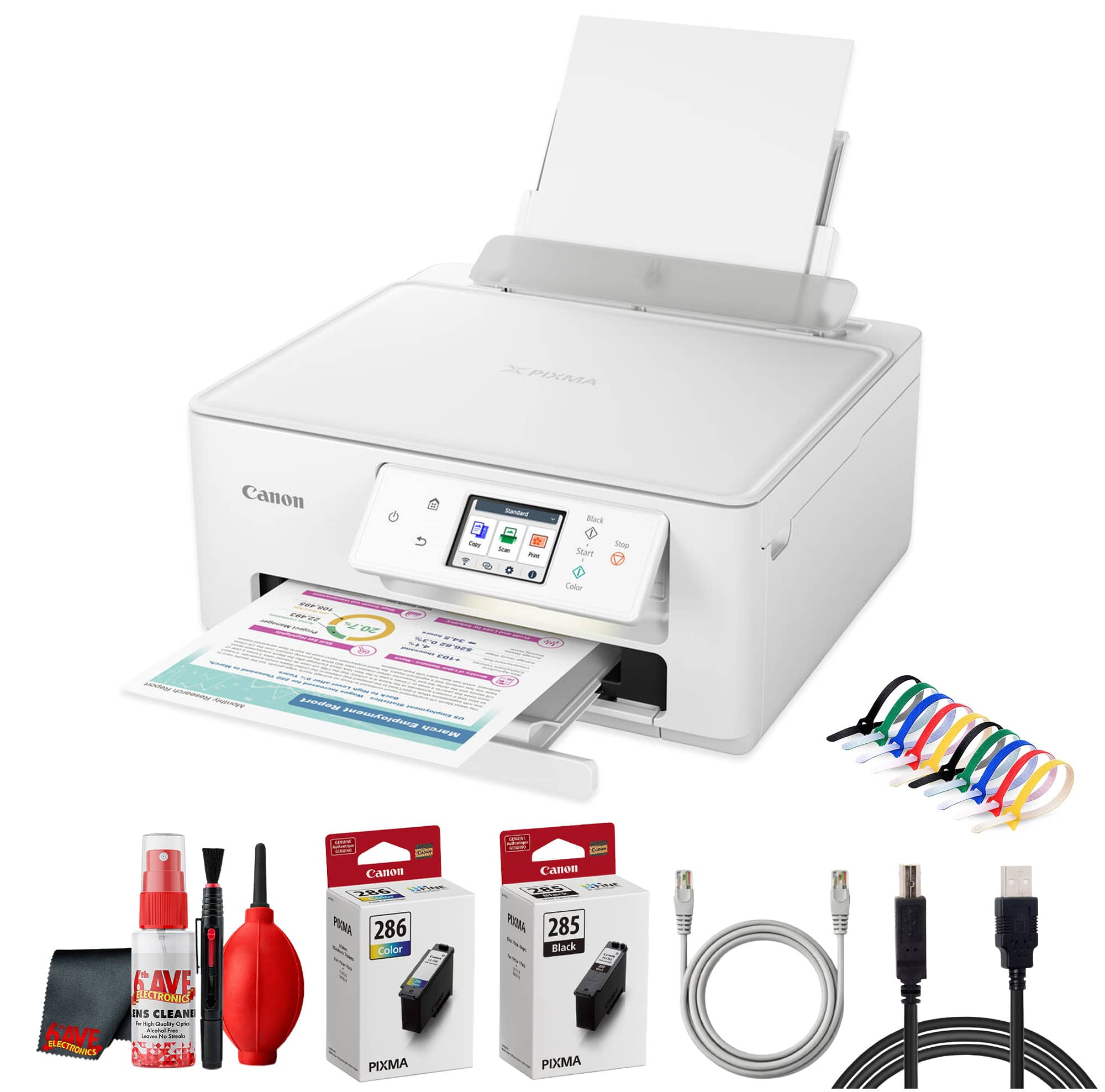
Canon - PIXMA TS7720 Wireless All in One Inkjet Printer, Duplex Printing + More
About this product
An all-in-one wireless inkjet printer offering duplex printing, borderless photos, touchscreen, and mobile device compatibility.
(1)$161.00 Your price for this item is $161.00 -
10
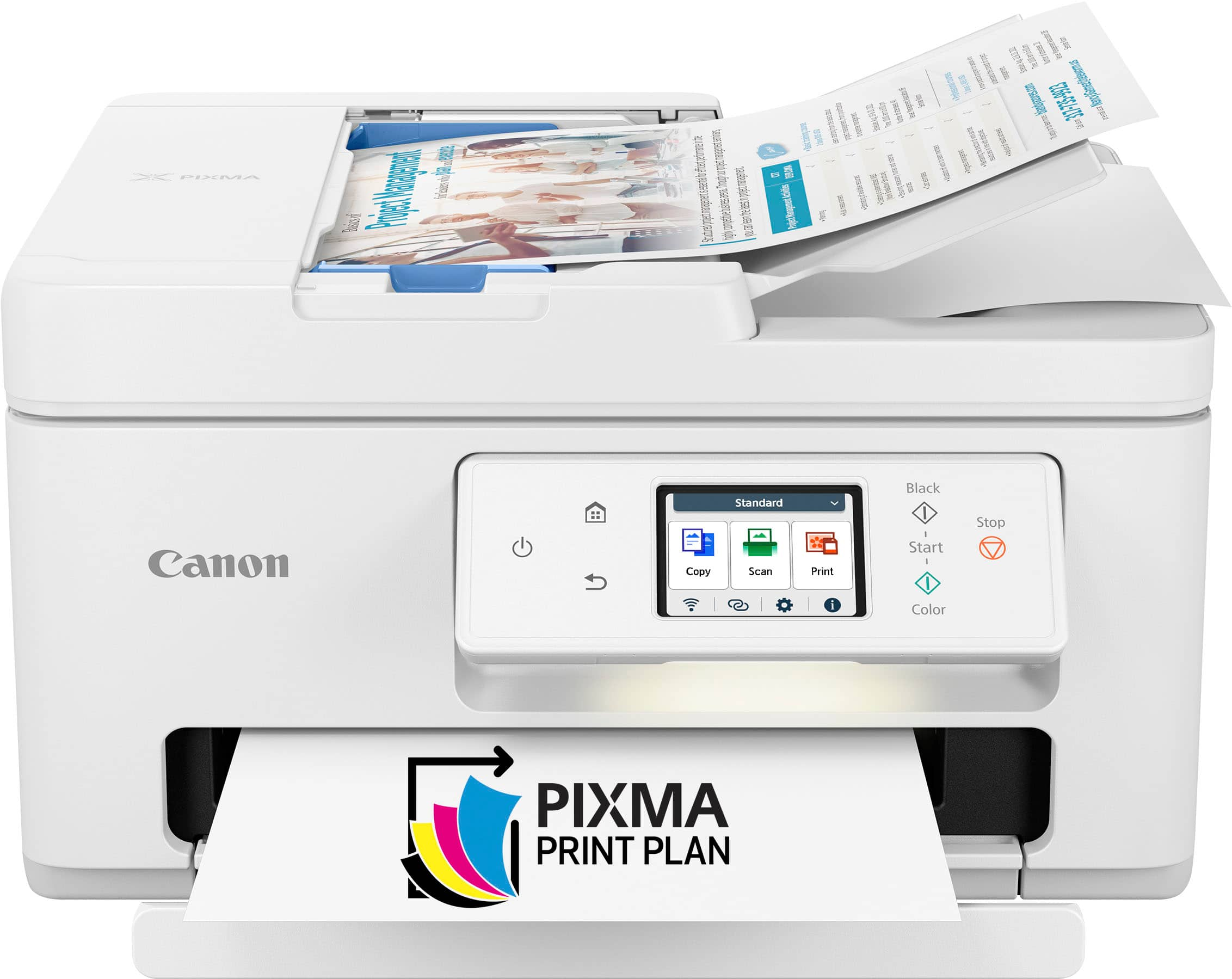
Canon - PIXMA TR7820 Wireless All-In-One Inkjet Printer - White
About this product
A white wireless all-in-one inkjet printer offering fast, high-quality printing, scanning, and copying with smart connectivity.
What customers like
(100)$156.49Your price for this item is $156.49SAVE $62.31
Best Printer Under 200
FAQs
Inkjet printers create text and images by applying liquid ink to paper. Laser printers use toner, a powder that is bonded to paper with heat. Both types come in print-only and multifunction configurations.
An all-in-one printer combines printing, scanning, and copying in one device. Some also include fax capabilities. Check the listed functions to understand which tasks a printer supports.
Common connection options include USB for a direct computer connection, Wi-Fi for wireless network access, and Ethernet for a wired network connection. Supported connections vary by printer, so check compatibility with your devices and home network.
Automatic duplex printing lets a printer print on both sides of a sheet without requiring you to turn the paper over yourself. Manual duplex printing requires you to reload or flip the pages when prompted.
Mobile printing requires a compatible printer and a supported printing service or app. Options may include Apple AirPrint, Mopria Print Service, or the printer manufacturer's app. Depending on the connection method, your mobile device and printer may need to be on the same Wi-Fi network.