Best Professional Gaming Monitor
Find the best professional gaming monitor for your setup by comparing screen size, resolution, refresh rate, and response time. As you browse gaming displays, consider your preferred games, available desk space, and graphics hardware to narrow your choices, then check each model’s connections and compatibility with your PC or console.
What to look for in a professional gaming monitor
Choosing the best professional gaming monitor for your setup means balancing speed, visual clarity, and compatibility with your gaming hardware.
1. Refresh Rate and Response Time
2. Resolution and Screen Size
3. Panel Type and Image Quality
4. Compatibility and Connectivity
-
1
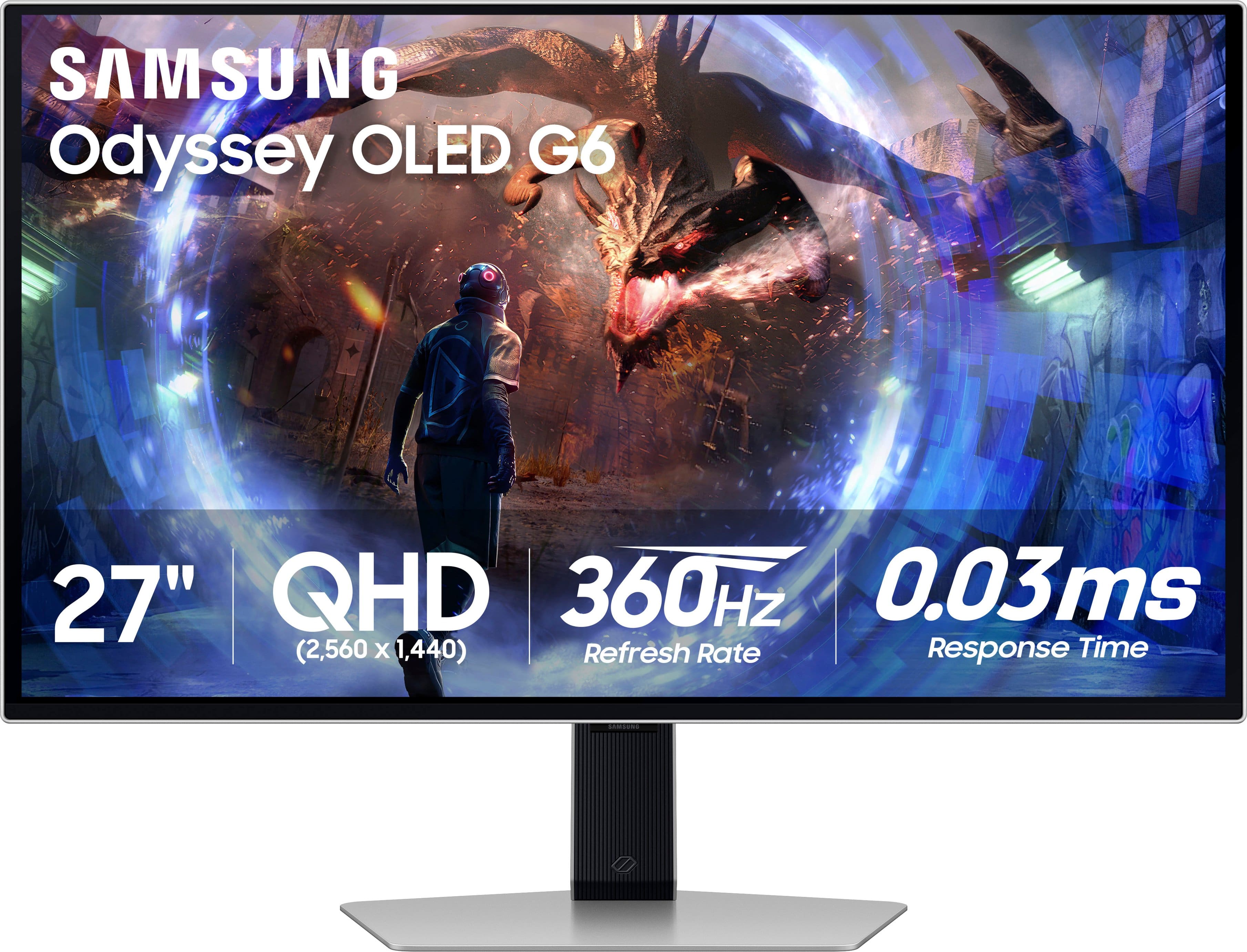
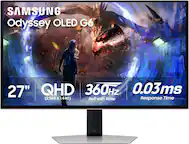
Samsung - 27" Odyssey OLED G6 (G60SD) QHD 360Hz 0.03ms FreeSync Premium Pro Gaming Monitor with HDR - Silver
About this product
A silver OLED gaming monitor featuring QHD resolution, 360Hz refresh rate, HDR10, and ultra-fast 0.03ms response.
What customers like
(656)$649.99Your price for this item is $649.99SAVE $250.00 -
2

ASUS - TUF Gaming 27" 2K IPS 165Hz 1ms Gaming Monitor with G-SYNC and HDR (DisplayPort, HDMI) - Black
About this product
A black IPS gaming monitor with 165Hz refresh rate, 1ms response, G-SYNC, and HDR10 support.
(2)$264.99Your price for this item is $264.99SAVE $178.24 -
3

Samsung - 27" Odyssey OLED G8 (G81SF), 4K UHD, 240Hz, 0.03ms, AMD FreeSync Premium Pro, Glare Free, HDR 400 Gaming Monitor - Silver
About this product
A silver OLED gaming monitor delivering 4K UHD visuals, 240Hz refresh rate, HDR 400, and glare-free performance.
What customers like
(51)$687.99Your price for this item is $687.99SAVE $612.00 -
4
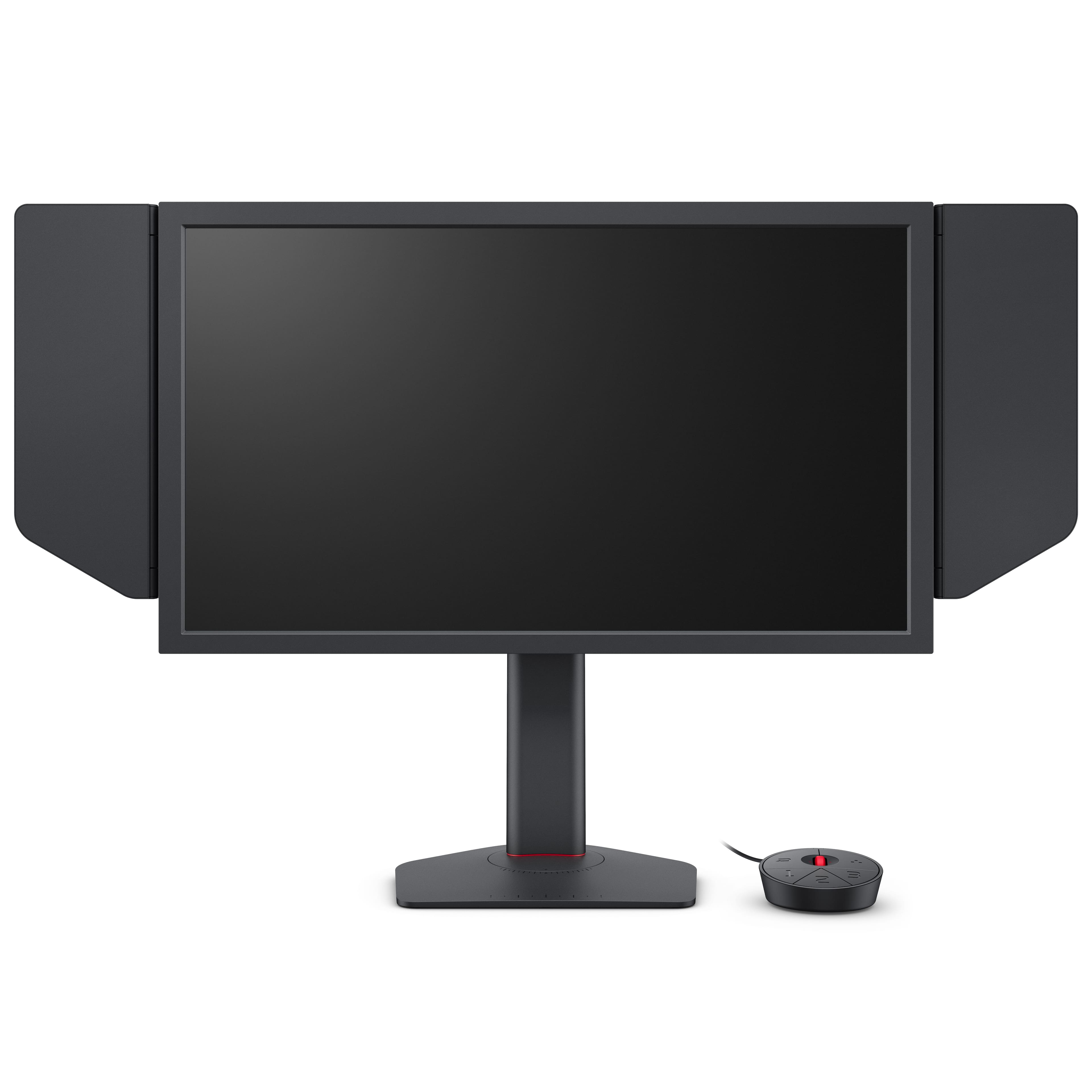
BenQ - ZOWIE XL2586X+ 24.1" TN LED 600Hz Gaming Monitor for Esports - Black
About this product
A black TN LED gaming monitor with a 600Hz refresh rate and adjustable stand, ideal for esports.
(3)$999.99 Your price for this item is $999.99 -
5

Sony - 27” INZONE M10S OLED QHD 480Hz 0.03ms NVIDIA G-SYNC Gaming Monitor with HDR400 (DisplayPort 2.1 UHBR10) - Black
About this product
A black OLED gaming monitor featuring 480Hz refresh rate, 0.03ms response, QHD resolution, and NVIDIA G-SYNC.
What customers like
(145)$748.00Your price for this item is $748.00SAVE $150.00 -
6

ViewSonic - VX2730D-4K 27" 4K Gaming Monitor w/ Switchable Refresh Rate Up to 288Hz, 0.5ms Response Time, HDMI and Display - Black
About this product
A versatile black LCD gaming monitor offering 4K UHD resolution, switchable refresh rates, and ultra-fast response time.
(2)$279.99Your price for this item is $279.99SAVE $57.54 -
7
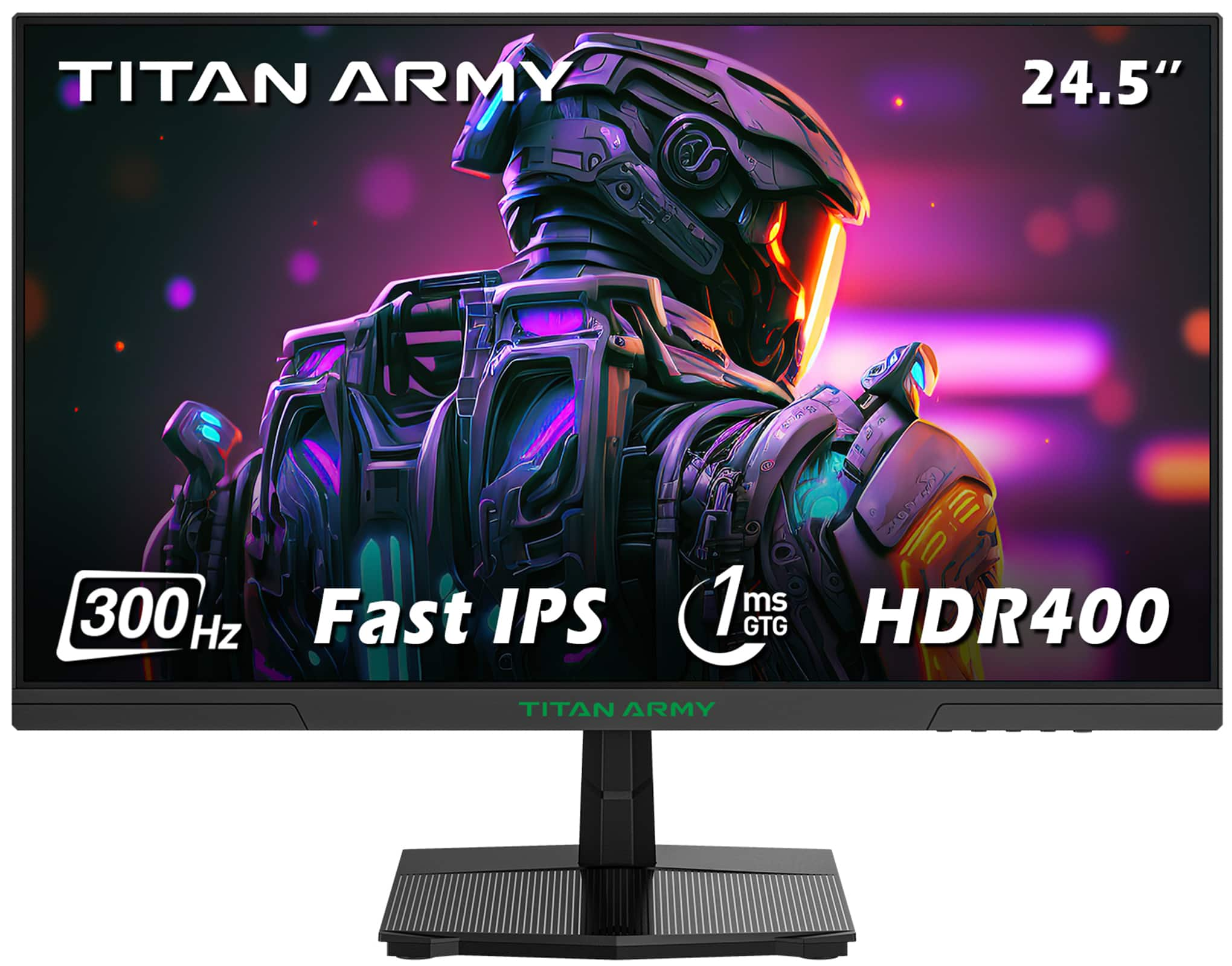
Titan-army - P2510HS 24.5 Inch 300Hz Gaming Monitor, Fast IPS 1ms GTG, 1080P FHD, FreeSync, 121% sRGB, HDR400, VESA Wall Mount - Black
About this product
A black Fast IPS gaming monitor with 300Hz refresh rate, 1ms response, HDR400, and FreeSync support.
(15)$159.99 Your price for this item is $159.99 -
8
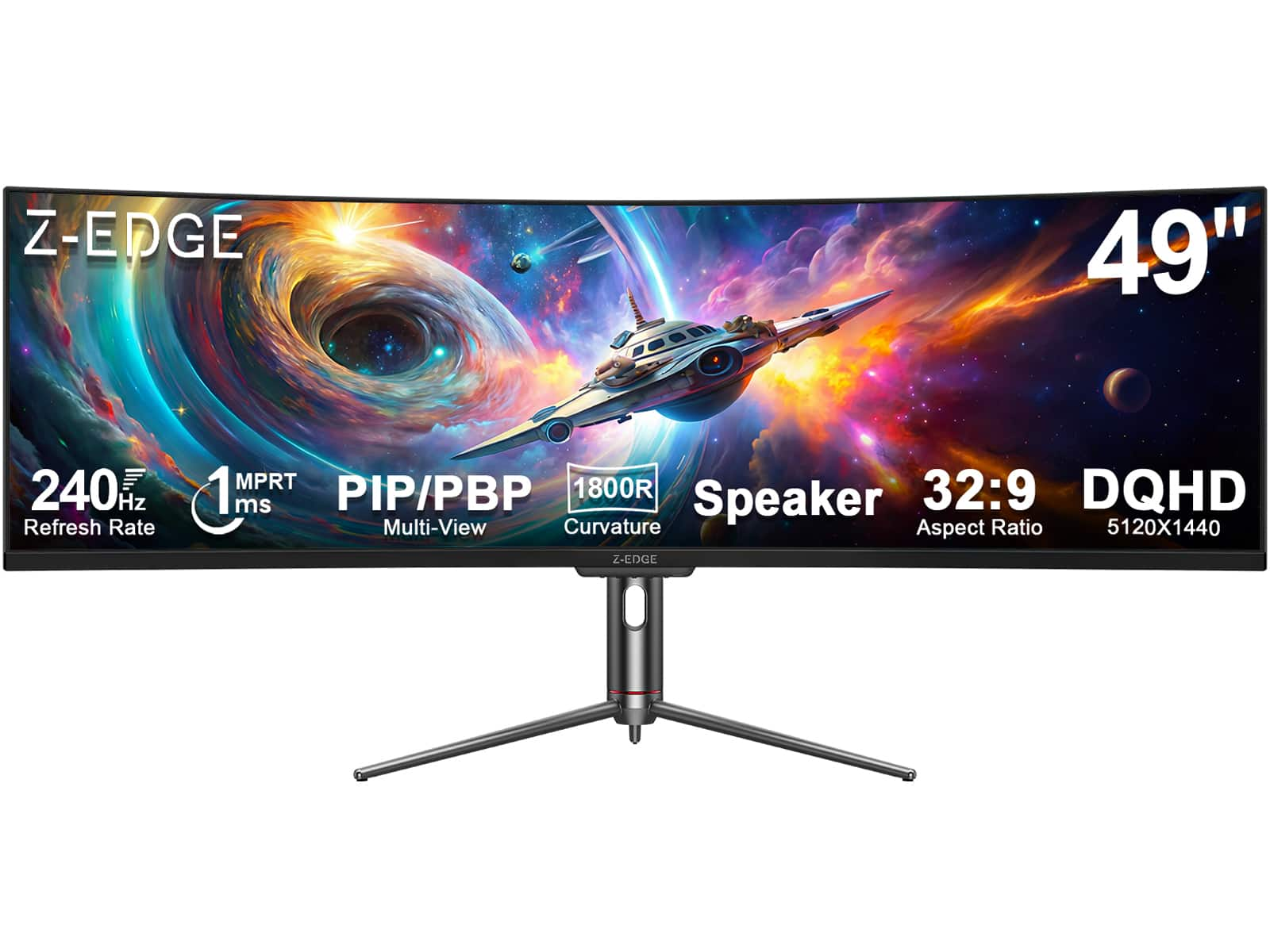
Z Z-Edge - UG49P 49" Ultra-Wide 32:9 DQHD 5120x1440 240Hz 1ms 1800R Curved Gaming Monitor, 1.07B Colors, Adjustable Base - Black
About this product
An ultra-wide black curved gaming monitor with 5120x1440 DQHD resolution, 240Hz refresh rate, and HDR10 support.
(0)$699.99Your price for this item is $699.99SAVE $300.00 -
9

Z Z-Edge - UG25I 24.5 inch 1080P FHD 240Hz 1ms Gaming Monitor, 16.7M Colors, 5000:1 Contrast, HDMI x 2, DP x 1 - Black
About this product
A black gaming monitor with Full HD, 240Hz refresh rate, 1ms response time, and FreeSync.
(0)$119.99 Your price for this item is $119.99 -
10

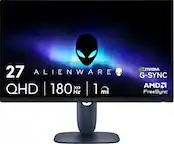
Alienware - AW2724DM Gaming Monitor - 27" QHD 180Hz w Overclock, AMD FreeSync Premium Pro, NVIDIA G-SYNC, VESA Display - B - Black/Silver
About this product
A black-and-silver QHD monitor with 180Hz refresh rate, adjustable height, FreeSync Premium Pro, and G-SYNC.
(0)$314.99 Your price for this item is $314.99
Best Professional Gaming Monitor
FAQs
Refresh rate, measured in hertz (Hz), describes how many times the display updates each second. Response time, usually measured in milliseconds (ms), describes how quickly pixels transition between colors or shades. These are separate specifications, and response-time figures may use different testing methods.
Gaming monitor panel technologies include IPS, VA, TN and OLED. IPS, VA and TN are LCD technologies that use a backlight, while OLED pixels emit their own light. Contrast, color gamut and pixel response characteristics vary by panel technology and model.
Check the monitor’s HDMI and DisplayPort specifications against the outputs on your graphics card or gaming console. Supported resolutions, refresh rates and display features depend on the capabilities of the monitor, source device and cable. If you plan to connect through USB-C, confirm that both devices support video over that connection.
Variable refresh rate, or VRR, lets a monitor adjust its refresh timing to match frames delivered by a compatible graphics source within a supported range. AMD FreeSync, NVIDIA G-SYNC and HDMI VRR are terms you may encounter. Compatibility depends on the monitor, graphics hardware and connection.
HDR support indicates that a monitor can accept compatible high dynamic range signals. An HDR certification, such as a VESA DisplayHDR tier, identifies requirements tested under that certification program. When comparing specifications, distinguish signal support from certification and check the display’s listed brightness, contrast and color capabilities.