Holiday deals. Holideals?Either way, start saving.Shop now

Main Content
Skip to contentGo to Product Search

Holiday deals. Holideals?Either way, start saving.Shop now

Main Content

Top Rated Scanner to Digitize Photos

The best scanner to digitize photos depends on your collection and how you’ll use the digital images. Compare scanner options by optical resolution, supported photo sizes, and scanning speed, especially if you have many prints to process. Consider ease of use and computer compatibility to find a practical fit for creating digital backups and sharing family pictures.

What to look for in a scanner to digitize photos

Choosing the best scanner to digitize photos means balancing image quality, photo compatibility, scanning speed, and ease of use.

1. Optical Resolution

Compare optical resolution, measured in dots per inch (dpi), rather than digitally enhanced resolution. For printed photos, 300 dpi can work for everyday viewing, while 600 dpi offers more flexibility for cropping and reprinting.

2. Photo Formats and Sizes

Check that the scanner accommodates your largest prints and the types of originals you want to preserve. Negatives and slides require compatible film-scanning capabilities and may need dedicated holders, so a scanner designed for prints alone may not cover your collection.

3. Scanning Speed and Photo Handling

For large collections, compare scanning speeds at the resolution you plan to use and look for batch-scanning features. A flatbed can be a better fit for fragile or mounted photos, while a photo-compatible feeder can streamline scanning loose prints that meet its handling requirements.

4. Software and Connectivity

Confirm compatibility with your computer’s operating system and your preferred connection method, such as USB or Wi-Fi. Look for software features like cropping, color restoration, and file naming, along with JPEG or TIFF export options that suit your storage and editing plans.

  1. 1

    About this product

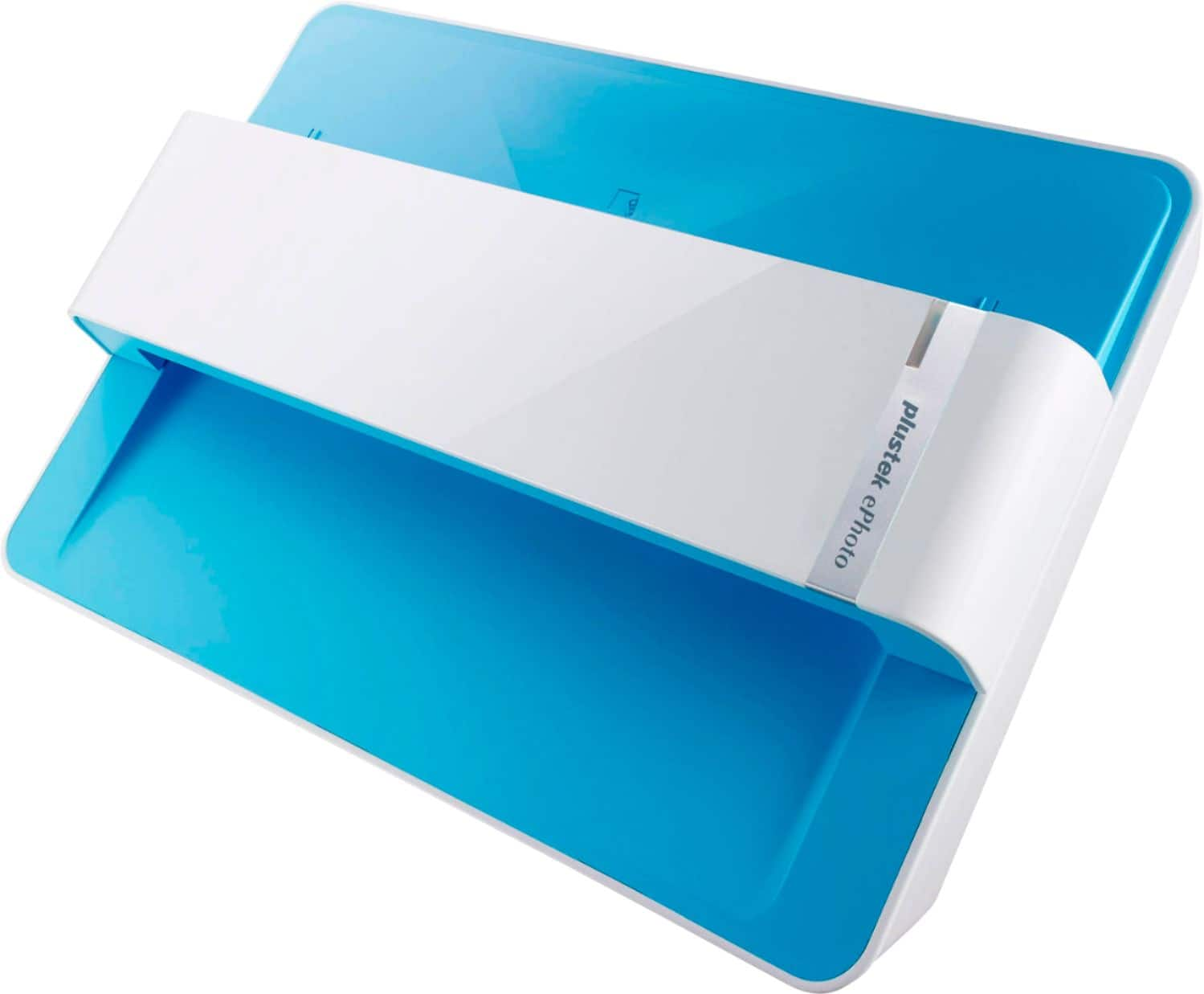
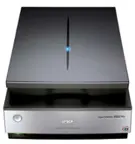
    A fast blue photo scanner with soft rollers, CCD sensor, and easy-to-use software for accurate results.

    A fast blue photo scanner with soft rollers, CCD sensor, and easy-to-use software for accurate results.

    What customers like

    • Simple setup
    • Easy to use
    • Excellent scan results
    (75)
    $219.99 Your price for this item is $219.99
  2. 2

    About this product

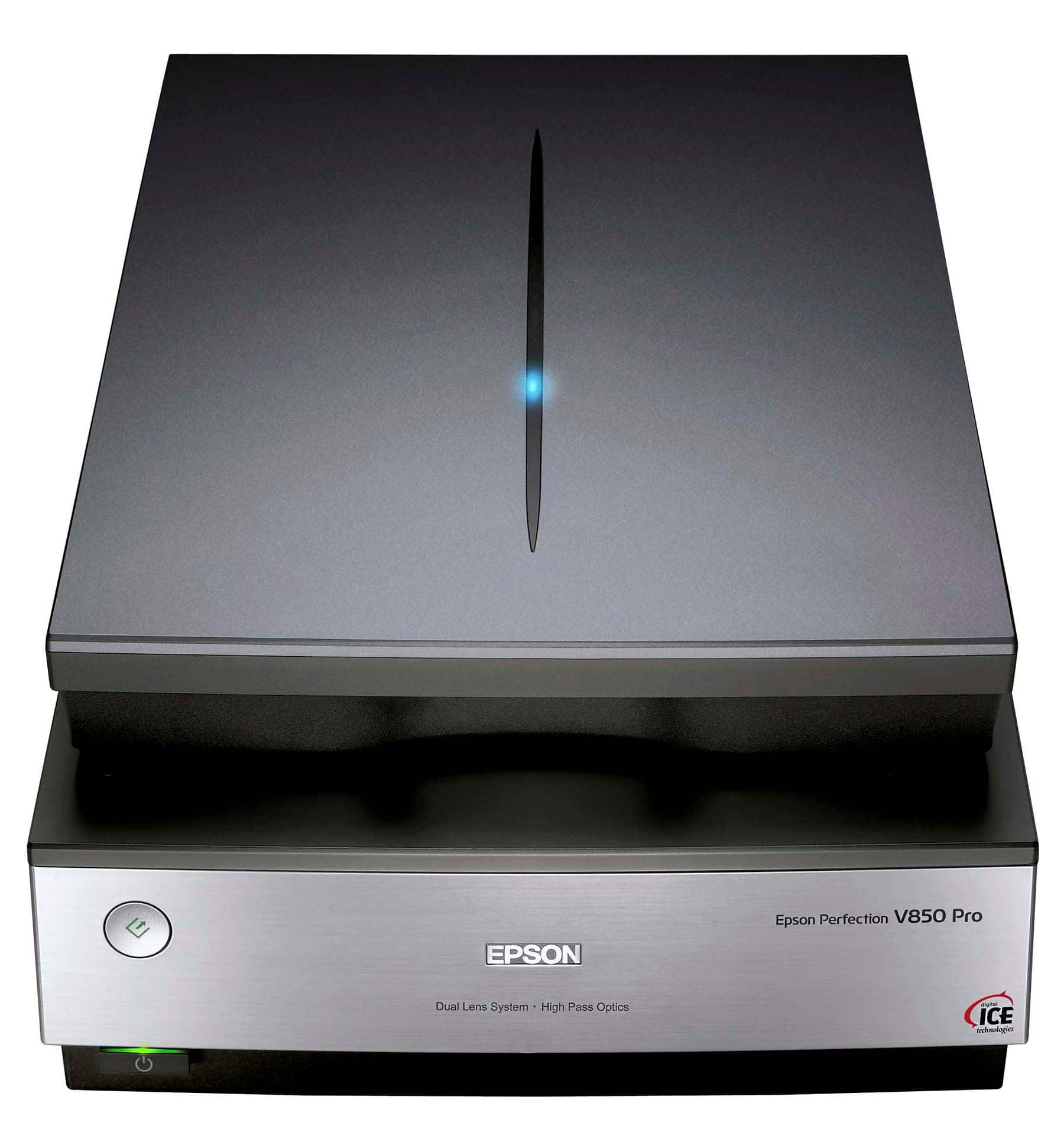
    A professional gray photo scanner delivering 6400 dpi resolution, dual-lens scanning, and advanced defect removal.

    A professional gray photo scanner delivering 6400 dpi resolution, dual-lens scanning, and advanced defect removal.

    What customers like

    • Effective color correction and defect removal
    • Versatile scanning options for multiple media types
    • Excellent scan quality and high resolution
    • User-friendly software and easy setup
    • Professional-grade features and performance
    (50)
    $1,899.99
    SAVE $194.66
    Your price for this item is $1,899.99
  3. 3

    About this product

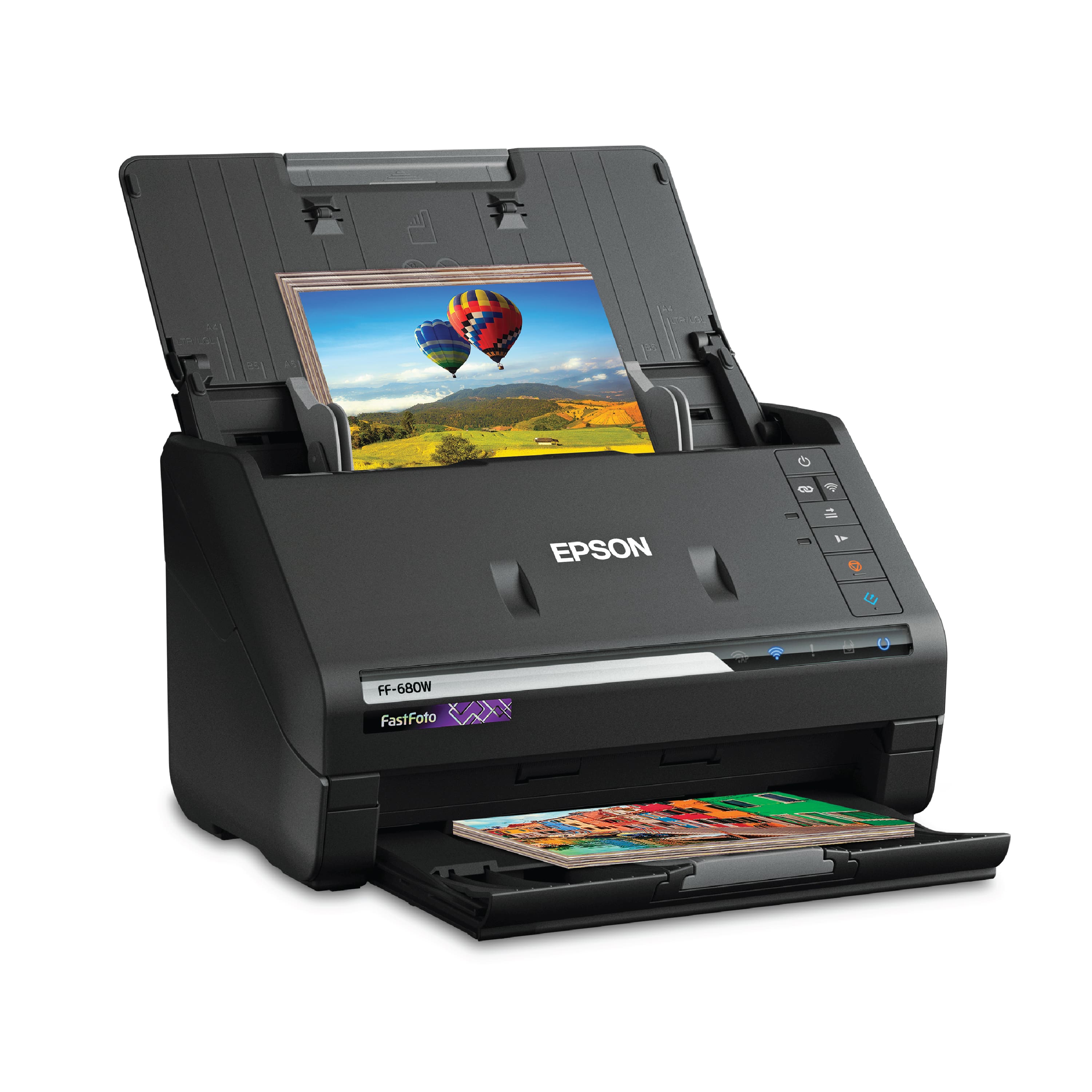
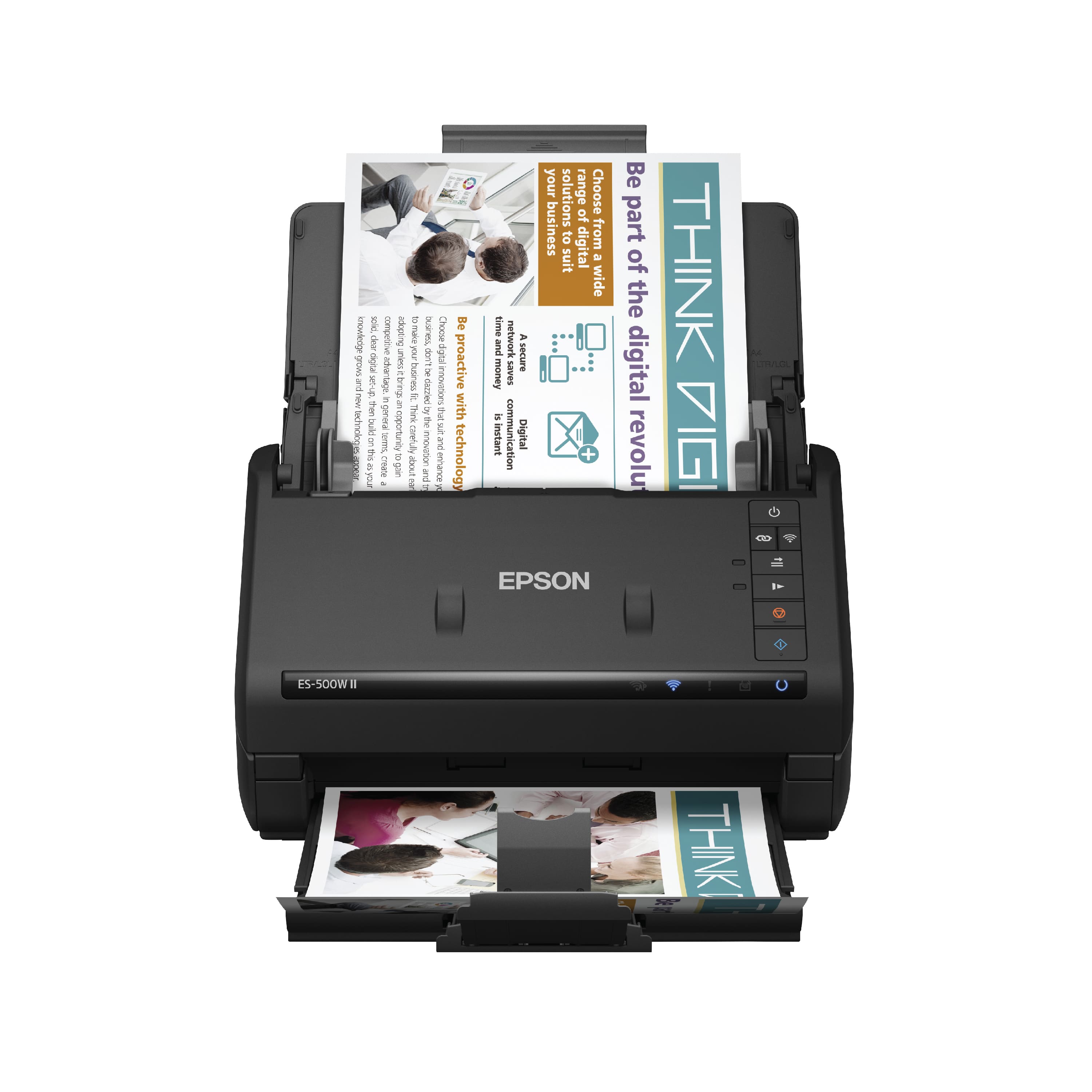
    A high-speed black wireless photo scanner with auto enhancement, double-sided scanning, and mobile app integration.

    A high-speed black wireless photo scanner with auto enhancement, double-sided scanning, and mobile app integration.

    What customers like

    • Fast and efficient batch scanning
    • Gentle handling of delicate and varied photo types
    • Easy wireless and USB connectivity
    • User-friendly setup and intuitive software
    • High quality and accurate scans
    (1,172)
    $529.99
    SAVE $100.00
    Your price for this item is $529.99
  4. 4

    About this product

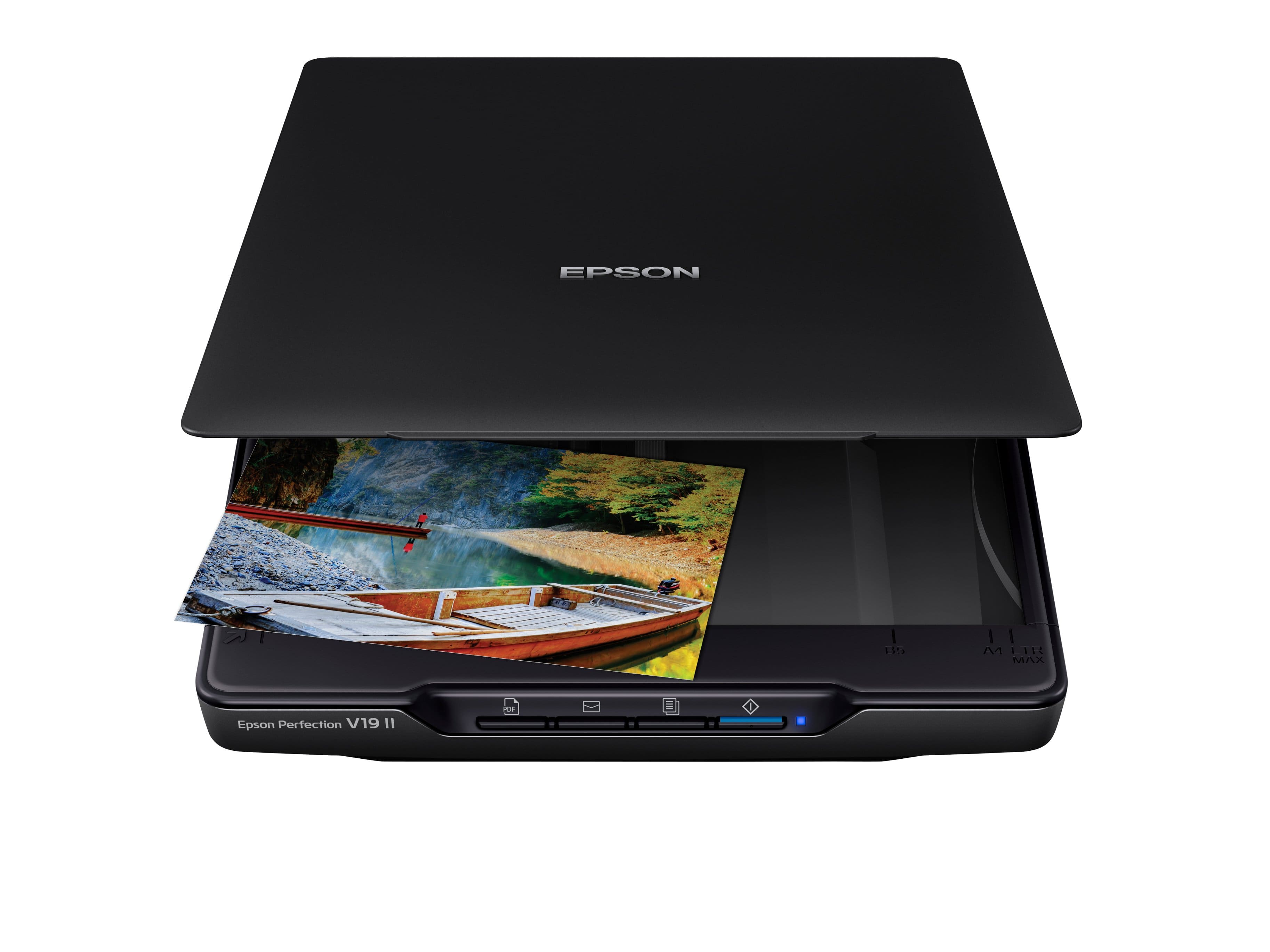
    A compact black flatbed scanner offering 4800 dpi resolution, one-touch scanning, and USB-powered convenience.

    A compact black flatbed scanner offering 4800 dpi resolution, one-touch scanning, and USB-powered convenience.

    What customers like

    • Easy setup and user-friendly software
    • USB-powered with no extra power cord needed
    • Compact, space-saving design with kickstand
    • High quality, high resolution scans
    • Lightweight and portable
    (72)
    $89.99
    SAVE $10.00
    Your price for this item is $89.99
  5. 5

    About this product

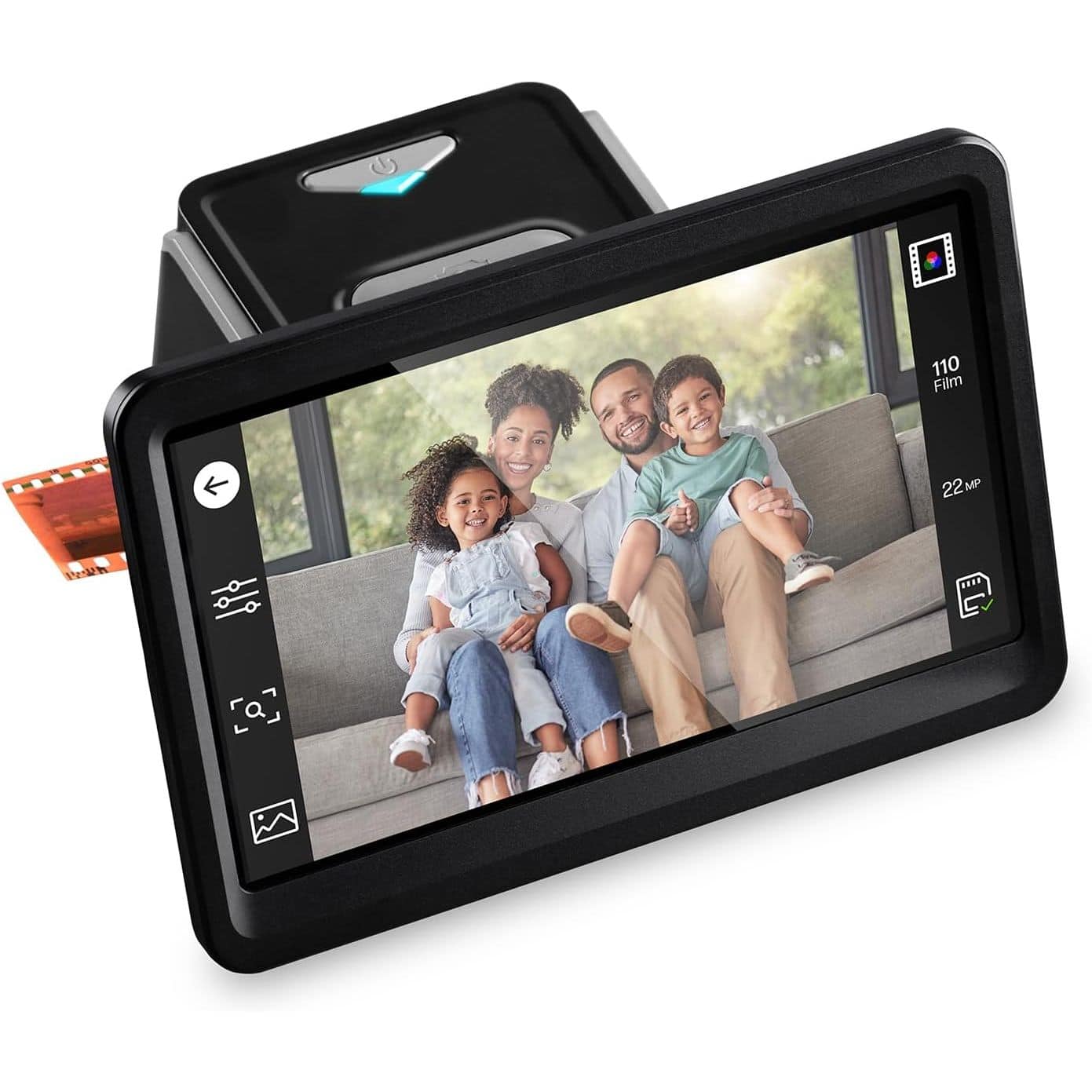
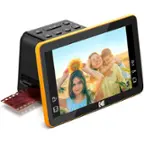
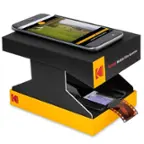
    A black film and slide scanner that converts negatives to vibrant 22MP digital photos with a 7" LCD.

    A black film and slide scanner that converts negatives to vibrant 22MP digital photos with a 7" LCD.

    (2)
    $249.99
    SAVE $10.00
    Your price for this item is $249.99
  6. 6

    About this product

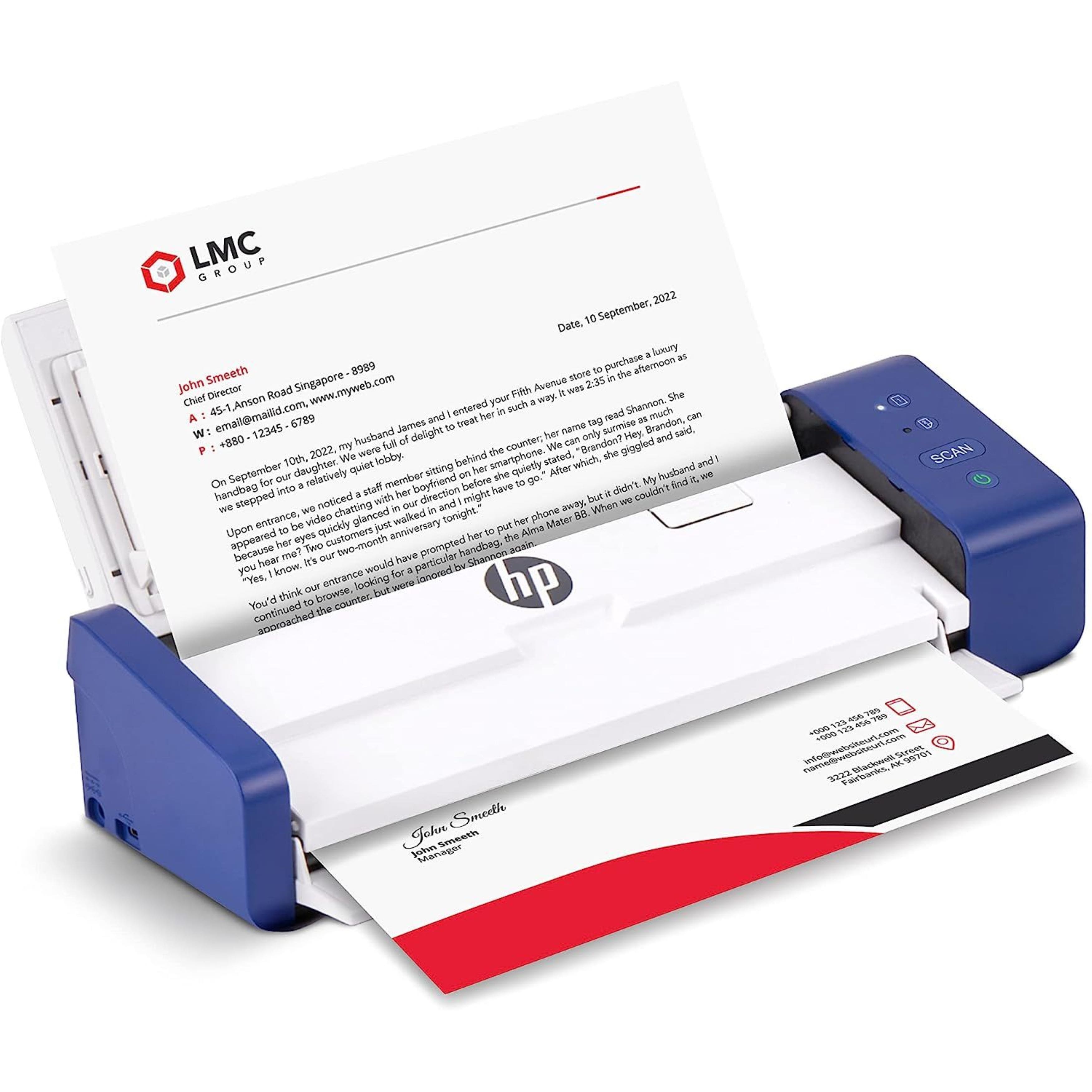
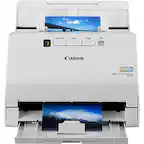
    A white portable scanner featuring duplex scanning, auto document feeder, and USB connectivity for efficient digitizing.

    A white portable scanner featuring duplex scanning, auto document feeder, and USB connectivity for efficient digitizing.

    (2)
    $279.99 Your price for this item is $279.99
  7. 7

    About this product

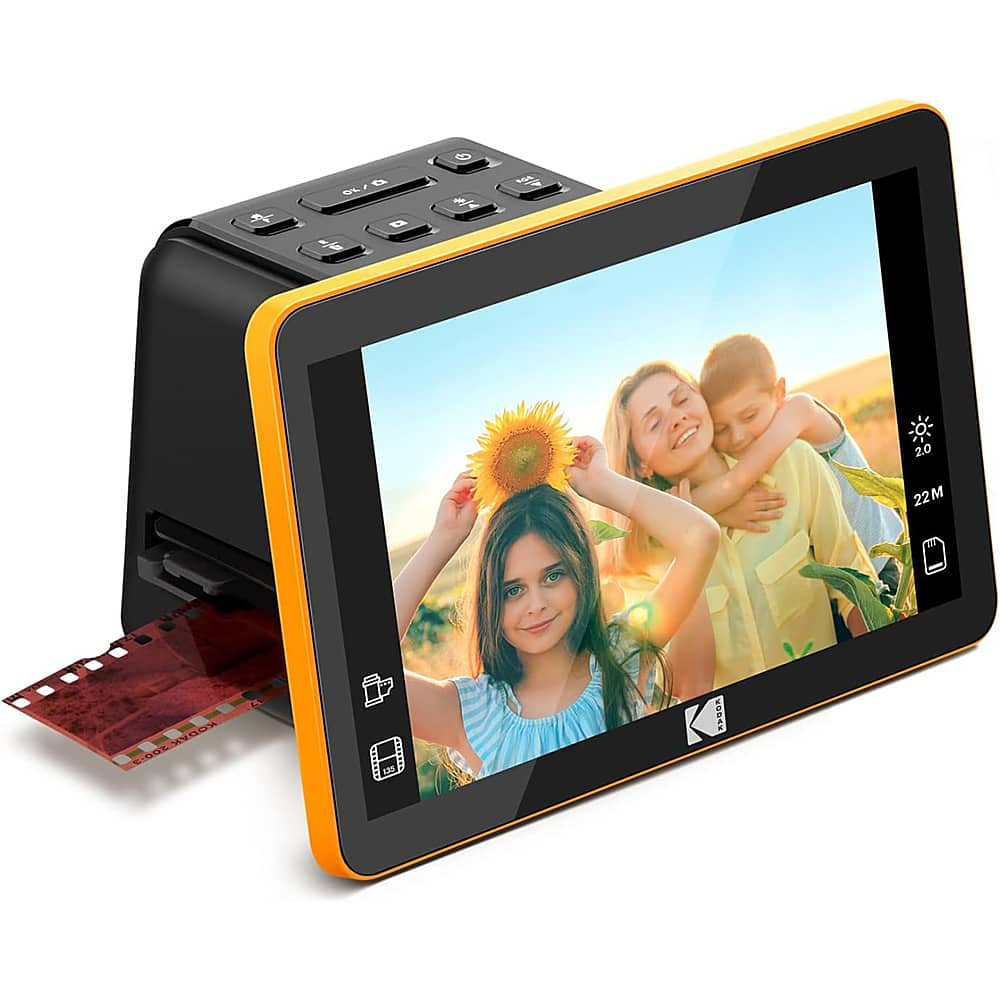
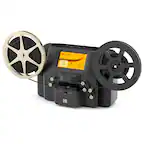
    A black digital film scanner that converts slides and negatives to 22MP images with a 7" LCD screen.

    A black digital film scanner that converts slides and negatives to 22MP images with a 7" LCD screen.

    What customers like

    • Fast and efficient scanning
    • High image quality
    • Easy to use
    • Converts slides and negatives to digital
    • Large 7-inch color screen
    (27)
    $209.99 Your price for this item is $209.99
  8. 8

    About this product

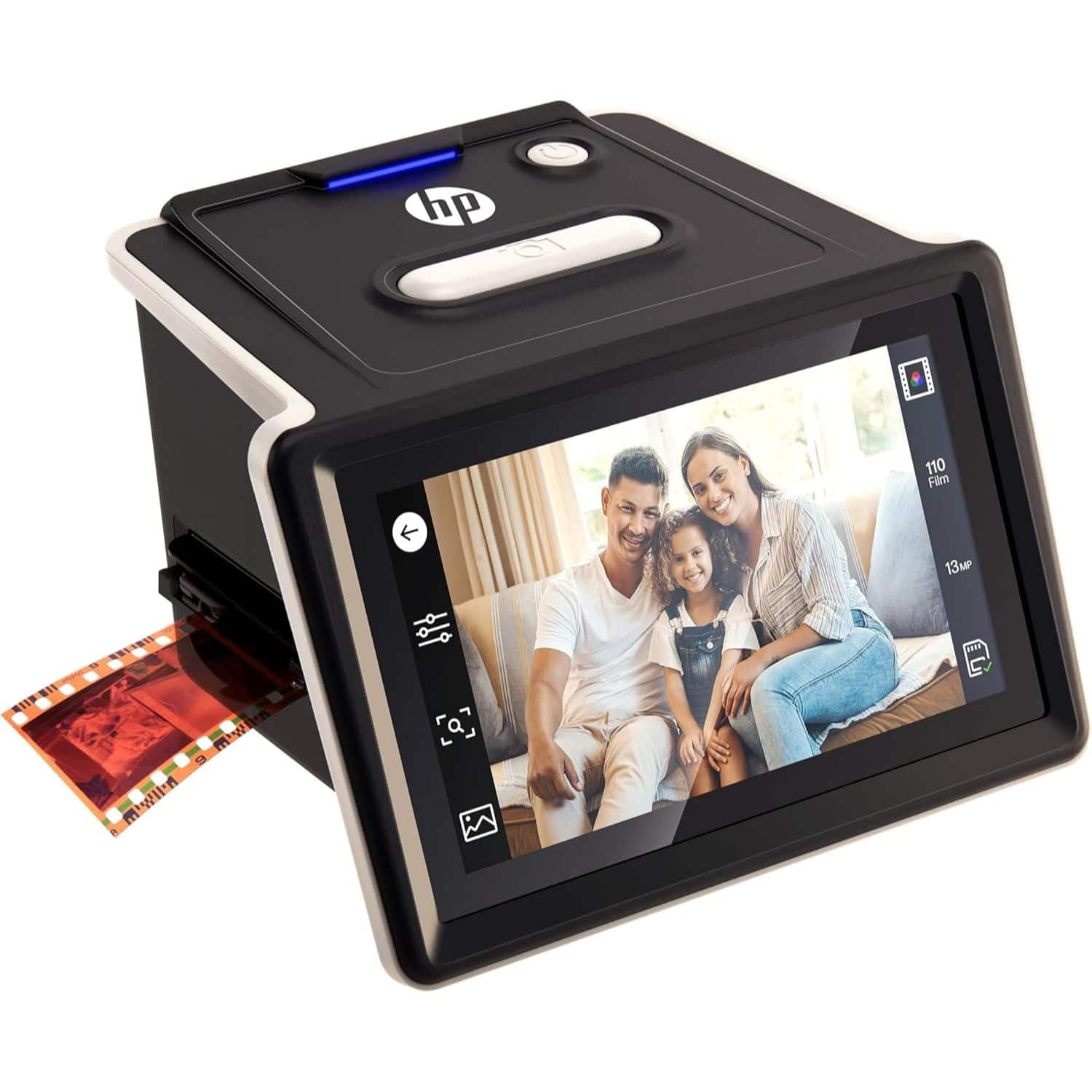
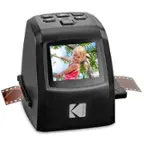
    A standalone film and slide scanner with a 5" touch screen that converts negatives to 22MP JPEGs.

    A standalone film and slide scanner with a 5" touch screen that converts negatives to 22MP JPEGs.

    (1)
    $219.99
    SAVE $10.00
    Your price for this item is $219.99
  9. 9

    About this product

    A high-resolution 35mm film and slide scanner delivering fast, high-quality digital images for Windows and Mac.

    A high-resolution 35mm film and slide scanner delivering fast, high-quality digital images for Windows and Mac.

    (0)
    $429.00 Your price for this item is $429.00
  10. 10

    About this product

    A high-resolution black scanner digitizes 35mm film and slides with 7200dpi CCD sensor and infrared dust removal.

    A high-resolution black scanner digitizes 35mm film and slides with 7200dpi CCD sensor and infrared dust removal.

    (3)
    $399.00 Your price for this item is $399.00

Top Rated Scanner to Digitize Photos

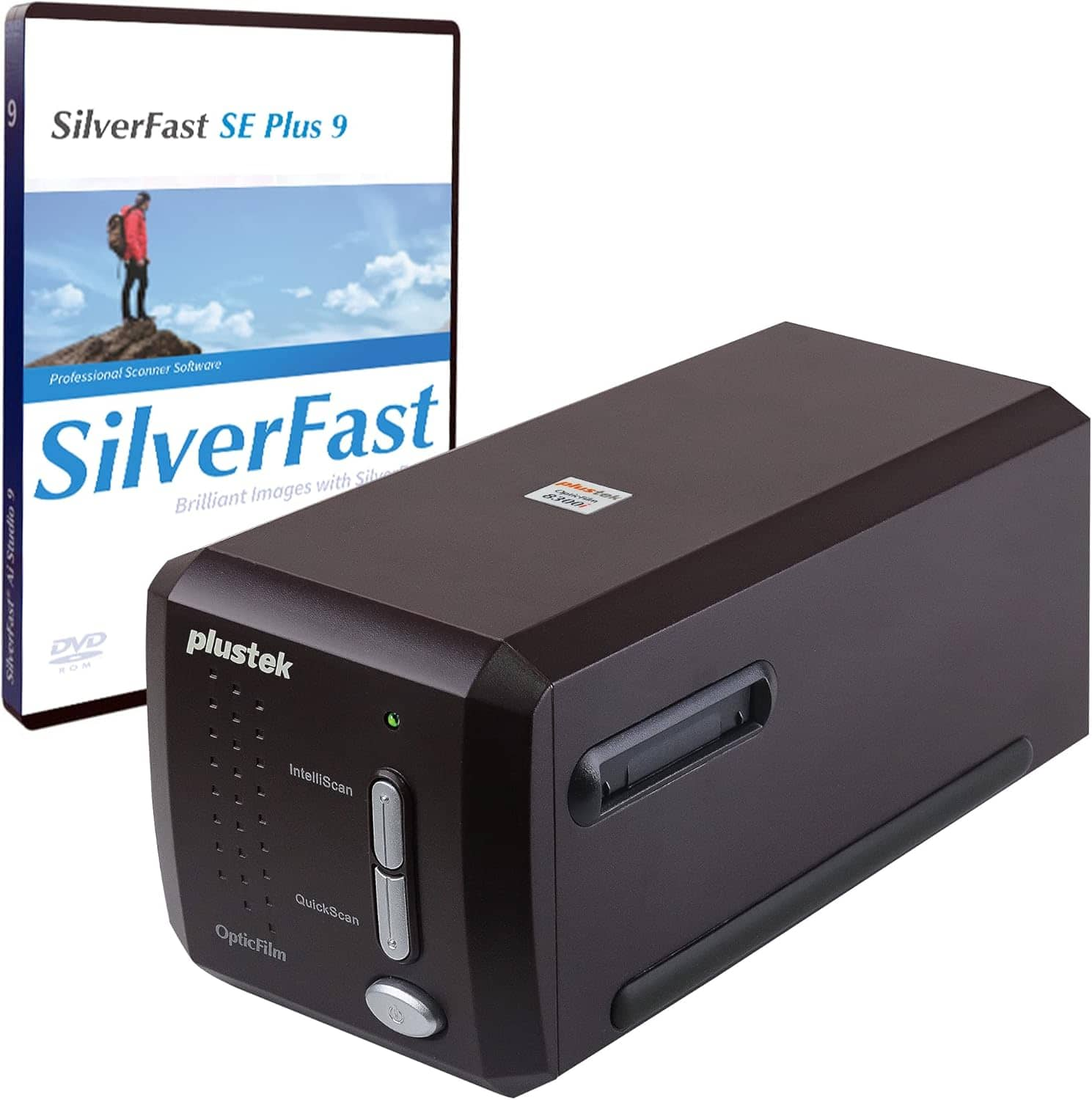
The best scanner to digitize photos depends on the condition of the originals, the size of the collection, and whether the project includes prints, slides, or negatives. Flatbed scanners are generally well suited to delicate photographs because each picture rests on a glass surface rather than traveling through rollers. That makes this design useful for a faded wedding portrait, a small school picture, or a photograph with handwritten notes on the back. A photo scanner with an automatic feeder can make larger collections of loose, compatible prints easier to process, especially when hundreds of everyday snapshots need to become organized digital files. Feeding requirements matter: curled edges, torn corners, adhesive residue, unusual thicknesses, and mounted photographs may make a print unsuitable for a feeder. Film and slides call for a dedicated film scanner or a flatbed with supported transparency-scanning hardware and the correct holders; an ordinary document scanner is not a substitute. These differences matter more than any single specification because a scanner should fit the photographs already in the collection. Someone preserving a few irreplaceable family portraits has different needs from someone sorting several boxes of vacation snapshots. Digital copies make those pictures easier to share with relatives, include in a family-history project, or display in a digital frame while keeping the physical originals tucked away. They also make practical gifts possible, such as a collection of childhood photos for a sibling or a digital anniversary album for parents. A scanner itself can be a thoughtful gift for a family archivist, scrapbook enthusiast, photographer, or anyone who enjoys documenting personal history. The most useful choice supports the recipient’s actual materials and comfort with technology, whether that means a simple print-scanning workflow or more control over color, file formats, and film capture. For collections that mix sturdy recent prints with brittle keepsakes, having a suitable way to handle each type of original is more valuable than treating every photograph as part of the same batch.

Image quality involves more than a large resolution number on a specification sheet. Optical resolution describes the detail the scanner can capture, while interpolated resolution uses software to add pixels without recovering additional detail from the original. For many photographic prints, a scan at 300 dots per inch is suitable for reproducing the image at approximately its original size, while 600 dpi offers more flexibility for modest enlargements and cropping. Higher settings can be useful for very small originals, but they also create larger files and longer scanning times, and they cannot restore sharpness that was never present in the photograph. Film generally benefits from much higher optical resolution because the image being captured is so small. Color accuracy and tonal detail are equally important when a photograph includes a white wedding dress beside a dark suit, faces in shadow, or subtle colors that have faded over time. A scanner’s ability to distinguish those tones can affect how much detail remains useful during editing. The qualities of a good photo scanner also include software that suits the collection, with features such as previewing, cropping, rotation, and straightforward color adjustments. Automatic restoration tools may improve the appearance of faded pictures, although results vary and aggressive adjustments can change skin tones or erase intentional warmth. Dust and scratch correction capabilities also vary by scanner and scanning material, particularly with film, so those features deserve attention beyond their names. File-format options shape what happens after scanning. TIFF files can preserve high-quality master copies without lossy compression, while JPEG files are convenient for sharing and everyday viewing when saved at an appropriate quality setting. Keeping an unedited master alongside a corrected copy leaves room for different edits later. Software that separates multiple photographs placed on a flatbed, captures both sides of supported prints, or assigns consistent file names can reduce repetitive work. These conveniences are particularly helpful when a collection includes dates, locations, and personal messages that deserve to stay connected to each image.

Everyday usability often determines whether a scanning project reaches the last shoebox rather than stopping after the first handful of prints. A flatbed needs room for its footprint and an open lid, while a feeder-based scanner may need additional clear space for photographs entering and exiting the paper path. A stable surface helps protect both the equipment and the originals from accidental movement. Connection options should match the computer and workspace: USB connections depend on compatible ports and cables, while wireless features depend on the scanner’s supported functions and software. Operating-system compatibility matters just as much as the connection itself, especially when scanning software is needed for full-resolution capture, film handling, or advanced adjustments. Mobile features can be convenient, but they do not necessarily offer every setting found in desktop software. For shared household projects, an intuitive preview screen and easy folder selection can be more useful than a long list of editing controls. Physical construction and maintenance also affect the experience over time. The glass scanning surface needs to remain clean and free of scratches, and feeder rollers require care according to the manufacturer’s instructions. A smooth, supported paper path is especially important when handling photographs with glossy coatings or easily marked surfaces. Clean, dry hands and gentle handling help keep fingerprints and debris away from image areas; fragile, sticky, or damaged originals may need specialized preservation attention before scanning. The scanner is only one part of keeping memories accessible. Clearly named folders, useful file names, and notes about people or places make a digital collection easier to navigate years later. Storage space should accommodate both master scans and sharing copies, with backups in more than one location rather than a single device. With suitable handling, compatible software, and a manageable workflow, photo scanners can turn scattered envelopes and crowded albums into a collection that is easier to revisit, share, and preserve without replacing the original photographs or the stories attached to them.

FAQs