Best SSD For Laptop
Choosing the best SSD for your laptop starts with compatibility. Compare solid-state drives by storage capacity and read and write speeds to find an option that suits your files, applications, and budget. Before buying, check whether your laptop supports storage upgrades and confirm the required drive size and interface, such as 2.5-inch SATA or M.2 NVMe.
What to look for in an SSD for your laptop
Choosing the best SSD for your laptop starts with matching its compatibility, storage capacity, performance, and reliability to your needs.
1. Laptop Compatibility
2. Storage Capacity
3. Read And Write Speeds
4. Endurance And Warranty
-
1

Western Digital - 480GB WD Green Internal SSD Solid State Drive - SATA III 6 Gb/s, 2.5"/7mm, Up to 545 MB/s - WDS480G3G0A
About this product
A reliable green internal SSD offering up to 545 MB/s read speeds for enhanced laptop or desktop performance.
(1)$104.99 Your price for this item is $104.99 -
2

Team Group - TEAMGROUP MS30 2TB SLC Cache 3D NAND TLC M.2 2280 SATA III SSD (550/500 MB/s) for Laptop & Desktop
About this product
A high-speed internal M.2 2280 SATA III SSD with 2TB capacity, SLC cache, and 3D NAND TLC.
(0)$260.99 Your price for this item is $260.99 -
3

SANDISK - 1TB Optimus GX 7100M PCIe 4.0 x4 M.2 2230 NVMe SSD
About this product
An ultra-fast M.2 2230 NVMe SSD with PCIe 4.0 and nCache 4.0 technology for gaming laptops.
(2)$229.99Your price for this item is $229.99SAVE $23.00 -
4
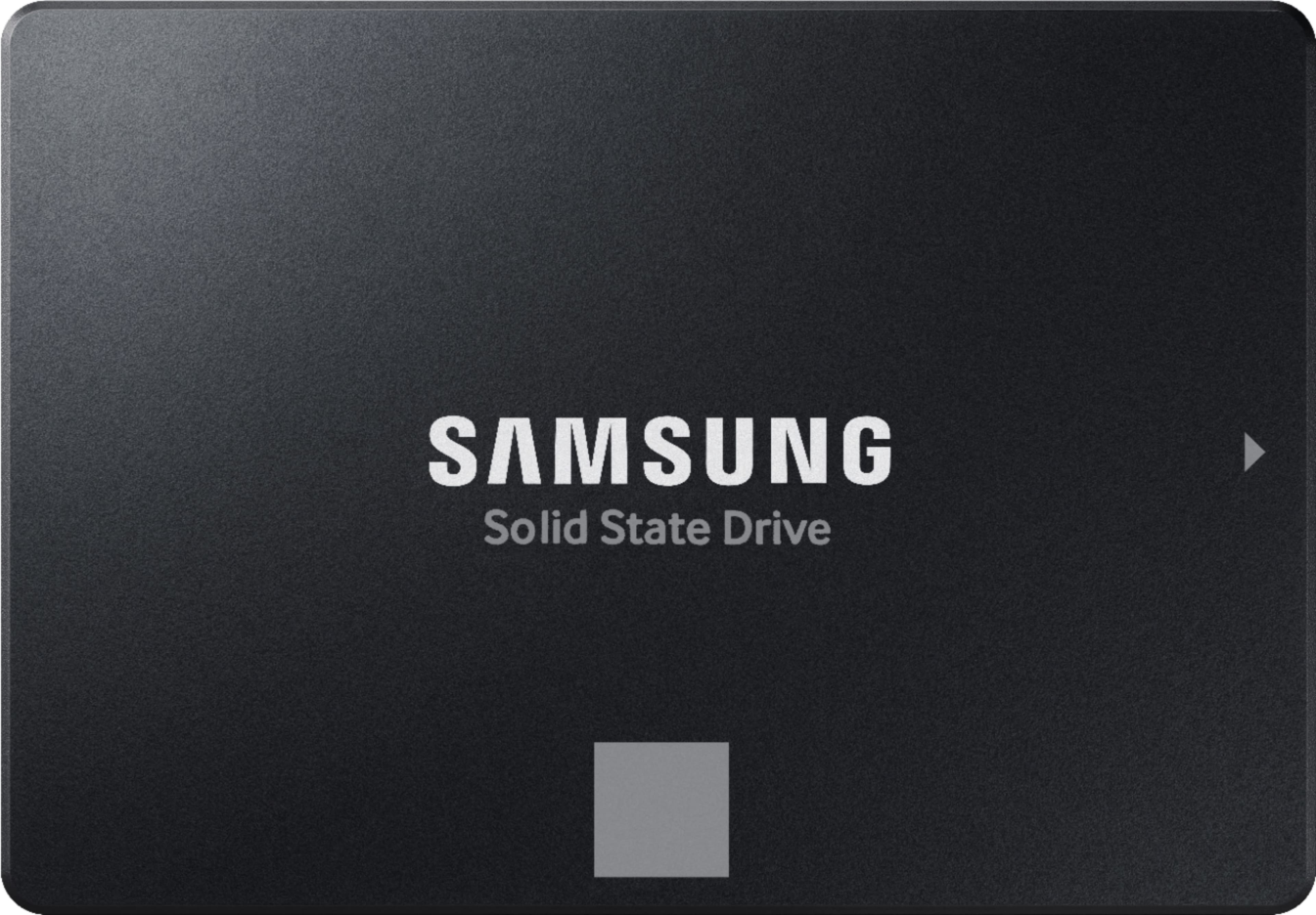
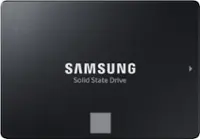
Samsung - 870 EVO 4TB Internal SSD SATA
About this product
A high-performance black internal SSD offering 4TB storage, fast speeds, and advanced data encryption.
What customers like
(255)$1,399.99Your price for this item is $1,399.99SAVE $670.00 -
5
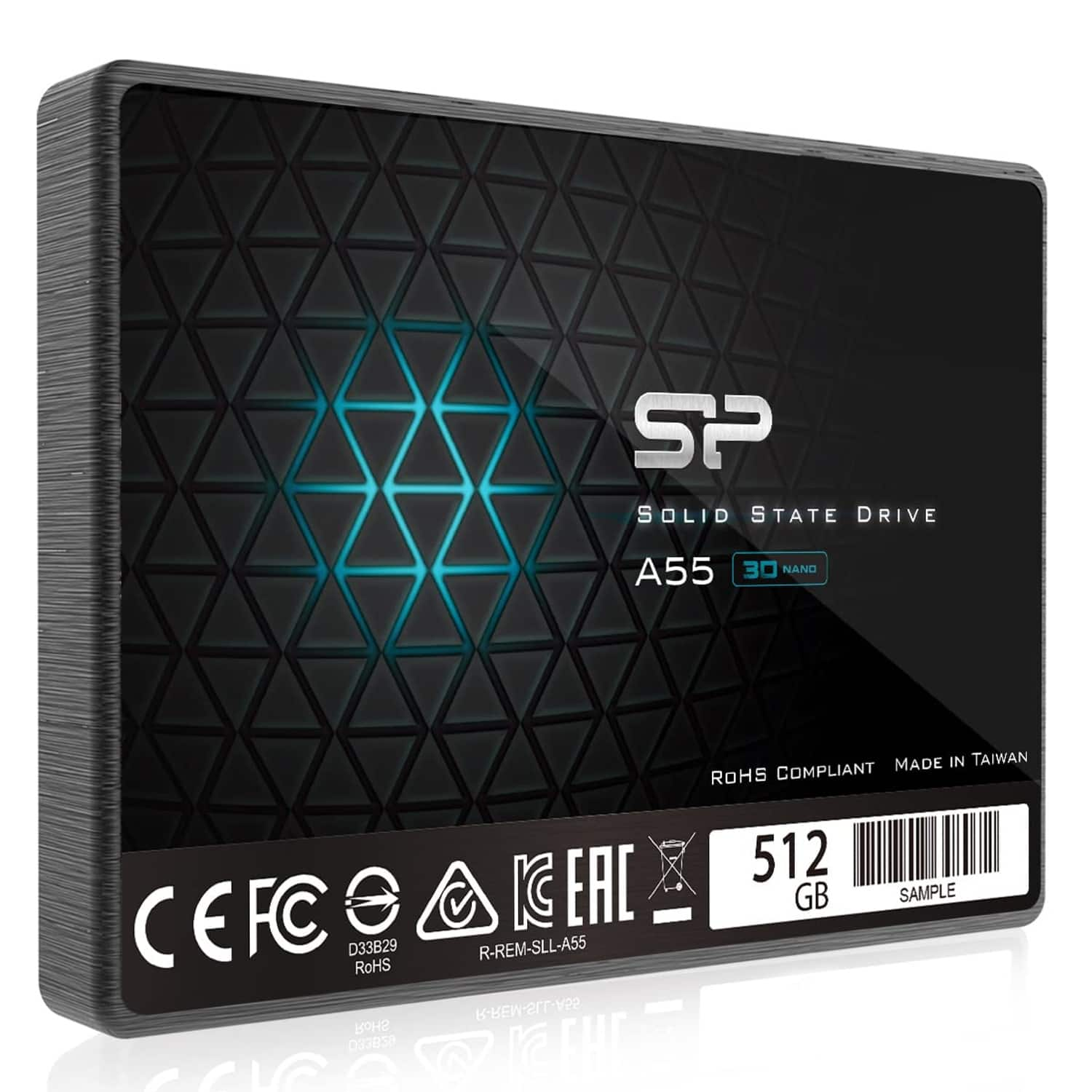
Silicon Power - 512GB SSD A55 2.5'' SATA III Internal Solid State Drive (SP512GBSS3A55S25)
About this product
An internal SSD with 512GB capacity, SATA III, 3D NAND, and read speeds up to 500MB/s.
(0)$69.99Your price for this item is $69.99SAVE $47.00 -
6

SANDISK - Ultra 4TB Internal SSD SATA
About this product
A high-performance black internal SSD delivering fast boot-up, quick file transfers, and enhanced reliability for PCs.
What customers like
(22)$1,580.64 Your price for this item is $1,580.64 -
7
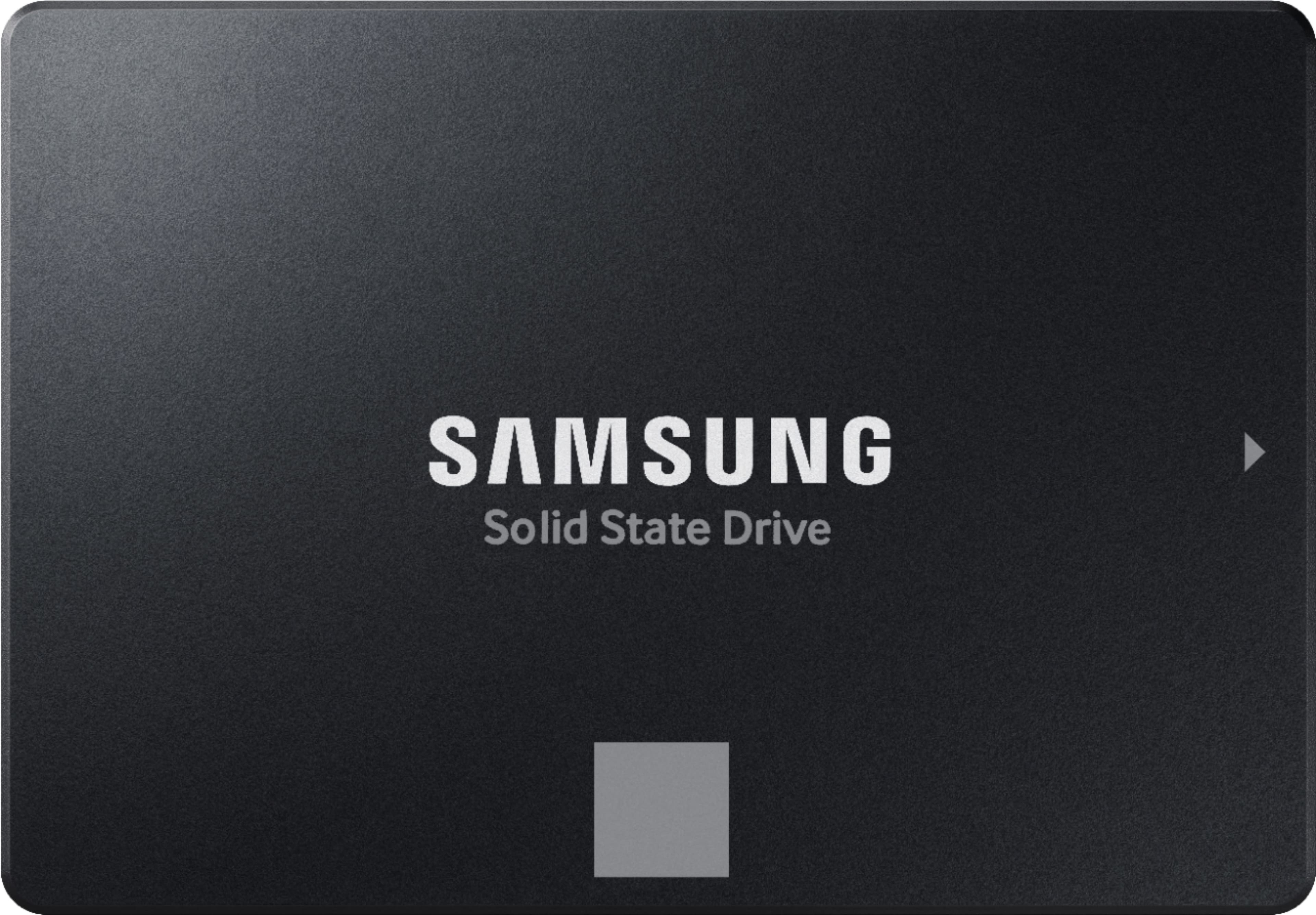
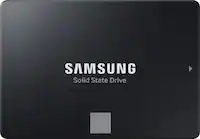
Samsung - 870 EVO 500GB Internal SSD SATA
About this product
A reliable black internal SSD offering fast boot times, data encryption, and high performance for everyday use.
What customers like
(1,730)$249.99Your price for this item is $249.99SAVE $50.00 -
8
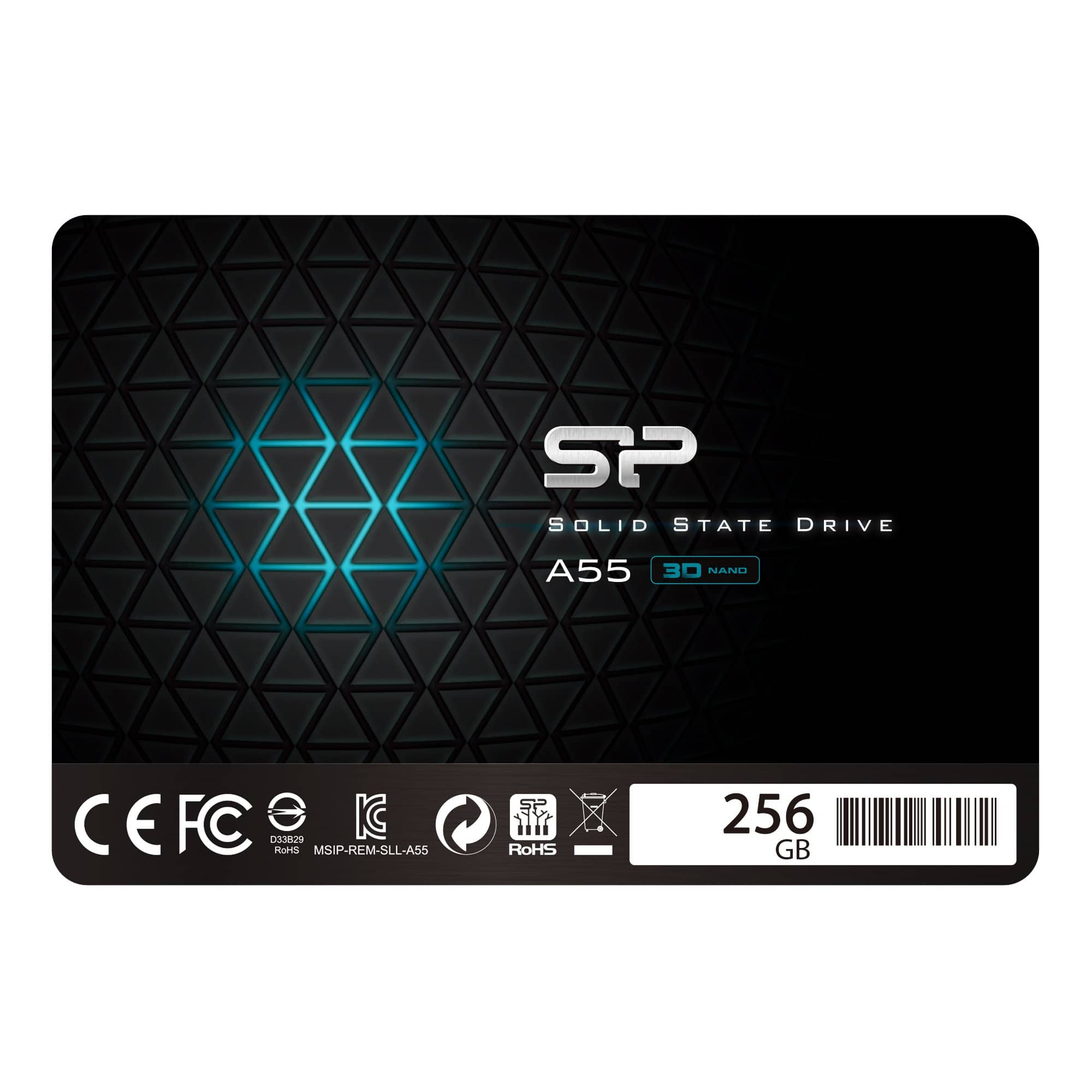
Silicon Power - 256GB SSD 3D NAND A55 SLC Cache Performance Boost SATA III 2.5" Internal Solid State Drive
About this product
An internal SATA III SSD with 256GB 3D NAND, SLC cache, and 460/450MB/s read/write performance.
(0)$45.99Your price for this item is $45.99SAVE $42.00 -
9

KingSpec - XG 7000 1TB M.2 2280 PCIe Gen 4.0x4 NVME 1.4 SSD up to 7400/6600MB/s (No Heatsink)
About this product
A high-speed internal SSD offering up to 7400MB/s read and 6600MB/s write speeds for gaming PCs.
(2)$149.99Your price for this item is $149.99SAVE $20.00 -
10
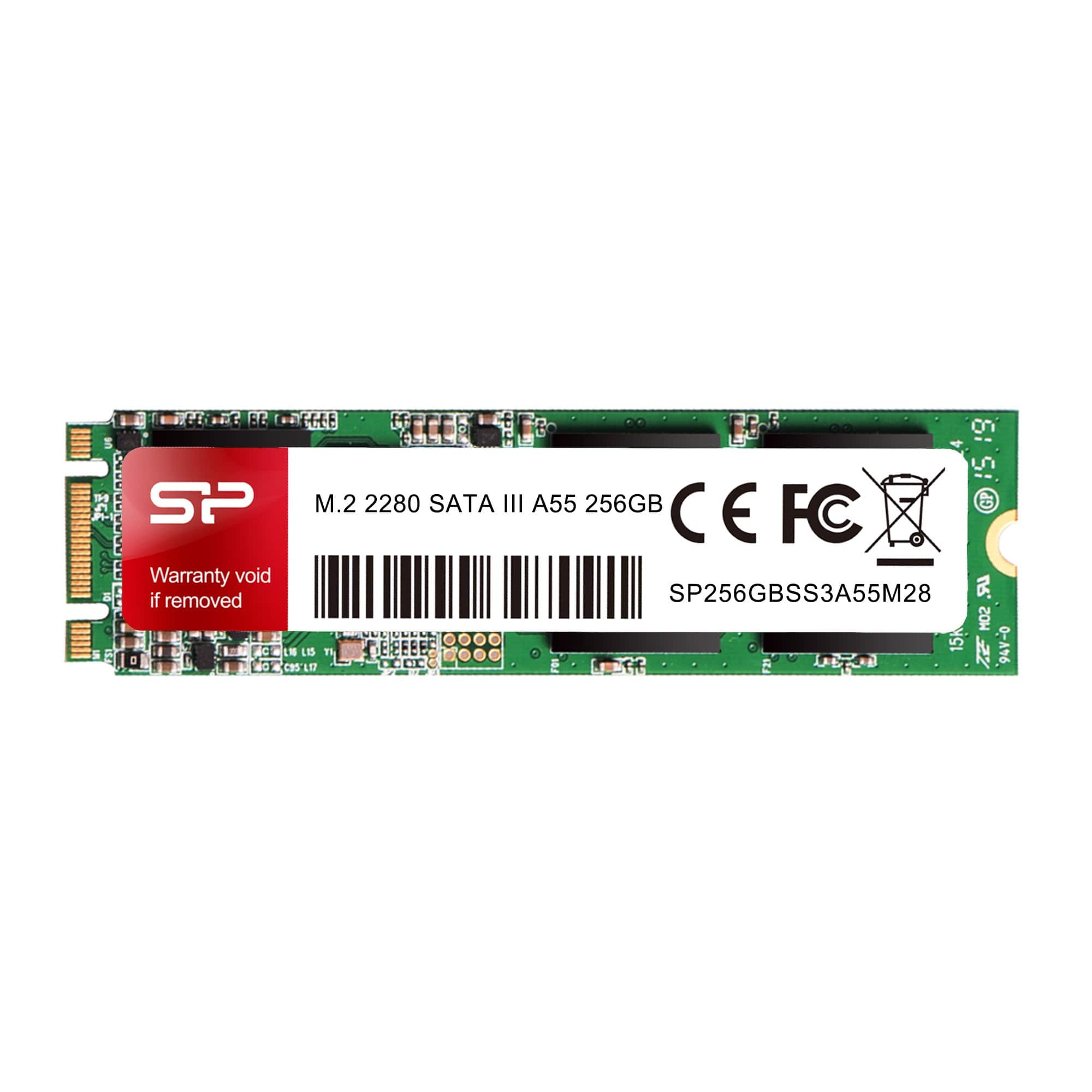
Silicon Power - 256GB A55 M.2 SSD (SLC Cache For Speed Boost) SATA III Internal Solid State Drive 2280
About this product
An internal M.2 SATA SSD with 3D NAND, SLC cache, and read/write speeds up to 560/530MB/s.
(0)$49.00Your price for this item is $49.00SAVE $42.99
Best SSD For Laptop
FAQs
Check your laptop manufacturer’s documentation for the supported storage interface, such as SATA or PCIe NVMe. Also confirm whether your laptop has a replaceable drive or soldered storage, and review any installation requirements before choosing an SSD.
SATA SSDs communicate through the SATA interface, while NVMe SSDs use the NVMe protocol over PCIe. Your laptop must support the drive’s interface and protocol, so these options are not automatically interchangeable.
You can typically transfer your operating system, applications, and files using compatible drive-cloning software. Another option is to install the operating system on the new SSD and restore your files from a backup. Follow your laptop manufacturer’s instructions and the migration software’s requirements.
An internal SSD connects inside your laptop and can hold its operating system, applications, and files. An external SSD connects through a compatible port, such as USB or Thunderbolt, and is commonly used for file storage and transfers between computers.
Some SSD manufacturers provide software for firmware updates, drive information, and data migration. Review which tools are available for the SSD you are considering and confirm that they support your laptop’s operating system.