Canon Powershot Camera
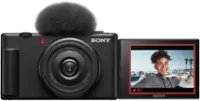
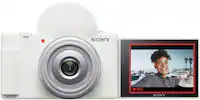
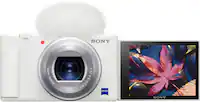
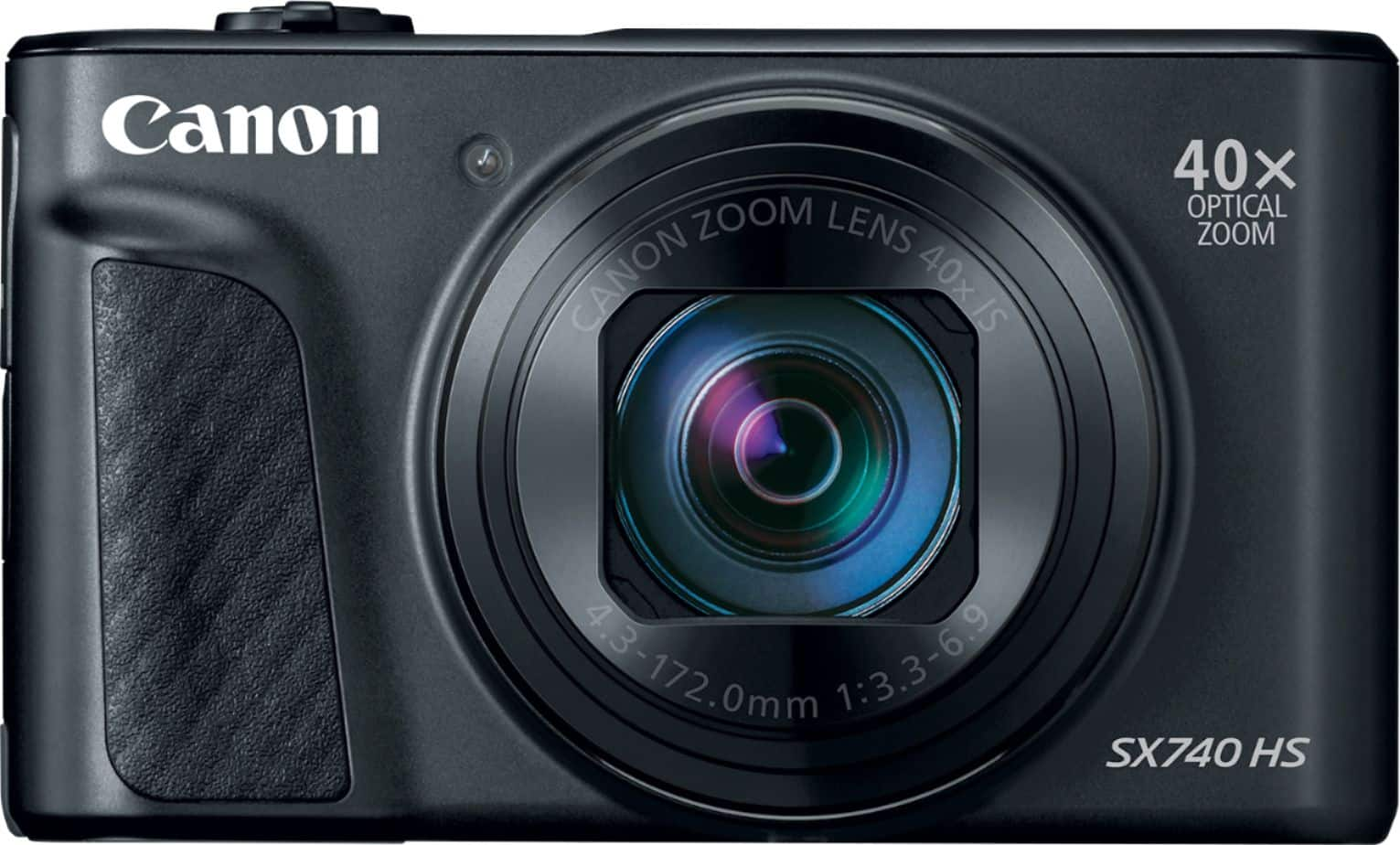
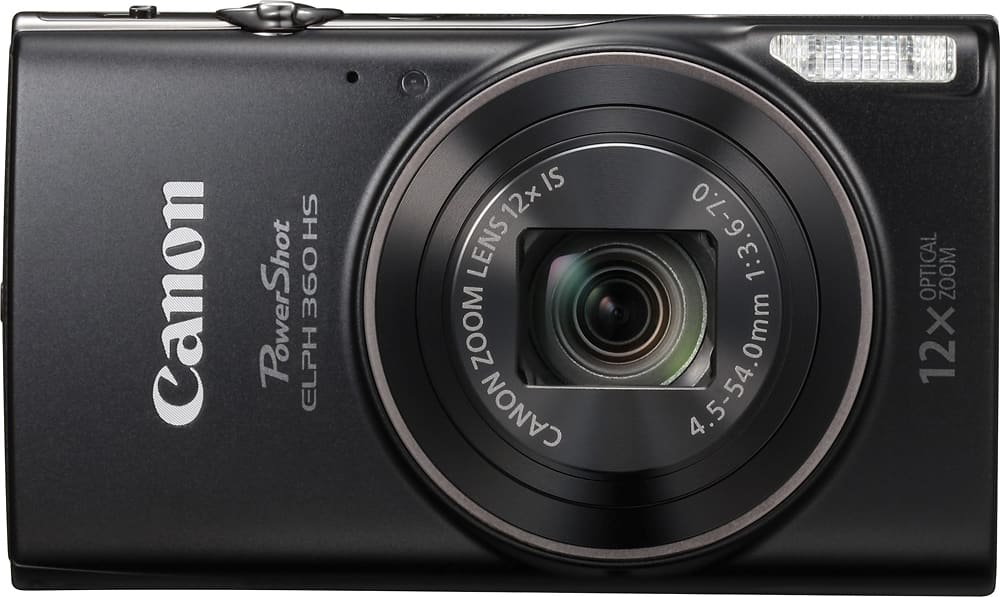
Compare Canon PowerShot cameras to find a digital camera for everyday photography, travel, or special occasions. Review the zoom range, dimensions, and shooting features listed for each model to choose one that fits how and where you take photos.


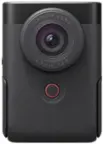
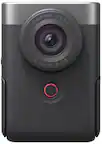


Canon Powershot Camera
FAQs
Canon PowerShot is a family of digital cameras with built-in lenses. Unlike interchangeable-lens cameras, PowerShot cameras do not require separate camera lenses. Shooting controls, zoom options, and recording features vary by model.
Optical zoom changes the lens’s focal length to adjust how much of a scene appears in the frame. Digital zoom crops and enlarges part of the captured image. Available zoom types and settings depend on the PowerShot model.
Depending on the model, Canon PowerShot cameras may offer automatic modes, scene presets, and manual exposure controls. Automatic modes select exposure settings for you, while manual controls let you adjust settings such as shutter speed, aperture, and ISO where supported.
JPEG is a common photo format for Canon PowerShot cameras, while RAW capture is available on select models. JPEG files have image processing applied in the camera. RAW files retain additional image data for editing and require compatible software.
Transfer options may include a compatible USB connection, a memory card reader, or wireless connectivity, depending on the camera. Models with supported wireless features may work with the Canon Camera Connect app. Check the camera’s specifications for connection methods and device compatibility.