Label Printers For Mailing Envelopes
-
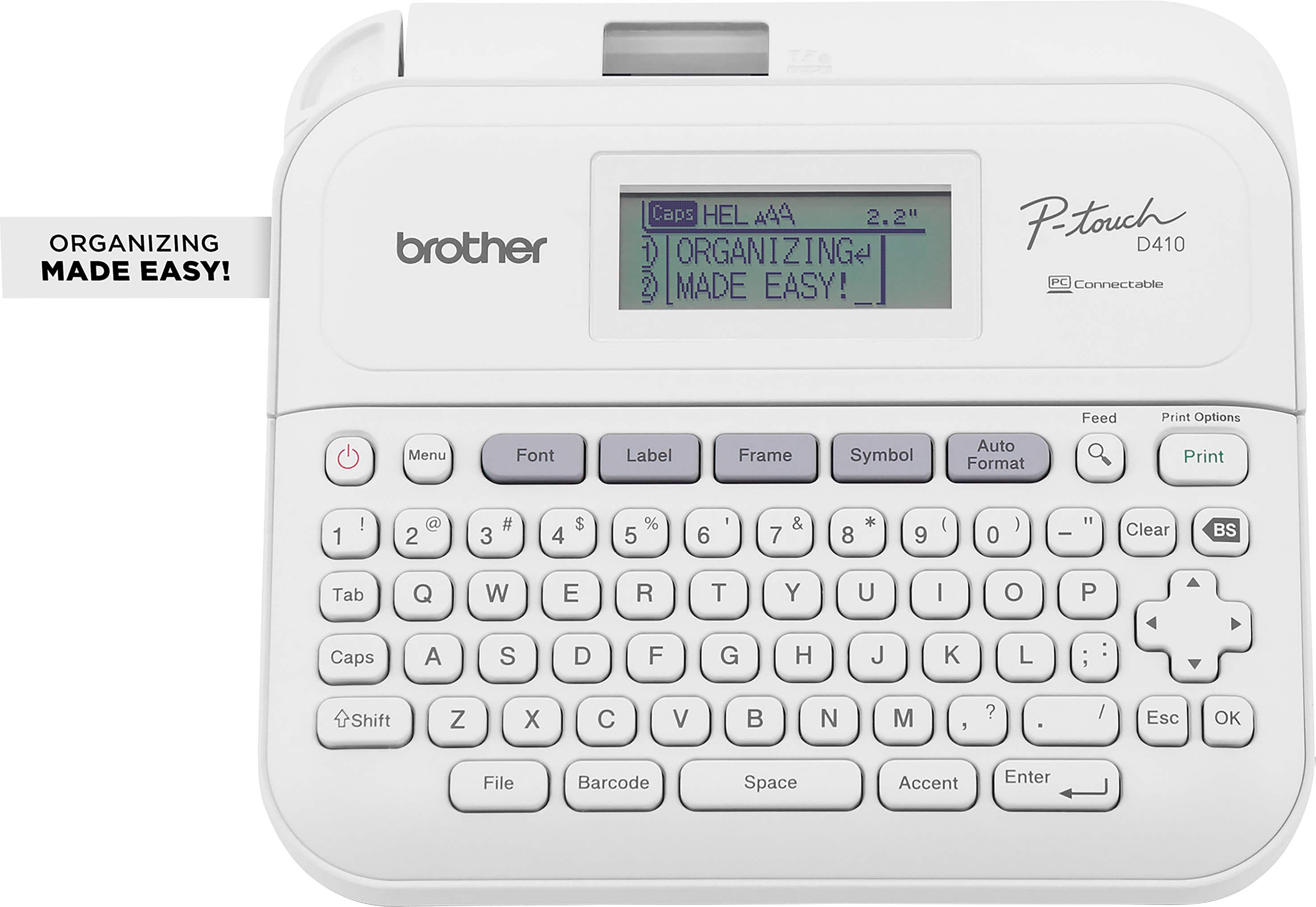
Brother - P-touch PT-D410 Label Printer - White
SKU: J7CJ38ZHWRThe flexibility of label tape size and colors are great and coupled with all of the font graphics settings
See all Label PrintersProduct Description
A versatile white label printer with USB connectivity, 15 fonts, 700 symbols, and a built-in QWERTY keyboard.Your price for this item is $54.99Save $15The previous price was $69.99 -
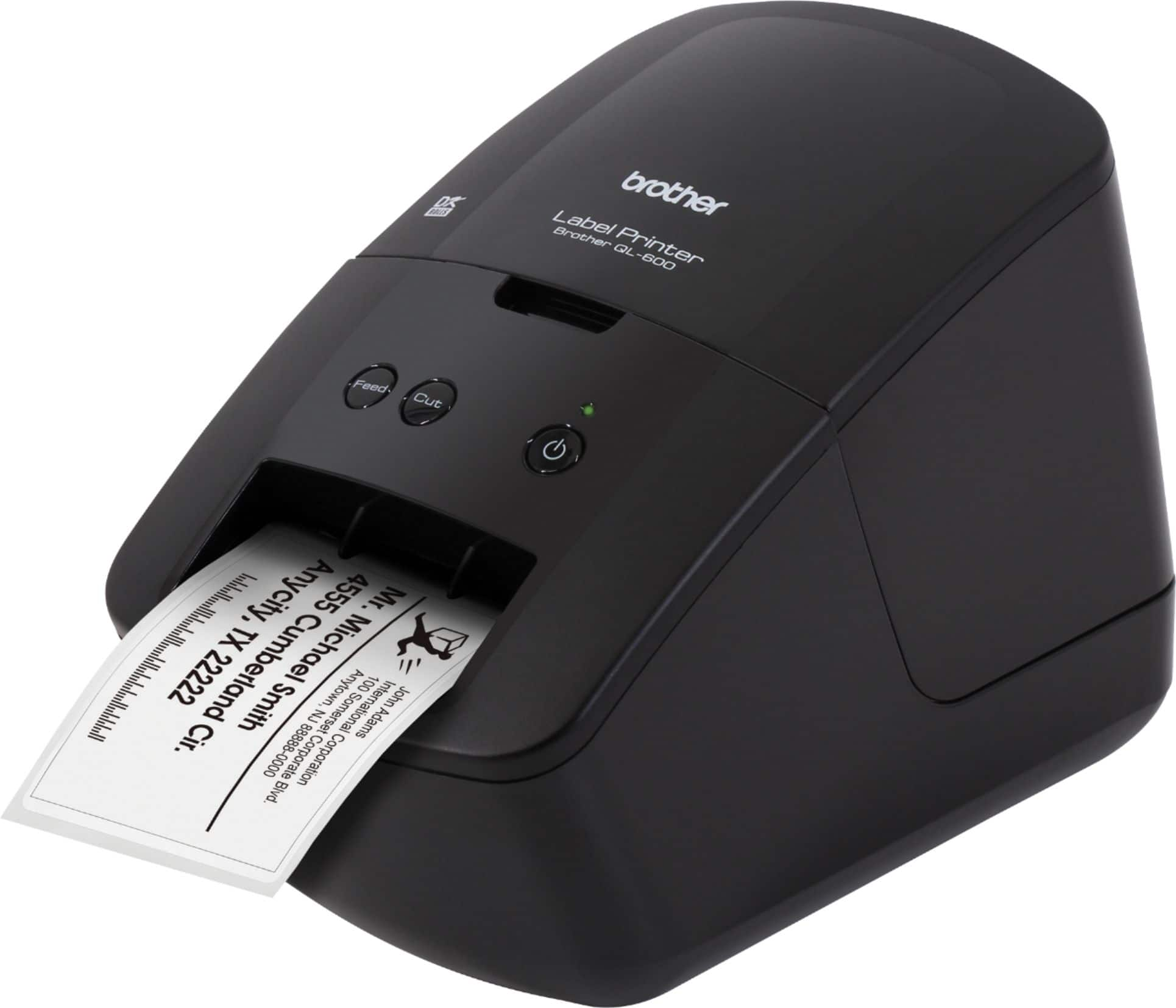
Brother - QL-600 Economic Desktop Label Printer - Black
SKU: J7CJ38Z2CCSee all Label PrintersProduct Description
A compact black desktop label printer offering high-resolution, fast, ink-free printing for home or office use.Your price for this item is $109.69 -
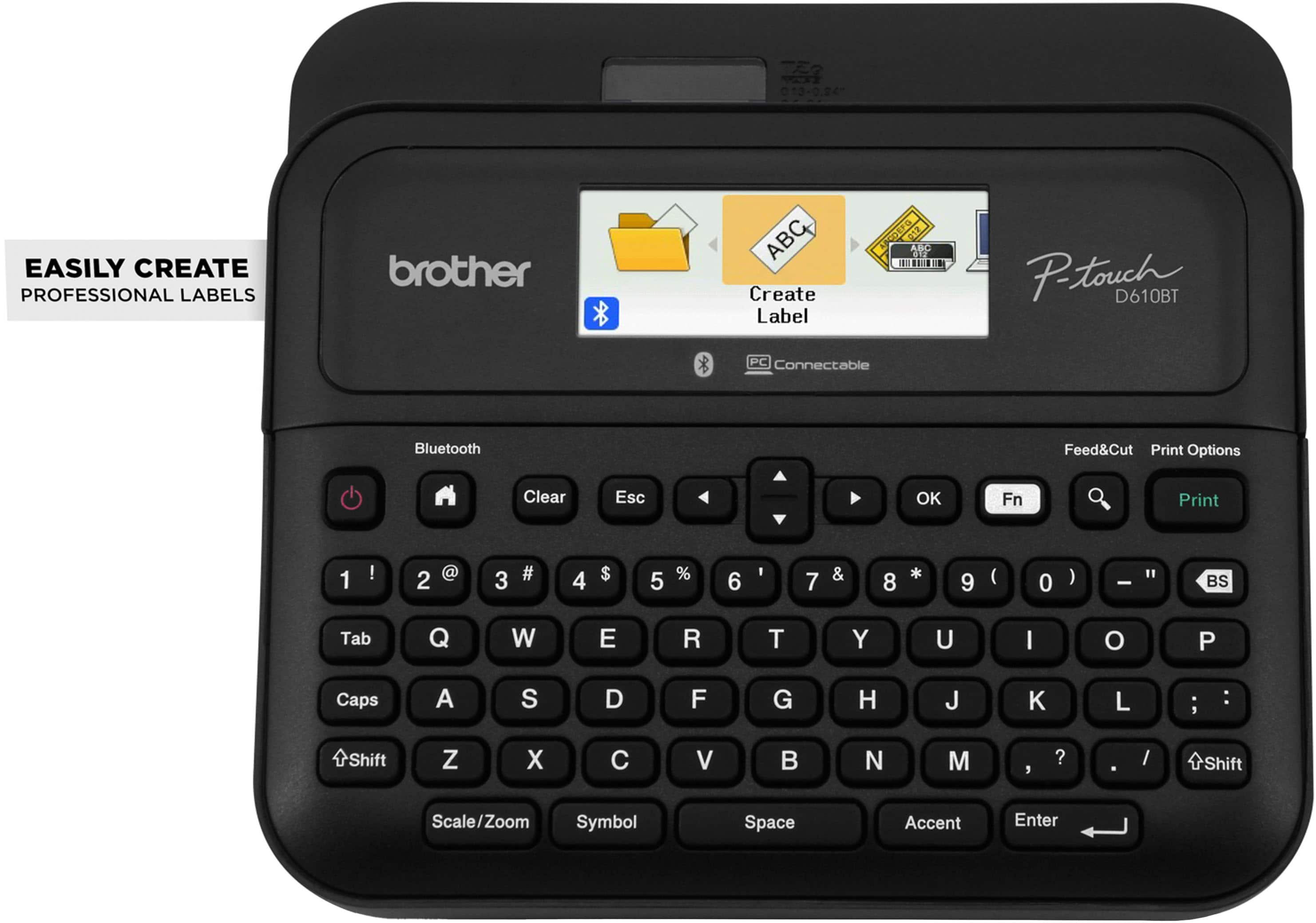
Brother - P-touch PT-D610BT Wireless Label Printer - Black
SKU: J7CJ38ZZJKI've used several different Brother label printers over the years and this one is the best by far.
See all Label PrintersProduct Description
A wireless black label printer offering high-resolution printing, Bluetooth connectivity, and a built-in automatic label cutter.Your price for this item is $114.98Save $19The previous price was $134.95 -
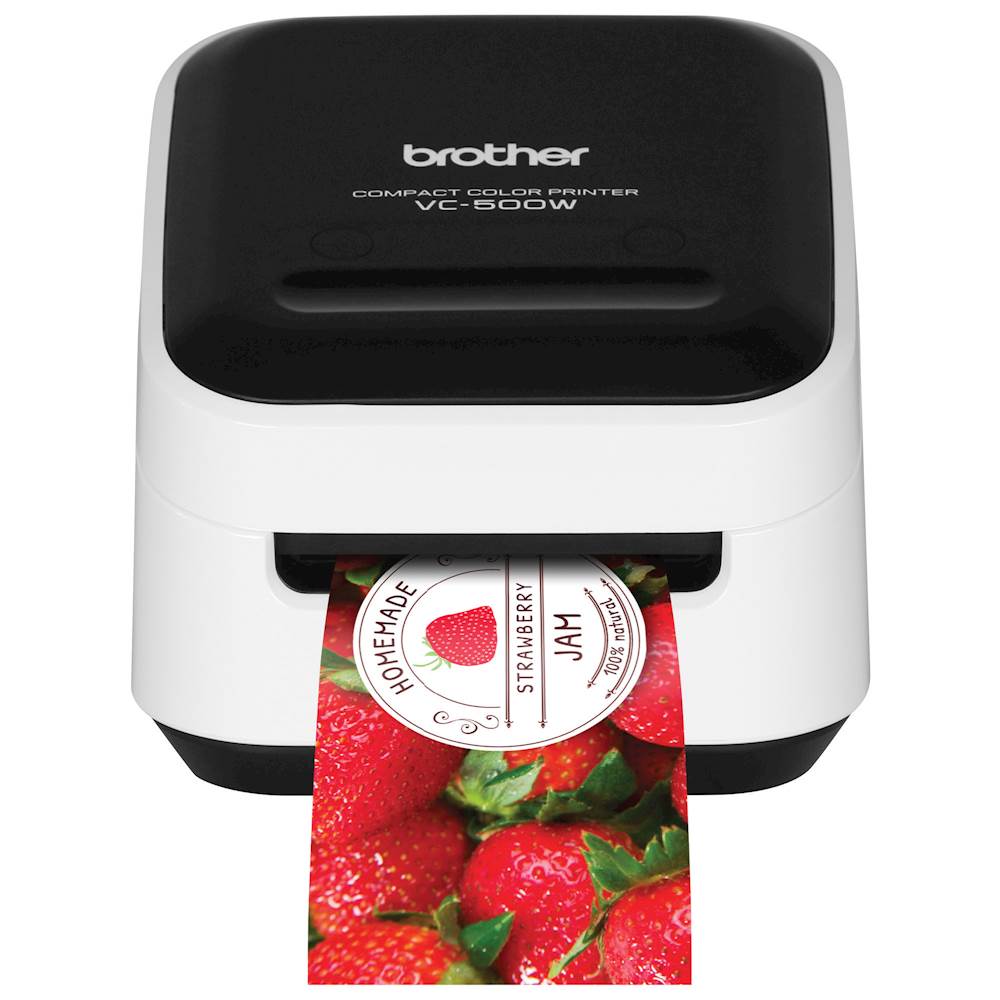
Brother - VC-500W Wireless Label Printer - White
SKU: J7CJ38K6FTSee all Label PrintersProduct Description
A compact white wireless label printer using ZINK Zero Ink technology for vibrant, smudge-resistant labels and photos.Your price for this item is $240.85Save $6The previous price was $247.36 -
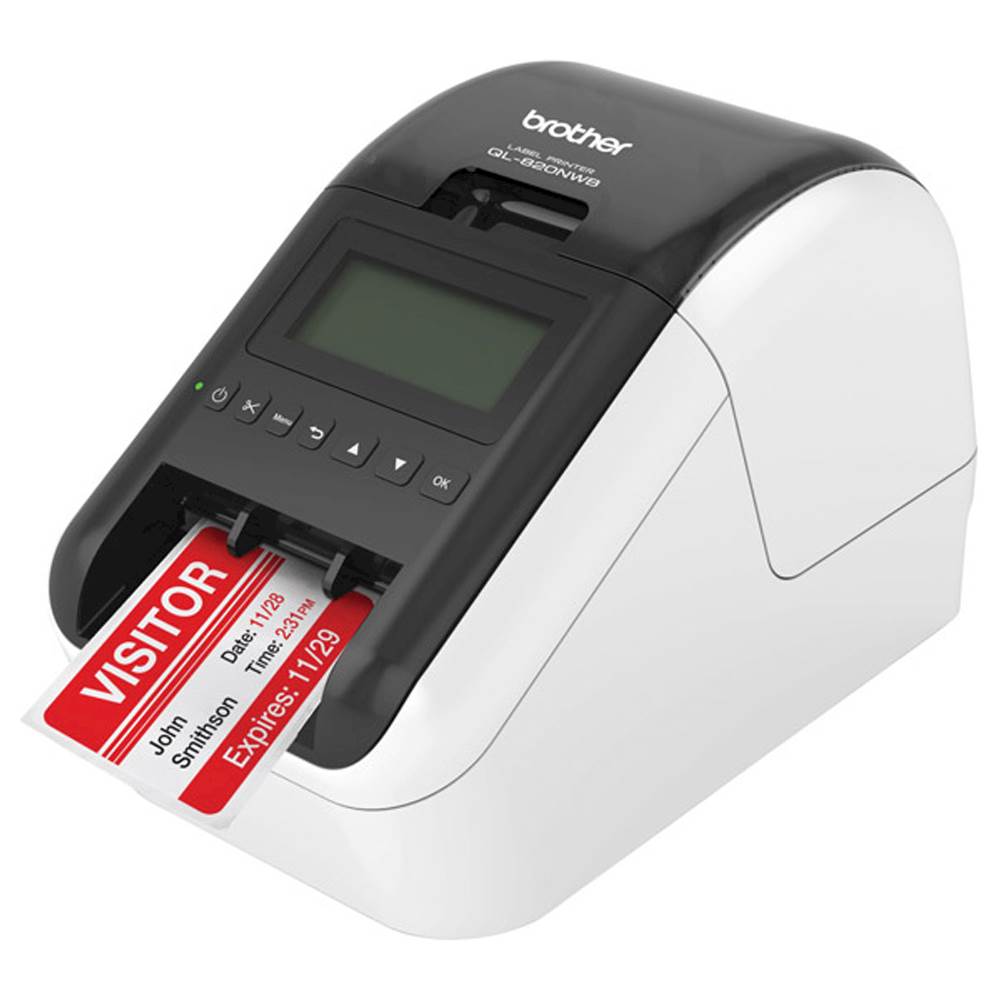
Brother - QL-820NWB Professional Thermal Label Printer with Multiple Connectivity Options - White/Black
SKU: J7CJ38KY2HGreat Thermal Printer!!...I love the mobile app and desktop application; they both are easy to use and I can print via Bluetooth...Definitely a great purchase!...Great Printer...I would love to know something...
See all Label PrintersProduct Description
A versatile white and black thermal label printer offering wireless, Bluetooth, and wired connectivity for efficient labeling.Your price for this item is $239.98Save $20The previous price was $259.99 -
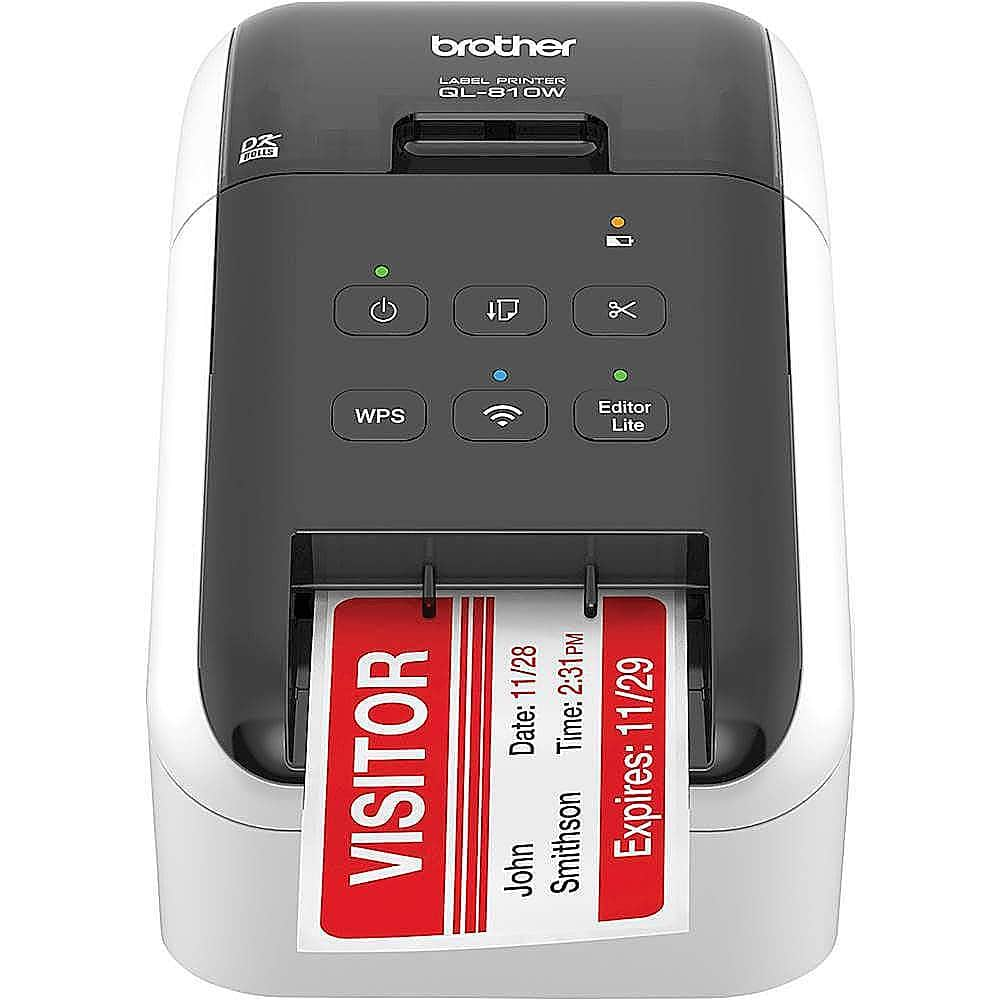
Brother - QL-810W Ultra-Fast Label Printer with Wireless Networking - White/Black
SKU: J7CJ38KY2YBest printer. Love the WiFi part. I don’t have to sit at the computer. All done on my cell phone....Bought battery and works great, no wires when using on the counter....Best of all no ink cartridges....
See all Label PrintersProduct Description
A wireless, ultra-fast label printer in white/black that prints black and red labels at 300 dpi.Your price for this item is $199.11 -
Brother - PT-P700 PC-Connectable Label Printer for PC and Mac - Black
SKU: J7CJ38WTP6Great printer...Love this printer, easy set up, had to print over 500 labels at once, multiple labels very easy....Best Investment for Labels...My daughter is starting school soon and this label printer...
See all Label PrintersProduct Description
A black, PC- and Mac-compatible label printer offering fast printing, automatic cutting, and versatile tape options.Your price for this item is $94.99 -
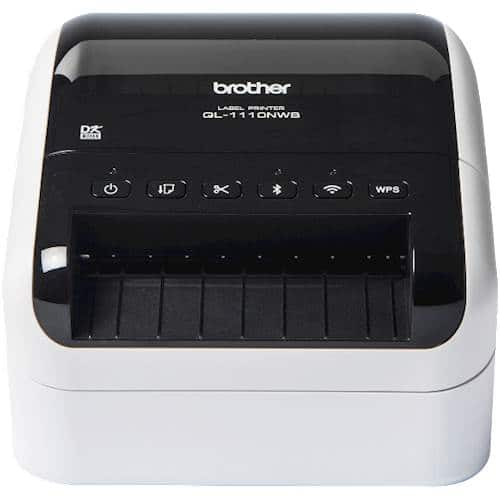
Brother - QL-1110NWB Wide Format, Professional Thermal Label Printer with Multiple Connectivity options - White/Black
SKU: J7CJ38K6GVBest Shipping Labeler on the Market, You can print anything with this!...Love this printer!...It has been a great printer so far and I have had only one small issue which I needed help from customer
See all All PrintersProduct Description
A high-speed white and black thermal label printer with Bluetooth, Ethernet, and wireless connectivity options.Your price for this item is $406.59 -
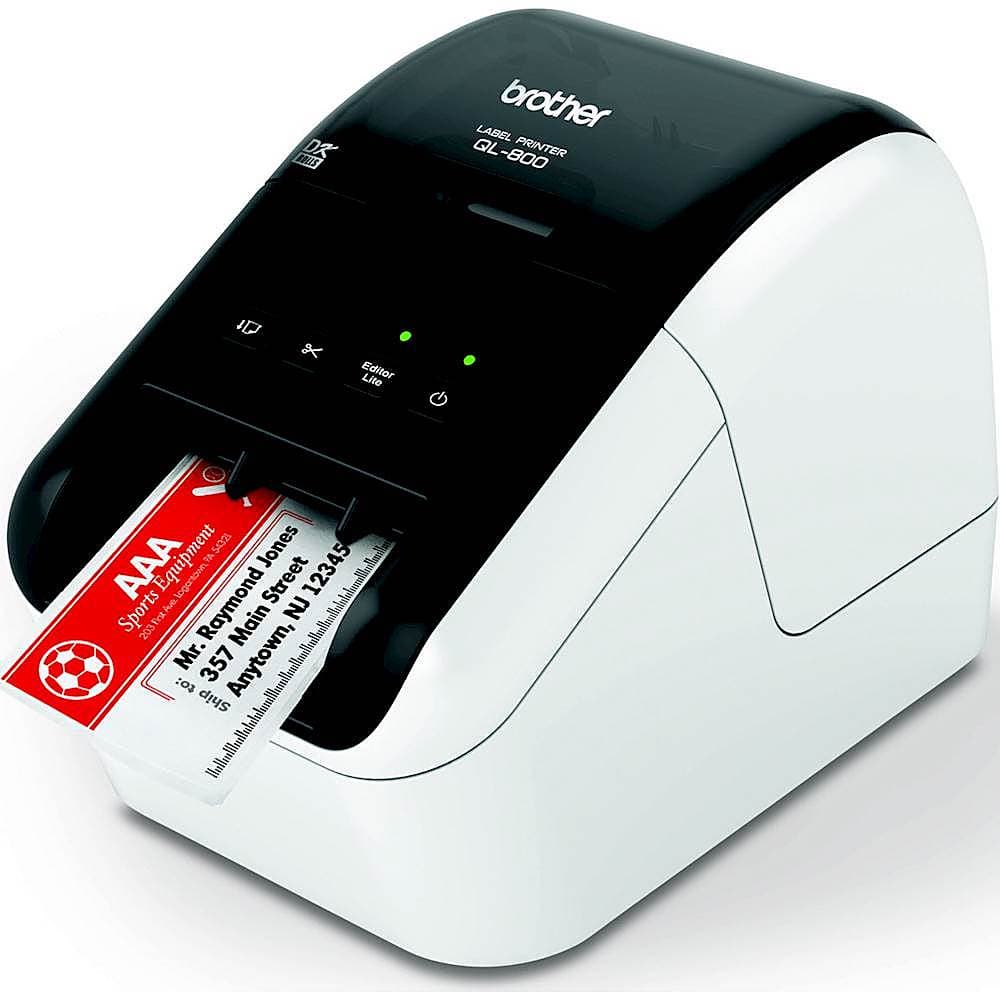
Brother - QL-800 High-Speed Thermal Label Printer - White/Black
SKU: J7CJ38KY2CIt is quick and easy to use and I love the label auto-cutter option!...Love this printer. I use it for my business to mail out orders....Other wise I love the printer
See all All PrintersProduct Description
A high-speed white and black thermal label printer that creates clear, multi-color labels without ink or toner.Your price for this item is $124.98Save $33The previous price was $158.56 -
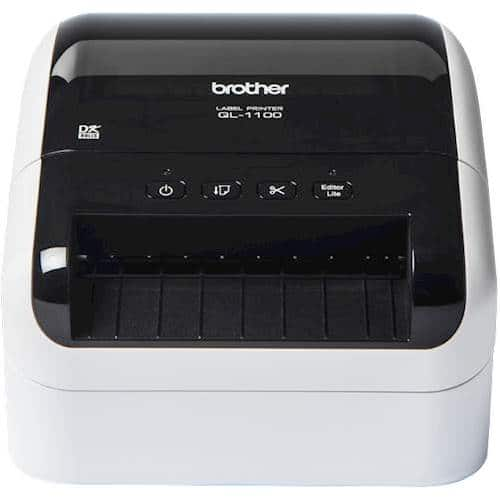
Brother - QL-1100 Wide Format, Postage and Barcode Professional Label Printer - White/Black
SKU: J7CJ38K6GGBest purchase ever!...Love it!
See all Label PrintersProduct Description
A professional white and black label printer offering fast, clear barcode and postage printing with plug-and-play convenience.Your price for this item is $272.60

Best Sellers



Related Pages


FAQ
When choosing a label printer for mailing envelopes, consider features such as wireless connectivity, compatibility with your operating system, print speed, ease of setup, and support for various label sizes and types. Some printers also offer software integration for popular mailing and shipping platforms.
Many modern label printers offer Bluetooth or Wi-Fi connectivity, allowing you to print directly from smartphones or tablets using dedicated apps or compatible software. Always check the product specifications to ensure mobile device compatibility.
Thermal label printers are often preferred for mailing envelopes because they use heat to print, eliminating the need for ink or toner. This can result in lower maintenance costs and faster printing speeds compared to inkjet models.
Most label printers come with their own software for designing and printing labels. Additionally, many are compatible with popular programs like Microsoft Word or shipping platforms such as USPS, UPS, and FedEx, making it easy to create professional-looking address labels.
To keep your label printer running smoothly, regularly clean the print head and rollers according to the manufacturer's instructions. Use only recommended labels and supplies, and update the printer's firmware when prompted to ensure compatibility with new devices and software.