Main Content

Label Printers For Classroom Supply

Label printers for classroom supply help keep educational spaces organized and efficient. Ideal for labeling folders, storage bins, books, and supplies, these devices make it easy for teachers and students to locate materials quickly. Whether preparing a new school year or updating your current system, choosing the right label printer can streamline daily routines and support a productive learning environment. Explore options designed to meet the unique needs of classrooms of all sizes.

Read More
Results
Main Results
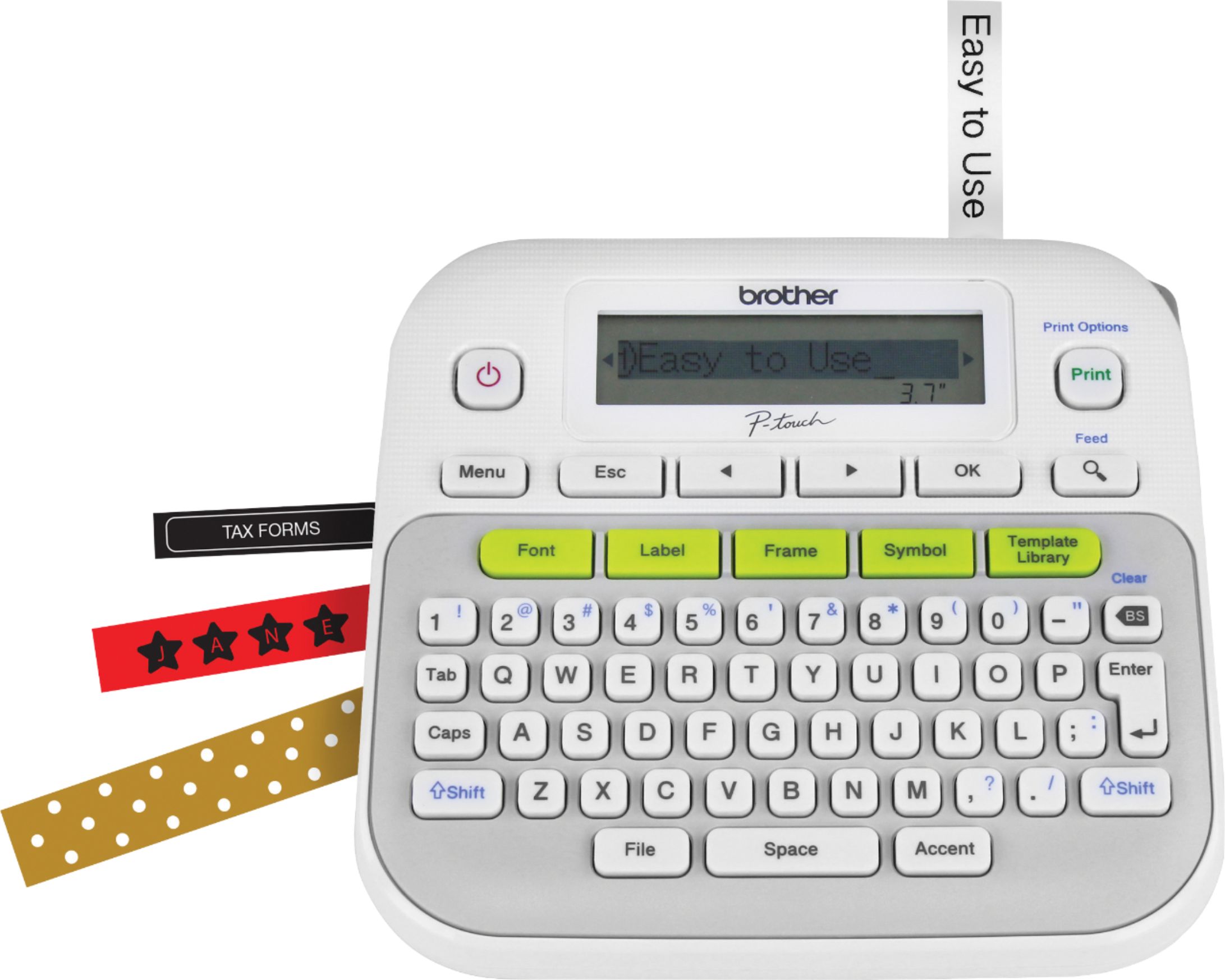
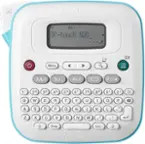
  1. Brother - P-touch, PT-D210, Easy-to-Use Label Maker, One-Touch Keys, Multiple Font Styles, 27 User-Friendly Templates - White/Gray

    SKU: J7CJ38WV6V

    Best Label Maker...I just love my label maker....Love it!...I love my new label maker. I have organized my pantry, filing, storage containers.

    Product Description

    A user-friendly white and gray label maker featuring one-touch keys, 14 fonts, and 27 quick templates.
    See all Label Makers
    Your price for this item is $118.88
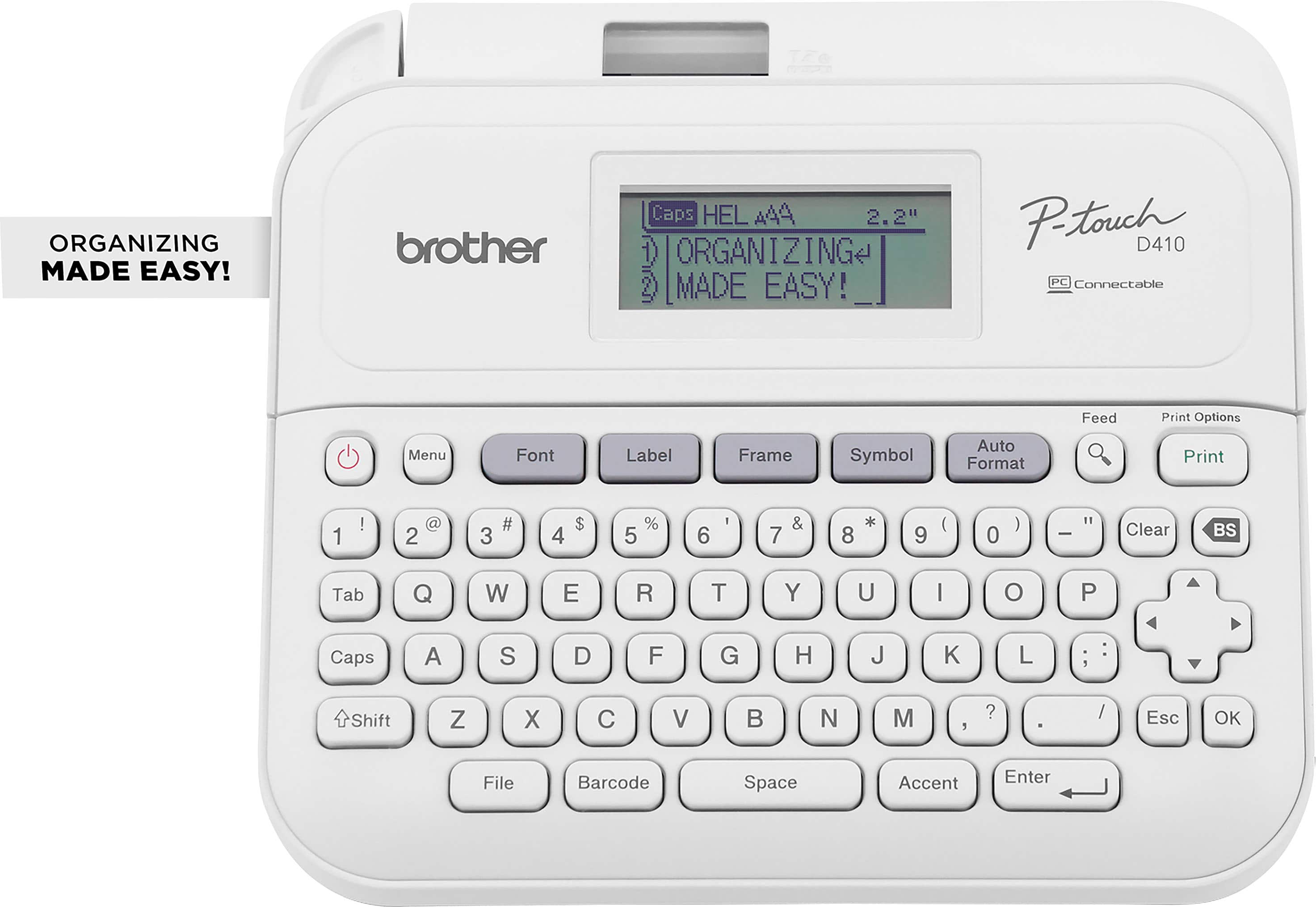
  2. Brother - P-touch PT-D410 Label Printer - White

    SKU: J7CJ38ZHWR

    The flexibility of label tape size and colors are great and coupled with all of the font graphics settings...Great for labeling your stuff

    Product Description

    A versatile white label printer with USB connectivity, 15 fonts, 700 symbols, and a built-in QWERTY keyboard.
    See all Label Printers
    Your price for this item is $69.98
    Save $0
    The previous price was $69.99
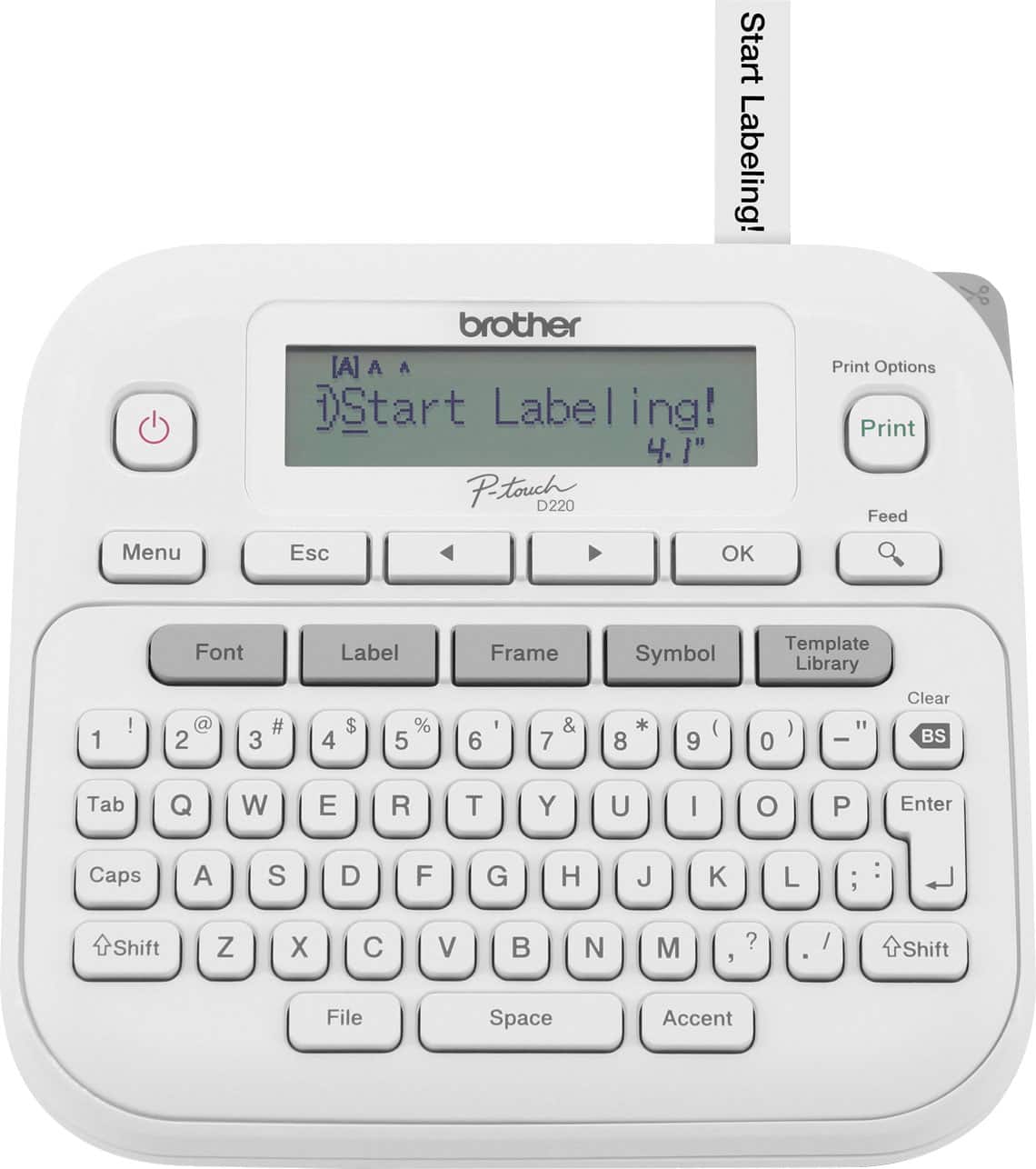
  3. Brother - P-touch PTD220 Label Printer, Great for Personalization and Storage/Organization - White

    SKU: J7CJ38ZZX9

    Product Description

    A versatile white label printer with QWERTY keyboard, one-touch formatting, and customizable fonts for easy organization.
    See all Label Printers
    Your price for this item is $34.99
    Save $15
    The previous price was $50.83
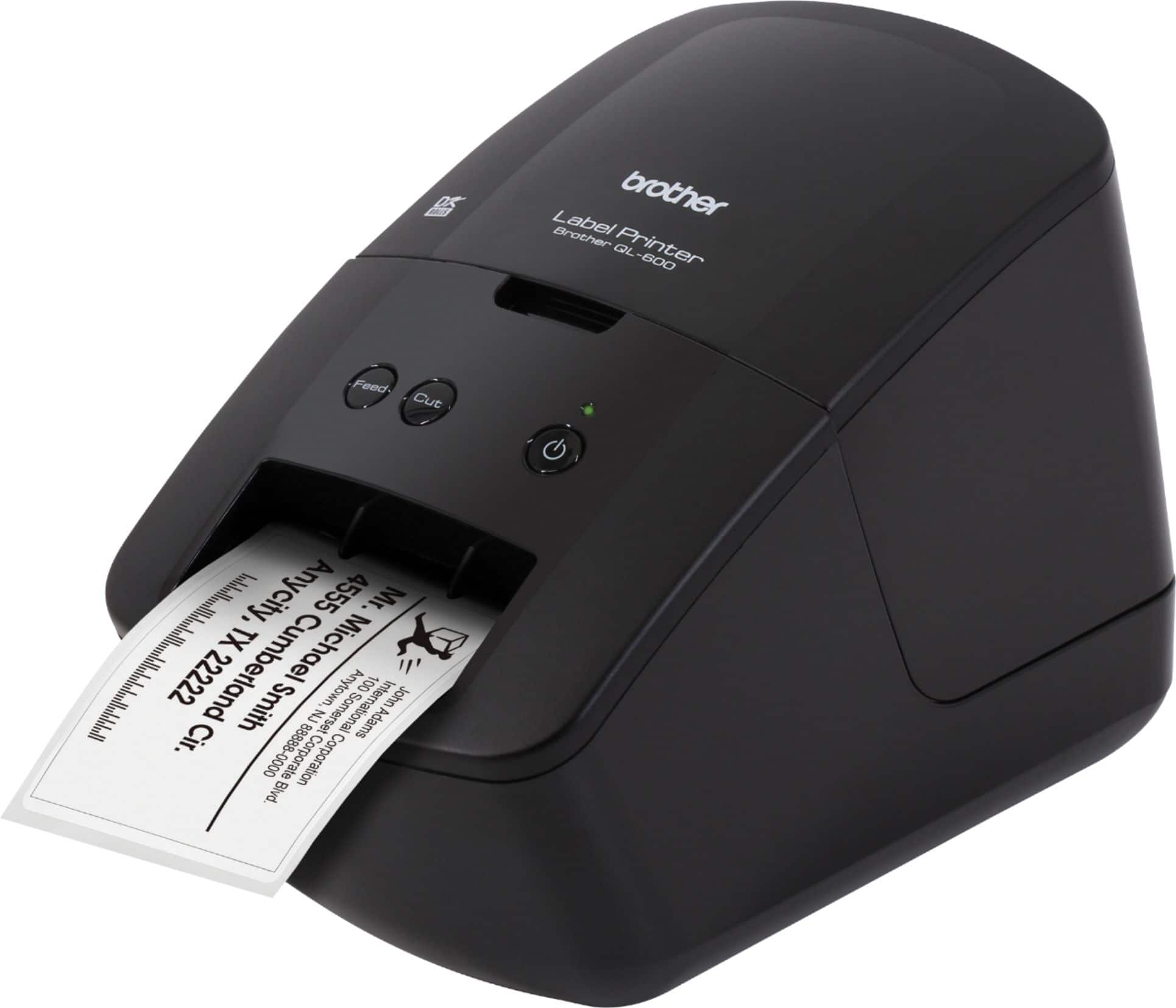
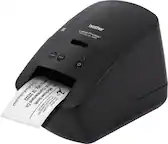
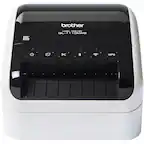
  4. Brother - QL-600 Economic Desktop Label Printer - Black

    SKU: J7CJ38Z2CC

    I hope I convey how great this printer is....To sum it up, this is one of Brothers best products.One last thing.

    Product Description

    A compact black desktop label printer offering high-resolution, fast, ink-free printing for home or office use.
    See all Label Printers
    Your price for this item is $111.72
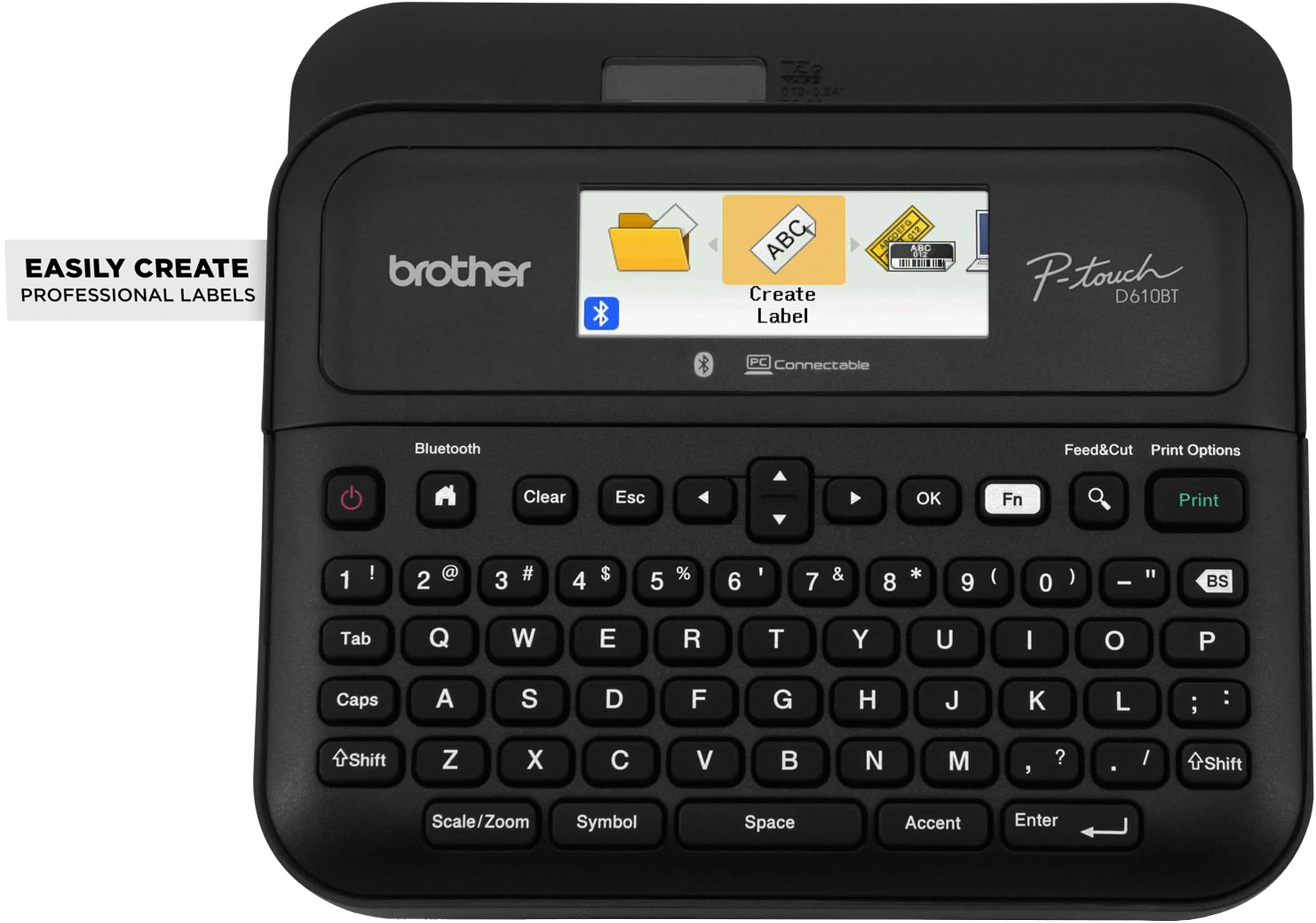
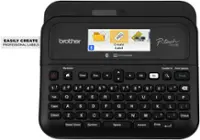
  5. Brother - P-touch PT-D610BT Wireless Label Printer - Black

    SKU: J7CJ38ZZJK

    Product Description

    A wireless black label printer offering high-resolution printing, Bluetooth connectivity, and a built-in automatic label cutter.
    See all Label Printers
    Your price for this item is $114.98
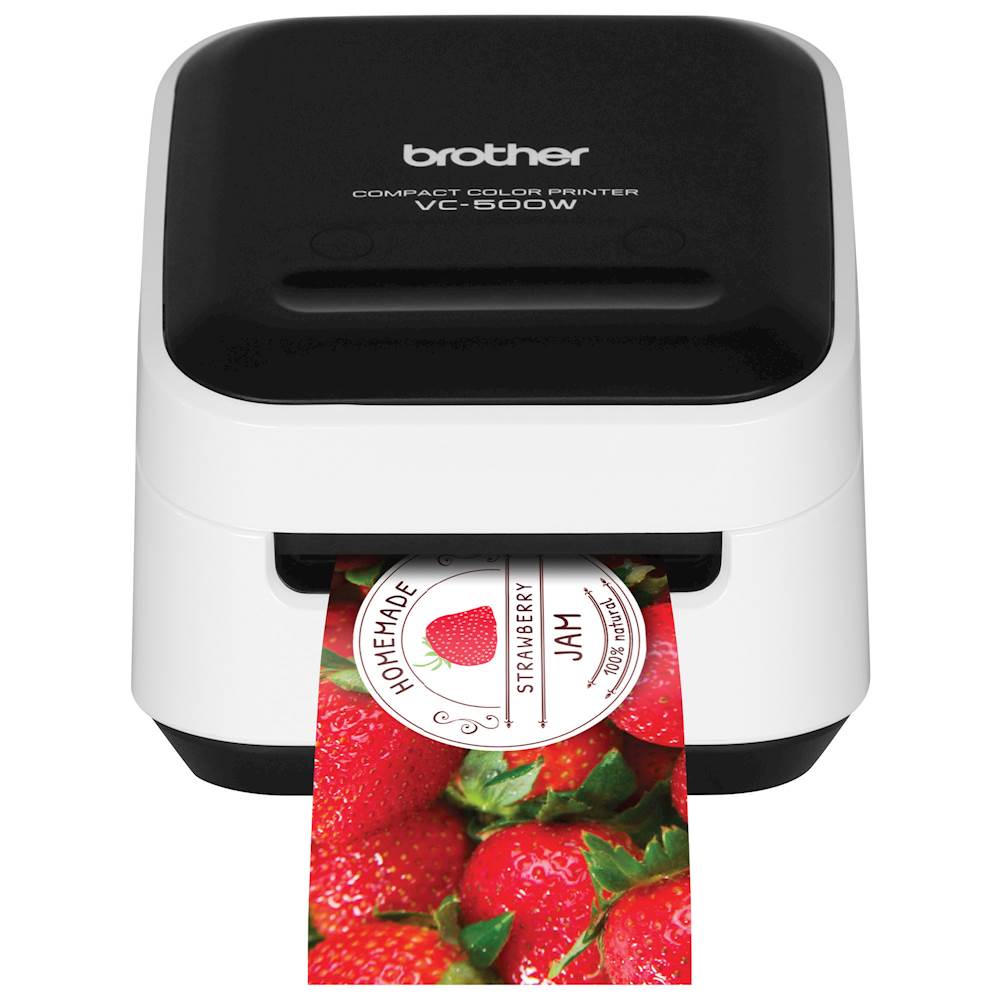
  6. Brother - VC-500W Wireless Label Printer - White

    SKU: J7CJ38K6FT

    Would love to see some color sticker options. That color shifting one in particular. ✌️

    Product Description

    A compact white wireless label printer using ZINK Zero Ink technology for vibrant, smudge-resistant labels and photos.
    See all Label Printers
    Your price for this item is $240.36
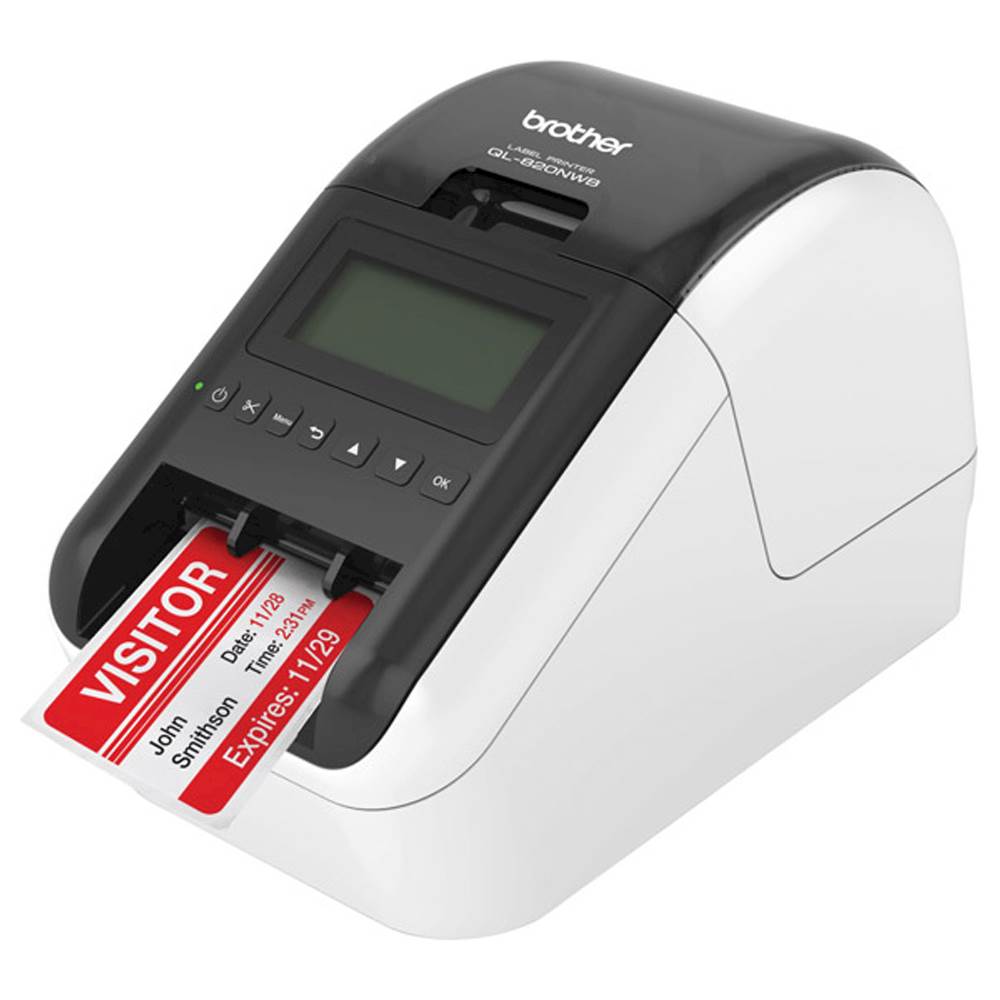
  7. Brother - QL-820NWB Professional Thermal Label Printer with Multiple Connectivity Options - White/Black

    SKU: J7CJ38KY2H

    Product Description

    A versatile white and black thermal label printer offering wireless, Bluetooth, and wired connectivity for efficient labeling.
    See all Label Printers
    Your price for this item is $199.00
    Save $94
    The previous price was $293.32
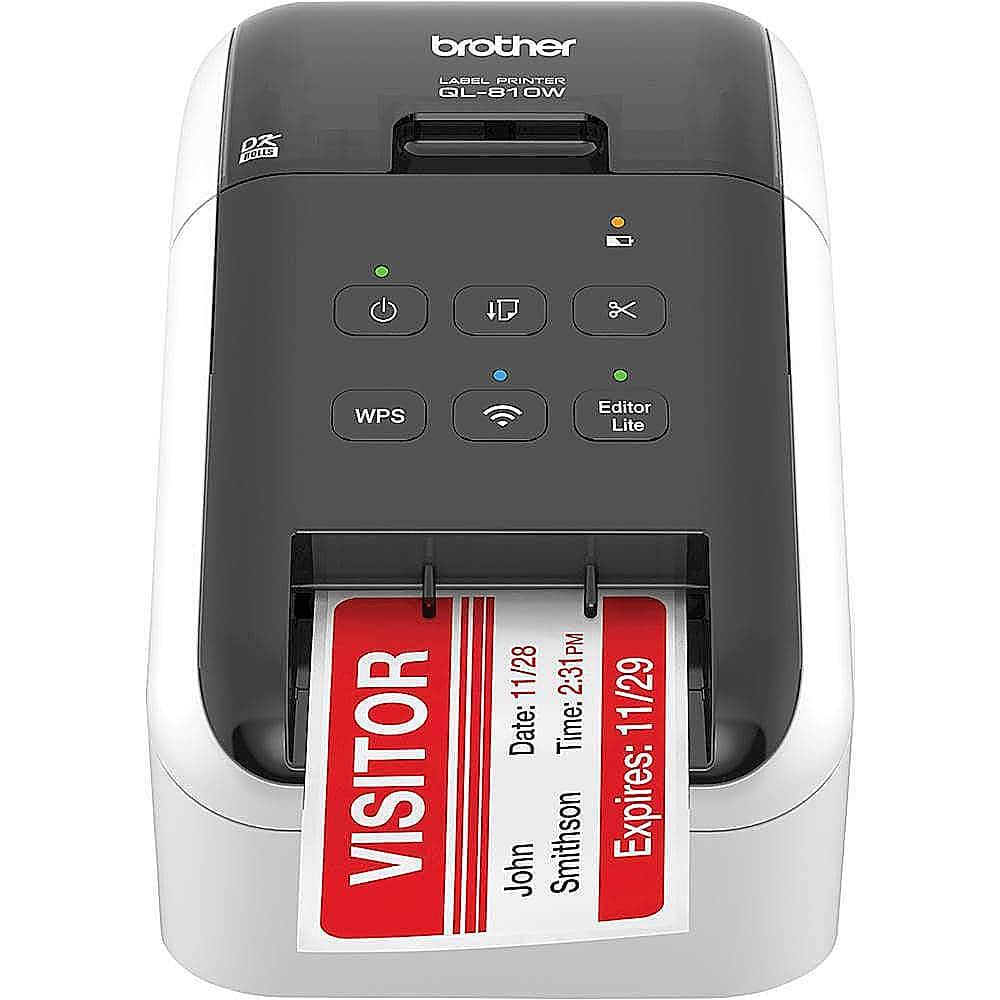
  8. Brother - QL-810W Ultra-Fast Label Printer with Wireless Networking - White/Black

    SKU: J7CJ38KY2Y

    love it...Brother at its best...

    Product Description

    A wireless, ultra-fast label printer in white/black that prints black and red labels at 300 dpi.
    See all Label Printers
    Your price for this item is $222.86
    Save $5
    The previous price was $228.18
  9. Brother - P-touch PT-N10 Personal Handheld Label Maker with Btag Tape, Great for Personalization and Storage/Organization - White

    SKU: J7CJ384CX8

    Great product. Was kind of hard to figure out once I did it was fantastic.

    Product Description

    A white handheld label maker with QWERTY keyboard, preview screen, and customizable fonts for easy organization.
    See all Label Makers
    Your price for this item is $32.32
    Save $8
    The previous price was $40.72
  10. Brother - PT-P700 PC-Connectable Label Printer for PC and Mac - Black

    SKU: J7CJ38WTP6

    Great hardware...Love the printer although, the software is quite non intuitive....I love that it doesn't take up a lot of room on my desk....Another great Brother product!

    Product Description

    A black, PC- and Mac-compatible label printer offering fast printing, automatic cutting, and versatile tape options.
    See all Label Printers
    Your price for this item is $94.99
Label printers for classroom supply organization can turn a busy room into a space that is easier to navigate, maintain and share. Teachers use them to identify student folders, cubbies, supply bins, book baskets, charging stations, art materials and learning centers, while school office staff, librarians, homeschool families and caregivers can use them to create a consistent system across multiple rooms. A clearly printed label does more than make a shelf look tidy: it helps students return materials to the right place, supports independent routines and makes it easier to locate essentials when the school day is moving quickly. A compact label printer can be especially helpful during the transition into a new school year, when classrooms are being arranged and supplies are being sorted, but its value continues through the cooler months as projects, seasonal decorations and new learning units add more items to the room. Labels can be made for individual names, subjects, grade levels, reading groups, homework folders, classroom jobs and shared equipment. They can also help distinguish materials that belong to different students, which is useful for reducing mix-ups with headphones, calculators, tablets, water bottles and other frequently handled items. For broader printing needs, explore Printing Supplies to find complementary items for an organized classroom workspace.

When choosing a label printer for a classroom, consider how it will be used, where it will be stored and who will operate it. Standalone models with built-in keyboards are useful when a teacher wants to type and print without relying on a phone, tablet or computer. They can be convenient at a supply table or desk, particularly when making a quick replacement label between lessons. Bluetooth-enabled models connect with a mobile device and may offer more design flexibility through an app, including varied fonts, symbols, borders, icons and custom layouts. This option can suit teachers who enjoy creating coordinated labels for color-coded bins, classroom libraries or activity stations. Portability also matters. A lightweight printer that fits in a desk drawer, tote bag or rolling cart can move between classrooms, offices and storage areas, while a desktop design may be better for frequent, high-volume labeling in one location. Look at the label width and available formats as well as the printing method. Inkless direct thermal printing avoids conventional ink cartridges and toner, which can simplify maintenance and reduce the chance of a messy replacement during a hectic school day. Some machines use adhesive rolls, while others are compatible with durable laminated or coated tapes. For bins that may be wiped clean, water-resistant labels can be a practical choice. For folders and paper handouts, a basic adhesive label may be sufficient. It is also worth checking how labels are cut, whether the device includes a preview before printing, how it is powered and whether replacement tape is easy to find. A printer with simple controls may be the best fit for younger students or classroom volunteers, while app-based design tools can give older students supervised opportunities to create labels for group projects and shared spaces.

Durability and readability are central to classroom labeling, where supplies may be handled dozens of times each day. Choose lettering that is large enough to read from a short distance, with strong contrast between the text and label background. Clear category names such as “markers,” “math tools,” “unfinished work” and “return here” can be more useful than decorative wording, especially for early readers or students who benefit from visual structure. Name labels for personal items should leave enough room for a full name or identifying detail without becoming crowded. Labels placed on plastic tubs, laminated folders, metal shelves and smooth storage drawers may need different adhesive performance, so clean and dry the surface before applying them and press along the edges to help prevent lifting. For frequently touched objects, laminated or coated labels can resist tearing, light moisture and fading better than ordinary paper alternatives. Thermal labels are often valued for producing crisp text without wet ink, making them convenient for rapid organization after unpacking classroom supplies or preparing materials for a new activity. A label printer can also make a thoughtful, practical gift for a new teacher, student teacher, teaching assistant, librarian or parent creating a dedicated homework and craft area at home. It is the kind of tool that may begin with a few names on folders and grow into a complete visual system: a row of labeled book bins, neatly sorted manipulatives, clearly marked technology accessories and a welcoming place for every item. During the warmer part of the school year and into the cooler season, that structure can save small amounts of time repeatedly, helping educators spend less energy searching for materials and more energy supporting students.

FAQ

When choosing a label printer for classroom supplies, consider features like wireless connectivity, compatibility with various devices, ease of use, speed of printing, and the ability to print different label sizes and styles. Some models also offer built-in templates and rechargeable batteries for added convenience.

Yes, label printers are ideal for organizing classroom materials. They can help teachers create clear labels for bins, folders, books, and other supplies, making it easier for students to find and return items while promoting an organized learning environment.

Many modern label printers are compatible with both Windows and Mac operating systems. Always check the product specifications to ensure compatibility with your classroom's computers or tablets before purchasing.

Most label printers come with their own software or apps that make designing and printing labels simple. Some also allow you to use third-party design programs or connect directly to your device via Bluetooth or Wi-Fi for added flexibility.

Labels produced by quality label printers are typically designed to be durable and long-lasting. Many are resistant to smudging, fading, and moisture, making them suitable for everyday classroom use on a variety of surfaces.