Responsive Monitors For Fast Workflows
-
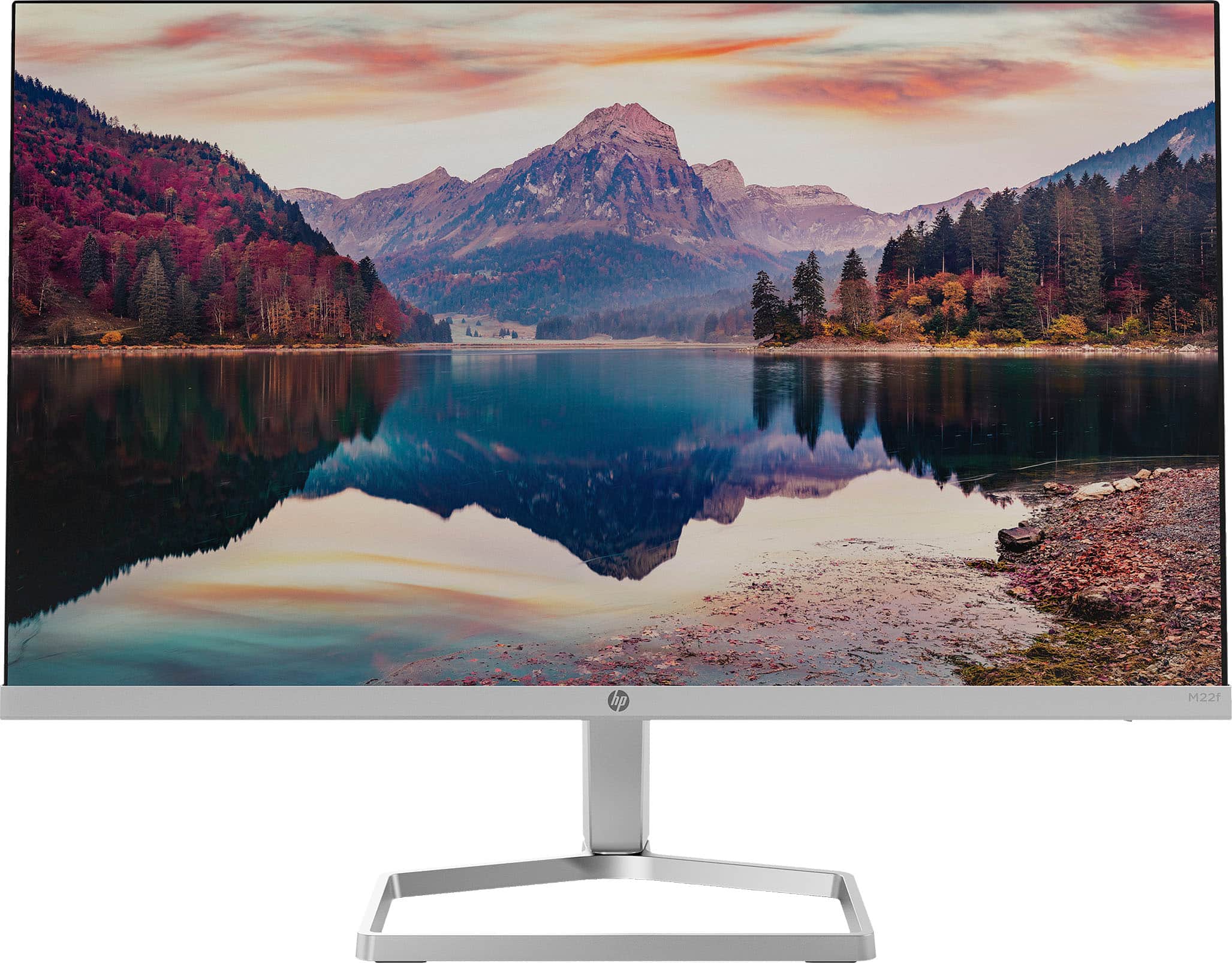
HP - 21.5" IPS LED Full HD FreeSync Monitor (HDMI, VGA) - Silver & Black
SKU: JJ8VY94PCRGreat customer...Great product. Great customer service. Great, technical service. I love Best Buy....Great! Love it! Awesome monitor and service at Tyler Best Buy
See all All MonitorsProduct Description
A sleek silver and black IPS LED monitor with Full HD resolution, FreeSync, and ultra-wide viewing angles.Your price for this item is $99.99Save $50The previous price was $149.99 -
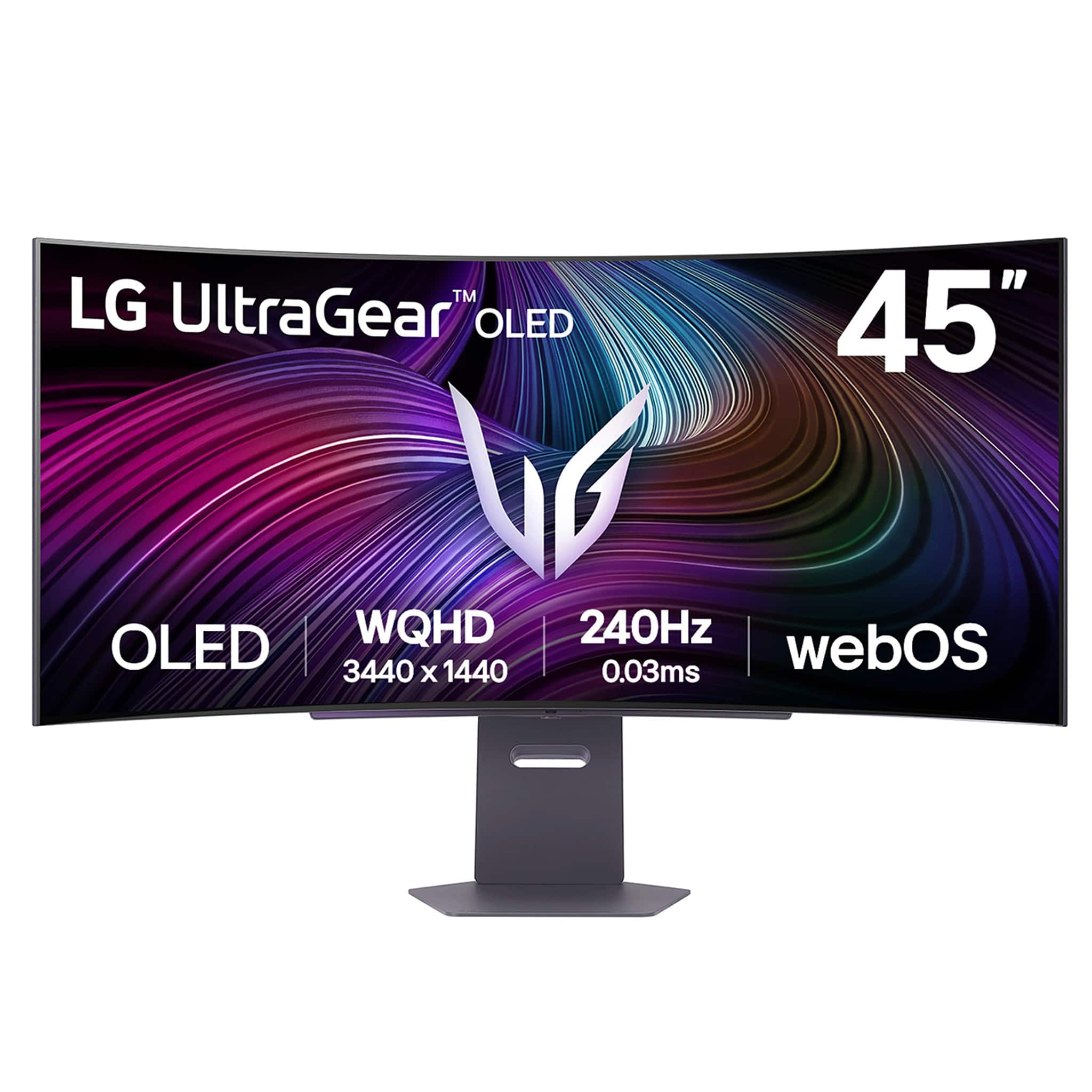
LG - UltraGear 45" OLED QHD 240Hz 0.03ms G-Sync/FreeSync Premium Pro Smart Gaming Monitor with DisplayHDR 400 TRUE - Black
SKU: JJ8VPZWYXRBest oled...The best monitor to date. I love this thing. Amazing movies...Great deal...Best monitor I’ve ever had, it’s big but the curve and display just make it look perfect and I love the
See all Gaming MonitorsProduct Description
A curved black OLED gaming monitor with 240Hz refresh rate, 0.03ms response, and G-Sync/FreeSync support.Your price for this item is $1,099.99Save $600The previous price was $1,699.99 -
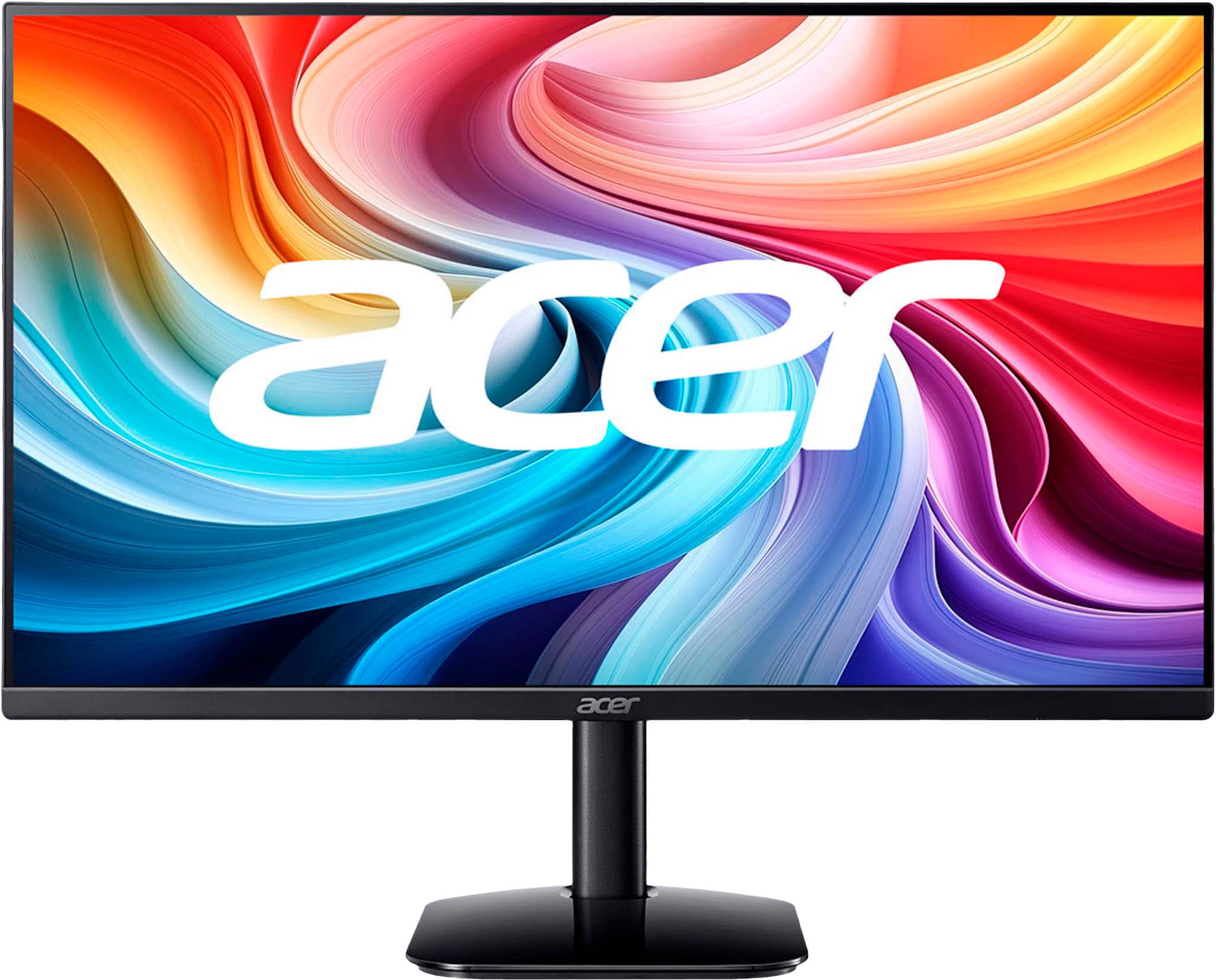
Acer - KA242Y G0bi 24" IPS LED FHD 120Hz 1ms FreeSync Monitor (HDMI,VGA) - Black
SKU: JJ8V8H2668Been using it for a week or two now and it’s been the best thing I have ever gotten for my pc....These are great monitors with excellent specs for the price....Got this for $90 CAD on sale and I love...
See all All MonitorsProduct Description
A sleek black IPS LED monitor with 120Hz refresh rate, 1ms response, and AMD FreeSync support.Your price for this item is $129.99 -
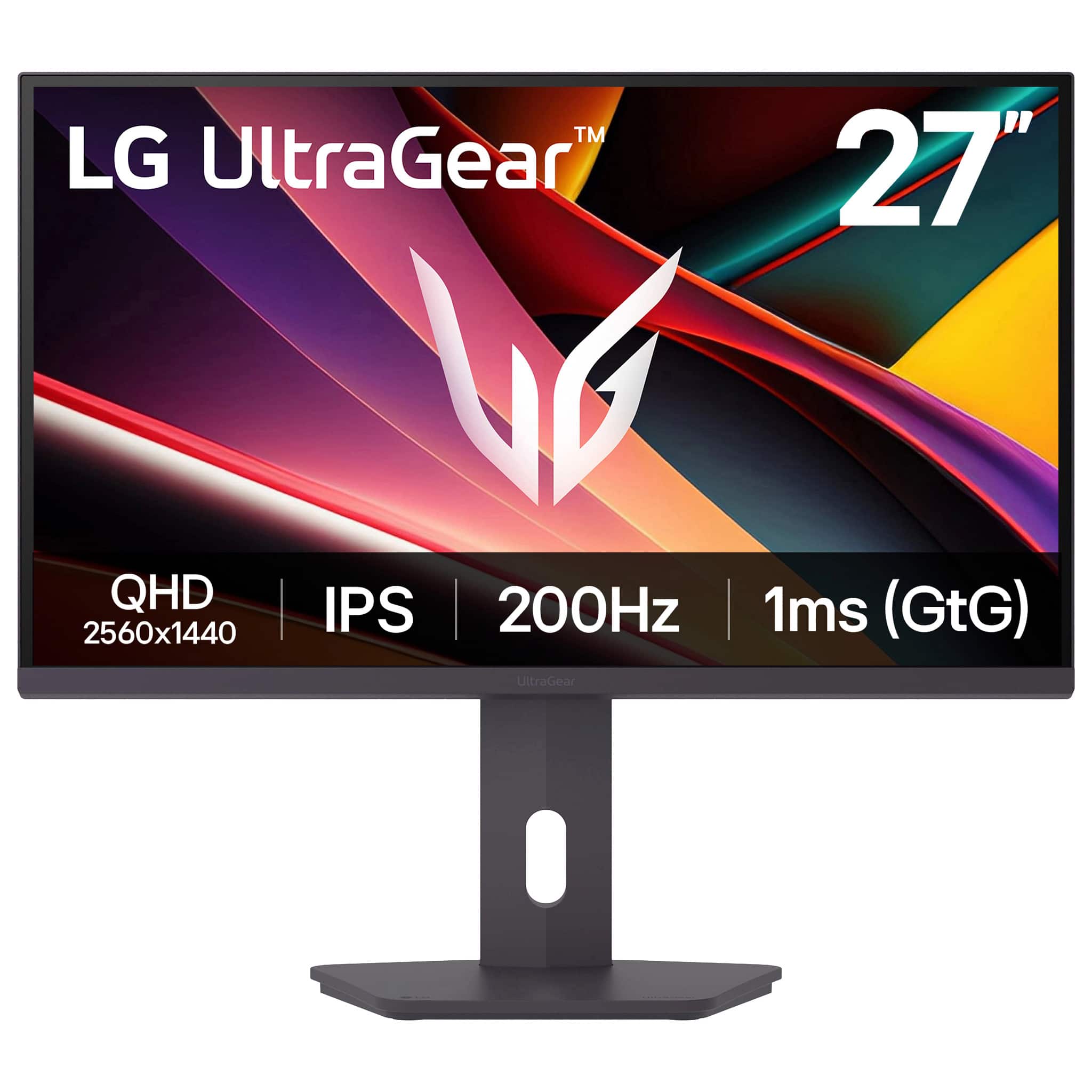
LG - UltraGear 27" IPS QHD 200Hz Gaming Monitor with DisplayHDR 400 (HDMI, DisplayPort) - Black
SKU: JJ8VPZKQJ3Great Monitor...Bought it for my kid and they love it. Great picture and quality....One of the best monitors ive seen...Great performance and color for $200. Would definitely recommend
See all Gaming MonitorsProduct Description
A black IPS QHD gaming monitor featuring 200Hz refresh rate, 1ms response, and DisplayHDR 400 support.Your price for this item is $249.99 -
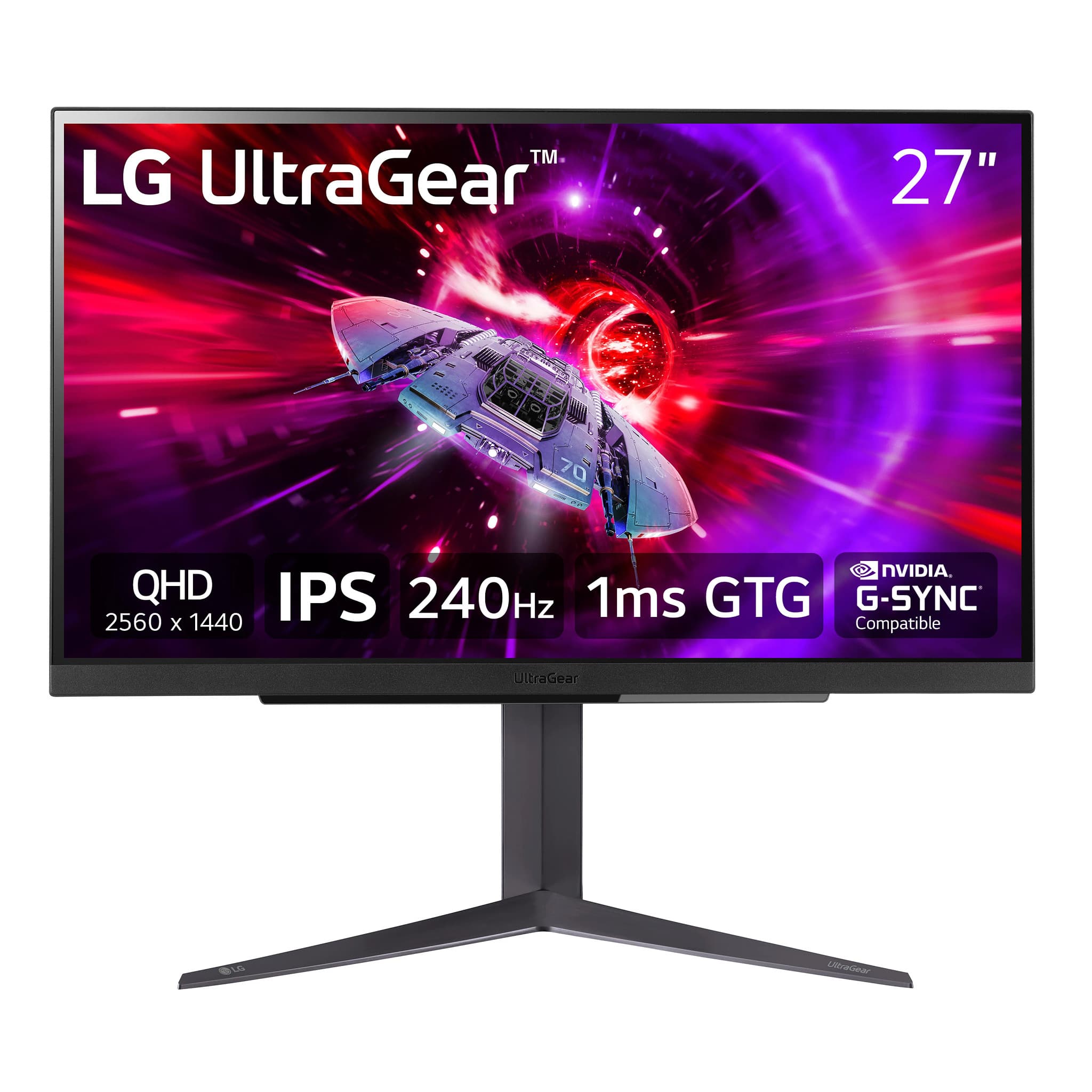
LG - UltraGear 27" QHD 240Hz 1ms NVIDIA G-SYNC and AMD FreeSync Premium with DisplayHDR 400 (HDMI, DisplayPort, USB) - Black
SKU: JJ8VPZRS8XGreat Gaming Monitor...Overall, it is a great monitor for competitive gaming and everyday use.
See all All MonitorsProduct Description
A black IPS gaming monitor featuring QHD resolution, 240Hz refresh rate, 1ms response, and HDR400 support.Your price for this item is $499.99 -
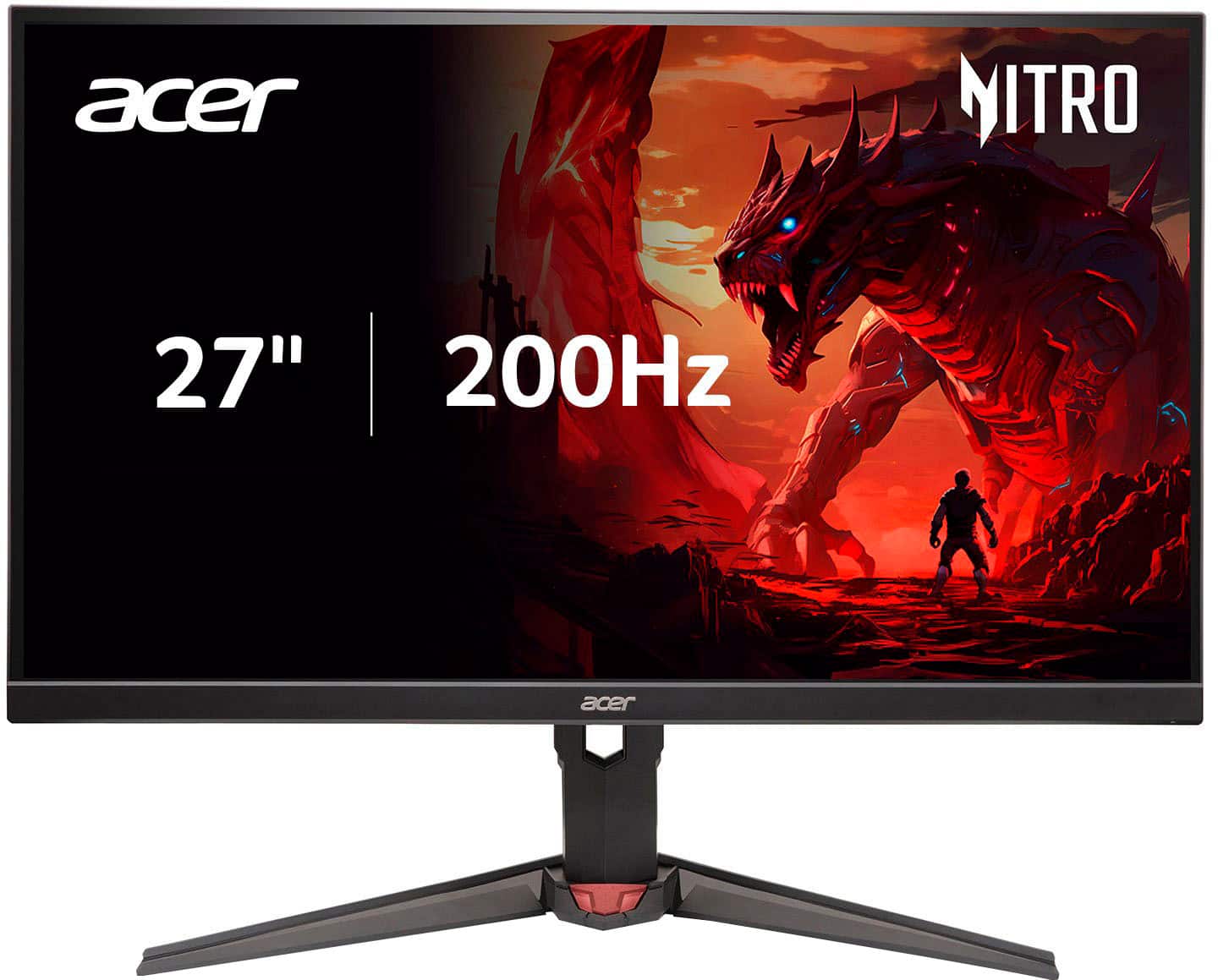
Acer - Nitro 27" FHD 200Hz 0.5ms FreeSync Premium IPS Gaming Monitor (1x DisplayPort, 2x HDMI) - Black
SKU: JJ8V8HXC9VOne of the best value monitors I could find....This is definitely a great monitor...initially thought that the curved nature of the monitor would be displeasing to look at, but in fact it is great
See all Gaming MonitorsProduct Description
A fast 27-inch black IPS gaming monitor with 200Hz refresh rate, 0.5ms response, and FreeSync Premium.Your price for this item is $190.66Save $19The previous price was $209.99 -
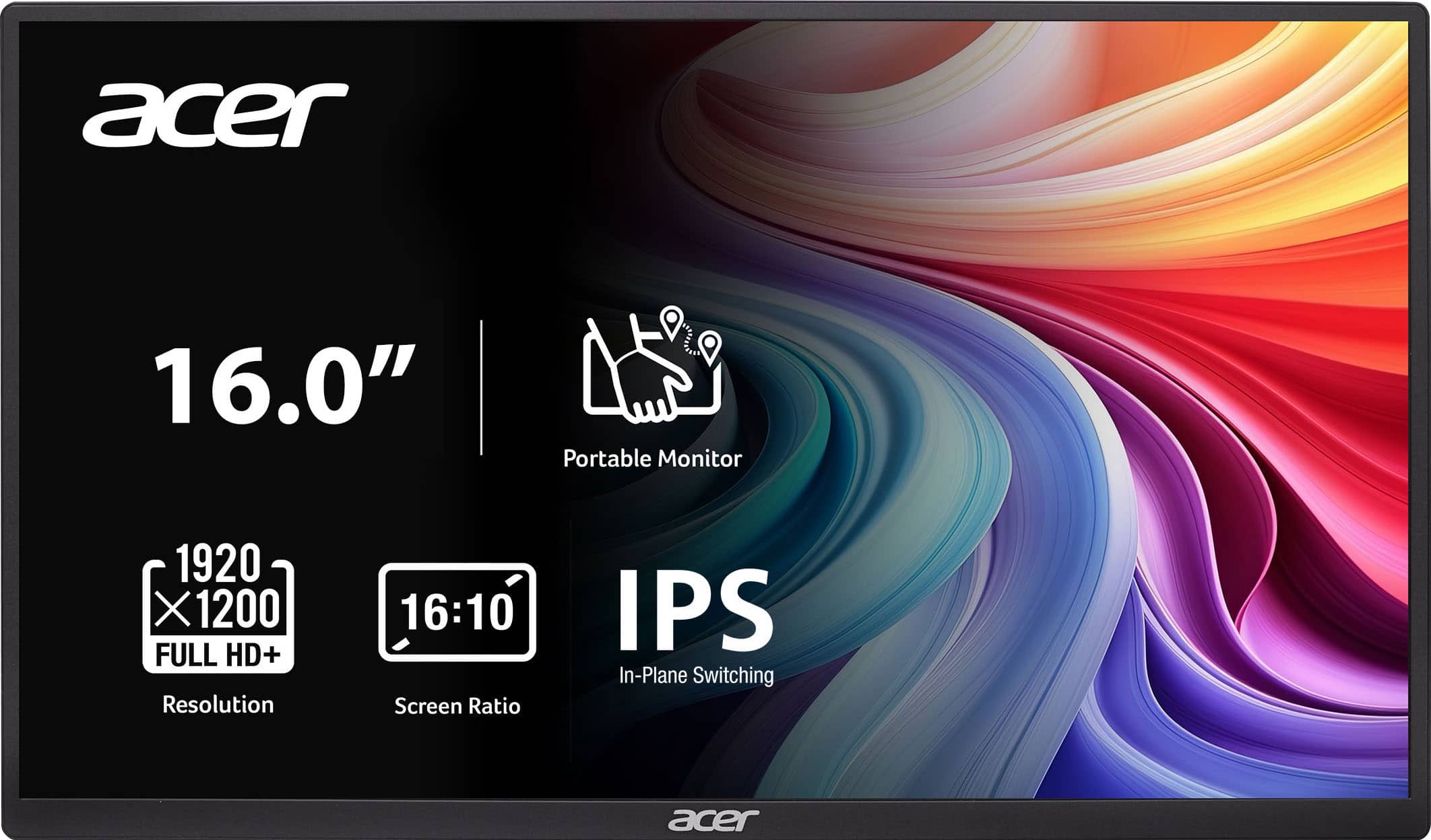
Acer - PM161W 16.0" WUXGA 60Hz FreeSync Compatible IPS Portable Monitor (2 x USB 3.1 Type-C, Mini HDMI, Audio Out) - Black
SKU: JJ8V8HXR3VGood quality, great picture, very easy and fast connection....The best part is the price and the quality!...Great product...A great product. I love it. Easy to travel with. It’s seamless.
See all All MonitorsProduct Description
A portable black IPS monitor with WUXGA resolution, FreeSync support, and versatile USB-C and HDMI connectivity.Your price for this item is $109.99 -
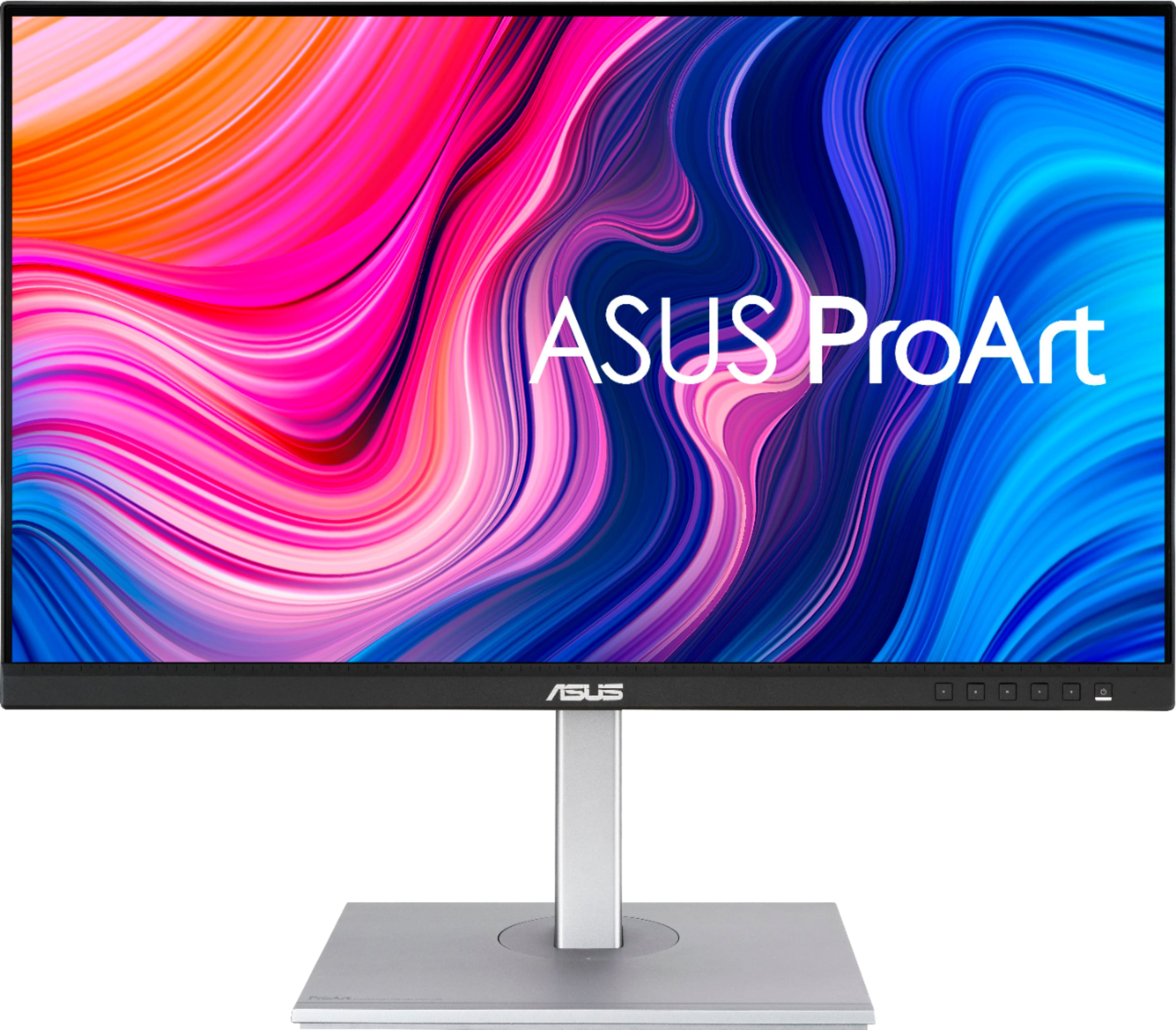
ASUS - ProArt 27" 4K IPS Professional Monitor with HDR (DisplayPort, HDMI, USB-C) - Black
SKU: JJ8Q7RWQ2RBest quality, Great Price...Absolute best monitor I've ever purchased....I love the quality and the ability to customize settings....Great Display...The display has nice coloring best for graphic design...
See all All MonitorsProduct Description
A professional black 4K UHD IPS monitor with HDR10, USB-C, and wide 178° viewing angles.Your price for this item is $329.99Save $70The previous price was $399.99 -
Sony - 27” INZONE M10S OLED QHD 480Hz 0.03ms NVIDIA G-SYNC Gaming Monitor with HDR400 (DisplayPort 2.1 UHBR10) - Black
SKU: J7XSRH56RPSee all All MonitorsProduct Description
A black OLED gaming monitor featuring 480Hz refresh rate, 0.03ms response, QHD resolution, and NVIDIA G-SYNC.Your price for this item is $898.00 -
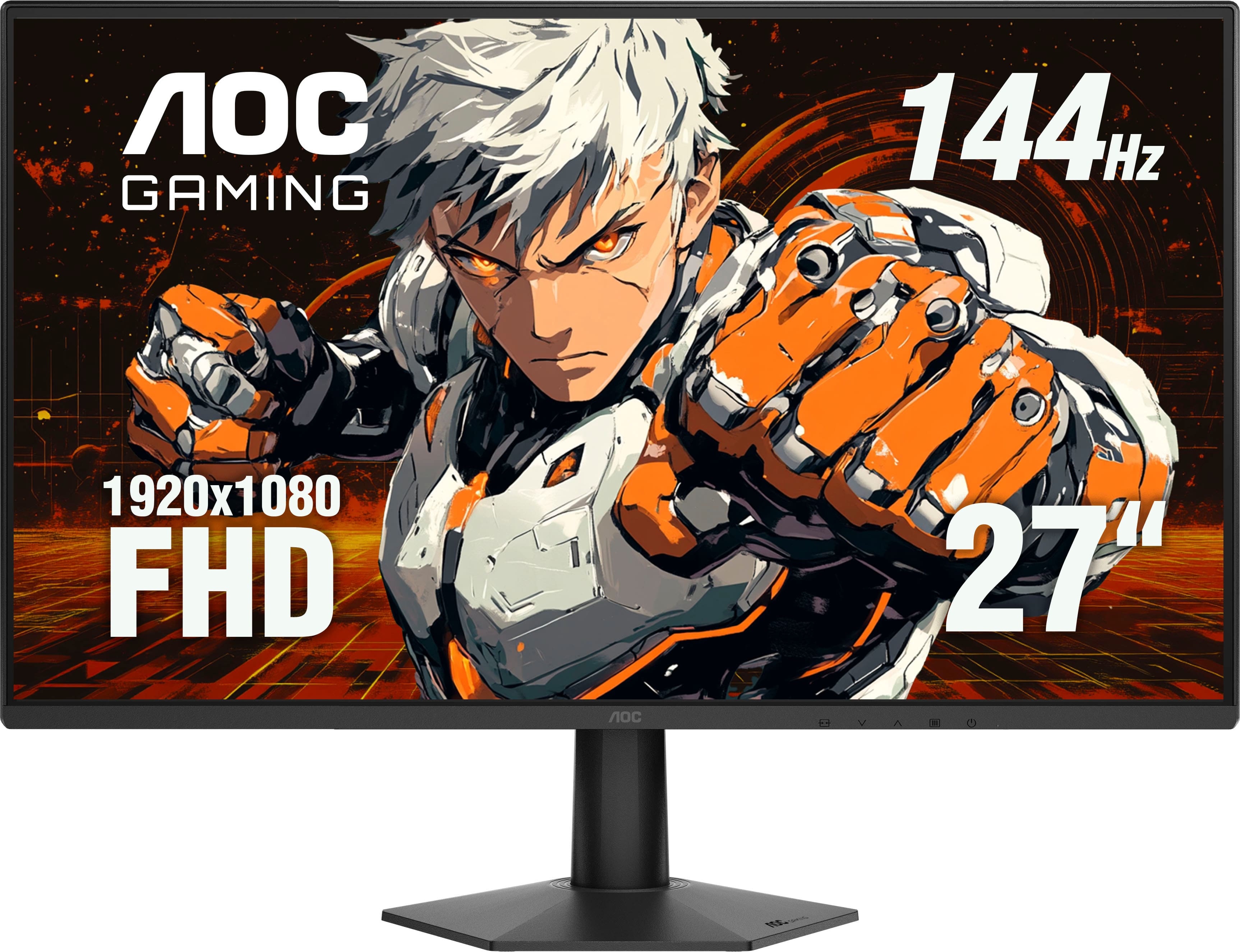
AOC - 27" 27G50F IPS, FHD, 144hz, G-Sync Compatible, Gaming Monitor - Black
SKU: JX9GSKP97PGreat quality and amazing price...The quality is great and price was excellent....Great for first time PC players!
See all Gaming MonitorsProduct Description
A fast IPS gaming monitor in black with 144Hz refresh rate, 0.5ms response, and AdaptiveSync support.Your price for this item is $109.99

Best Sellers







Related Pages



FAQ
Responsive monitors for fast workflows typically offer high refresh rates, low input lag, and quick response times. These features ensure smooth visuals and minimal delay between your actions and what appears on screen, which is essential for multitasking, editing, or working with demanding applications.
A higher refresh rate, such as 120Hz or above, allows the monitor to display more frames per second. This results in smoother motion and less screen tearing, making it easier to scroll through documents, switch between tasks, and work efficiently without visual interruptions.
Low input lag ensures that there is minimal delay between your keyboard or mouse inputs and the corresponding action on the screen. This responsiveness is crucial in fast-paced work environments where quick reactions can improve workflow efficiency and accuracy.
Yes, adaptive sync technologies like AMD FreeSync or NVIDIA G-SYNC help eliminate screen tearing and stuttering by synchronizing the monitor’s refresh rate with your computer’s graphics output. This creates a smoother visual experience, which can reduce eye strain and help maintain focus during intensive tasks.
For fast workflows and multitasking, look for monitors with multiple connectivity options such as HDMI, DisplayPort, USB-C, and built-in USB hubs. These allow you to connect various devices simultaneously and switch between them easily, streamlining your workspace setup.