Samsung TV Universal Remote
-
VINABTY - New Universal IR Replaced Remote Fits for Samsung TV 6series,7series,8series,9series KU6290 KU6270 KU7000 RU7100 - Black
SKU: J37GHL74X4See all TV Replacement Remote ControlsProduct Description
A universal black infrared remote compatible with a wide range of Samsung TV series and models.Your price for this item is $8.89 -
ALLIMITY - Universal Replacement Remote Control, Fit for Samsung Smart TV UN49RU8000FXZA QN55Q7FNAFXZA UN65MU9000FXZA UN75MU9000 - Black
SKU: JXV83VVFKHSee all TV Replacement Remote ControlsProduct Description
A universal black remote control compatible with a wide range of Samsung Smart TV models.Your price for this item is $12.99 -
VINABTY - New Universal Voice Replacement Remote Fits for Samsung TV QN32LS03TBF QN43Q60TAF QN43Q60TBF QN43Q6DTAF - Black
SKU: J37GHL7K4FSee all TV Remote ControlsProduct Description
A universal black Bluetooth remote offering voice control compatibility with a wide range of Samsung TVs.Your price for this item is $21.88 -
VINABTY - New Universal Replace Remote control Fit for Samsung 2000-2025 Models QLED UHD 4K 8K LCD LED 3D HDTV Smart TV - Black
SKU: J37GHL7K3PSee all TV Remote ControlsProduct Description
A universal black infrared remote compatible with Samsung Smart TVs from 2015 to 2024, including QLED models.Your price for this item is $9.99 -
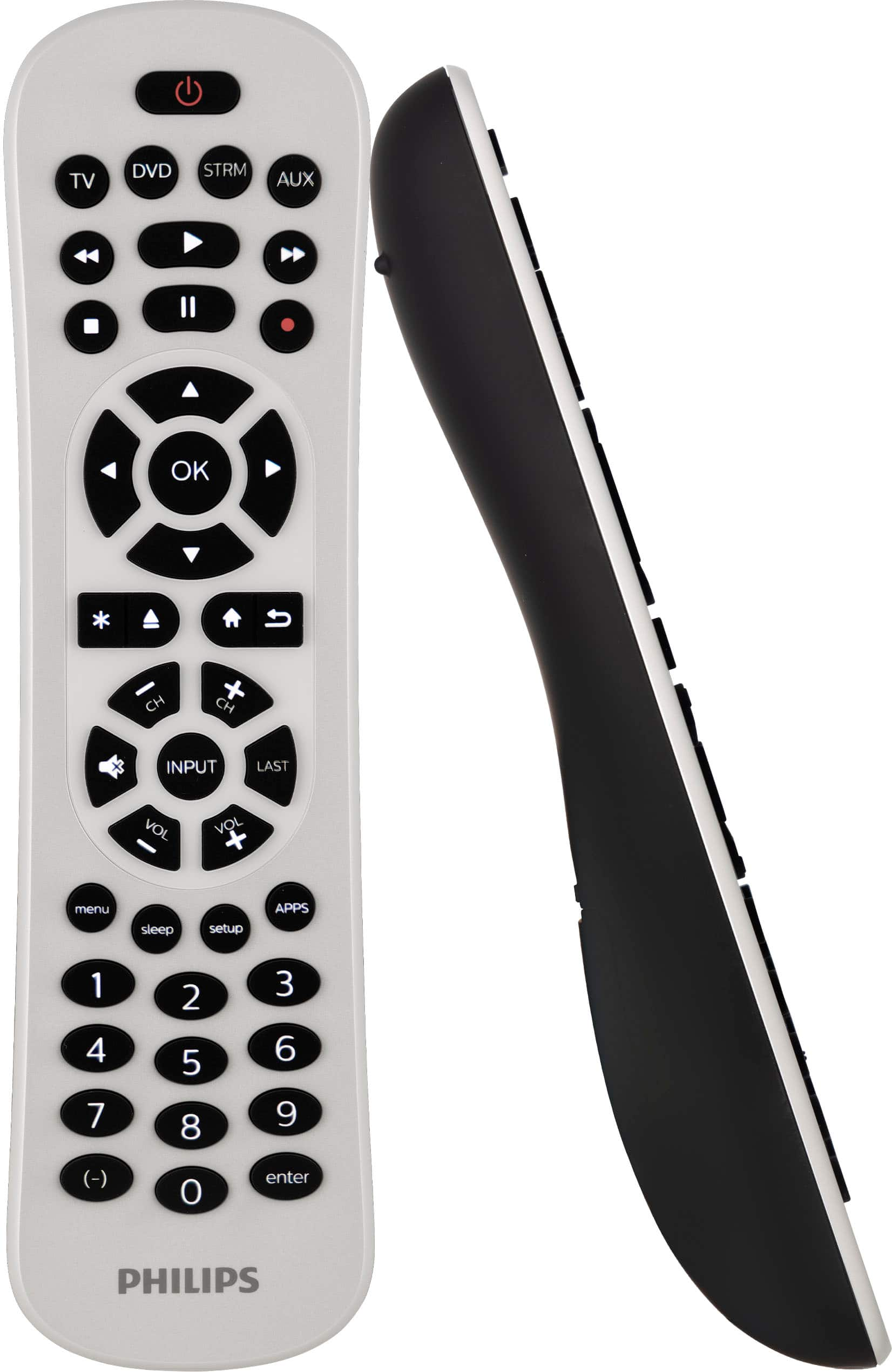
Philips - 4-Device Backlit Universal Remote - White
SKU: J73JSVQFQHGreat easy to set up and use remote control! Love it....Great! I love it. It's easy to use and backlot, just awesome.
See all Universal TV Remote ControlsProduct Description
A sleek white universal remote with backlit keypad that controls up to four devices with easy setup.Your price for this item is $24.99 -
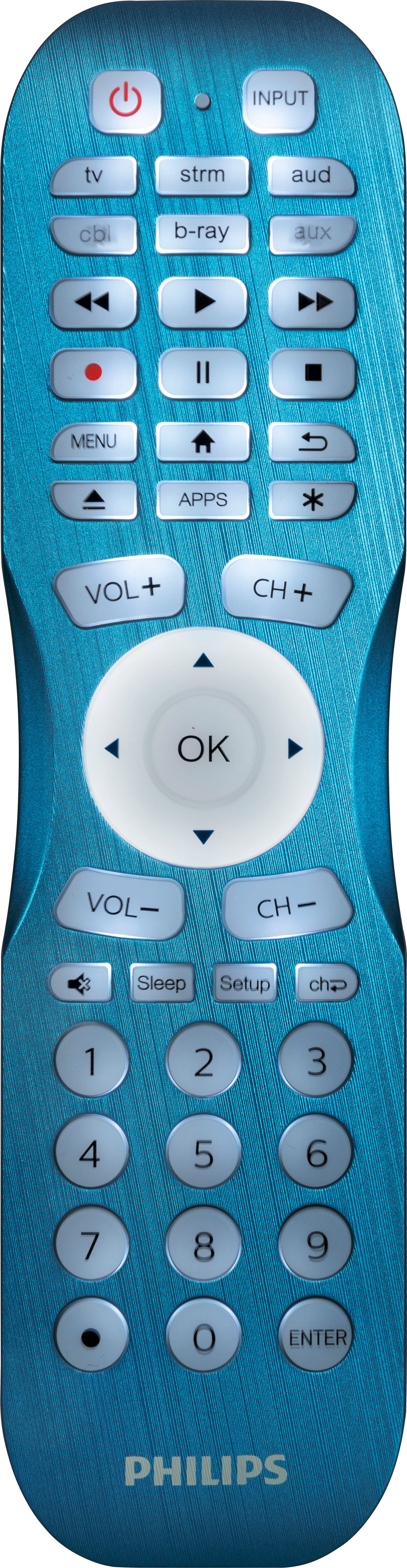
Philips - 6 Device Backlit Universal Remote Control - Brushed Electric Blue
SKU: J73JSV87XKOne of best one I love this it light up in the dark...Best remote...Love the back light too!
See all Universal TV Remote ControlsProduct Description
A brushed electric blue universal remote that controls up to six devices with a fully backlit keypad.Your price for this item is $24.99 -
ALLIMITY - Universal Voice Replacement Remote Control BN59-01312A, Fit for Samsung LCD LED QLED 4K 8K UHD Smart TV QN32Q50RAFXZA - Black
SKU: JXV83VV5SXSee all TV Replacement Remote ControlsProduct Description
A universal black voice remote compatible with a wide range of Samsung LCD, LED, QLED, and UHD TVs.Your price for this item is $11.98 -
One for All - SAMSUNG REPLACEMENT REMOTE USA - Black
SKU: J3GWQPCV9QI love this remote. I can do everything on this remote.
See all TV Remote ControlsProduct Description
A black infrared remote offering instant compatibility and three streaming shortcuts for all Samsung TVs.Your price for this item is $24.90Save $5The previous price was $29.99 -
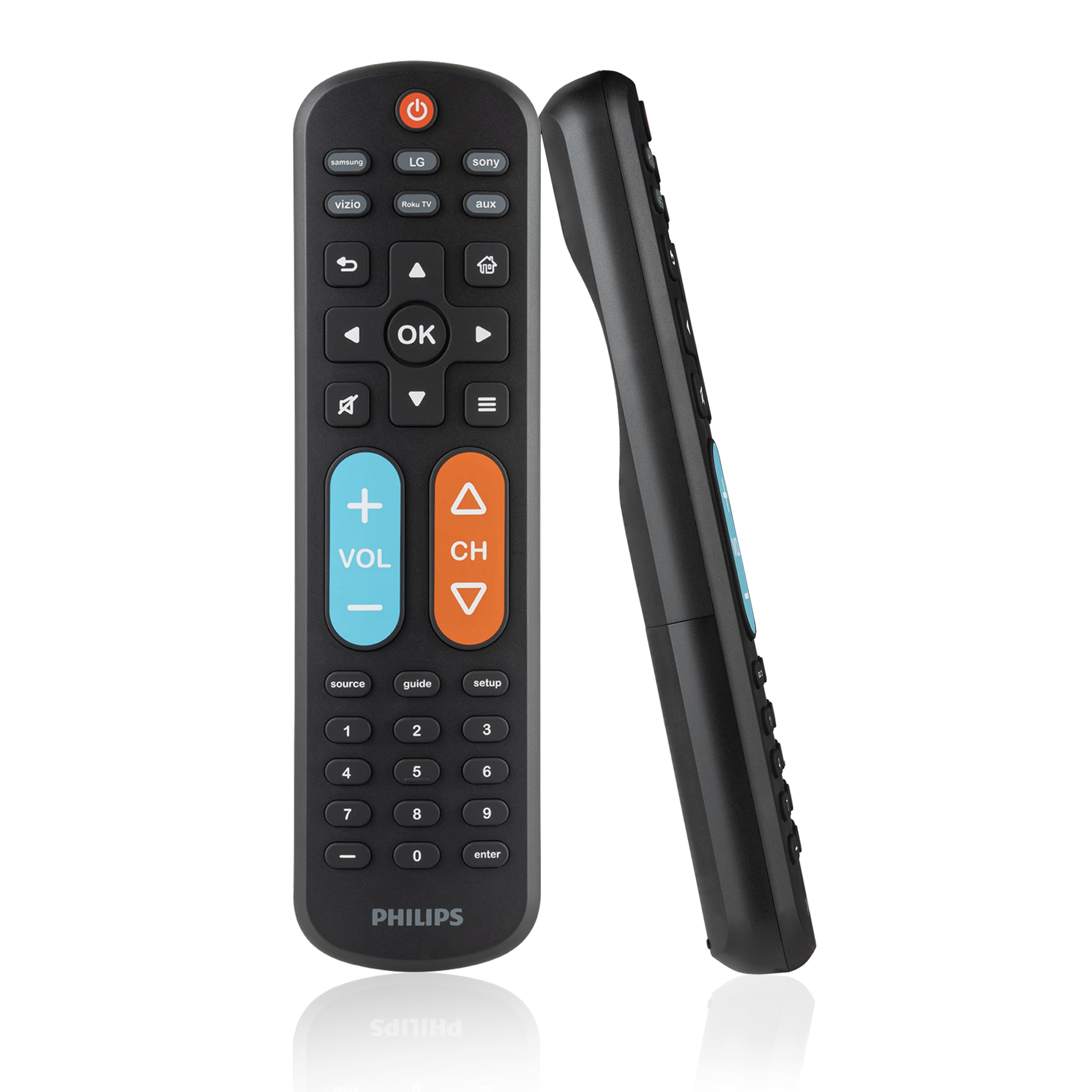
Philips - OneTouch Big Button MotionGlow Universal Remote for Samsung Smart TV, LG, Sony, VIZIO, Fire TV, Roku TV - Black
SKU: J73JSVZK9FLove it!...I love the size, better for longer nails!...I love that it lights up from motion, very easy to set up and use....They absolutely love them....Just point and push the tv brand and it automatically...
See all TV Remote ControlsProduct Description
A black universal remote with OneTouch setup, MotionGlow backlight, and easy-to-read, colorblind-friendly buttons.Your price for this item is $19.99 -
Philips - OneTouch Universal Remote Control for Samsung Smart TV, LG, Sony, VIZIO, Fire TV, Roku TV, Remote Replacement - Black
SKU: J73JSVZ8QVUhhmmmmm thise remote whas one of the best purchases I madee its grate i love it...Working great, best replacement remote when you need one
See all TV Replacement Remote ControlsProduct Description
A black backlit remote offering instant control of top TV brands and streaming apps without programming.Your price for this item is $14.99





Best Sellers



Related Pages




FAQ
Turn on your Samsung TV, press and hold the remote’s setup or TV button, then enter the Samsung code listed in the remote’s instruction manual. Follow the prompts to save the code and test the main controls.
Many universal remotes can control compatible devices such as Blu-ray players, soundbars, streaming media players and cable boxes. Check the remote’s device list to confirm compatibility.
If the remote includes smart TV navigation and app shortcut buttons, it may let you open and navigate supported Samsung TV apps. Some apps may require the original remote or a compatible mobile app for advanced features.
Press the Input, Source or TV/Video button on the remote, then use the arrow keys to select the connected device. Press Enter or OK to confirm your selection.
Confirm that the remote is set to TV mode, remove any objects blocking the TV’s sensor and reprogram the remote using the correct Samsung code. You can also consult the remote’s manual for code-search instructions.