/
Wireless Keyboard For Home Office
Upgrade your workspace with a wireless keyboard for your home office and enjoy the freedom of a clutter-free desk. Perfect for boosting productivity and maintaining a clean, organized environment, these keyboards offer the flexibility to work from anywhere in your home. Whether you're setting up a dedicated office or transforming a corner of your living room, finding the right wireless keyboard for home office tasks can help streamline your daily routine and enhance your overall comfort. Explore a wide selection designed to suit every style and work preference.
Read More-
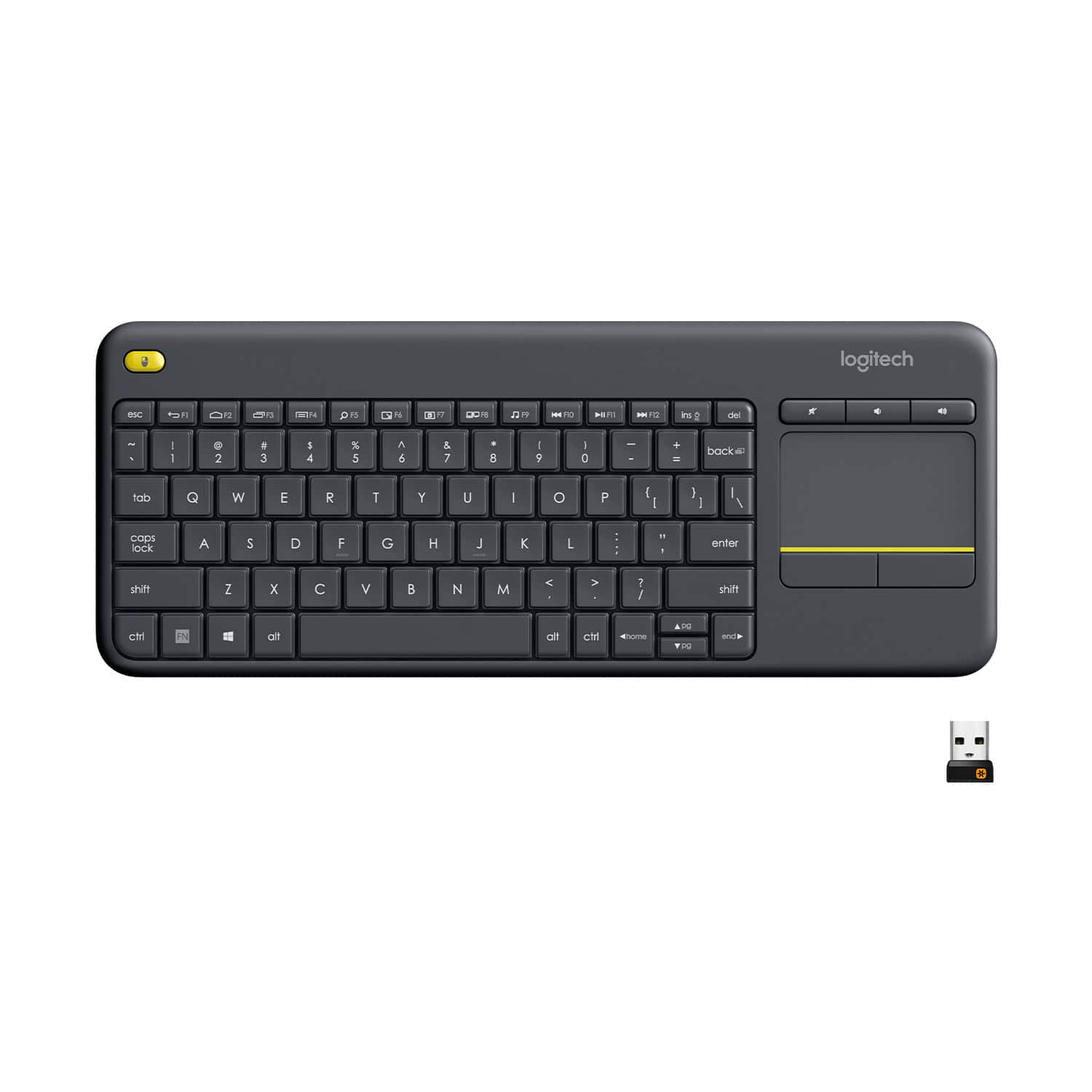
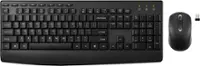
Logitech - K400 Plus TKL Wireless Membrane Keyboard for PC/TV/Laptop/Tablet with Built-in Touchpad - Black
SKU: J7H7ZYCY97Great usb wireless keyboard best feature is the built in mouse pad I love it...Great freaking keyboard!! Love all options!!!!!!!!...Da best!!
See all Wireless & Bluetooth KeyboardsProduct Description
A black wireless tenkeyless keyboard with built-in touchpad, quiet membrane keys, and 32.8-foot range.$34.99 Your price for this item is $34.99 -
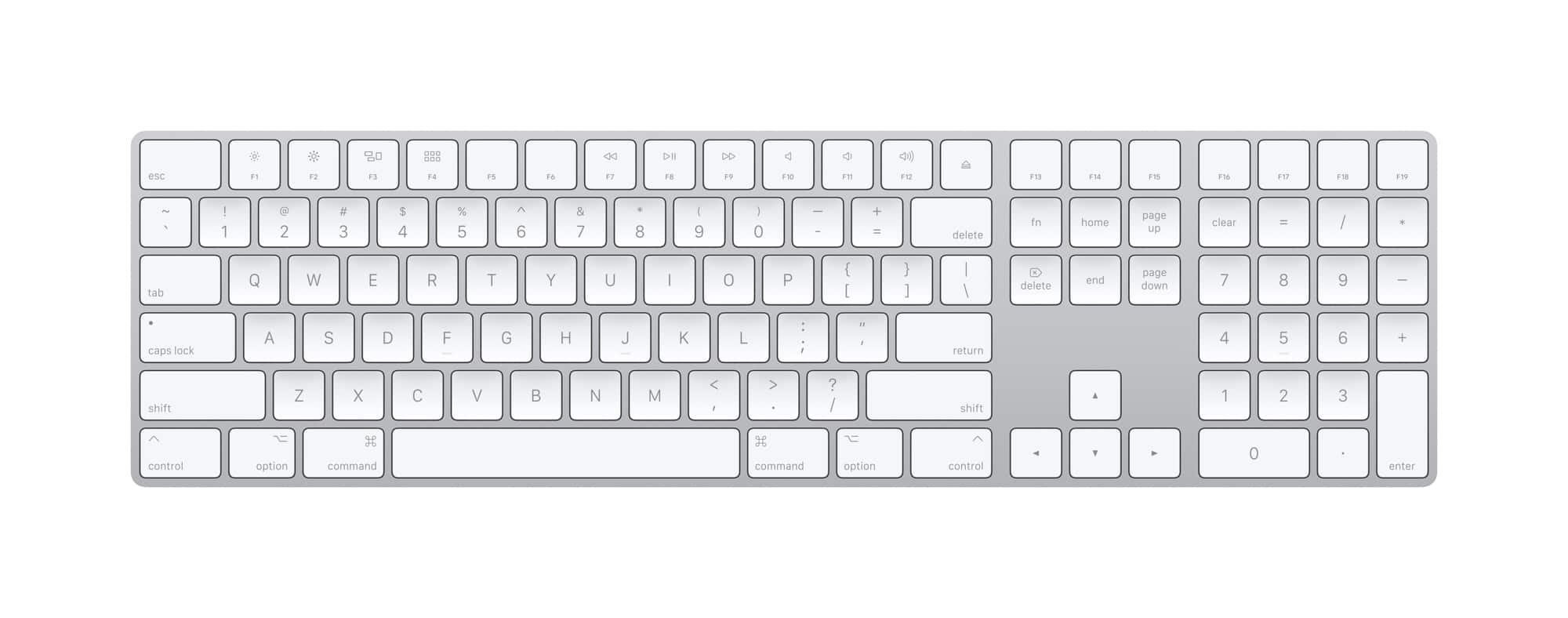
Apple - Magic Keyboard full size with Numeric Keypad (Lightning Port) - Silver/White
SKU: JJGCQ8J9KQThis works great and love the smooth typing. The best keyboard you can get for your apple devices....Great Keyboard, love it...This is the best, love this Blu tooth, hooked up immediately with no issues....
See all Wireless & Bluetooth KeyboardsProduct Description
A wireless silver and white keyboard with numeric keypad, scissor keys, and rechargeable battery for comfortable typing.$129.99 Your price for this item is $129.99 -
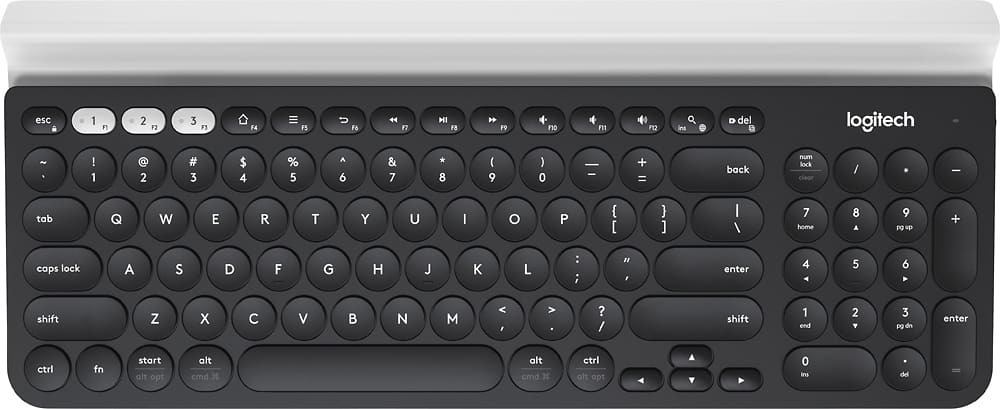
Logitech - K780 Full-size Wireless Scissor Keyboard - Graphite
SKU: J7H7ZYC46YThis keyboard is great. It's sleek, very good quality and the keys are almost flat which I love....very portable, love this kbrd
See all Wireless & Bluetooth KeyboardsProduct Description
A full-size graphite wireless keyboard with scissor keys, device cradle, and multi-platform USB/Bluetooth connectivity.$65.99 Your price for this item is $65.99Save $17Was $83.06The previous price was $83.06 -
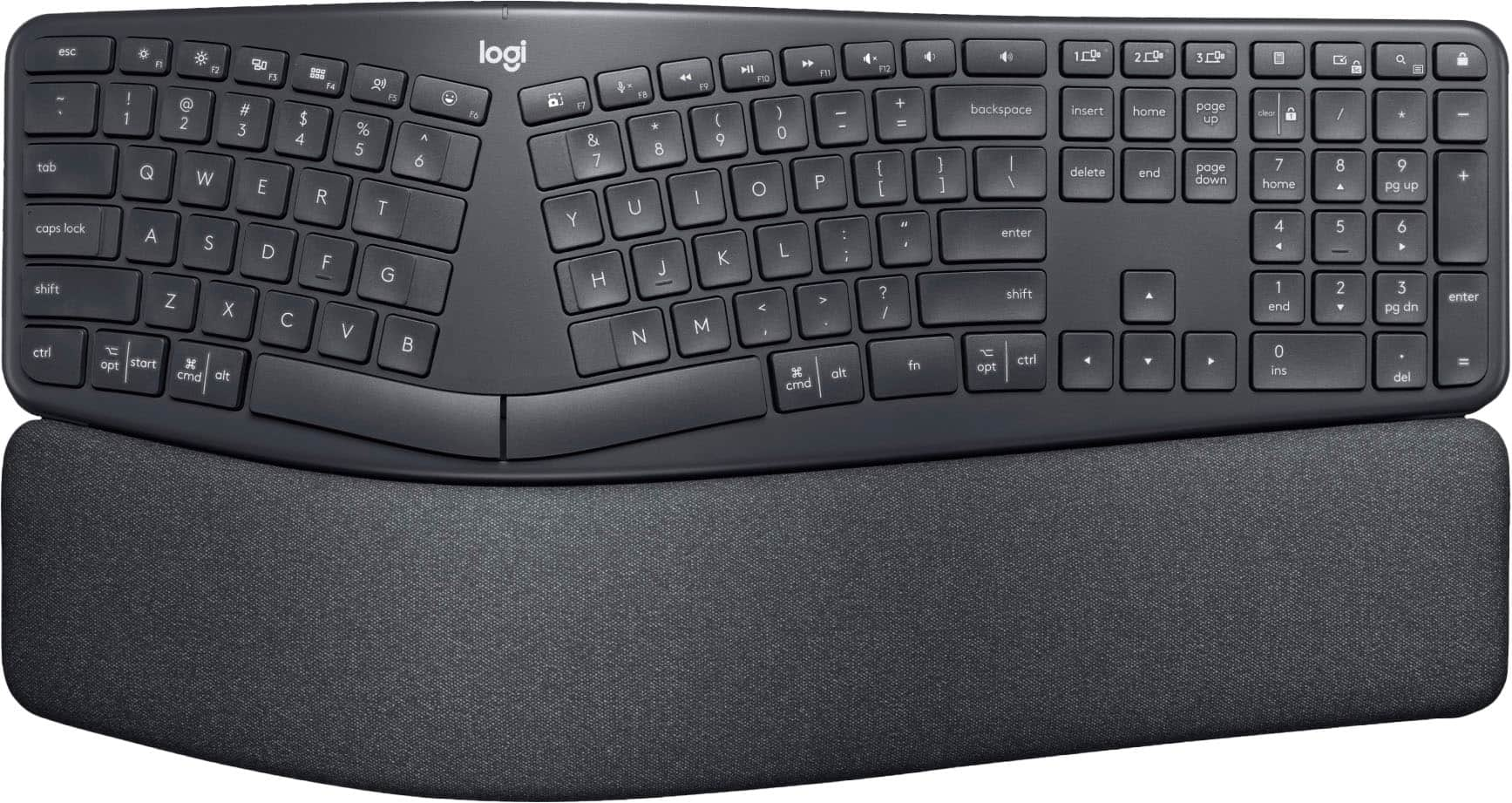
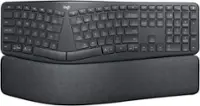
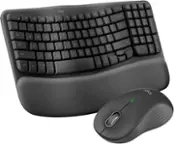
Logitech - ERGO K860 Ergonomic Full-size Wireless Scissor Keyboard for Windows and Mac with Palm Rest - Black
SKU: J7H7ZYXTHTLove it!...Great ergonimics, super comfortable and responsive keys. Best keyboard every...The best design, comfort, and I love the feel of the keys. Best purchase I’ve made.
See all Wireless & Bluetooth KeyboardsProduct Description
An ergonomic black wireless keyboard with a curved keyframe, pillowed palm rest, and quiet, responsive keys.$149.99 Your price for this item is $149.99 -
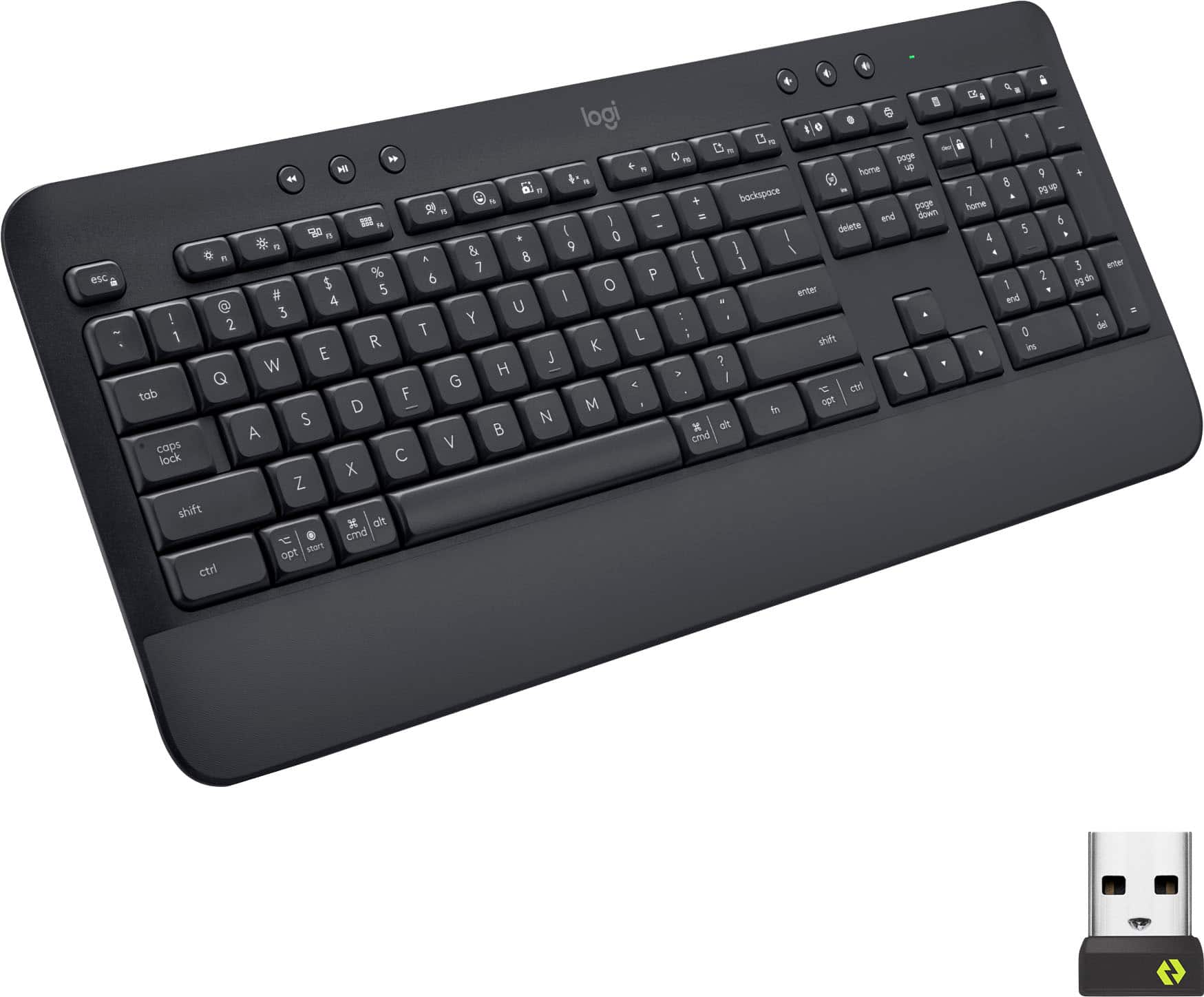
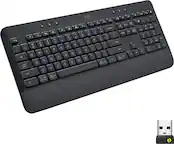
Logitech - Signature K650 Full-Size Wireless Keyboard for PC/Window/Mac with Wrist Rest - Graphite
SKU: J7H7ZY89CVSee all Wireless & Bluetooth KeyboardsProduct Description
A full-size graphite wireless keyboard with soft-touch palm rest, deep-cushioned keys, and 24 shortcut commands.$59.99 Your price for this item is $59.99Save $13Was $72.99The previous price was $72.99 -
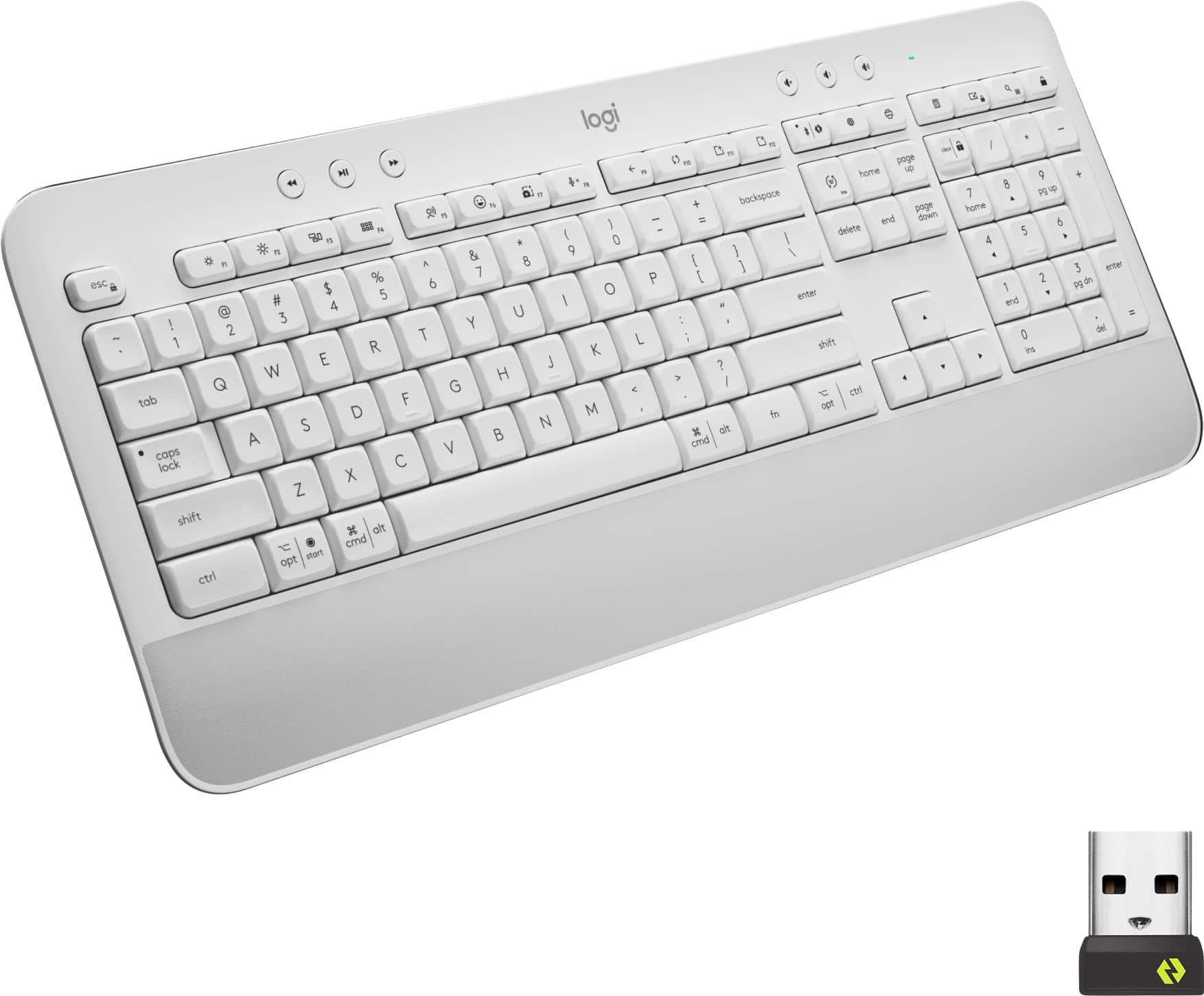
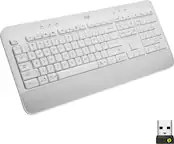
Logitech - Signature K650 Full-Size Wireless Keyboard for PC/Window/Mac with Wrist Rest - Off-White
SKU: J7H7ZY8988See all Wireless & Bluetooth KeyboardsProduct Description
An off-white wireless keyboard with soft-touch palm rest, deep-cushioned keys, and 24 customizable shortcuts.$59.99 Your price for this item is $59.99Save $3Was $62.99The previous price was $62.99 -
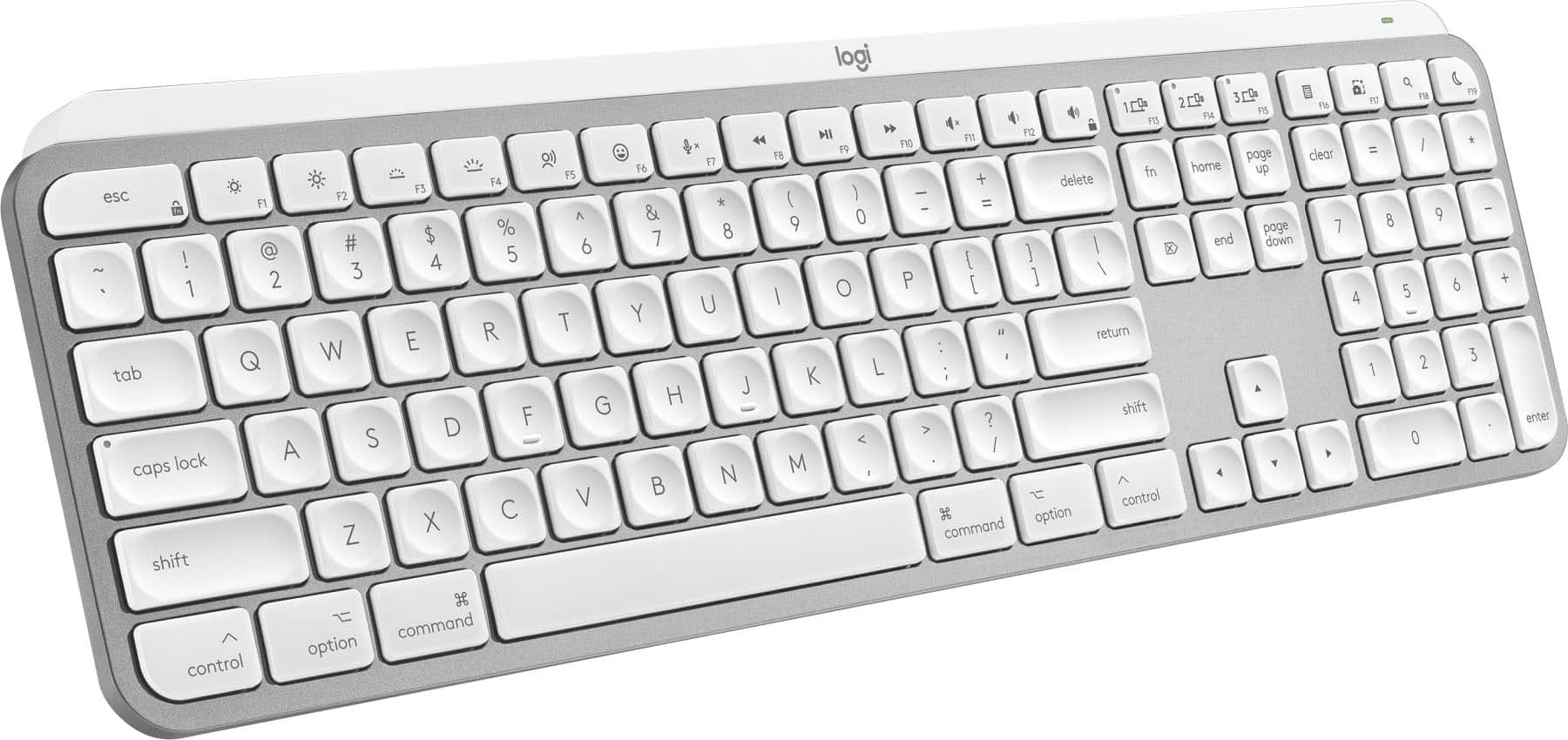
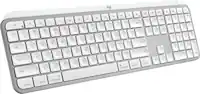
Logitech - MX Keys S for Mac Advanced Full-size Wireless Scissor Keyboard with Backlit keys for MacBook, iMac, iPad - Pale Gray
SKU: J7H7ZYG283The best Keyboard,...Great Keyboard...Great to have the backlit keys. Great to have a delete key as well as a back space key.
See all Wireless & Bluetooth KeyboardsProduct Description
A low-profile pale gray wireless keyboard with Mac-specific keys, smart backlighting, and customizable Smart Actions.$119.99 Your price for this item is $119.99Save $10Was $129.99The previous price was $129.99 -
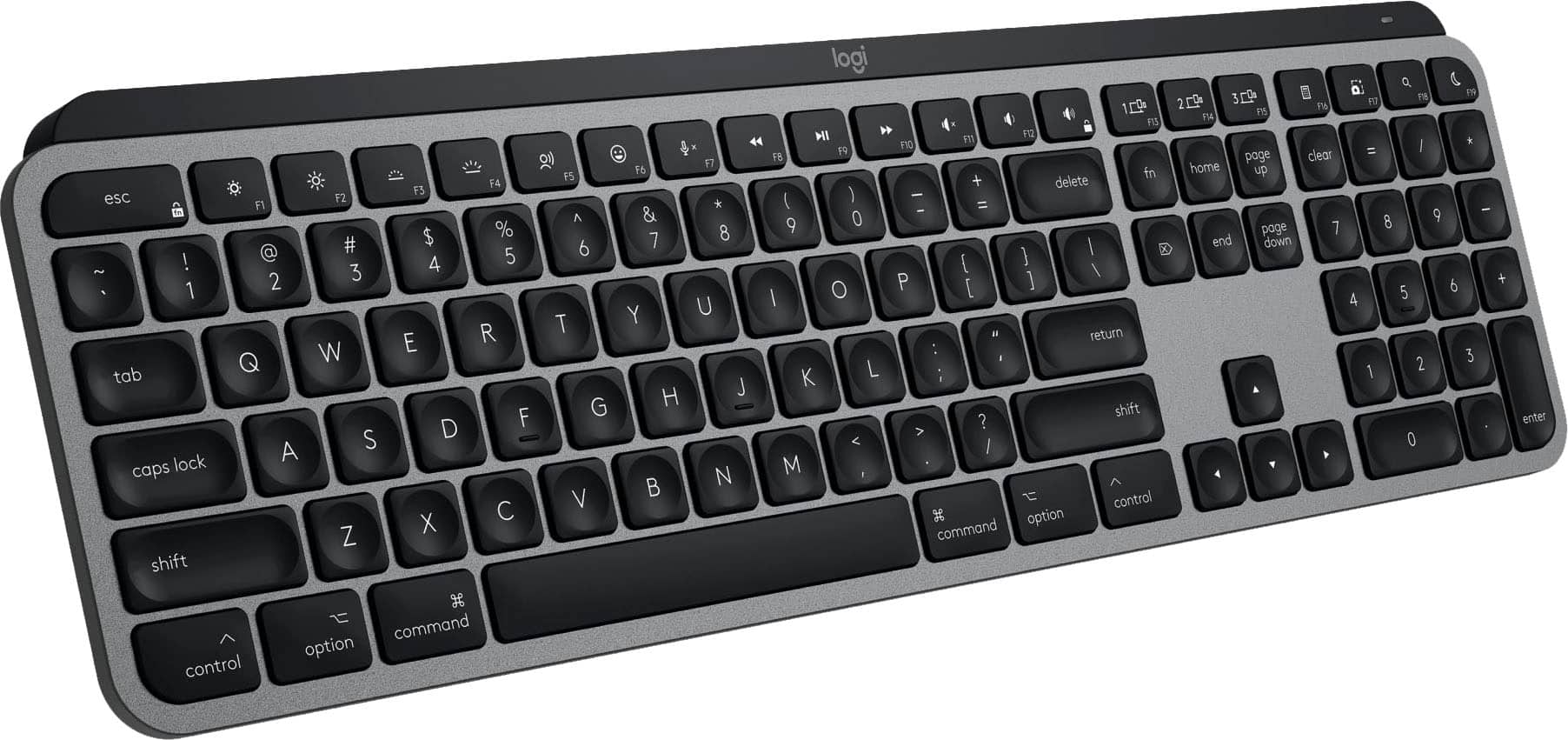
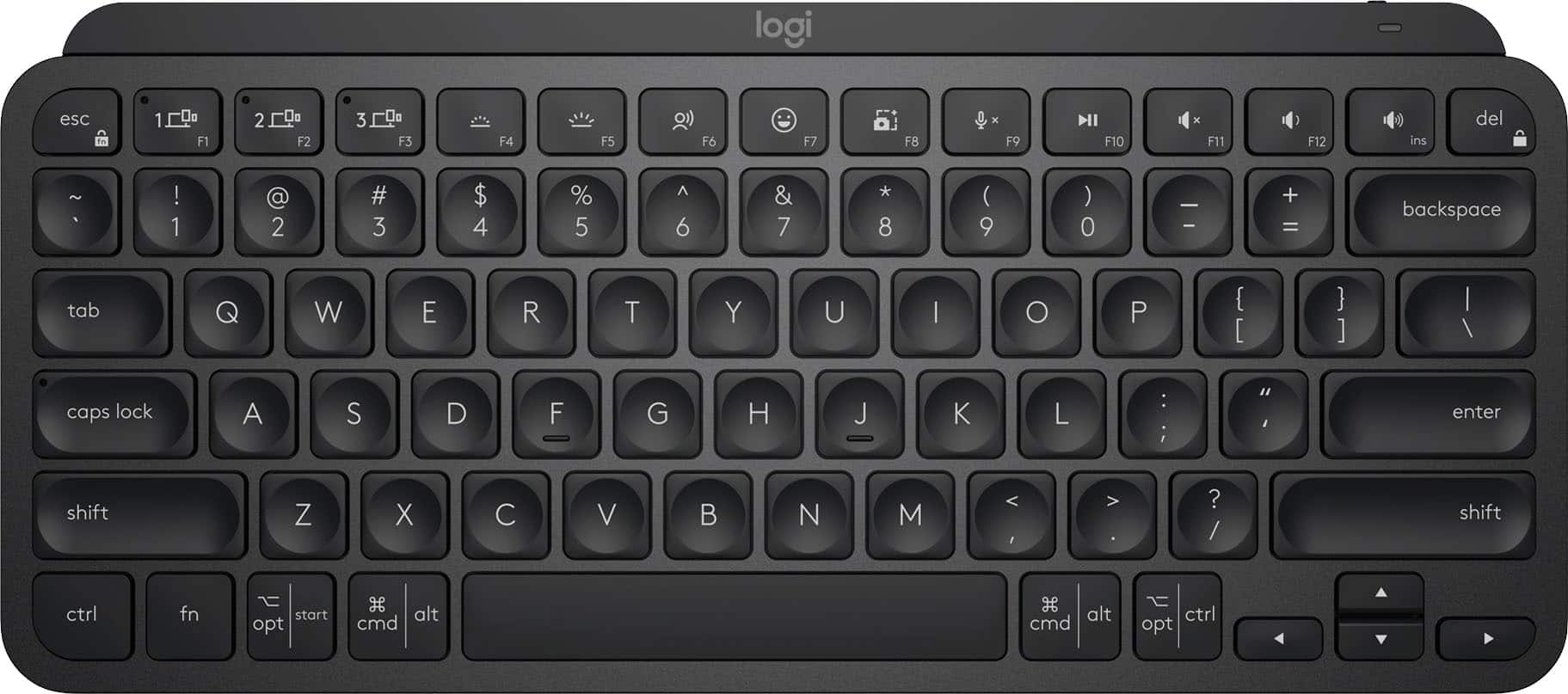
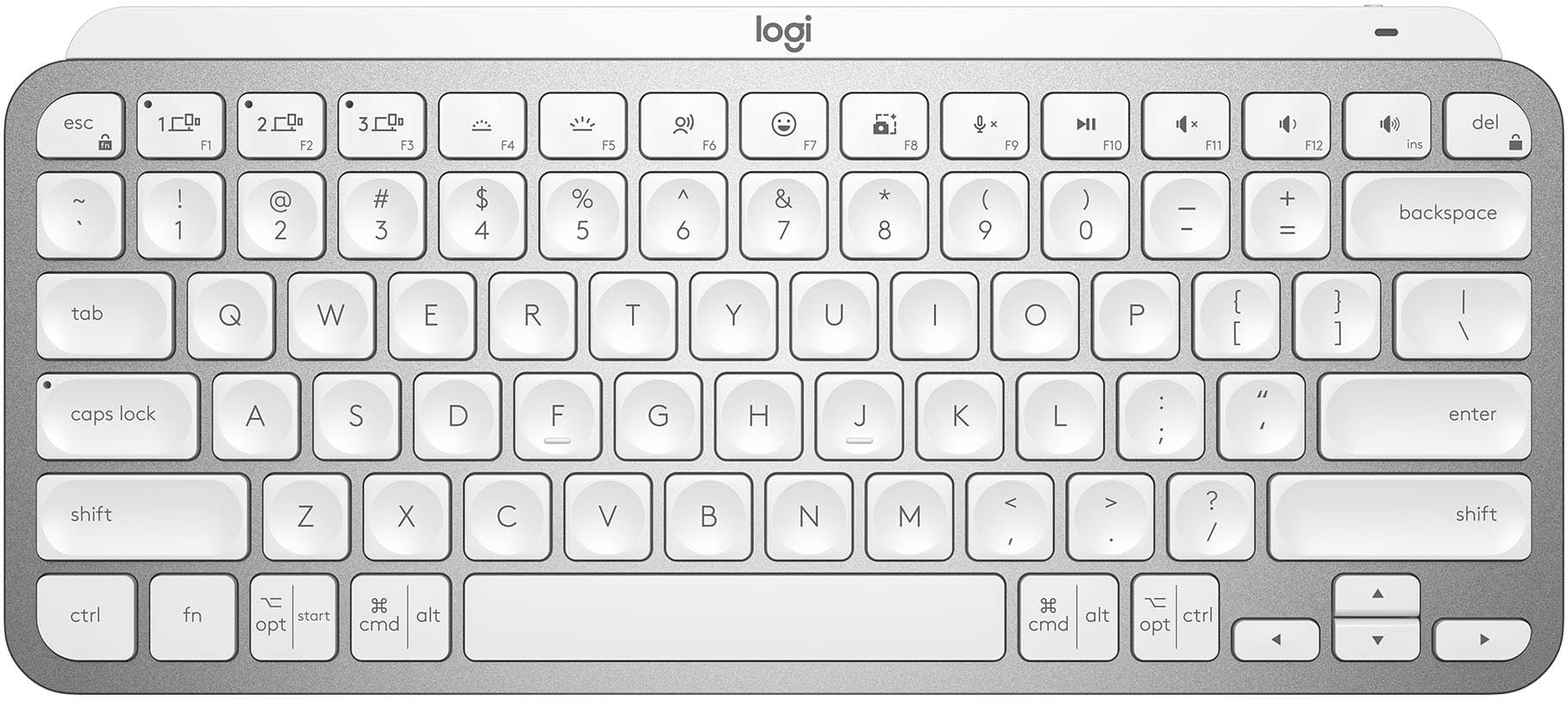
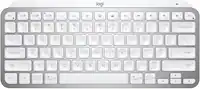
Logitech - MX Keys Mini TKL Wireless Bluetooth Scissor Keyboard with Backlit Keys - Black
SKU: J7H7ZY34YTBest Purchase...Best keyboard purchase ever! Love it and great pair with MX Mouse!...Best Key board for the money!...Love it!! Best Key board for the money, Set up was easy, 10 out of 10....
See all Wireless & Bluetooth KeyboardsProduct Description
A compact black wireless keyboard featuring backlit scissor keys, Bluetooth connectivity, and smart workflow shortcuts.$99.99 Your price for this item is $99.99 -
Logitech - MX Keys Mini TKL Wireless Bluetooth Scissor Keyboard with Backlit Keys - Pale Gray
SKU: J7H7ZY34LKLove this little keyboard. Great quality. Feels great to type on....love this Keyboard....love this Keyboard. Saves spaces and looks great. Good Price
See all Wireless & Bluetooth KeyboardsProduct Description
A compact pale gray wireless keyboard featuring backlit scissor keys, Bluetooth connectivity, and smart workflow shortcuts.$99.99 Your price for this item is $99.99 -
Logitech - MX Keys S for Mac Advanced Full-size Wireless Scissor Keyboard with Backlit keys for MacBook, iMac, iPad - Space Gray
SKU: J7H7ZYG2GXBest keyboard...I love this keyboard, keystrokes are comfortable and typing is natural and smooth....Love this keyboard. Was using the Apple keyboard, this one is superior in every way....I like that...
See all Wireless & Bluetooth KeyboardsProduct Description
A full-size wireless keyboard in space gray with Mac-specific keys, smart backlighting, and scissor switches.$119.99 Your price for this item is $119.99Save $10Was $129.99The previous price was $129.99
- 1
- 2
- ...
- 11
A wireless keyboard can make a home office feel more intentional, whether it occupies a dedicated desk, a corner of the dining room or a small table beside a sunny window. Without a cable stretching across the workspace, it is easier to position the keyboard at a comfortable distance from the screen, clear the surface for a notebook and move the setup aside when the room needs to serve another purpose. These keyboards are useful for remote work, online classes, household budgeting, writing, creative projects and everyday browsing. They can also help turn a laptop into a more comfortable desktop-style workstation by allowing the screen to sit at eye level while the hands rest separately on the desk. When comparing options, consider how and where the keyboard will be used. A full-size layout includes a dedicated number pad that can be convenient for spreadsheets, invoices and data entry, while a compact or tenkeyless design leaves more room for a mouse, drawing tablet or coffee mug. Shoppers who want a larger typing surface can explore a Large Wireless Keyboard, especially when familiar key spacing and easy-to-read legends are priorities. Wireless models typically connect through Bluetooth, a USB receiver or both. Bluetooth can be especially convenient for switching among a laptop, tablet and other compatible devices, while a receiver provides a dependable connection for a desktop computer and may reduce the need for pairing menus. Multi-device keyboards can be helpful in a home office where one screen handles work messages and another is used for personal tasks. Check compatibility with the operating system and available ports before buying, particularly when using a slim laptop that relies on USB-C connections.
Typing feel is another important part of the decision. Low-profile scissor-style keys generally have a shorter travel distance and a quiet, laptop-like response, making them a thoughtful choice for shared rooms, video calls or late-evening work when others are relaxing nearby. Mechanical keys usually provide more pronounced feedback and may have a deeper, more deliberate sound that appeals to people who spend long hours writing, coding or entering information. Some keyboards use a softer, cushioned response for a quieter workspace, while others offer a crisp tactile sensation that helps each keystroke feel distinct. There is no single best feel for every typist; the right choice depends on personal preference, typing speed and the surroundings. Ergonomic features may also matter during long work sessions. A curved or split layout can encourage a more natural position for the hands and wrists, and a gently sloped design may reduce the need to bend the wrists upward. A built-in or detachable palm rest can add support, although it should not force the wrists into an awkward angle. Look for adjustable feet, a stable base and key spacing that feels familiar. Backlighting can make letters easier to see in a softly lit room, with adjustable brightness helping preserve a calm atmosphere during the cooler months or on overcast afternoons. Battery design affects convenience as well. Rechargeable keyboards can reduce the need for disposable batteries and are often easy to top up with a USB cable between meetings. Models powered by replaceable batteries may offer lengthy runtime and a simple way to get back to work when the charge runs low. Pay attention to estimated battery life, charging indicators and whether the keyboard can be used while charging. A durable finish, spill-resistant construction and easy-to-clean surfaces are practical benefits for busy home offices where breakfast, schoolwork and business calls may share the same desk.
Wireless keyboards can be a useful gift for a student setting up a study area, a family member working from home or anyone who has grown tired of balancing a laptop on the sofa. They also make a considerate choice for a new graduate, a freelancer creating a first professional workspace or a relative who enjoys journaling, gaming and digital creativity. During late summer, a lightweight wireless setup can make it easier to move between rooms or work from a covered patio when conditions are comfortable; as the weather cools, it can bring a more organized, comfortable feel to an indoor workspace. Before choosing a keyboard as a gift, consider the recipient’s computer, preferred layout and available desk space. People who work with numbers may appreciate a full-size number pad, while those who travel between a home office and another location may prefer a compact design that slips into a bag. For shared households, quiet keys and reliable wireless performance can keep typing from becoming a distraction during a movie, a conference call or a child’s study session. For busy professionals, dedicated shortcut keys, media controls and easy device switching can reduce small interruptions throughout the day. A keyboard should feel stable rather than sliding across the surface, and the keys should be legible from the user’s normal sitting position. Matching the keyboard with a wireless mouse, monitor or laptop stand can create a cleaner workstation without requiring a complete room makeover. Whether the goal is to improve comfort, reclaim desk space or replace an aging wired accessory, browsing wireless keyboards by layout, connectivity, key style, ergonomics and battery type makes it easier to find a practical fit for the way work and life come together at home.
Best Sellers
Related Pages
FAQ
Wireless keyboards offer greater flexibility and mobility, allowing you to work from different positions without being restricted by cables. They also help keep your workspace tidy and can be easily paired with multiple devices.
Most wireless keyboards connect via Bluetooth or a USB receiver (dongle). Bluetooth models pair directly with compatible devices, while USB receiver models require plugging the dongle into an available USB port.
Many wireless keyboards are designed to be compatible with both Windows and Mac operating systems. Always check the product specifications to ensure compatibility with your specific device.
Wireless keyboards typically use either replaceable batteries (such as AA or AAA) or have built-in rechargeable batteries. Rechargeable models can be powered up using a USB cable, while others will need periodic battery replacement.
Yes, many wireless keyboards can be paired with tablets, smart TVs, and other Bluetooth-enabled devices, making them versatile tools for controlling multiple devices in your home office setup.