Wireless Mouse For Windows 7
-
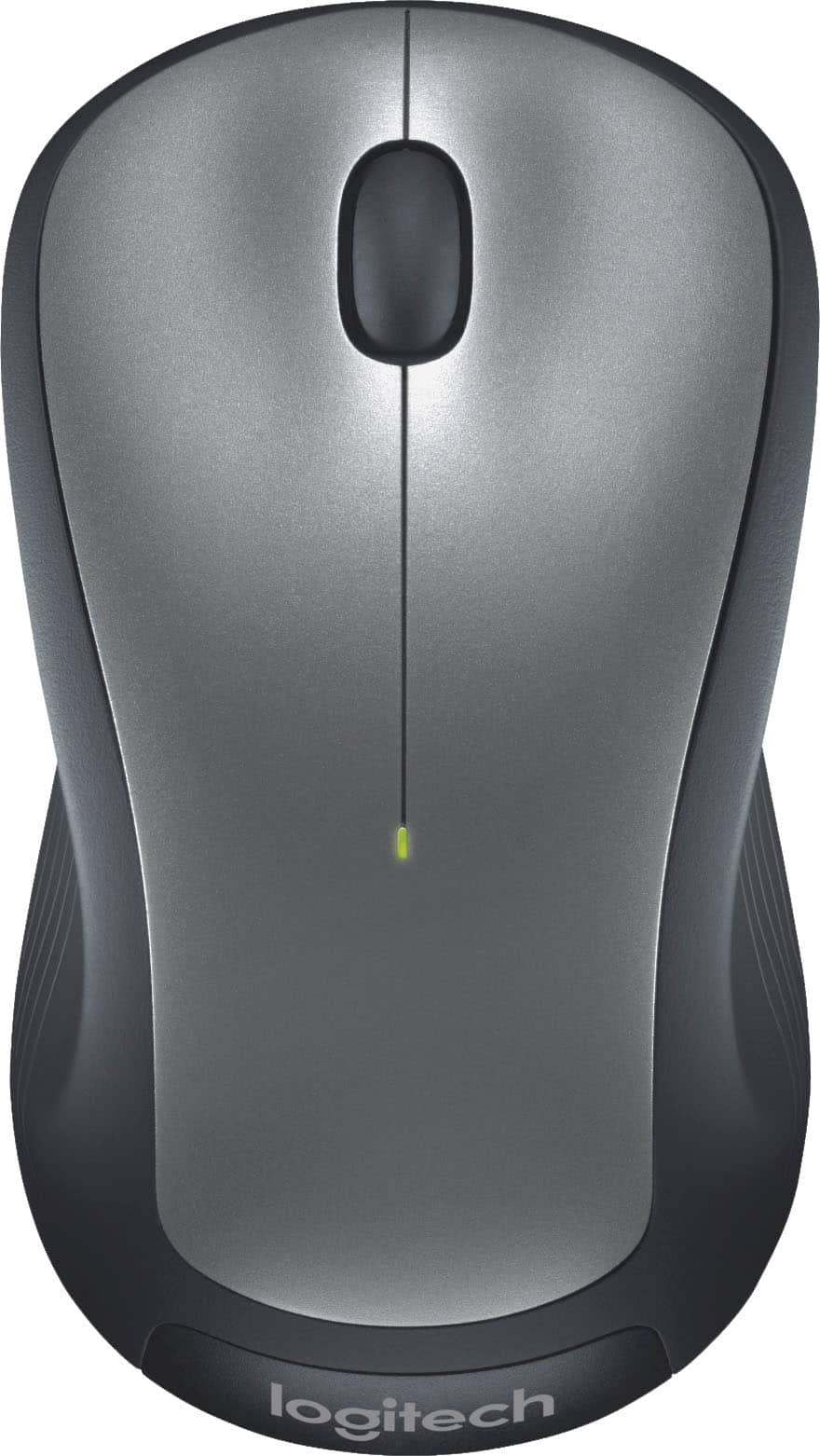
Logitech - M310 Wireless Optical Ambidextrous Mouse - Wireless - Silver
SKU: J7H7ZLV3V9See all MiceProduct Description
A wireless silver mouse with ambidextrous ergonomic design, soft rubber grips, and smooth, responsive tracking.Your price for this item is $18.99Save $4The previous price was $22.99 -
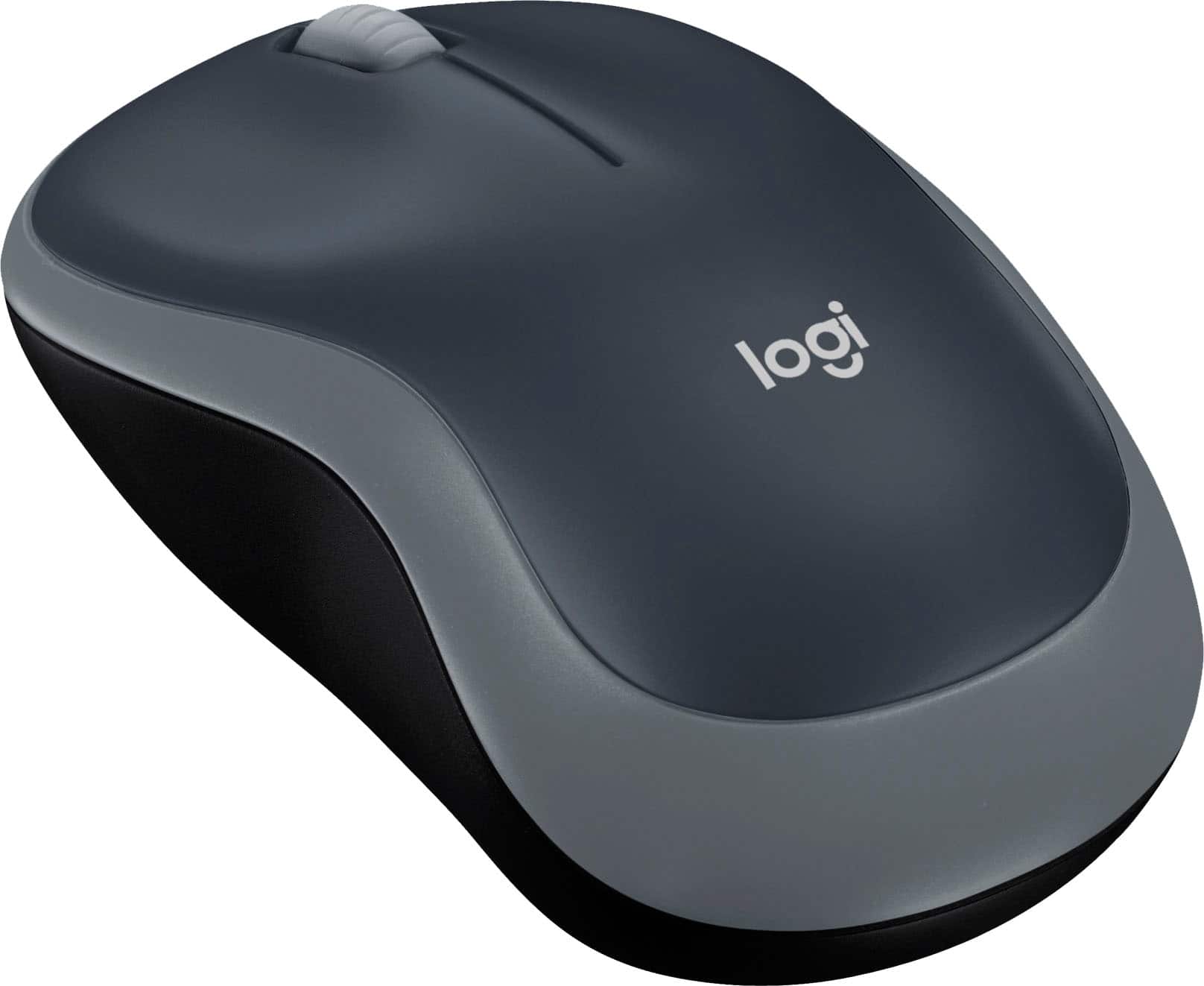
Logitech - M185 Wireless Optical Ambidextrous Mouse - Wireless - Swift Gray
SKU: J7H7ZLVWQJSee all MiceProduct Description
A reliable wireless optical mouse in swift gray, featuring ambidextrous design and plug-and-play convenience.Your price for this item is $17.99 -
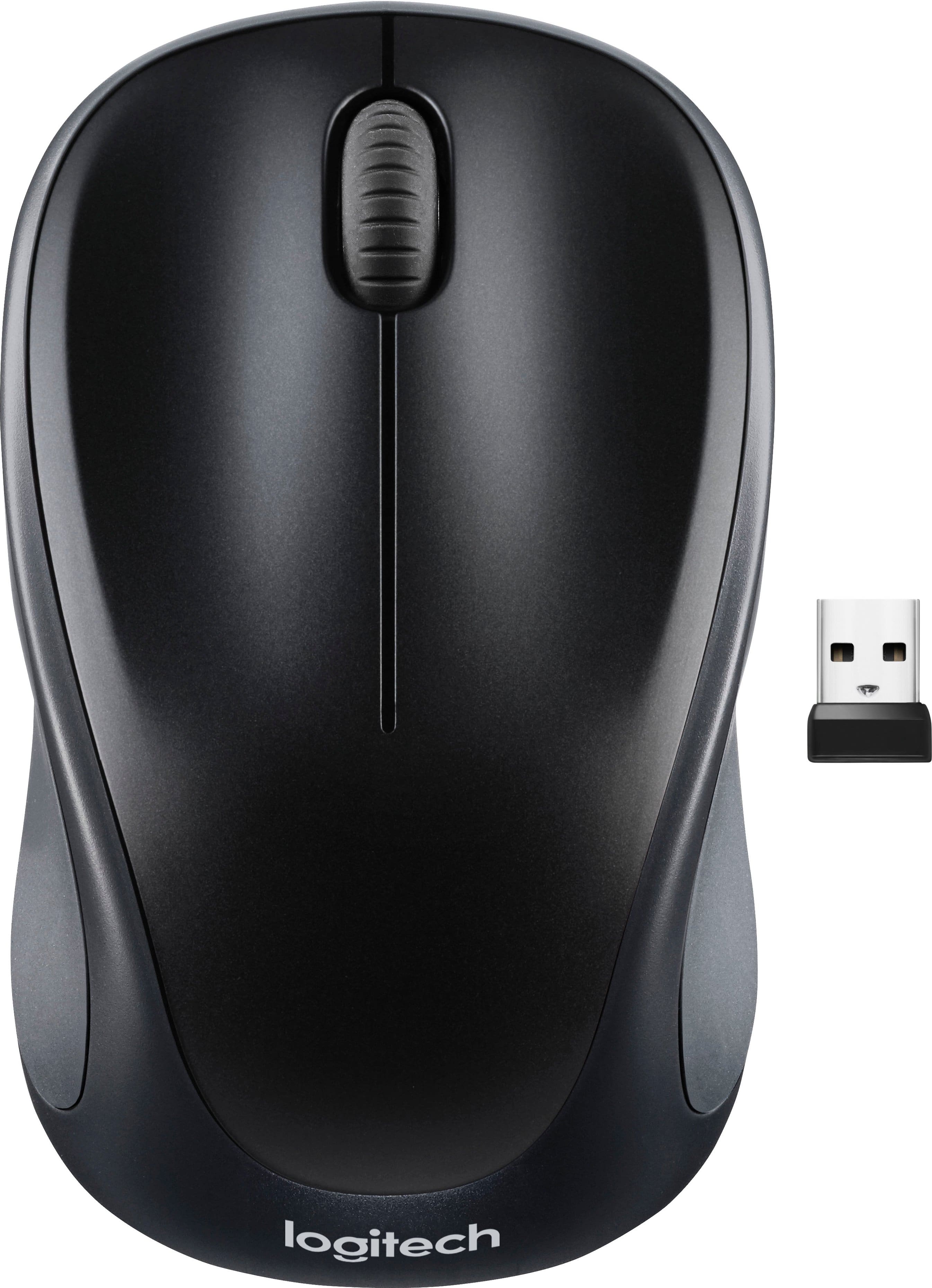
Logitech - M317 Wireless Optical Mouse - Wireless - Black
SKU: J7H7ZY742ZSee all Wireless & Bluetooth MiceProduct Description
A compact black wireless mouse featuring a contoured design, soft rubber grips, and plug-and-play convenience.Your price for this item is $22.99 -
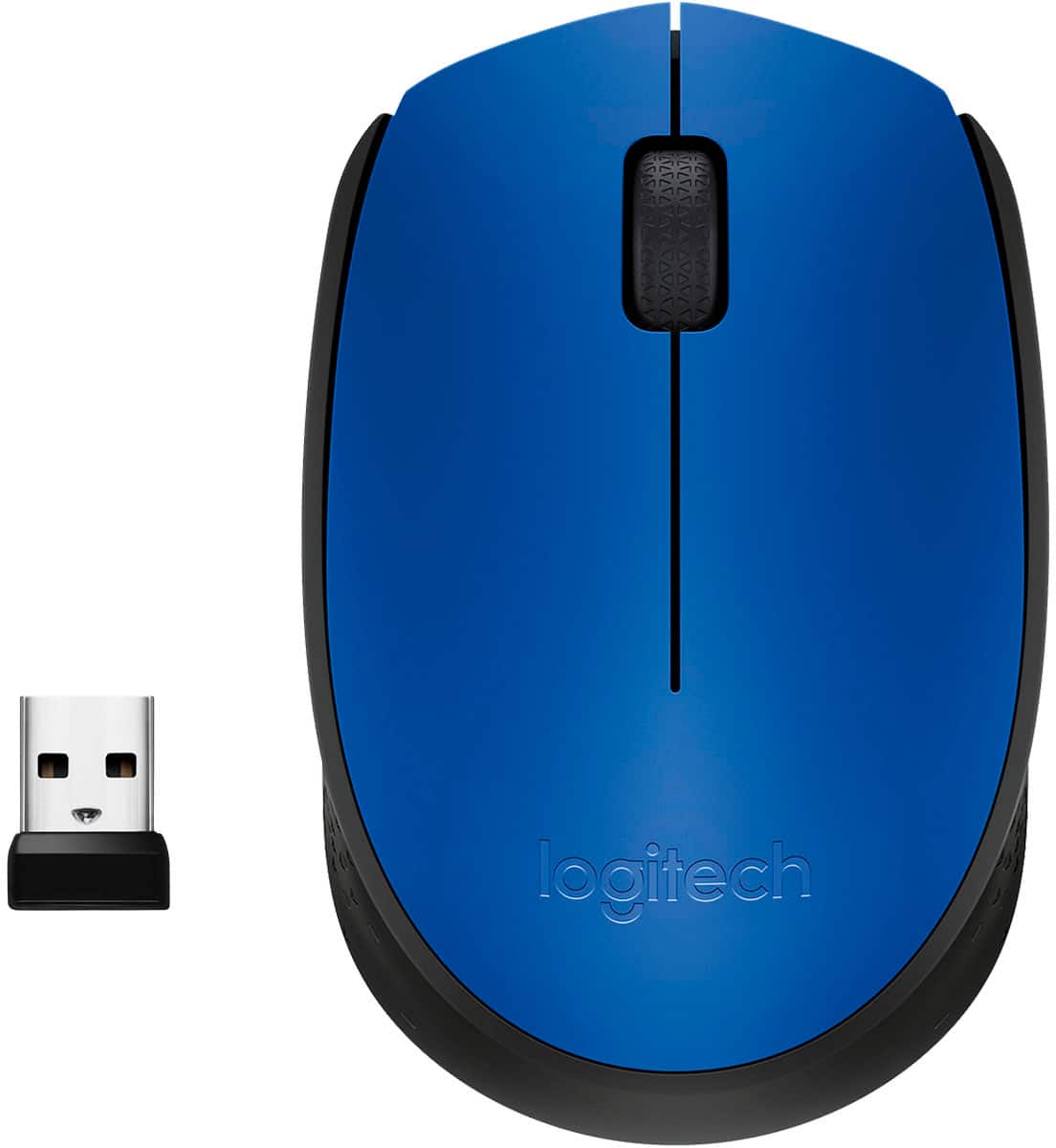
Logitech - M170 Wireless Compact Optical Ambidextrous Mouse - Wireless - Blue
SKU: J7H7ZYCZCSSee all Wireless & Bluetooth MiceProduct Description
A compact blue wireless mouse with ambidextrous design, 1000 DPI sensitivity, and plug-and-play setup.Your price for this item is $27.99Save $0The previous price was $28.08 -
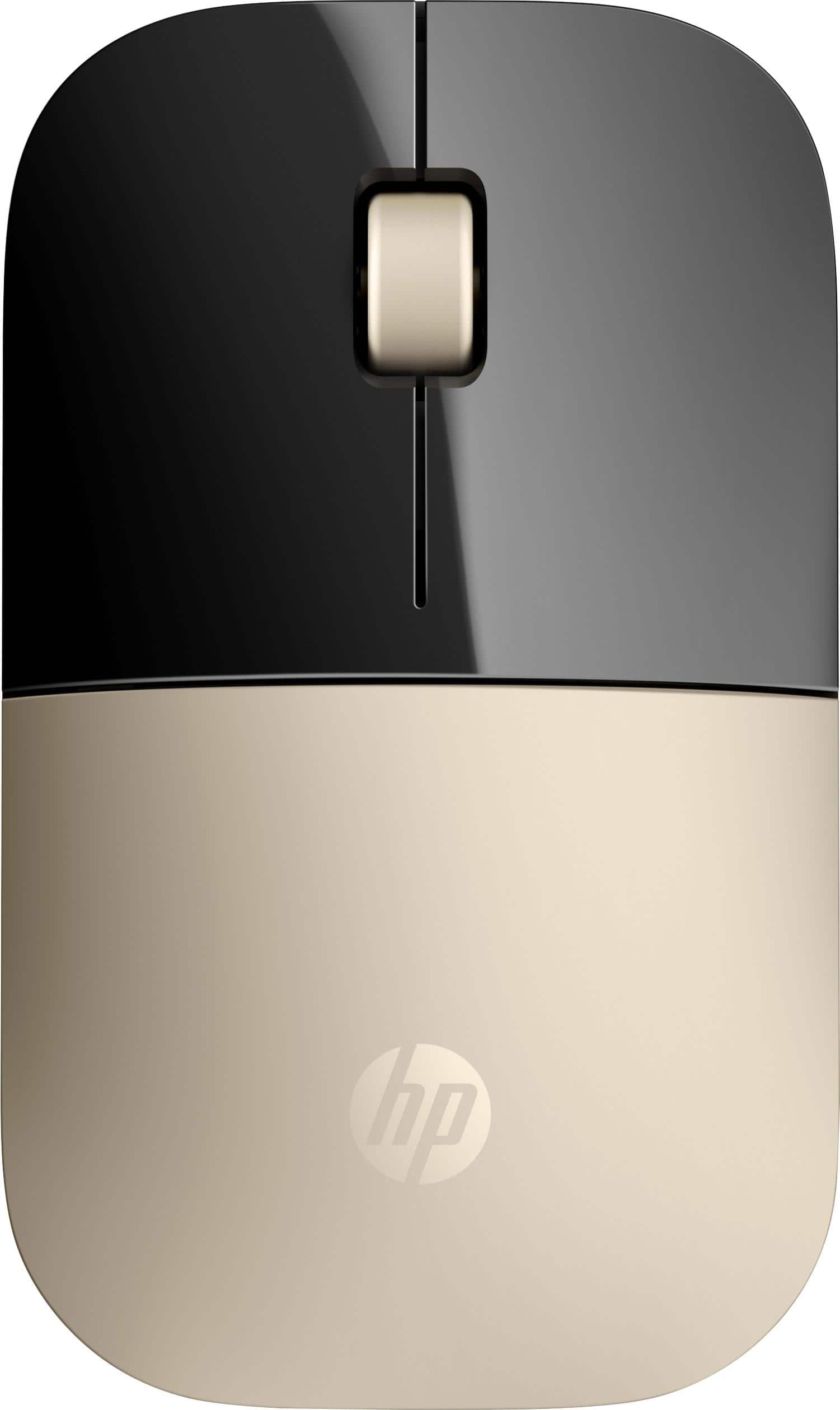
HP - Z3700 Wireless Blue LED Mouse - Wireless - Gold
SKU: JJ88P44F5SSee all Wireless & Bluetooth MiceProduct Description
A sleek gold wireless mouse featuring Blue LED technology, 1,200 DPI sensitivity, and long battery life.Your price for this item is $23.99 -
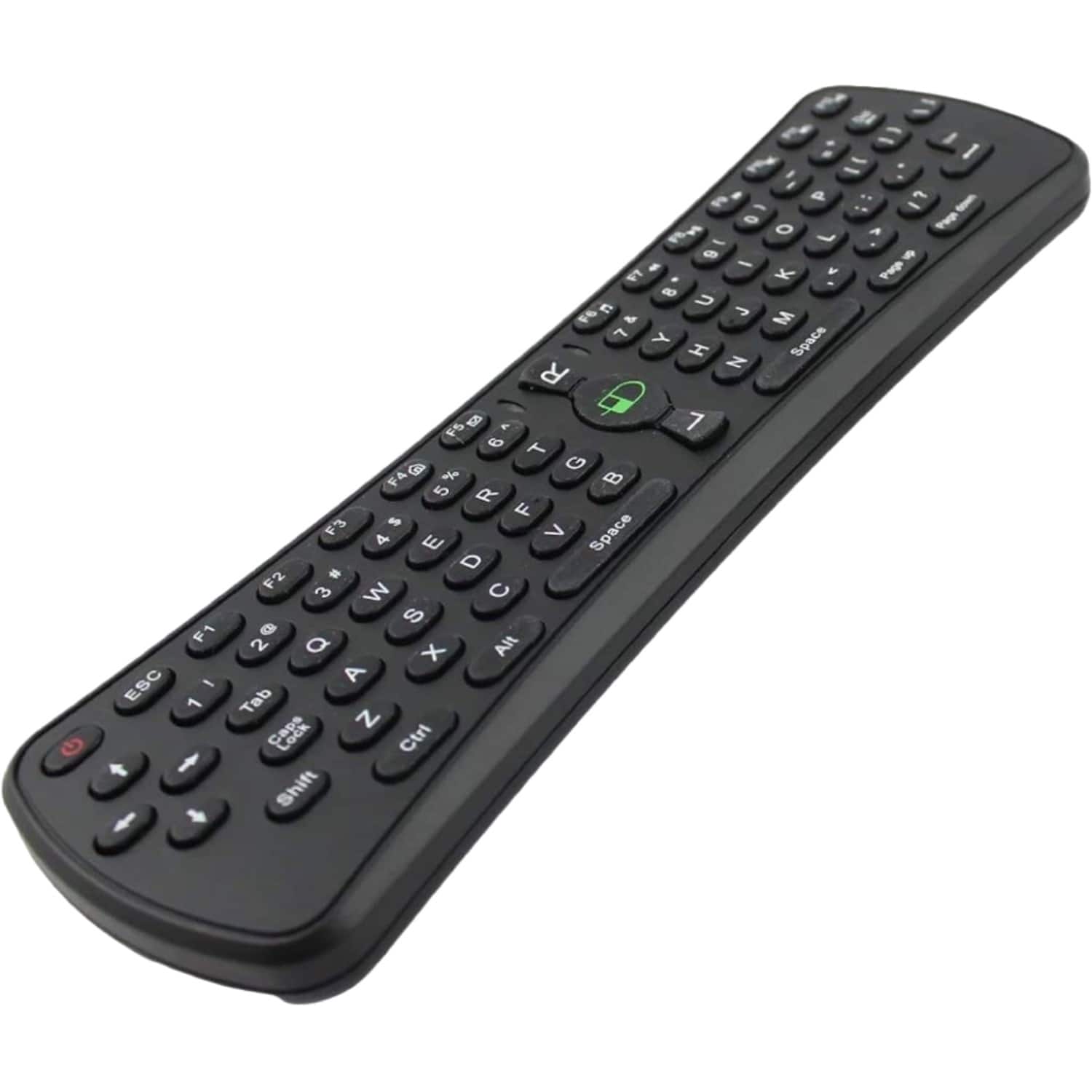
Sanoxy - 2.4GHz Wireless Air Mouse Keyboard with Gaming Support - Black
SKU: B8SKTH3RZLSee all Universal TV Remote ControlsProduct Description
A compact black wireless air mouse and keyboard combo with gaming support, compatible with multiple operating systems.Your price for this item is $19.99 -
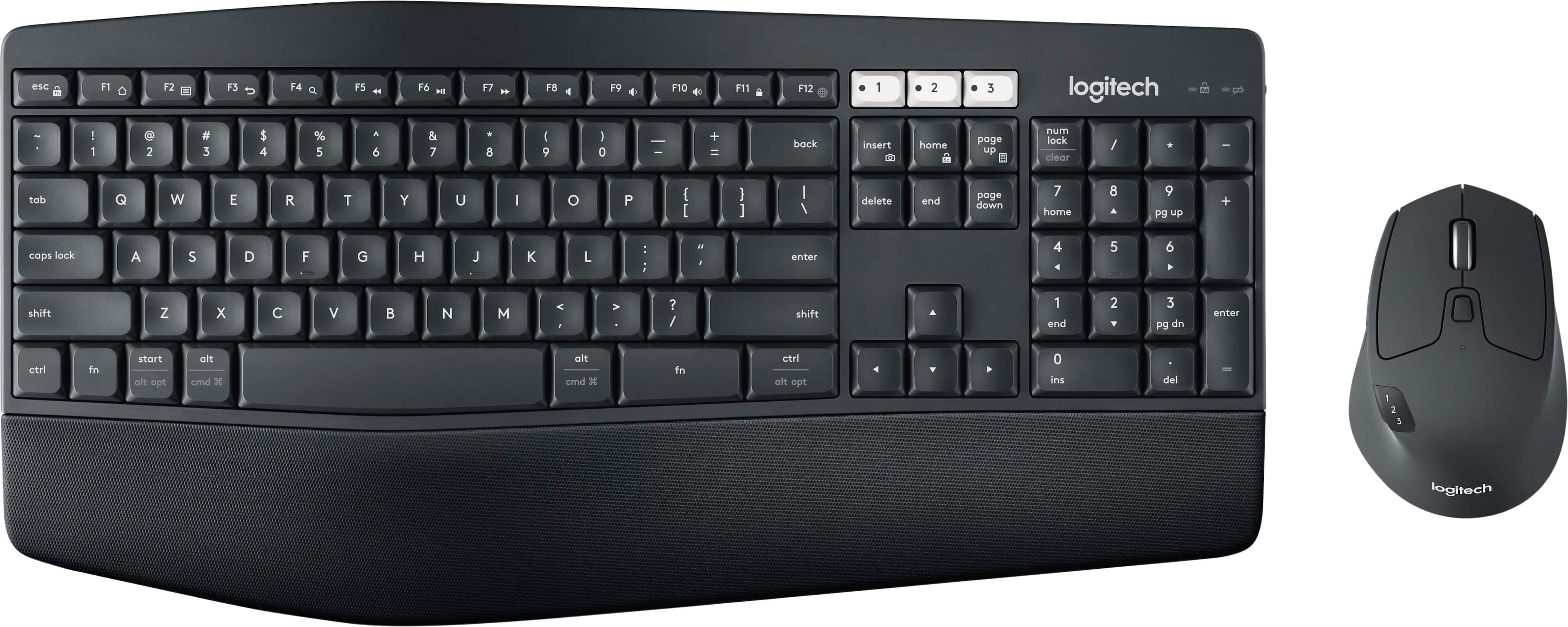
Logitech - MK850 Performance Full-size Wireless Membrane Keyboard and Mouse Combo for PC and Mac - Black
SKU: J7H7ZYCFZQSee all Keyboard & Mouse CombosProduct Description
A wireless black keyboard and mouse combo offering cushioned comfort, multi-device pairing, and seamless OS compatibility.Your price for this item is $89.99Save $10The previous price was $99.99 -
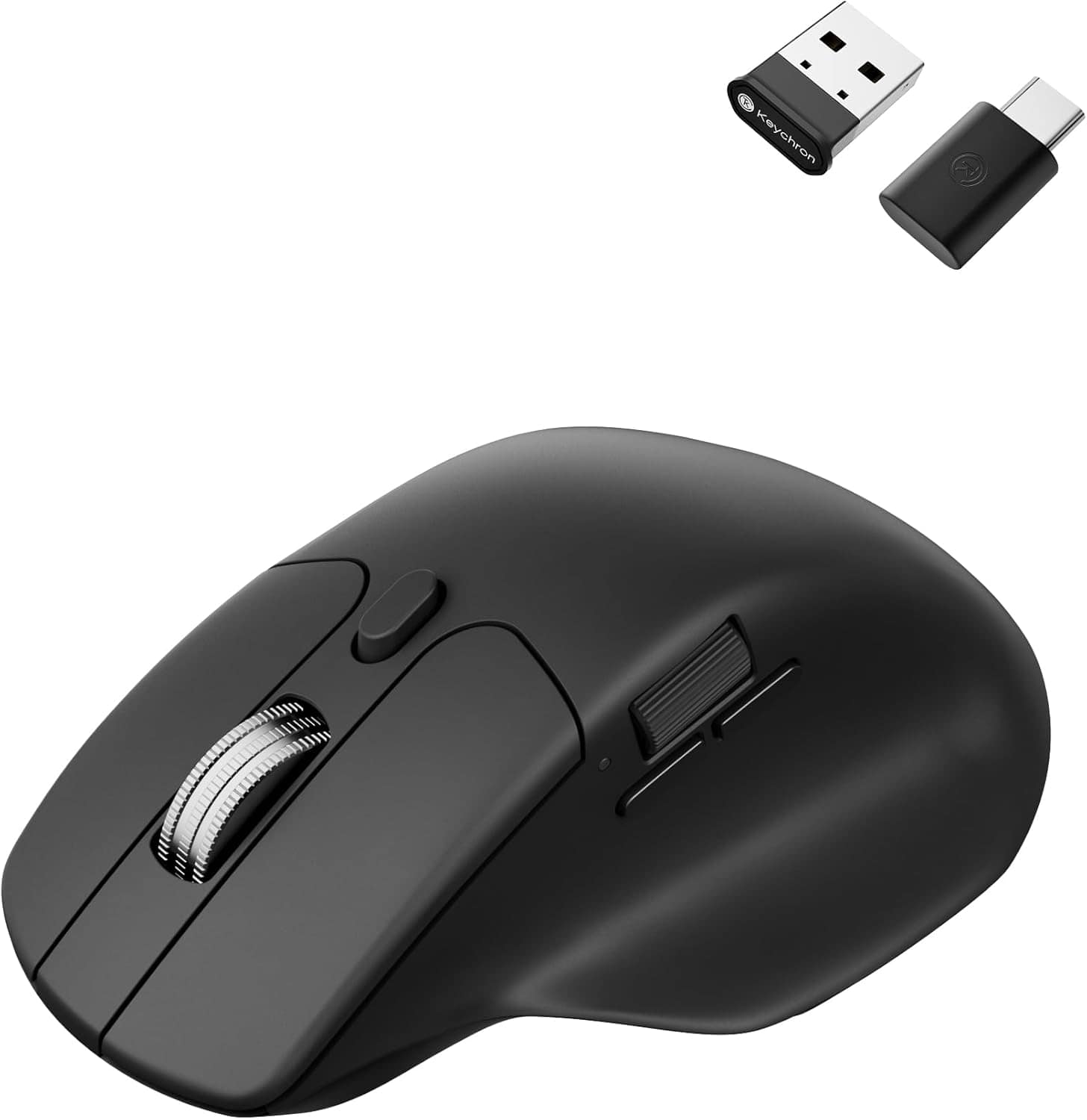
Keychron - M6 Ergonomic Wired & Wireless Laser Mouse w/ Macro Button & Fast-Scrolling Metal Wheel, For Windows PC & Mac - Wired - Black
SKU: CGJVZ4YC3GSee all Wireless & Bluetooth MiceProduct Description
An ergonomic black wireless mouse featuring Bluetooth, wired options, and over ten programmable macro buttons.Your price for this item is $49.99 -
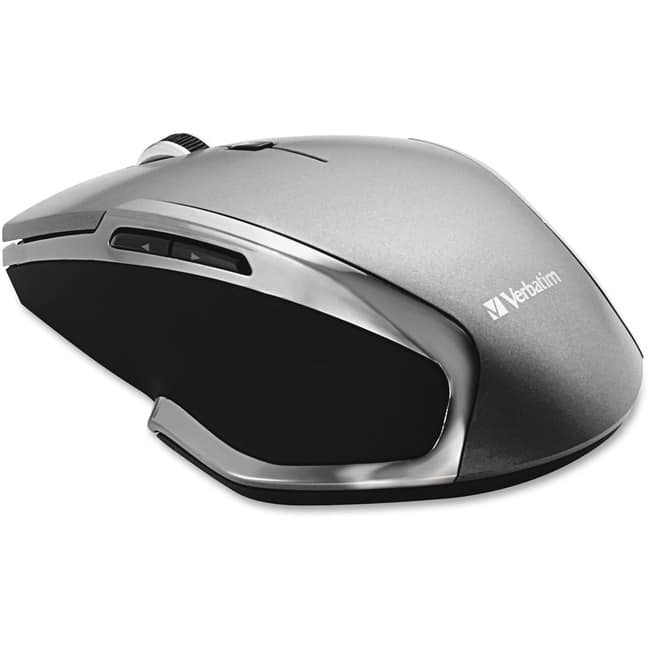
Verbatim - Wireless Notebook 6-Button Deluxe Blue LED Mouse - Blue LED/Optical - Wireless - Radio Frequency - Wireless - Graphite
SKU: J72FJKJCFWSee all Wireless & Bluetooth MiceProduct Description
A wireless graphite and blue LED mouse with six buttons and ergonomic design for versatile navigation.Your price for this item is $32.89 -
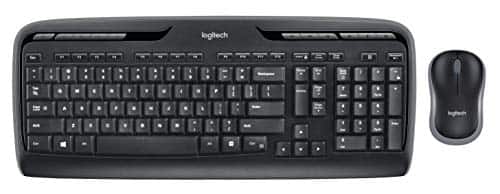
Logitech - MK320 Wireless Desktop Keyboard and Mouse Combo Entertainment Keyboard and Mouse, 2.4GHz Encrypted Wireless C - Black
SKU: J7QPQKZ365See all Keyboard & Mouse CombosProduct Description
A black wireless keyboard and mouse combo featuring multimedia hot keys, programmable F-keys, and 2.4GHz connectivity.Your price for this item is $58.44Save $3The previous price was $62.41
Best Sellers





Related Pages
FAQ
Yes, most wireless mice are compatible with Windows 7. Look for models that specifically mention support for Windows 7 or offer plug-and-play functionality with a USB receiver.
Many wireless mice work automatically with Windows 7 using built-in drivers. However, some advanced features may require you to download and install specific drivers or software from the manufacturer's website.
You can use a Bluetooth wireless mouse with Windows 7 if your computer has built-in Bluetooth or a compatible Bluetooth dongle. Make sure the mouse supports Windows 7 and follow the pairing instructions.
To connect a wireless mouse, insert the USB receiver into your computer’s USB port or pair via Bluetooth if supported. Windows 7 should automatically detect the device and enable basic functionality.
Most standard buttons will function without additional setup. For customizable or extra buttons, you may need to install the manufacturer's software to configure and use all features on Windows 7.