Wireless Trackball Mice
-
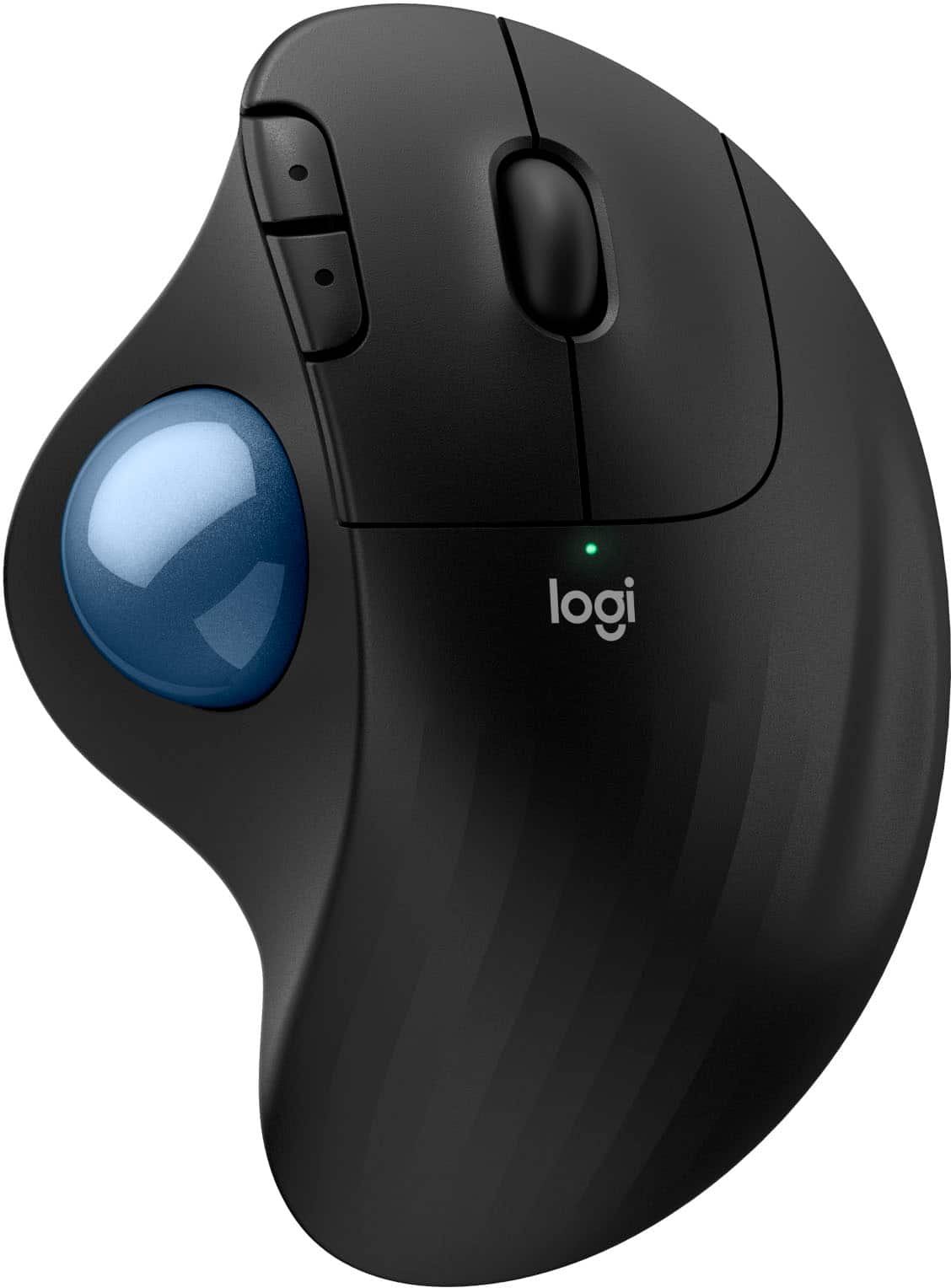
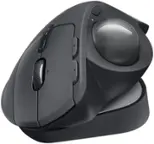
Logitech - ERGO M575 S Wireless Ergonomic Trackball Mouse - Wireless - Black
SKU: J7H7ZY8FK9Love the logitec trackball !!! Great help & great price !!...The best mouse ever, stay in 1 spot and great for multiple screens.
See all MiceProduct Description
An ergonomic black wireless trackball mouse offering smooth thumb control, Bluetooth connectivity, and reduced muscle strain.Your price for this item is $49.99 -
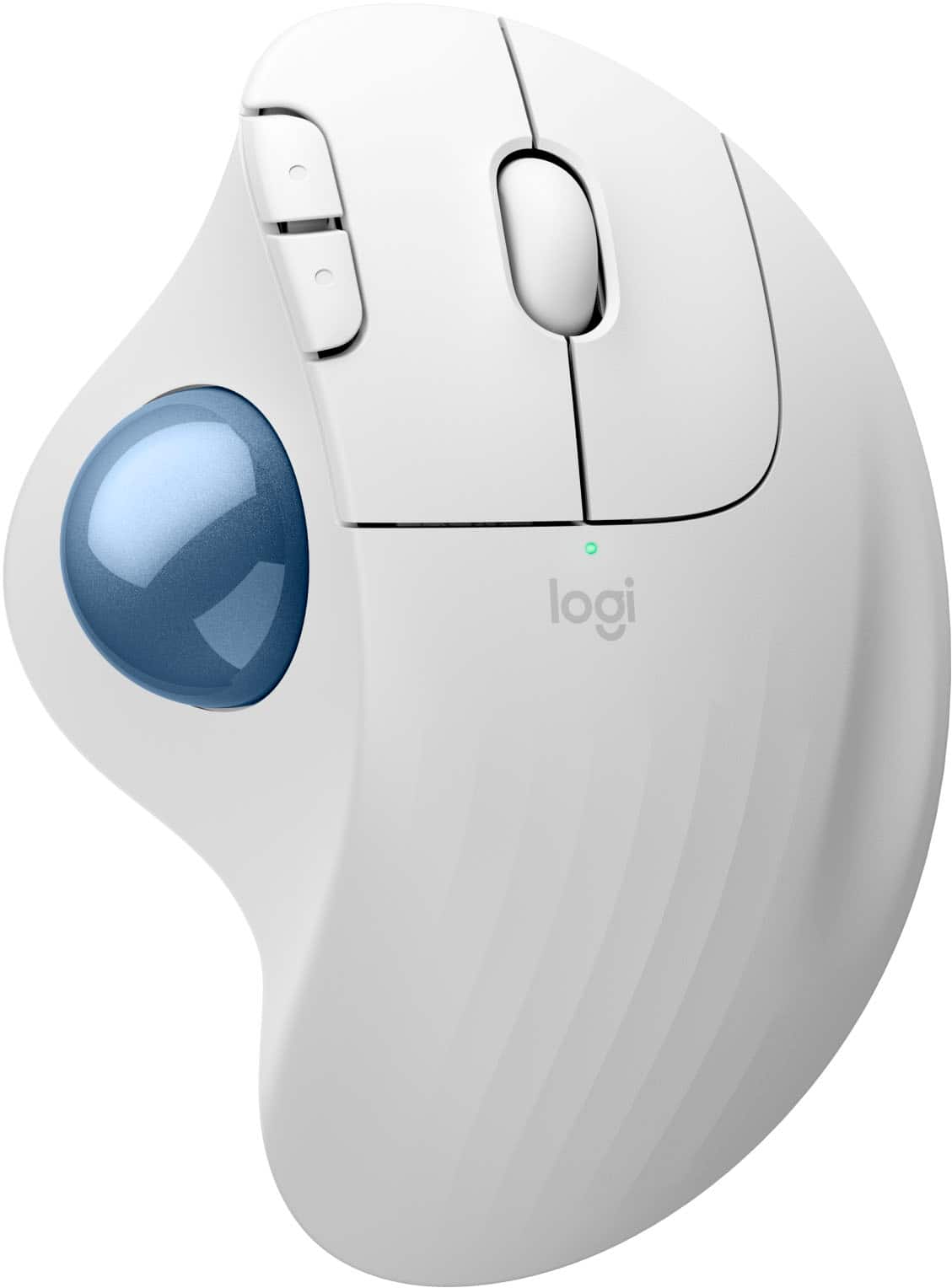
Logitech - ERGO M575 S Wireless Ergonomic Trackball Mouse - Wireless - White
SKU: J7H7ZY8FZJThe Best Mouse...I used to love trackballs back when they were larger and the ball was controlled by multiple fingers....I got a great high quality mouse now and am happy with that.
See all MiceProduct Description
An ergonomic white wireless trackball mouse offering thumb control, Bluetooth connectivity, and reduced forearm strain.Your price for this item is $40.99Save $9The previous price was $49.99 -
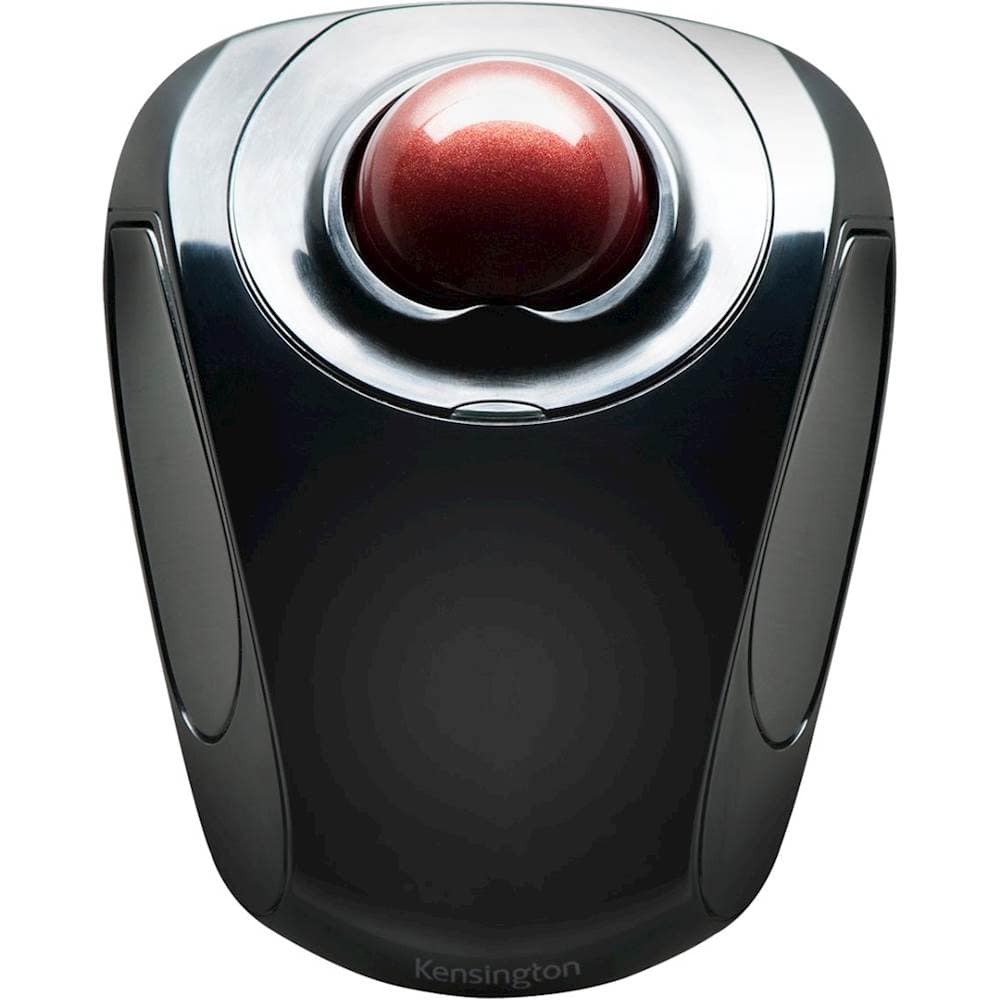
Kensington - Orbit Wireless Laser Trackball Mouse - Black
SKU: J7RJZZQGQFSee all Wireless & Bluetooth MiceProduct Description
An ergonomic black wireless trackball mouse with ambidextrous design, programmable buttons, and precise touch scrolling.Your price for this item is $49.99 -
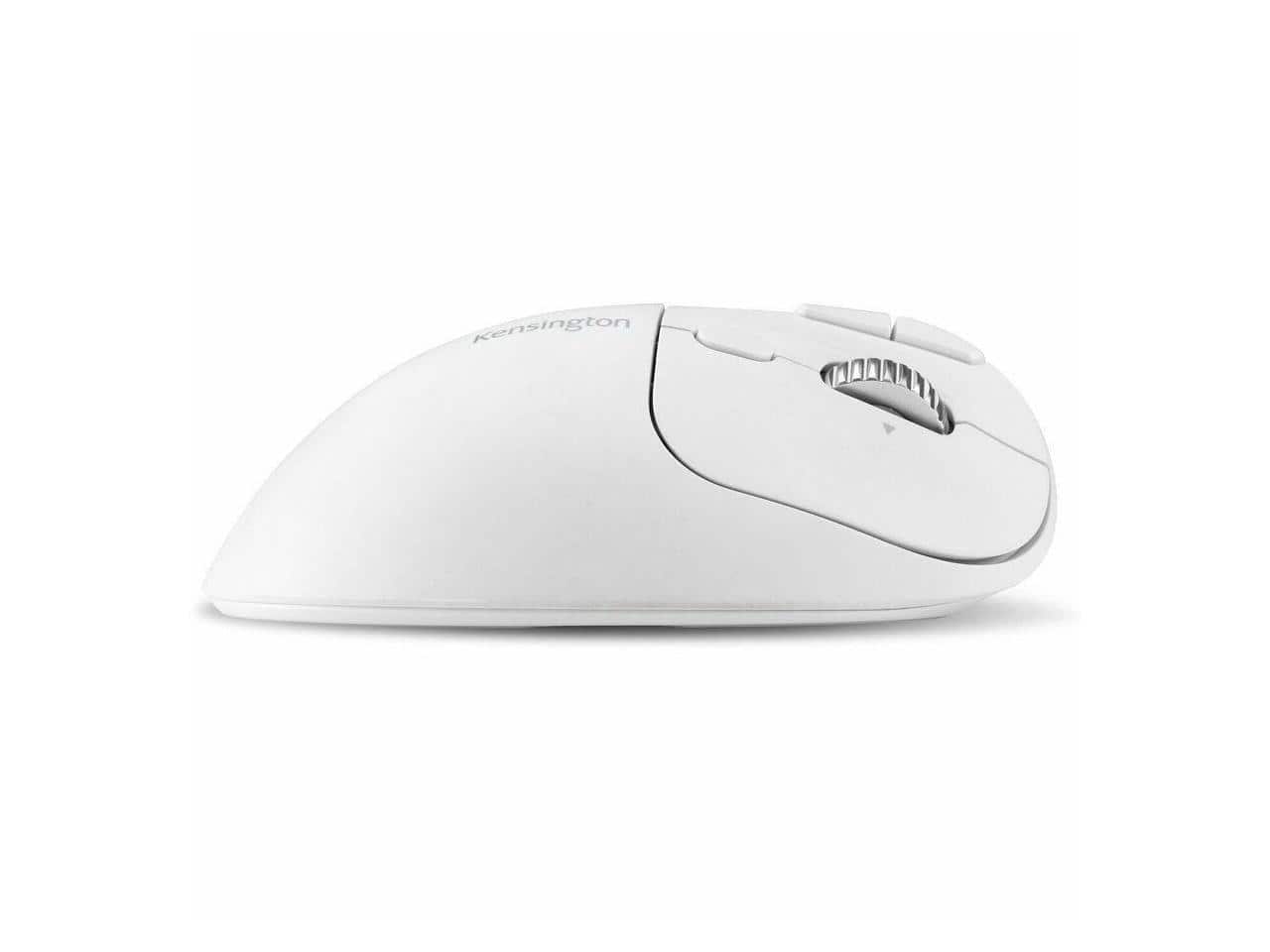
Kensington - Pro Fit™ Ergo TB550 Trackball - Optical - Wireless - Bluetooth/Radio Frequency - 2.40 GHz - Wireless - White
SKU: J7RJZZQX5CSee all Wireless & Bluetooth MiceProduct Description
A white wireless optical trackball featuring Bluetooth, USB-C charging, 1600 dpi, and seven programmable buttons.Your price for this item is $62.99 -
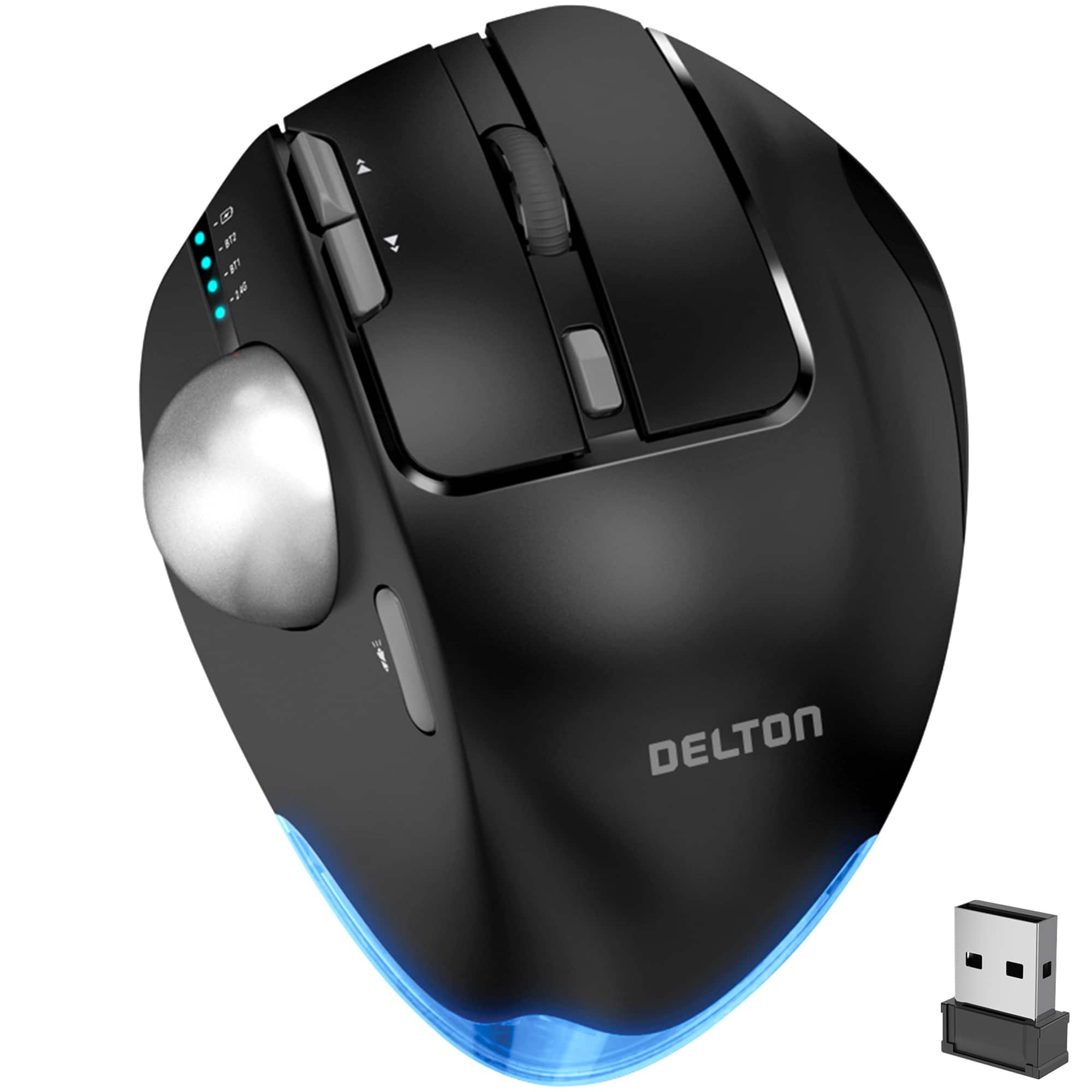
Delton - T100 Wireless Trackball Mouse, Rechargeable Computer Ergonomic Mouse, Easy Thumb Control, (DMST100-WB) - Wireless - Black
SKU: J38PCKS62KSee all Wireless & Bluetooth MiceProduct Description
An ergonomic black wireless trackball mouse with thumb control, customizable buttons, and adjustable DPI up to 4800.Your price for this item is $79.99
Best Sellers




Related Pages




FAQ
Wireless trackball mice offer superior ergonomic comfort by allowing you to control the cursor with your thumb or fingers, reducing wrist and arm movement. They are also ideal for limited desk space since the mouse itself remains stationary during use.
Yes, most wireless trackball mice are designed to be compatible with both Windows and Mac operating systems. Always check the product specifications for specific compatibility details.
Wireless trackball mice typically connect via Bluetooth or with a USB wireless receiver (dongle) that plugs into your computer's USB port. Some models support both connection methods for added flexibility.
Many wireless trackball mice are plug-and-play, meaning they work right out of the box without additional software. However, some advanced models offer optional software for customizing button functions and sensitivity settings.
While wireless trackball mice are primarily designed for productivity and ergonomic comfort, some users find them suitable for gaming and graphic design, especially for tasks that benefit from precise cursor control. For specialized needs, look for models with customizable buttons and adjustable DPI settings.