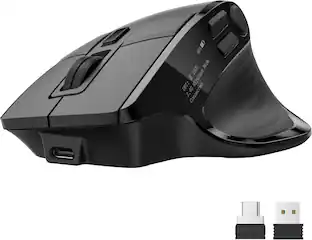
Acer - Ergonomic Mouse Wireless, 1000/1200/1600 Adjustable DPI Vertical Mouse - Wireless - Black
Customers are saying
Customers highly value the Ergonomic Mouse Wireless, particularly its design, which feels natural in the hand. Users are also impressed with the mouse's comfort and excellent battery life. Overall, the mouse seems to be well-received for its ergonomic features.
Features
57° Ergonomic Vertical Design
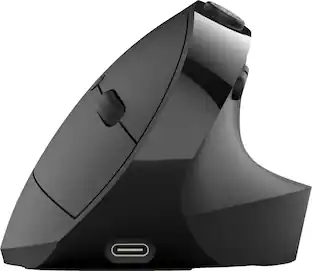
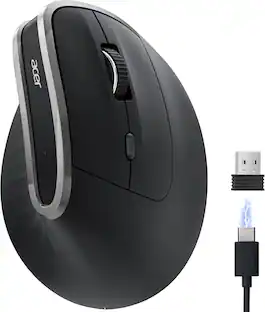
This mouse ergonomic is designed with a vertical structure that naturally fits the shape of your right hand. The 57° Vertical Angle tilt angle effectively reduces pressure on your wrist and arm. The vertical mouse decreases muscle activity by up to 10%, enhancing comfort and minimizing fatigue during extended use. 📌📌Please adjust your grip to let your palm naturally conform to the mouse's curve, reducing hand fatigue.
2.4GHz Wireless Connection
This wireless ergonomic mouse offers a fast and stable 2.4GHz wireless connection. You can easily connect it via the included USB-A receiver, ensuring smooth operation with a reliable range of up to 32 FT (10 M). Note: This acer ergonomic mouse is plug-and-play for PCs, requiring no driver installation or firmware updates.📌📌Not supporting Bluetooth connection.
3 Adjustable DPI Settings
Experience seamless control with this vertical wireless mouse, offering 3 adjustable DPI settings: 1000, 1200, and 1600. Whether you're navigating spreadsheets, editing documents, or managing tasks, switch DPI levels effortlessly to suit your needs. Enjoy precise, customizable control designed for your daily workflow.
High-Capacity Rechargeable Battery
This rechargeable ergonomic mouse is equipped with a durable 300mAh lithium rechargeable battery, lasting up to a month on a full charge. The Wireless PC mouse automatically enters sleep mode after 10 minutes of inactivity, extending standby time, and reawakens with just two left-clicks. Easily recharge with the included USB cable—no battery changes needed.
Quick Navigation Buttons
This ergo mouse is equipped with forward and backward buttons, enabling fast navigation through web pages and folders. Streamline your workflow by easily switching between tasks with a simple click. 📌📌 Please make sure your fingertips are placed at the top of the left and right buttons to click them.
Specifications
- Maximum Sensitivity1600 dots per inchNumber of Buttons (Total)6Connection TypeWireless
Reviews
Rating 4.4 out of 5 stars with 23 reviews
- Design (8)
- Battery Life (4)
- Comfort (4)
- Weight (3)
Customer Images
The vast majority of our reviews come from verified purchases. Reviews from customers may include My Best Buy members, employees, and Tech Insider Network members (as tagged). Select reviewers may receive discounted products, promotional considerations or entries into drawings for honest, helpful reviews.

Compare similar products

acer Ergonomic Mouse Wireless, 1000/1200/1600 Adjustable DPI Vertical Mouse with 6 Buttons, Rechargeable Ergo Mice with 2.4GHz USB Receiver for Computer, Laptop, PC, iMac and Desktop

acer Ergonomic Mouse Wireless, Vertical Computer Mouse for Office, Ergo Mice Rechargeable for Right Hand, 2.4GHz USB Receiver, 800/1200/1600 DPI, 6 Buttons for Laptop, PC and Desktop

The JBuds Ergonomic Mouse offers blissful comfort with a personalized set-up for your favorite functions and tasks. With seven buttons, you have everything you need to reach working-from-home greatness, and everything you want to play your game, your way. The vertical design provides a natural angle for your wrist and hand, so switching between your favorite functions and your top devices is effortless.
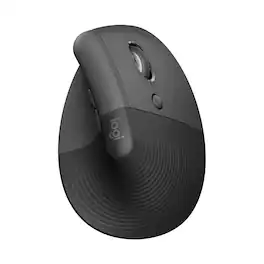
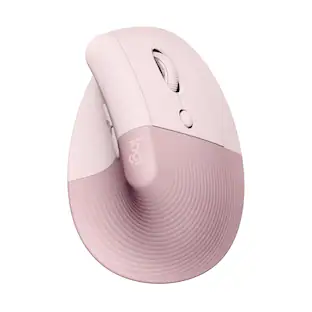
Desk life getting you down? Lift yourself up with Lift Vertical Ergonomic Mouse – a comfy and intuitive wireless mouse with quiet clicks crafted specially for small-to-medium hands. Available in right and left. Lift’s unique 57-degree angle elevates your wrist to give a feeling of relief — and sends a wave of comfort through the forearm and upper body. Scrolling feels second nature with SmartWheel, which easily shifts from precision to speed-scroll. Customize Lift ergo mouse using intuitive Logi Options+ Software.
| Pros for Acer - Ergonomic Mouse Wireless, 1000/1200/1600 Adjustable DPI Vertical Mouse - Wireless - Black | |||
|---|---|---|---|
| Battery Life, Design, Comfort, Weight | Ergonomics, Battery Life, Build Quality | Ergonomics, Battery Life, Overall Performance, Ease of Use, Connectivity | Ergonomics, Overall Performance, Battery Life, Ease of use, Size |
| Cons for Acer - Ergonomic Mouse Wireless, 1000/1200/1600 Adjustable DPI Vertical Mouse - Wireless - Black | |||
| There were no cons for this product— | There were no cons for this product— | Scroll Wheel, Wrist Pain | Wrist Pain, Scroll Wheel, Price |
Specs
Customers often buy these together
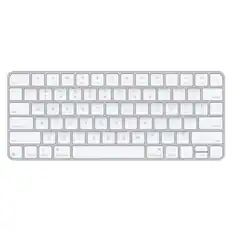
Computer Keyboards



![The text on the image reads:
888 DD DI DD 4 DSC i F2 F3 4 FS T6 ET 1. 1N IN F.. 11 1.. 114 1n F1 F12 118 in9 - a ee 1 8F 2 3 $ 4 % 5 A 6 & 7 . 8 I 9 I 0 ee I + = delete fn home page up clear - / + tab Q W E R T Y U I 0 P { [ ] ] | I delete end page down 7 8 9 ee caps lock A S D F G H J K L : I - return 4 5 6 + shift Z X C V N M < F > ? / shift a 1 2 3 control option 2 command 3 command option control Y - 0 enter
After grouping and correcting the text, it reads:
888 DD DI DD 4 DSC i F2 F3 4 FS T6 ET 1. 1N IN F.. 11 1.. 114 1n F1 F12 118 in9 - a ee 1 8F 2 3 $ 4 % 5 A 6 & 7 . 8 I 9 I 0 ee I + = delete fn home page up clear - / + tab Q W E R T Y U I 0 P { [ ] ] | I delete end page down 7 8 9 ee caps lock A S D F G H J K L : I - return 4 5 6 + shift Z X C V N M < F > ? / shift a 1 2 3 control option 2 command 3 command option control Y - 0 enter](https://pisces.bbystatic.com/image2/BestBuy_US/images/products/f4059d3a-0c2a-46ef-bcfd-4e11b9b26d5d.jpg;maxHeight=232;maxWidth=233?format=webp)




Customers ultimately bought
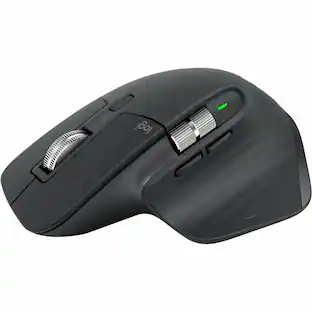
Logitech Lift Vertical Wireless Optical Ergonomic Mouse with 4 Customizable Buttons
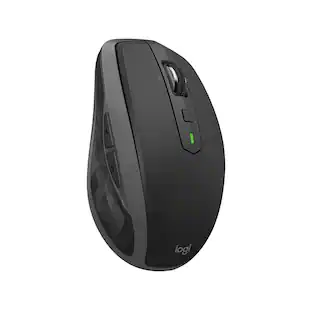
Holiday Deal$69.99The price was $79.99Logitech MX Anywhere 2S Bluetooth Edition Wireless Laser Mouse with Hyper-Fast Scrolling
$49.99The price was $59.99


Explore tech essentials Sponsored
Logitech MX Anywhere 3S Wireless Bluetooth Optical Fast Scrolling Mouse with Programmable Buttons
$69.99The price was $89.99




Discover related products
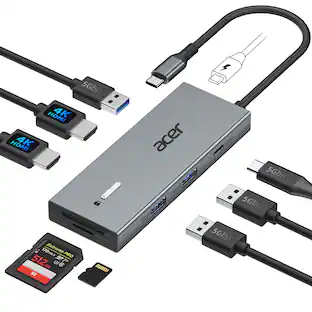
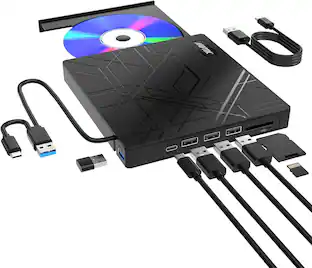
Acer USB C Docking Station With 2 HDMI, 9-IN-1 Docking Hub with USB A&C 3.0, SD/Micro SD, 100W Charging
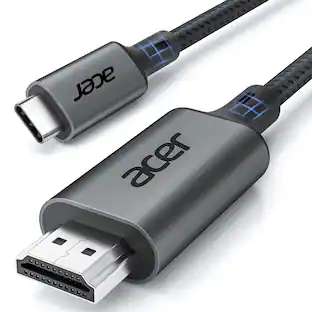
$42.99The price was $47.99Acer USB C to HDMI Cable for Home Office 6.6FT (4K@60Hz), High-Speed Type C to HDMI 2.0 Braided Cord
Holiday Deal$10.99The price was $13.99Z Z-Edge 2K 2592x1944 Stream Webcam Auto Focus Web Camera for PC/Desktop/Laptop
$24.99The price was $39.99Delton 10X Noise Isolating Bluetooth Over-the-Head Headset for Office & Remote Work (DBTHEAD10X)
$29.99The price was $32.82




Keep exploring
Logitech Design Mouse Limited Edition Wireless Optical 3-button Mouse with Broad Compatibility
$29.46The price was $55.07GravaStar Mercury X Pro Wireless 8K Hz Gaming Mouse with 32000 DPI and 49g Magnesium Alloy Frame
$139.95The price was $187.95