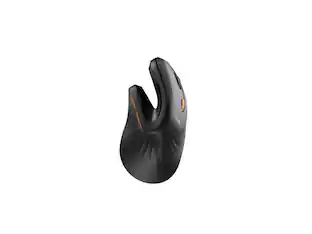
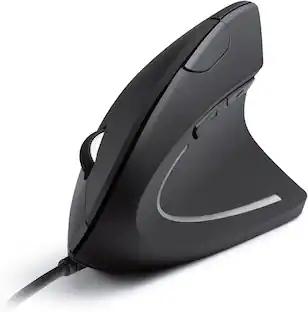
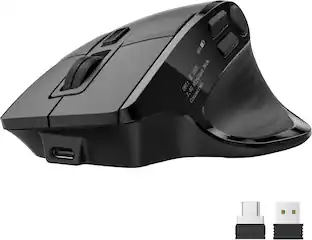
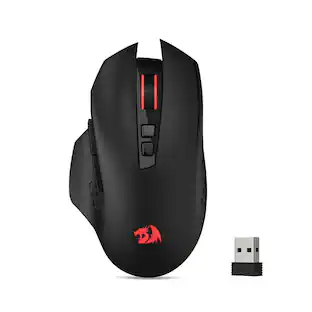
ASUS - ROG Spatha X Optical Gaming Mouse with 12 Programmable Buttons and Magnetic Charging Stand - Wireless - Black
Customers are saying
Customers frequently mention that this mouse excels in ergonomics, build quality, and button layout, providing a comfortable and highly customizable user experience. Users also appreciate the reliable battery life and consistent responsiveness during operation. However, some individuals find the device to be somewhat heavy and larger than they would prefer for their personal use.
Features
2.40 GHz Wireless connection
This mouse connects to your computer using a wireless USB receiver.
Optical technology
LED lights scan the surface beneath the mouse to detect movement with a fair amount of accuracy, suitable for everyday computing and browsing.
Built-in Scroll Wheel
From controlling text size to image zoom, opening or closing tabs, the featured scrolling wheel makes it a breeze to perform tasks quickly.
Right-handed design
Right-handed design for a comfy grip.
Compatible with most versions of Windows
Works with most PCs.
Specifications
- Lighting TypeRGBMaximum Sensitivity19000 dots per inchNumber of Buttons (Total)12Connection TypeWireless, Wired
Reviews
Rating 4.5 out of 5 stars with 44 reviews
- Ergonomics (10)
- Battery Life (7)
- Build Quality (6)
- Programmable Buttons (4)
- Responsiveness (4)
- Size (7)
- Weight (7)
Customer Images
The vast majority of our reviews come from verified purchases. Reviews from customers may include My Best Buy members, employees, and Tech Insider Network members (as tagged). Select reviewers may receive discounted products, promotional considerations or entries into drawings for honest, helpful reviews.

Compare similar products
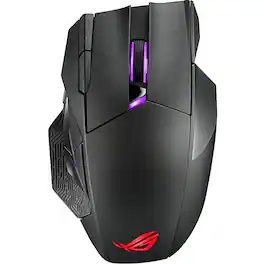
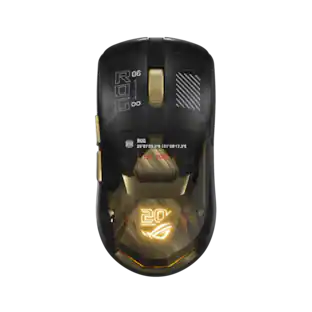
The Spatha X wireless gaming mouse with dual-mode connectivity (wired / 2.4 GHz) features a magnetic charging stand, 12 programmable buttons, specially tuned ROG 19,000 dpi sensor, exclusive Push-Fit Switch sockets, ROG Micro Switches, ROG Paracord and Aura Sync RGB lighting.
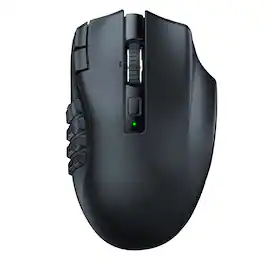
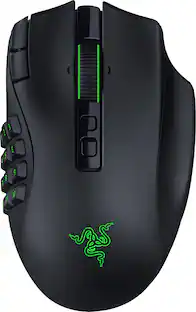
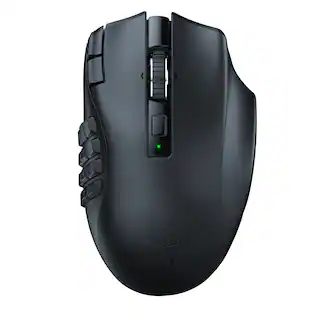
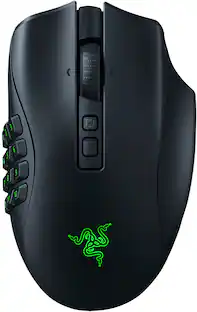
Rise to the top of your guild with the Razer Naga V2 HyperSpeed—a best-in-slot wireless ergonomic MMO mouse. Optimize skill rotations with an arsenal of 19 buttons and a dual mode scroll wheel. Power through raid progression with HyperSpeed Wireless, backed by up to 250 hours of battery life.

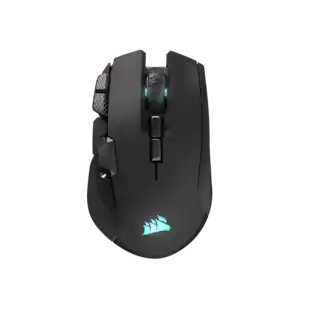
The CORSAIR IRONCLAW WIRELESS SE Gaming Mouse was designed to deliver comfortable control for right-handed players that prefer palm grips. Its uniquely-sculpted shape and textured grips are built to give players secure, comfortable control. The precise 26k DPI sensor provides amazing accuracy for MOBA, FPS, and MMO gameplay. IRONCLAW WIRELESS SE is all about longevity with up to 285 hours over 2.4GHz, 532 hours over BT, and switches rated for up to 100 million clicks. Versatile tri-mode connectivity connects via robust 2.4GHz wireless, convenient Bluetooth®, or USB-C cable. CORSAIR IRONCLAW WIRELESS SE Gaming Mouse – Comfortable Control in the Palm of Your Hand.
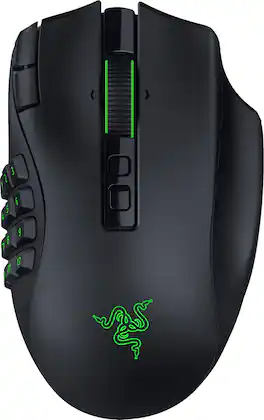
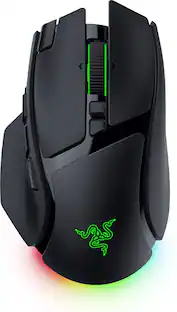
Stay one step ahead—no matter how the game changes. The Razer Naga V3 Pro is a modular wireless gaming mouse built to adapt across genres, upgraded to be more customizable, faster, and more precise than ever for MMO, battle royale, FPS, and more. Swap between 12-, 6-, or 2-button magnetic side plates and command up to 23 programmable buttons, including 2 quick-access edge buttons for on-the-fly DPI changes plus a lockable ring finger button for extra control. Take charge of scrolling with the configurable Razer HyperScroll tilt wheel (4-way) with 3 modes: Tactile Cycling, Free-Spinning, or Smart-Reel that auto-switches based on scroll speed (all adjustable in Synapse). Enjoy crisp, rapid clicks from Razer Optical Mouse Switches Gen-4, rated for 100M+ clicks with improved feel and 12% lighter actuation. Aim with next-level accuracy using the Razer Focus Pro 50K Optical Sensor Gen-3 (50K DPI, 930 IPS, 90 G) powered by Frame Sync for reduced latency. Go cable-free with Razer HyperSpeed Wireless for high-performance, ultra-low-latency play even in noisy tournament environments. Power through up to 155 hours on HyperSpeed or 280 hours on Bluetooth, recharge via USB-C, and unlock wireless charging with HyperFlux V2 or Mouse Dock Pro (sold separately). Get smarter control with AI Prompt Master and advanced macros to surface tailored strategies fast and execute chained actions instantly.
| Pros for ASUS - ROG Spatha X Optical Gaming Mouse with 12 Programmable Buttons and Magnetic Charging Stand - Wireless - Black | |||
|---|---|---|---|
| Ergonomics, Battery Life, Build Quality, Programmable Buttons, Responsiveness | Overall Performance, Button Layout, Battery Life, Ergonomics, Wireless | Ergonomics, Battery Life, Button Layout, Overall Performance, Connectivity | Button Layout, Ergonomics, Battery Life, Build Quality, Sensor Accuracy |
| Cons for ASUS - ROG Spatha X Optical Gaming Mouse with 12 Programmable Buttons and Magnetic Charging Stand - Wireless - Black | |||
| Size, Weight | Size | Size | Weight, Input Control, Noise Level |
Specs
Questions & Answers
Has anyone tested functionality with consoles? (Xbox Series / PS5)
Answered by ASUS AnswersThe ASUS ROG Spatha X wireless gaming mouse can connect to consoles like Xbox Series X/S and PS5, but functionality is limited. It will work for basic navigation in menus, but advanced features such as programmable buttons, RGB lighting control, and Armoury Crate software integration are not supported on consoles.
How many programmable buttons does the mouse have?
The mouse features twelve programmable buttons for customized control.
This question and answer was generated by AI based on customer and product data.Does the mouse have a wired connection option?
The Spatha X wireless gaming mouse features dual-mode connectivity, meaning it can be used in both wired and wireless modes.
This question and answer was generated by AI based on customer and product data.What is the maximum wireless range of the mouse?
The maximum wireless range of the Spatha X Wireless Optical Gaming Mouse is 30 feet.
This question and answer was generated by AI based on customer and product data.What is the maximum sensitivity of the mouse?
The maximum sensitivity of the Spatha X Wireless Optical Gaming Mouse is 19,000 dots per inch.
This question and answer was generated by AI based on customer and product data.

Customers often buy these together
Computer Keyboards
![Sure, here is the corrected and grouped text from the image:
**Top Row:**
- Esc F1 F2 F3 F4 F5 F6 F7 F8 F9 F10 F11 F12 Del PgUp PgDn
**Number Row:**
- 1 2 3 4 5 6 7 8 9 0 - = Backspace
**Letter Row:**
- Q W E R T Y U I O P [ ] \ Caps A S D F G H J K L ; ' Enter
**Bottom Row:**
- Z X C V B N M , . / Shift Ctrl Alt Fn Spacebar Alt Ctrl
**Right Side:**
- Num / * - Home 7 8 9 + PgUp 4 5 6 - PgDn 1 2 3 End 0 . Ins Del
**Mouse Pad:**
- RUG
**Additional Labels:**
- Caps
- Num
- Fn
- RUG](https://pisces.bbystatic.com/image2/BestBuy_US/images/products/190c81fc-db33-4a07-8291-7371ad203c0c.jpg;maxHeight=232;maxWidth=233?format=webp)
![F1 F2 F3 F4 F5 F6 F7 F8 F9 F10 F11 F12
Home Ins Del PgUp PgDn
1 2 3 4 5 6 7 8 9 0 - =
Q W E R T Y U I O P [ ] \
Caps A S D F G H J K L ; '
Ctrl Z X C V B N M , . /
Alt Fn
Num / * - +
7 8 9 4 5 6 1 2 3
Home 8 A 9 PgUp +
End 0 O PgDn +
Ins Del
REPUBLIC OF GAMERS](https://pisces.bbystatic.com/image2/BestBuy_US/images/products/e9846a69-1bb6-42da-b617-2f730ea76bfc.png;maxHeight=232;maxWidth=233?format=webp)
![F1 F2 F3 F4 F5 F6 F7 F8 F9 F10 F11 F12
1 2 3 4 5 6 7 8 9 0 - = Backspace
Q W E R T Y U I O P [ ] \
A S D F G H J K L ; '
Caps Lock Z X C V B N M , . /
Shift
Ctrl Fn Alt
Ins Del
PgUp PgDn
GAME ON
Razer](https://pisces.bbystatic.com/image2/BestBuy_US/images/products/2d3a224e-952f-452b-990b-ef62dad626b2.jpg;maxHeight=232;maxWidth=233?format=webp)
![H Z IT ESC F1 F2 F3 F4 F5 F6 F7 F8 F9 F10 F11 F12 Home End I 1 2 3 4 5 6 7 8 9 0 - = + Ins 1 # $ % & * i Q W E R T Y U I O P [ ] | Del Caps A S D F G H J K L ; ' PgUp Z X C V B N M , . / ? A PgDn Ctrl I Alt Alt Fn](https://pisces.bbystatic.com/image2/BestBuy_US/images/products/7fa5a352-5d2b-4a0f-894f-18fd3234b3cb.png;maxHeight=232;maxWidth=233?format=webp)
Mouse Pads


More recommended items
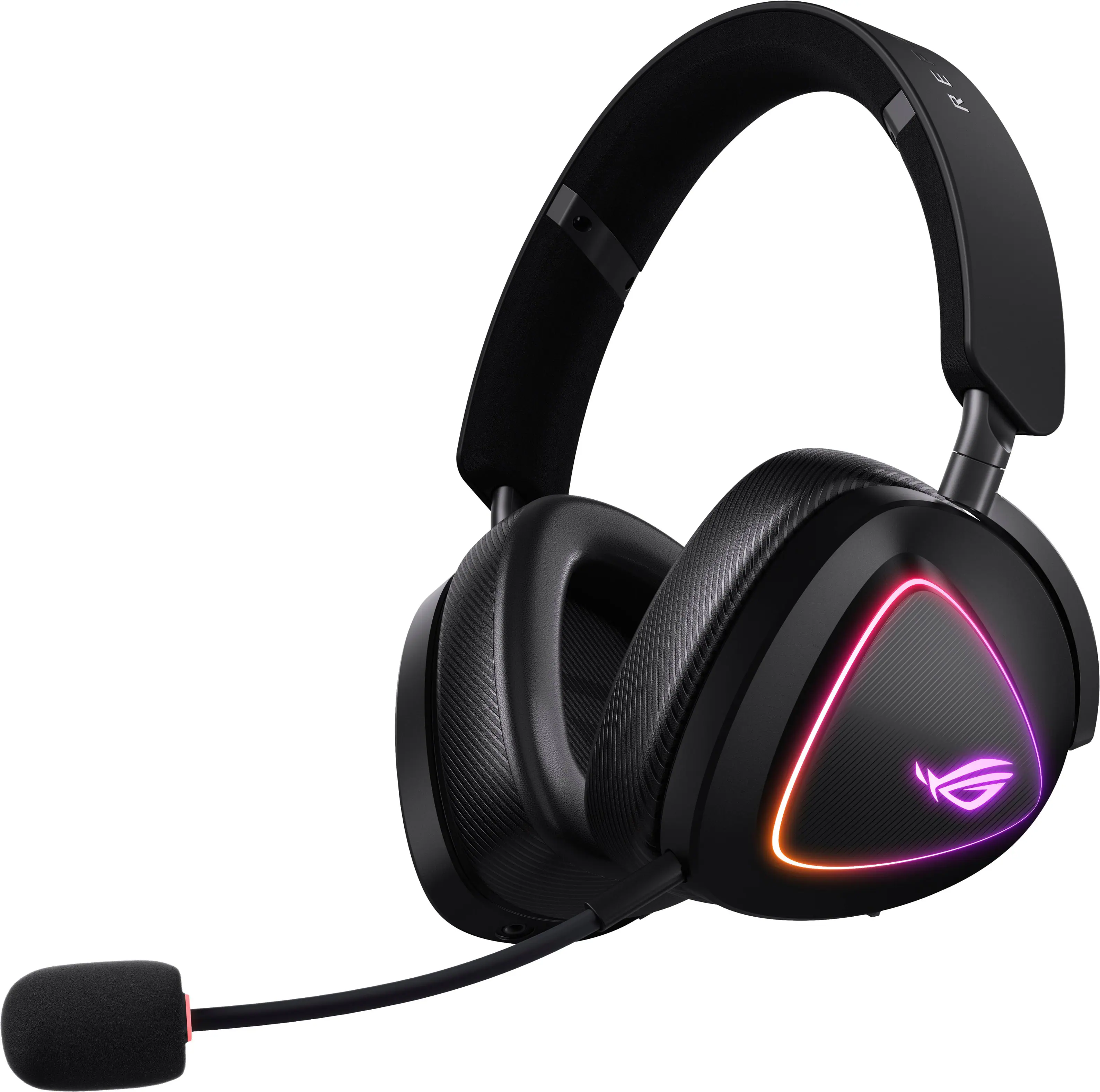 PC Gaming Headsets
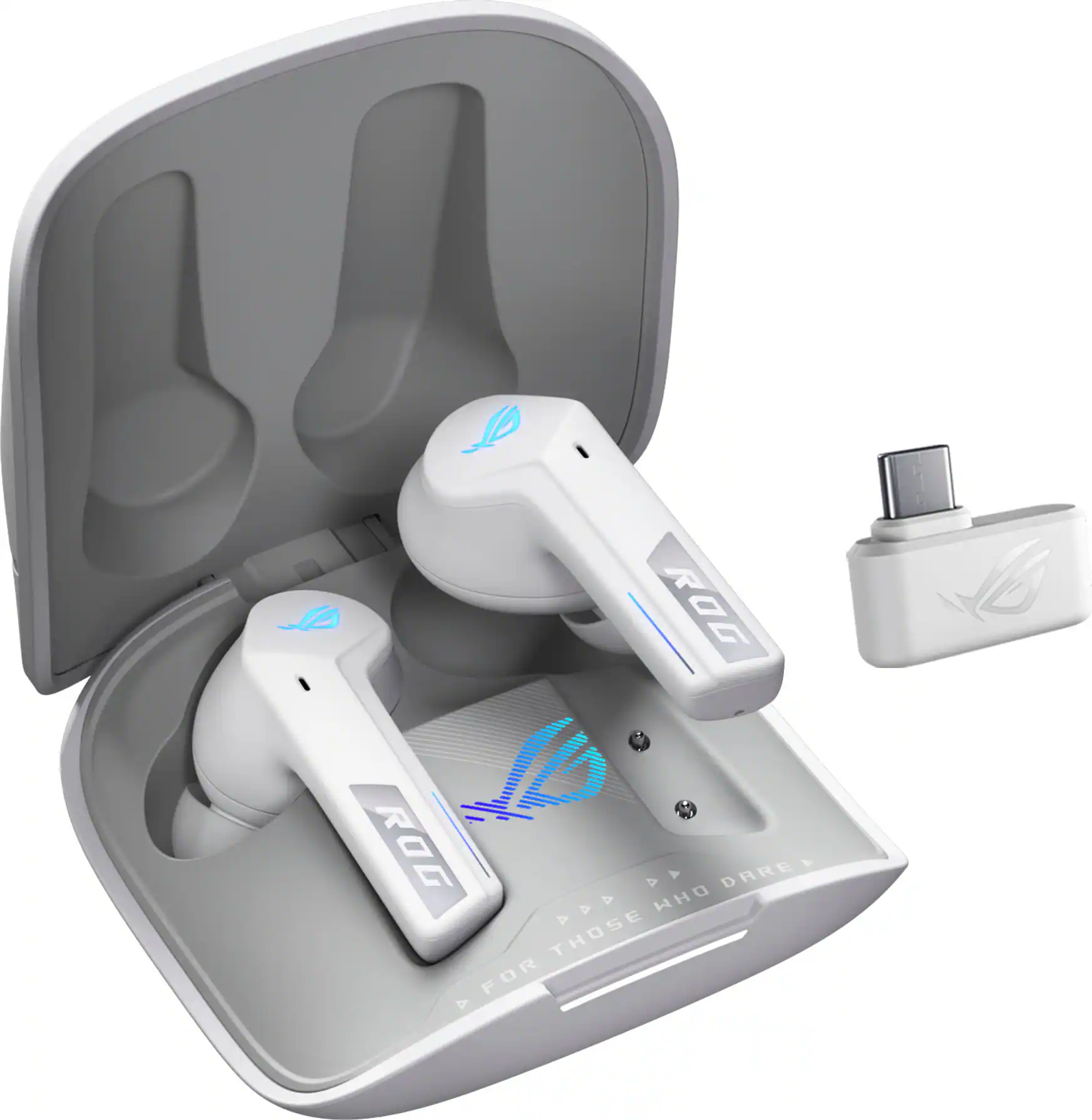 Gaming Headsets
More to consider
ASUS ROG Keris II Origin Ultralight Wireless Optical Gaming Mouse with ROG SpeedNova Wireless Technology
Clearance$152.99The price was $169.99ASUS ROG Harpe II Ace Ultralight Optical Gaming Mouse with ROG SpeedNova Wireless Technology
$130.99The price was $169.99Razer Naga V2 HyperSpeed MMO Optical Gaming Mouse with 19 Programmable Buttons
Top Deal$79.99The price was $99.99Razer Basilisk V3 Pro Optical Gaming Mouse with HyperScroll Tilt Wheel
Top Deal$99.99The price was $159.99Razer Naga V2 Pro MMO Optical Gaming Mouse with Interchangeable Side Plates in 2, 6, 12 Button Configurations
Clearance$143.99The price was $179.99Razer Basilisk V3 Pro 35K Optical Gaming Mouse with HyperScroll Tilt Wheel
$129.99The price was $159.99CORSAIR Scimitar Elite Wireless SE MOBA/MMO Optical Gaming Mouse with 16 Programmable Buttons
$99.99The price was $139.99



Explore tech essentials Sponsored

Discover related products
Acer USB C Docking Station With 2 HDMI, 9-IN-1 Docking Hub with USB A&C 3.0, SD/Micro SD, 100W Charging
$40.99The price was $47.99









Keep exploring
Logitech Design Mouse Limited Edition Wireless Optical 3-button Mouse with Broad Compatibility
$29.46The price was $55.07GravaStar Mercury X Pro Wireless 8K Hz Gaming Mouse with 32000 DPI and 49g Magnesium Alloy Frame
$139.95The price was $187.95