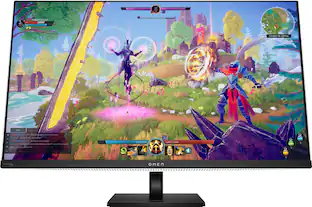
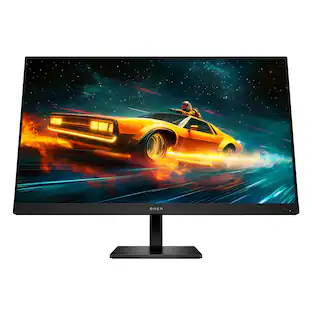
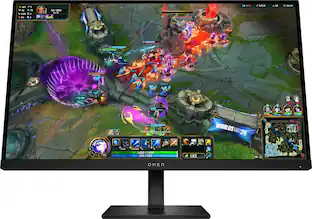
HP OMEN - 31.5" IPS LED QHD 165Hz FreeSync Gaming Monitor with HDR (HDMI, DisplayPort) - Black
Customers are saying
Customers love the product's screen size, finding it to be the perfect fit. They also appreciate its overall performance, noting that it works perfectly without issues. However, some customers have experienced noticeable ghosting.
Highlights
Features
QHD Resolution
Sharp details and captivating Quad HD definition on this 31.5 inch diagonal monitor.
165Hz Refresh Rate
For crisp action and responsive gameplay, this fast refresh rate practically removes all artifacting and motion blurring.
HDR
Explore new worlds in stunning contrast with HDR. With peak brightness of 400 nits, experience games how the developers intended with brighter whites, deeper blacks, and richer colors.
More Colors To Play With
Get deeper hues and more accurate colors with 99% srgb and 95% DCI-P3 that precisely recreates colors so lifelike you will get lost in your gameplay.
1ms Gtg Response Time With Overdrive
Eliminates motion blur for crisp, fluid gameplay no matter what’s happening on-screen.
AMD FreeSync Premium Technology
Game confidently with a high refresh rate, low framerate compensation, and low latency.
VESA Certified AdaptiveSync
Guarantees higher refresh rates and low latency, optimized for gaming, plus a lab-certified max refresh rate so you know your display’s full potential.
Plenty Of Ports
Easily connect to your gaming and work pcs, console, and headset with two HDMI 2.0 ports, one displayport 1.4, and one 3.5mm headphone jack.
New Design Unlocked
The new OMEN look blends sophistication and fun to elevate your gaming setup.
IPS Technology
Image accuracy and consistency across wide 178-degrees viewing angles, no matter where you stand.
VESA Certified ClearMR 6000
Clear Motion Ratio (CMR), provides a clear numerical value based on the ratio of clear pixels to blurry pixels, which allows you to easily compare the amount of motion blur between VESA Certified clearmr displays.
Console Compatible
This gaming monitor underwent over 140 test cases to ensure it's compatible with your choice of console. Just connect the HDMI and get right to playing.
Adjustable Stand
Make your desk just how you like it with the fully adjustable stand. Find comfort while you game with tilt, pivot, and 100mm height adjustments.
HP Eye Ease With Eyesafe Certification
Keep your screentime comfortable with beautiful colors while reducing blue light.
OMEN Gaming Hub
From software enhancements to hardware control, and live services, OGH elevates play in an easy and simple way.
Effortless Joypad OSD Button
Easy on-screen display settings with the joypad OSD button.
Integrated Cable Management
Cord and wire pass-through located on the display stand reduces cord-clutter and helps keep your workspace clean and organized.
Specifications
- Refresh Rate165HzMaximum Resolution2560 x 1440Response Time1 millisecondsPanel TypeIPSSynchronization TechnologyFreeSync Premium (AMD Adaptive Sync)
Reviews
Rating 4.7 out of 5 stars with 21 reviews
- Screen Size (9)
- Overall Performance (4)
- Ghosting (3)
Customer Images
The vast majority of our reviews come from verified purchases. Reviews from customers may include My Best Buy members, employees, and Tech Insider Network members (as tagged). Select reviewers may receive discounted products, promotional considerations or entries into drawings for honest, helpful reviews.
Compare similar products
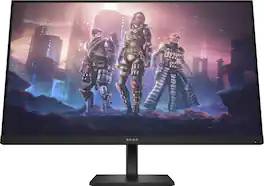
Reach new possibilities with quick performance and vibrant color that lets you get lost in the game. This display has a sleek design and functions to look and feel great on your desk. Take your fun up a notch.
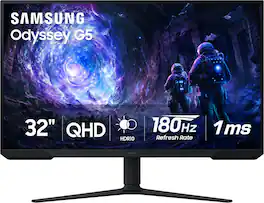
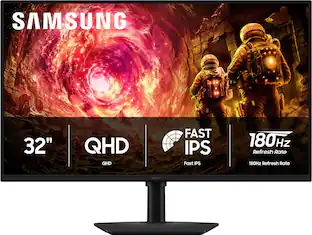
Samsung’s 32” Odyssey G5 G51F Gaming Monitor boasts incredibly detailed, pin-sharp images with QHD resolution (2560x1440). HDR10 provides brighter highlights, improved contrast and color accuracy, making every scene feel more vivid and realistic. 180Hz Refresh Rate and near-instant 1ms Response Time (MPRT) captures all your moves with reduced lag for ultra-smooth gameplay. AMD FreeSync Premium Pro reduces choppiness, screen lag, and image tears. Black Equalizer allows you to adjust dark areas in games, so you can locate opponents hiding in the deepest shadows. Virtual Aim Point allows you to hit your marks with next-level accuracy, giving you the optimal aim with crosshairs on the screen. Auto Source Switch+ instantly switches to a new source signal when connected devices are turned on, without having to use multiple inputs. Ergonomic stand makes it simple to tilt and adjust the monitor for total gaming comfort.
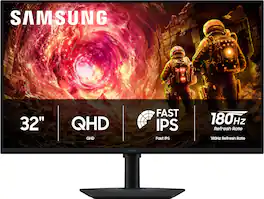
Samsung’s 32" Odyssey G5 QHD Gaming Monitor delivers brilliant visuals for exhilarating gameplay that’s more immersive than ever before. QHD resolution (2560 x 1440), with more than 1.7 times the pixel density of Full HD, boasts incredibly detailed, pin-sharp images. The fast IPS panel, with its 178º viewing angle, provides an engaging gaming experience by consistently delivering crisp, clear hues from various viewpoints. 180Hz Refresh Rate and 1ms response time (GtG) allow ultimate speed for ultra-smooth gaming precision, while G-Sync compatibility syncs the GPU and panel to reduce choppiness, screen lag, and image tearing. Scenes feel more realistic with HDR10, which provides brighter highlights and nuanced shadows for added depth. Black Equalizer improves visibility in the deepest shadows, while Virtual Aim Point increases the accuracy of the player’s aim when the action peaks. Auto Source Switch+ allows instantaneous switching between connected devices without having to flip through multiple inputs. Maintain winning streaks in total comfort with the height-adjustable Ergonomic Stand that easily pivots, tilts, and swivels for the perfect view.
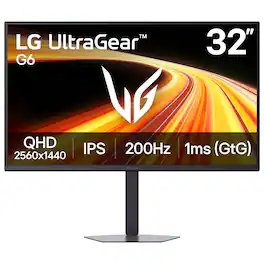
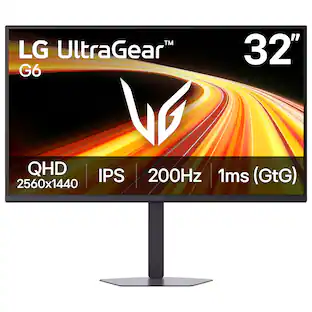
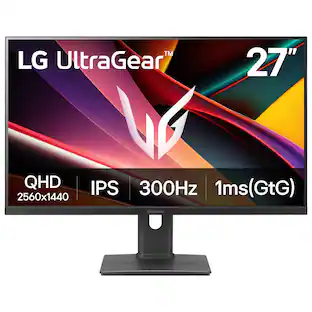
Dominate every match with the 32" QHD (2560x1440) UltraGear gaming monitor built for speed and precision. A 200Hz refresh rate and 1ms (GtG) response time deliver ultra-smooth motion, reduced blur, and fast, responsive control—so you can react instantly and stay ahead in fast-paced gameplay. The large 32-inch QHD display delivers sharp detail and expanded screen space, giving you more room to track movement and stay fully immersed. HDR10 and up to 99% sRGB bring bold color, deeper contrast, and improved visibility in both dark scenes and bright highlights. Stay tear-free with NVIDIA G-SYNC Compatible¹ and AMD FreeSync Premium, minimizing stutter and input lag for consistently smooth performance across your favorite games. High-speed 200Hz gameplay keeps every frame fluid and controlled, while 1ms response time reduces ghosting for crisp clarity in motion. Gain a competitive edge with built-in gaming tools. Dynamic Action Sync reduces input lag for faster reactions, Black Stabilizer reveals enemies in dark scenes, Crosshair improves aim in FPS games, and the FPS Counter delivers real-time performance data. LG Switch streamlines your setup with quick access to display settings, brightness, and multi-window layouts—split your screen into up to 11 layouts and keep gaming, streaming, and multitasking organized. The adjustable stand with tilt, swivel, and height lets you dial in your ideal setup, while the slim, space-saving design keeps your desk clean and focused.
| Pros for HP OMEN - 31.5" IPS LED QHD 165Hz FreeSync Gaming Monitor with HDR (HDMI, DisplayPort) - Black | |||
|---|---|---|---|
| Screen Size, Overall Performance | Overall Performance, Screen Size, Refresh Rate, Resolution | Refresh Rate, Resolution, Color Quality, Performance, Connectivity | Overall Performance, Refresh Rate, Color Accuracy, Design |
| Cons for HP OMEN - 31.5" IPS LED QHD 165Hz FreeSync Gaming Monitor with HDR (HDMI, DisplayPort) - Black | |||
| Ghosting | Speakers, Connectivity, HDR Performance, Black Levels | Button Placement | There were no cons for this product— |
Specs
Questions & Answers
Is this monitor supposed to come with an HDMI cable? I did not receive one... I purchased this "new" but the way the cables were packed, it looks like it might be a return. The box is pretty beat up and there wasn't an HDMI cable in the box.
Answered by HP TeamThank you for your question! I do apologize the box you received was not in the best condition, however, that monitor does not come with an HDMI cord. It is meant to come with a DisplayPort cable in the box with the PC.

How many HDMI ports does this monitor have?
This monitor has two HDMI 2.0 ports.
This question and answer was generated by AI based on customer and product data.What is the refresh rate of this gaming monitor?
This gaming monitor has a refresh rate of 165Hz.
This question and answer was generated by AI based on customer and product data.Does this monitor have built-in speakers?
No, this monitor does not have built-in speakers.
This question and answer was generated by AI based on customer and product data.What type of panel does this monitor use?
This monitor uses an IPS panel.
This question and answer was generated by AI based on customer and product data.
Customers often buy these together
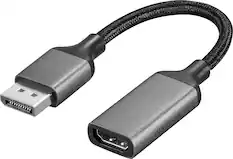
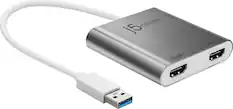
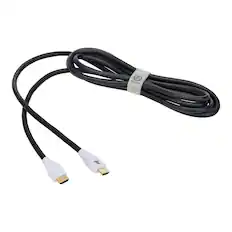
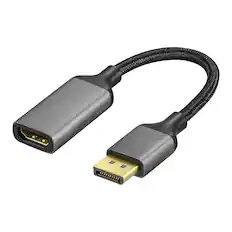
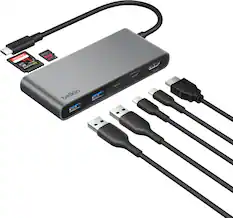
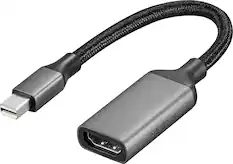
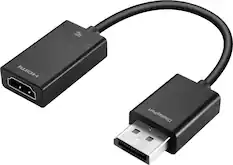
Monitor and Video Cables

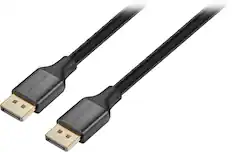
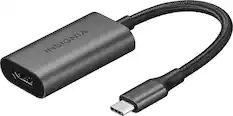
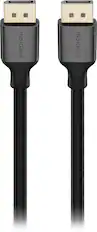
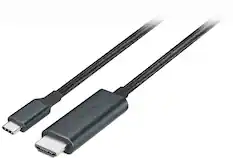

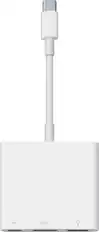
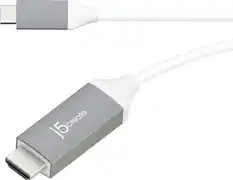

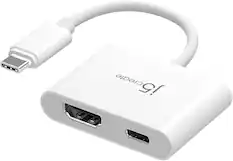
Cables and Adapters

More to consider
 $199.99The price was $329.99
 Techtober Deal$219.99The price was $349.99
 $799.99The price was $1,299.99
 $269.99The price was $443.23
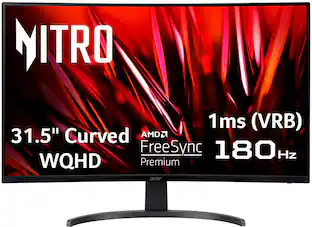 Techtober Deal$179.99The price was $459.99
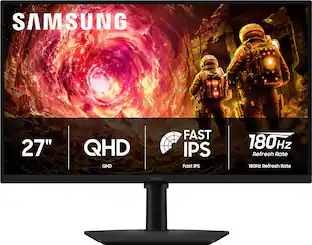 Techtober Deal$169.99The price was $279.99
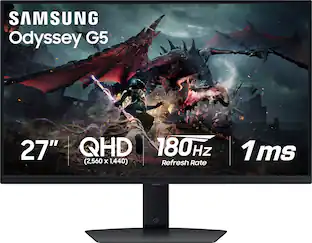 Clearance$209.99The price was $349.99
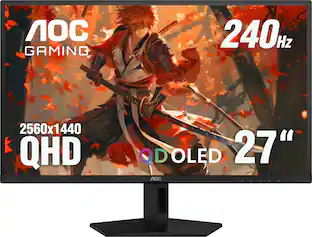 Techtober Deal$299.99The price was $499.99

Discover related products
 $249.00The price was $275.00
 Techtober Deal$10.99The price was $13.99









Keep exploring
 $377.99The price was $453.31
 $599.00The price was $626.66
 New Limited Time Deal$369.99The price was $599.99
 $755.99The price was $971.99
 $899.99The price was $1,299.99
 Techtober Deal$474.99The price was $549.99
 Techtober Deal$299.99The price was $379.99