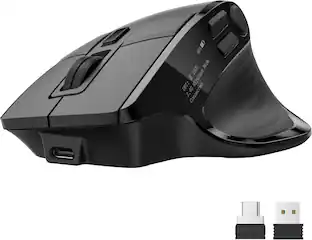
JLab - JBuds Wireless Optical Laser Mouse - Wireless - Sapphire (Navy)
Reviews coming soon
About this product
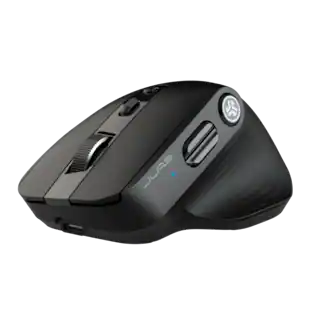
The JBuds Wireless Bluetooth Mouse (Navy) offers full-sized functionality with a personalized approach. With seven buttons and a comfortable feel, you have everything you need to reach WFH greatness and you can save up to three user profiles. Switching between your favorite functions.
Color
Sapphire (Navy)Features
Connect Via Bluetooth Or USB
The jbuds Wireless Mouse is compatible with three device connection options. You can pair with nearly any type of device using Bluetooth 5.2, or USB. We made it super easy for you to switch between saved devices
Ergonomic Full-Size Mouse
Through our jlab Desktop App, you can program specific buttons to fit how you like to use your favorite applications. And why choose? Paste your most used Excel formulas or paste the same text with a simple click of a button
4+ Months Battery Life
Who wants to go digging around looking for AAA batteries? We sure don’t. The jbuds Wireless Mouse has a convenient rechargeable battery so you don’t ever have to skip a beat. And it’s better for the environment.
Silent Clicks With 7 Buttons (RH Compatible)
We’re all too familiar with the looks you get from your WFH colleagues when clicking and typing noises gets out of hand, so we've designed our mice with silent buttons so you can click in peace. We've included 7 customizable buttons for pro-level performance.
Compatible With Windows, MacOS and Chrome OS
Recommended operating systems: Windows 10 or later, macos 10.15 or later , Chrome OS , Works With Surface
Specifications
- Maximum Sensitivity2400 dots per inchConnection TypeWireless
Reviews
This product doesn't have any reviews yet.
Compare similar products
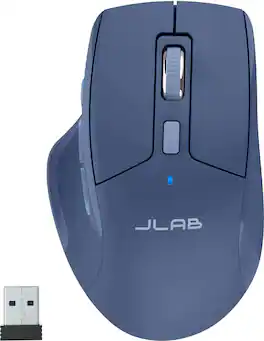
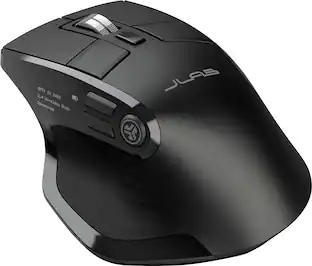
The JBuds Wireless Bluetooth Mouse (Navy) offers full-sized functionality with a personalized approach. With seven buttons and a comfortable feel, you have everything you need to reach WFH greatness and you can save up to three user profiles. Switching between your favorite functions.
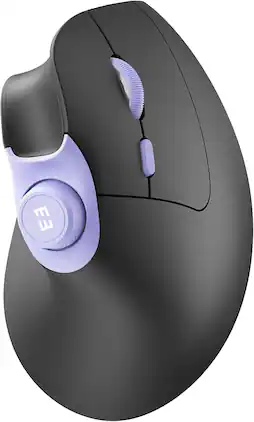
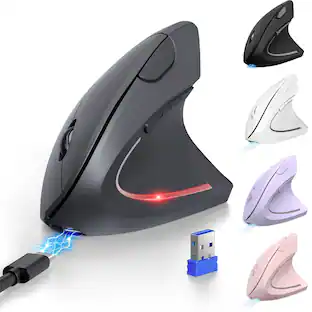
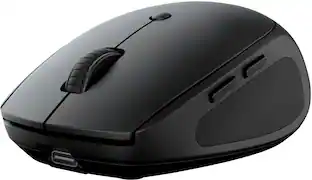
Rechargeable 3-device mice for small/medium hands with quiet clicks, 1000/1600/2400 DPI for PC, laptop, MacBook, Black Purple

The JBuds Ergonomic Mouse offers blissful comfort with a personalized set-up for your favorite functions and tasks. With seven buttons, you have everything you need to reach working-from-home greatness, and everything you want to play your game, your way. The vertical design provides a natural angle for your wrist and hand, so switching between your favorite functions and your top devices is effortless.
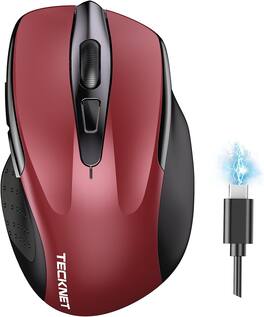
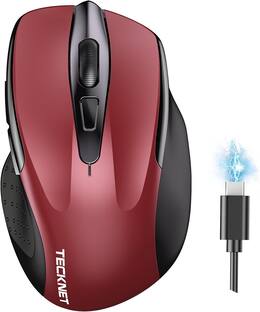
Upgrade to versatile, quiet control with the TECKNET Rechargeable Wireless Mouse. Connect two devices at once via Bluetooth 3.0/5.0 or USB-A, then switch between them with a simple slide of a button—ideal if you want both a USB mouse and a Bluetooth mouse. Six adjustable DPI levels up to 4800 let you fine-tune sensitivity for detailed work or fast browsing, while silent operation helps keep libraries, offices, and shared spaces distraction-free. The rechargeable design fully charges in 1.5–2 hours and provides up to 3 months of use, so you can skip constant battery changes. Compatible with Windows, macOS, Chrome OS, and Linux, it pairs easily with laptops and computers. Designed for small to medium hands, with a compact fit larger-hand users may also appreciate. Backed by TECKNET’s 24-month warranty (registration required). Note: A charging cable is included; side buttons are not compatible with macOS.
| Pros for JLab - JBuds Wireless Optical Laser Mouse - Wireless - Sapphire (Navy) | |||
|---|---|---|---|
| There were no pros for this product— | There were no pros for this product— | Ergonomics, Battery Life, Overall Performance, Ease of Use, Connectivity | There were no pros for this product— |
| Cons for JLab - JBuds Wireless Optical Laser Mouse - Wireless - Sapphire (Navy) | |||
| There were no cons for this product— | There were no cons for this product— | Scroll Wheel, Wrist Pain | There were no cons for this product— |
Specs
Be the first to ask a question.
We’ll try to get your question answered within 24 hours by a Best Buy customer or brand representative.
Customers often buy these together
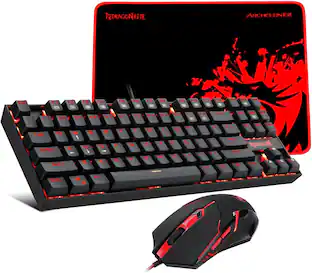
Computer Keyboards

Mouse Pads


More to consider
SEENDA MOU-302 Wireless Bluetooth Vertical Ergonomic Mouse with Volume Knob
$25.99The price was $35.99Logitech G305 LIGHTSPEED Wireless Optical 6 Programmable Button Gaming Mouse with 12,000 DPI HERO Sensor
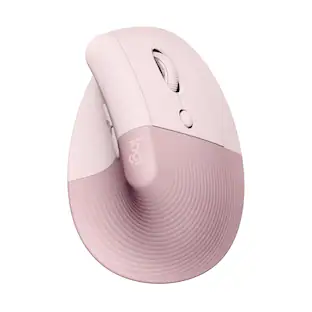
$29.49The price was $49.99Logitech Lift Vertical Wireless Optical Ergonomic Mouse with 4 Customizable Buttons
$63.99The price was $79.99
Explore tech essentials Sponsored
Discover related products
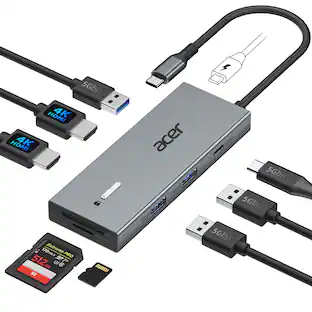
Acer USB C Docking Station With 2 HDMI, 9-IN-1 Docking Hub with USB A&C 3.0, SD/Micro SD, 100W Charging
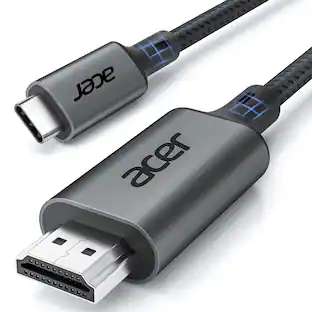
$42.99The price was $47.99Acer USB C to HDMI Cable for Home Office 6.6FT (4K@60Hz), High-Speed Type C to HDMI 2.0 Braided Cord
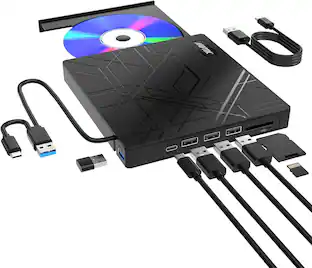
$12.99The price was $19.99AGPtek 8 in 1 External CD/DVD Drive for Laptop, USB 3.0 Ultra Slim Portable CD Burner with 4 USB Ports
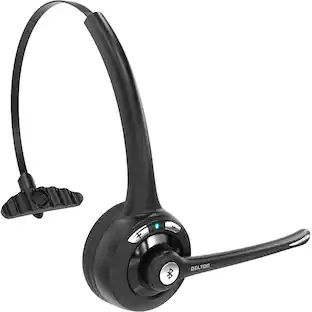
$31.99The price was $32.99Delton 10X Noise Isolating Bluetooth Over-the-Head Headset for Office & Remote Work (DBTHEAD10X)
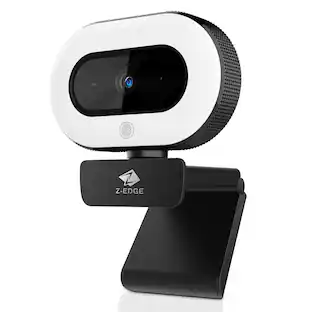
$29.99The price was $32.82Z Z-Edge 2K 2592x1944 Stream Webcam Auto Focus Web Camera for PC/Desktop/Laptop
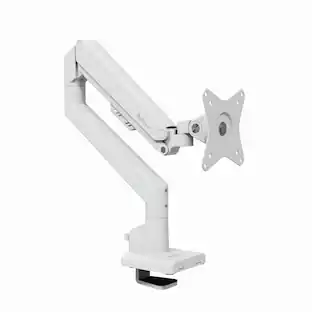
$24.99The price was $39.99Arozzi Alzare Neo Gas Spring Single Monitor Arm – Ergonomic Desk Mount for Gaming & Office –
$59.99The price was $69.99

Keep exploring
BenQ Zowie U2-DW 4K Wireless Gaming Mouse 3950 Sensor 4K Polling Rate 7-Button Symmetrical Design
$59.99The price was $71.49