JLab - JBuds Wireless Optical Laser Mouse - Wireless - Sapphire (Navy)
Reviews coming soon
About this product
The JBuds Wireless Bluetooth Mouse (Navy) offers full-sized functionality with a personalized approach. With seven buttons and a comfortable feel, you have everything you need to reach WFH greatness and you can save up to three user profiles. Switching between your favorite functions.
Color
Sapphire (Navy)Features
Connect Via Bluetooth Or USB
The jbuds Wireless Mouse is compatible with three device connection options. You can pair with nearly any type of device using Bluetooth 5.2, or USB. We made it super easy for you to switch between saved devices
Ergonomic Full-Size Mouse
Through our jlab Desktop App, you can program specific buttons to fit how you like to use your favorite applications. And why choose? Paste your most used Excel formulas or paste the same text with a simple click of a button
4+ Months Battery Life
Who wants to go digging around looking for AAA batteries? We sure don’t. The jbuds Wireless Mouse has a convenient rechargeable battery so you don’t ever have to skip a beat. And it’s better for the environment.
Silent Clicks With 7 Buttons (RH Compatible)
We’re all too familiar with the looks you get from your WFH colleagues when clicking and typing noises gets out of hand, so we've designed our mice with silent buttons so you can click in peace. We've included 7 customizable buttons for pro-level performance.
Compatible With Windows, MacOS and Chrome OS
Recommended operating systems: Windows 10 or later, macos 10.15 or later , Chrome OS , Works With Surface
Specifications
- Maximum Sensitivity2400 dots per inchConnection TypeWireless
Reviews
This product doesn't have any reviews yet.
Compare similar products

The JBuds Wireless Bluetooth Mouse (Navy) offers full-sized functionality with a personalized approach. With seven buttons and a comfortable feel, you have everything you need to reach WFH greatness and you can save up to three user profiles. Switching between your favorite functions.
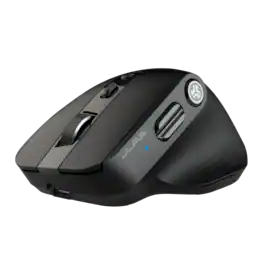
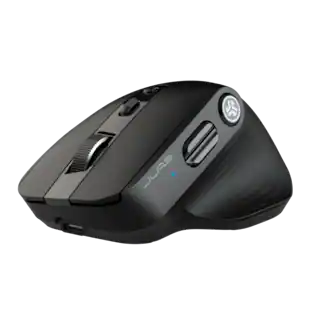
The Epic Mouse 2 delivers pro-level performance, increasing productivity with serious functionality. With its Infinity + Tilt scroll spreadsheets will beg for mercy, creative software will bend to your will, and lengthy websites will be a breeze. Brilliantly engineered with an ergonomic and silent click eight-button design, it’s an epic addition to any work setup. Leverage JLab Work app to customize button function and save up to three user profiles so switching is as easy as clicking send.

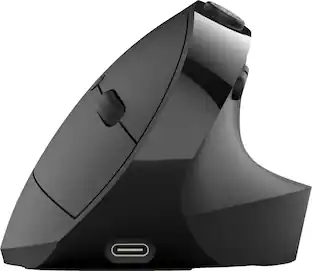
The JBuds Ergonomic Mouse offers blissful comfort with a personalized set-up for your favorite functions and tasks. With seven buttons, you have everything you need to reach working-from-home greatness, and everything you want to play your game, your way. The vertical design provides a natural angle for your wrist and hand, so switching between your favorite functions and your top devices is effortless.

The iMouse G25 Wireless Ergonomic Laser Mouse offers a comfortable grip and advanced laser tracking technology. With a wireless range of up to 30 feet and adjustable DPI settings, it provides precision and flexibility for productivity. Its ergonomic design ensures minimal hand movement, making it ideal for long hours of use.
| Pros for JLab - JBuds Wireless Optical Laser Mouse - Wireless - Sapphire (Navy) | |||
|---|---|---|---|
| There were no pros for this product— | Overall Performance, Ergonomics, Battery Life, Connectivity | Ergonomics, Battery Life, Overall Performance, Connectivity, Ease of Use | There were no pros for this product— |
| Cons for JLab - JBuds Wireless Optical Laser Mouse - Wireless - Sapphire (Navy) | |||
| There were no cons for this product— | Button Sensitivity | Scroll Wheel, Wrist Pain | There were no cons for this product— |
Specs
Be the first to ask a question.
We’ll try to get your question answered within 24 hours by a Best Buy customer or brand representative.
Customers often buy these together
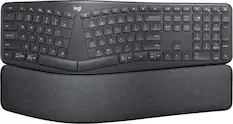
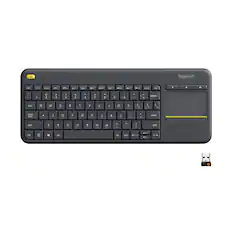
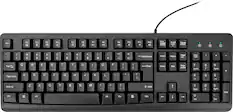
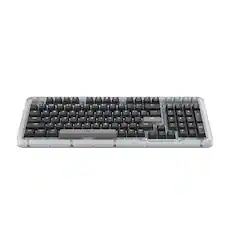
Computer Keyboards
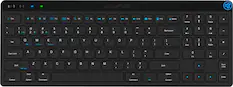
JLab - JBuds Wireless Keyboard - Black
Black Friday Deal$19.99The price was $39.99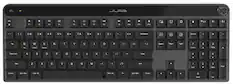
JLab - Epic Mechanical Advanced Multi-device Wireless Keyboard - Black
Black Friday Deal$64.99The price was $129.99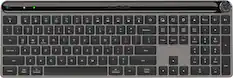
JLab - Epic Wireless Keyboard - Black
$45.49The price was $69.99



Mouse Pads

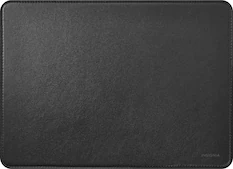
Insignia™ - Mouse Pad - Blue
Black Friday Deal$3.99The price was $7.99



More to consider
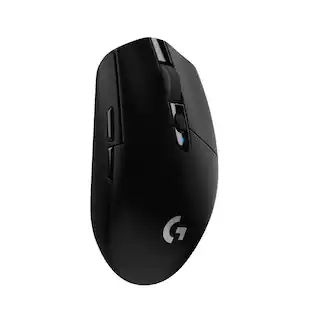
Logitech G305 LIGHTSPEED Wireless Optical 6 Programmable Button Gaming Mouse with 12,000 DPI HERO Sensor
Black Friday Deal$26.99The price was $49.99Logitech M325s Wireless Optical Compact Ambidextrous Mouse
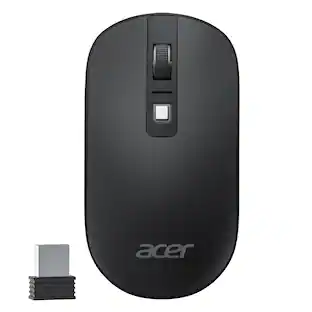
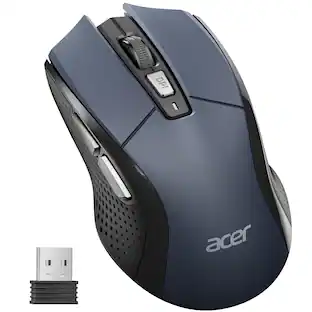
Black Friday Deal$9.99The price was $22.99Acer Computer Mouse Wireless, 2.4G Slim USB Wireless Mice with USB Receiver, 800/1200/1600 Adjustable DPI
Black Friday Deal$12.99The price was $14.99





Explore tech essentials Sponsored
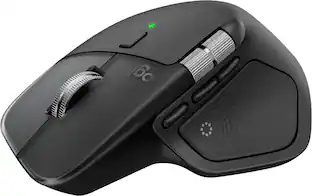
Logitech MX Master 4 - Adobe Edition - Wireless Laser Ergonomic Mouse with Advanced Performance Haptic Feedback
$109.99The price was $119.99Logitech MX Master 4 for Mac - Wireless Laser Ergonomic Mouse with Advanced Performance Haptic Feedback
$109.99The price was $119.99Logitech MX Anywhere 3S Wireless Bluetooth Optical Fast Scrolling Mouse with Programmable Buttons
Black Friday Deal$69.99The price was $89.99



Discover related products
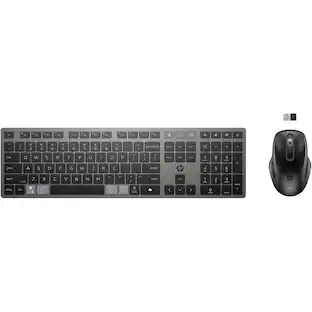
HP 725 Multi-Device Rechargeable Wireless Keyboard and Mouse Combo, Black
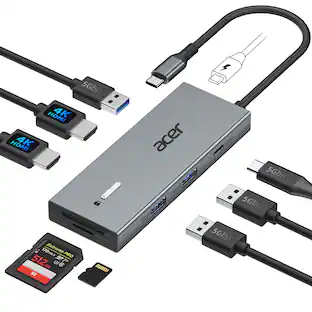
$79.99The price was $104.00Acer USB C Docking Station With 2 HDMI, 9-IN-1 Docking Hub with USB A&C 3.0, SD/Micro SD, 100W Charging
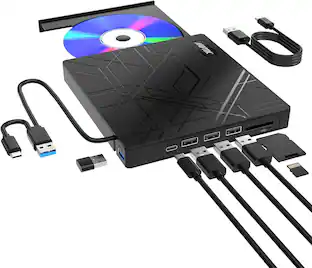
$42.99The price was $47.99AGPtek 8 in 1 External CD/DVD Drive for Laptop, USB 3.0 Ultra Slim Portable CD Burner with 4 USB Ports
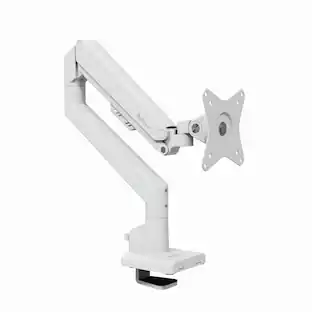
$31.99The price was $32.99Arozzi Alzare Neo Gas Spring Single Monitor Arm – Ergonomic Desk Mount for Gaming & Office –
$54.99The price was $69.99AGPtek Call Center Noise Cancelling Corded Binaural Hands-free Headset Headphone With Microphone
$21.99The price was $23.99Nelko PM230 Portable Bluetooth Thermal Sticker Printer with 2 Rolls 54mm x 3.5m
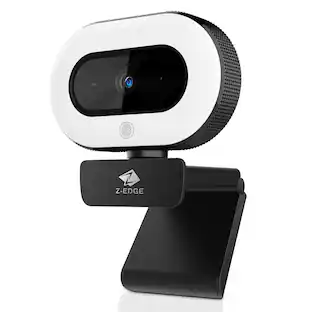
$21.99The price was $40.66Z Z-Edge 2K 2592x1944 Stream Webcam Auto Focus Web Camera for PC/Desktop/Laptop
$24.99The price was $39.99




Keep exploring
Logitech Design Mouse Limited Edition Wireless Optical 3-button Mouse with Broad Compatibility
$31.84The price was $55.07Acer Computer Mouse Wireless, 2.4G Slim USB Wireless Mice with USB Receiver, 800/1200/1600 Adjustable DPI
Black Friday Deal$12.99The price was $14.99GravaStar Mercury X Pro Wireless 8K Hz Gaming Mouse with 32000 DPI and 49g Magnesium Alloy Frame
$104.95The price was $139.95ASUS ROG Gladius III Wireless Mouse - 36000 DPI, 6 Buttons, 2.4GHz/Bluetooth/Wired
$77.49The price was $102.99Kensington Orbit Wireless Trackball with Scroll Ring - Optical - Wireless - Bluetooth/Radio Frequency - 2.40 GHz
Black Friday Deal$49.99The price was $71.00