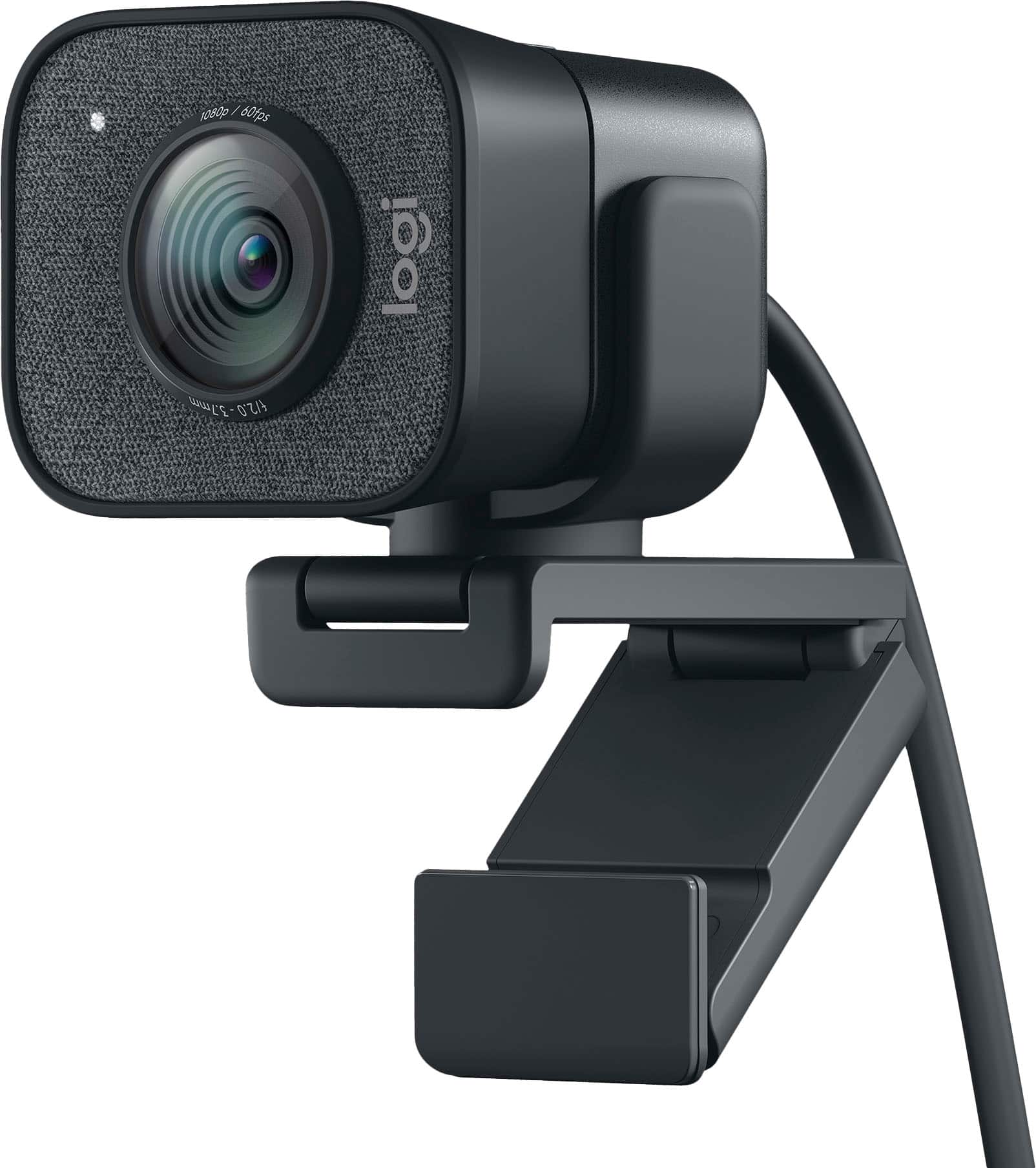
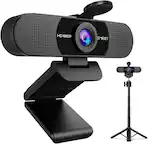
Logitech - StreamCam Plus 1080 Webcam for Live Streaming and Content Creation - Graphite
Color
Graphite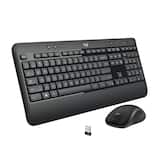 Logitech - MK540 Full-size Advanced Wireless Membrane Keyboard and Mouse Combo for PC - Black$54.99$59.99

More Buying Options

Specifications
- Video ResolutionFull HD (1080p)
- Key Specs
- Video Resolution: Full HD (1080p) (Refers to the number of pixels, both horizontally and vertically, used to capture the video. The higher the resolution the finer the video detail that can be seen.)
- General
- Brand: Logitech
- Model Number: 960-001280
- Product Name: StreamCam Plus 1080 Webcam for Live Streaming and Content Creation
- Color: Graphite
- Camera
- Video Resolution: Full HD (1080p) (Refers to the number of pixels, both horizontally and vertically, used to capture the video. The higher the resolution the finer the video detail that can be seen.)
- Maximum Video Frame Rate: 1080p (Full HD) @ 60 FPS (The maximum frequency at which consecutive images can be captured by a video recording device.)
- Megapixels: 2.1 megapixels (Measures the amount of graphic resolution that the product can capture.)
- Image Resolution (Display): 1920 x 1080 (Refers to the number of pixels, both horizontally and vertically, used to either capture an image or display it. The higher the resolution the finer the image details.)
- Autofocus: true (Allows the camera to automatically focus through the lens, rather than by adjusting the lens manually.)
- Features
- Integrated Microphone: true
- Plug And Play Operation: true (The product can work when first used or connected, without reconfiguration or adjustment by the user.)
- 360 Degrees Rotation: false (The product is capable of turning freely about an axis, incorporating horizontal points of view covering 360 degrees.)
- Connectivity
- System Requirements: Windows 10, MacOS (The software that a product must have for it to be able to integrate with another product.)
- Connectivity: USB-C
- Dimensions
- Product Height: 3.27 inches (The out of box height of the item. Height is measured as the vertical distance from the bottom of the item to the top as it would be primarily used or placed.)
- Product Width: 2.28 inches (The out of box width of the item. Width is measured as the horizontal distance from one side of the item to the other as it would be primarily used or placed.)
- Product Depth: 1.89 inches (The out of box depth of the item. Depth is measured as the distance from the front of the item to the back as it would be primarily used or placed.)
- Product Weight: 0.84 pounds (The out of box weight of the item.)
- Warranty
- Warranty - Parts: 1 year
- Warranty - Labor: None
- Other
- UPC: 097855153210
The Logitech StreamCam premium webcam streams and records in full 1080p HD resolution at 60 fps, delivering professional-quality results for YouTube videos and Twitch streaming. Create sharp, natural video with smooth motion and crisp details thanks to a premium glass lens and smart features like autofocus. The external computer camera's glass lens delivers vibrant, true-to-life image quality with crisp details. A 78-degree field of view keeps you upfront and center, while autofocus intelligently adjusts the lens in real-time soyou always stay in focus, even when you move toward or away from the camera. The live streaming webcam's intelligent exposure system adjusts the aperture and ISO speed in real-time to ensure accurate skin tones for a more natural, healthy look —even in varying lighting conditions. With StreamCam, you can be confident that you’ll always look great.
- Full HD 1080p at 60 fps: Stream and record in full 1080p HD resolution at 60 fps for sharp, natural video with smooth motion for creating professional quality live streams and videos.
- Premium glass lens with smart autofocus: Capture vibrant, true-to-life image quality with crisp details using StreamCam's premium glass lens and smart autofocus system.
- StreamCam advanced features: Auto-framing keeps you in the center of the shot, even as you move left or right, while intelligent exposure ensures you look good in varying lighting conditions.
- Optimized for popular live streaming software: Effortlessly stream to Twitch, YouTube and more using popular live streaming software like Open Broadcaster Software (OBS), XSplit and Streamlabs OBS.
- Versatile mounting options: Achieve the optimal framing with landscape or portrait modes and mount the external web camera on your desktop monitor or laptop, or directly on a standard tripod.
- Fast USB-C connection: High-bandwidth USB-C connection ensures stable and reliable HD video quality for your gaming streams, YouTube videos, Zoom conferencing, Skype meetings, podcasting and more.
- Enhanced control with Logitech Capture software: Combine StreamCam full HD webcam with the included Logitech Capture software to unlock powerful features that automate focus, exposure and more.
- More sustainable: Certified carbon neutral: the carbon impact of the product and packaging has been reduced to zero.
- Full HD 1080p at 60 fps: Stream and record in full 1080p HD resolution at 60 fps for sharp, natural video with smooth motion for creating professional quality live streams and videos.
- Premium glass lens with smart autofocus: Capture vibrant, true-to-life image quality with crisp details using StreamCam's premium glass lens and smart autofocus system.
- StreamCam advanced features: Auto-framing keeps you in the center of the shot, even as you move left or right, while intelligent exposure ensures you look good in varying lighting conditions.
- Optimized for popular live streaming software: Effortlessly stream to Twitch, YouTube and more using popular live streaming software like Open Broadcaster Software (OBS), XSplit and Streamlabs OBS.
- Versatile mounting options: Achieve the optimal framing with landscape or portrait modes and mount the external web camera on your desktop monitor or laptop, or directly on a standard tripod.
- Fast USB-C connection: High-bandwidth USB-C connection ensures stable and reliable HD video quality for your gaming streams, YouTube videos, Zoom conferencing, Skype meetings, podcasting and more.
- Enhanced control with Logitech Capture software: Combine StreamCam full HD webcam with the included Logitech Capture software to unlock powerful features that automate focus, exposure and more.
- More sustainable: Certified carbon neutral: the carbon impact of the product and packaging has been reduced to zero.
Whats Included
- StreamCam camera with attached cable (USB 3.1)
- Monitor Mount
- Tripod mount
- User documentation
- StreamCam camera with attached cable (USB 3.1)
- Monitor Mount
- Tripod mount
- User documentation
A: You will need a USB C (female) to USB (male) adapter, unless you have a USB C port on your PC. The adapter is simply used to convert the cams USB C connector into a regular USB so you can plug it into a PC without a native C port.
Q: Will this work on an apple silicon M1 mac mini?
A: What I am gleaning so far from reviewers and forums is that the camera will work, BUT the Logitech Screen Capture software is not compatible. I am still trying to figure out if this compromises the functionality of the camera's operation and settings with Apple M-1.
A: Hello. The cable for the StreamCam Plus is 5ft.
A: You can record offline. It has a link to the website where you download the software.
A: A small lightweight tabletop tripod is included which will get you a 4.5 to 7 " in height with its telescoping legs with a ball head. If you still want another tripod, the included adapter will fit any standard tripod screw (1/4"). Not knowing what the application is, I cannot point you to a specific tripod. Barring that, pretty much most tripods you look for will fit the 1/4" 20 thread screw.
Q: Does the StreamCam support Linux? Also, is the StreamCam a UVC compatible device? Thank you,
A: Yes, the StreamCam does support Linux. The webcam is UVC enabled but doesn't offer all modes on certain versions of Linux, Manjaro seems to be the main issue. Manjaro can only detect UVC 1.5, whereas the StreamCam is 1.0, but still doesn't provide full capabilities to support certain resolutions.
A: Hello, the default FPS is generally set to 720p60fps.
Q: Does this have a pause button? Or pause option while filming, then resuming? Thank you!
A: The camera does not film or record. You have to run software on your PC to do that. The most common programs for recording and/or streaming on the PC are either Logitech Capture (free from Logitech's site) or OBS Studio. Logitech Capture DOES have a pause button on the recording function. Capture also does chromakey effects (blue screen or green screen) and PIP overlays. It also provides the auto tracking function, which allows the camera to zoom in on you and move around when you do. OBS also has a Pause Recording function, but you need to set up a hotkey for it. (For example: Alt-F12).
Compare similar products

The Logitech StreamCam premium webcam streams and records in full 1080p HD resolution at 60 fps, delivering professional-quality results for YouTube videos and Twitch streaming. Create sharp, natural video with smooth motion and crisp details thanks to a premium glass lens and smart features like autofocus. The external computer camera's glass lens delivers vibrant, true-to-life image quality with crisp details. A 78-degree field of view keeps you upfront and center, while autofocus intelligently adjusts the lens in real-time soyou always stay in focus, even when you move toward or away from the camera. The live streaming webcam's intelligent exposure system adjusts the aperture and ISO speed in real-time to ensure accurate skin tones for a more natural, healthy look —even in varying lighting conditions. With StreamCam, you can be confident that you’ll always look great.

Meet, stream, master with the Logitech MX Brio Ultra HD 4K Webcam for Collaboration and Streaming. Experience sharp, ultra HD 4k resolution video with AI image enhancement, our in-house designed lens, and our most advanced webcam sensor yet with 70% bigger pixels for 2X better face visibility and 2x finer image details in difficult lighting conditions.. Fine controls on this HD webcam let you precisely adjust lighting and white balance with ISO, Shutter Speed, Temperature, Tint, and Vibrance. Dual omnidirectional microphones reduce background sound so you can be heard clearly with noise-reducing technology. Show Mode lets you share your physical work and notes on video calls by tilting the web camera down.


Link 2 and Link 2C are affordable 4K webcams with exceptional video and audio quality. With a 2-axis gimbal and a standard model, they provide a seamless user experience for business professionals, educators, and live streamers. The high-performance 1/2" sensor ensures quality 4K video, and an advanced audio algorithm delivers AI-powered noise cancelation. With the all-new Magnetic Mount, and specialized modes including AI Tracking, Auto Framing, Gesture Control, customizable backgrounds, and Natural Bokeh, they set new standards in video conferencing and live streaming.
| Pros for Logitech - StreamCam Plus 1080 Webcam for Live Streaming and Content Creation - Graphite | |||
|---|---|---|---|
| Image Quality, Ease of Use, Setup | Image Quality, Ease of Use, Privacy Feature, Field of View, Connectivity | There were no pros for this product— | Ease of Use, Setup, Video Quality, Overall Performance, AI Tracking |
| Cons for Logitech - StreamCam Plus 1080 Webcam for Live Streaming and Content Creation - Graphite | |||
| Mounting, Connectivity, Cable Length, Size, Field of View | Mounting | There were no cons for this product— | There were no cons for this product— |
Specs
Reviews
Customers are saying
Customers express satisfaction with the StreamCam Plus 1080 Webcam's image quality and ease of use, finding setup to be straightforward. However, some users noted concerns regarding the USB-C only connectivity, short cable length, and the size and mounting mechanism of the camera. A few also commented on the software's performance and features.
Customer Images
The vast majority of our reviews come from verified purchases. Reviews from customers may include My Best Buy members, employees, and Tech Insider Network members (as tagged). Select reviewers may receive discounted products, promotional considerations or entries into drawings for honest, helpful reviews.
- Rated 5 out of 5 stars
Best Webcam I've used, big upgrade from the C922x
Setup- Really easy to setup; you just attach the webcam to either the attachment that connects to a monitor or you just spin it onto the tripod, from their you download the Logitech Capture software and you can edit so many things how this webcam will look; so many useful features. Performance- The webcam comes with a 3 month code of xsplit which was a pretty cool program, but I preferred to stick with just the Logitech capture, then link that to streamlabs if your going to me streaming. Very clear picture everyone in zoom meeting asks me what camera I'm using, Also the 60 FPS is a great feature and makes your motion look a lot better; plus their a easy feature that lets you change to exposure mode if your in a not very lite room. Any Problems- I really haven't had any issues with this thing at all to be honest, only thing that might be a problem for some people is you need a usb c port in your pc to hook it up, also would be great if you were able to unplug the wire from the webcam, but its unfortunately not possible. Overall coming from the Logitech C922x this thing is a major upgrade, the quality is better and everyone can notice too! One thing is I wish I could of gotten the white version to go with my setup but the black version is good because it blends in with the bevel of the monitor so it doesn't distract you, also the black one comes with the tripod which is a plus Hope this helps someone :)
Posted by Lovemycoffee1
- Rated 5 out of 5 stars
Worth It
It was easy to set up, video quality was great. Would definitely recommend!
Posted by Adam
- Rated 5 out of 5 stars
WON'T BE DISAPPOINTED
plug & play! Great quality and the image is top notch!
Posted by MckayJ
Package deals that include this item
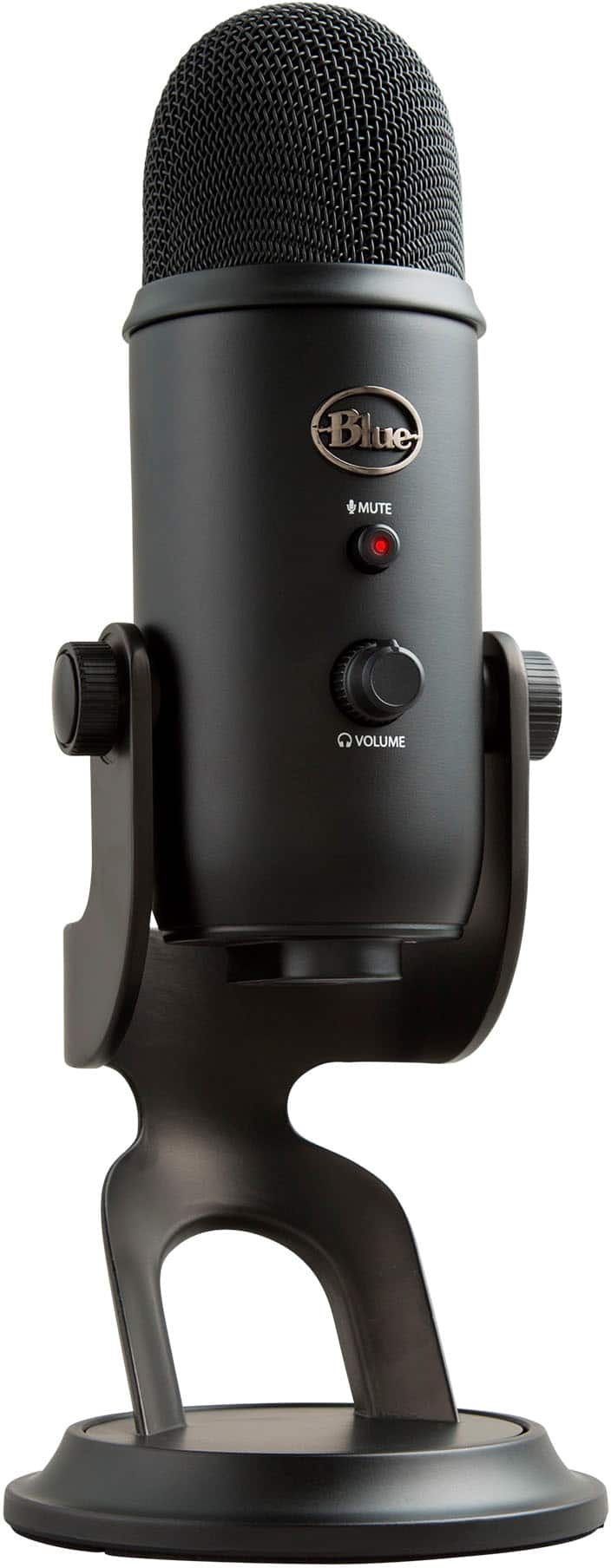
Package - Blue Microphones - Blue Yeti Professional Multi-Pattern USB Condenser Microphone - Blackout and Logitech - StreamCam Plus 1080 Webcam for Live Streaming and Content Creation - Graphite
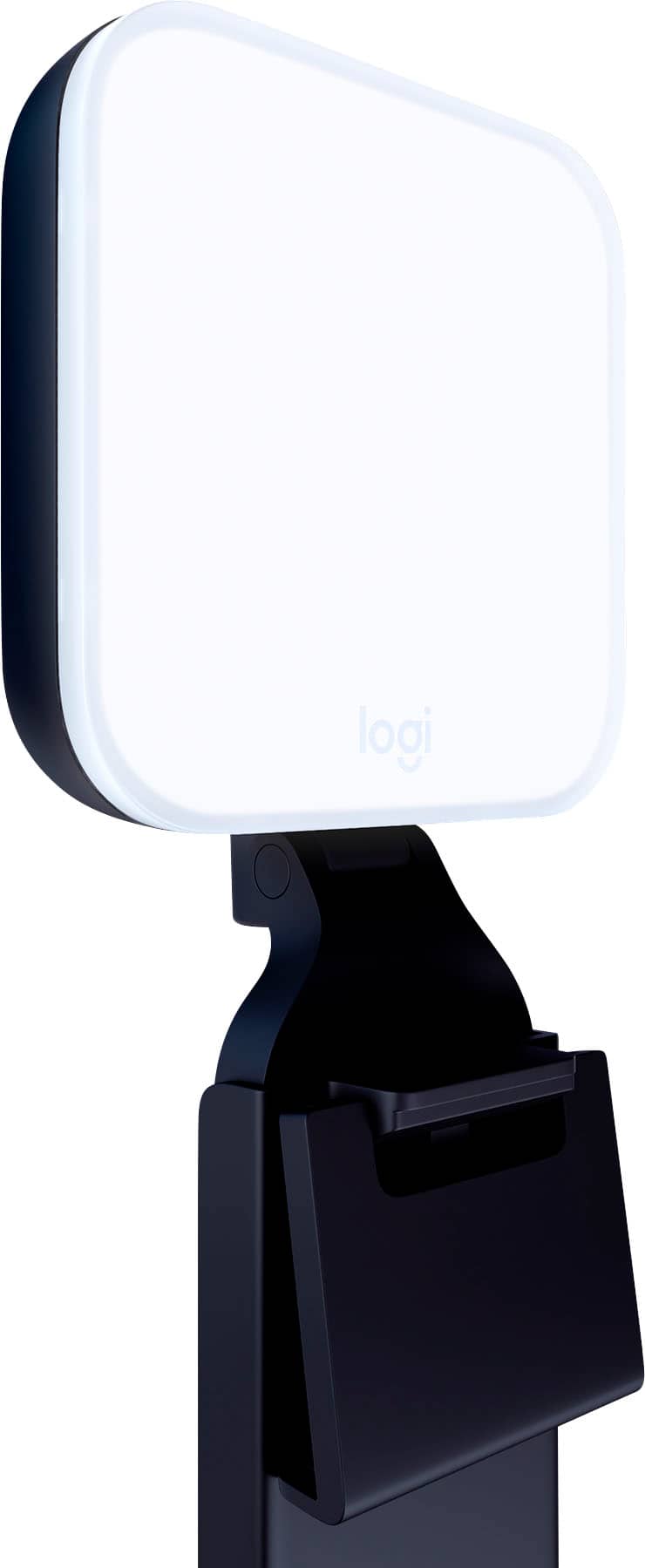
Your price for this item is $264.98The comparable value for this item is $309.98Package - Logitech - StreamCam Plus 1080 Webcam for Live Streaming and Content Creation and Litra Glow Premium LED Streaming Light with TrueSoft, Adjustable mount and Desktop app control for PC/Mac - Graphite
Your price for this item is $219.98The comparable value for this item is $239.98Package - Logitech - StreamCam Plus 1080 Webcam for Live Streaming and Content Creation - Graphite and Bitdefender - Security For Creators 1 Account 1 Year
Your price for this item is $259.98The comparable value for this item is $409.98