ASUS - ProArt 27" 5K IPS Professional Monitor with HDR (DisplayPort, HDMI) - Black
Customers are saying
Customers appreciate the superb color accuracy of this display right out of the box, as well as its impressive resolution and versatile connectivity options. Users also value the generous port selection and the highly adjustable stand that allows for easy height and angle modifications. While the monitor excels in visual performance, some users noted that the built-in speakers are underwhelming and expressed a desire for a higher refresh rate.
Screen Size
27"Highlights
Features
27-inch 5K (5120 x 2880)
LuxPixel AGLR display with IPS 178° wide viewing angle panel
International Color Standard
99% DCI-P3 and 100% sRGB wide color gamut
Calman Verified
Factory calibrated for excellent Delta E < 2 color accuracy
Extensive Connectivity
DisplayPort over USB-C with 96W Power Delivery, DisplayPort, HDMI and USB hub
Light Sync Solution
Ambient Light Sensor and Backlight Sensor for reliable color performance from the start
Built-in Auto KVM
Allows for effortless switching between two connected laptops or PCs with a single keyboard and mouse
Ergonomic Design
With tilt, swivel, pivot and height adjustments for a comfortable viewing experience
Green Sustainability
Paper packaging and energy-efficient environmental standards
Specifications
- Refresh Rate60HzMaximum Resolution5120 x 2880 (5K)Response Time5 millisecondsPanel TypeIPSSynchronization TechnologyNot Applicable
Reviews
Rating 4.5 out of 5 stars with 62 reviews
- Color Accuracy (42)
- Connectivity (9)
- Port Count (9)
- Resolution (6)
- Adjustability (4)
- Speaker Quality (11)
- Refresh Rate (6)
Customer Images
The vast majority of our reviews come from verified purchases. Reviews from customers may include My Best Buy members, employees, and Tech Insider Network members (as tagged). Select reviewers may receive discounted products, promotional considerations or entries into drawings for honest, helpful reviews.
Compare similar products

ProArt Display PA27JCV is a 27-inch 5K HDR monitor designed for professional content creators. This Calman Verified display boasts a wide gamut with 99% DCI-P3, 100% sRGB and 95% Adobe RGB coverage, and it’s factory calibrated to Delta E<2 for exceptional color accuracy. Built-in Auto KVM allows for convenient, effortless switching between two connected laptops or PCs using a single keyboard and mouse. To ensure brightness and color temperature accuracy, ambient light and backlight sensors automatically adjust visual settings. Plus, a USB-C port offers DisplayPort support and enables superfast data transfers and 96-watt power delivery via a single cable.
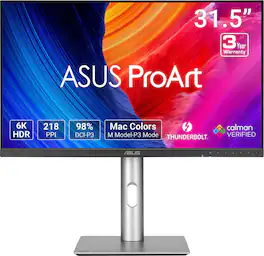
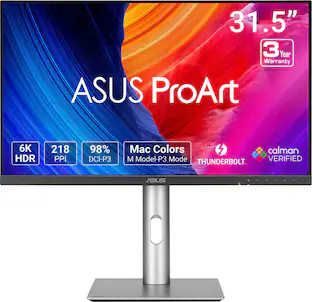
ASUS ProArt Display PA32QCV is a 31.5-inch 6K HDR monitor designed for professional content creators. This Calman Verified display boasts a wide gamut with 98% DCI-P3 coverage and Delta E<2 color accuracy. The ProArt Preset feature now includes the new M Model-P3 mode to deliver seamless and consistent colors when working with MacBook devices. Dual Thunderbolt™ 4 ports support daisy-chaining and enable superfast data transfers and 96-watt power delivery via a single cable.
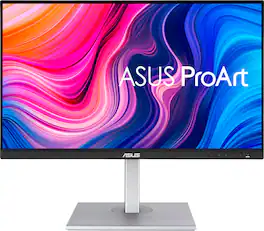
4 times the resolution of full HD 1080p with HDR for stunning details and image quality. IPS technology is optimized for the finest image quality with 178° wide-viewing-angle.
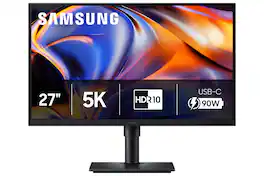
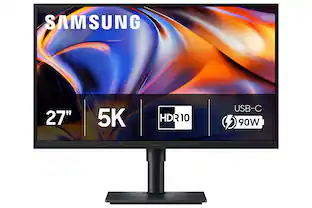
Samsung’s 27" ViewFinity S8 (S80HF) High Resolution Monitor delivers exceptional clarity and speed for a more productive workflow. 5K resolution (5120x2880) with high pixel density of 218 PPI provides a larger and sharper screen space, and a more streamlined experience for multi-tasking. HDR10 optimizes contrast, offering a gamut of more than 1 billion accurate colors with darker blacks and brighter highlights for engaging content. USB-C port allows simultaneous 90W charging and data transfer, while the built-in LAN port offers seamless Ethernet connectivity for a laptop. Easy Connection keeps frequently-used ports in reach for a more efficient workspace; built-in KVM switch enables connection and control of two sources at once. Picture-in-Picture and Picture by Picture allows effortless viewing of documents, chat windows, or entertainment alongside the main screen. Ergonomic Design provides enhanced viewing angles by tilting, swiveling, and adjusting the height of the screen. Eye comfort technology certified by TÜV includes Eye Saver Mode which reduces eye strain by minimizing blue light and prevents screen flickering to stay comfortable during long sessions. Samsung Display Manager enables easy access to split screen setup, brightness adjustment and more. MAPT (Mac Address Pass Through) allows business users to reliably track connected devices on their network.
| Pros for ASUS - ProArt 27" 5K IPS Professional Monitor with HDR (DisplayPort, HDMI) - Black | |||
|---|---|---|---|
| Color Accuracy, Connectivity, Resolution, Port Count, Adjustability | Color Accuracy, Resolution, Connectivity | Color Accuracy, Resolution, Connectivity, USB-C, Build Quality | There were no pros for this product— |
| Cons for ASUS - ProArt 27" 5K IPS Professional Monitor with HDR (DisplayPort, HDMI) - Black | |||
| Refresh Rate, Speaker Quality | Screen Type | Refresh Rate, Speakers | There were no cons for this product— |
Specs
Customers often buy these together
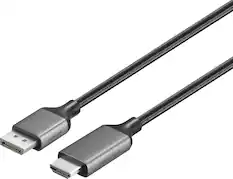
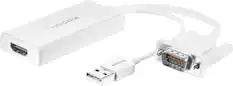
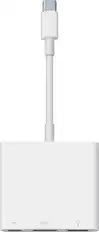
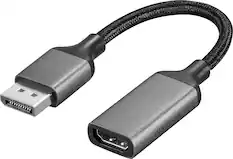
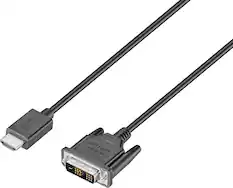
Monitor and Video Cables
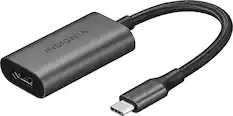
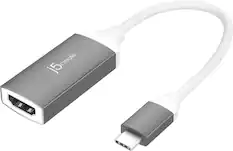
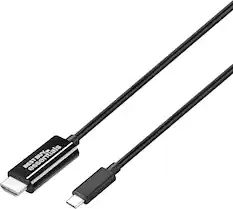
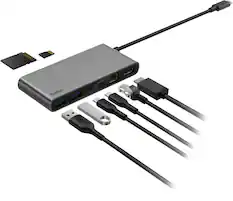
Insignia™ - USB-C to HDMI Adapter - Black
Black Friday Deal$14.99The price was $19.99



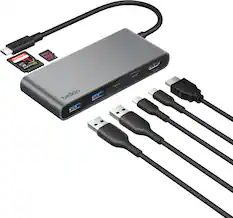
Cables and Adapters




More to consider
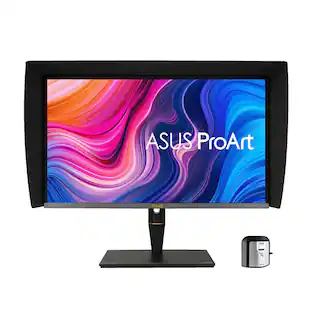
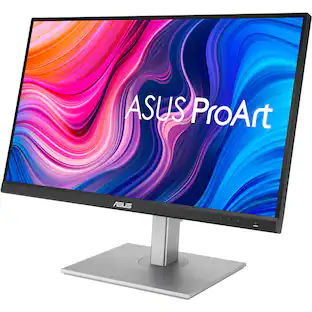
ASUS ProArt 32" 6K IPS Professional Monitor with HDR 10 (DisplayPort, HDMI)
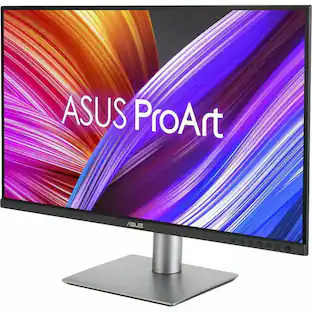
$1,099.99The price was $1,299.99ASUS ProArt 27" 4K IPS Professional Monitor with HDR (DisplayPort, HDMI, USB-C)
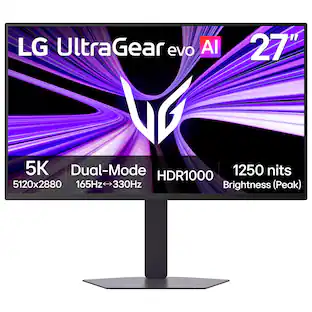
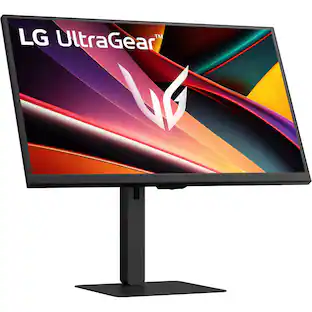
$299.99The price was $399.99LG UltraGear evo AI GM9 27" 5K Hyper Mini LED 165Hz 1ms G-SYNC FreeSync Premium Gaming Monitor with DisplayHDR1000
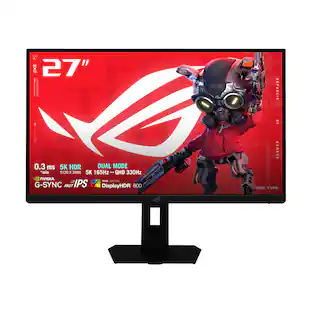
$799.99The price was $1,199.99ASUS ROG Strix 27" Dual Mode (5K 165Hz, 2K 330Hz) 1ms Gaming Monitor with FreeSync Premium Pro and HDR
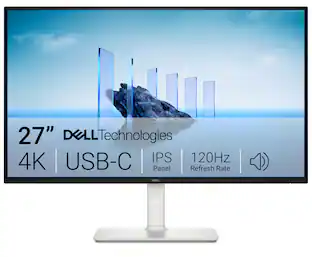
Clearance$631.99The price was $789.99Dell S2725QC 27" IPS LED 4K UHD 120Hz 8ms FreeSync Premium Monitor with HDR (HDMI, DisplayPort, USB)
Black Friday Deal$249.99The price was $369.99


Explore tech essentials Sponsored
MSI PRO MP341CQW E12 34" Curved UWQHD 120Hz 1ms VA Business Monitor with Built-in Speakers( (DisplayPort, HDMI )
$199.99The price was $307.27Acer Nitro XV270U 27" WQHD IPS Gaming Monitor, AMD FreeSync Premium, 270Hz, 0.5ms, 99% sRGB, HDMI & DisplayPort
$194.49The price was $223.99AOC 16T35 15.6" IPS Panel Portable Monitor, LED, FHD (1920x1080), USB-C
Black Friday Deal$59.99The price was $89.99LG UltraGear 27G640A-B 27" 16:9 WQHD 300Hz USB-C IPS LCD HDR Gaming Monitor
$248.49The price was $449.99
Discover related products
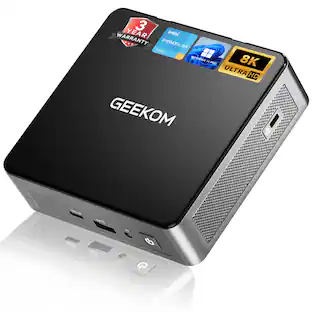
GEEKOM Air12 Mini PC , Intel Pentium Gold 7505, 8GB RAM& 256GB NVMe SSD, Business Desktop for Office, Win11 Pro Pre-installed
Black Friday Deal$269.00The price was $599.00Apple MacBook Pro 14-inch Apple M4 chip Built for Apple Intelligence- 16GB Memory - 512GB SSD
Black Friday Deal$1,399.99The price was $1,599.00GIGABYTE Eagle GeForce RTX 5060 Ti 16GB GDDR7 PCI Express 5.0 x8 ATX Graphics Card GV-N506TEAGLEMAX OC-16GD
$858.99The price was $918.99Anker Steam Deck Dock, Docking Station for Steam Deck (OLED)/ROG Ally/Legion Go(Not for Rog Ally X)
$29.69The price was $35.99Apple 27" iMac 5K - Intel Core i5 3.0GHz - 8GB Memory - 1TB FUSION DRIVE + 32GB SSD (2019)
$573.99The price was $659.99Logitech X56 HOTAS Microsoft Flight Simulator RGB Dual-Throttle and Joystick
$248.62The price was $297.23ViprTech Stryker Gaming PC - AMD Ryzen 7 (4.1GHz), AMD RX 580 8GB, 16GB DDR4, 500GB SSD, Desktop Computer
$589.99The price was $799.99


Keep exploring
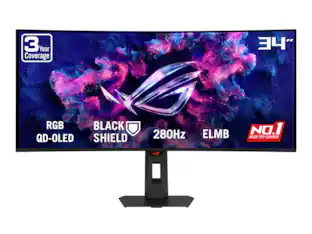
ASUS ROG Strix 34" QHD 2K 1440p 280Hz G-Sync HDR500 0.03ms USB-C OLED Curved Gaming Monitor XG34WCDMS
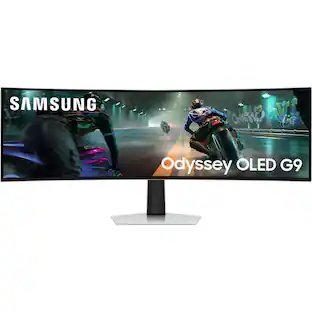
$787.49The price was $971.99Samsung 49 inch Odyssey G9 Dual QD-OLED Curved Ultrawide Gaming Monitor LS49DG910SNXZA
$899.99The price was $1,299.99MSI MAG 272QP QD-OLED 27" 240Hz Gaming Monitor, 0.3ms, WQHD, DP 1.4a, HDMI 2.1, HDR, G-SYNC & FreeSync
$409.73The price was $453.31Samsung LS27HG802SNXZA 27" OLED Odyssey G80SH 4K Gaming Monitor (2026)
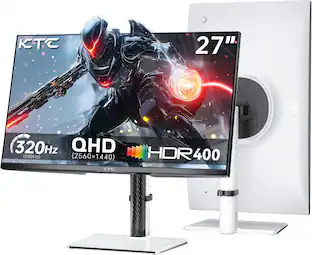
$849.99The price was $1,099.99KTC H27E6 27" Gaming Monitor, 300Hz/320Hz Fast IPS, 2K QHD 1440P, HDR 400, HDMI 2.1 &DP, Adjustable Height/Pivot/Swivel/Tilt
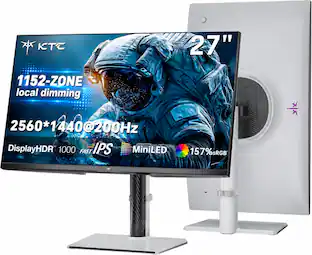
Black Friday Deal$199.99The price was $299.99KTC M27T6S 27" QHD 200Hz Mini LED Gaming Monitor, 2560×1440, HDR1000, 1152-Zone Local Dimming, Fast IPS, 1ms
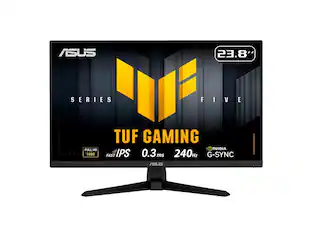
Black Friday Deal$254.99The price was $299.99ASUS TUF Gaming 24" 1080p 240Hz Fast IPS Monitor, 0.3ms, FreeSync Premium & G-Sync Compatible (VG249QM5A)
$107.99The price was $177.99Acer PM161Q 15.6" Portable Monitor Full HD 1920x1080 IPS USB-C HDMI Refurbished
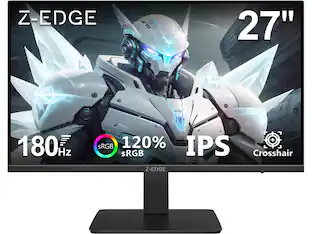
$44.99The price was $48.99Z Z-Edge UG27F 27" IPS FHD 180Hz 1ms MPRT FreeSync Gaming Monitor, HDMI & DP, HDR10, 120% sRGB, Crosshair
$94.99The price was $129.99Z Z-Edge S274K 27" 4K UHD 3840 x 2160 120 Hz 1 ms Flat-Panel IPS Gaming Monitor, HDMI 2.1, DP 1.4
$189.99The price was $229.99