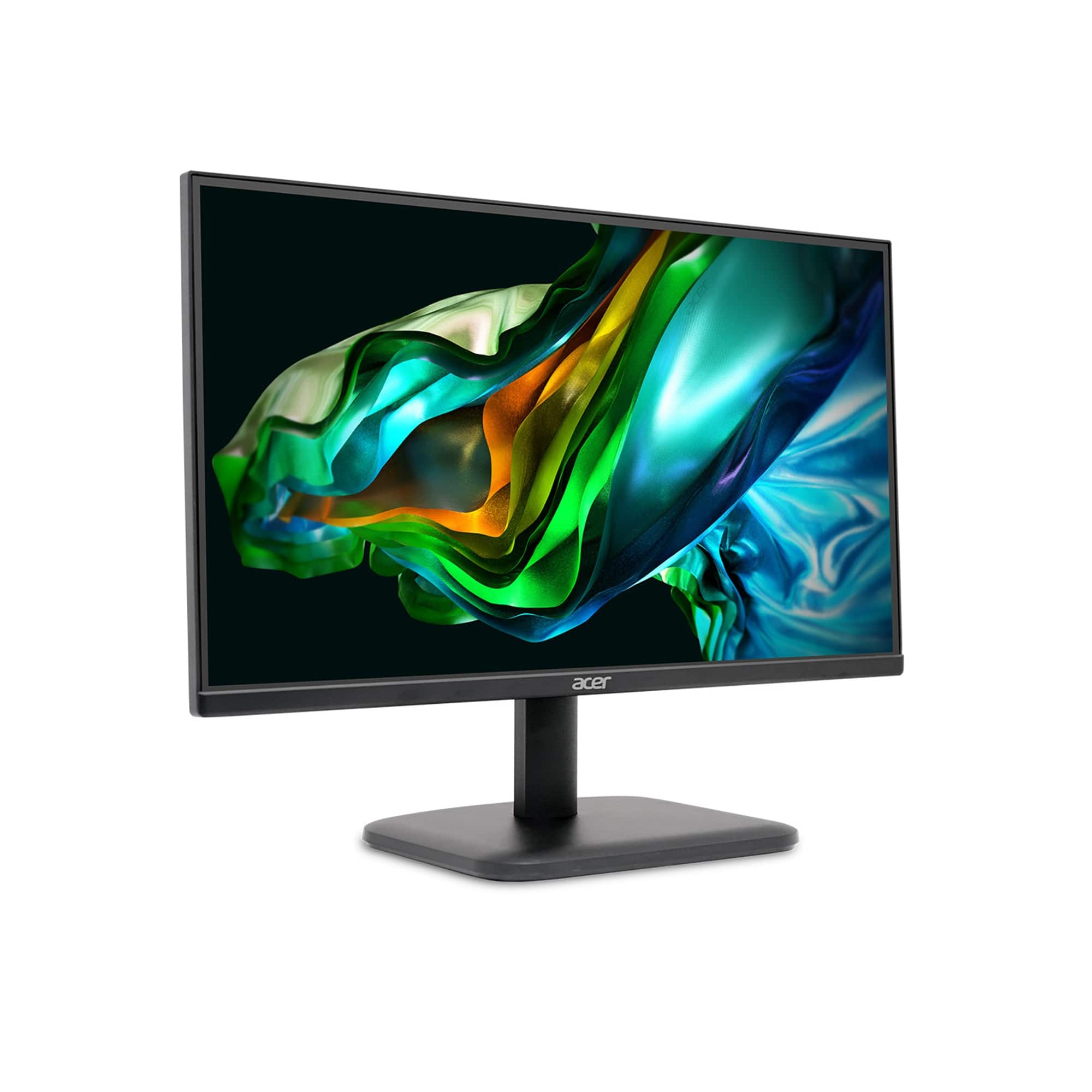
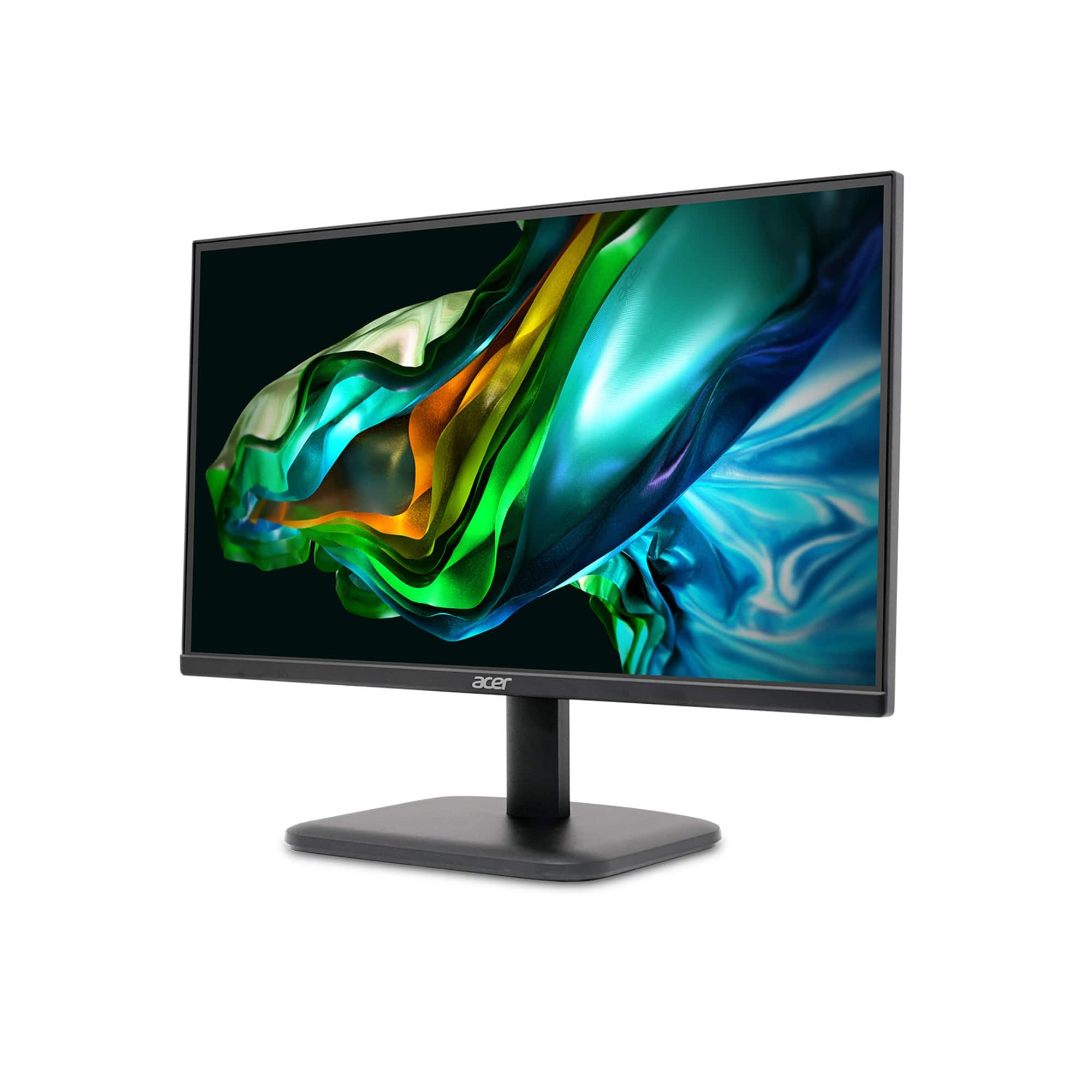
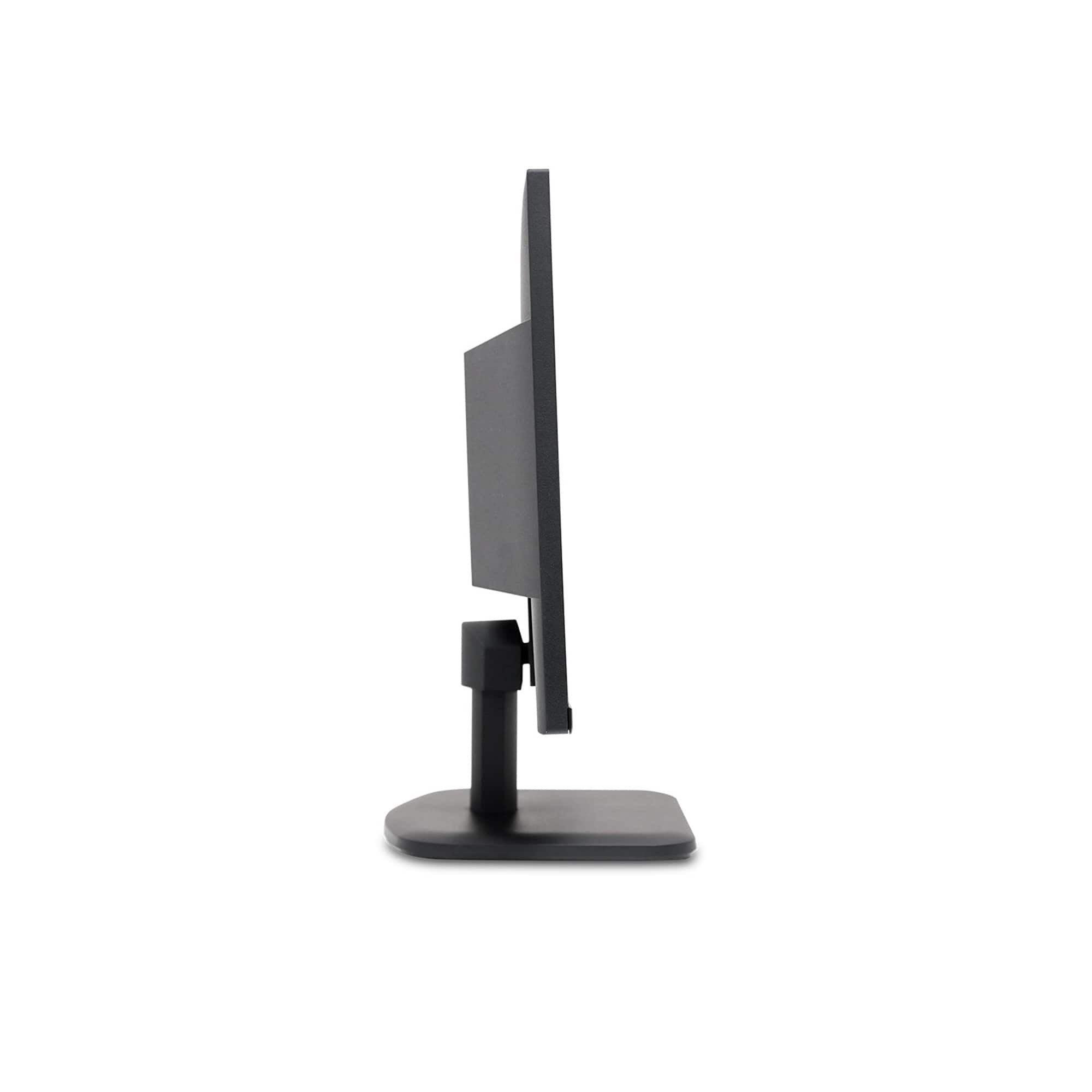
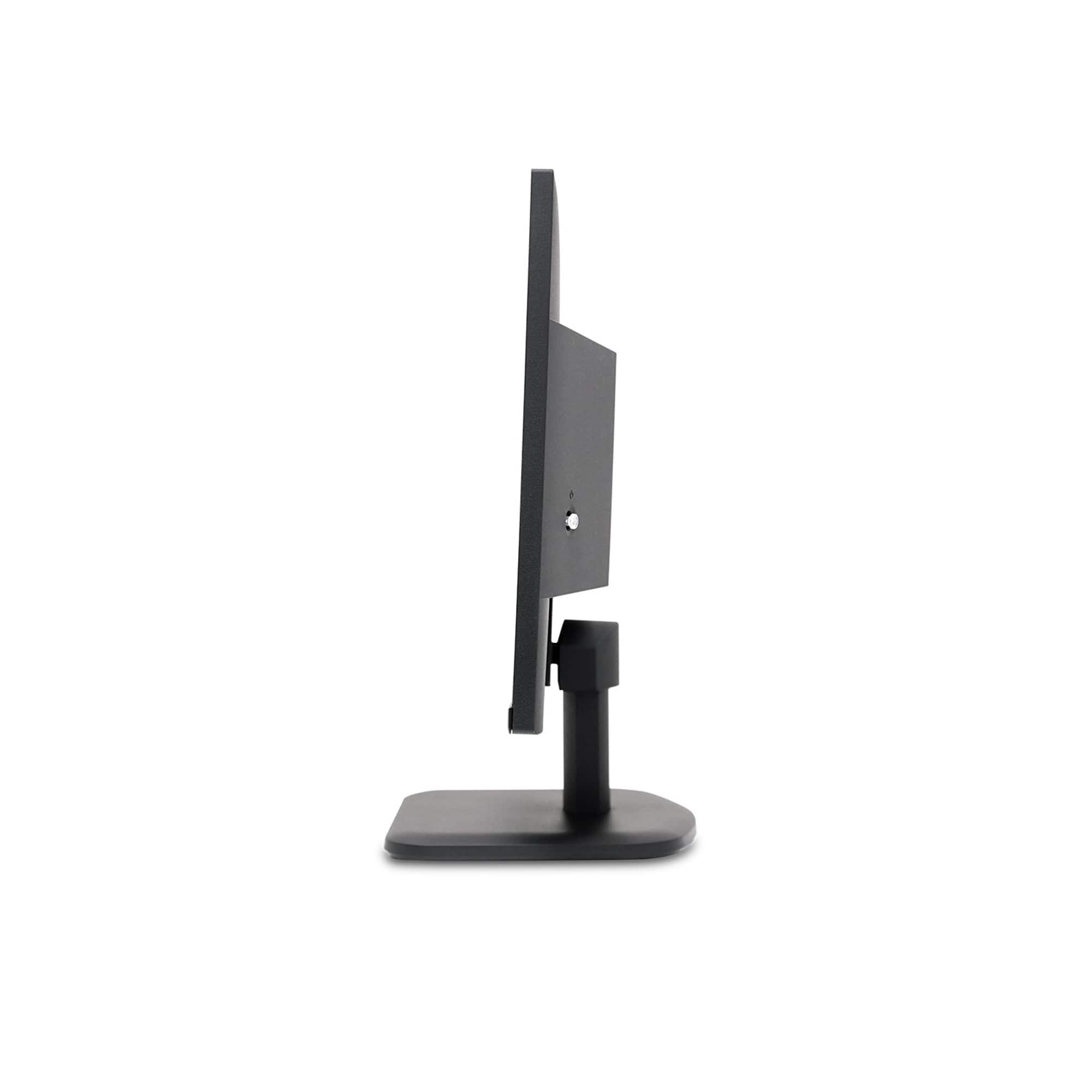
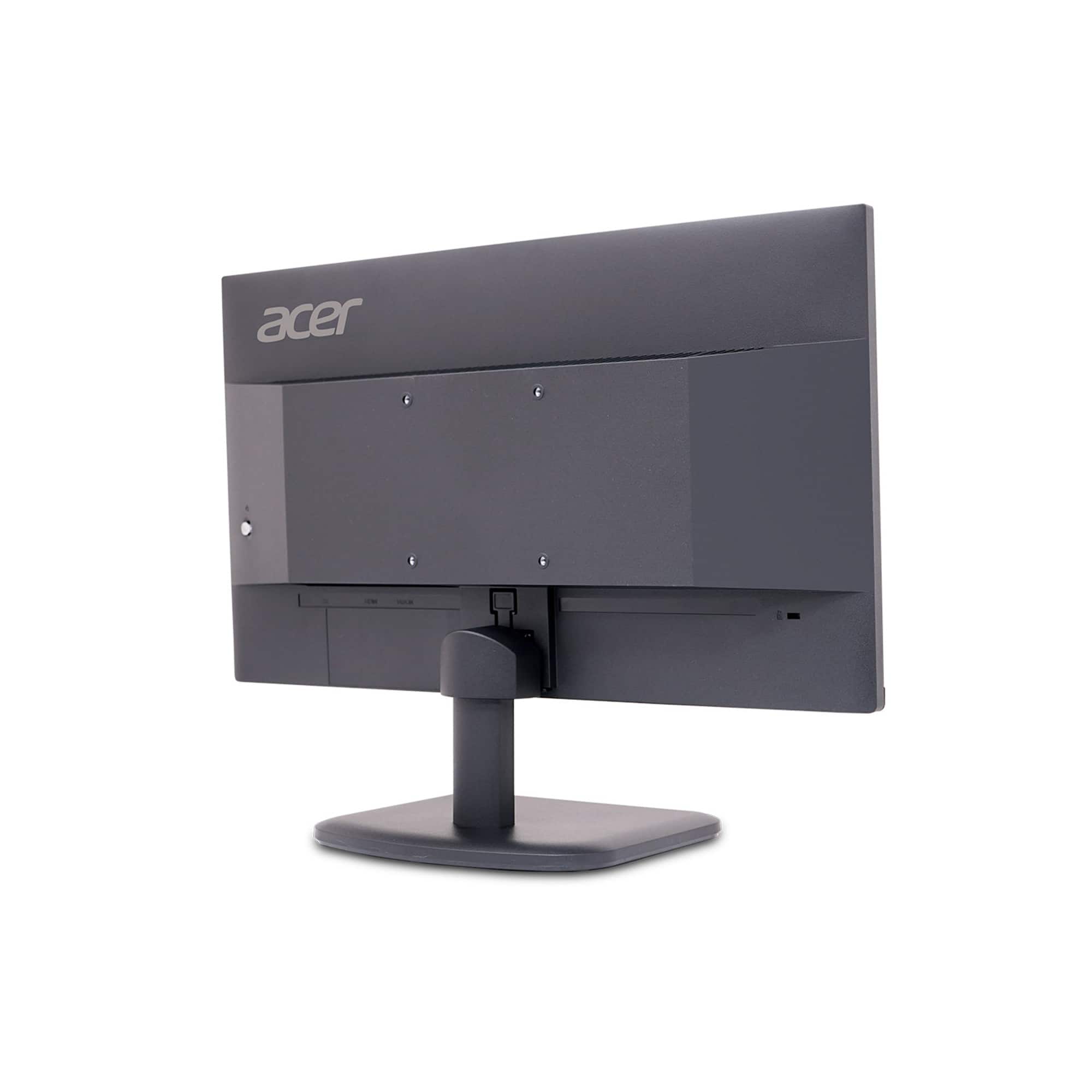
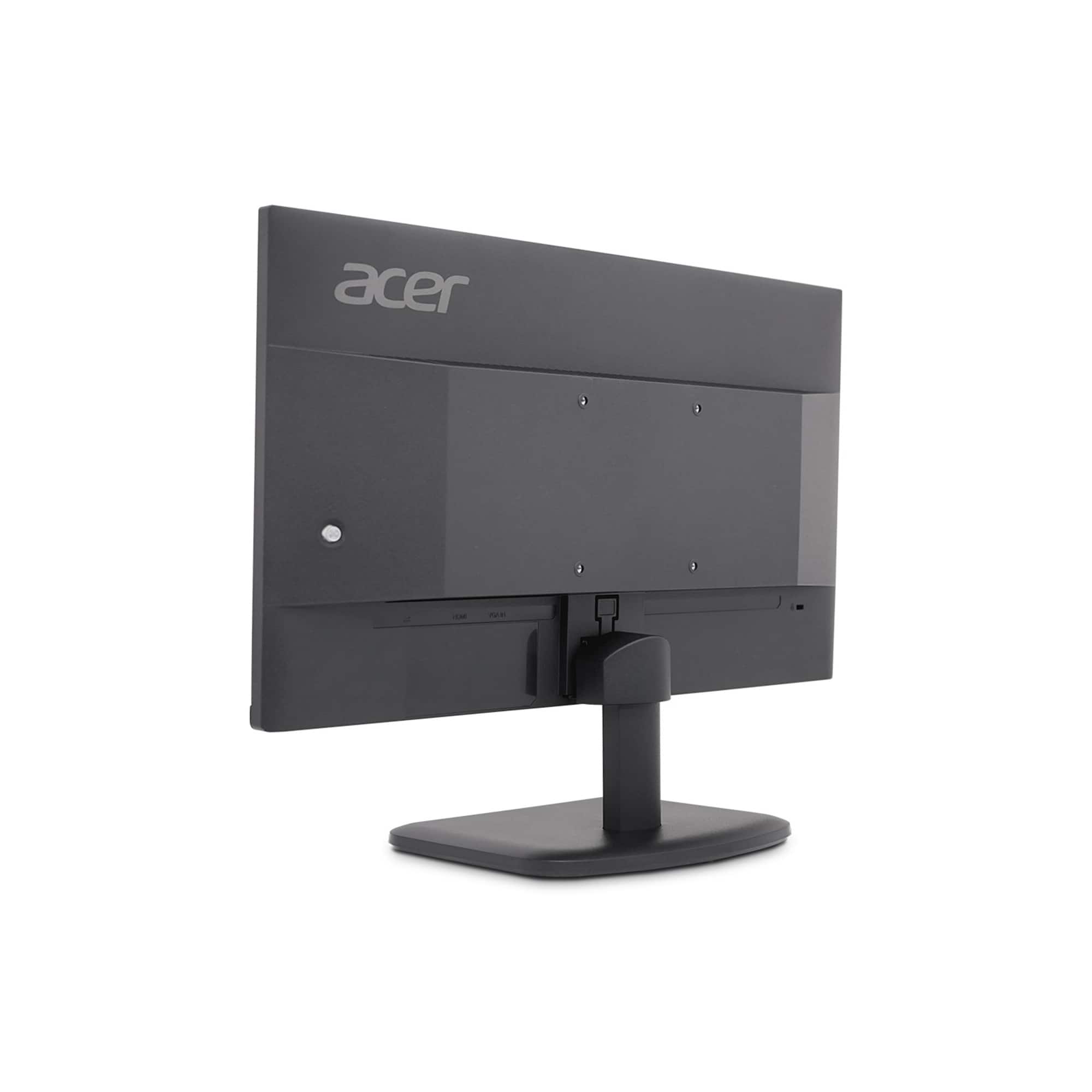
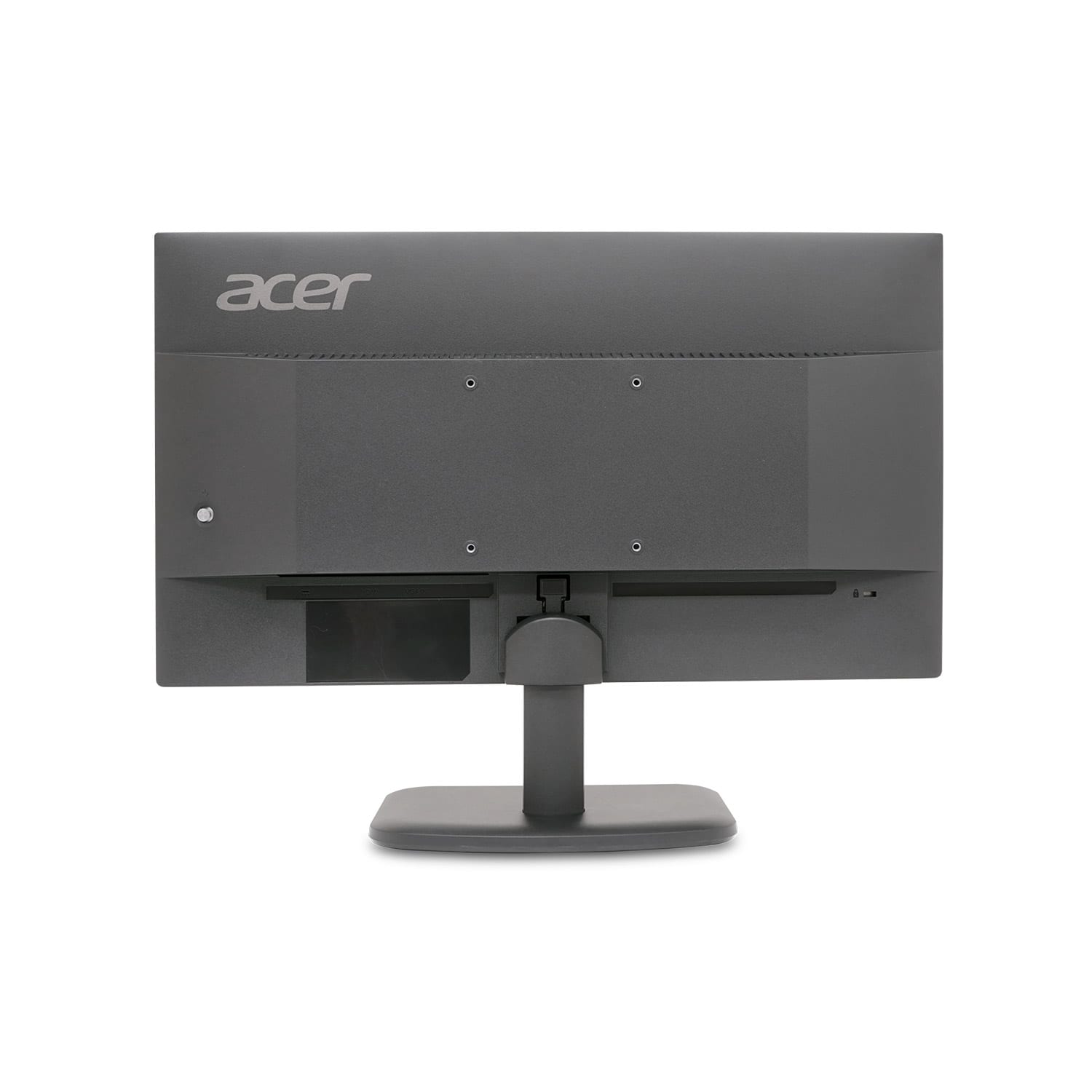
A:AnswerSadly not, also it doesnt has speakers so you would need to conect speakers to the thing you are conecting to the monitor, if you are using ps5 you will need to connect speakers to the ps5 or headphones to the ps5, the monitor do not have audio or speakers
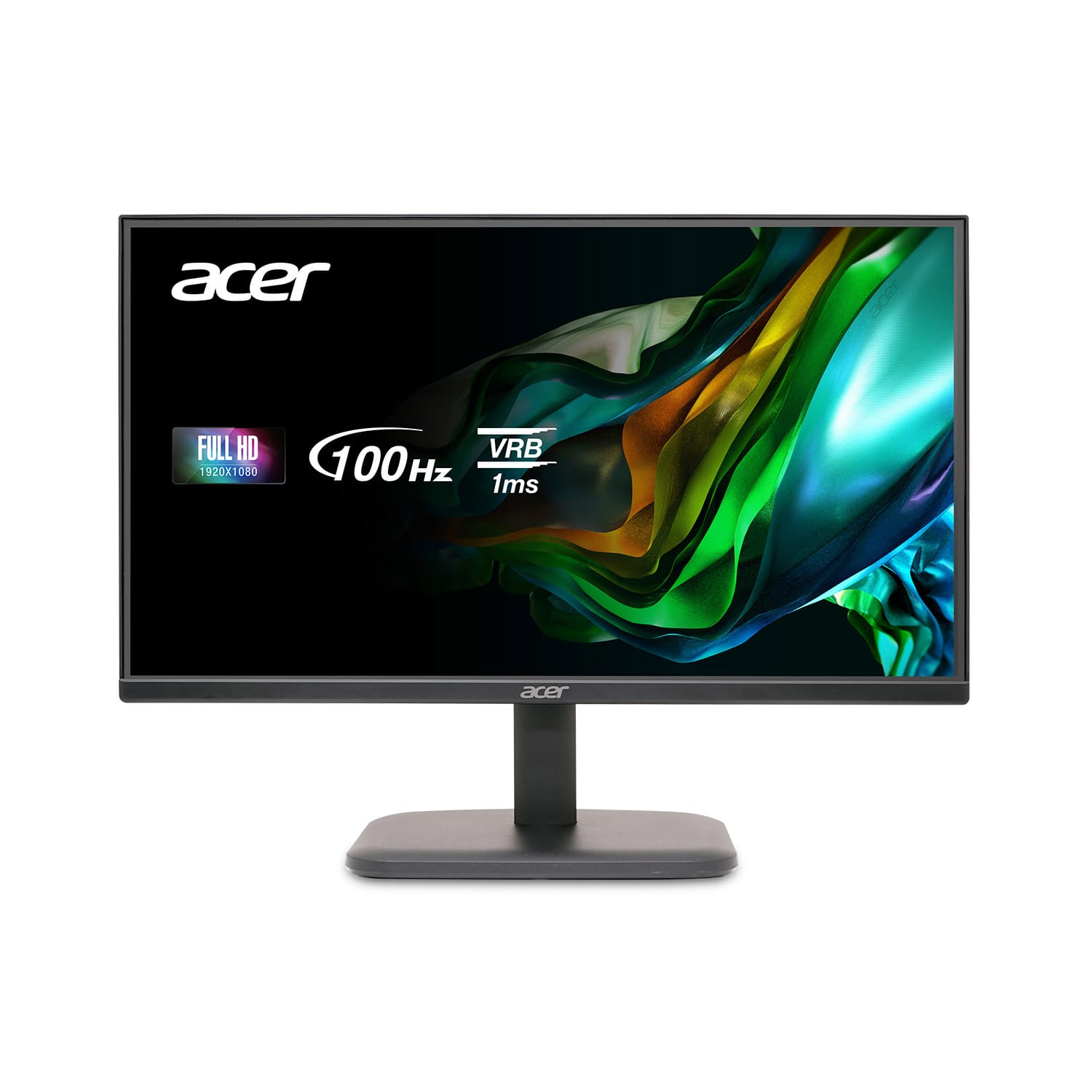
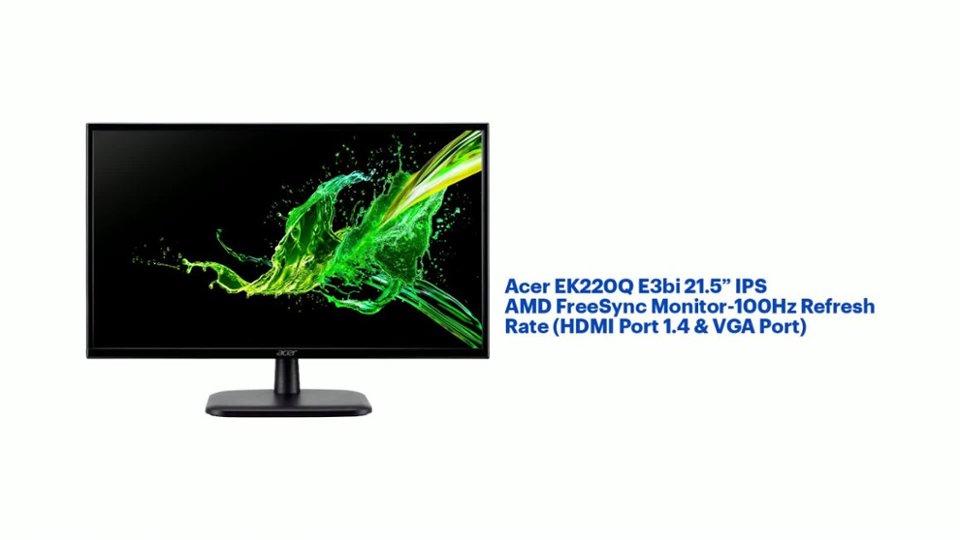
A:AnswerThis monitor is a display device only and will need a PC, laptop or gaming console to watch videos. It includes a power cord and one HDMI cable.
A:AnswerThe power cord should be included in the box. Make sure you check all areas of the Styrofoam inserts as they can be tucked inside those. If you did not get a power cord please contact Acer support at 866-695-2237.
A:AnswerThis monitor can connect either by HDMI or VGA. You will need to see what connections you have on your computer; you will need two HDMI ports, two VGA ports or one of each to connect to your computer.