Questions & Answers
- Model:
- XV270 X1biip
- |
- SKU:
- 6617472
Highly rated by customers for: Overall Performance, Refresh Rate, Size
$209.99$209.99
Page Showing 21-35 of 35 questions
Q: Questiondoes this support ALLM?
Asked by mike.
- A:Answer The Acer Nitro XV270 X1biip monitor does not officially support ALLM. It is primarily a PC gaming monitor that features AMD FreeSync Premium technology for variable refresh rates.
Answered by TeamAcer
Q: QuestionDoes this monitor come with an HDMI and DisplayPort cable, or just HDMI, or neither?
Asked by Pietro.
- A:Answer This monitor only comes with an HDMI cable
Answered by Holiguacamoli16
Q: QuestionCan you use the monitor with a PC that has a NVIDIA GeForce RTX 5060 graphics card?
Asked by Ethan.
- A:Answer Yea man it runs great with it I have a 5060Ti 16Gb and it runs smooth it’s all about your pc really and I would recommend using the display ports instead of HDMI
Answered by MisterWing
Q: QuestionWill this monitor hook up to a laptop with HDMI ?
Asked by JohnT.
- A:Answer Yes, this monitor is a great option for laptops. On a lower end laptop like mine I do notice slight screen tearing in the quality and hdr display modes
Answered by TylerD
Q: QuestionDoes this have the ability to connect to a soundbar?
Asked by Anonymous.
- A:Answer hmm....... if i hook a sound bar to it (HDMI) doesn't that mean it has EARC ????
Answered by trustbutverify
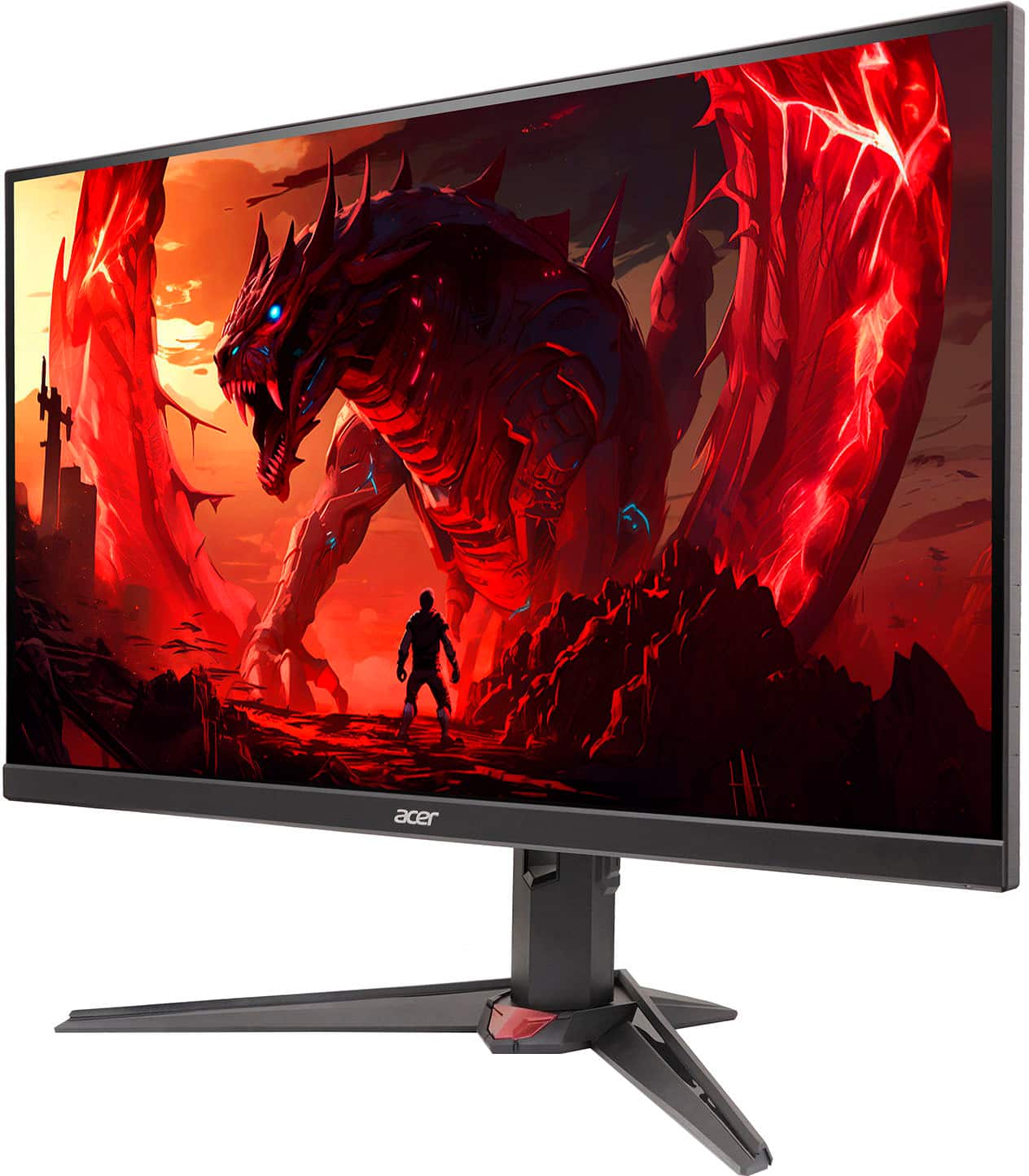
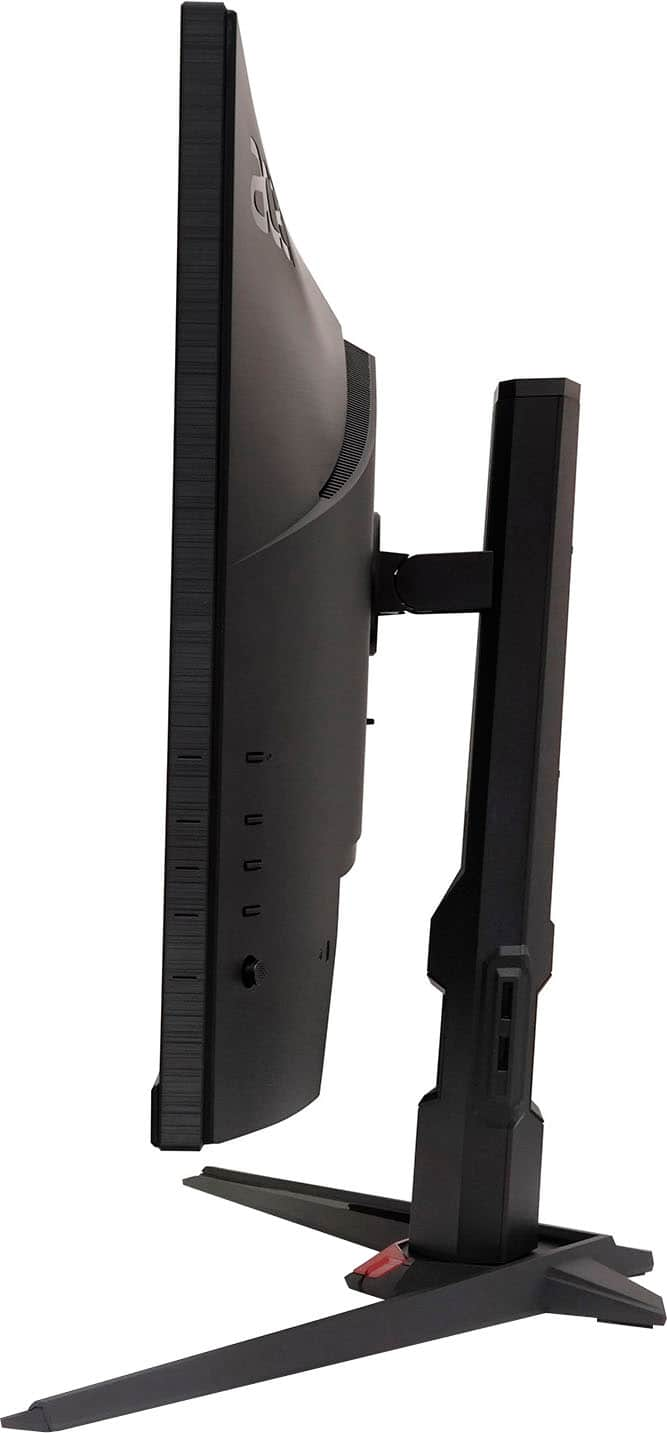
Q: QuestionCan this be displayed vertically?
Asked by KendallB.
- A:Answer Yes this monitor can be positioned both vertical or horizontal its very easy to change the position my son is 12 i got it for his second gaming monitor he loves it its a great product
Answered by Momof3
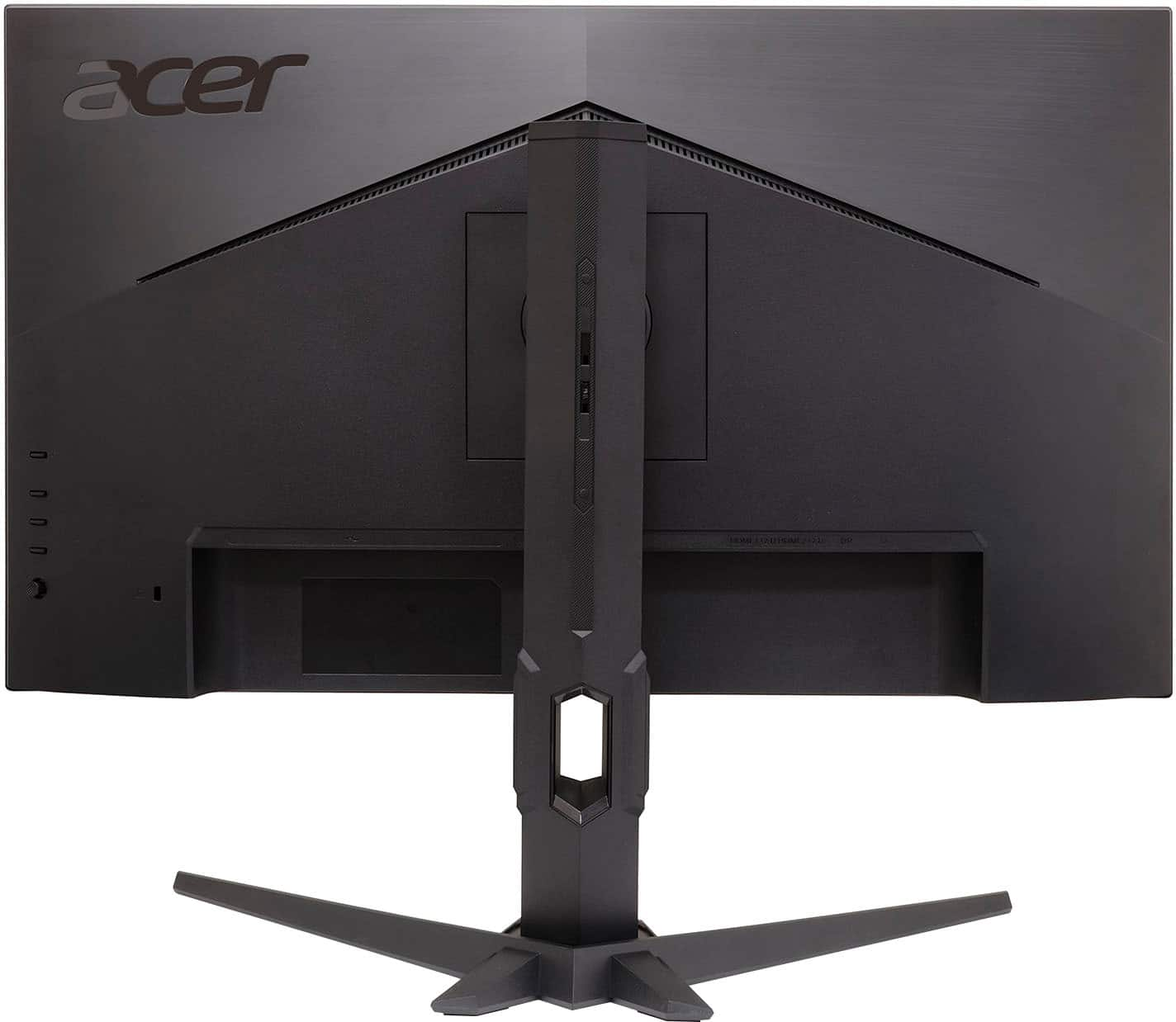
Q: QuestionHow do you get external volume or connect speakers
Asked by Anonymous.
- A:Answer This monitor does not offer an audio out port or built in speakers.
Answered by TeamAcer
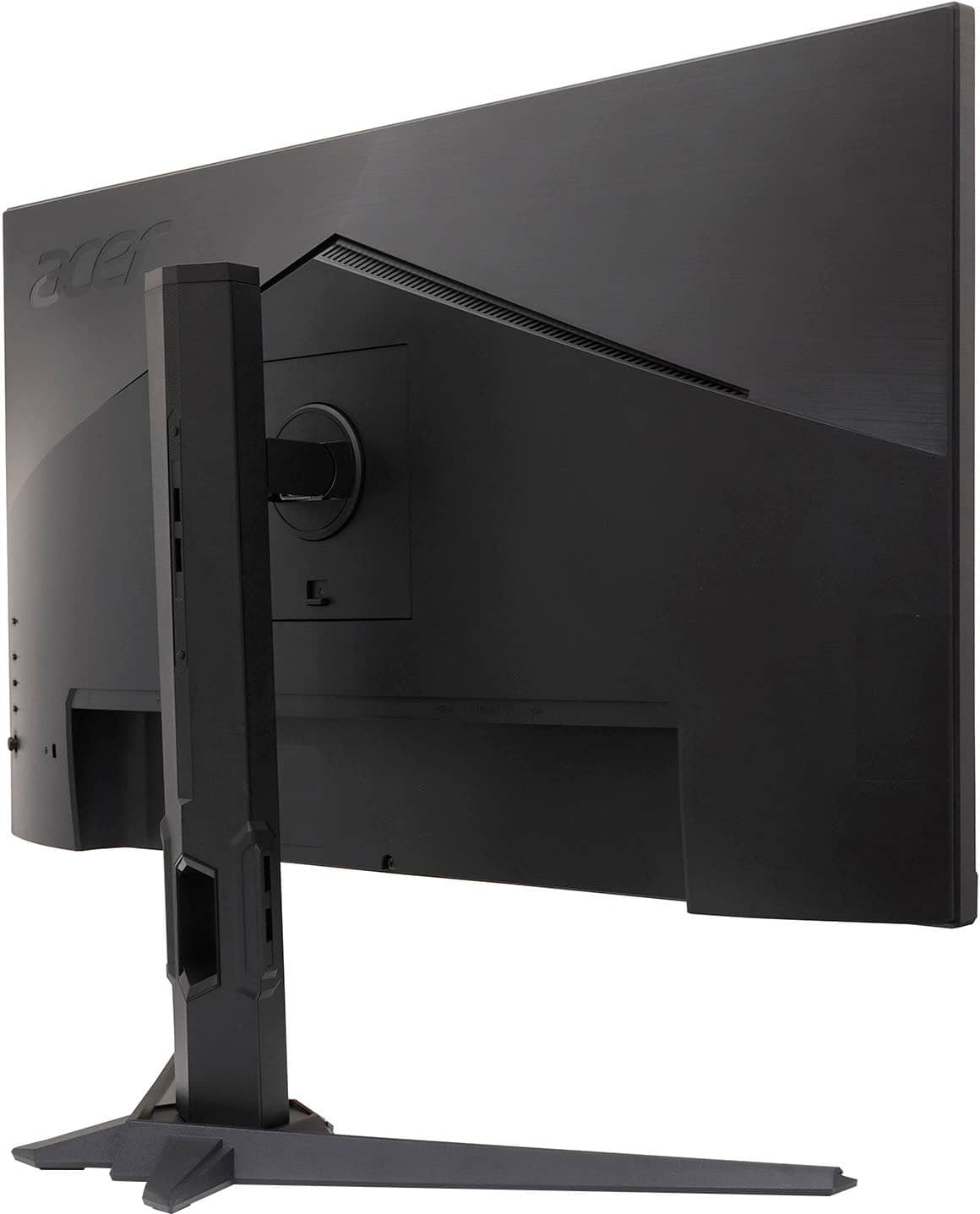
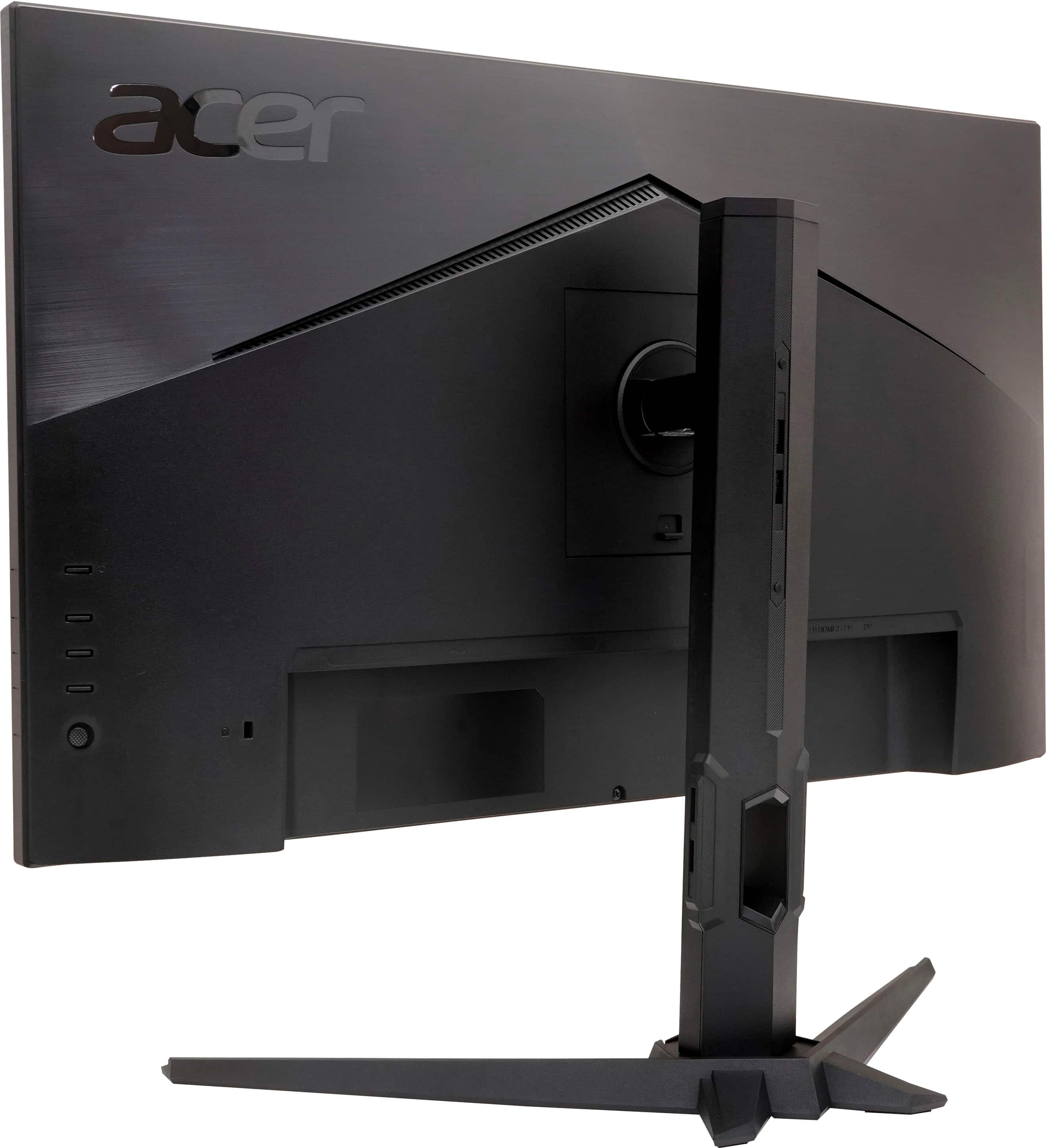
Q: Questiondoes this monitor have any usb type c ports or usb type a?
Asked by timmy.
- A:Answer No.
Answered by Mustakin
Q: QuestionHow do I put the volume up on the monitor
Asked by William.
- A:Answer This is done in the Menu settings of the monitor itself. The screen will tell you what buttons to press to navigate the menu settings. If you need help with this please feel free to contact our support team at 866-695-2237; they are available to assist 24/7 for in-warranty products.
Answered by TeamAcer

Q: QuestionWhere is the headphone jack
Asked by TonyC.
- A:Answer I don’t think there is a headphone jack you should Just use you laptop or pc jack for it
Answered by CarterL
Q: QuestionHow to connect a speaker
Asked by Anonymous.
- A:Answer HDMI port to a HDMI speaker
Answered by Skoobzee
Q: QuestionDoes this monitor have a aux port
Asked by Mike.
- A:Answer The setup guide shows one; however, the one I bought does not.
Answered by Richard
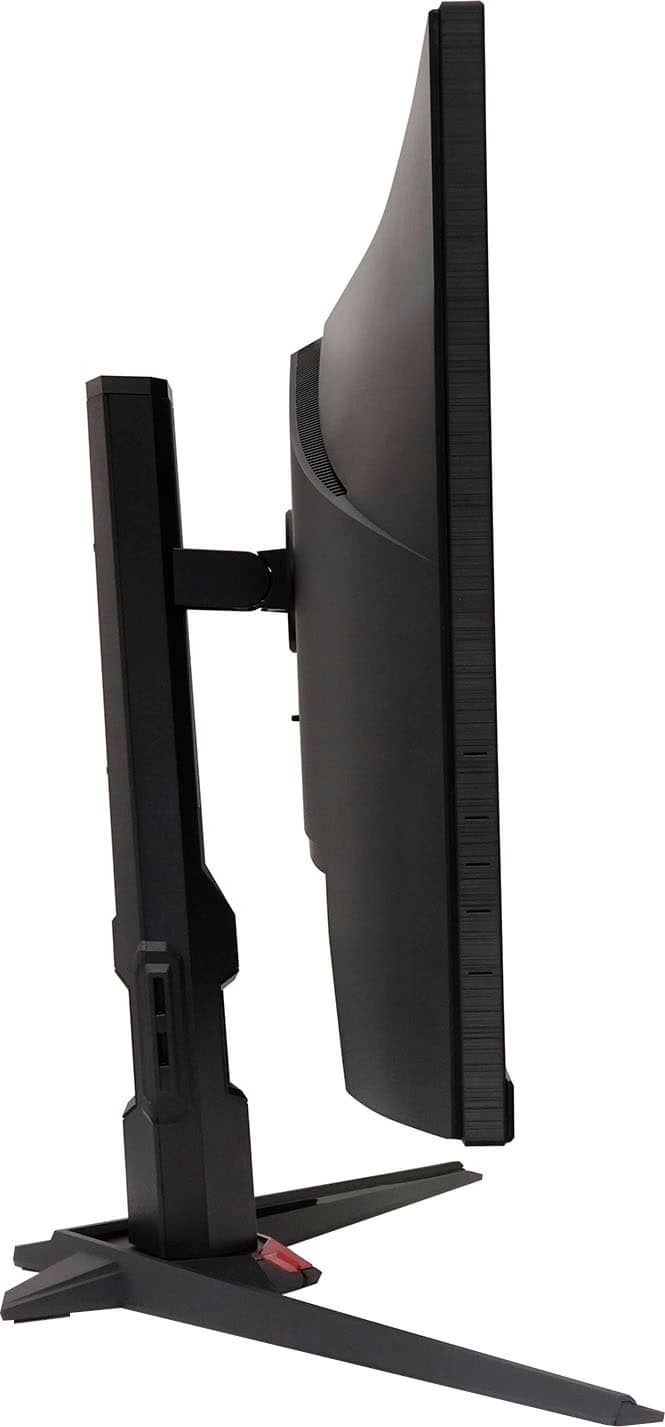
Q: QuestionWhat is the height range? Lowest stand setting to highest stand setting in inches
Asked by Braccio.
- A:Answer The install guide shows 150 mm (~6") of travel between the shortest and the tallest, but honestly it seems it can do more than that. There's no info on the exact heights.
Answered by Richard
Page 2, Showing 21-35 of 35 questions
Most-viewed items
- $369.99$369.99The price was $499.99