A:AnswerIt has four different modes that can be easily to with the push of a dedicated button. "Quiet" mode is literally quiet, no perceptible noise. "Turbo" mode (for when I'm playing MSFS2020) is loud.
A:AnswerI have personally used this to play steam vr and games such as vrchat. So yes! it will say that it "doesnt meet the minimum specifications" using the meta quest app for whatever reason but i havent had any problems at all using it for vr through steam vr and meta quest link as normal.
A:AnswerI don't know what problem your having but you're better off finding your answer here. GL
https://www.acer.com/us-en/support/product-support/Predator%20PH18-71/answers
A:AnswerGreetings from the Intel team. Thank you for your question.
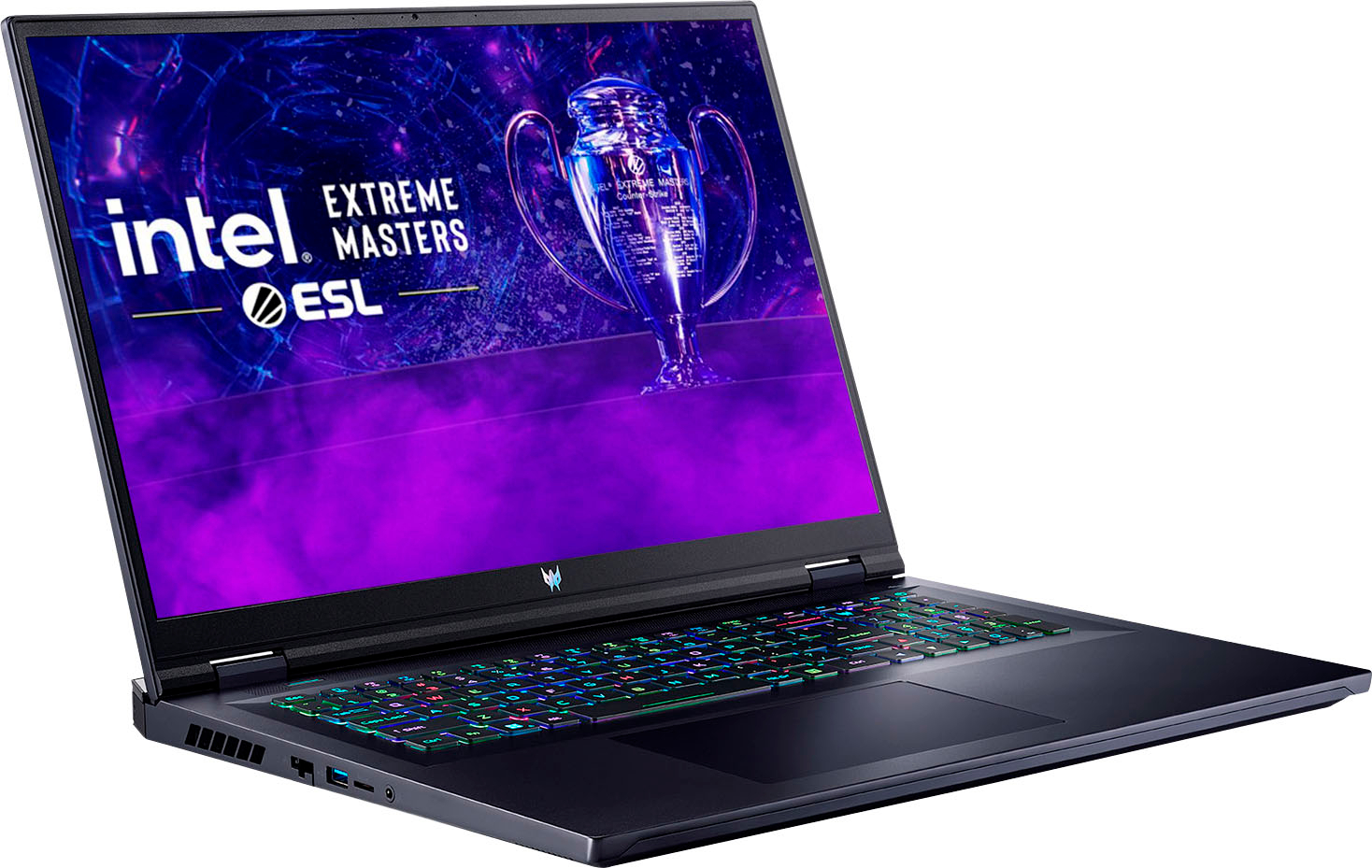
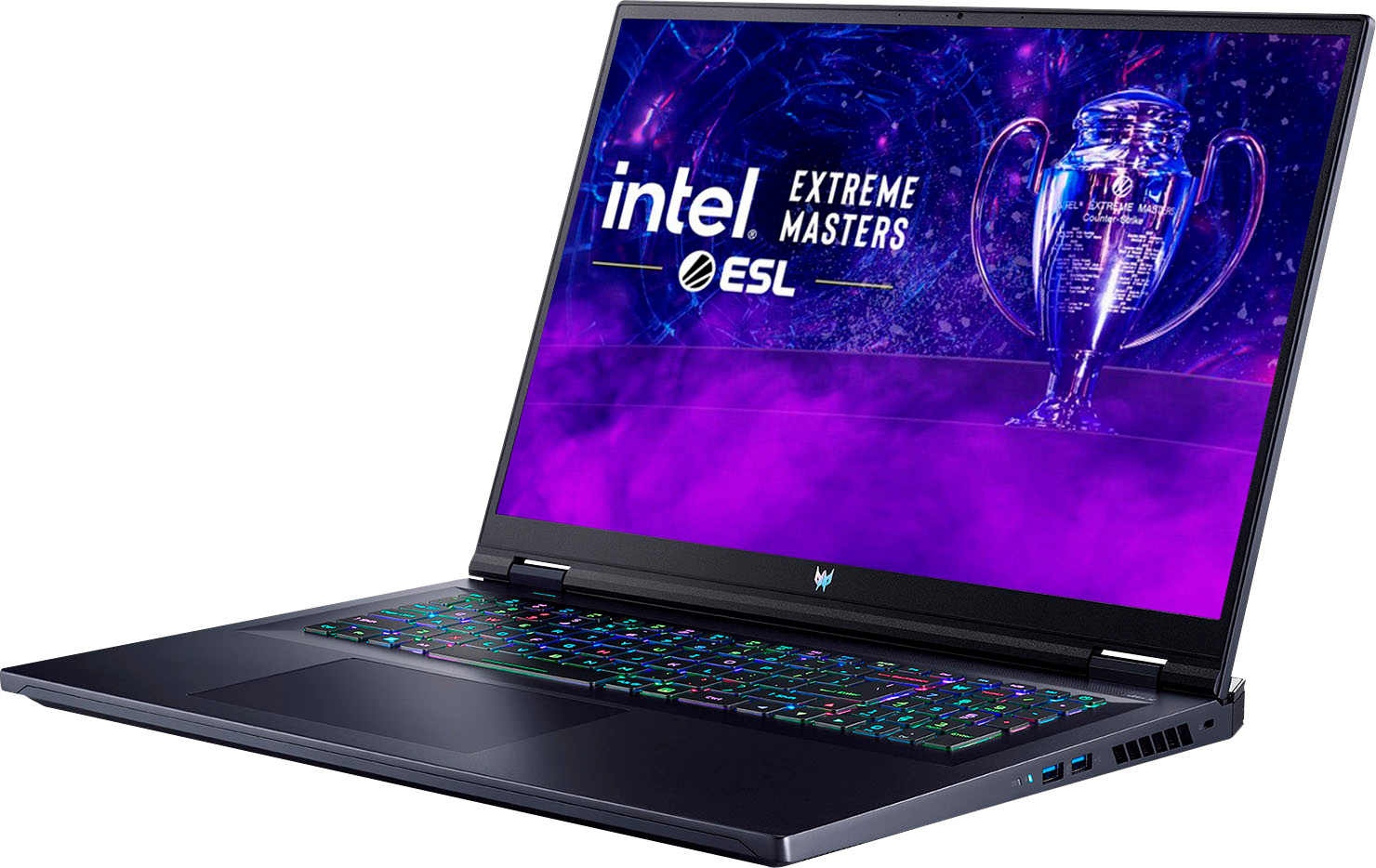
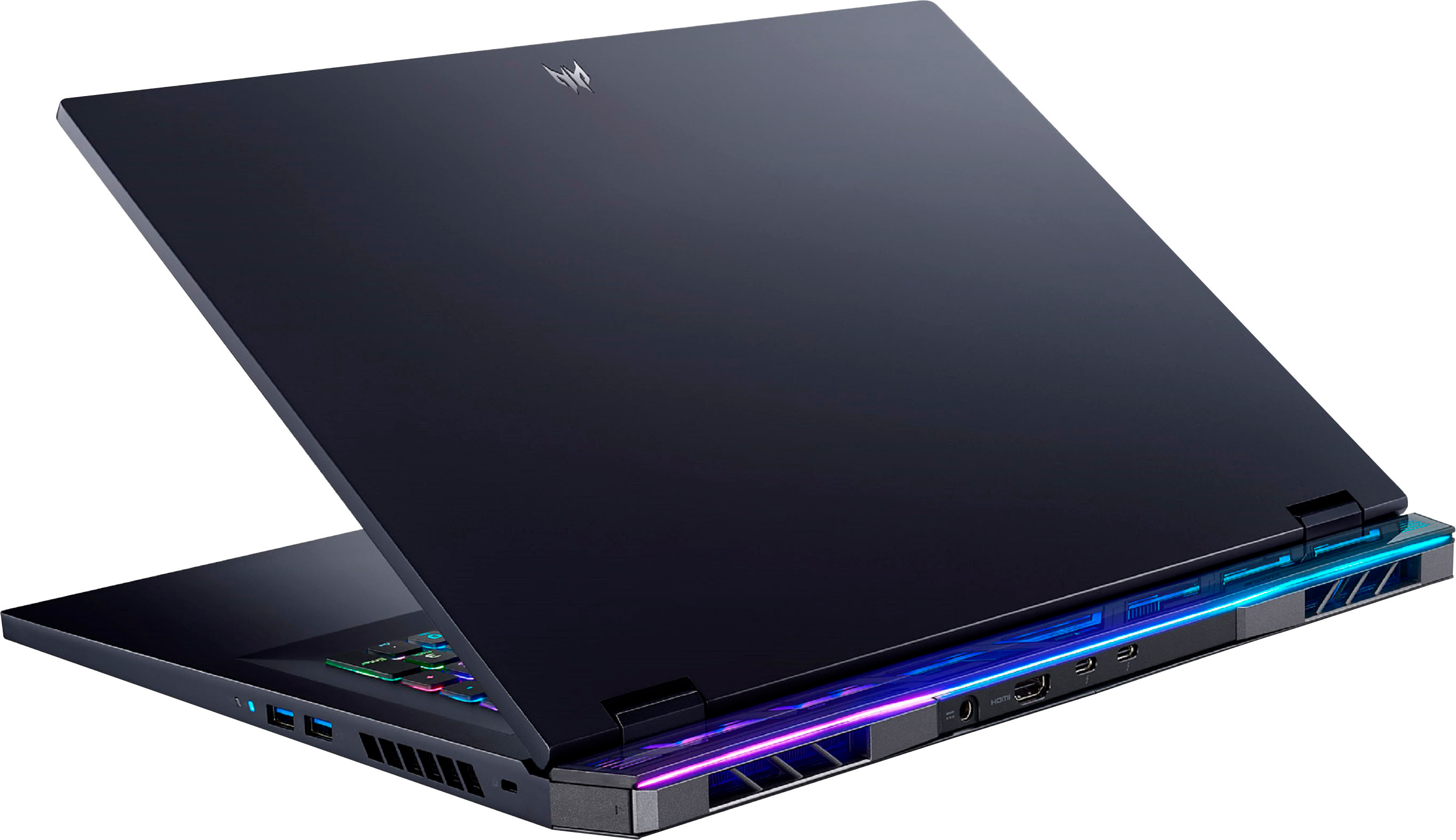
The system specifications on the retailer's website indicate that the Acer - Predator Helios 18 Gaming Laptop supports three external monitors via 2 x Thunderbolt 4 and 1 x HDMI (2.1).
For detailed information about the Intel® Core™ i7-13700HX Processor, visit:
https://ark.intel.com/content/www/us/en/ark/products/232166/intel-core-i7-13700hx-processor-30m-cache-up-to-5-00-ghz.html
Thank you for choosing Intel! Emilio_Intel
A:AnswerWe are sorry to hear the audio out port on your Acer Predator laptop is not working properly and we understand this is frustrating for you. This is not the experience we want our customers to have and we would like to help you get this resolved. If you are located in the US or Canada, please feel free to contact our support team at 866-695-2237; they are available to assist 24/7 for in-warranty products.
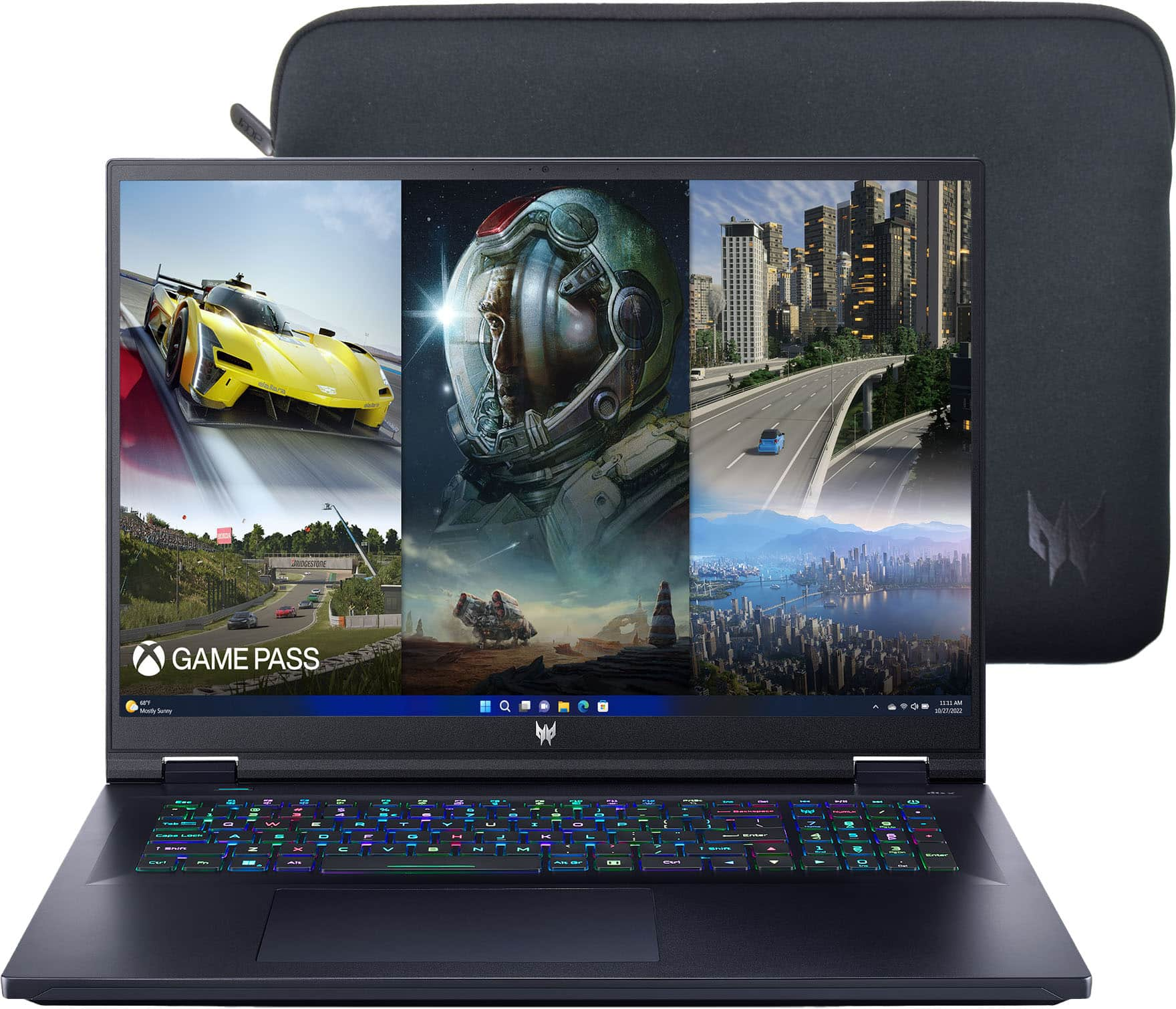
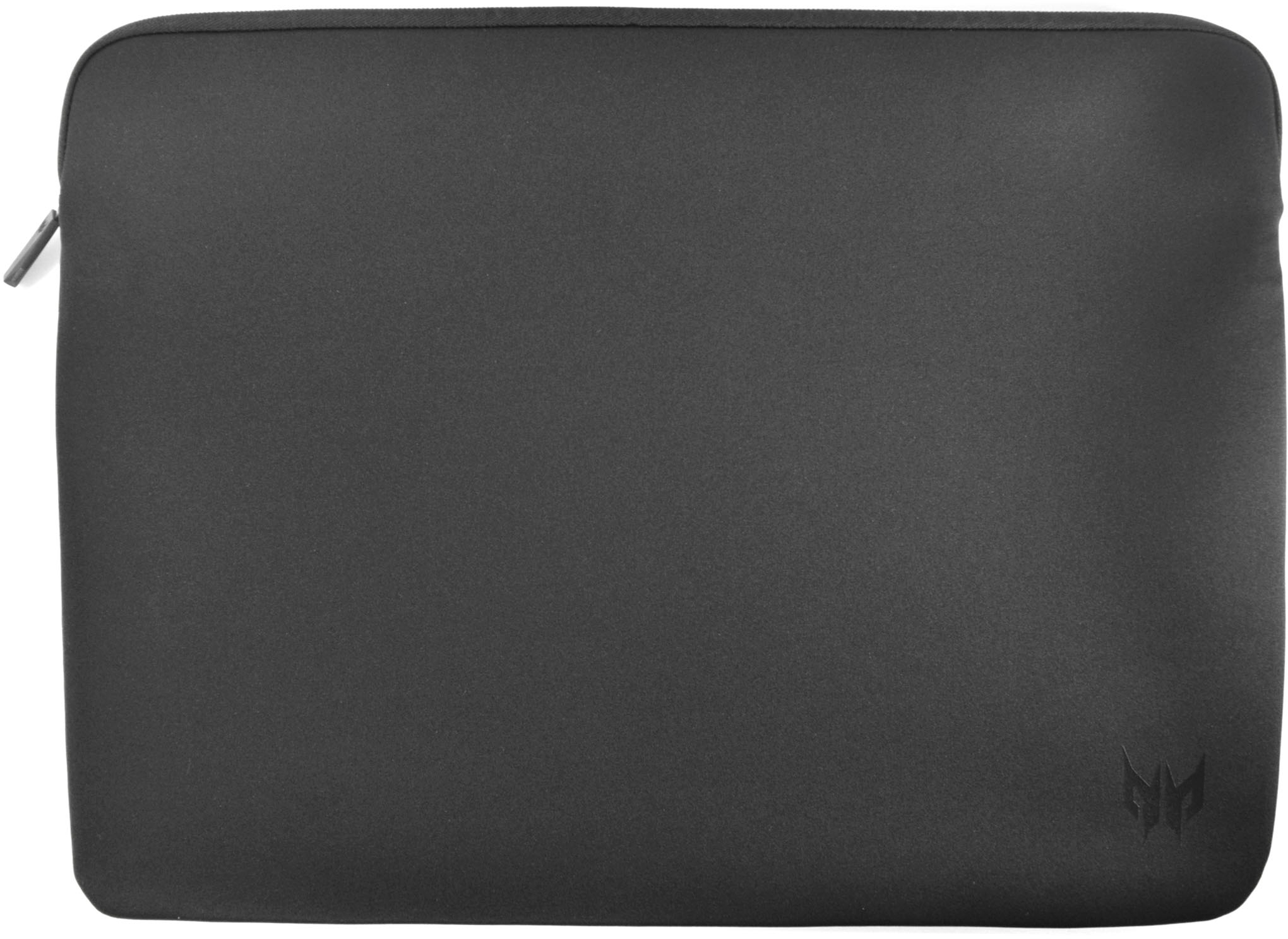
A:AnswerYes, a sleeve should have been included with the laptop. If it is missing out of the box please contact Acer support at 866-695-2237. They are available 24/7 for in-warranty support and will be happy to help you.
A:AnswerYes, the PH18-71-756U model does have a MUX switch; we apologize for the previous misinformation. This feature allows you to manually enable or disable the integrated GPU, which can increase performance in games at the expense of battery run time.
A:AnswerGreat investment, just wish the power cord wasnt a straight line coming off out the back of the laptop. Would be nice if it was at a 90 degree angle.