Black Friday is hereAlso, shop the 24-Hour Flash Sale.Shop now

Main Content

Questions & Answers

Your price for this item is $1,139.99
Clearance
The comparable value price is $1,199.99
Page Showing 61-73 of 73 questions
  • Questiondoes this have a second hard drive slot

    Asked by lg.

    • Answer This laptop has two M.2 SSD slots for storage.

      Answered by TeamAcer

  • QuestionHello,how long will the discount last?

    Asked by Tima.

  • QuestionWhen will there be sales on this computer and more like it?

    Asked by Anonymous.

    • Answer The sales tend to happen fairly frequently. Keep checking the Acer brand laptops; they tend to go on pretty good sales every few weeks.

      Answered by HarrenClubdog

  • QuestionDoes this model support International warranty? Will the warranty be applicable in India?

    Asked by Anony.

    • Answer Acer provides a domestic warranty in the country of purchase and an International Travelers Warranty for the laptop products. This applies to genuine travelers only; if you travel a lot we highly recommend you read the terms and conditions on our website under Support. This page also provides links to the ITW service locations, ITW FAQ, and ITW Service Limitations. Please note if you purchase the system in the US but live outside North America, you will not get a domestic warranty in your country of residence. If local repair and support is important to you, we recommend you purchase the system in the country of residence.

      Answered by TeamAcer

  • QuestionWill this work ok with photoshop?

    Asked by Tg665.

    • Answer This laptop is probably overkill if all you need to do is run Photoshop with basic desktop apps (Chrome, Excel, etc.) at the same time. However, if you are a media professional that could use all of the computing horsepower, then this could be good choice. Keep in mind that as this is a gaming laptop, it will have a dismal battery life. In that case, aim for an ultrabook laptop.
      Answered by Anonymous

  • Questioncan you change the rbg lights keypad for the 16 Neo or does it only change for the Helios 300 model?

    Asked by itsmemario.

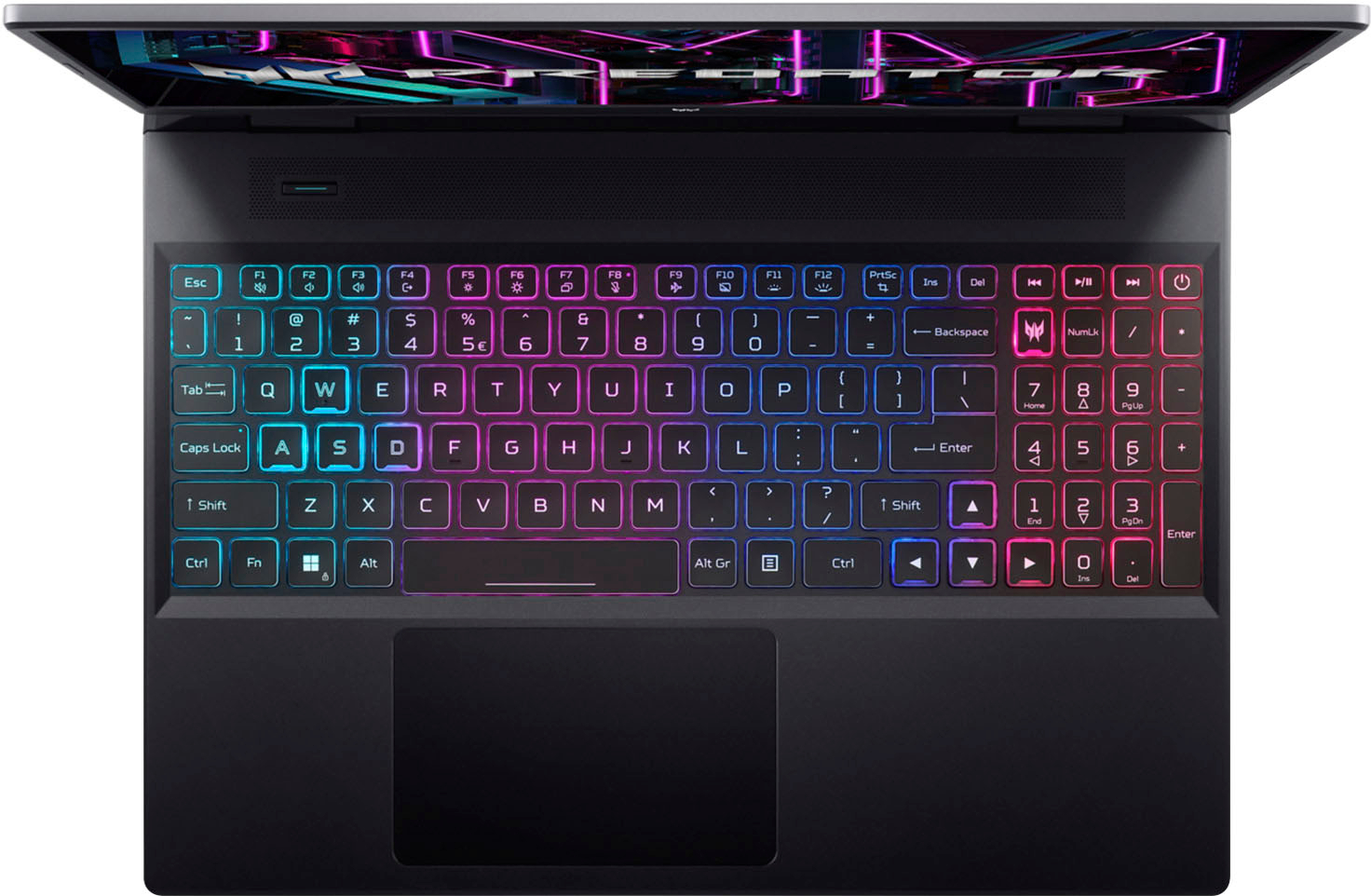
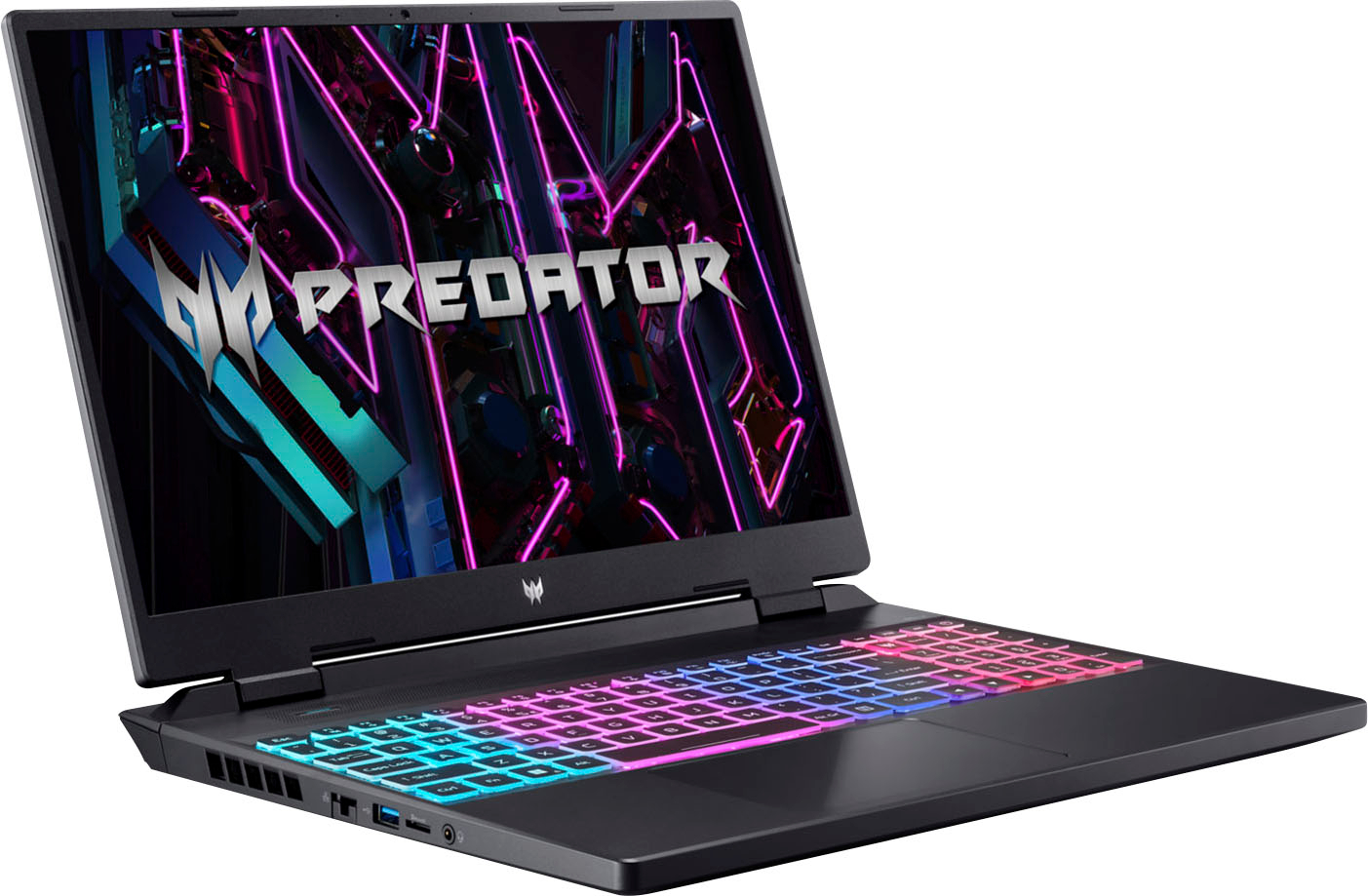
    • Answer This laptop ships with the Predator Sense utility where you can change the keyboard lights.

      Answered by TeamAcer

  • QuestionIs the 4050 of this model the 140w version or the 105w version?

    Asked by Andresalv12.

    • Answer The max graphics power for the GPU is up to 140W.

      Answered by TeamAcer

  • QuestionDoes this model have International Warranty or only in the U.S ?

    Asked by HungNguyen.

    • Answer Acer provides a domestic warranty in the country of purchase and an International Travelers Warranty for the laptop products. This applies to genuine travelers only; if you travel a lot we highly recommend you read the terms and conditions on our website under Support. This page also provides links to the ITW service locations, ITW FAQ, and ITW Service Limitations. Please note if you purchase the system in the US but live outside North America, you will not get a domestic warranty in your country of residence. If local repair and support is important to you, we recommend you purchase the system in the country of residence.

      Answered by TeamAcer

  • QuestionPlease confirm that this does not have the ridiculous codes and engravings on the laptop lid thank you

    Asked by Mike.

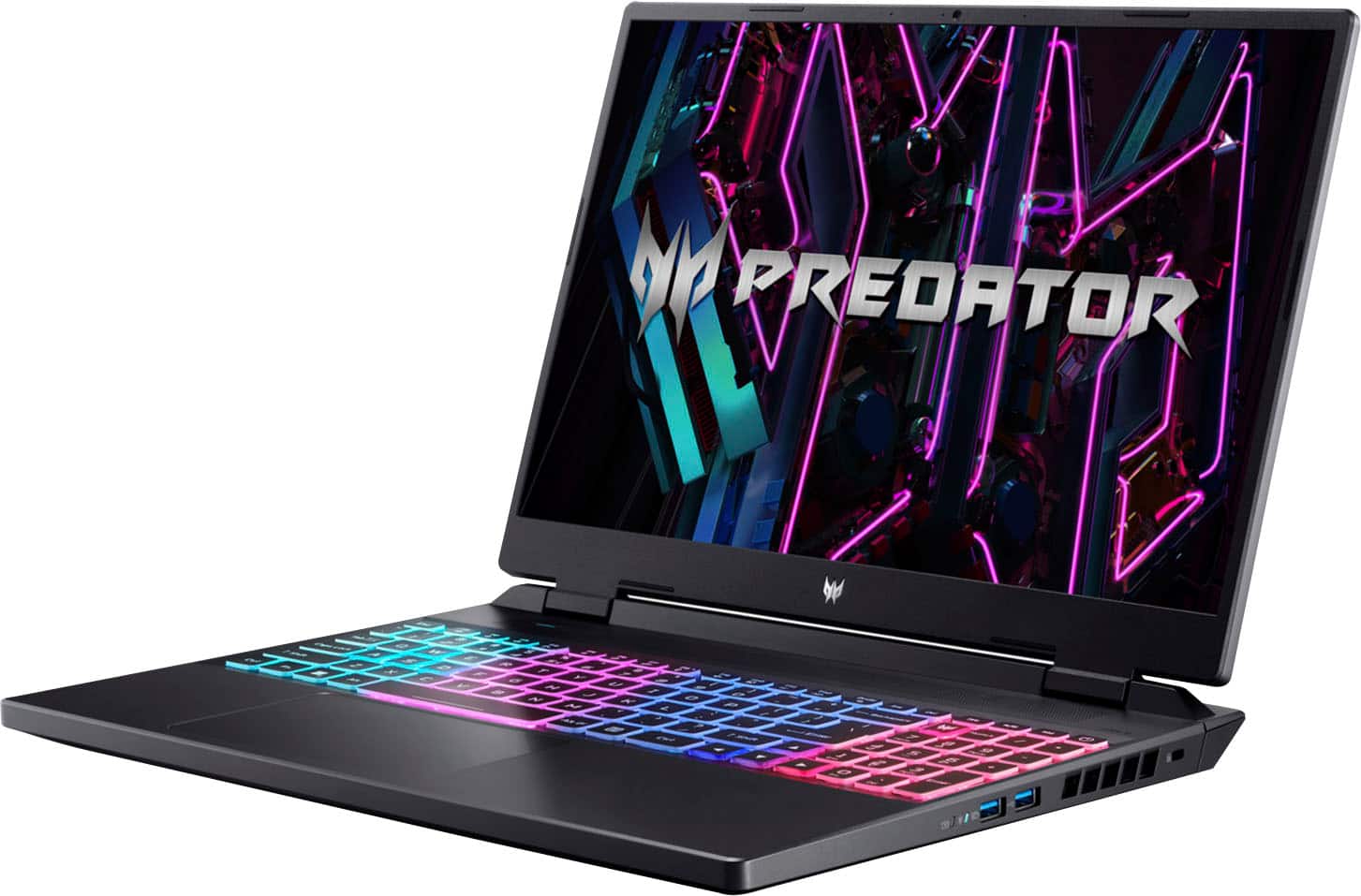
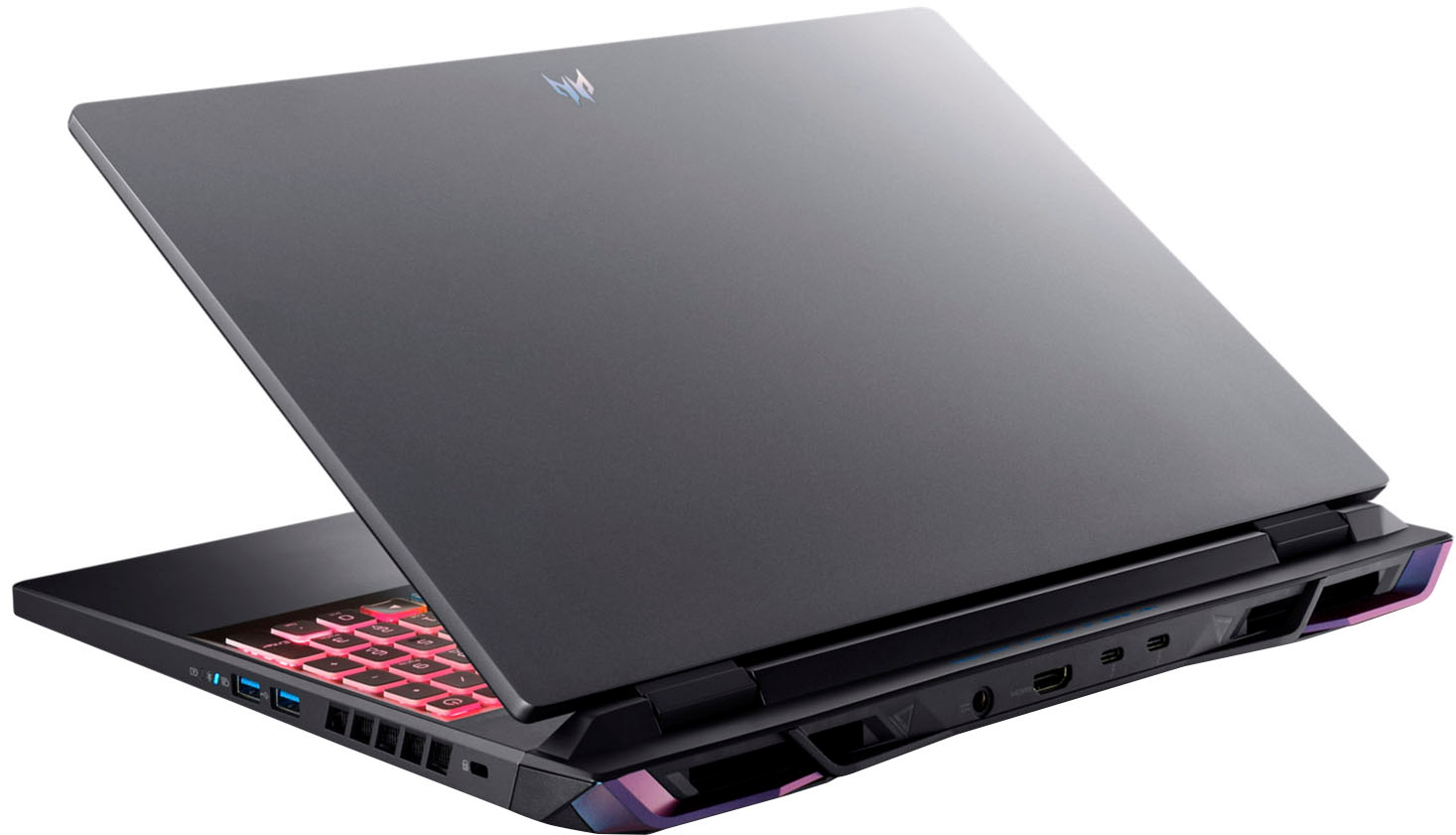
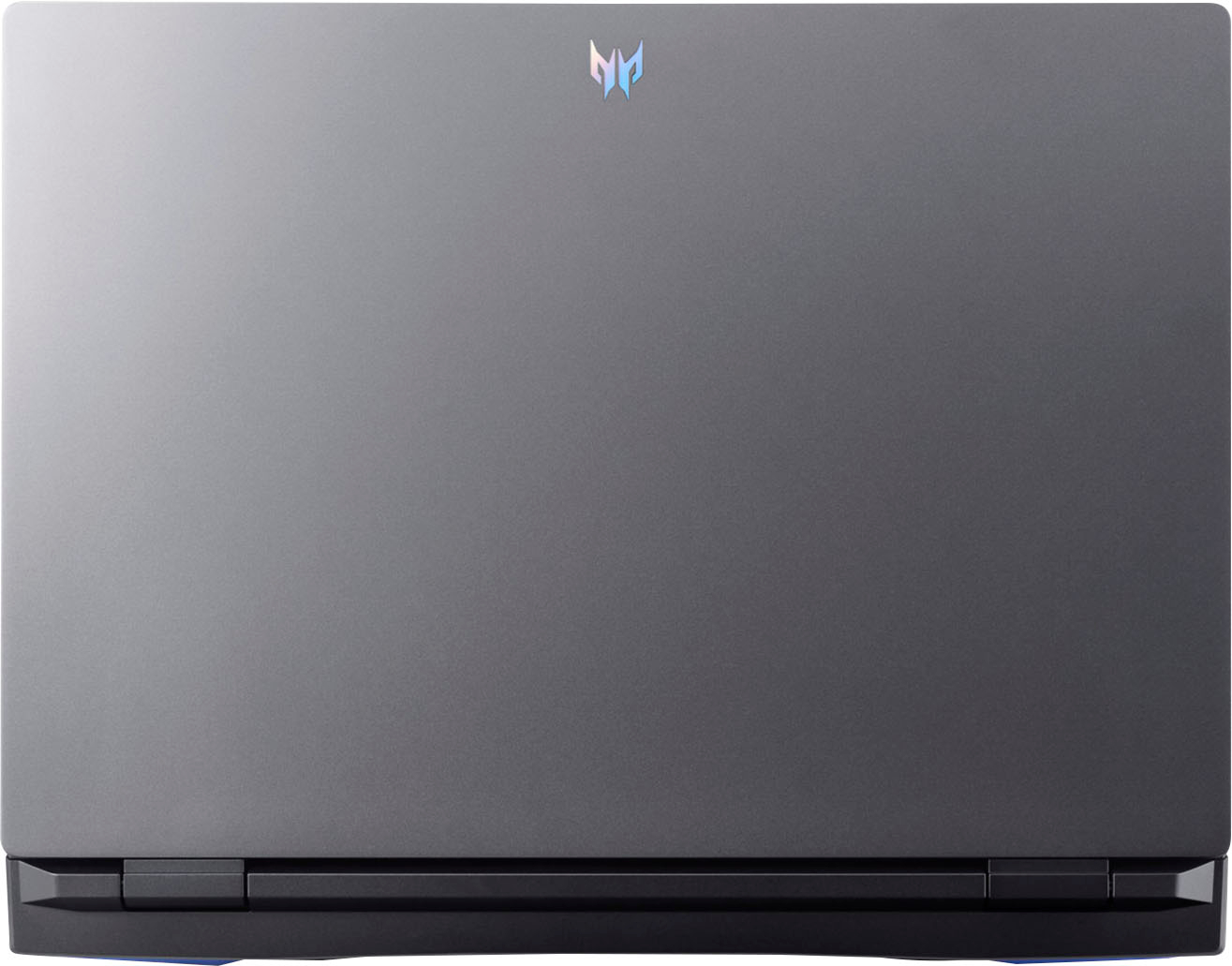
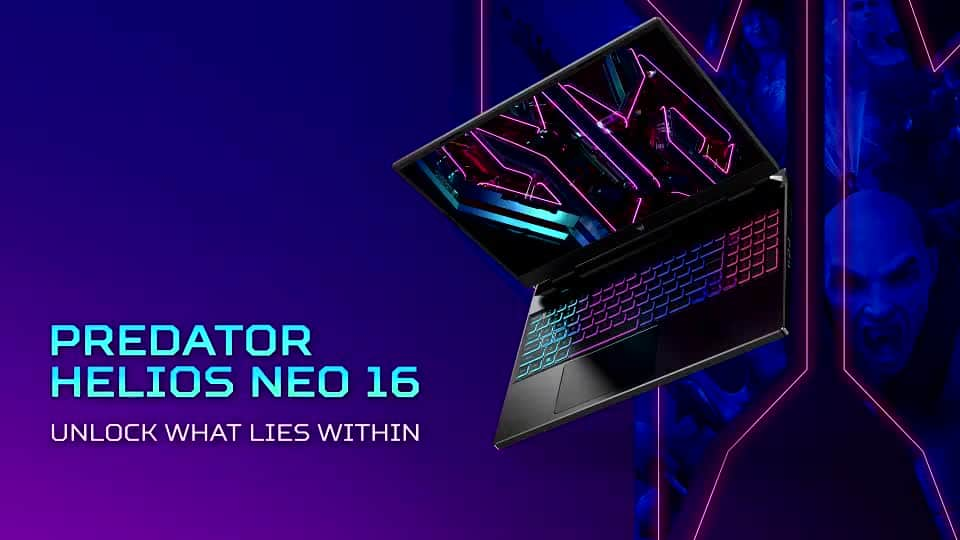
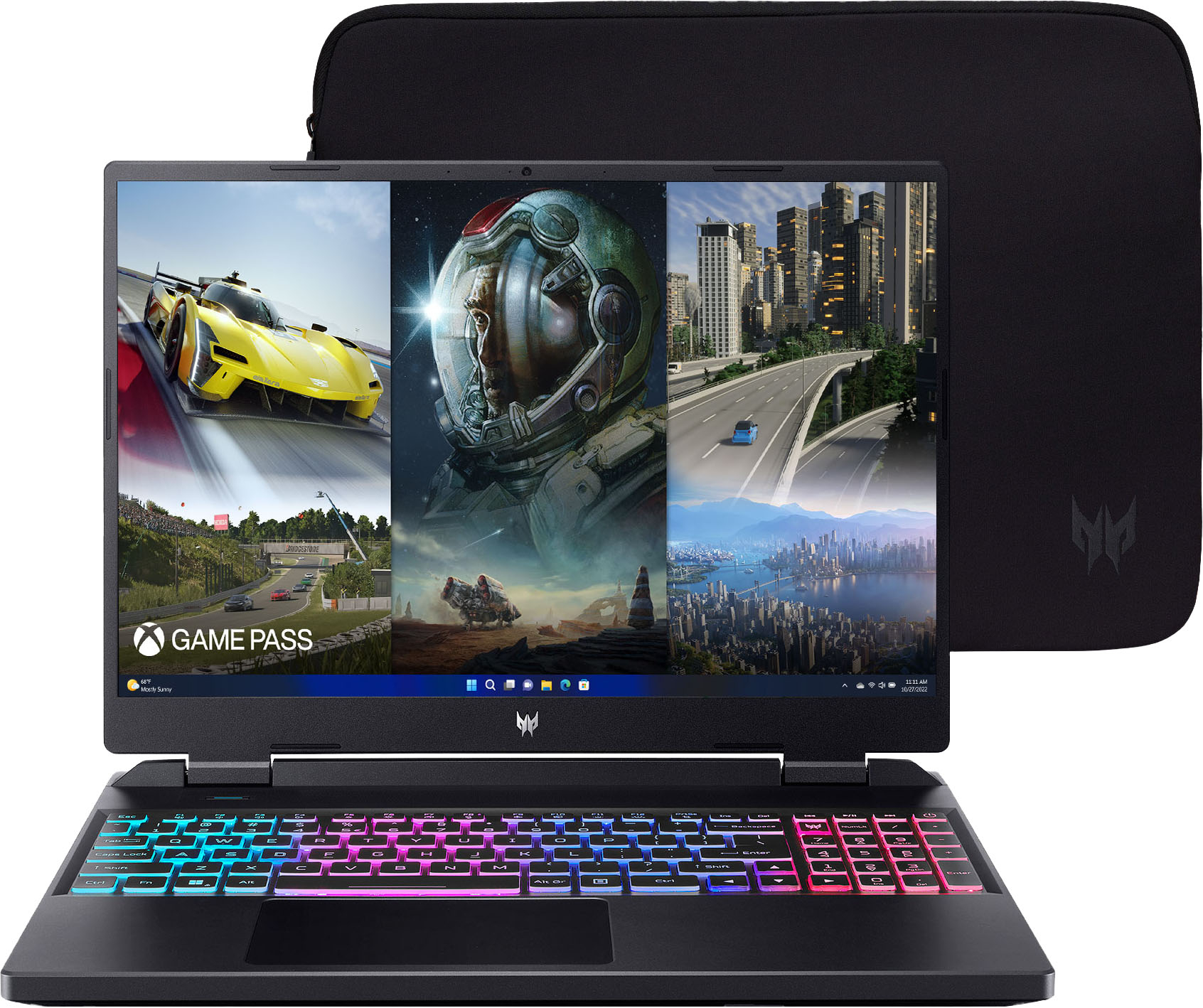
    • Answer The Best Buy product page shows an image of the top cover. The only thing on the cover is the Predator logo.

      Answered by TeamAcer

  • QuestionI'D LIKE TO CHECK THE BATTERY LIFE OF THE COMPUTER WHEN IT'S NOT CONNECTED TO THE MAINS.

    Asked by HASMI.

    • Answer You can check the remaining battery charge by clicking on the battery icon on the taskbar, usually at the bottom right corner of the screen. If there is no battery icon, here are steps on how to add it: Press and hold (or right-click) any empty space on the taskbar. Select Taskbar settings , scroll down, and choose Select which icons appear on the taskbar. Set the toggle for Power to On.

      Answered by TeamAcer

  • QuestionWill this be good for blender?

    Asked by Brandon.

    • Answer Yes, this would be good for blender but there are a couple of downsides. One downside is that if you use an apple pen or your finger it will not work because the laptop is not touchscreen. I’m not also sure if you’re talking about the blender that you use for model rendering and animation. Hopefully this helped.

      Answered by speedy

  • QuestionDoes the camera support Facial Recognition for Hello Windows login?

    Asked by Buddy.

    • Answer On 07/24/23 I online chatted with Acer Technical Support rep who confirmed this model does not have Facial Recognition capabilities to support Windows Hello login. NOTE: You must have an IR capable camera. You can determine by opening Device Manager and expanding the Camera feature. If you see two cameras, one with IR, then your PC supports Facial Recognition for Windows Hello login.

      Answered by Buddy

  • QuestionHow long will this laptop last? How durable is it?

    Asked by Edward.

    • Answer 250 years, if you turn it off every Sunday

      Answered by CmonMan