Early Black Friday DealsNew Doorbusters through SundayShop now

Main Content

Questions & Answers

Page Showing 1-13 of 13 questions
  • QuestionWhat is the wireless range of this weather station?

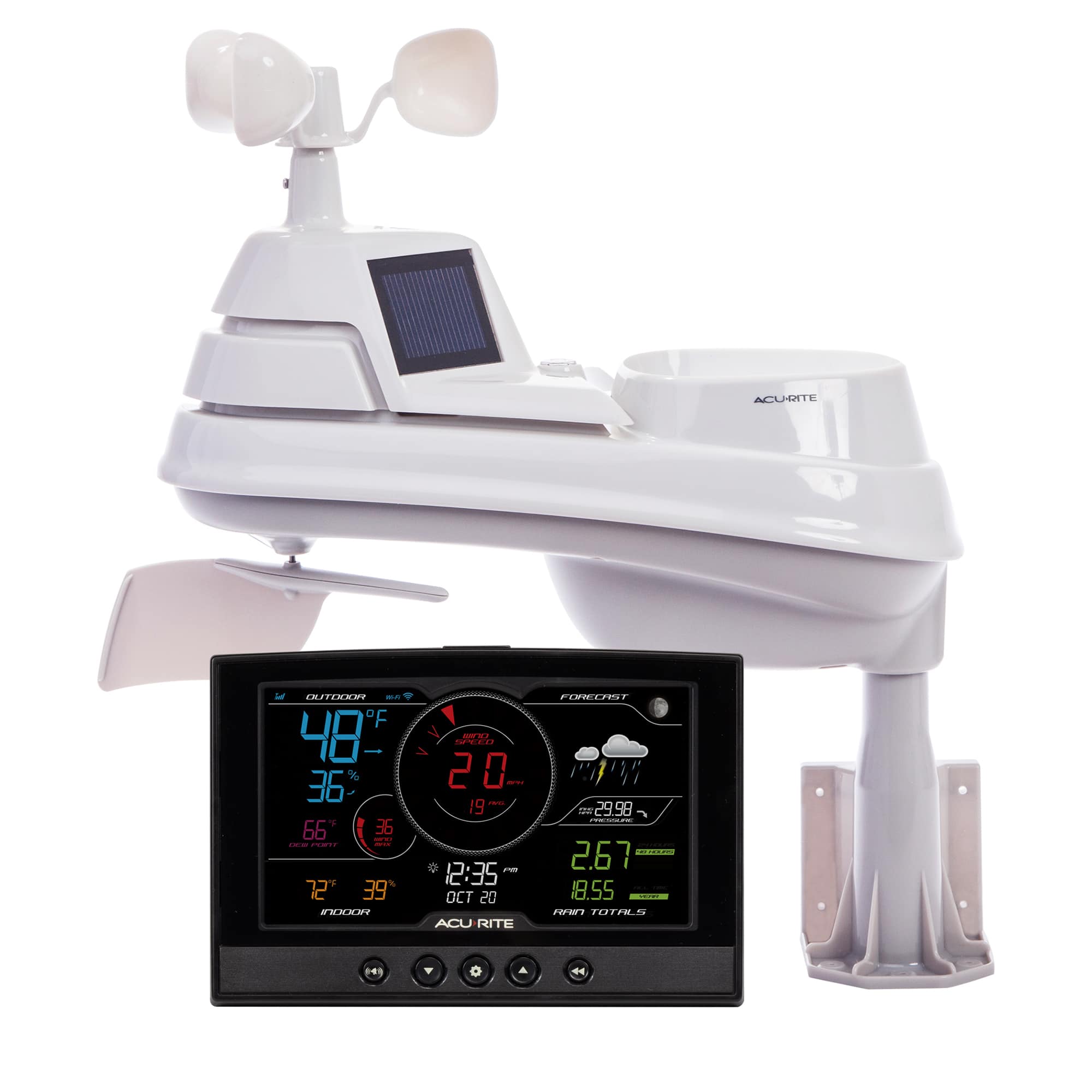
    • Answer This weather station can transmit data wirelessly up to 330 feet (100 meters) from the indoor display to the outdoor sensor.
    This question and answer was generated by AI based on customer and product data.

  • QuestionHow does the forecasting technology work?

    • Answer The weather station uses patented self-calibrating forecasting technology. It combines elevation data with barometric pressure readings from the outdoor sensor to provide a personalized forecast for your location.
    This question and answer was generated by AI based on customer and product data.

  • QuestionWhat type of batteries does the outdoor sensor use?

    • Answer The outdoor sensor requires four AA batteries, which are not included.
    This question and answer was generated by AI based on customer and product data.
  • QuestionDoes this weather station connect to Weather Underground?

    • Answer Yes, you can easily connect this weather station to Weather Underground and share your data.
    This question and answer was generated by AI based on customer and product data.
  • QuestionCan I use this weather station with my smart home system?

    • Answer Yes, this weather station is compatible with Amazon Alexa and Google Home.
    This question and answer was generated by AI based on customer and product data.

  • QuestionHow fast does this transmit data?

    Asked by Data.

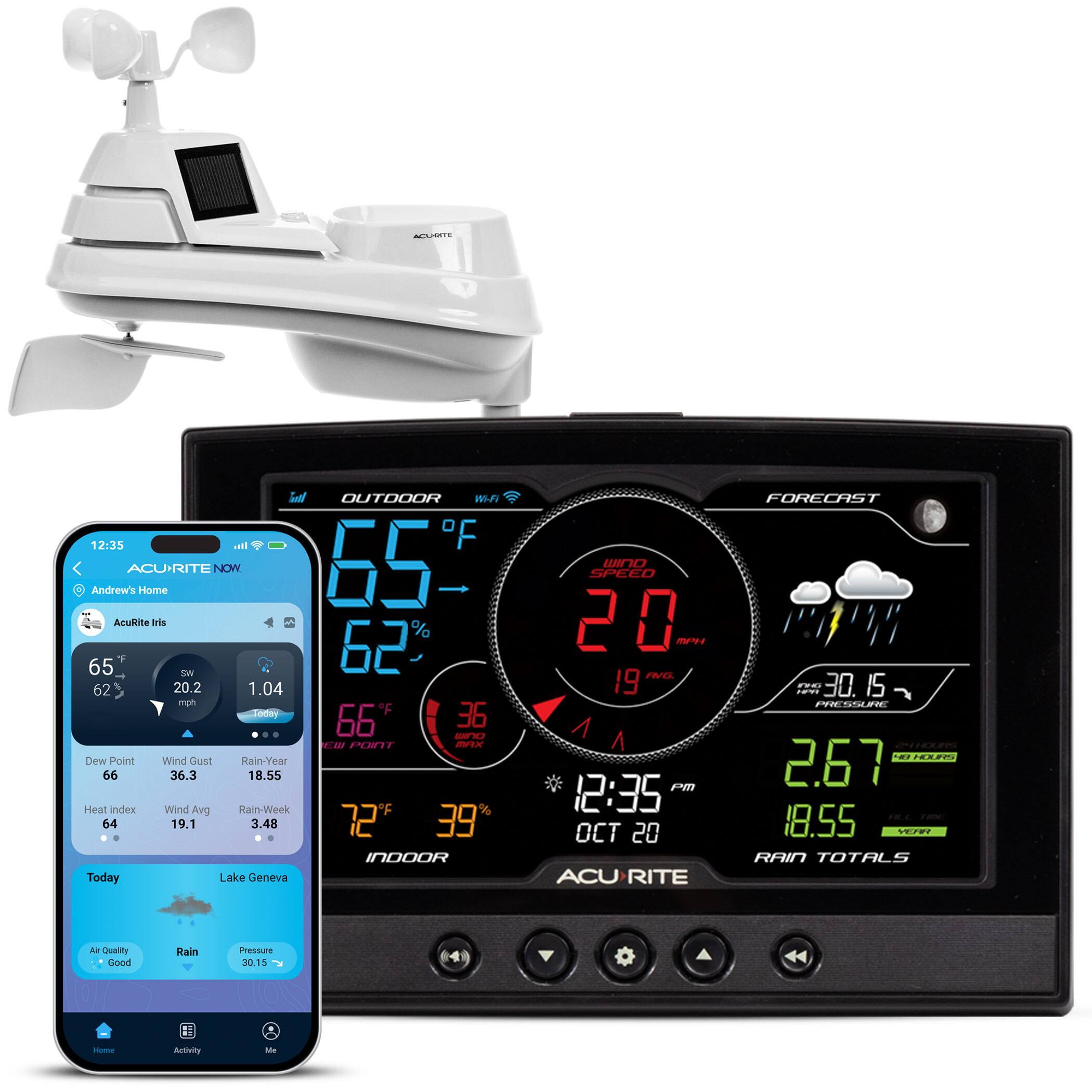
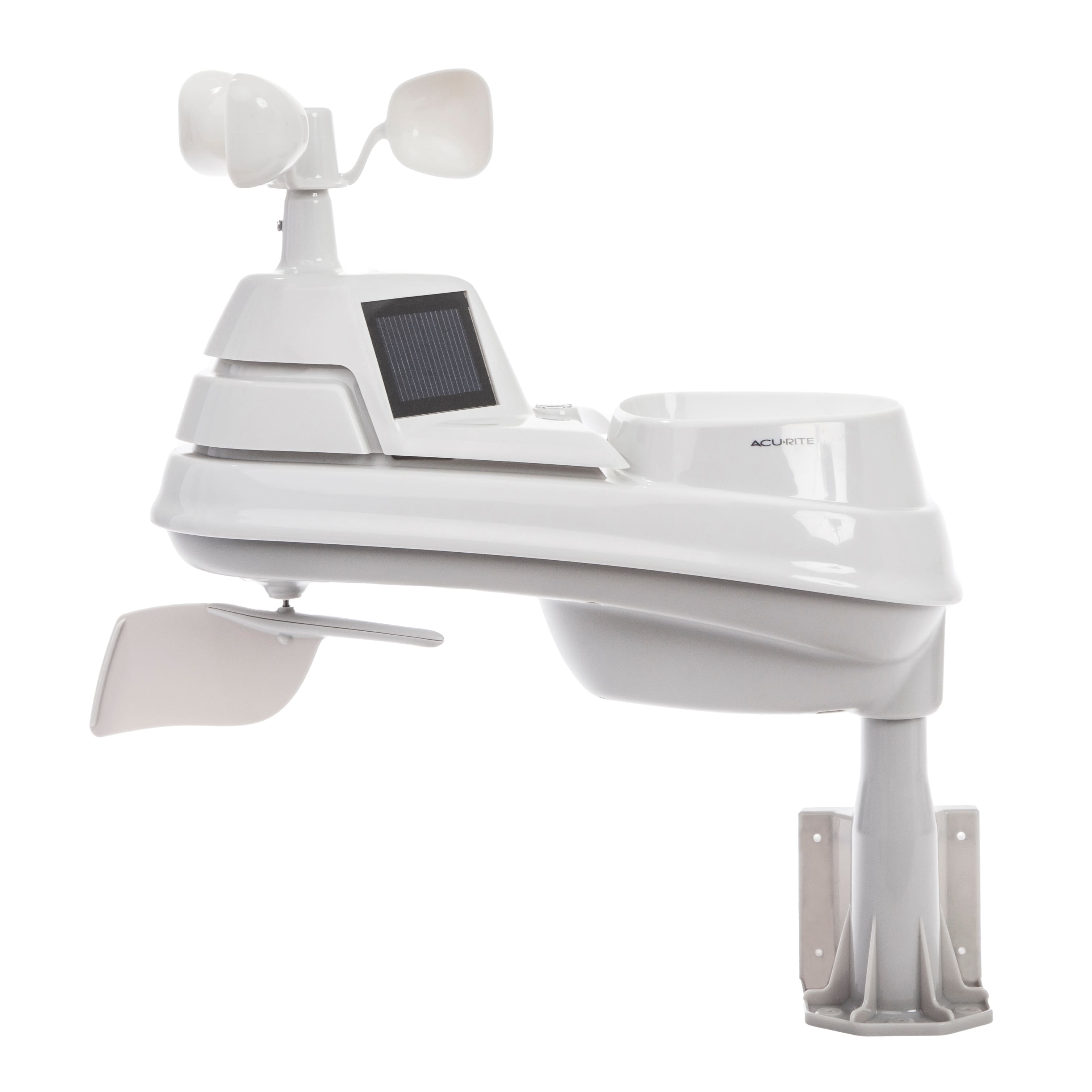
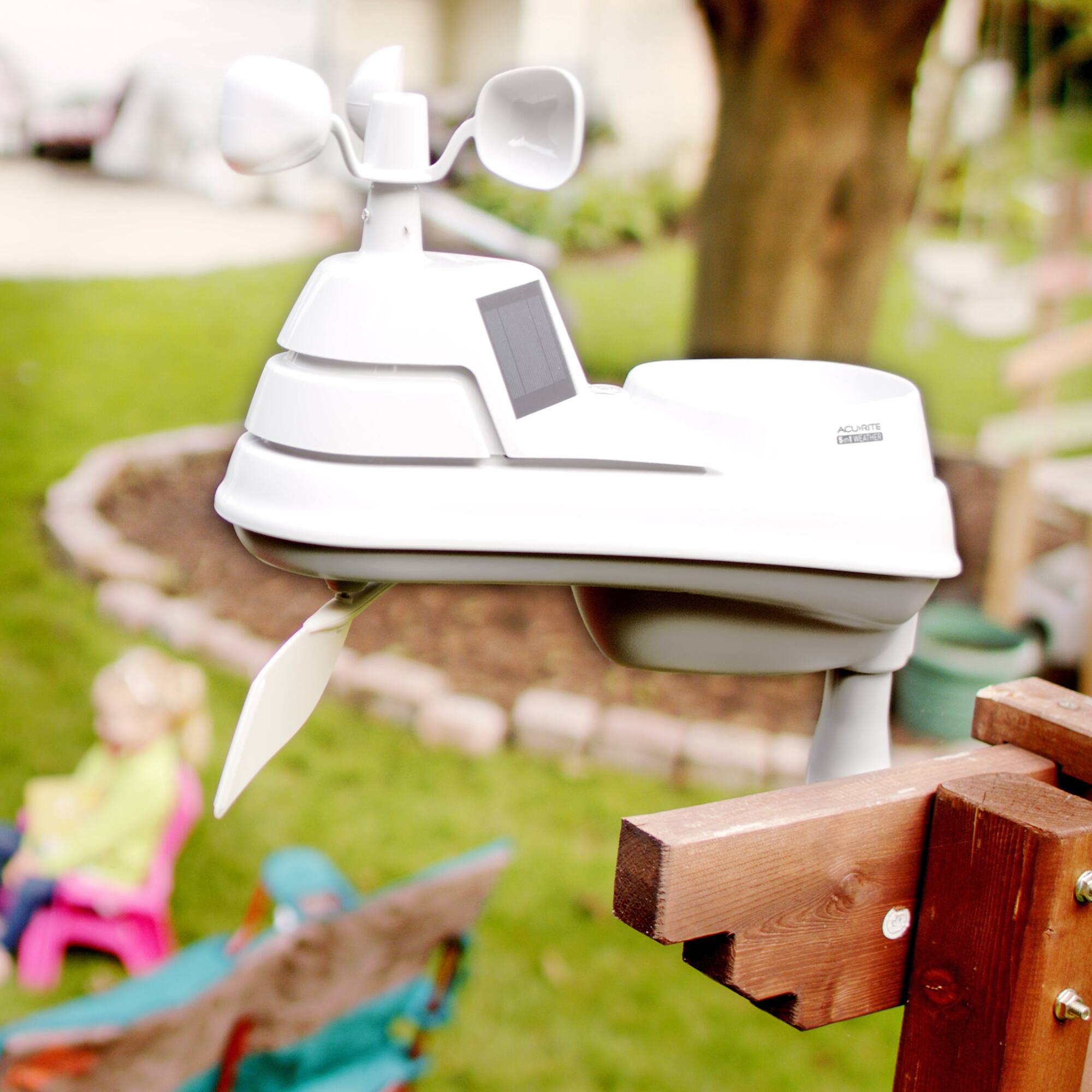
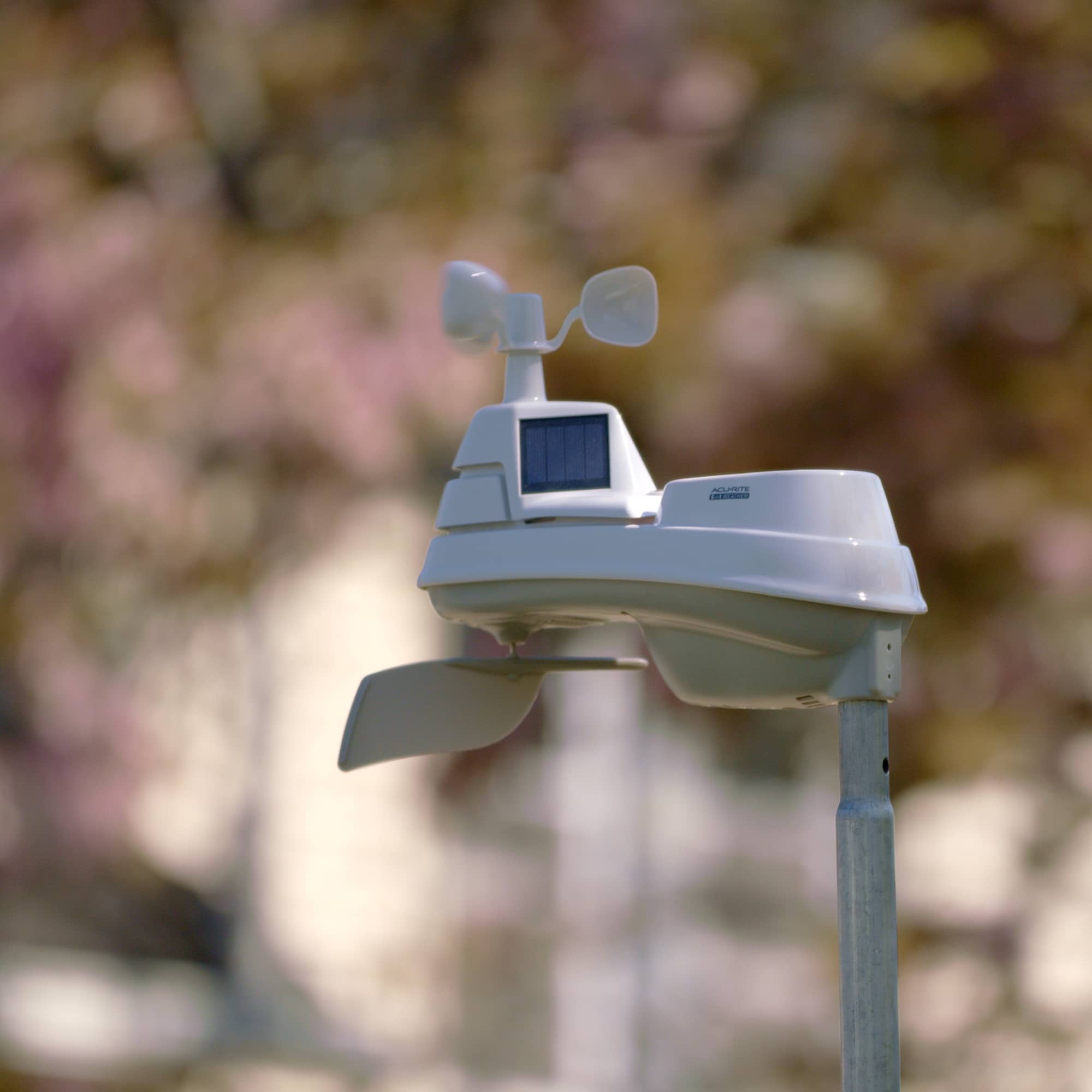
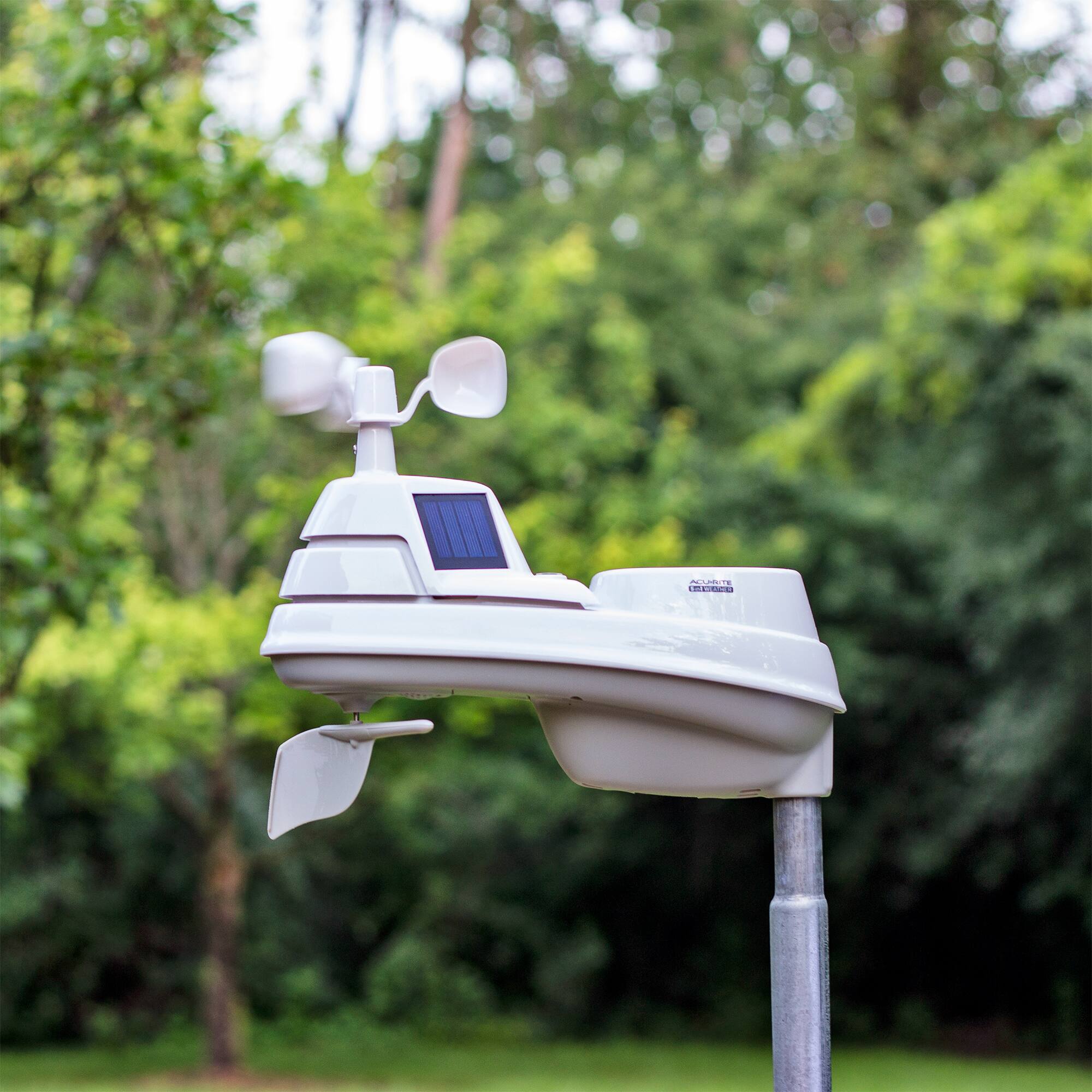
    • Answer The Iris (5-in-1) outdoor sensor transmits data to the display unit every 18 seconds. When using the remote monitoring feature, you will be able to view data on My AcuRite at 5-minute intervals. If also streaming to Weather Underground, you will be able to use RapidFire updates to transmit data to Weather Underground every 18 seconds. If you have further questions, please reach out to our support team via live chat or email request on the AcuRite Support website. Have a marvelous day! Haylee AcuRite Support Team

      Answered by AcuRite

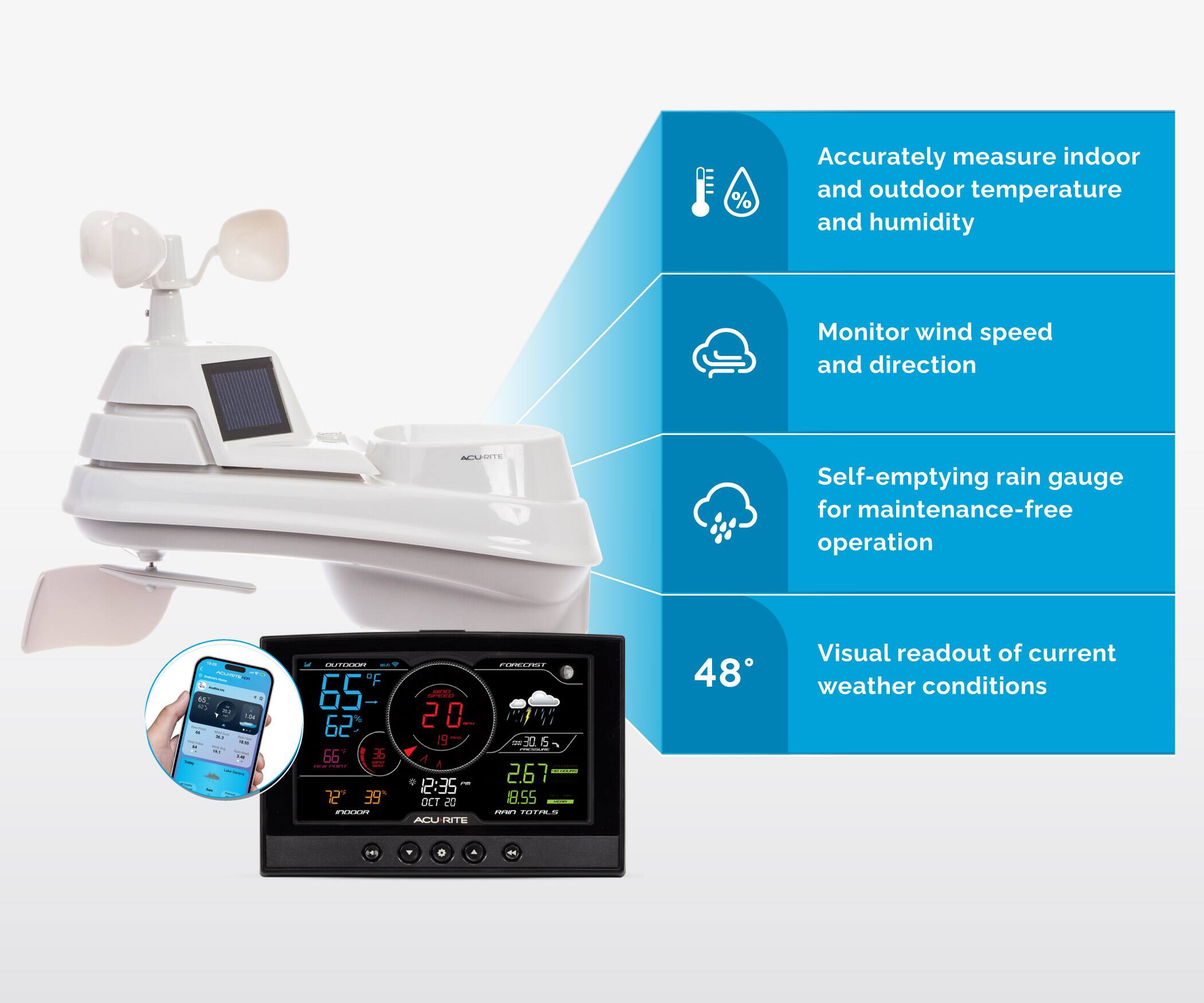
  • QuestionIs there a rain gauge? If so, do you have to manually empty it?

    Asked by AkBaker.

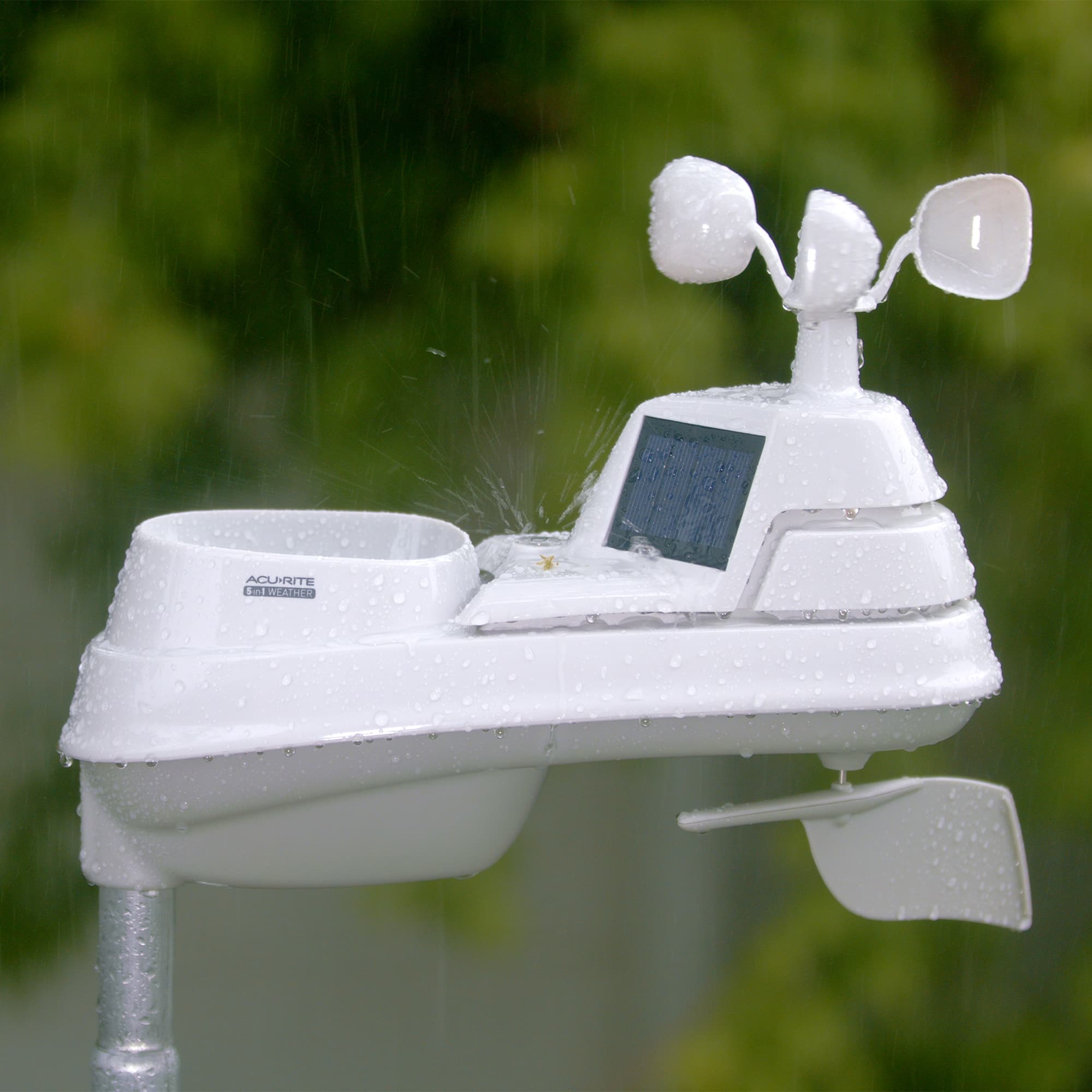
    • Answer The Iris (5-in-1) sensor features a self-emptying rain gauge. If you have further questions, please reach out to our support team via live chat or email request on the AcuRite Support website. Have an amazing day! Haylee AcuRite Support Team

      Answered by AcuRite

  • QuestionCan the display unit work on only batteries? No wall power Is the adaptor for wall plug 110 or 220V Can readings be exchanged from C to F(temp), from knots to m/s(wind)?

    Asked by Martin.

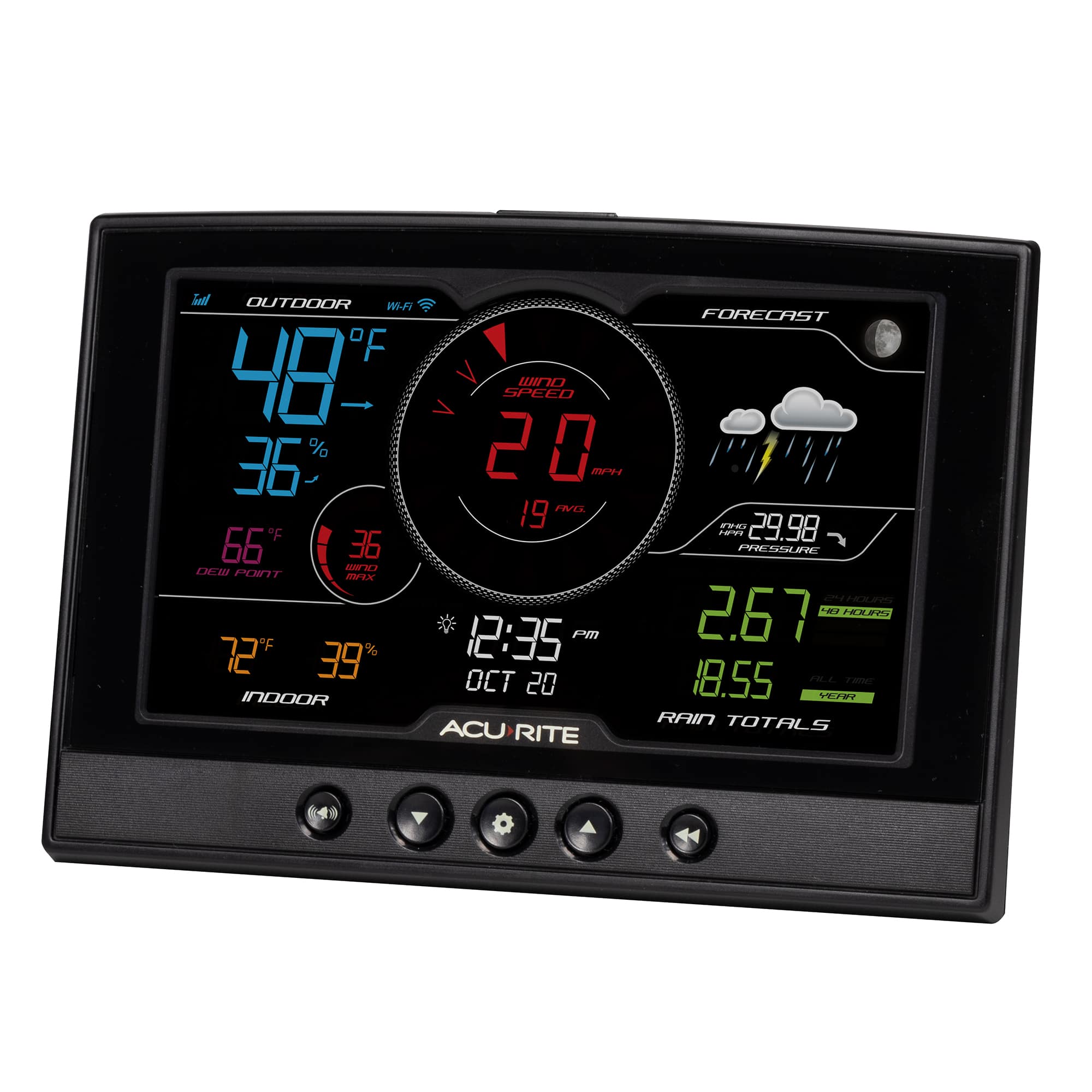
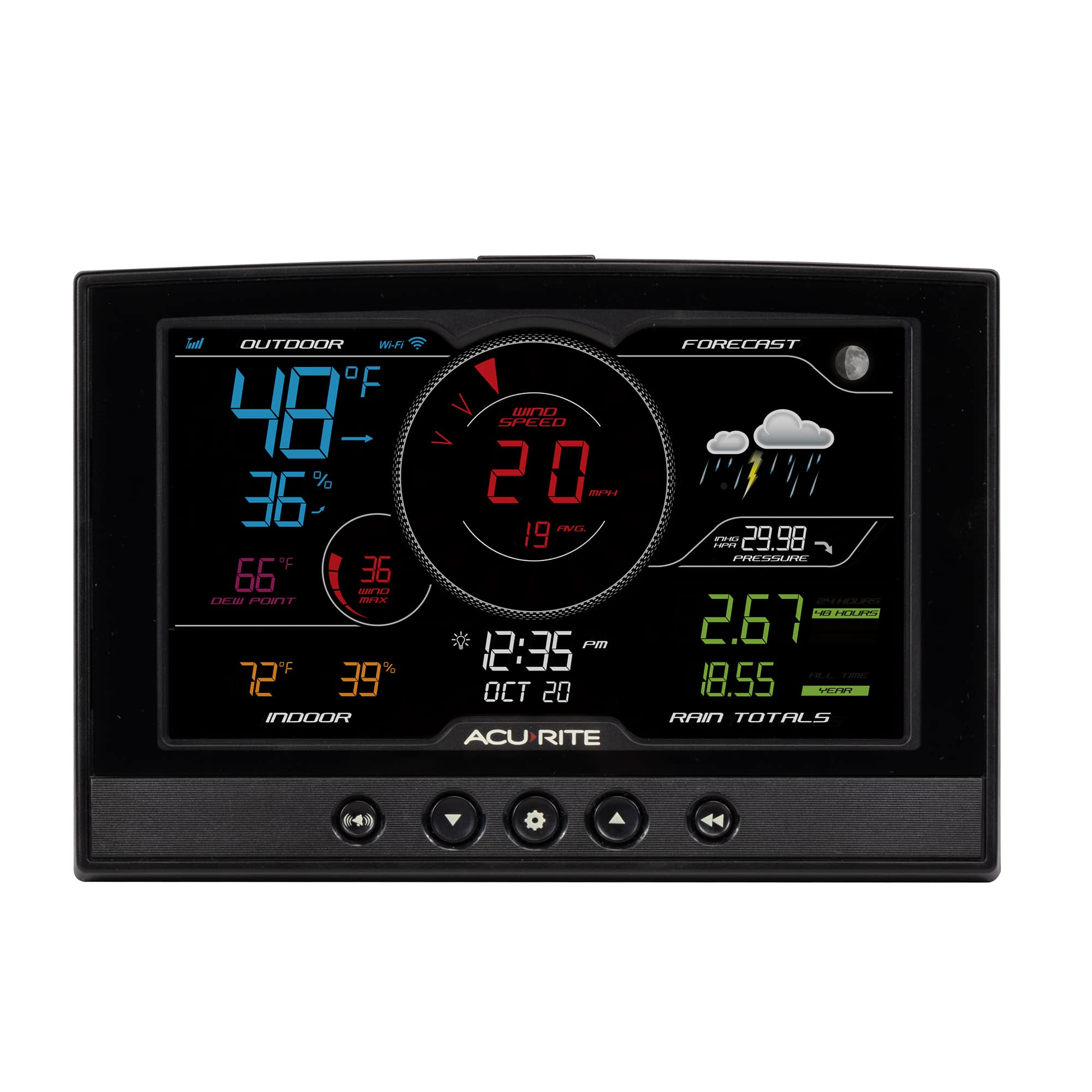
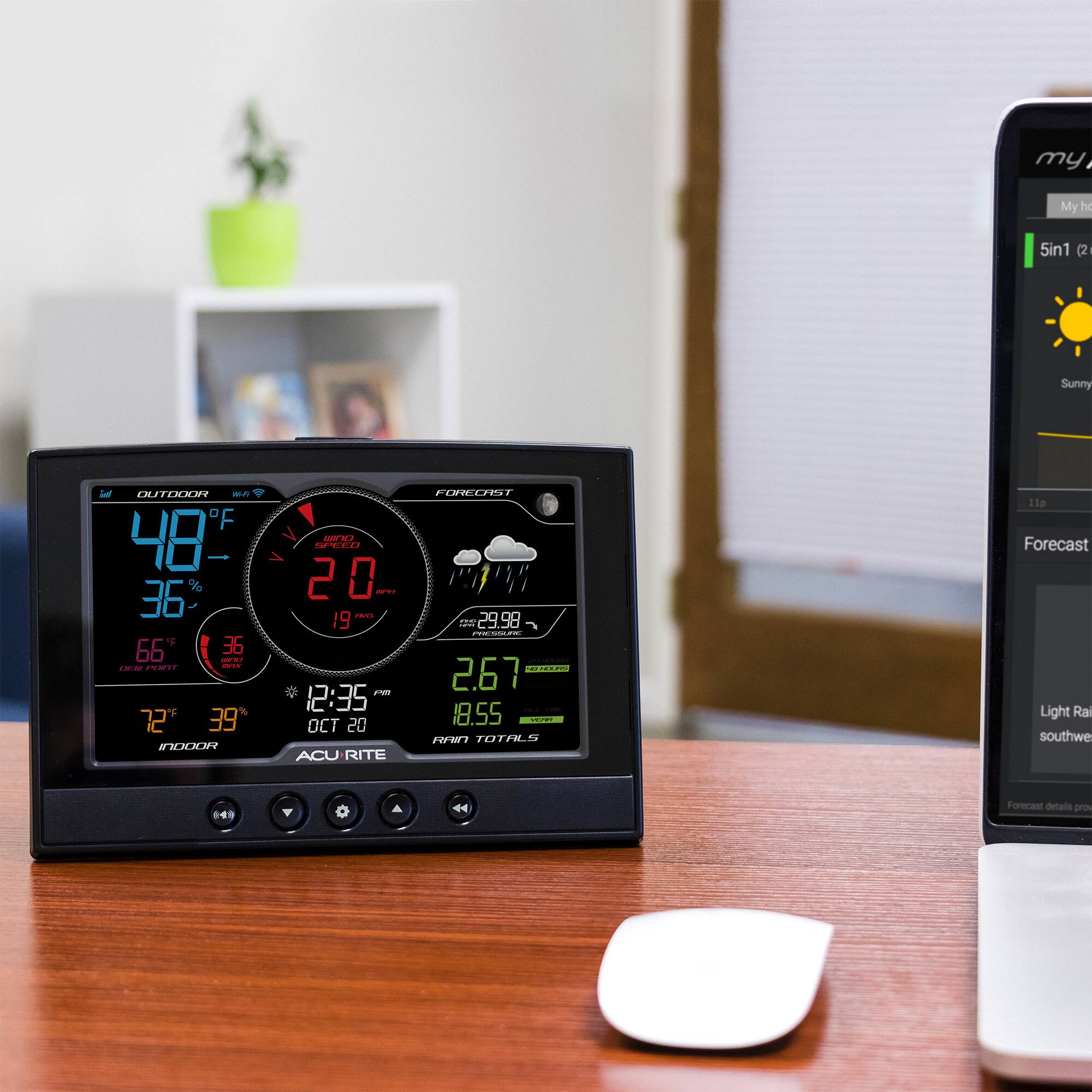
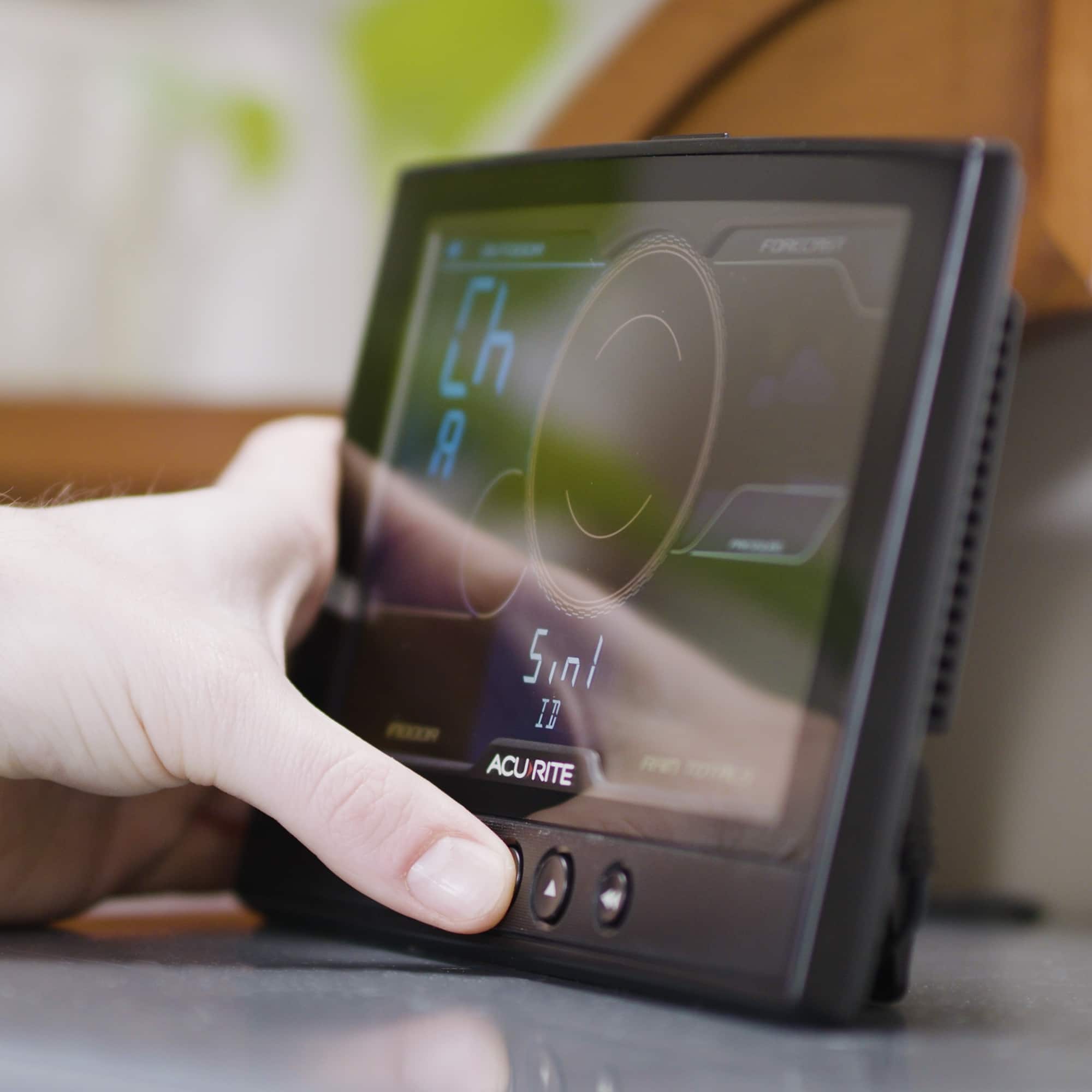
    • Answer We recommend using the included power adapter for full functionality. When using battery power alone, the display will continue to receive data from the outdoor sensor, however, the backlight will remain off unless the momentary backlight is activated by pressing the backlight button. To change the reading units, please use the steps below. Press the gear button, located on the front of the display unit, to enter SET MODE. Once in set mode, the preference you are currently setting will blink on the display. To adjust the currently selected (flashing) item, press and release the UP or DOWN arrow buttons (press and HOLD to fast adjust). To save your adjustments, press and release the gear button again to adjust the next preference. The preference set order is as follows: RF CHANNEL (A, B, C; A recommended) AUTO DST (ON / OFF) 12 OR 24 HOUR CLOCK DISPLAY CLOCK HOUR CLOCK MINUTE CALENDAR MONTH CALENDAR DATE CALENDAR YEAR TEMPERATURE UNITS (ºF or ºC) WIND SPEED UNITS (MPH, KPH, Knots) RAINFALL UNITS (in or mm) PRESSURE UNITS (inHg or hPa) You will automatically exit SET MODE if no buttons are pressed for 10 seconds. Enter SET MODE at any time by pressing the gear button. If you have further questions, please reach out to our support team via live chat or email request on the AcuRite Support website. Have a fantastic day! Haylee AcuRite Support Team

      Answered by AcuRite

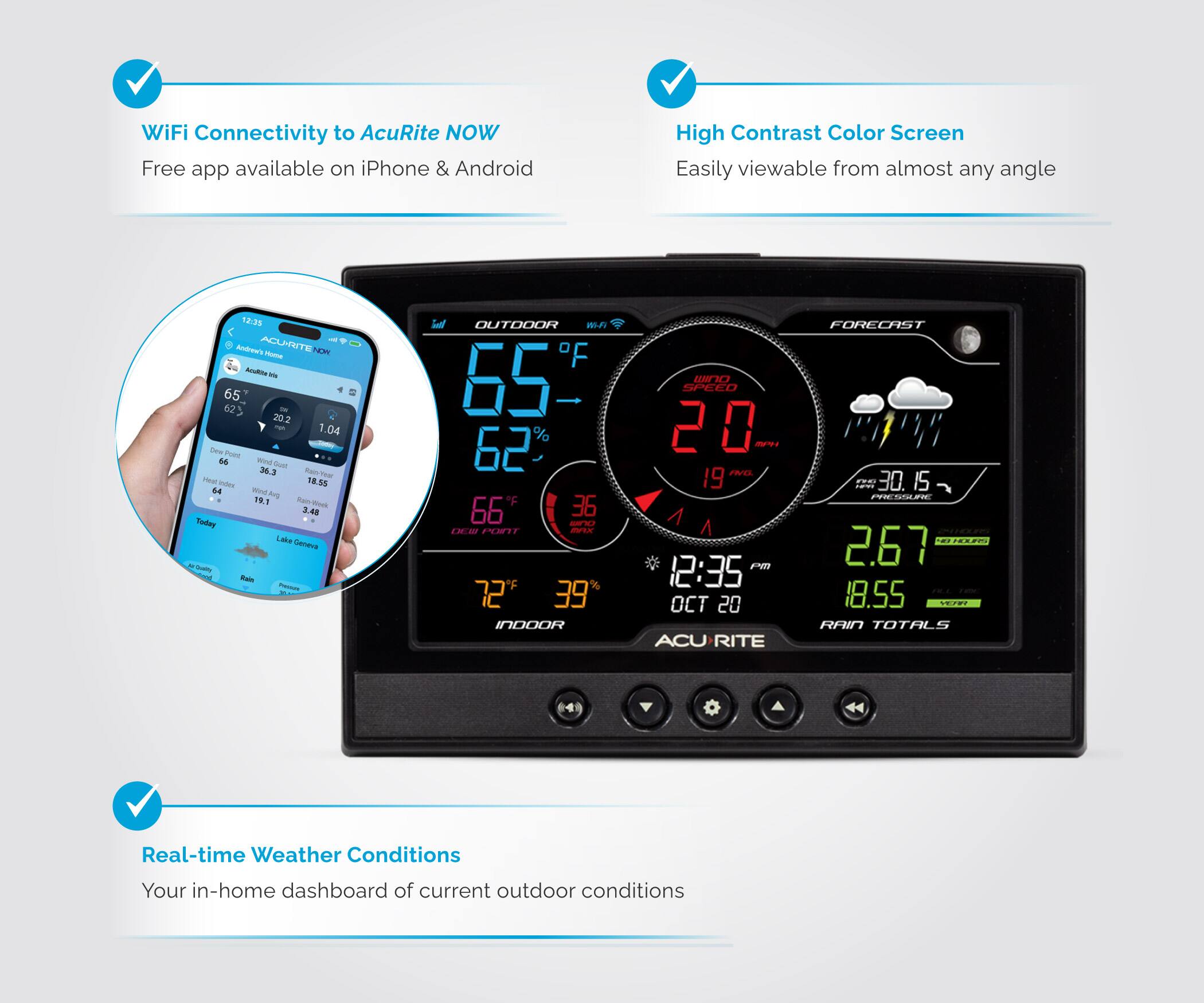
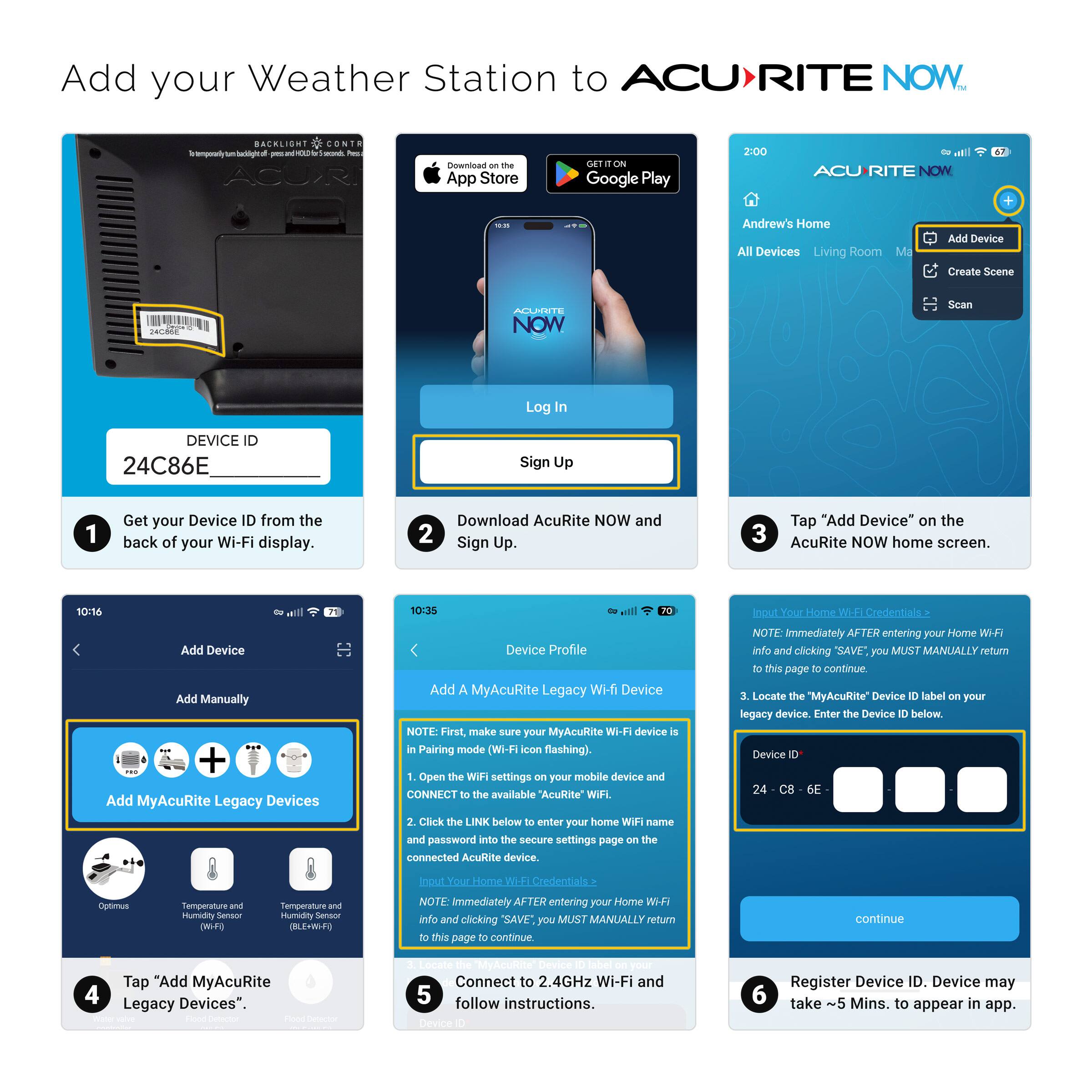
  • QuestionI can set this up to monitor weather from a different state? There is an app to monitor from IPhone?

    Asked by monitoring.

    • Answer Yes, this model includes the online streaming feature so that your Iris sensor data is available on the My AcuRite and Weather Underground websites and apps. If you have further questions, please reach out to our support team via live chat or email request on the AcuRite Support website. Have a splendid day! Haylee AcuRite Support Team

      Answered by AcuRite

  • QuestionCan I add a lighting detector to this pack later on?

    Asked by Rafael.

    • Answer The display included with this bundle is not compatible with a Lightning Detector. For assistance with selecting a unit that is compatible with a Lightning Detector, please reach out to our support team via live chat or email request on the AcuRite Support website. Have a magnificent day! Haylee AcuRite Support Team

      Answered by AcuRite

  • QuestionHello, if I have a Google home with cameras and security around the house, will this show up in the Google Home app so everything is streamlined together or does this station require the AcuRite app to see the weather data, just wondering and not an issue

    Asked by Tect2Sea.

    • Answer Our models don’t integrate with Google Home, so they won’t show up in the Google Home app. They report online exclusively to the My AcuRite app and/or Weather Underground for weather data. Have a great day! Amber AcuRite Support Team

      Answered by AcuRite

  • Questioninstructions on how to re-set settings to factory default Cannot locate booklet.

    Asked by Anonymous.

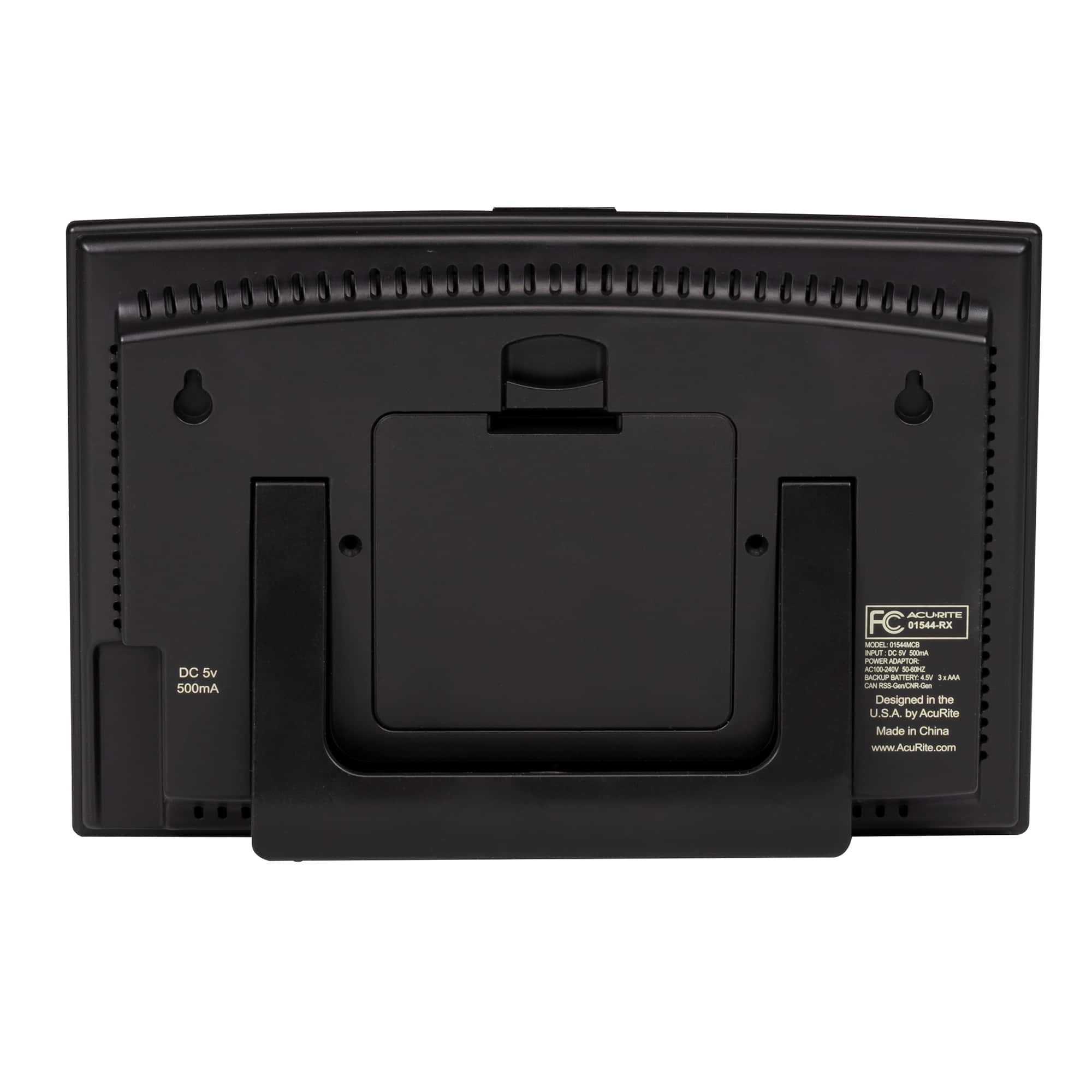
    • Answer To reset the display to factory defaults, press and hold the reset button in the battery compartment of the display for at least 20 seconds or until you see the front of the display show all 8's. For further assistance, please reach out to our support team via live chat or email request on the AcuRite Support website. Have a gorgeous day! Haylee AcuRite Support Team

      Answered by AcuRite

  • QuestionHard to confirm if there is an internet connector on the back?

    Asked by Internet.

    • Answer This display unit connects to your Wi-Fi network wirelessly, it does not feature an Ethernet port. If you have further questions, please reach out to our support team via live chat or email request on the AcuRite Support website. Have an excellent day! Haylee AcuRite Support Team

      Answered by AcuRite