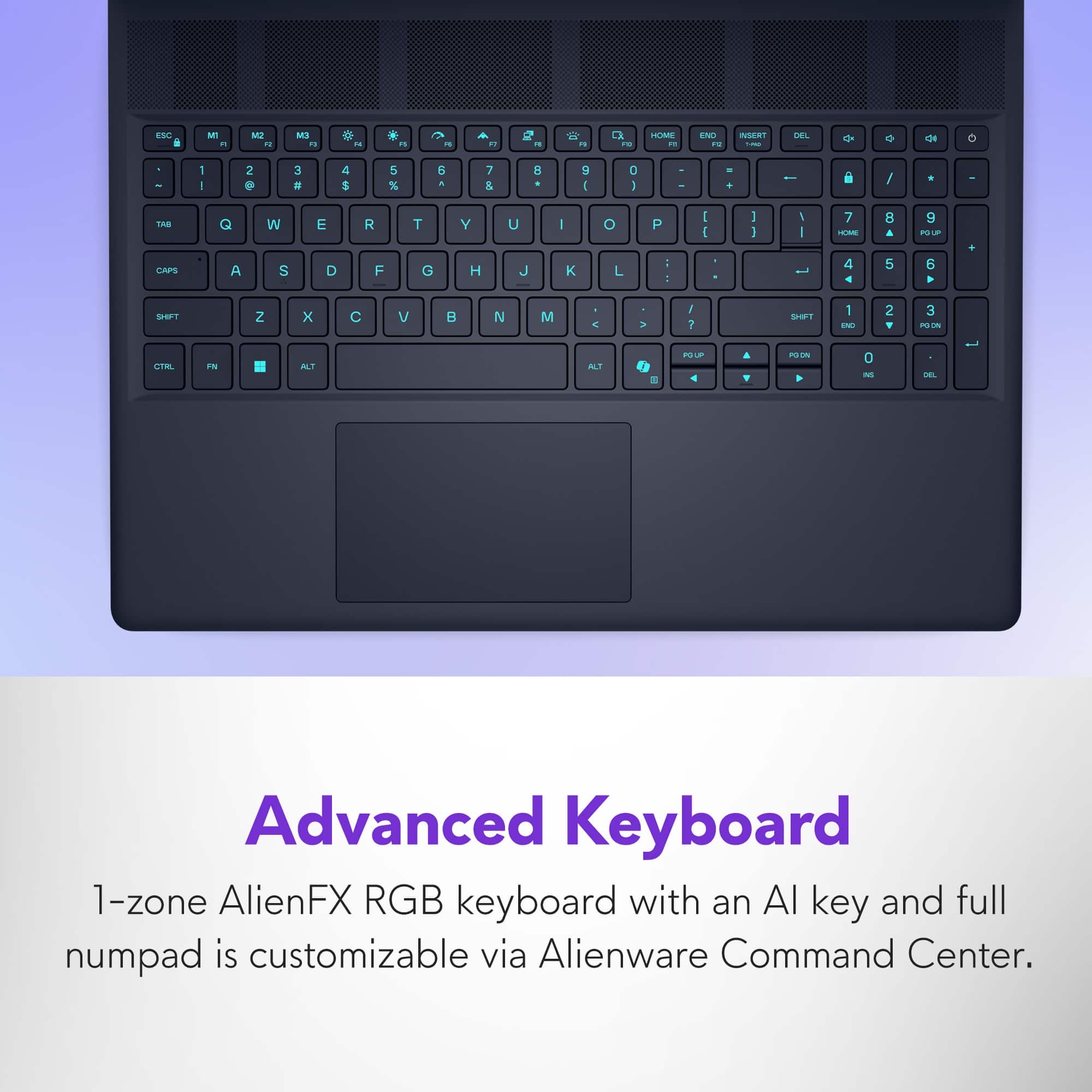
A:AnswerYes, an find this Alienware 16X Aurora laptop with a Spanish keyboard. There are official retail configurations that already ship with the Spanish layout.
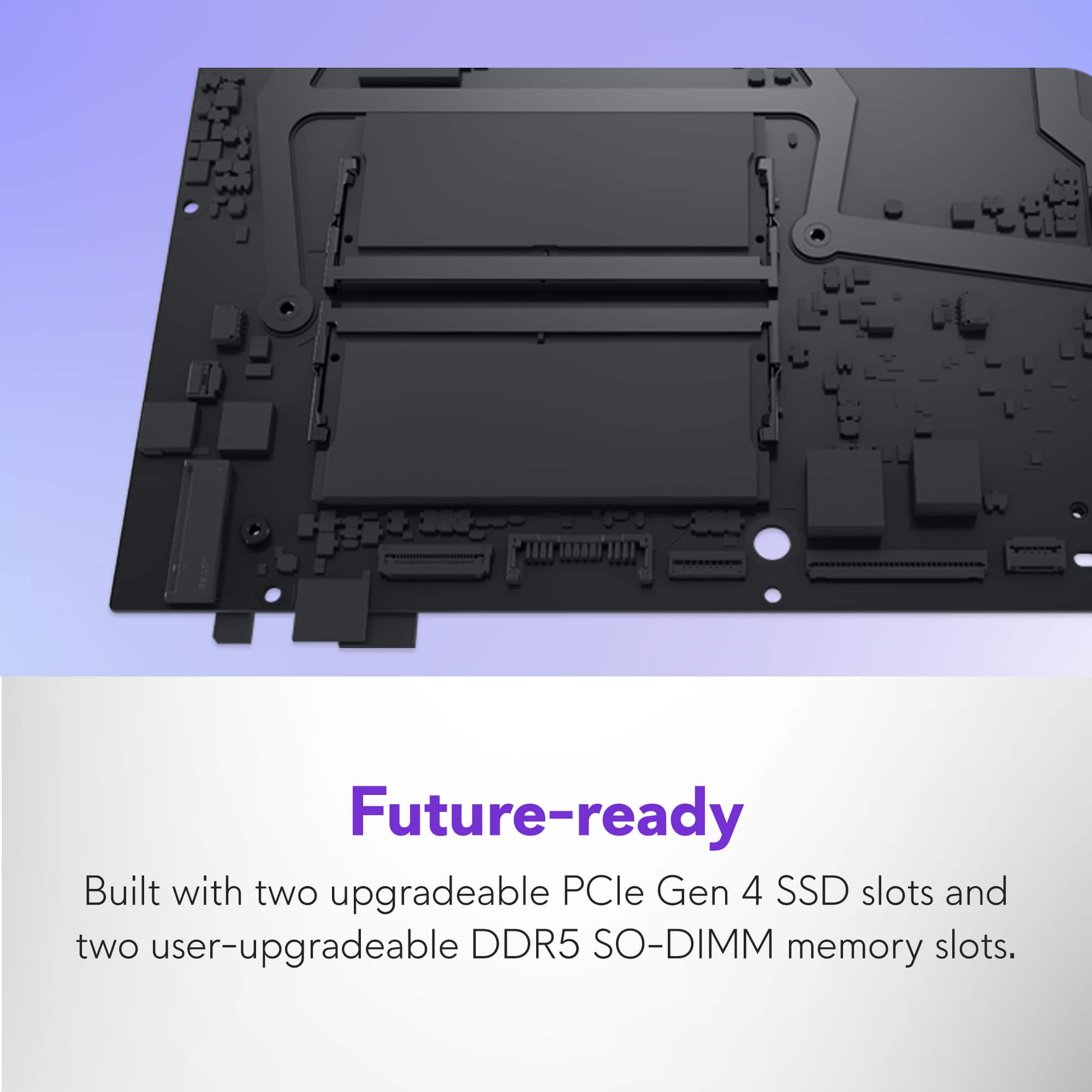
A:AnswerDell recommends matched sets from a single vendor for best performance. Here are the part numbers tested by Dell:
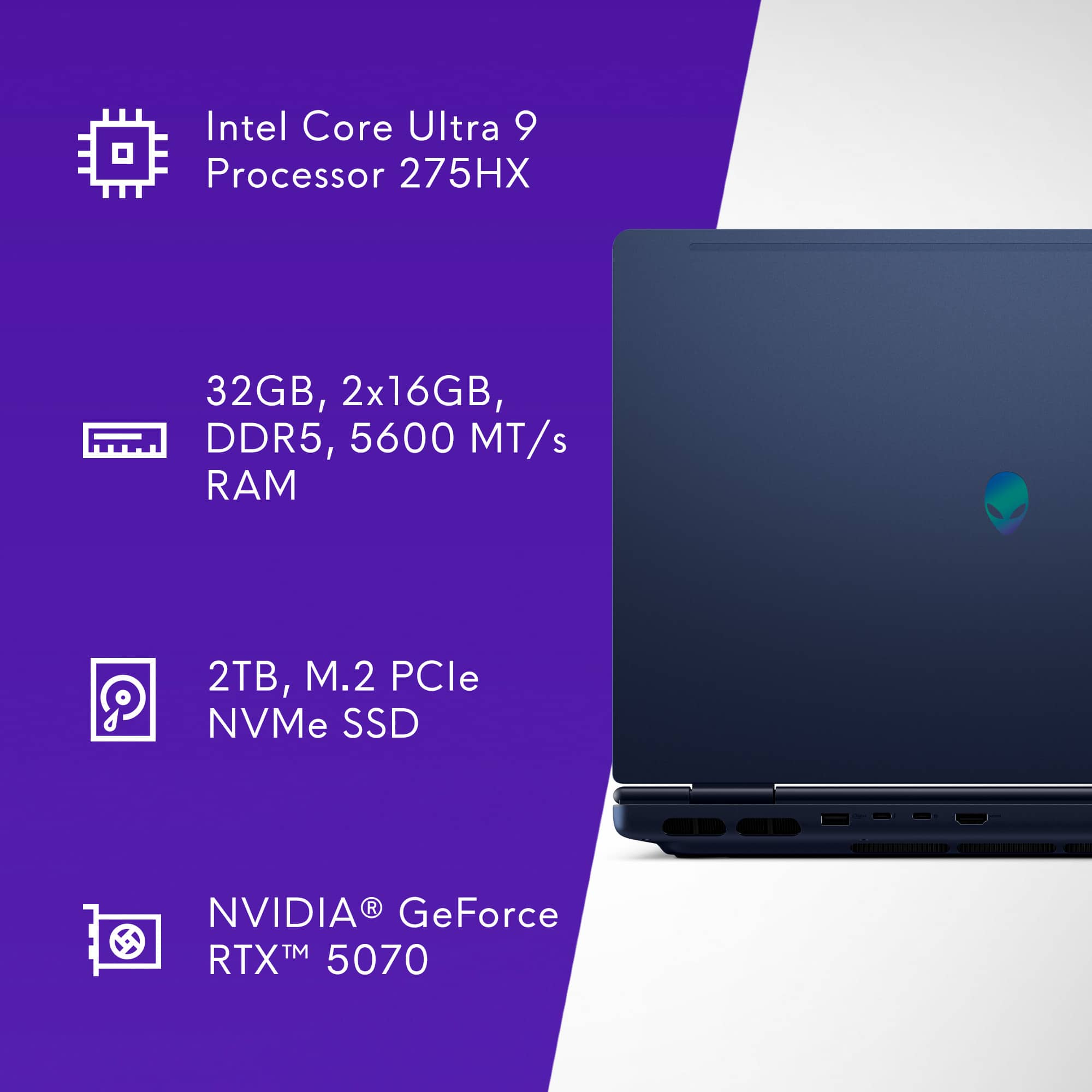
32 GB DDR5 5600 MT/s Options (install in pairs):
SK Hynix: HMCG96AGBSA.
Micron: MTC16C2084S1SC56BD1.
Samsung: M425R4GA3PB0-CWM.
Kingston: KCP556SD8-32.
ADATA: AO1V56WCDV1.
Important Notes:
Modules must be installed in pairs for dual-channel performance.
Memory will downclock if mixed speeds/types are used.
Dell recommends professional installation if you’re not comfortable upgrading.
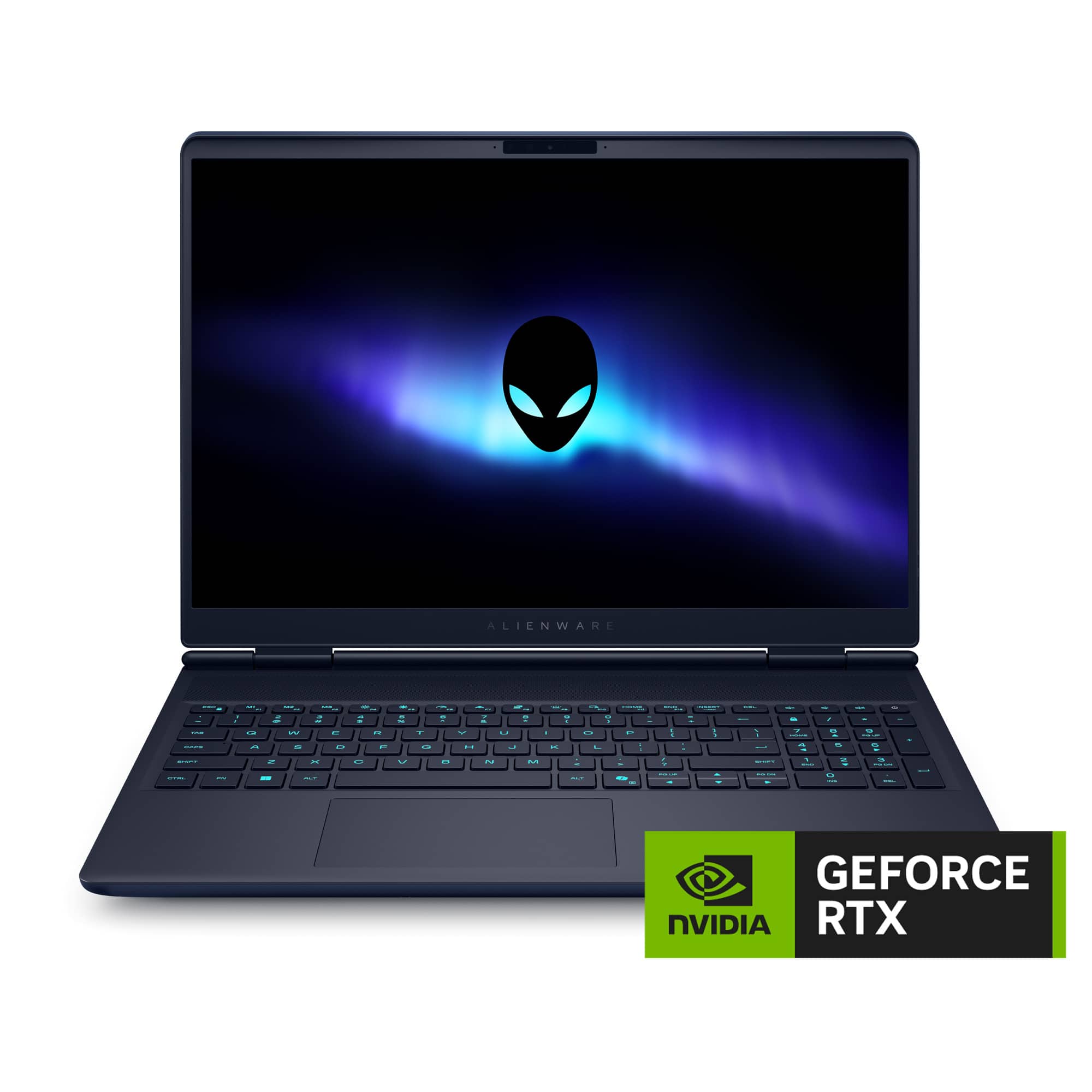
A:AnswerThe Alienware 16X Aurora 16" Gaming Laptop with a 240Hz WQXGA display does support variable refresh rate (VRR) technologies. Specifically, it includes:
G-SYNC support, which enables VRR for smoother gameplay and reduced screen tearing.
A 240Hz refresh rate, which is the maximum, but it dynamically adjusts depending on the content and GPU output when G-SYNC is active.
A:AnswerYes, you can add Alienware Elite Care by registering your device with Dell and contacting their support team. It’s a great way to enhance your warranty and support experience.

Please find the below important conditions to be aware of
The device must be a new Alienware system (not refurbished or open box).

You must register the product on Dell’s website using the Service Tag to link it to your Dell account.
Once registered, you can contact Dell Support or Sales to purchase Alienware Elite Care as an add-on warranty/service plan.
A:AnswerYes it can but not to 96GB. BIOS reported 96GB but Windows will BSOD on memory.
Why? owned a lot of Dell laptops for work and home, over time they unlock BIOS with updates to use higher memory.