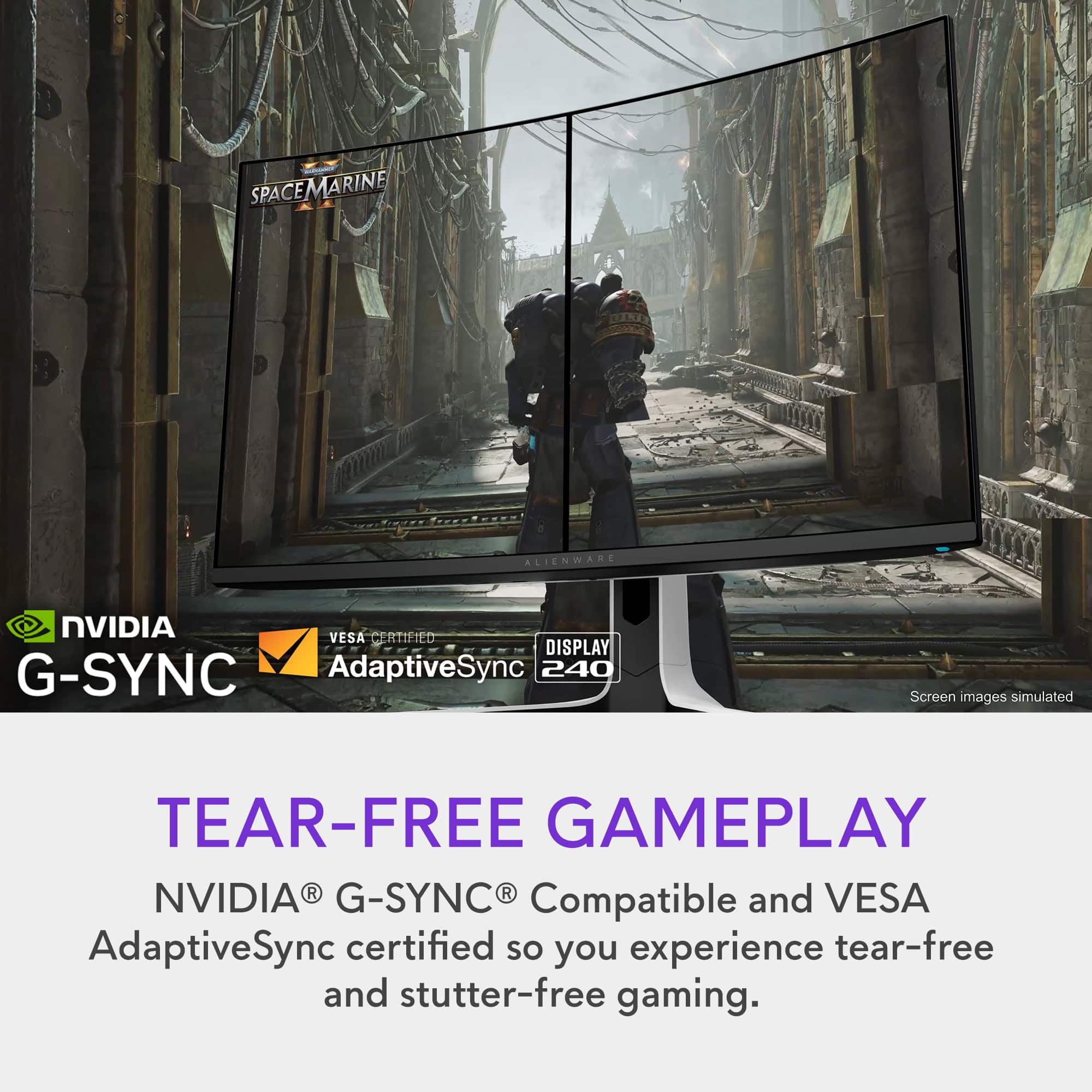
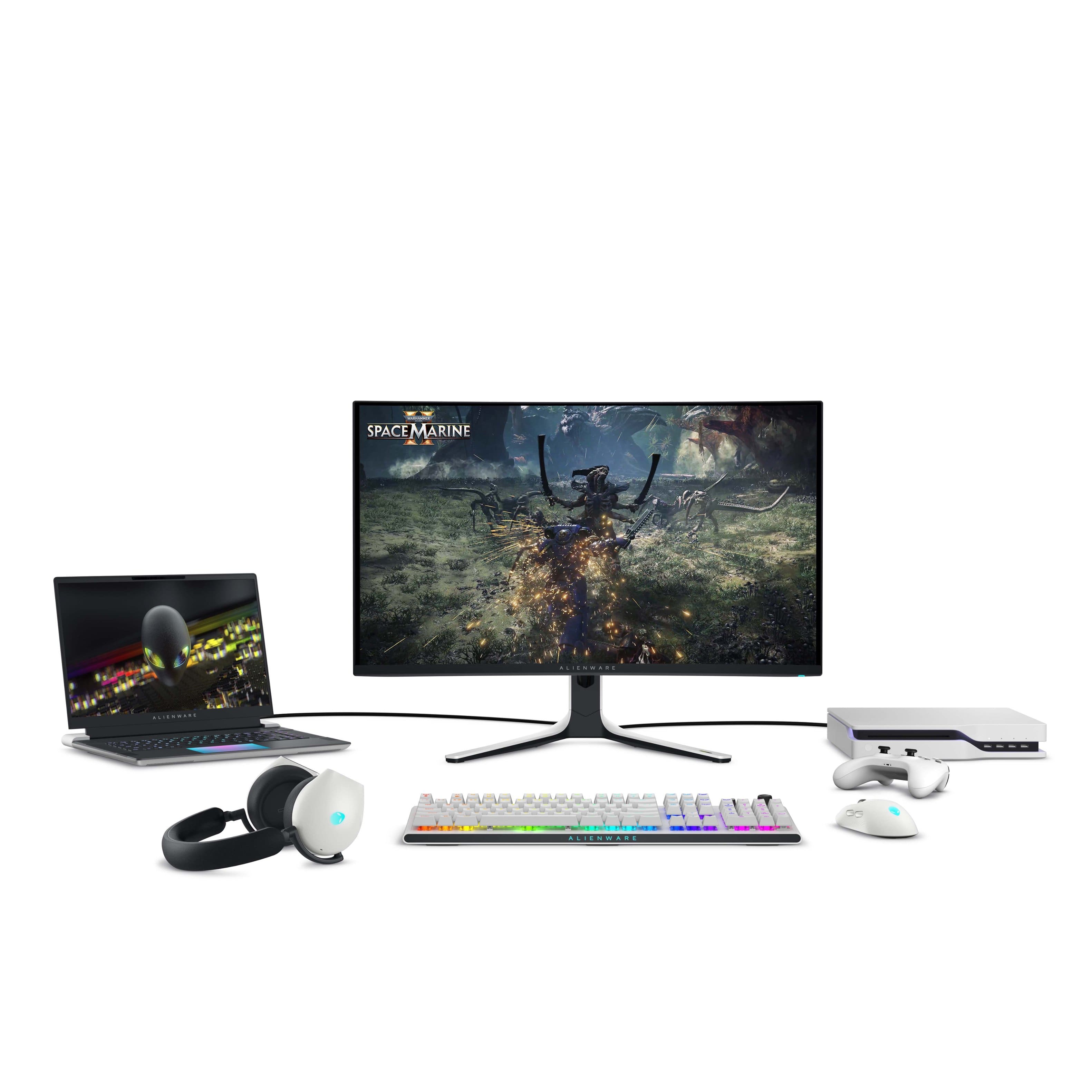
A:AnswerI have a freesync AMD gpu and the variable refresh function seems to be working fine with this monitor which has G-Sync. No issues with cross compatibility for me using this monitor.
A:AnswerIt does not have a remote. There is a button to access the menu on the display or you can change settings in the Alienware command center after downloading on your pc
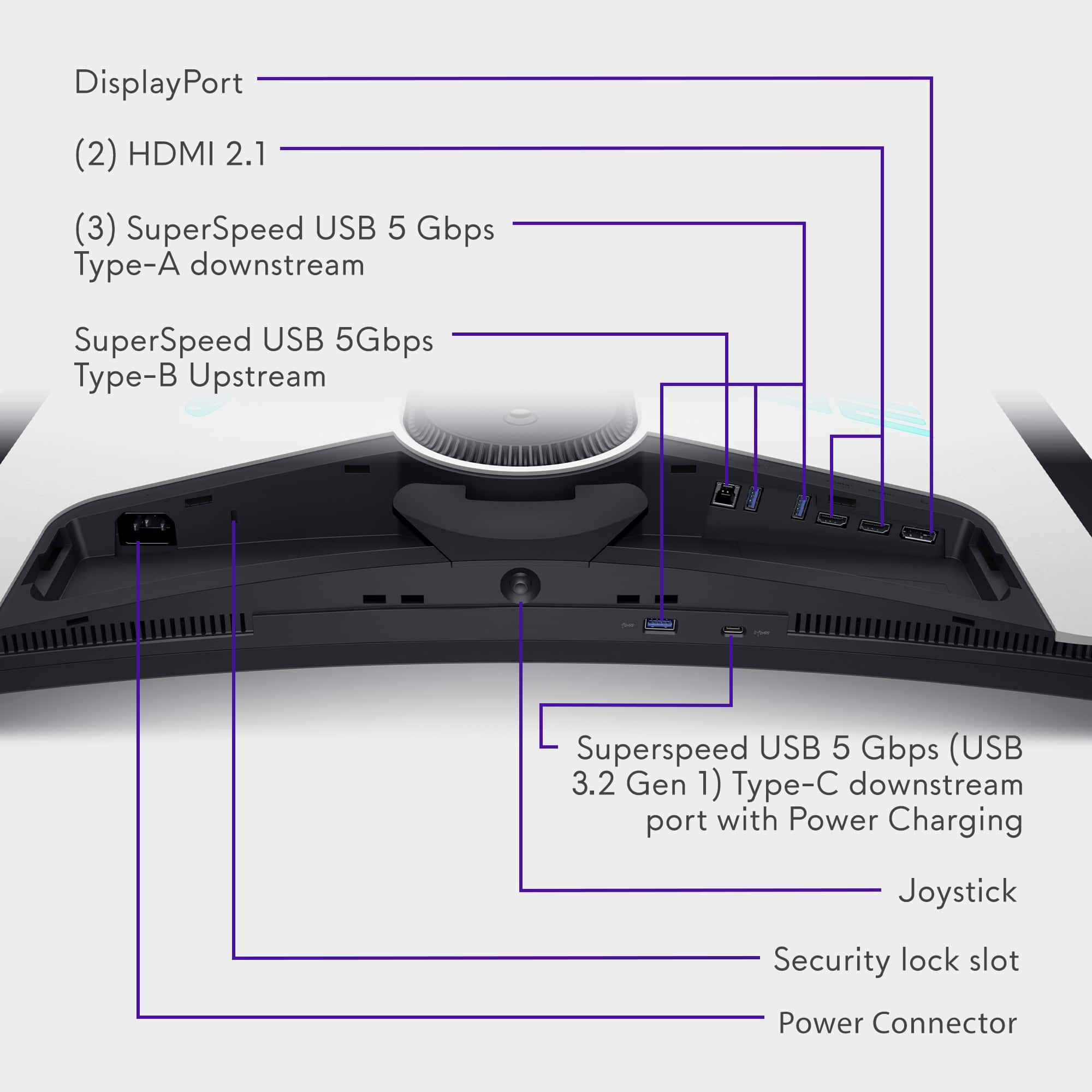
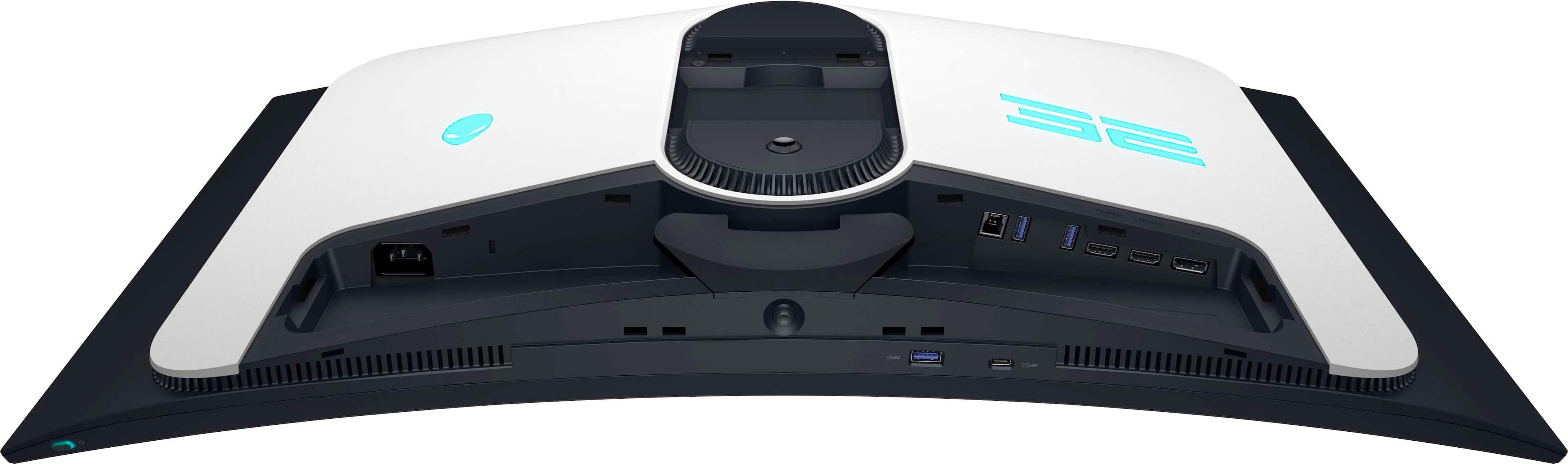
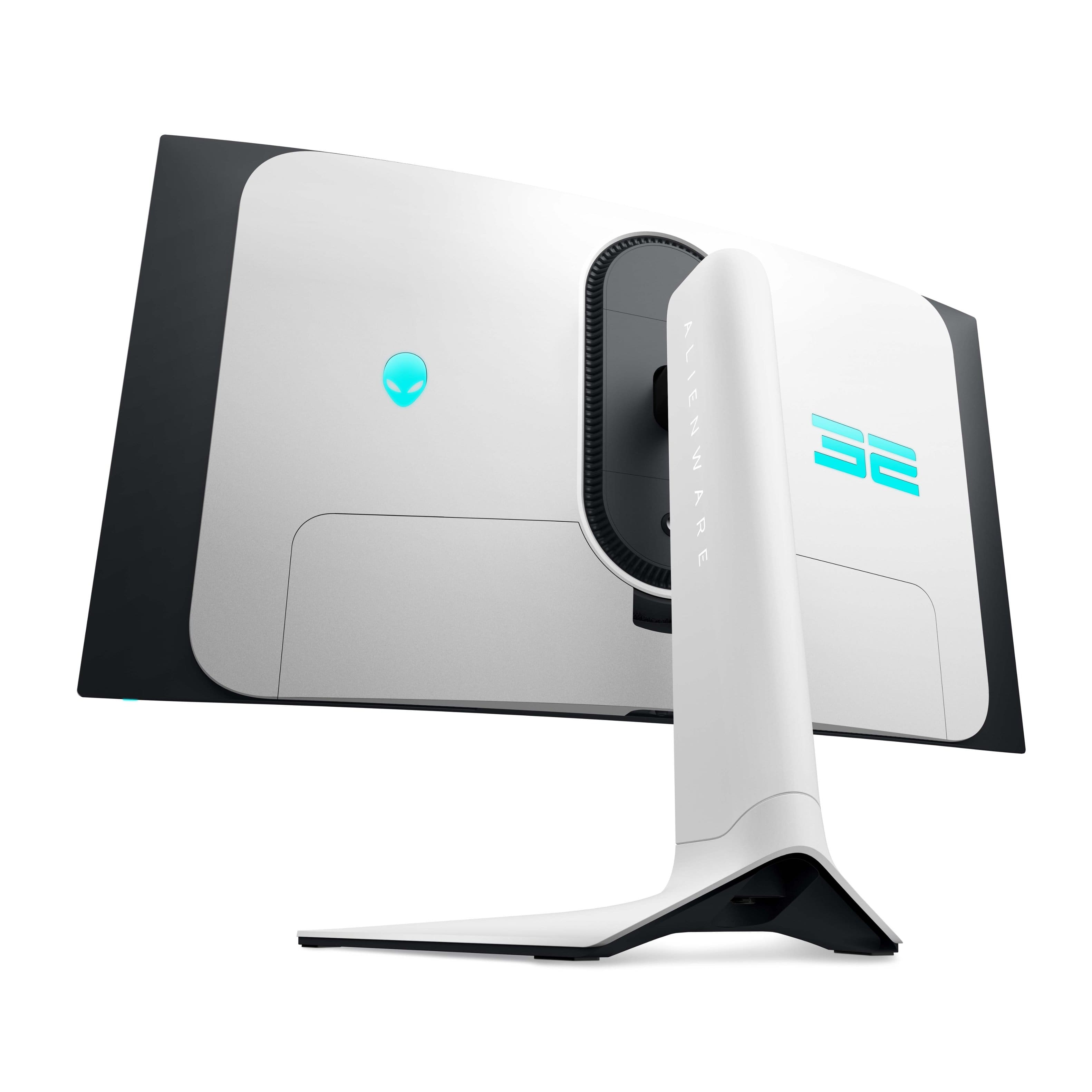
A:AnswerNot sure. Your bluetooth connection would depend on your pc. The monitor does have a HDMI Arc connector that allows you to connect a soundbar directly to the monitor.
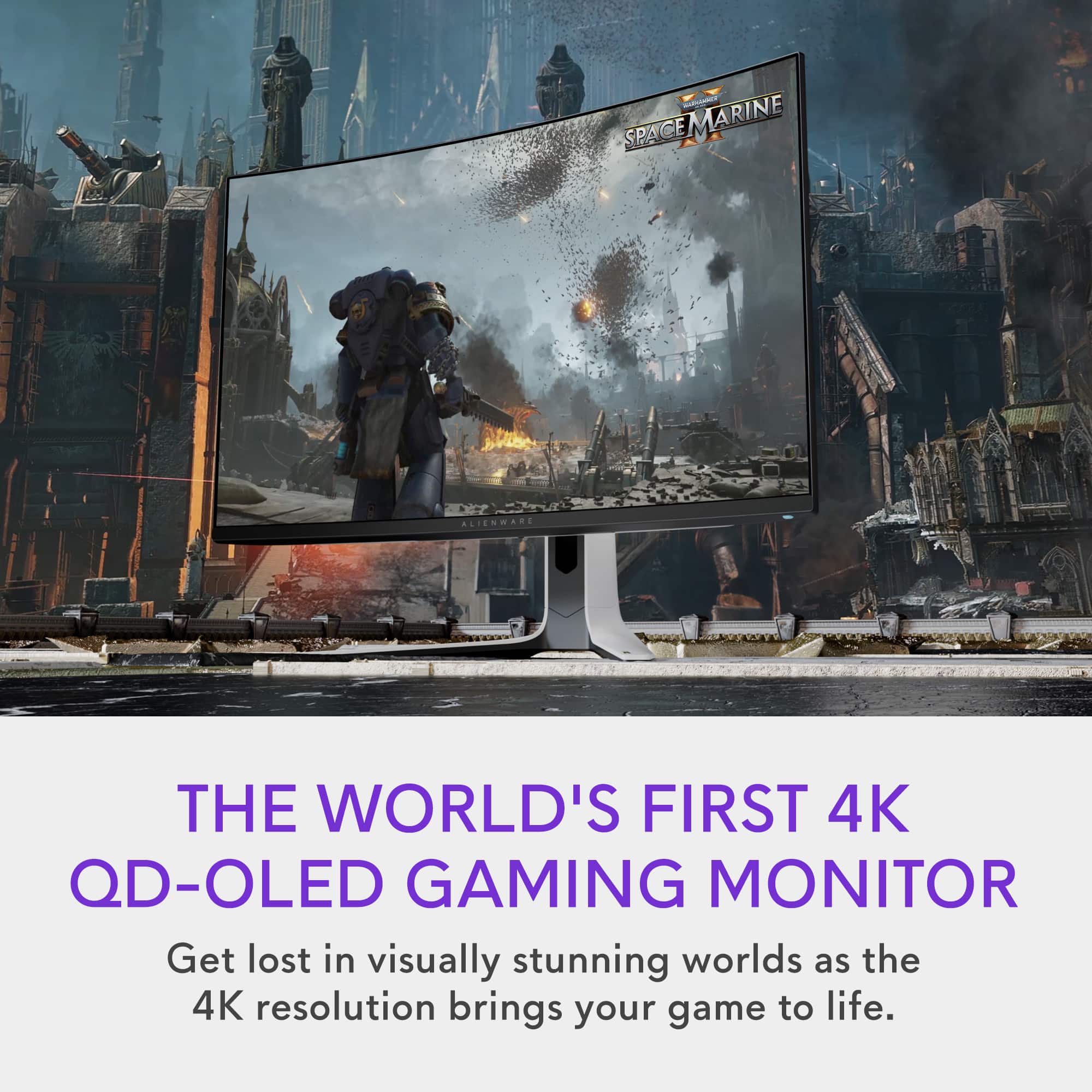
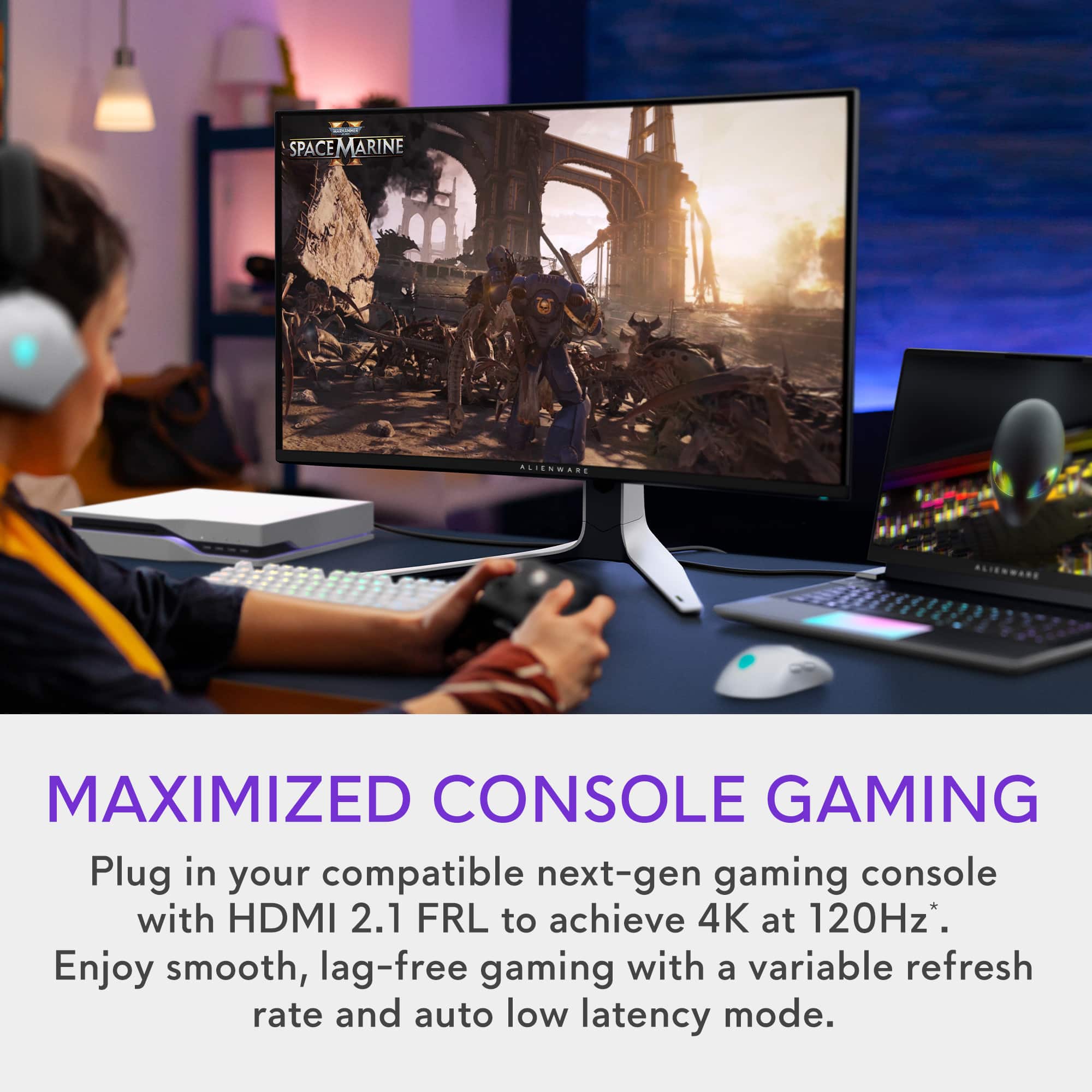
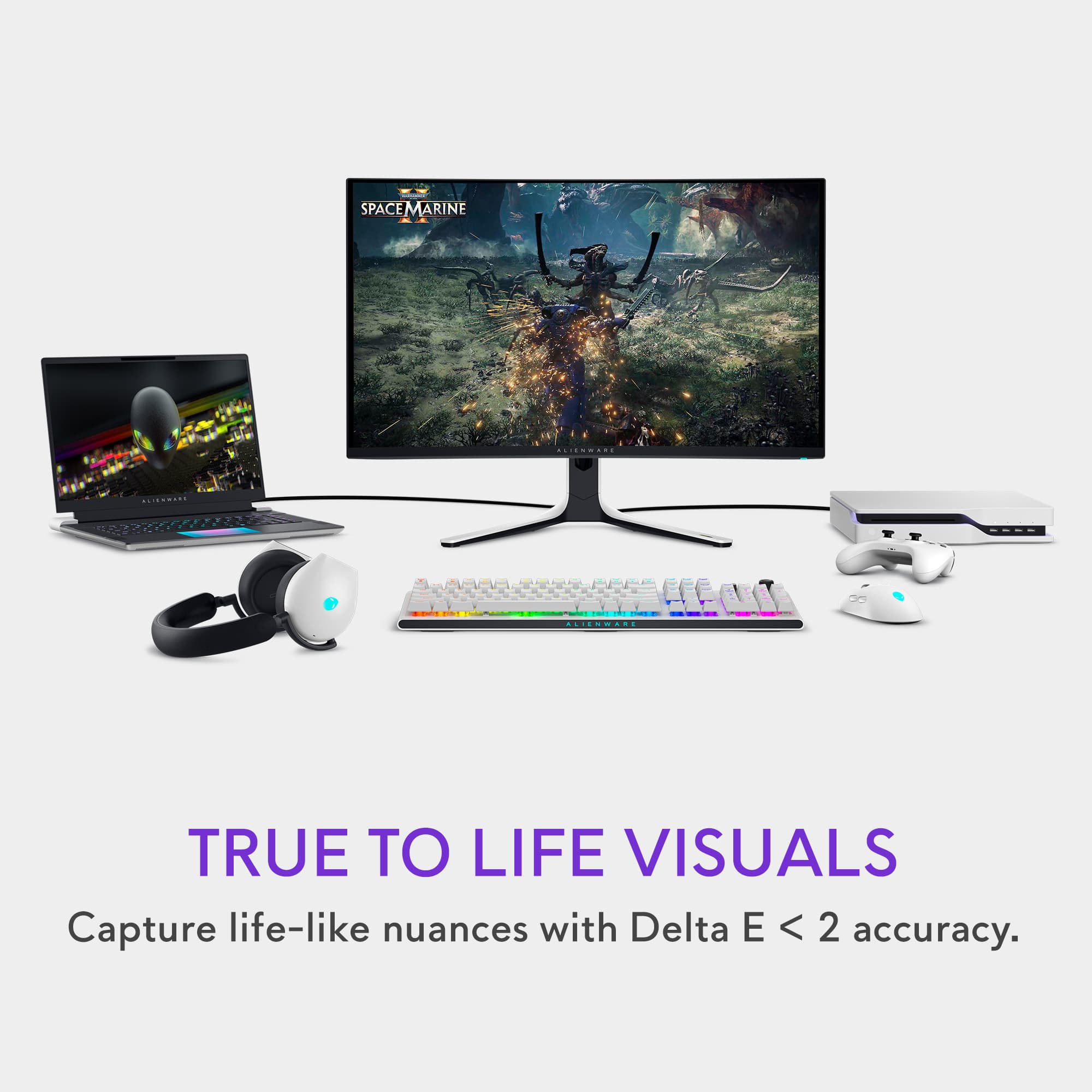
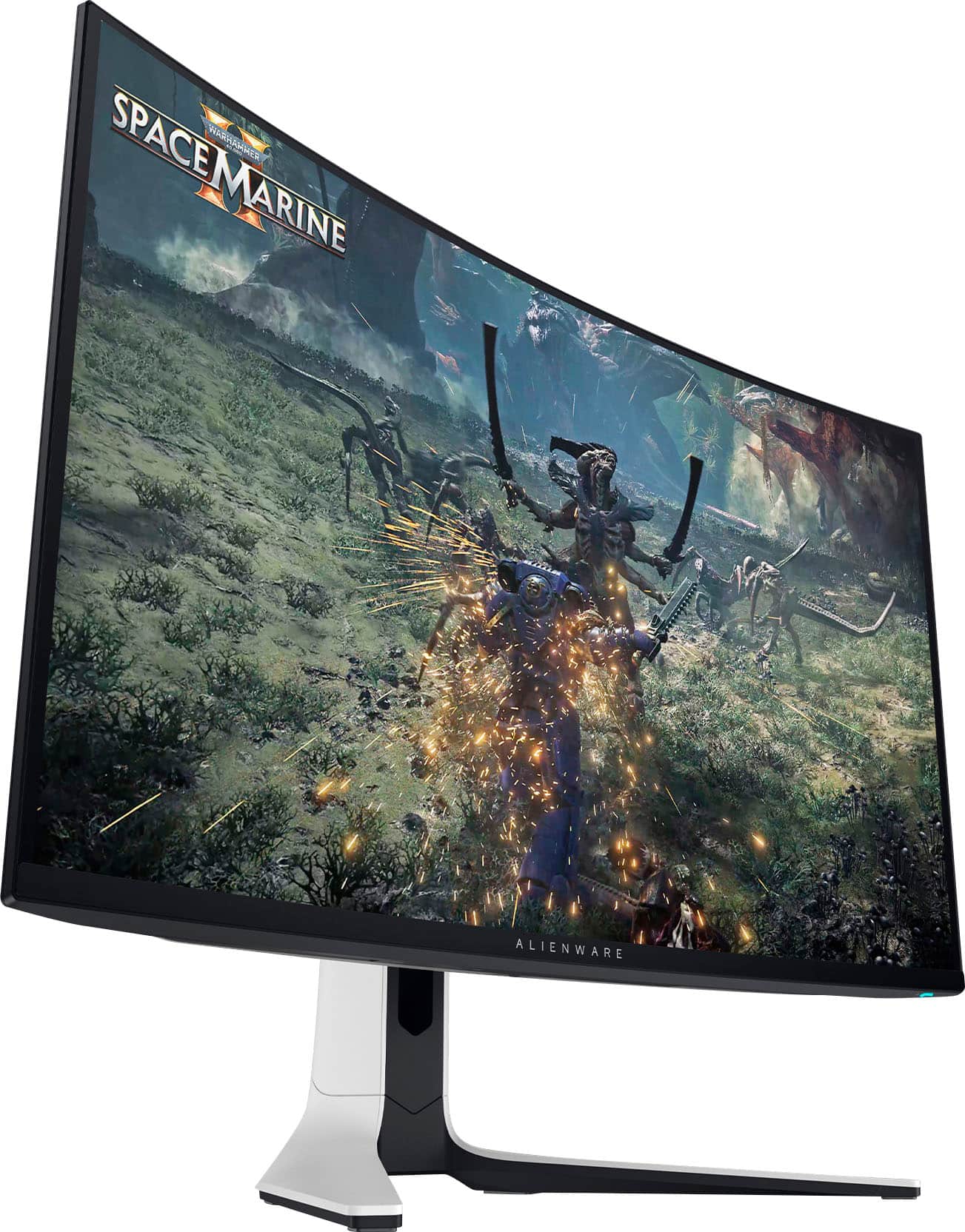
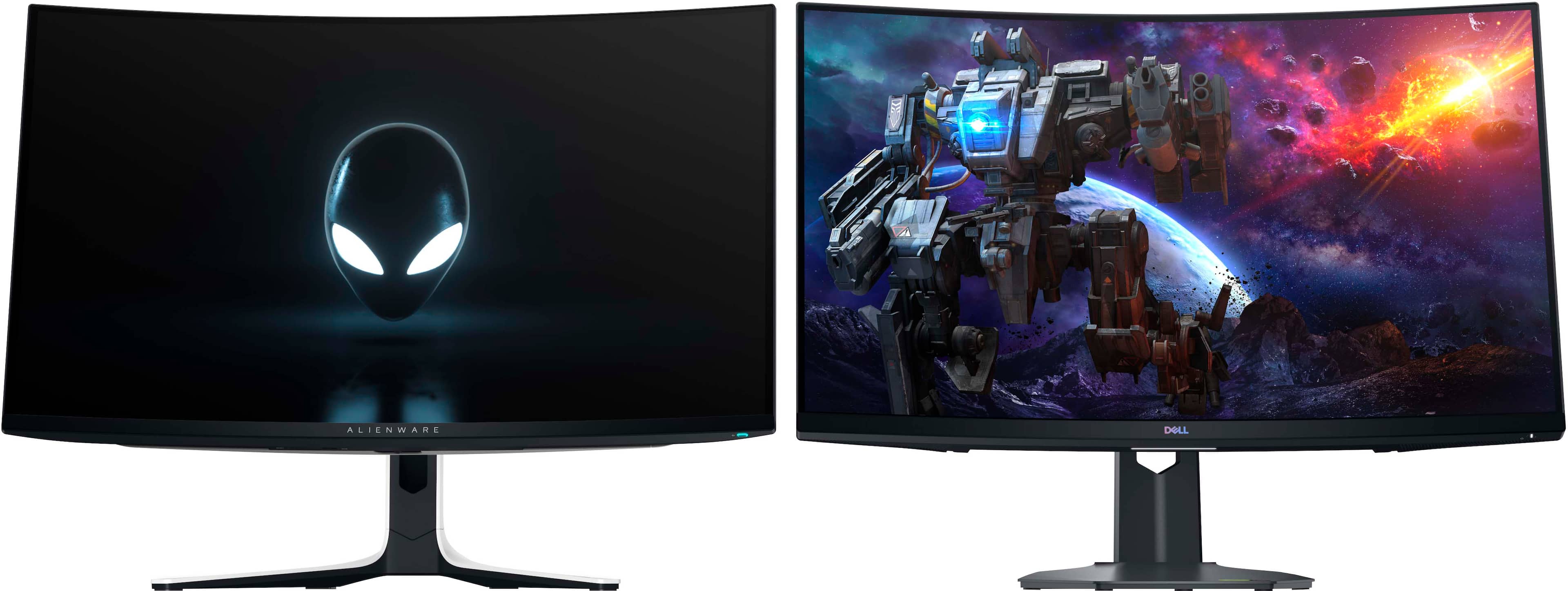
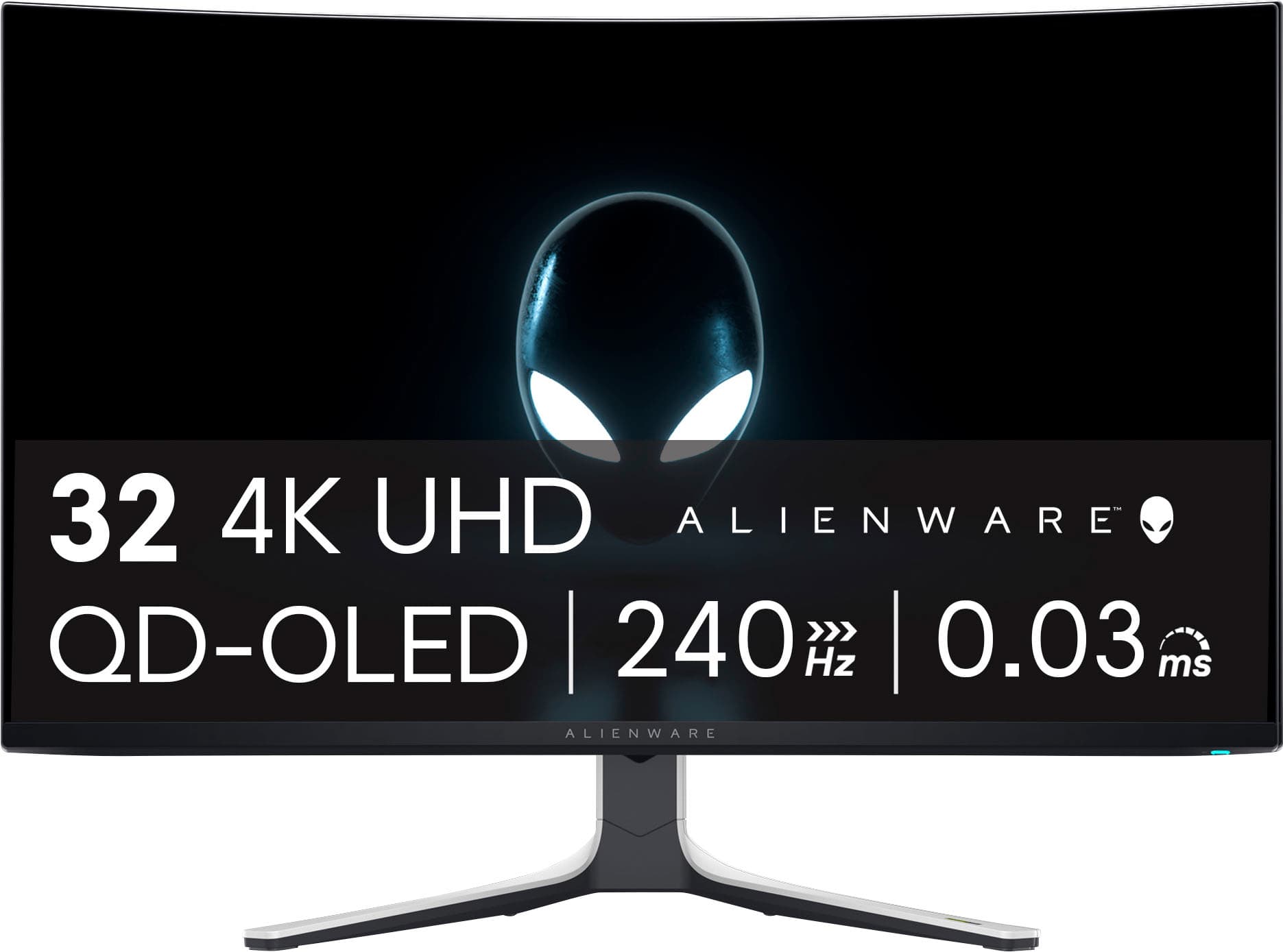
A:AnswerIt runs 4k up to 240fps (as indicated by the 240Hz in the picture). I think a somewhat recent model of HDMI cable (like HDMI 2.1 standard) for the PS5 would be a good idea to fully support 4K at high refresh rates. The monitor features multiple HDMI connections to allow it to hook in to a console, PC, and even Blu-ray player or whatever and easily switch between them. It has a single DisplayPort that is meant more for a desktop PC connection for gaming purposes.
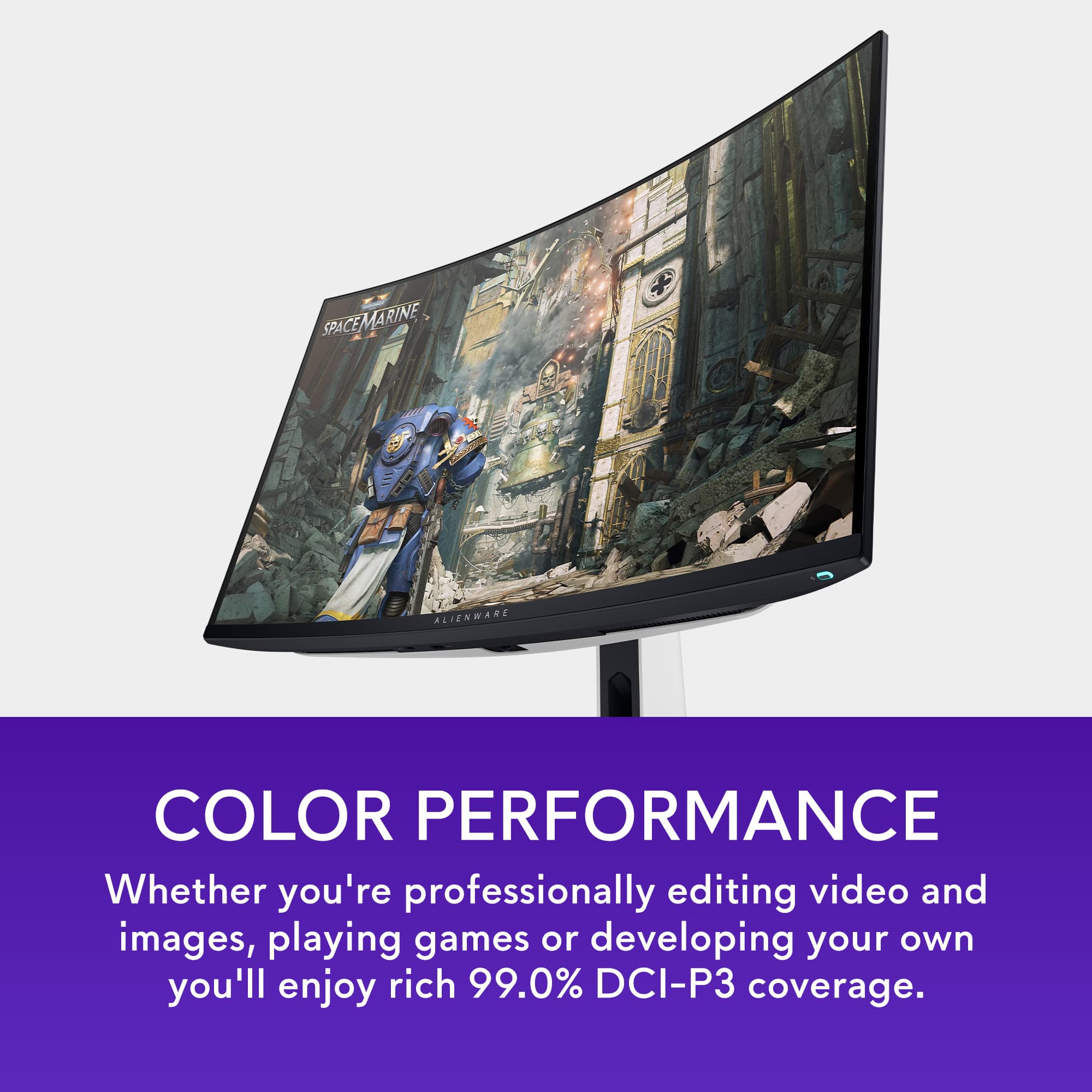
A:AnswerI've had this monitor for three days so, I haven't worked through everything yet. However, I'd describe it as a gaming / entertainment monitor and not a production one. It does not have a writable lookup table and Dell is not offering instructions on how to calibrate in their manual. I bought it for the Dolby Vision and because my 4k lookup table monitor does not have HDCP 2+. On the subject of color, I just watched two 4k Dolby videos on You Tube. One had lime green trees on occasion and the other had on occasion skies as blue as the Best Buy banner. So, is this bad production, intentionally oversaturated material or poor Dolby execution? I intend to create an ICC profile and move on from there.
A:AnswerThe Alienware AW3225QF monitor itself does not have Bluetooth capability for connecting speakers or other Bluetooth audio devices. However, there are several ways to set up high-quality gaming audio without using a headset:
1) Wired Speakers, 2) USB Speakers, 3) Bluetooth Transmitter
A:AnswerThat GPU is way underpowered for this monitor. You should probably be looking at a 1080p or 1440p monitor. The only Radeon GPU's that would match good with this monitor would be at the low end a 6800xt and up. I would say really only a 9070xt, 9070, 7900xt, 7900xtx would be cards that your doing any 4k high FPS at anyhow. Now if you like oleds you can find really nice 1440p high refresh rate monitors that look amazing and would pair perfectly. Your just throwing money away going for a 4k monitor that your not going to be able to play at 4k. You need the Horsepower to be able to utilize the benefits of this monitor or have a PS5 or Xbox. Hope this helps.