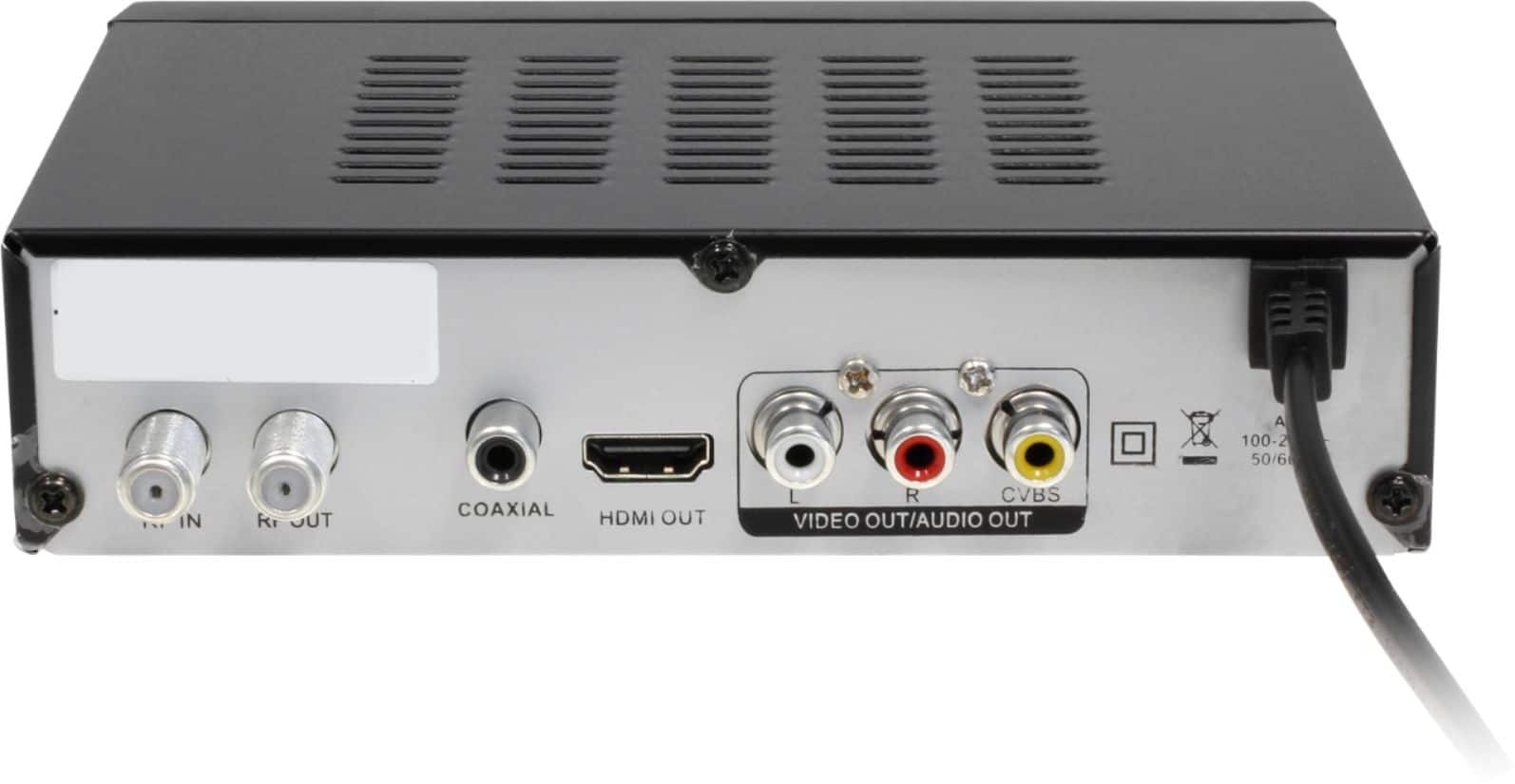
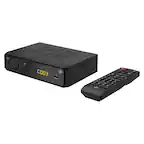
A:AnswerMy Aluratex converter functions very well. I first connected coaxial cable of my RCA antenna to the "RF In" port on the back of the digital converter & next I took the converter's coaxial cable & connected it to the "RF Out" port in the back of the converter and the other end of this cable to the back of the TV into a port called "DTV/TV Cable/Antenna". Next I took the cable with the HMDI 1 and inserted this cable into the HMDI I port in the back of the TV and the other end of this cable in the back of the converter into the port called "HMDI 1 OUT." Then insert the three colored composite cables (red, yellow & white) in the back of the converter, matching the colors of the composite cables to the colored holes of in the back of the converter. Also insert the other end of these cables in the back of the TV's colored hole, matching their holes, however be sure to insert these into the back of the TV in a section labeled
AV GOOD
"Video Audio R Audio L." Do not insert these cables in any other part of the back of the TV.
Finally be sure your antenna is plugged into & turned on. Hopefully this detailed information is helpful. When I first turned on the TV, the converter took about 5 minutes to get going. I've tried other converters and this is the best. If you still have problems, I will have videos for you. Elizabeth
A:Answeri have a excellent tv antenna on top of my house. i live 60 miles from the farthest transmitter and i get over 60 channels. if you do not have a good outside antenna this is probably your problem. if you do have a good outside antenna then it probably is your aluratek box.
A:AnswerIf you can somehow turn your home security into a broadcast channel, like an FM transmitter or something, maybe, but I think it would take too much rigging and converters that it would just be cheaper and easier to get a DVR with security cameras.
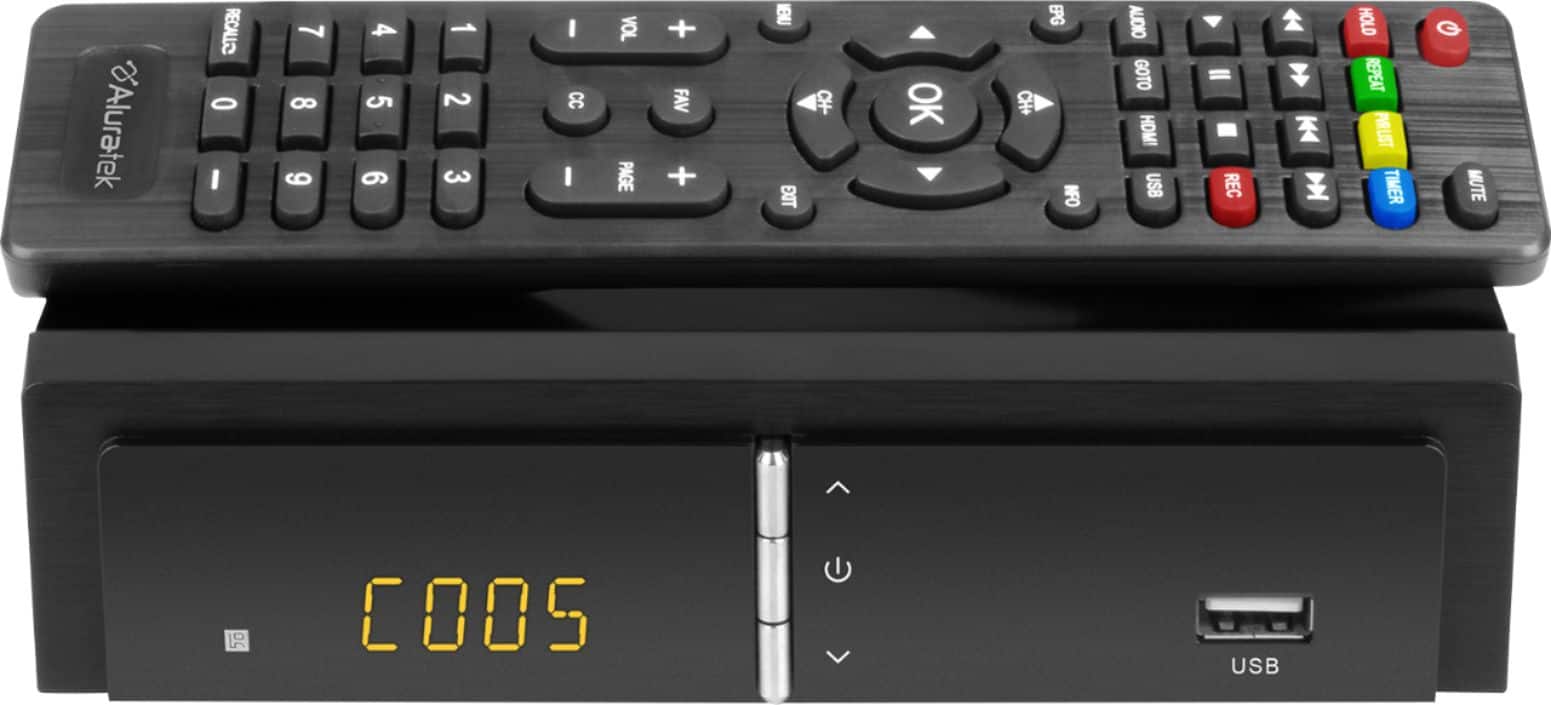
A:AnswerYes. A replacement remote is $10 (U.S.) and $20 (Canada). Contact Aluratek at support@aluratek.coom. We can send you a form to fill out for your order, or you can call us at 866.580.1978 and we can take the order over the phone. You cannot use the TV box with a universal remote.
A:AnswerI would say no as these boxes are designed to convert an over-the-air digital signal to analog. You can record from the digital signal , but you record to a USB connection such as a flash drive or 2 TB or less external hard drive. You can then either use the box or depending on what type of connections you have on your TV or software on your computer, you can play the files.
A:AnswerNot sure. I do not know enough about Cogeco. The TV Box is an over-the-air converter for TV sets. An indoor over-the-air antenna is attached to the tv box coax input, then the box is connected to the TV via HDMI or red, white, and yellow audio and video RCA style cables. The box is not compatible with cable, satellite and other types of streaming packages if you plan to run them through the box. Those things can be run independently on other ports on the TV.
A:AnswerYes. You can setup auto record features to record certain programs and then stop. You can do this manually too. Recordings are done with the use of a USB thumb drive (we recommend 32GB).
A:AnswerYeah it converts but does your VCR's tuner? Probably not. Either way, you're defeating the purpose of the built in PVR on this Aluratek. Use it instead, that's why it's there. NO TAPE!
A:AnswerNo. You can get an amplifier for the antenna. You would attach your indoor antenna to the amplifier, then connect the amplifier coaxial cable to the RF-In on the back of the Aluratek TV Box, then connect the tv box to your TV via HDMI or via the red, white and yellow RCA cables.
A:AnswerThis unit is for Over the Air channels only. The quality of the resolution will depend on your antenna and how well the channels come in within your region. The remote control can do previous and return. Go to our website, www.aluratek.com, and search under products to read more about the TV Box.