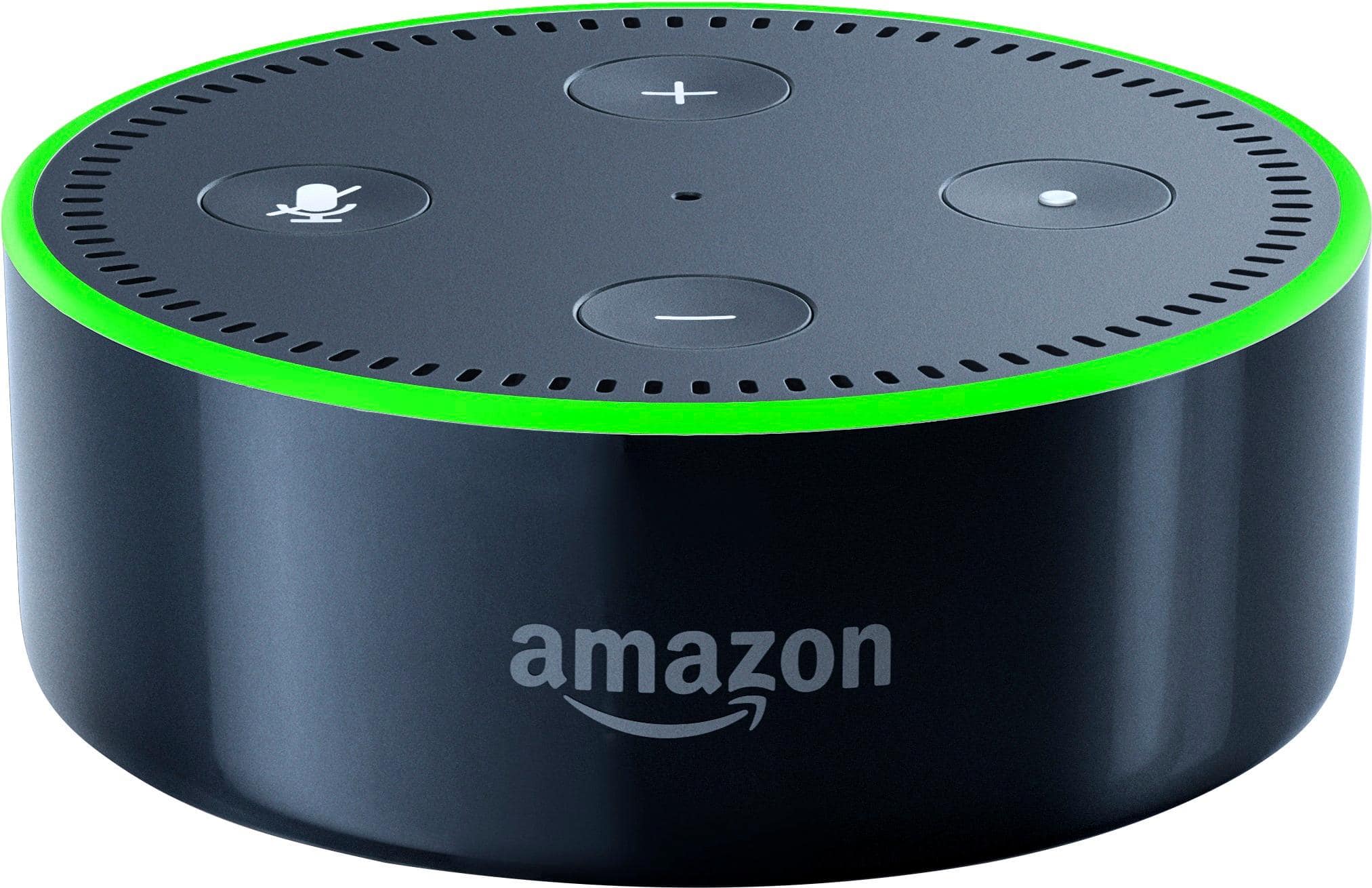
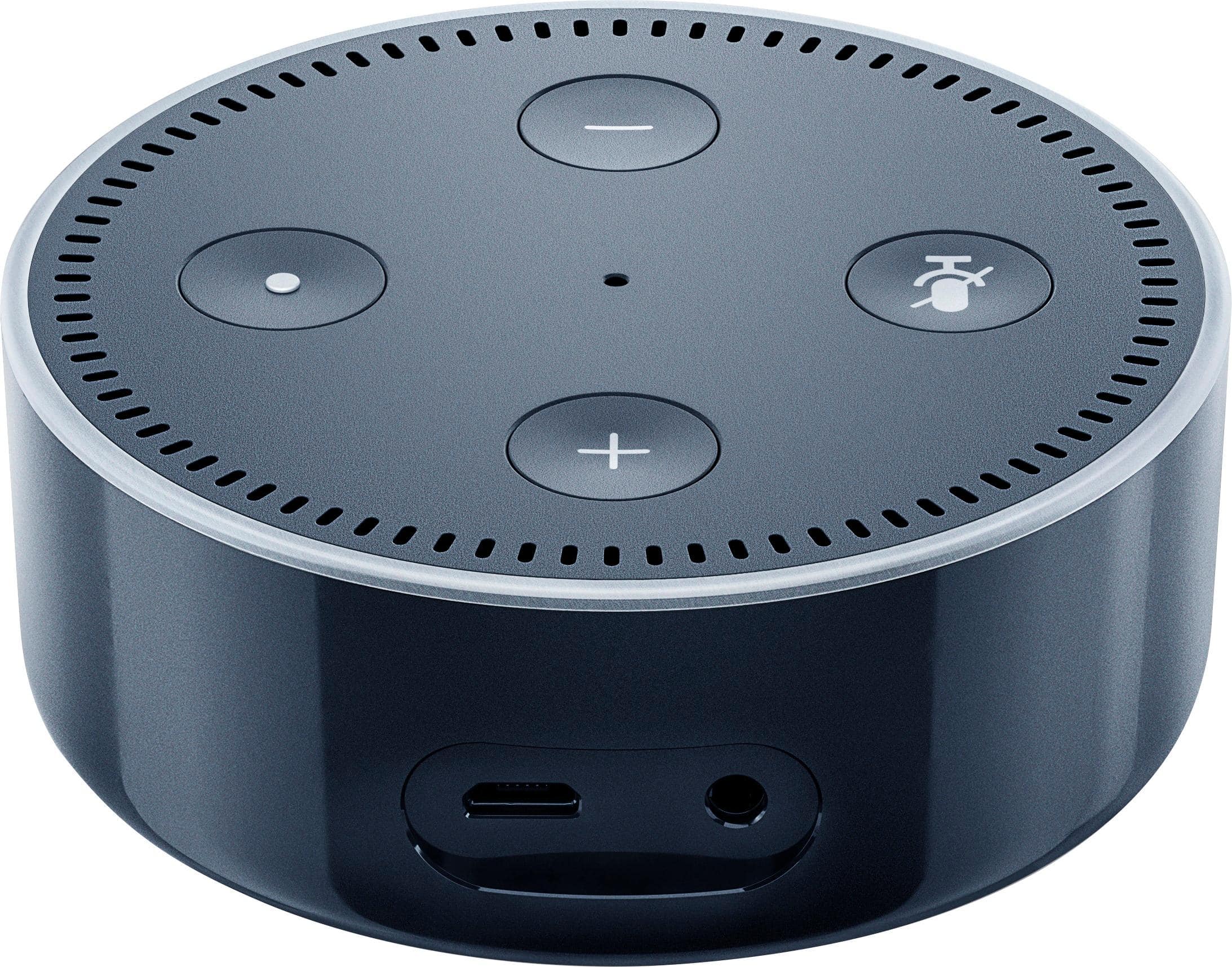
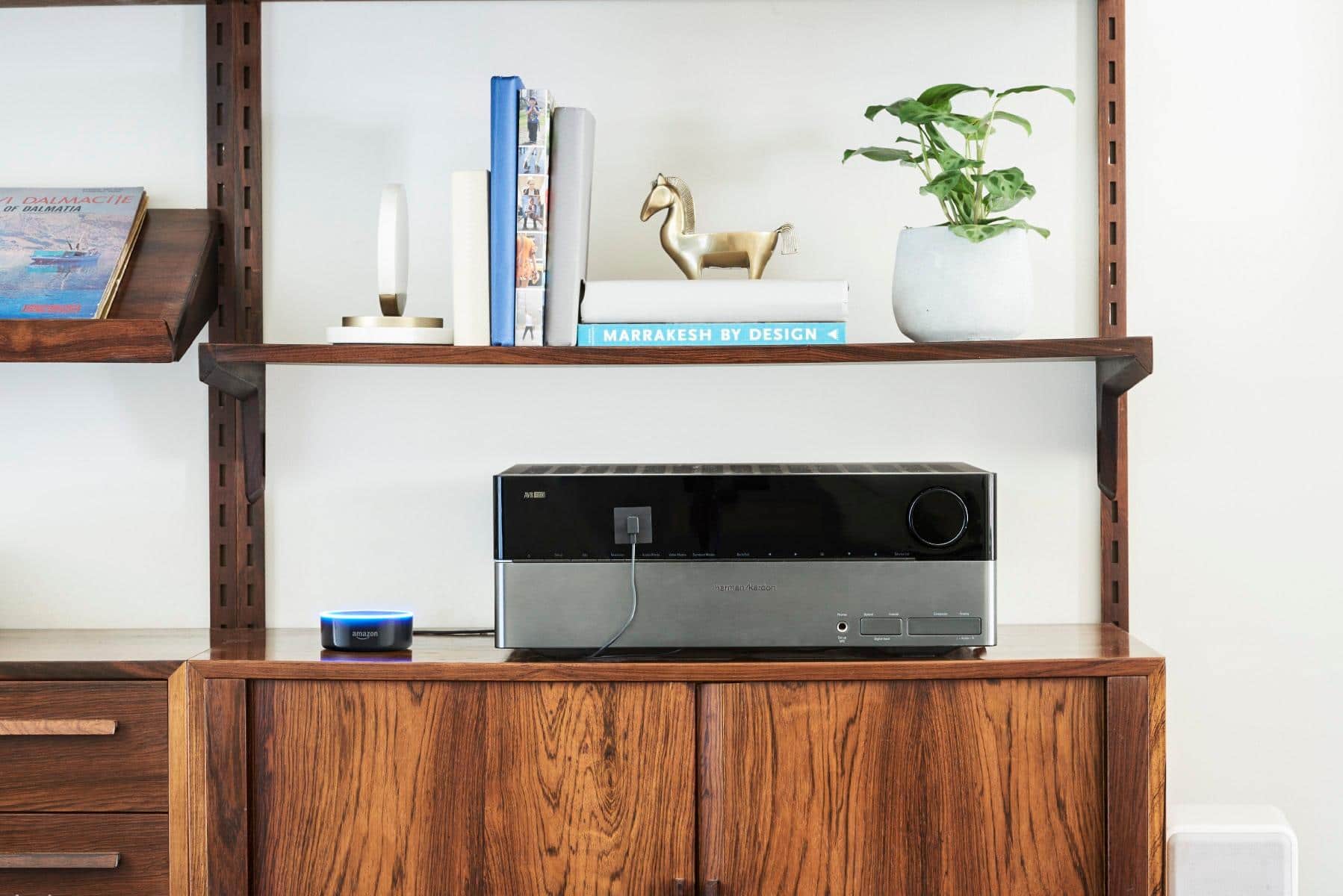
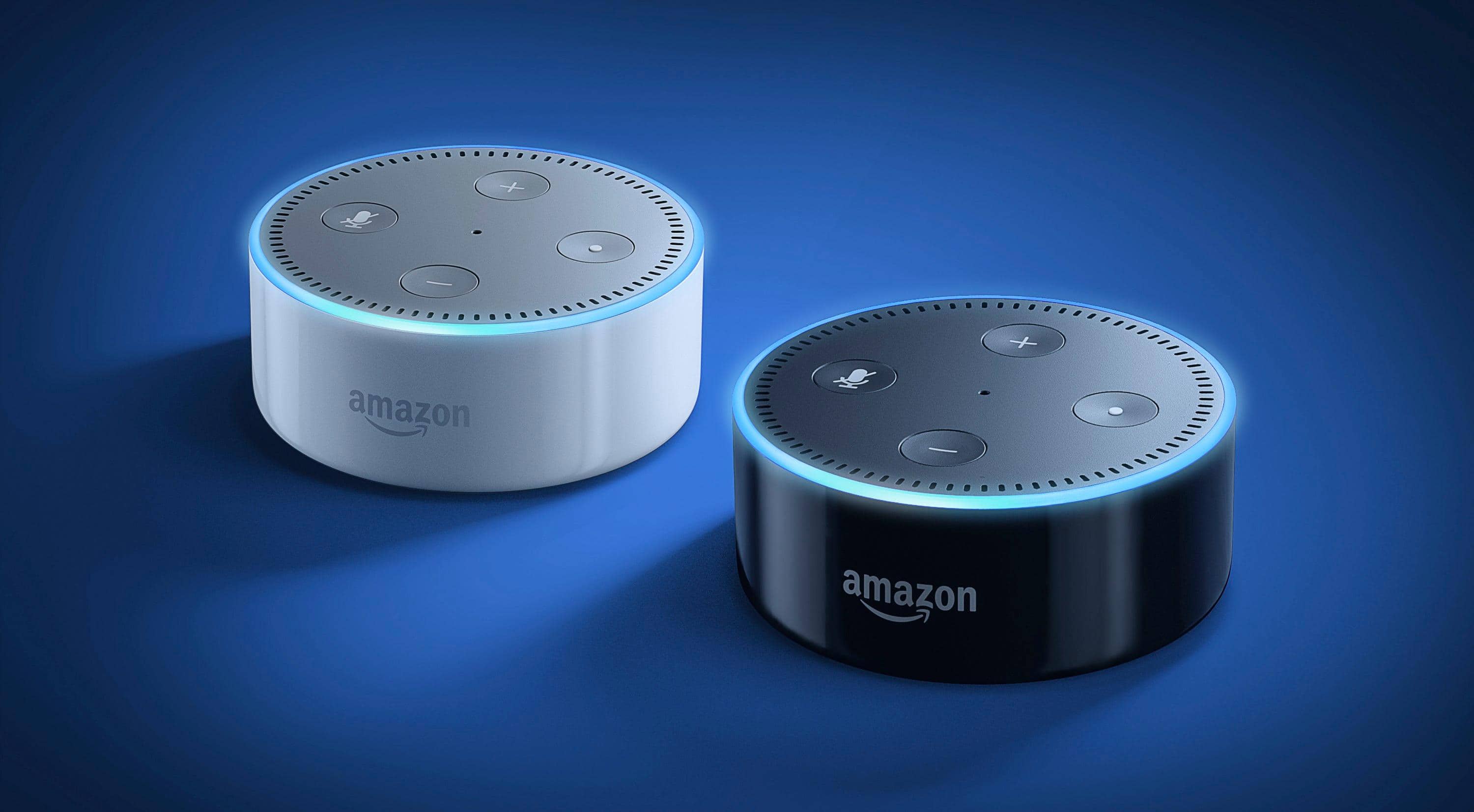
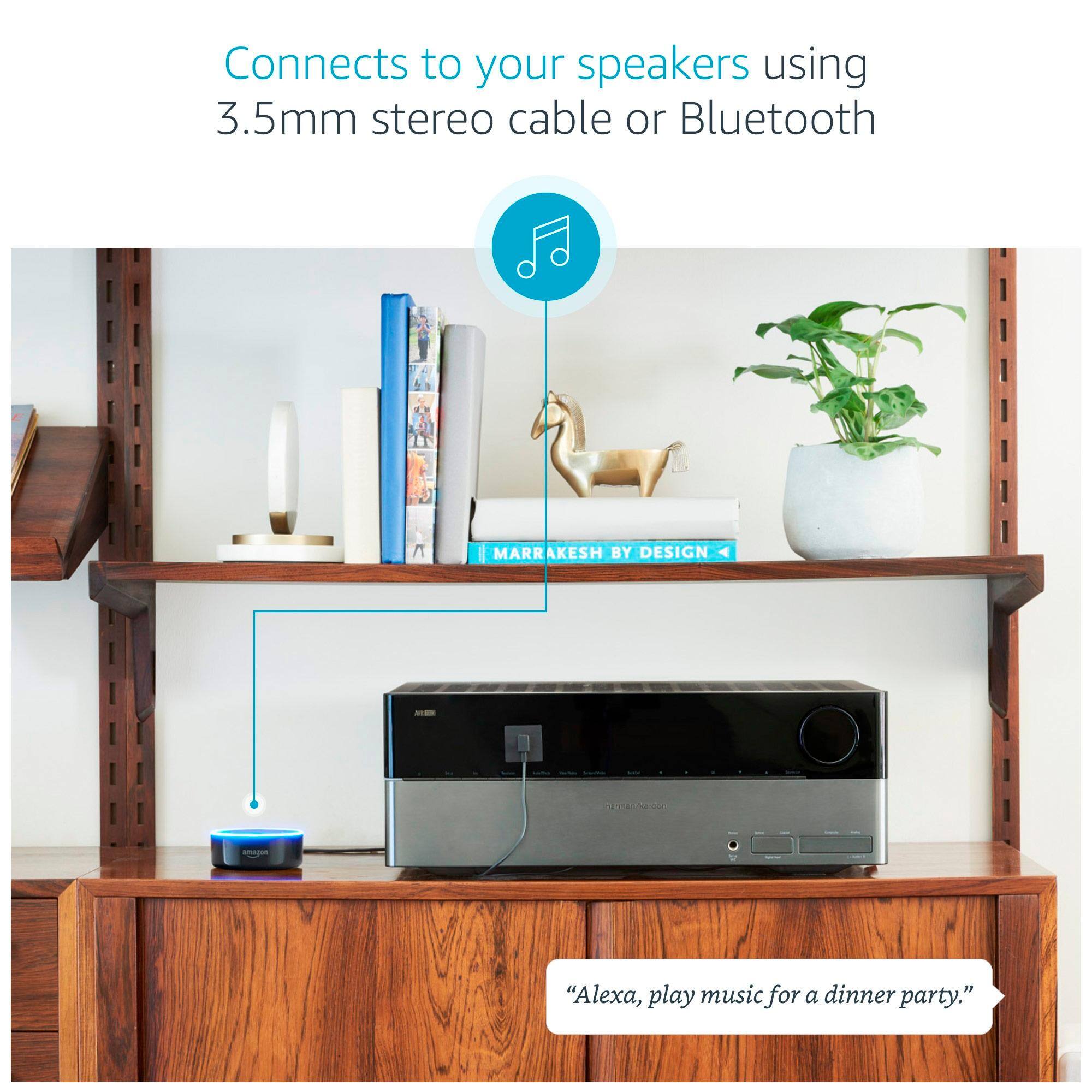
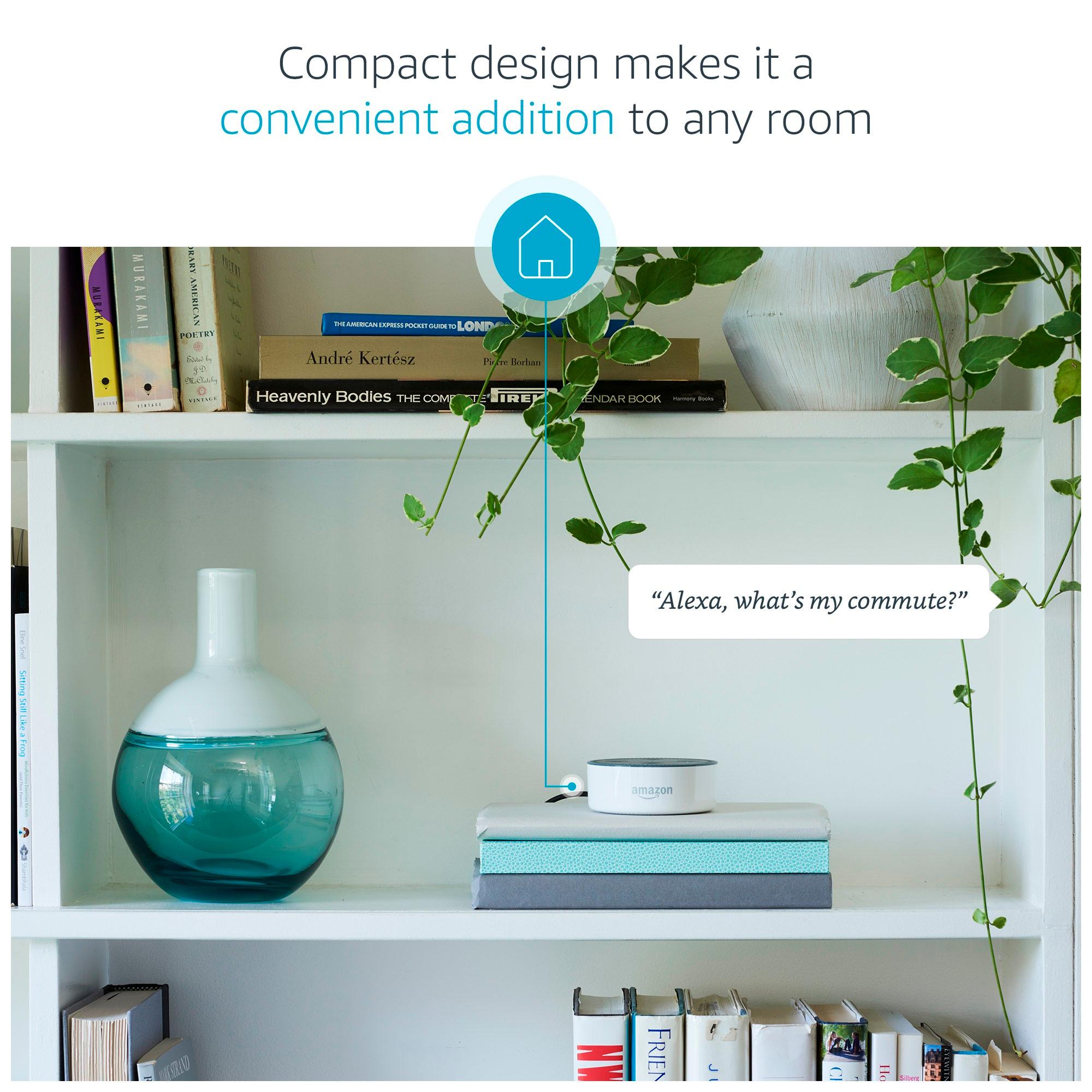
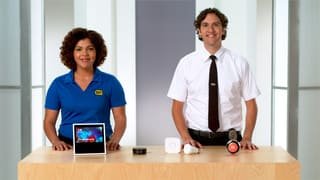
A:AnswerThe echo has a fairly good speaker built in suitable for listening to music - given its size. The dot has a small utility speaker and is designed for providing responses to your questions/commands. The dot is designed to be hooked up to external speakers via Bluetooth or rca type adaptor. The dot is very small relative to the Echo.
A:AnswerNope. They are intended to stay plugged in and always on. They don't use hardly any electricity when not actively in use, so I wouldn't worry about it too much. I personally leave an echo plus and 2 dots plugged in at all times.
A:AnswerThe first generation is no longer for sale and was never offered outside of Amazon. Any version you see of the Dot that is new will be the second generation.
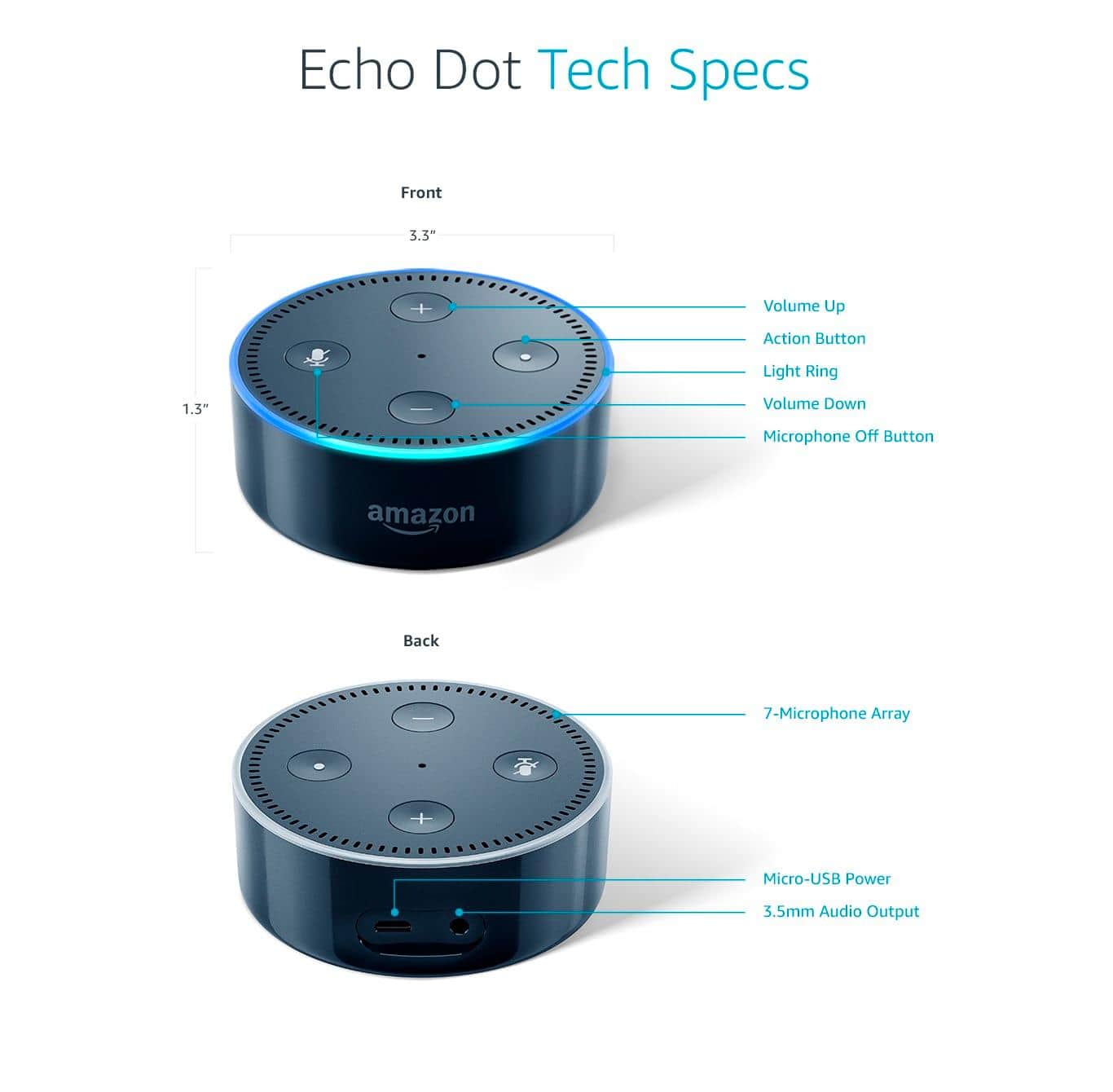
A:AnswerIt is always listening 24/7 for that keyword " Alexa" . The only way to power it off is to unplug. If you are paranoid about it listening to everything, there is a mute button on top that you can hit and the lighted ring around the top will turn red and it will not hear anything no matter how many times you say " Alexa".
A:AnswerYes, but the speaker functionality is not as good as the full size Echo. I would rate it more like a clock radio speaker. It is fine for a bedroom or kitchen, but I have Echos in my livingroom and dining room so I can enjoy music with better quality. You can hook the Dot into an existing sound system via wire or Bluetooth, whereas the Echo does not have a line out option.
A:AnswerNo. The Amazon Echo Dot connects to your home wireless network and uses this to connect to the internet as opposed to a wireless data plan (phone connection).
A:AnswerYes it will work you for. You can get it setup on Wifi via a PC or Phone App. All you need is an Amazon Account. Doesn't have to be Prime. Go to following link to set her up on PC. http://alexa.amazon.com/
A:AnswerThe Dot and Tap serve different functions. Tap is great to use as a portable speaker but you have to push the button every time you want to activate Alexa.
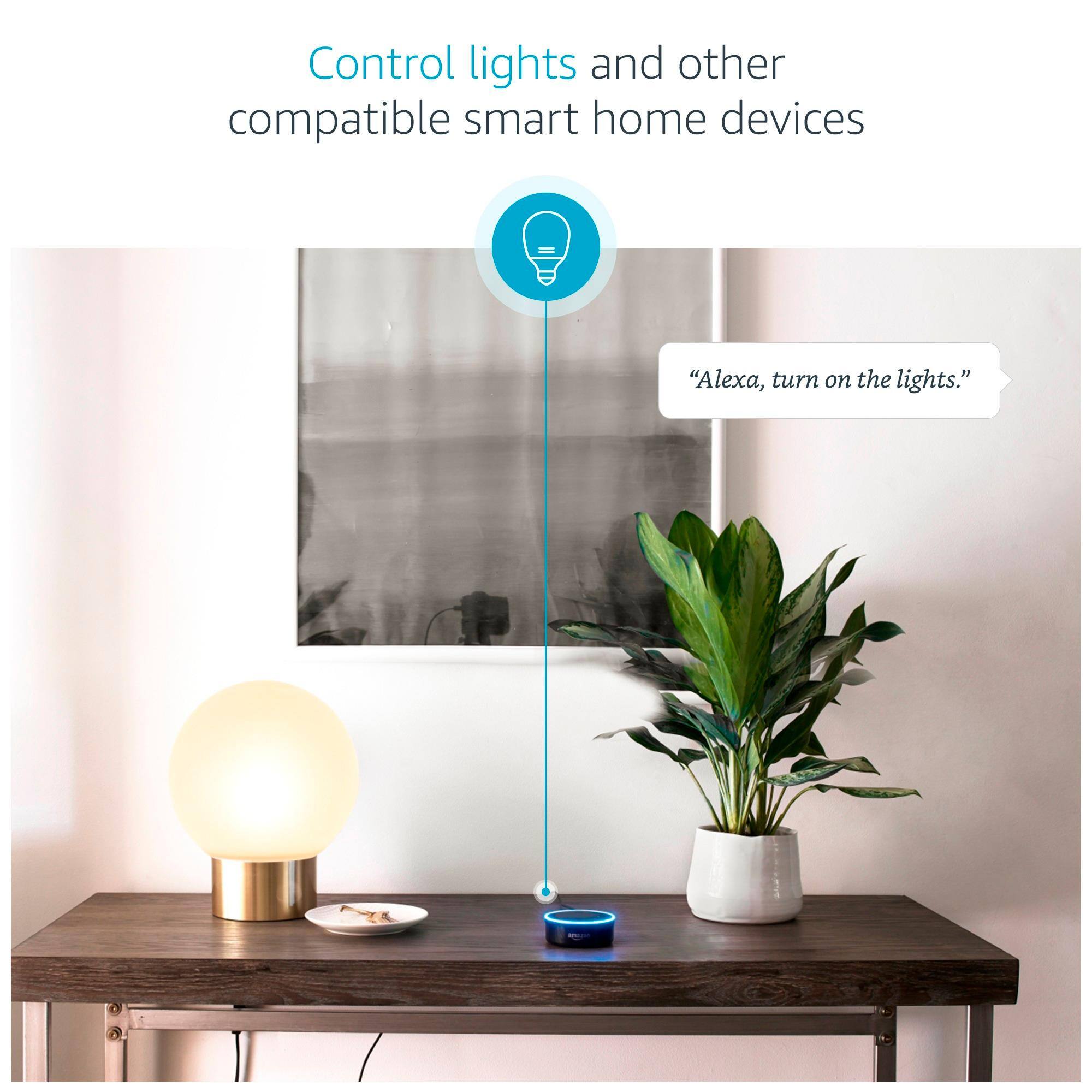
The Dot does not have a built-in battery, so it isn't portable, unless you use an external battery pack. What the Dot gives you is voice-activation of Alexa--which is huge. You can just say "Alexa, what's the weather?" or "Alexa, turn on the bedroom lights." from across the room and she will answer/follow your command.
The Dot also has the advantage of allowing you connect to external speakers, either via the audio output jack on the Dot or via Bluetooth.
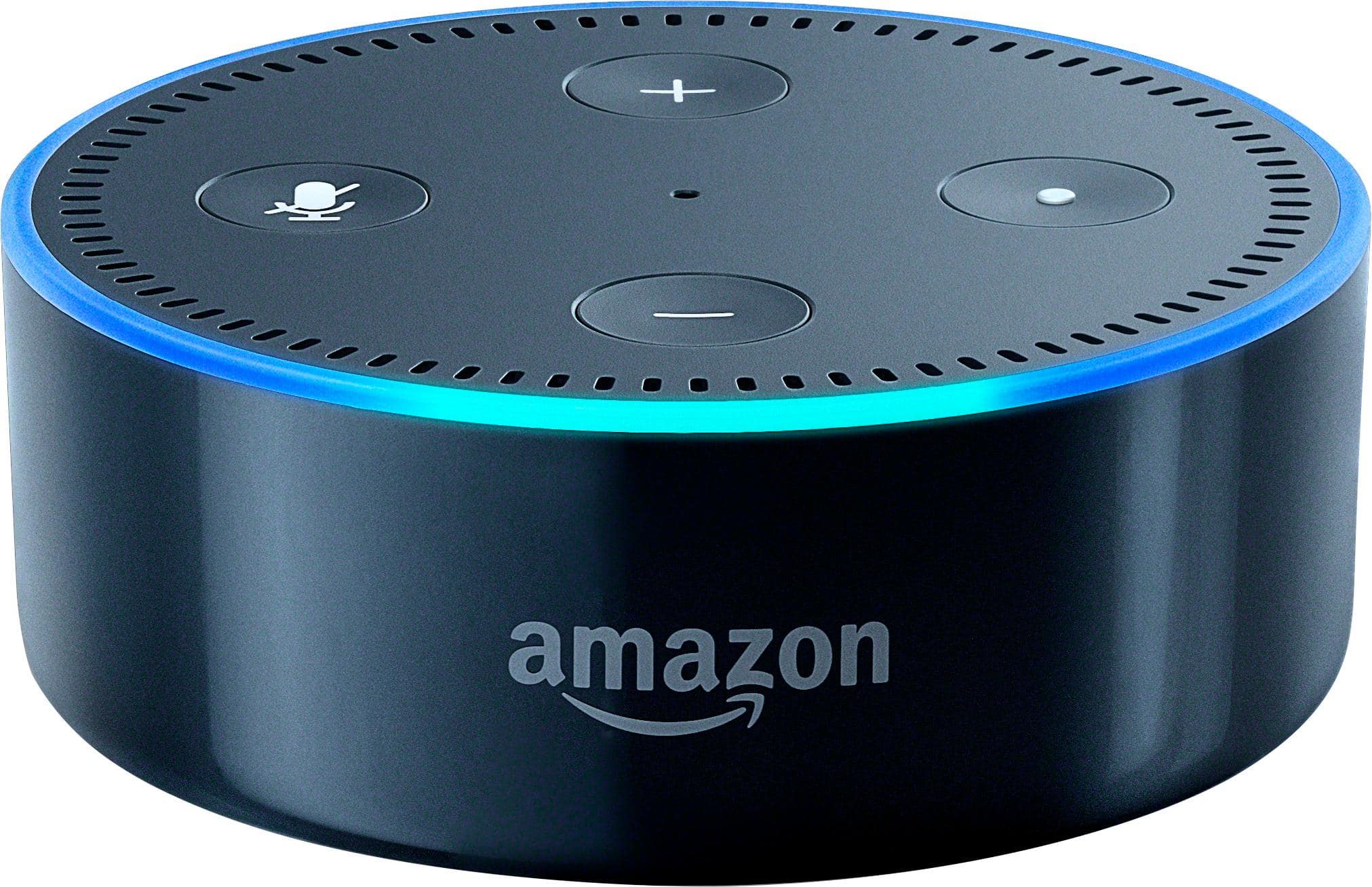
A:AnswerThe dot has an app called Alexa. Through the app u can add the dot. Once added you can use it as a timer, add or remove dates and times to ur calendar. You can also buy special bulbs, light switches, electrical outlets that will turn on and off with a simple command to Alexa. There are also skills which are basically add-ons to the Alexa app that let u do things like listen to a book or maybe u want some rain in the background. It plays music, it has it's own speaker, or u can pair it with ur Bluetooth headphones or speakers. This is just a couple examples. I hope this answers ur question and helps out.
A:AnswerDepends on the system. I have echo dot wired to my old Bose stereo. Tried to link to Bose soundlink portable Bluetooth speaker but that didn’t work. I have read the newer Bose systems will link via Bluetooth with echo but can’t confirm.
A:AnswerJust say " Alexa -- then say a famous line from the movie and she will respond. For example say " Alexa I want the truth" and she will respond with " You can't handle the truth .. Also from Airplane you can say " Alexa surely you can't be serious " and she will respond accordingly.
A:Answer1. open Alexa app
2. go to tip left corner and click on list icon
3.click on settings
4. click on Amazon item name for example Kitchen or 1st Dot what ever name of item is.
5 scholl down to sounds.6. click on Alarm
6. select different sound that you may like
7 .Back out of program or just close the app
A:AnswerThere are apps that work with your echo and lighting systems. There are several different systems, so "how" it works varies by the product, Philips Hue lighting is what lives in our house, and the APPLE HOME software is the controller that ties in the Echo.. We also have a few TP-LINK sockets that work directly with the Echo using IFTT app. So we can control all the lighting (strip lights, bulbs) through the smart phone or simply tell Echo "Turn on the ... TV lights... Bathroom lights, etc etc.