A:AnswerI don't know about a receiver but I use it for a wireless keyboard which really comes in handy since the amazon remote buttons are very minimal/limited.
A:AnswerAll you need is the an wifi internet connection in order for you to use the Fire stick. You would plug it into a HDMI input in your TV and follow the on screen instruction.
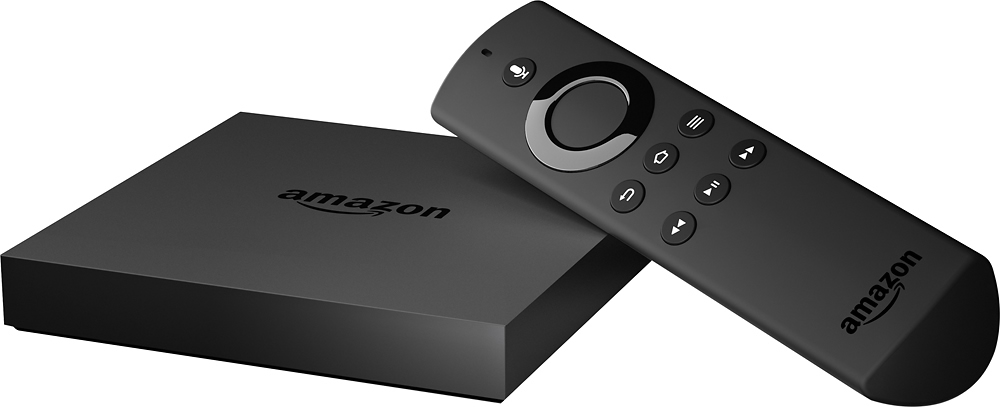
A:AnswerThis is the Amazon Fire TV 2nd Generation The way you can tell is the previous model has no 4k Output and this one fully supports it.Hope that helps and good luck with your purchase
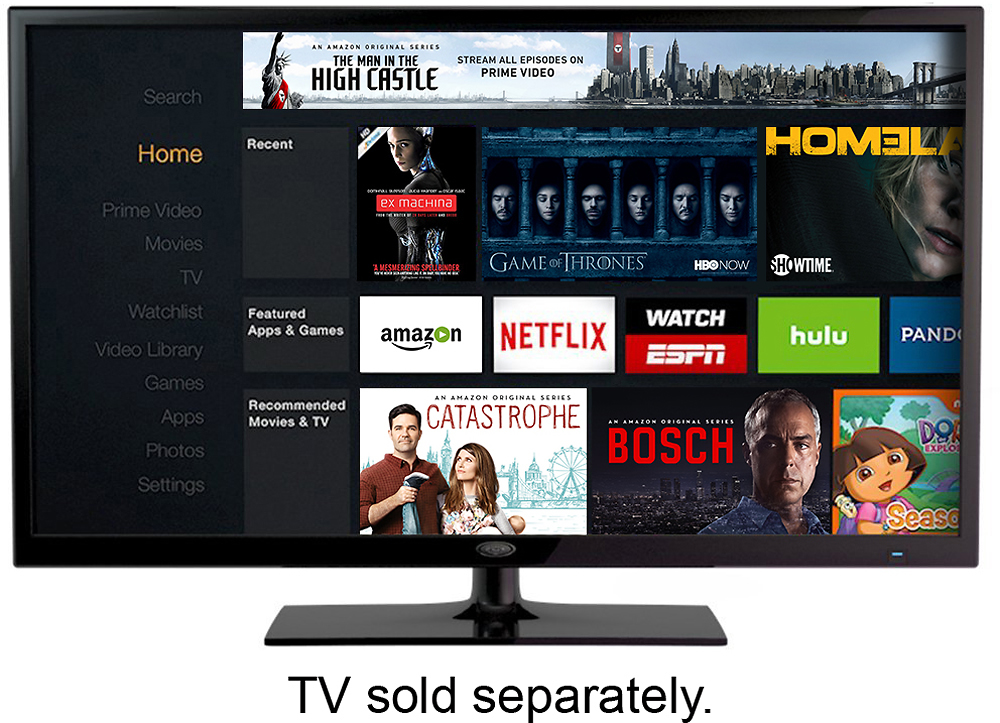
A:AnswerYou need a amazon login which is free. Amazon.com login works. Internet of course. And paid subscriptions Hulu Netflix etc. Some shows and movies are free but limited. If you have amazon prime thats better than Netflix. Lots of free game apps also.
A:AnswerThere a few live TV streaming services available on FireTV. Sling and Playstatuion are a few options, could be some others. I know if you have TWC you can add "on-demand" apps from AMC and others as well if you have a cable service plan.
This product does not require a set top box. It simply plugs into available HDMI port. It does require its own AC power outlet (power cord provided)
A:AnswerTry getting the fire tv box and downloading the kodi app. I looked it up on you tube and now I can watch whatever I want when I want. Kodi also has live TV apps to use. Check it out and research a few things in kodi to use.
A:Answerdepending upon the location of item in warehouse and delivery option used it will either be delivered via a private currier contracted by amazon or usps or even ups, again depending upon distance and timeframe
A:AnswerThe Fire TV has better performance (faster hardware) and 4K (UHD) support are the main differences. Has an ethernet port so it should provide a faster broadband connection over wireless (in most cases).